How to Find HTML Elements by Multiple Tags with PHP
Select h1, h2, p, and other HTML tags in one PHP DOMXPath query, with working code, predicates, namespaces, debugging, and performance tips.
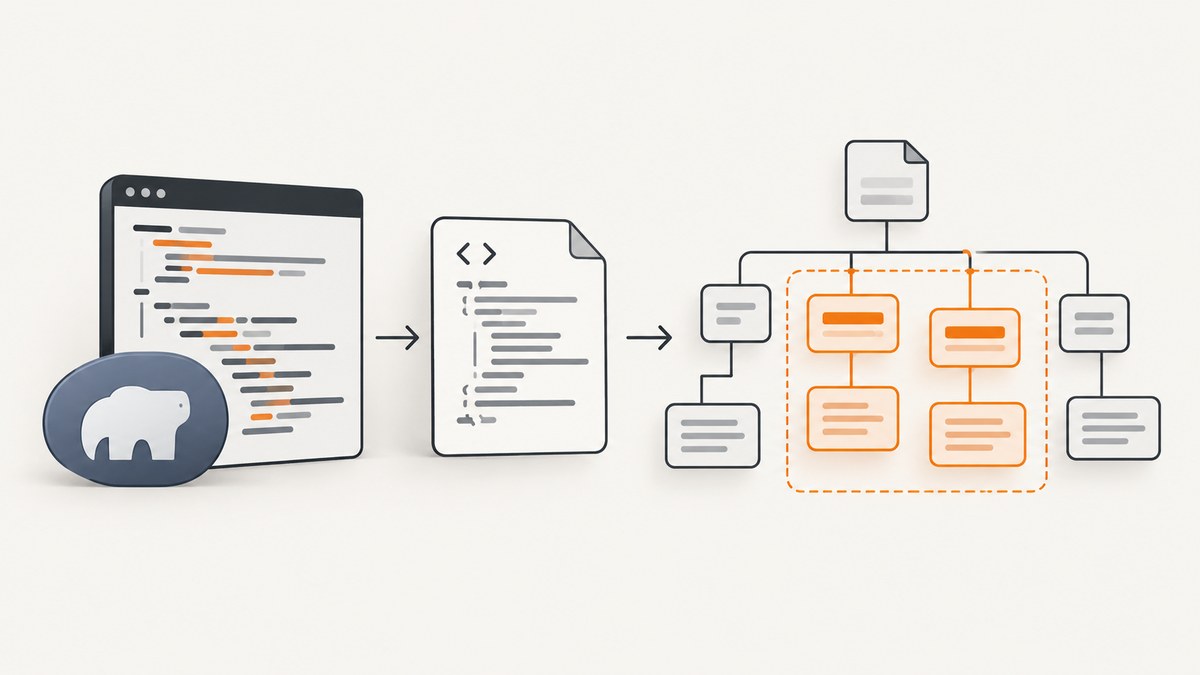
To find several HTML tag names in one PHP document, use DOMXPath and XPath’s union operator (|). A query such as //h1 | //h2 | //p returns every matching heading and paragraph in document order as one DOMNodeList.
<?php
$html = <<<'HTML'
<!doctype html>
<html><body>
  <h1>Page title</h1>
  <p>Intro</p>
  <h2>Section</h2>
</body></html>
HTML;

$doc = new DOMDocument();
libxml_use_internal_errors(true);
$doc->loadHTML($html);
libxml_clear_errors();

$xpath = new DOMXPath($doc);
$nodes = $xpath->query('//h1 | //h2 | //p');

if ($nodes === false) {
    throw new RuntimeException('Invalid XPath expression');
}

foreach ($nodes as $node) {
    echo $node->nodeName . ': ' . trim($node->textContent) . PHP_EOL;
}
DOMXPath is PHP’s XPath 1.0 interface for HTML and XML documents, and query() returns a DOMNodeList for matching nodes. The union operator combines separate location paths into one result. See the DOMXPath manual and DOMXPath::query() documentation.
1. Parse the HTML safely before querying
Build a DOMDocument, load the HTML, then create a DOMXPath object. Real-world HTML is often incomplete or contains unescaped markup, so suppress parser warnings temporarily and clear libxml’s error buffer after parsing.
<?php
function parseHtml(string $html): DOMDocument
{
    $doc = new DOMDocument();
    $previous = libxml_use_internal_errors(true);

    try {
        $doc->loadHTML($html, LIBXML_NONET | LIBXML_NOERROR | LIBXML_NOWARNING);
    } finally {
        libxml_clear_errors();
        libxml_use_internal_errors($previous);
    }

    return $doc;
}

$doc = parseHtml('<main><h1>Title</h1><p>Body</p></main>');
$xpath = new DOMXPath($doc);
LIBXML_NONET prevents network access while parsing. It is useful when HTML comes from an untrusted or remote source. Parser error suppression hides warnings from your output; it does not fix malformed markup. Validate or inspect the resulting DOM when the input is unreliable.
2. Select a fixed list of tags with XPath union
Use one path per tag, separated by |:
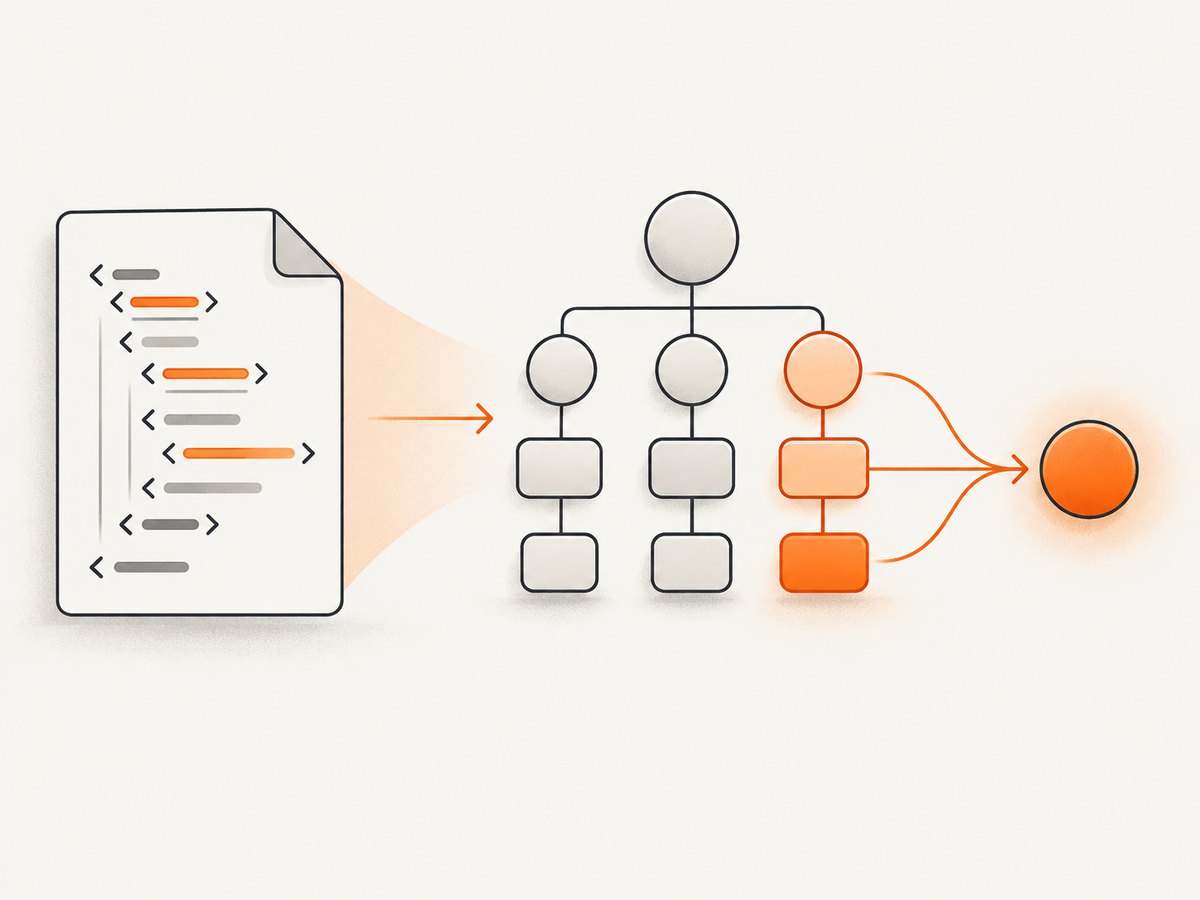
$nodes = $xpath->query('//h1 | //h2 | //h3 | //p | //li');

if ($nodes === false) {
    throw new RuntimeException('Invalid XPath expression');
}

foreach ($nodes as $node) {
    printf("%-4s %s\n", $node->nodeName, trim($node->textContent));
}
The result contains matching elements in document order. Duplicate matches are removed when paths overlap. This is usually the clearest expression when the tag list is known and short.
| Goal | XPath |
|---|---|
| All headings and paragraphs | //h1 | //h2 | //h3 | //p |
| Only h1 and h2 | //h1 | //h2 |
| Tags under main | //main//*[self::h1 or self::h2 or self::p] |
| First result from the combined set | (//h1 | //h2 | //p)[1] |
3. Use a tag predicate when the list is longer
A predicate expresses the same selection through self:: tests:
$nodes = $xpath->query('//*[self::h1 or self::h2 or self::p]');
This form is convenient when you need to add a shared condition. For example, the following selects headings with one class:
$nodes = $xpath->query(
    '//*[self::h1 or self::h2][contains(concat(" ", normalize-space(@class), " "), " article-heading ")]'
);
The concat and normalize-space pattern matches a complete class token, so article-heading-large does not accidentally match article-heading. For an exact class attribute, [@class="article-heading"] is shorter but rejects elements with additional classes.
4. Restrict the search to a container
Global paths beginning with // search the whole document. Scope the query to a semantic container when a page has navigation, sidebars, or repeated components:
$nodes = $xpath->query('//main//*[self::h1 or self::h2 or self::p]');
If you already have a context node, use a relative path beginning with .:
$article = $xpath->query('//article')->item(0);

if ($article instanceof DOMElement) {
    $nodes = $xpath->query('.//h1 | .//h2 | .//p', $article);
    if ($nodes === false) {
        throw new RuntimeException('Invalid relative XPath');
    }
}
The context argument changes how relative paths resolve. Without the dot, //h1 still means anywhere in the document, even when a context node is supplied. Use .// for descendants of that node.
5. Extract attributes, text, and HTML
A DOMNode gives you the tag name and text content. An element node also exposes attributes:
foreach ($nodes as $node) {
    $text = trim(preg_replace('/\s+/', ' ', $node->textContent));
    $id = $node instanceof DOMElement ? $node->getAttribute('id') : '';
    $class = $node instanceof DOMElement ? $node->getAttribute('class') : '';

    echo json_encode([
        'tag' => $node->nodeName,
        'text' => $text,
        'id' => $id,
        'class' => $class,
    ], JSON_UNESCAPED_SLASHES) . PHP_EOL;
}
textContent includes descendant text, including text inside links or emphasis tags. If you need the markup inside an element, call saveHTML($node):
$fragment = $doc->saveHTML($node);
Do not treat extracted HTML as safe output without applying the escaping appropriate to its destination. Use htmlspecialchars when placing text into HTML, and a JSON encoder for JSON responses.
6. Position and ordering rules
Parentheses matter when applying a positional predicate to a union. This asks for the first node from the combined result:
$first = $xpath->query('(//h1 | //h2 | //p)[1]');
Without parentheses, //h1[1] | //h2[1] returns the first h1 and the first h2 independently. The difference is useful when you intentionally want one result per tag.
To get the last matching element from the entire union, use:
$last = $xpath->query('(//h1 | //h2 | //p)[last()]');
7. Why getElementsByTagName needs several calls
DOMDocument::getElementsByTagName() accepts one local tag name per call. It is ideal for a single tag:
$paragraphs = $doc->getElementsByTagName('p');
foreach ($paragraphs as $paragraph) {
    echo trim($paragraph->textContent) . PHP_EOL;
}
For multiple names, you must call it repeatedly and merge the results yourself. That approach can lose document ordering or require extra bookkeeping:
$wanted = ['h1', 'h2', 'p'];
$matches = [];

foreach ($wanted as $tag) {
    foreach ($doc->getElementsByTagName($tag) as $node) {
        $matches[] = $node;
    }
}

usort($matches, static function (DOMNode $a, DOMNode $b): int {
    return $a->getLineNo() <=> $b->getLineNo();
});
XPath is preferable when you need one traversal, unions, attributes, ancestry, text predicates, or a stable combined result. Use getElementsByTagName when the requirement is genuinely one tag and the simpler API communicates intent better.
8. Namespaces and XHTML
HTML parsed with loadHTML() normally uses lower-case HTML names. Namespace-aware XML or XHTML requires registering the document namespace and querying through that prefix:
$doc = new DOMDocument();
$doc->loadXML('<html xmlns="http://www.w3.org/1999/xhtml"><h1>Title</h1><p>Text</p></html>');

$xpath = new DOMXPath($doc);
$xpath->registerNamespace('xhtml', 'http://www.w3.org/1999/xhtml');
$nodes = $xpath->query('//xhtml:h1 | //xhtml:p');
A namespace URI, rather than the visible prefix, identifies the element. An unprefixed XPath such as //h1 will not match namespaced elements.
9. Troubleshooting empty or invalid results
| Symptom | Likely cause | Fix |
|---|---|---|
query() returns false |
Malformed XPath or invalid context node | Check brackets, quotes, and the context object; test the return value before iterating. |
Empty DOMNodeList |
Wrong path, wrong scope, or the content is not in the fetched HTML | Dump $doc->saveHTML(), verify the container, and remember that client-side JavaScript may add elements later. |
//H1 does not match |
HTML names are normalized to lower case | Query //h1. XML is case-sensitive. |
| Namespaced document returns nothing | No namespace prefix was registered | Call registerNamespace() and use the prefix in every path. |
| Warnings appear while loading fragments | HTML is incomplete or malformed | Use libxml_use_internal_errors(true), clear errors, and inspect the parsed DOM. |
| Only one section is searched unexpectedly | A relative query was run with a context node | Use .//h1 for descendants, or remove the context argument for a document-wide search. |
| Expected content is absent | The page renders it with JavaScript after the initial response | Fetch rendered HTML with a browser, or use a screenshot/rendering service. |
Always distinguish an empty result from an invalid query:
$nodes = $xpath->query($expression);
if ($nodes === false) {
    throw new InvalidArgumentException("Invalid XPath: {$expression}");
}
if ($nodes->length === 0) {
    // The XPath was valid, but no nodes matched.
}
10. Performance and reliability
Parse the source once and reuse one DOMXPath instance for related queries. If you need several tag types, one union query avoids multiple full-document traversals and keeps results ordered. Restricting the path to //main or a known container reduces work on large documents.
For very large documents, avoid copying every node into arrays unless you need to sort or transform them. Iterate the DOMNodeList directly. Normalize text only when producing output, because repeated regular-expression passes can dominate processing time.
XPath 1.0 has no CSS selector syntax and no modern XPath 2.0 functions. Convert CSS requirements into XPath explicitly, or use a selector library when CSS compatibility is the primary requirement. Cache downloaded HTML separately from parsed DOMs when the same source is queried repeatedly, and set network timeouts and size limits on the HTTP request that obtains the HTML.
11. Complete reusable helper
<?php
declare(strict_types=1);

function findElementsByTags(DOMDocument $doc, array $tags, ?DOMNode $context = null): DOMNodeList
{
    $tags = array_values(array_filter($tags, static fn ($tag) => is_string($tag) && preg_match('/^[A-Za-z][A-Za-z0-9:-]*$/', $tag)));
    if ($tags === []) {
        throw new InvalidArgumentException('At least one valid tag is required');
    }

    $paths = array_map(static fn (string $tag) => 'self::' . strtolower($tag), $tags);
    $prefix = $context === null ? '//*[' : './/*[';
    $expression = $prefix . implode(' or ', $paths) . ']';

    $xpath = new DOMXPath($doc);
    $nodes = $xpath->query($expression, $context);
    if ($nodes === false) {
        throw new RuntimeException("Invalid XPath expression: {$expression}");
    }

    return $nodes;
}

$doc = new DOMDocument();
libxml_use_internal_errors(true);
$doc->loadHTML('<main><h1>Title</h1><p>Text</p></main>');
libxml_clear_errors();

foreach (findElementsByTags($doc, ['h1', 'h2', 'p']) as $node) {
    echo $node->nodeName . ': ' . trim($node->textContent) . PHP_EOL;
}
The helper validates tag names before putting them into XPath. Never concatenate unchecked user input into an XPath expression; validate it or use a carefully constructed allow-list.
12. Or skip the browser setup
If your goal is to inspect or archive the rendered result of a URL, a server-side DOM parser only sees the HTML returned by the request. JavaScript-rendered content, consent dialogs, newsletter popups, and chat widgets can make the raw response different from what a visitor sees. ScreenshotNeo captures the rendered page through one API request.

Read the parameter details in the ScreenshotNeo documentation. The same call works from cURL, Python, or Node.js:
cURL
curl -G "https://api.screenshotneo.com/v1/shot" -d access_key=YOUR_API_KEY --data-urlencode url=https://stripe.com -o shot.webpPython
import requests
r = requests.get("https://api.screenshotneo.com/v1/shot", params={"access_key": "YOUR_API_KEY", "url": "https://stripe.com"}, timeout=90)
open("shot.webp", "wb").write(r.content)
Node.js
const q = new URLSearchParams({ access_key: 'YOUR_API_KEY', url: 'https://stripe.com' });
const res = await fetch(`https://api.screenshotneo.com/v1/shot?${q}`);
ScreenshotNeo removes cookie and consent banners, newsletter popups, and chat widgets before capture; bot checks, blank pages, failed loads, timeouts, and cache hits are not billed. Each response identifies the page verdict and billing status with X-Page-Verdict and X-Billed headers. Its MCP server provides take_screenshot, get_page_info, and capture_pdf tools for Claude, Cursor, and other MCP clients.
The Free plan includes 1,000 screenshots per month with no card. Paid plans start at $5 for 3,000 shots; every feature is available on every plan. Create a free ScreenshotNeo account to try it.
13. FAQ
Can I pass an array of tag names directly to getElementsByTagName?
No. It accepts one local tag name per call. Use an XPath union or a predicate for a combined selection.
Does the union operator preserve source order?
Yes. XPath returns the matching node set in document order for this element selection.
Why does PHP find fewer elements than my browser?
The browser may execute JavaScript that inserts or changes nodes after the initial HTML response. DOMDocument parses the HTML you provide; it does not run page scripts.
Should I use //*[self::h1 or self::h2] or //h1 | //h2?
Both are valid. The union is usually easier to read for a short fixed list; the predicate is convenient when adding shared conditions.
How do I select descendants of one element?
Pass the element as the context node and use a relative expression such as .//h1 | .//p.
What does a false return from query() mean?
It indicates an invalid XPath expression or invalid context node. An empty DOMNodeList means the expression was valid but matched nothing.


