How to Find a Parent Element in Cypress
Use Cypress parent(), closest(), and parents() to move up the DOM, then find descendants with stable selectors.
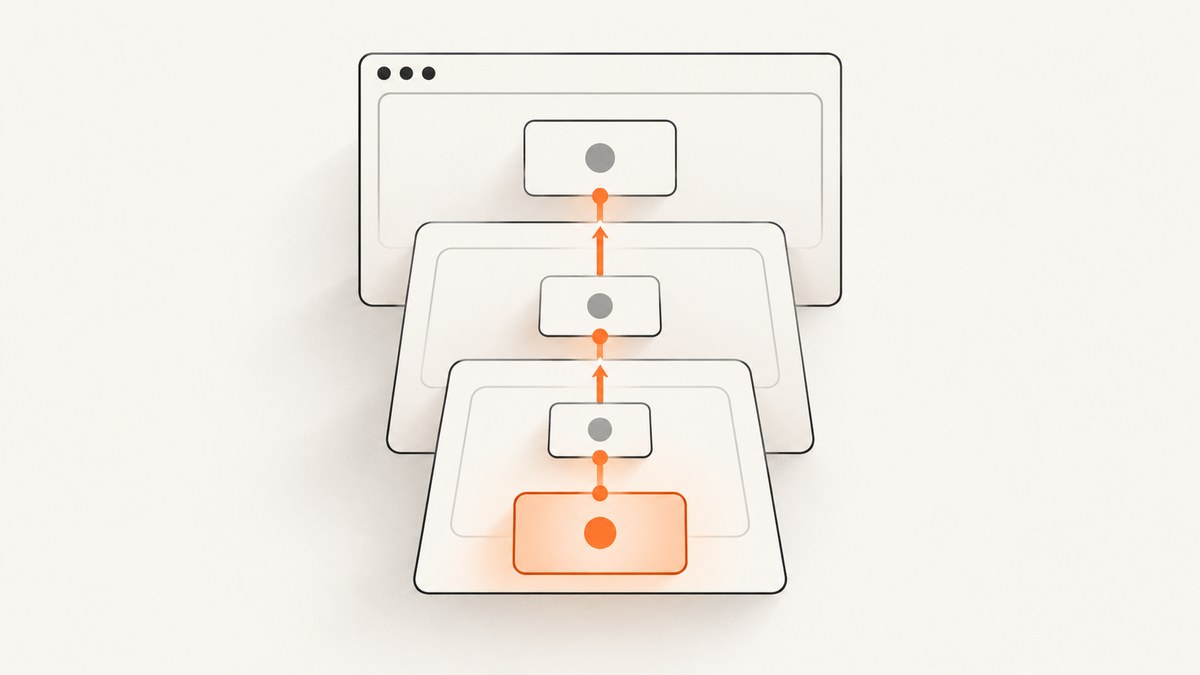
Direct answer: start with a Cypress command that yields a DOM element, then use the traversal command that matches the relationship you need.
cy.get('[data-cy="child"]').parent()Use .parent() for exactly one level up, .closest(selector) for the nearest matching ancestor (including the current element), and .parents(selector) for matching ancestors across multiple levels. After selecting the container, use .find(selector) to search inside it.
Choose the right Cypress traversal command
| Need | Command | Example | What it yields |
|---|---|---|---|
| Immediate parent | .parent() |
cy.get('[data-cy="child"]').parent() |
The single parent DOM element |
| Nearest matching ancestor | .closest(selector) |
cy.get('[data-cy="save"]').closest('[data-cy="card"]') |
The first matching element itself or ancestor |
| Any matching ancestors | .parents(selector) |
cy.get('[data-cy="field"]').parents('[data-cy="form"]') |
Matching ancestors across multiple levels |
| Search back down | .find(selector) |
cy.get('[data-cy="card"]').find('[data-cy="error"]') |
Matching descendants within the current subject |
These commands must be chained from a command that yields DOM element(s) or a document. Calls such as cy.parent() or cy.closest() are invalid because Cypress has no current element to traverse.
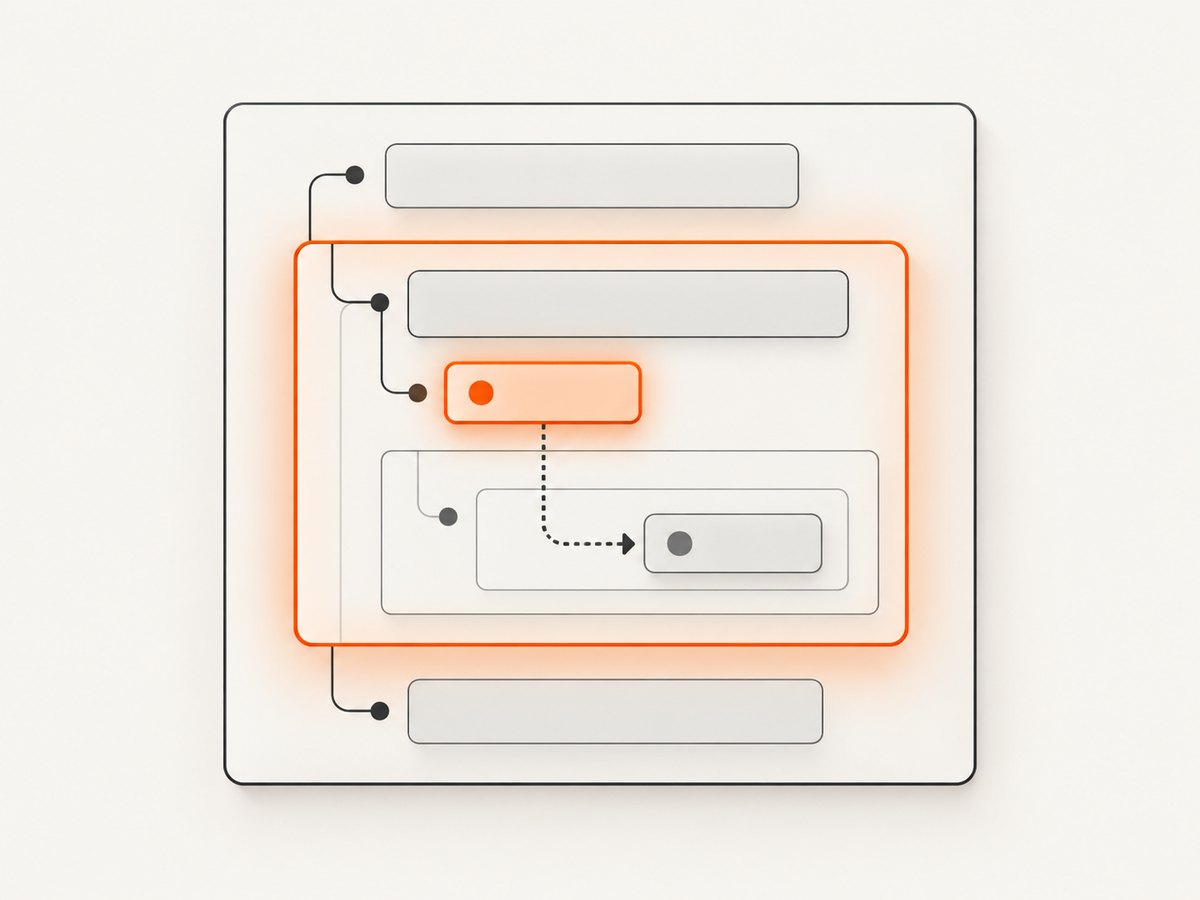
Use .parent() for one level
.parent() moves from each yielded element to its immediate DOM parent. It is the clearest choice when the direct wrapper is part of the markup contract.

describe('profile form', () => {
  it('shows an error in the field container', () => {
    cy.visit('/profile');

    cy.get('[data-cy="email-input"]')
      .parent()
      .should('have.attr', 'data-cy', 'email-field');
  });
});
If the input is wrapped by an extra element later, this test will follow that new immediate parent and may fail. Use .closest() when the meaningful container can be separated from the child by additional wrappers.
Use .closest(selector) for the nearest matching container
.closest(selector) checks the current element first, then walks upward until it finds the first element matching the selector. This makes it useful for cards, rows, dialogs, and forms with nested markup.
cy.get('[data-cy="save-button"]')
  .closest('[data-cy="settings-card"]')
  .should('be.visible')
  .find('[data-cy="status"]')
  .should('contain', 'Saved');
Because the current subject can match, a selector that is too broad may return the element you started with. Use a specific ancestor contract such as [data-cy="settings-card"].
Use .parents(selector) when multiple ancestors matter
.parents(selector) walks through all ancestors and returns those matching the selector. It is useful when you need to assert or inspect more than one matching level.
cy.get('[data-cy="address-field"]')
  .parents('[data-cy="form-section"]')
  .should('have.length', 2);
If you need only the nearest matching ancestor, prefer .closest(). If you need the direct wrapper, prefer .parent(). Those choices communicate intent and reduce accidental matches.
Find a child after selecting its parent
cy.get() normally starts at the document. .find(selector) starts inside the currently yielded container, so it prevents assertions from matching a similarly named element elsewhere on the page.
cy.get('[data-cy="email-input"]')
  .closest('[data-cy="profile-form"]')
  .find('[data-cy="error-message"]')
  .should('be.visible');
This pattern reads as: locate the field, move to its form, then locate the error message inside that form.
Complete example with stable selectors
describe('account form traversal', () => {
  beforeEach(() => {
    cy.visit('/account');
  });

  it('finds the immediate field wrapper', () => {
    cy.get('[data-cy="email-input"]')
      .parent()
      .should('have.attr', 'data-cy', 'email-field');
  });

  it('finds the nearest form and its validation message', () => {
    cy.get('[data-cy="email-input"]')
      .closest('[data-cy="profile-form"]')
      .find('[data-cy="error-message"]')
      .should('be.visible');
  });

  it('checks matching ancestors', () => {
    cy.get('[data-cy="email-input"]')
      .parents('[data-cy="page-section"]')
      .should('have.length.at.least', 1);
  });
});
Selector guidance
Use stable data-* attributes for relationships that matter to a test. They are less coupled to CSS styling and JavaScript implementation details than classes, generated IDs, tag names, or visible text.
<form data-cy="profile-form">
  <div data-cy="email-field">
    <label for="email">Email</label>
    <input id="email" data-cy="email-input" />
    <div data-cy="error-message">Enter a valid email</div>
  </div>
</form>
Prefer a semantic ancestor selector when the test cares about a specific container. If the immediate parent is the contract, use .parent(). If wrapper elements may change, use .closest('[data-cy="..."]') instead of chaining several .parent() calls.
Retry behavior and command chaining
Cypress retries traversal queries and their chained assertions while it resolves the subject. Keep the traversal and assertion in one chain so Cypress can retry the complete relationship.
cy.get('[data-cy="save-button"]')
  .closest('[data-cy="settings-card"]')
  .find('[data-cy="status"]')
  .should('have.text', 'Saved');
Avoid extracting a raw DOM node and then expecting Cypress commands to retry it. Cypress commands are queued and yield subjects; they are not synchronous return values.
Common mistakes and fixes
| Symptom | Cause | Fix |
|---|---|---|
cy.parent is not a function |
Traversal was called directly on cy. |
Begin with cy.get(), cy.contains(), or another DOM-yielding command. |
| The wrong wrapper is selected | .parent() returns only the immediate parent. |
Use .closest('[data-cy="container"]') with a specific selector. |
| No element found | The selector is wrong, the page has not rendered, or the element is inside a different document. | Verify the selector in the Cypress runner, wait through a retriable query, and check iframe or shadow DOM boundaries. |
| Assertion matches another component | cy.get() searched the whole document. |
Select the ancestor first, then use .find() for a scoped descendant query. |
| Test breaks after a CSS refactor | Selectors depend on styling classes or generated IDs. | Add stable data-cy attributes and use those in traversal. |
| Unexpected multiple subjects | The starting selector matches several elements, so traversal runs for each. | Make the selector unique, or use an explicit assertion such as .should('have.length', 1) before continuing. |
Edge cases
Multiple starting elements
Traversal operates on every element in the current subject. If several cards contain the same child selector, narrow the query first with a unique attribute or an explicit index only when position is part of the UI contract.
cy.get('[data-cy="product-card"]')
  .filter('[data-product-id="42"]')
  .find('[data-cy="price"]')
  .should('be.visible');
Shadow DOM and iframes
Normal DOM traversal does not cross an iframe document. For shadow roots, use Cypress’s shadow DOM support and the appropriate includeShadowDom configuration or command options. For iframes, enter the iframe’s document before querying its elements; an ancestor in the top document cannot be reached from inside the iframe with ordinary .parent() calls.
Detached or replaced elements
Modern frameworks may replace nodes during rendering. Re-query from a stable anchor instead of holding a stale subject across an action that rerenders the component.
cy.get('[data-cy="profile-form"]')
  .find('[data-cy="email-input"]')
  .type('bad-value')
  .blur();

cy.get('[data-cy="profile-form"]')
  .find('[data-cy="error-message"]')
  .should('be.visible');
Performance and reliability
- Use unique, stable selectors so Cypress does less DOM work and spends less time retrying ambiguous queries.
- Scope expensive searches with
.find()after selecting the correct container. - Prefer one
.closest()with a semantic selector over a long chain of.parent()calls; it tolerates harmless wrapper changes. - Keep assertions close to the traversal that produces their subject. This gives Cypress a retryable query chain.
- Do not add arbitrary fixed waits to compensate for rendering. Query for the element or state you actually need.
Or skip the browser setup
If your goal is a screenshot of the resulting page rather than an interactive Cypress assertion, ScreenshotNeo provides a single HTTP request. Its capture can remove cookie banners, newsletter popups, and chat widgets before the shot. Bot checks, blank pages, and failed loads are never billed, and the response reports the page verdict and billing status. An MCP server lets AI agents take screenshots, and the free plan includes 1,000 screenshots a month with no card; paid plans start at $5 for 3,000 shots. See the ScreenshotNeo API documentation for all options.
curl -G "https://api.screenshotneo.com/v1/shot" -d access_key=YOUR_API_KEY --data-urlencode url=https://stripe.com -o shot.webpimport requests
r = requests.get(
"https://api.screenshotneo.com/v1/shot",
params={"access_key": "YOUR_API_KEY", "url": "https://stripe.com"},
timeout=90,
)
r.raise_for_status()
open("shot.webp", "wb").write(r.content)const q = new URLSearchParams({ access_key: 'YOUR_API_KEY', url: 'https://stripe.com' });
const res = await fetch(`https://api.screenshotneo.com/v1/shot?${q}`);
if (!res.ok) throw new Error(`Screenshot failed: ${res.status}`);
const data = Buffer.from(await res.arrayBuffer());
require('fs').writeFileSync('shot.webp', data);Create a free ScreenshotNeo account to get 1,000 screenshots each month with no card.
FAQ
What is the simplest way to get a parent in Cypress?
Use cy.get('child-selector').parent() when you need exactly the immediate parent.
Does .closest() include the element I selected?
Yes. It returns the first element matching the selector, whether that is the current subject or one of its ancestors.
When should I use .parents() instead?
Use it when you need all matching ancestors across multiple levels. Use .closest() when you need only the nearest one.
Can I find a child after moving to its parent?
Yes. Chain .find(selector); it searches descendants of the currently yielded container.
Why does my parent assertion pass for the wrong component?
Your initial selector may match multiple elements or your descendant query may be global. Make the starting selector unique and scope follow-up queries with .find().
Reference
See the Cypress API documentation for .parent(), .parents(), .closest(), and .find().


