How to Find pdfkit and wkhtmltopdf Logs
Expose pdfkit and wkhtmltopdf diagnostics, run the generated command directly, persist output, and fix common logging problems.

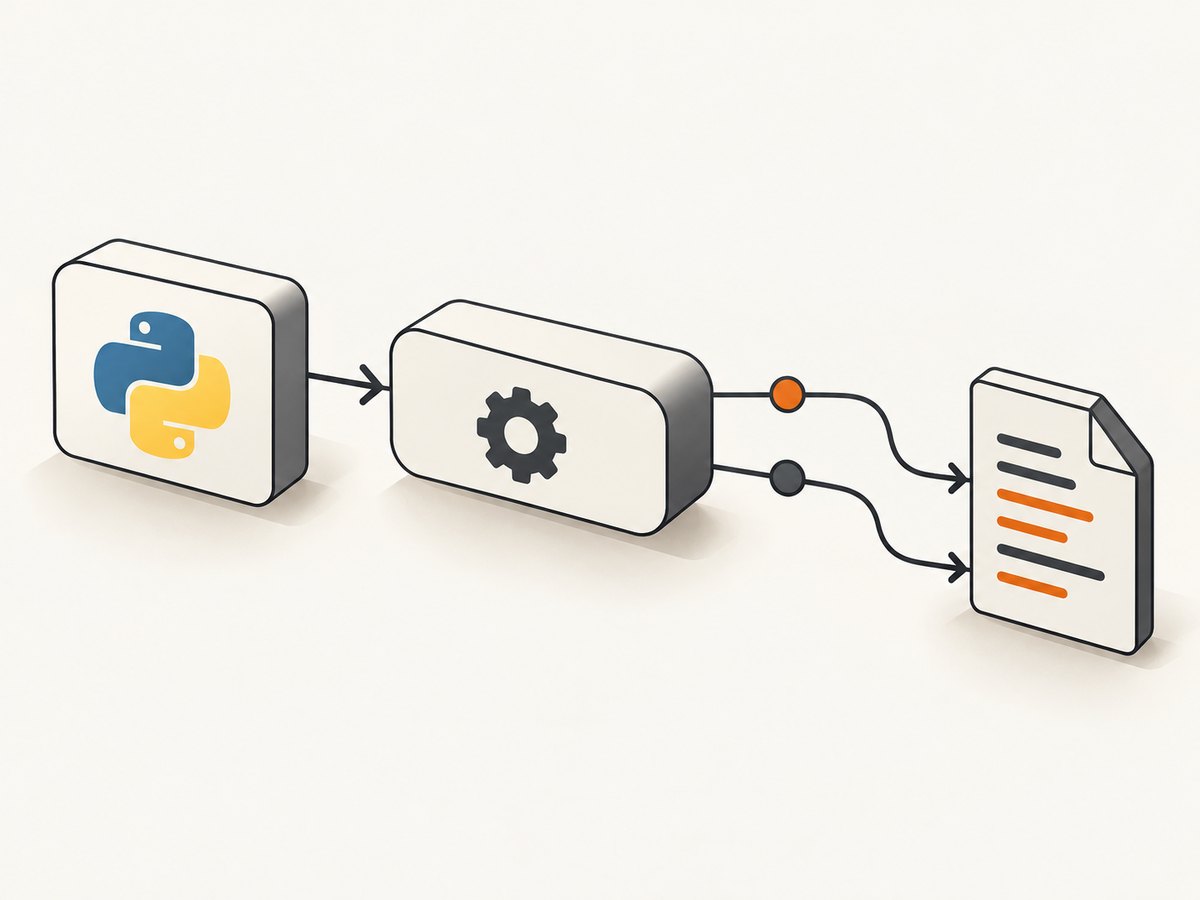
To see wkhtmltopdf diagnostics from Python pdfkit, pass verbose=True to the conversion call:
import pdfkit

pdfkit.from_url(
    'https://example.com',
    'out.pdf',
    verbose=True,
)
That exposes converter output instead of the wrapper’s normal quiet behavior. For direct wkhtmltopdf calls, use --log-level info (or error/warn). The documented levels are none, error, warn, and info; --quiet is equivalent to --log-level none.
First, identify which PDFKit you use
“PDFKit” names several unrelated projects. The instructions below focus on Python pdfkit, which launches wkhtmltopdf. Ruby’s PDFKit is another wkhtmltopdf wrapper with its own configuration API. JavaScript PDFKit generates PDF documents directly and is not a wkhtmltopdf wrapper, so wkhtmltopdf logging options do not apply to it.
Python pdfkit: show converter output
Install and verify the executable
python -m pip install pdfkit
which wkhtmltopdf
wkhtmltopdf --version
python -c "import pdfkit; print(pdfkit.__file__)"
Run these checks in the same virtual environment, container, worker, or server process that fails. A shell may resolve a different binary from the one your application uses.
URL conversion
import pdfkit

pdfkit.from_url(
    'https://example.com',
    'out.pdf',
    verbose=True,
)
HTML string conversion
import pdfkit

html = """
<html>
  <body><h1>Diagnostic PDF</h1></body>
</html>
"""
pdfkit.from_string(html, 'out.pdf', verbose=True)
verbose=True displays wkhtmltopdf messages; it does not promise a file on disk. If you need durable logs, capture the process output in your application, job runner, container, or service manager.
Inspect the exact command pdfkit generated
When a wrapper exception is vague, inspect the command and run it yourself. This separates pdfkit argument construction from wkhtmltopdf behavior.
import pdfkit

kit = pdfkit.PDFKit(
    'https://example.com',
    'url',
    options={'log-level': 'info'},
)
print(kit.command())
Copy the printed command into the same runtime environment and add or change the logging option:
wkhtmltopdf --log-level info https://example.com out.pdfIf your installed build rejects an option, check that binary’s help text:
wkhtmltopdf --help
wkhtmltopdf --extended-help
Direct wkhtmltopdf logging
| Setting | Use |
|---|---|
info |
Normal diagnostic output while investigating a render. |
warn |
Warnings and more serious messages with less noise. |
error |
Errors only. |
none |
No converter messages. |
--quiet |
Backward-compatible alias for --log-level none. |
The documented default is info for direct wkhtmltopdf usage, while Python pdfkit normally enables quiet mode. Build and version differences matter, so rely on the executable’s own help output when an option is unavailable.
Persist output as a log
The converter writes diagnostics to the process output stream. Redirect that output when invoking it from a shell:
wkhtmltopdf --log-level info https://example.com out.pdf > wkhtmltopdf.log 2>&1For Python, capture output around the conversion in the process that owns the job. The exact destination depends on your logging framework, container runtime, scheduler, or service manager; there is no universal wkhtmltopdf log-file path.
Ruby PDFKit
Ruby’s PDFKit gem documents configuring an explicit wkhtmltopdf path and a verbose setting. Use the API provided by the gem version installed in your application:
PDFKit.configure do |config|
config.wkhtmltopdf = '/usr/local/bin/wkhtmltopdf'
config.verbose = true
end
kit = PDFKit.new('Diagnostic PDF
')
File.binwrite('out.pdf', kit.to_pdf)If automatic discovery fails, confirm the configured path exists and run that exact binary with --version and --extended-help.
Common errors and fixes
| Symptom | Likely cause | Fix |
|---|---|---|
| No messages appear | pdfkit enabled quiet mode or the command uses none. |
Pass verbose=True or use --log-level info. |
No wkhtmltopdf executable found |
The binary is absent or not on the runtime PATH. | Install wkhtmltopdf, print the runtime PATH, or configure an absolute executable path. |
| Works locally but fails in production | Different binary, permissions, user, libraries, or working directory. | Print the path and version from the failing process and run the generated command there. |
Unknown option --log-level |
The installed build or version does not support that option. | Run --help/--extended-help and use options accepted by that binary. |
| Generic command failure | wkhtmltopdf may have failed internally, including a process crash. | Run PDFKit(...).command() directly and inspect the complete diagnostic output. |
| PDF is blank or missing assets | Input URL, network access, JavaScript timing, file permissions, or resource loading failed. | Use verbose output, test the URL from the same environment, and reproduce with the direct command. |
| Logs exist only in terminal | verbose=True exposes output but does not create a log file. |
Redirect stdout/stderr or configure the surrounding process logger. |
A repeatable troubleshooting checklist
- Confirm whether the package is Python pdfkit, Ruby PDFKit, or JavaScript PDFKit.
- Print the executable path and version from the failing runtime.
- Enable verbose wrapper output or
--log-level info. - Record the complete generated command and run it directly.
- Test the source URL or HTML from the same container and user.
- Capture stdout and stderr if the result must survive after the job exits.
- For a project issue, include the converter version, operating system and version, command/options, diagnostics, and a minimal reproducible test case.
Performance, reliability, and cost considerations
Verbose output can be large. Keep info while diagnosing, then reduce production noise with warn or error after the failure is understood. Persist enough context to correlate a PDF job with its input and options, but avoid logging secrets embedded in URLs, headers, or cookies.
Reliability improves when the binary path, version, OS image, fonts, permissions, and network access are explicit and reproducible. A direct command test is valuable because it removes wrapper ambiguity. The documentation does not establish a universal log location or a version-independent option matrix, so verify behavior in the installed build.
Or skip the browser setup
If your goal is a clean screenshot or PDF rather than maintaining a wkhtmltopdf installation, ScreenshotNeo provides a hosted API. See the ScreenshotNeo API documentation for all options.
curl -G "https://api.screenshotneo.com/v1/shot" -d access_key=YOUR_API_KEY --data-urlencode url=https://stripe.com -o shot.webpimport requests
r = requests.get("https://api.screenshotneo.com/v1/shot", params={"access_key": "YOUR_API_KEY", "url": "https://stripe.com"}, timeout=90)
open("shot.webp", "wb").write(r.content)const q = new URLSearchParams({ access_key: 'YOUR_API_KEY', url: 'https://stripe.com' });
const res = await fetch(`https://api.screenshotneo.com/v1/shot?${q}`);ScreenshotNeo removes cookie banners, newsletter popups, and chat widgets before capture. Bot checks, blank pages, failed loads, timeouts, and cache hits are not billed, and response headers identify the page verdict and billing status. Its MCP server lets Claude, Cursor, and other MCP clients take screenshots. The free plan includes 1,000 screenshots per month with no card; paid plans start at $5 for 3,000.
Create a free ScreenshotNeo account.
FAQ
Does verbose mode write a log file?
No. It exposes converter output. File persistence must be configured by the surrounding process.
What log level should I use first?
Use info while investigating, then lower verbosity once the cause is known.
Why does a Python pdfkit exception tell me so little?
The wrapper reports command failure broadly. Inspect PDFKit(...).command() and run wkhtmltopdf directly to see converter diagnostics.
Can JavaScript PDFKit use these options?
No. JavaScript PDFKit is a separate document-generation library, not the wkhtmltopdf wrapper discussed here.


