How to Find and Read Screenshots Saved by WebDriver
Learn where WebDriver saves screenshots, how to open them, and when to use PNG files, bytes, or Base64 in local and remote runs.

Direct answer: WebDriver does not use one universal screenshot folder. The screenshot is saved wherever the path passed to the save method points. With a relative path, that location is relative to the process working directory on the machine running the browser. Use an absolute path, create the parent directory first, save as PNG, and print the resolved path so you can open the exact file.
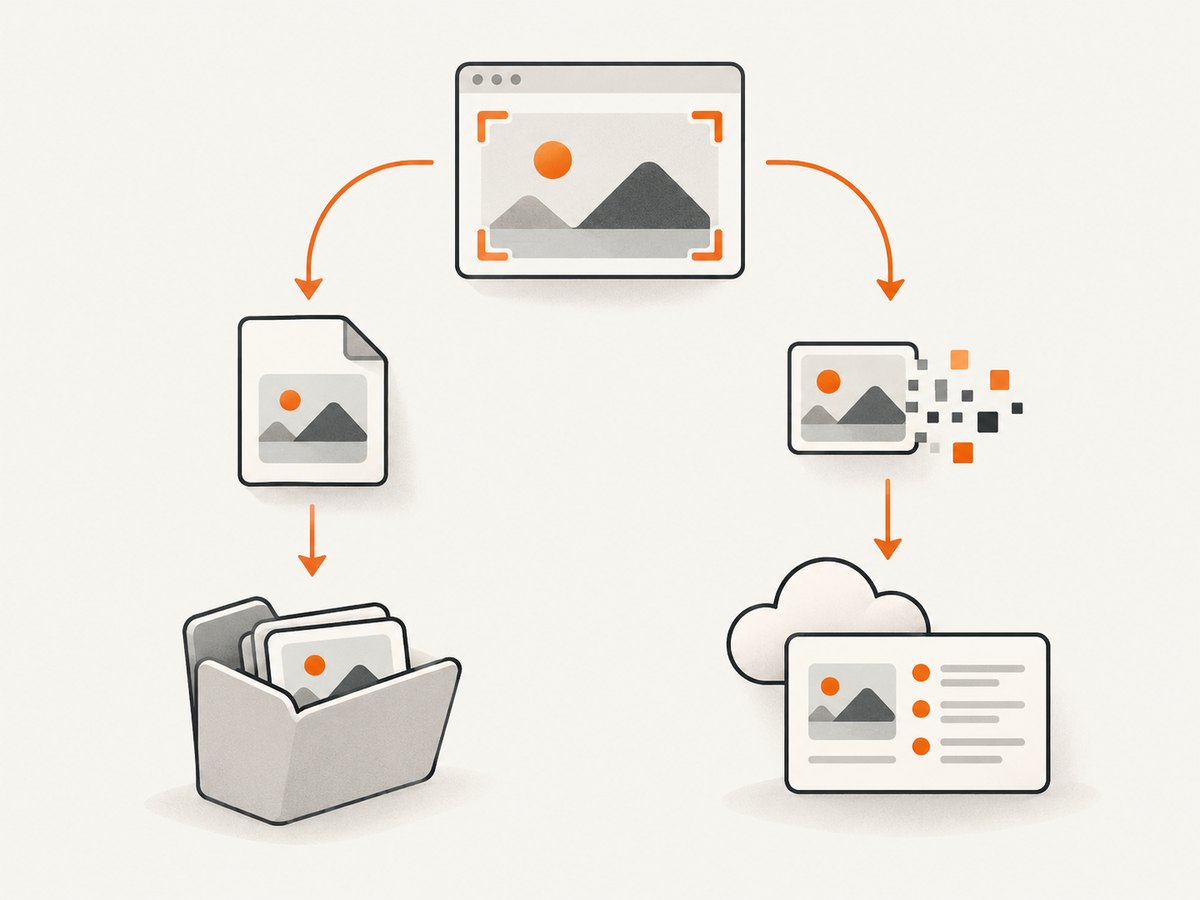
You can also avoid a file entirely. Selenium can return PNG bytes or Base64 text in memory. That is useful when you want to attach an image to a test report, upload it to object storage, inspect it with an image library, or embed it in HTML.
1. Find the exact screenshot path
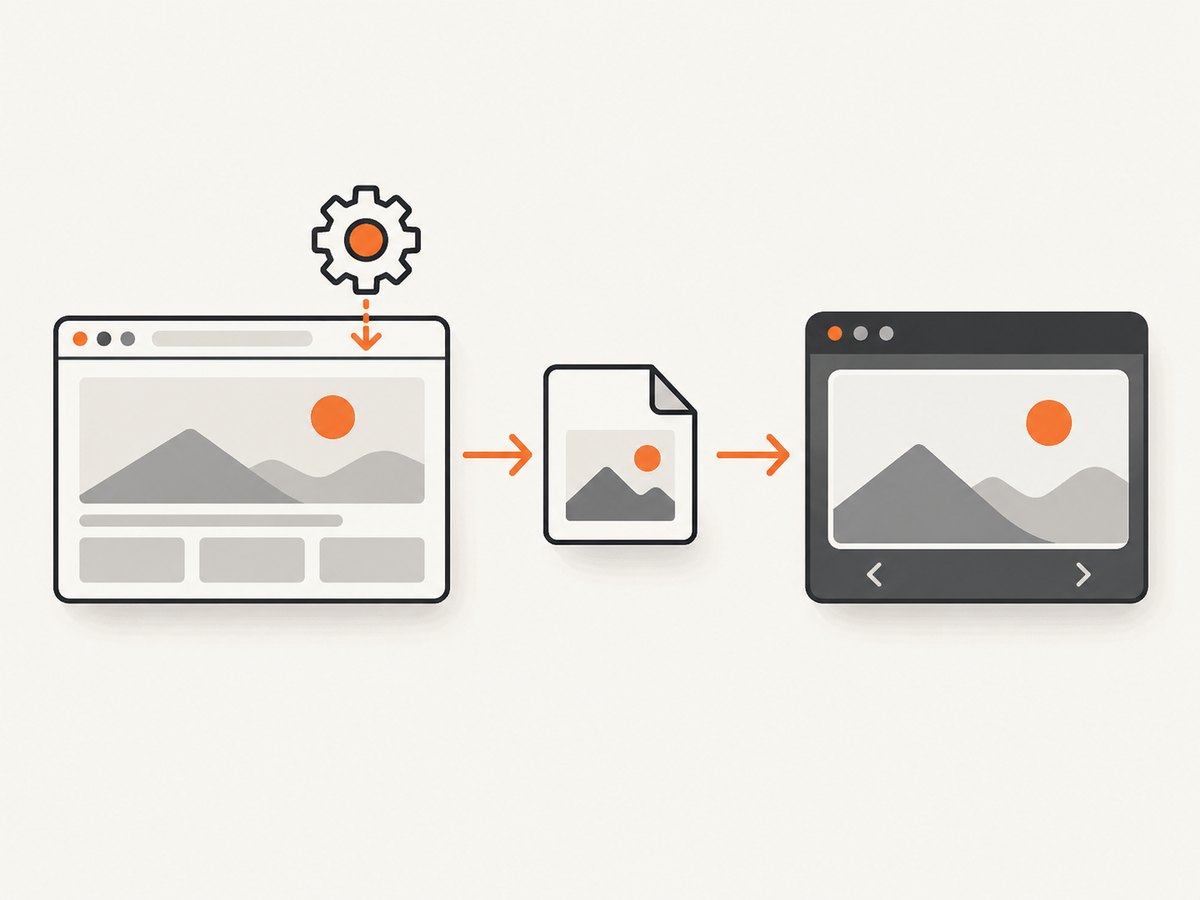
The save API determines the destination. A call such as driver.save_screenshot("shot.png") writes to the current working directory unless you provide another path. The working directory may differ between your terminal, IDE, CI runner, Docker container, and remote browser node.
- Build a destination with an explicit directory.
- Create the directory before calling WebDriver.
- Resolve the path to an absolute path.
- Check the method’s return value.
- Print the resolved path and open that file with an image viewer.
Selenium’s Python API describes save_screenshot (also exposed as get_screenshot_as_file) as saving the current window to a PNG file. It returns False when an I/O error prevents saving. See the official Selenium Python WebDriver API.
2. Python: save a screenshot to a known location
from pathlib import Path
from selenium import webdriver
from selenium.webdriver.chrome.options import Options

options = Options()
options.add_argument("--headless=new")
options.add_argument("--window-size=1440,1000")

driver = webdriver.Chrome(options=options)
try:
    driver.get("https://example.com")

    destination = Path("artifacts") / "example.png"
    destination.parent.mkdir(parents=True, exist_ok=True)

    ok = driver.save_screenshot(str(destination))
    if not ok:
        raise OSError(f"WebDriver could not save {destination}")

    print(f"Screenshot saved to: {destination.resolve()}")
finally:
    driver.quit()
Run the script from your project directory and open the printed absolute path. Keep the .png suffix for the documented Python save methods.
Use an explicit absolute path
from pathlib import Path

path = Path("/tmp/ui-artifacts/login-page.png")
path.parent.mkdir(parents=True, exist_ok=True)
if not driver.save_screenshot(str(path)):
    raise OSError(f"Save failed: {path}")
print(path.resolve())
3. Read the screenshot as bytes or Base64
When you do not need a durable local file, request the image in memory. get_screenshot_as_png() returns binary PNG data. get_screenshot_as_base64() returns Base64 text, which is convenient for HTML or systems that transport text.
# Raw PNG bytes
png_bytes = driver.get_screenshot_as_png()

# Write those bytes yourself
Path("artifacts/from-bytes.png").write_bytes(png_bytes)

# Base64 text, for example for a data URI
encoded = driver.get_screenshot_as_base64()
data_uri = "data:image/png;base64," + encoded
print(data_uri[:40] + "...")
Do not write the Base64 string as though it were PNG bytes. Decode it first, or use get_screenshot_as_png() when writing a file.
4. Java: choose the output type
Java uses TakesScreenshot.getScreenshotAs(OutputType<X>). The Selenium Java API documents driver and element screenshots and states that W3C-conformant implementations follow the WebDriver specification; non-conformant implementations can use browser-specific best effort behavior. See TakesScreenshot and OutputType.
import java.io.File;
import java.nio.file.Files;
import java.nio.file.Path;
import java.nio.file.StandardCopyOption;

import org.openqa.selenium.OutputType;
import org.openqa.selenium.TakesScreenshot;
import org.openqa.selenium.chrome.ChromeDriver;
import org.openqa.selenium.chrome.ChromeOptions;

public class SaveScreenshot {
    public static void main(String[] args) throws Exception {
        ChromeOptions options = new ChromeOptions();
        options.addArguments("--headless=new", "--window-size=1440,1000");

        ChromeDriver driver = new ChromeDriver(options);
        try {
            driver.get("https://example.com");

            File temporary = ((TakesScreenshot) driver)
                .getScreenshotAs(OutputType.FILE);
            Path destination = Path.of("artifacts", "example.png");
            Files.createDirectories(destination.getParent());
            Files.copy(temporary.toPath(), destination,
                StandardCopyOption.REPLACE_EXISTING);

            System.out.println("Screenshot saved to: " + destination.toAbsolutePath());
        } finally {
            driver.quit();
        }
    }
}
The returned file may be temporary. Copy it to a durable destination before the driver session ends or before temporary-file cleanup runs.
// Other representations
String base64 = ((TakesScreenshot) driver)
    .getScreenshotAs(OutputType.BASE64);
byte[] bytes = ((TakesScreenshot) driver)
    .getScreenshotAs(OutputType.BYTES);
5. Capture an element instead of the current window
WebDriver implementations can capture a specific WebElement as well as the driver. This is useful for a component or assertion artifact, but capture scope can vary by browser, driver, and version. Do not assume that a browser-specific full-page method behaves identically everywhere.
from pathlib import Path
from selenium.webdriver.common.by import By

element = driver.find_element(By.CSS_SELECTOR, "main")
out = Path("artifacts/main.png")
out.parent.mkdir(parents=True, exist_ok=True)
if not element.screenshot(str(out)):
    raise OSError("Element screenshot failed")
6. Remote WebDriver, Grid, containers, and CI
If the browser runs on Selenium Grid, a cloud browser, or a container, the path is interpreted by the machine executing the browser session. It may not exist on the machine that launched the test. This follows from the caller-selected path and remote execution model; the Selenium API does not define one universal artifact-download mechanism.
- Print the path from the test process and identify which host produced it.
- Use your Grid or cloud provider’s artifact-transfer or download feature.
- For containers, mount an artifacts volume and save inside the mounted directory.
- Prefer in-memory bytes when your test framework already uploads attachments from the runner.
7. Why the file cannot be opened
| Symptom | Likely cause | Fix |
|---|---|---|
| No file where expected | Relative path resolved against a different working directory | Use Path.resolve() or toAbsolutePath(), print it, and save to a known artifacts directory. |
Python returns False |
I/O failure, such as a missing parent directory or insufficient permissions | Create the parent directory, verify write access, and check the resolved path. |
| Viewer says the image is corrupt | The save failed, the file is empty, or Base64 text was written as binary | Check the return value, inspect the file size, and use PNG bytes or decode Base64 correctly. |
| Remote run has no local artifact | The browser node wrote the file, not the test runner | Download or copy the artifact through your Grid, cloud, or container mechanism. |
| Screenshot is smaller than the page | Driver screenshot covers the current window or viewport | Set the window size, capture an element, or use a browser-specific full-page facility while checking its support. |
| Different browsers produce different content | Screenshot scope and behavior can vary, especially for non-conformant implementations | Pin browser and driver versions and validate the capture behavior you depend on. |
8. A reliable screenshot workflow
- Set the viewport explicitly so layout changes are intentional.
- Navigate and wait for the page state your test needs.
- Use a deterministic artifact directory per test or build.
- Check success before publishing the file.
- Record the absolute path, browser, driver, and test identifier in logs.
- Upload the file or bytes before the remote session and temporary files are discarded.
9. Performance and storage choices
A file is easiest for manual inspection and test-report attachments, but it requires a writable path and artifact collection. Bytes avoid filesystem ambiguity and are convenient for image processing or uploads. Base64 is transport-friendly text, but it increases payload size compared with raw bytes and must be decoded before image processing.
Keep screenshots only when they help diagnose a failure or document a result. Use consistent dimensions and names, and clean old artifacts in CI so screenshot output does not fill the workspace.
10. Or skip the browser setup
ScreenshotNeo provides a one-request website screenshot API when you need an image rather than a Selenium session. Its API accepts a URL and returns PNG, JPEG, WebP, or PDF output. Read the full option list in the ScreenshotNeo documentation.
cURL
curl -G "https://api.screenshotneo.com/v1/shot" \
  -d access_key=YOUR_API_KEY \
  --data-urlencode url=https://stripe.com \
  -o shot.webp
Python
import requests

r = requests.get(
    "https://api.screenshotneo.com/v1/shot",
    params={"access_key": "YOUR_API_KEY", "url": "https://stripe.com"},
    timeout=90,
)
r.raise_for_status()
open("shot.webp", "wb").write(r.content)
Node.js
const q = new URLSearchParams({
  access_key: 'YOUR_API_KEY',
  url: 'https://stripe.com'
});
const res = await fetch(`https://api.screenshotneo.com/v1/shot?${q}`);
if (!res.ok) throw new Error(`Screenshot failed: ${res.status}`);
const fs = await import('node:fs/promises');
await fs.writeFile('shot.webp', Buffer.from(await res.arrayBuffer()));
ScreenshotNeo removes cookie and consent banners, newsletter popups, and chat widgets before capture. Bot checks, blank pages, failed loads, timeouts, and cache hits are not billed, and response headers identify the page verdict and whether the shot was billed. Its MCP server lets Claude, Cursor, and other MCP clients use take_screenshot, get_page_info, and capture_pdf. You get 1,000 screenshots per month free without a card; paid plans start at $5 for 3,000 shots. Create a free ScreenshotNeo account.
11. FAQ
Where did Selenium save my screenshot?
At the path passed to the save method. If it was relative, resolve it against the process working directory and print the absolute path.
Does WebDriver always save PNG?
Selenium Python’s documented file methods save the current window as PNG. Java lets you request a file, bytes, or Base64 through OutputType.
Can I read a screenshot without creating a file?
Yes. Python provides PNG bytes and Base64; Java provides byte and Base64 output types.
Why is a remote screenshot missing from my laptop?
The browser node may have created it remotely. Retrieve it through the Grid, cloud, or container artifact mechanism, or request bytes and upload them from the test runner.


