How to Find Sample YouTube Thumbnail Images
Find a YouTube video's sample thumbnail quickly, choose the best available resolution, and automate lookups with the YouTube Data API.

To find a sample YouTube thumbnail, identify the video’s ID and place it in a thumbnail URL, or request the available thumbnail URLs from the YouTube Data API. For a one-off lookup, copy the value after v= in a watch URL such as https://www.youtube.com/watch?v=VIDEO_ID. For software, use the API’s snippet.thumbnails object because YouTube may provide different image sizes for different videos.
1. Find the video ID
A standard YouTube watch URL looks like this:
https://www.youtube.com/watch?v=dQw4w9WgXcQThe video ID is the value after v=: dQw4w9WgXcQ. IDs are commonly 11 characters, but treat them as opaque strings rather than validating only by length. Links can also contain other parameters:
https://www.youtube.com/watch?v=VIDEO_ID&t=90s&list=PLAYLIST_IDStop the ID at the next &. A shortened URL places the ID after youtu.be/:
https://youtu.be/VIDEO_IDFor an embedded player, the ID follows /embed/. If you receive a Shorts link, extract the segment after /shorts/. If a URL is a channel, playlist, search, or live page without a video ID, it does not identify one specific thumbnail.
2. Try a direct thumbnail URL
A practical URL pattern is:
https://i.ytimg.com/vi/VIDEO_ID/maxresdefault.jpgReplace VIDEO_ID with the ID you found. For example:
https://i.ytimg.com/vi/dQw4w9WgXcQ/maxresdefault.jpgThis pattern is useful for a quick check, but maxresdefault.jpg is not guaranteed to exist for every video. If it fails or returns an unsuitable image, try another common variant:
https://i.ytimg.com/vi/VIDEO_ID/hqdefault.jpg
https://i.ytimg.com/vi/VIDEO_ID/mqdefault.jpg
https://i.ytimg.com/vi/VIDEO_ID/default.jpg
These fixed paths are convenient, but the reliable method for an application is to use the URL YouTube returns in the Data API. Do not assume that the largest variant is available.
3. Understand YouTube’s thumbnail variants
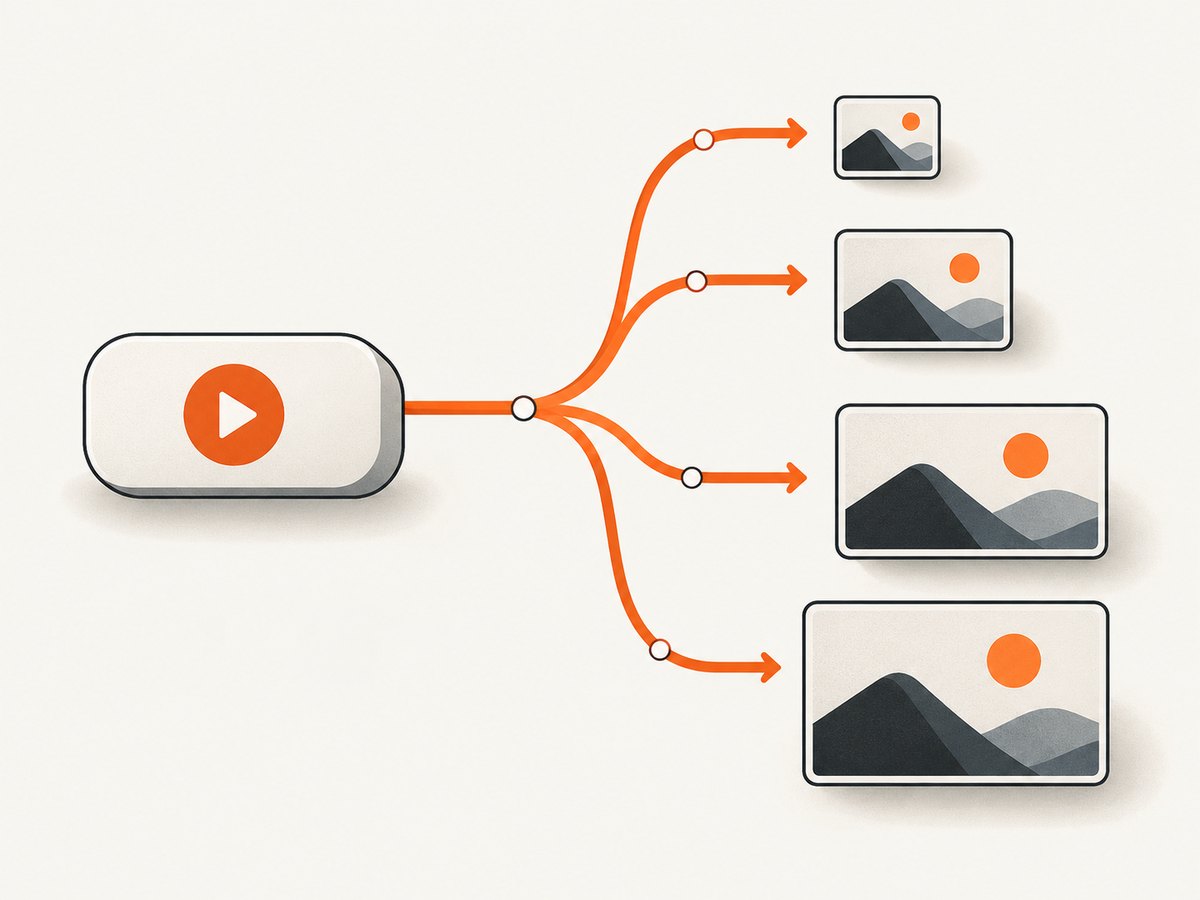
YouTube represents thumbnail images under a video’s snippet.thumbnails object. The documented size keys are default, medium, high, standard, and maxres. Typical video dimensions are:
| Variant | Typical size | Use |
|---|---|---|
default |
120 × 90 | Small lists and low-bandwidth previews |
medium |
320 × 180 | Compact cards |
high |
480 × 360 | General previews |
standard |
640 × 480 | Larger embeds where available |
maxres |
1280 × 720 | Large displays and downloads |
These are typical dimensions, not guarantees. YouTube says availability varies by resource and by the resolution of the uploaded content. A video may omit maxres, and an API entry may omit width or height even when it supplies a URL. Select the highest available entry that fits your use case and inspect the returned metadata rather than hard-coding a promise about dimensions. See the YouTube Data API thumbnail reference.
4. Use the YouTube Data API
The API route is preferable when you need repeatable downloads, a fallback strategy, or metadata for many videos. Request the video resource with the snippet part:
GET https://www.googleapis.com/youtube/v3/videos
  ?part=snippet
  &id=VIDEO_ID
  &key=YOUR_API_KEY
The response contains an item whose snippet.thumbnails property may look like this:
{
  "items": [
    {
      "snippet": {
        "thumbnails": {
          "default":  { "url": "https://...", "width": 120, "height": 90 },
          "medium":   { "url": "https://...", "width": 320, "height": 180 },
          "high":     { "url": "https://...", "width": 480, "height": 360 },
          "standard": { "url": "https://...", "width": 640, "height": 480 },
          "maxres":   { "url": "https://...", "width": 1280, "height": 720 }
        }
      }
    }
  ]
}
Do not require every key. Build a preference order, filter to entries that contain a URL, and choose the first match. If you need a 16:9 card, you may prefer maxres, standard, high, then medium. For a tiny list, medium can save bandwidth.
JavaScript example
const id = 'VIDEO_ID';
const key = process.env.YOUTUBE_API_KEY;
const endpoint = new URL('https://www.googleapis.com/youtube/v3/videos');
endpoint.search = new URLSearchParams({
  part: 'snippet',
  id,
  key
});

const response = await fetch(endpoint);
if (!response.ok) throw new Error(`YouTube API returned ${response.status}`);
const data = await response.json();
const thumbnails = data.items?.[0]?.snippet?.thumbnails;
if (!thumbnails) throw new Error('Video not found or thumbnails unavailable');

const order = ['maxres', 'standard', 'high', 'medium', 'default'];
const selected = order.map(name => thumbnails[name]).find(image => image?.url);
if (!selected) throw new Error('No thumbnail URL was returned');
console.log(selected.url);
Python example
import os
import requests

video_id = "VIDEO_ID"
response = requests.get(
    "https://www.googleapis.com/youtube/v3/videos",
    params={
        "part": "snippet",
        "id": video_id,
        "key": os.environ["YOUTUBE_API_KEY"],
    },
    timeout=30,
)
response.raise_for_status()
data = response.json()
try:
    thumbnails = data["items"][0]["snippet"]["thumbnails"]
except (KeyError, IndexError):
    raise RuntimeError("Video not found or thumbnails unavailable")

for name in ("maxres", "standard", "high", "medium", "default"):
    image = thumbnails.get(name)
    if image and image.get("url"):
        print(image["url"])
        break
else:
    raise RuntimeError("No thumbnail URL was returned")
cURL example
curl --get 'https://www.googleapis.com/youtube/v3/videos' \
  --data-urlencode 'part=snippet' \
  --data-urlencode 'id=VIDEO_ID' \
  --data-urlencode 'key=YOUR_API_KEY'
5. Download the selected image
The API gives you an image URL; it does not require you to scrape the watch page. Download it with a normal HTTP client and preserve the content type.
curl -L 'THUMBNAIL_URL' -o thumbnail.jpgIn Python:
import requests

image = requests.get("THUMBNAIL_URL", timeout=30)
image.raise_for_status()
content_type = image.headers.get("content-type", "")
if not content_type.startswith("image/"):
    raise RuntimeError(f"Unexpected content type: {content_type}")
with open("thumbnail.jpg", "wb") as file:
    file.write(image.content)
Use the returned URL as the source for an HTML preview, or save the bytes only when you have a reason to retain a local copy. Cache repeated requests in your own application, and use conditional requests where your HTTP client supports them.
6. Handle edge cases
- Private or removed videos: the API may return no item. Treat that as a missing resource, not as a missing size variant.
- No max-resolution image: fall back through the keys that actually exist.
- Missing width or height: use the URL and inspect the downloaded image if exact dimensions matter.
- Non-16:9 artwork: do not crop automatically unless your layout requires it. YouTube can resize uploaded custom images while preserving aspect ratio, which may leave black bars.
- URL parameters: parse the watch URL with a URL parser instead of splitting arbitrary text. Remove tracking parameters before storing a canonical video ID.
- Existing thumbnail versus video frame: a thumbnail resource is an image selected for the video. It is not proof that every frame of the video is available through the same URL pattern.
- Permissions: finding an image does not by itself grant permission to republish it. Check the creator’s terms and the rights needed for your use.
7. Troubleshooting
| Problem | Likely cause | Fix |
|---|---|---|
404 or placeholder from maxresdefault.jpg |
That variant is unavailable for the video. | Use the API response or try a lower available variant. |
API returns an empty items array |
The ID is wrong, the video is unavailable, or the request lacks access. | Open the watch URL, copy only its video ID, verify the API key, and check visibility. |
| HTTP 400 from the API | A missing or malformed required query parameter. | Send part=snippet, a valid id, and a valid key. |
| HTTP 403 from the API | Invalid key, disabled API, quota exhaustion, or a restriction. | Read the JSON error reason, enable YouTube Data API v3 in the correct project, and review quota and key restrictions. |
| Image looks blurry | A smaller variant was selected or the source upload is low resolution. | Prefer the largest returned URL, but do not upscale a small source and expect new detail. |
| Wrong video thumbnail | The parser included &t= or another parameter in the ID. |
Parse the URL and read the v query parameter exactly. |
| Black bars in a design | The source aspect ratio does not match the display box. | Preserve the image ratio, use an object-fit policy deliberately, or add a background. |
8. Performance, reliability, and cost
For a single lookup, a direct image URL is the fastest path because it avoids an API request. For production systems, the API is more reliable because it tells you which variants exist. Store the video ID and selected URL, cache the downloaded bytes, and retry transient network failures with a short capped backoff. Avoid retrying authentication or quota errors.
Keep API keys on a server, never in browser JavaScript shipped to every visitor. Restrict keys by API and application where possible, monitor quota usage, and batch your own downstream image processing. Choose the smallest variant that meets the display size to reduce transfer time. If a thumbnail changes, decide whether your cache should refresh on a schedule or only when a user requests the video.
Or skip the browser setup
If your goal is to document or archive the YouTube page that contains the thumbnail, ScreenshotNeo can capture the page with one request. The ScreenshotNeo documentation lists all options.

cURL
curl -G "https://api.screenshotneo.com/v1/shot" -d access_key=YOUR_API_KEY --data-urlencode url=https://www.youtube.com/watch?v=VIDEO_ID -o shot.webpPython
import requests
r = requests.get("https://api.screenshotneo.com/v1/shot", params={"access_key": "YOUR_API_KEY", "url": "https://www.youtube.com/watch?v=VIDEO_ID"}, timeout=90)
open("shot.webp", "wb").write(r.content)
Node.js
const q = new URLSearchParams({ access_key: 'YOUR_API_KEY', url: 'https://www.youtube.com/watch?v=VIDEO_ID' }); const res = await fetch(`https://api.screenshotneo.com/v1/shot?${q}`);ScreenshotNeo removes cookie banners, newsletter popups, and chat widgets before capture. Bot checks, blank pages, failed loads, and cache hits are not billed, and response headers identify the page verdict and billing status. Its MCP server lets Claude, Cursor, and other MCP clients call take_screenshot, get_page_info, and capture_pdf. The free plan includes 1,000 screenshots per month with no card; paid plans start at $5 for 3,000. Create a free ScreenshotNeo account.
FAQ
What is the highest-quality YouTube thumbnail?
maxres is typically 1280 × 720, but it is available only for some videos. Use the largest URL actually returned.
Can I get a thumbnail without an API key?
For a quick manual lookup, try the documented-style i.ytimg.com/vi/VIDEO_ID/... URL pattern. Automated, dependable variant selection should use the YouTube Data API.
Why are some thumbnails 4:3?
YouTube documents typical variant dimensions that include 4:3 sizes such as high and 16:9 sizes such as medium; the actual resource and source image determine what you receive.
Does a thumbnail URL provide a still frame from any timestamp?
No. It identifies an available thumbnail image. Extracting arbitrary frames is a separate video-processing task.
Should I store the image URL or the image bytes?
Store the video ID and selected variant metadata, then cache bytes when stable local delivery or offline access matters. Refresh according to your application’s freshness requirements.


