How to Find the Second Element with the Same CSS Class in Selenium
Select Selenium's second matching element with zero-based indexing, safe waits, CSS selectors, edge cases, and runnable examples.
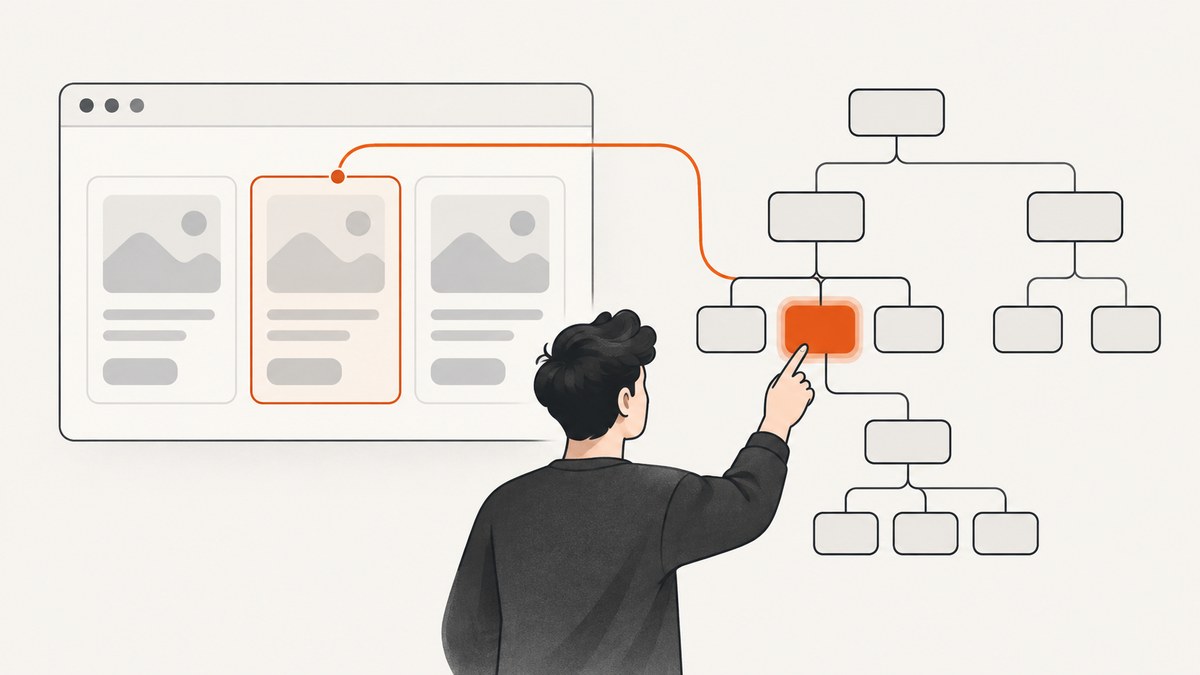
Use Selenium’s plural finder and select index 1. Collections are zero based, so index 1 is the second match.
from selenium.webdriver.common.by import By
matches = driver.find_elements(By.CLASS_NAME, "item")
if len(matches) < 2:
    raise LookupError("Expected at least two .item elements")
second = matches[1]
The singular find_element returns the first match; plural find_elements returns all matches or an empty list, as described in Selenium’s element finder documentation.
1. Runnable examples
Python
from selenium import webdriver
from selenium.webdriver.common.by import By

with webdriver.Chrome() as driver:
    driver.get("https://example.com")
    items = driver.find_elements(By.CLASS_NAME, "item")
    if len(items) > 1:
        items[1].click()
    else:
        print(f"Found {len(items)} matches")
Java
List<WebElement> items = driver.findElements(By.className("item"));
if (items.size() < 2) throw new IllegalStateException("Need two items");
WebElement second = items.get(1);
second.click();
JavaScript
const items = await driver.findElements(By.className('item'));
if (items.length < 2) throw new Error('Need two items');
await items[1].click();
Use By.CLASS_NAME for one class token. See Selenium’s locator strategies and Python By API.
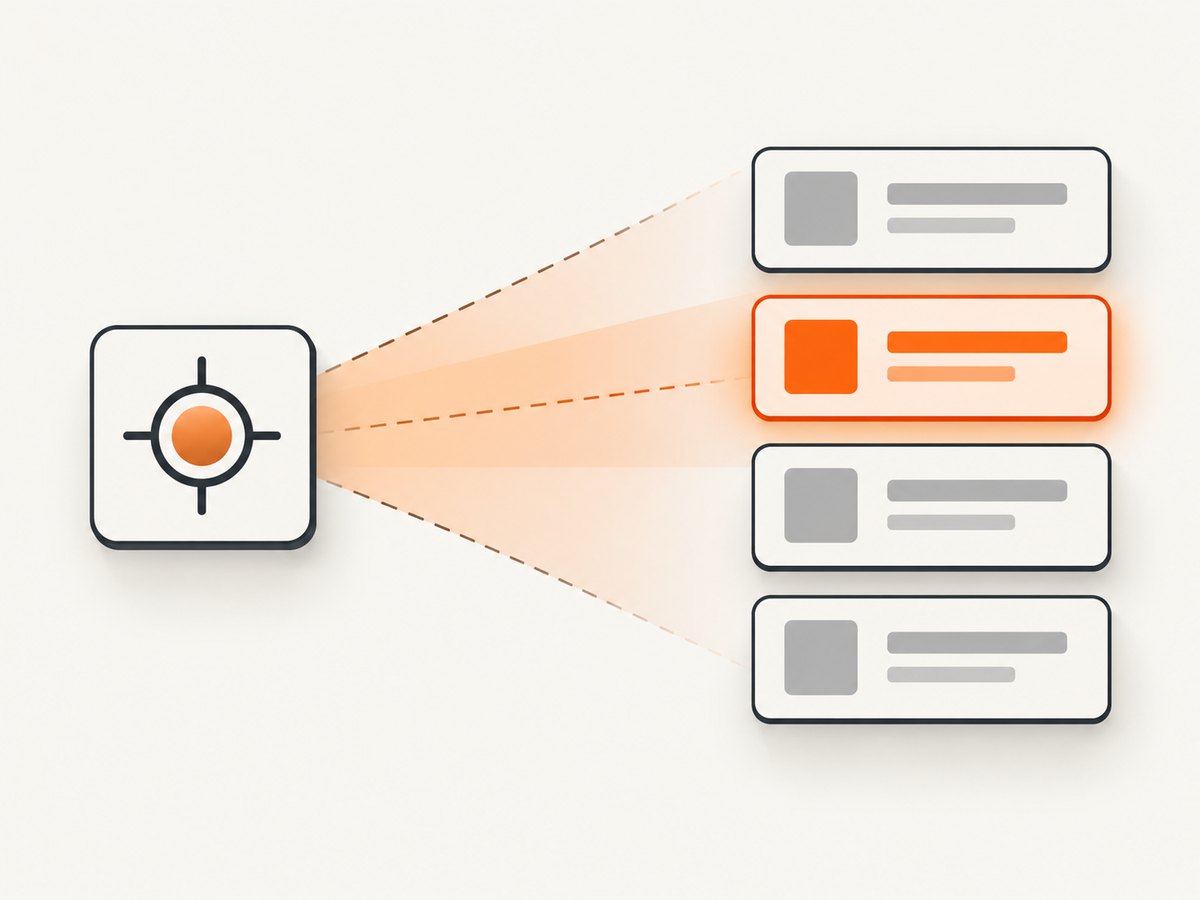
2. Compound classes and CSS selectors
A class-name locator accepts one token. For an element having both classes, use a CSS selector; never pass "item active" to By.CLASS_NAME.
matches = driver.find_elements(By.CSS_SELECTOR, ".item.active")
if len(matches) > 1:
    second = matches[1]
CSS can narrow by container or attributes, for example #results .item and .item[data-state='ready'].
3. Scope the search
panel = driver.find_element(By.ID, "results")
items = panel.find_elements(By.CLASS_NAME, "item")
if len(items) < 2:
    raise LookupError("Fewer than two items in #results")
second = items[1]
Searching from the intended parent prevents matching cards in navigation or sidebars from changing which element is second.
4. Wait for dynamic content
from selenium.webdriver.common.by import By
from selenium.webdriver.support.ui import WebDriverWait

wait = WebDriverWait(driver, 15)
wait.until(lambda d: len(d.find_elements(By.CSS_SELECTOR, ".item")) >= 2)
second = driver.find_elements(By.CSS_SELECTOR, ".item")[1]
wait.until(lambda d: second.is_displayed() and second.is_enabled())
second.click()
Use explicit bounded waits instead of arbitrary sleeps. Re-query after a framework replaces nodes, and filter with is_displayed() when hidden templates are present.
5. Edge cases
- Fewer than two: guard length and report selector and count.
- Changing order: “second” means current DOM order; use a stable
data-idwhen targeting a record. - Frames: switch into the iframe before locating, then return to default content.
- Shadow DOM: get the host’s open
shadow_rootand callfind_elementsthere. - Stale nodes: locate again after React/Vue updates.
driver.switch_to.frame(driver.find_element(By.CSS_SELECTOR, "iframe.results"))
items = driver.find_elements(By.CLASS_NAME, "item")
second = items[1] if len(items) > 1 else None
driver.switch_to.default_content()
6. Reusable helper
def second_element(context, by, value):
    matches = context.find_elements(by, value)
    if len(matches) < 2:
        raise LookupError(f"Expected 2+ matches for {by}={value!r}; found {len(matches)}")
    return matches[1]
7. Troubleshooting
| Symptom | Cause | Fix |
|---|---|---|
| First item returned | Used singular finder | Use find_elements, then index 1. |
| IndexError or out-of-bounds | Fewer than two matches | Wait, correct selector, or guard length. |
| Invalid class name | Passed space-separated classes | Use one token or .item.active. |
| StaleElementReference | DOM replaced node | Wait and locate again. |
| NoSuchElement | Wrong frame, shadow root, or container | Switch context, then search. |
| Click intercepted | Hidden, covered, or disabled | Wait for visibility/clickability and inspect overlays. |
8. Performance and reliability checklist
- Scope to a container and use a specific selector.
- Prefer one plural query over repeated page-wide lookups.
- Use explicit waits with a timeout.
- Re-query after known DOM updates.
- Log URL, frame, selector, and count when a guard fails.
9. Or skip the browser setup
If you need a page image rather than Selenium interaction, ScreenshotNeo returns PNG, JPEG, WebP, or PDF from one GET request. It removes cookie and consent banners, newsletter popups, and chat widgets before capture. Bot checks, blank pages, timeouts, failed loads, and cache hits are not billed. Its MCP server provides take_screenshot, get_page_info, and capture_pdf for AI agents.

See the API docs for options.
curl -G "https://api.screenshotneo.com/v1/shot" -d access_key=YOUR_API_KEY --data-urlencode url=https://stripe.com -o shot.webpimport requests
r = requests.get("https://api.screenshotneo.com/v1/shot", params={"access_key": "YOUR_API_KEY", "url": "https://stripe.com"}, timeout=90)
open("shot.webp", "wb").write(r.content)
const q = new URLSearchParams({ access_key: 'YOUR_API_KEY', url: 'https://stripe.com' });
const res = await fetch(`https://api.screenshotneo.com/v1/shot?${q}`);
1,000 screenshots a month are free with no card; paid plans start at $5 for 3,000. Create a free ScreenshotNeo account.
FAQ
Is the second element index 1 or 2?
Index 1, because Selenium collections are zero based.
Can I use XPath?
Yes: use driver.find_elements(By.XPATH, "//*[contains(concat(' ', normalize-space(@class), ' '), ' item ')]")[1].
What if items load lazily?
Wait until the collection has at least two entries, then query and select index 1.


