How to Find TikTok Creators with No-Code Tools
Find TikTok creators in your niche with TikTok’s discovery tools, then build, compare, and maintain a prospect list in Google Sheets without coding.
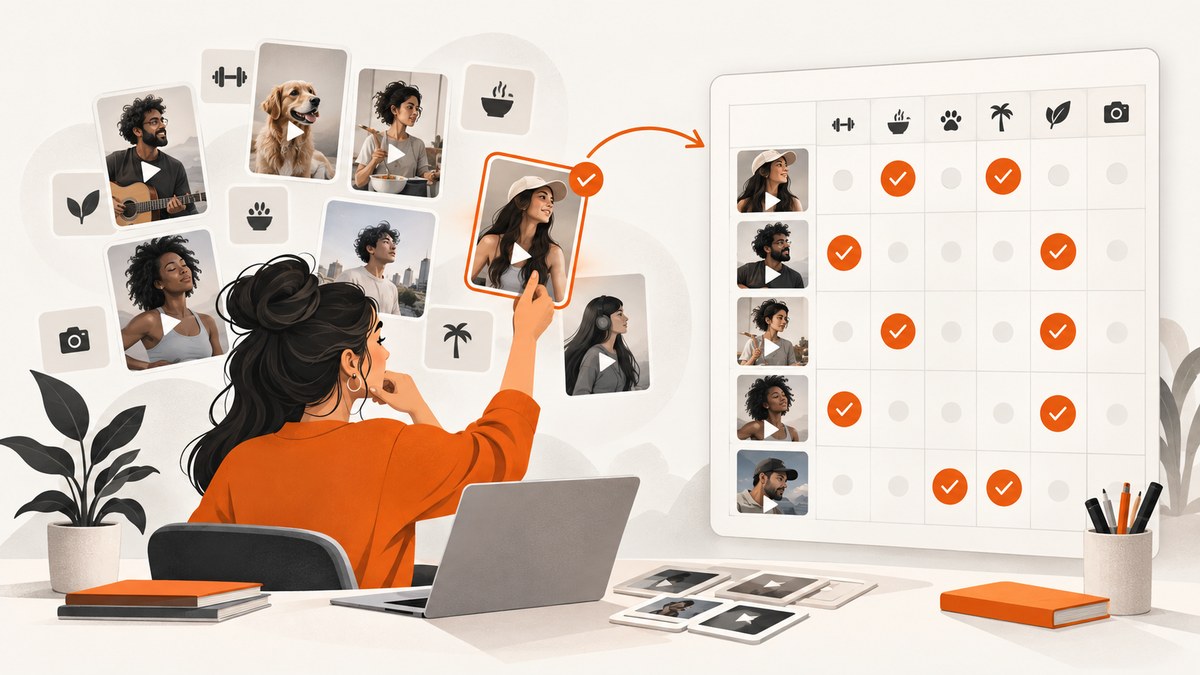
To find TikTok creators without coding, start with TikTok’s own discovery tools to learn the language and style of your niche, then build a repeatable prospect list with a no-code scraper and Google Sheets. Use TikTok One for paid creator campaigns, manual search for qualitative fit, and TikTok Shop’s creator finder for eligible commerce work. Treat exported metrics and contact clues as leads to verify, not as guarantees.
This workflow answers the practical questions: how to search for niche creators, how to find micro-influencers, how to export prospects to Sheets, and how to compare creators before outreach. You do not need Zapier, Make, or n8n unless you want to send completed rows to another system or run a recurring handoff.
1. Choose the discovery route that fits the campaign
There is no single creator database that fits every campaign. TikTok’s native tools are useful for first-party context and campaign workflows; manual search reveals whether recent videos actually fit; a no-code data workflow helps when you need a larger, repeatable list.
| Method | Best for | Limits to account for |
|---|---|---|
| TikTok One | Paid brand campaigns, creator recommendations, briefs, and activation | Access and features can vary by account and market |
| TikTok search and For You | Early research and checking a creator’s recent content | Manual work is difficult to scale or compare consistently |
| Creator Search Insights | Finding topics and phrases people search for | Available only in select regions; it is not a full creator database |
| TikTok Shop Find Creators | Eligible commerce, affiliate, video, and LIVE campaigns | Relevant to Shop workflows; available fields depend on the workflow |
| Apify plus Google Sheets | Building, filtering, and deduplicating a repeatable prospect list | Coverage and fields depend on public TikTok responses and actor limits |
TikTok describes TikTok One as its all-in-one creative and creator-marketing platform, bringing creator discovery, collaboration options, and insights together. Start there if you are running a paid brand campaign and can access the relevant features. TikTok Shop’s Find Creators area is a better fit when the campaign depends on shoppable video or LIVE commerce. TikTok One overview · TikTok One collaboration solutions
2. Write a brief before you search
A short brief prevents an attractive follower count from becoming the whole selection process. Make a note of the following before collecting names:
- Product category, campaign goal, and the audience you need to reach.
- Audience geography and language, plus the creator’s location if it matters.
- Follower band and a minimum recent-post requirement.
- Content formats that would work: for example, a tutorial, review, livestream, or UGC asset.
- Whether you need an organic post, Spark Ads rights, TikTok Shop sales, or UGC only.
- Budget range, deliverables, usage period, exclusivity, and expected timing.
Separate requirements from preferences. For example, “audience mainly in Canada” may be a requirement, while “creator has worked with a similar brand” may be a useful preference. This distinction will help you avoid discarding good prospects for minor reasons.
3. Find the phrases and creators your audience already responds to
- Search TikTok for your product category, audience problem, and a few specific use cases.
- Watch several relevant videos and write down recurring phrases, subtopics, hashtags, and creator handles.
- Open promising creator profiles and check whether their latest posts still match your brief.
- Use For You, search, topics, and keyword controls to refine what you see and discover related content.
In supported regions, search TikTok for “Creator Search Insights.” It provides topic and search-demand signals that can help expand your keyword list and improve a campaign brief. TikTok announced that the feature is available in select regions, so its presence should not be assumed for every account. Those signals inform what to search for; they do not replace checking the creator’s content and audience. TikTok announcement about Creator Search Insights
Keep your search terms varied. “Easy dinners,” “weeknight meals,” “meal prep for students,” and a cuisine name may surface different creators even if the campaign is about the same product. Search phrases people would use, not just internal category names.
4. Use TikTok’s native creator tools where they fit
TikTok One for campaign discovery
When campaign collaboration and activation matter, use TikTok One’s creator discovery and campaign workflow if it is available to your account. TikTok documents creator recommendations, briefs, filters, and activation as part of its creator-marketing platform. TikTok One features and access can differ by market and account, so check what your account actually offers.
TikTok Shop Find Creators for commerce
For a Shop campaign, the documented Find Creators fields can include category, audience, sales history, collaboration metrics, video and LIVE performance, follower demographics, and example videos. Use the fields relevant to your campaign, but still review sample content and clarify terms directly. Shop performance signals are not a substitute for checking creative fit or agreeing on deliverables.
Open Applications for inbound interest
If you have a campaign brief and want creators to propose ideas, TikTok One’s Open Applications model can let creators apply. The documented workflow supports screening applicants using criteria such as audience, location, keywords, engagement, and follower count. An application gives you a pitch and examples to review, but you should still validate the account and negotiate usage rights. TikTok on Open Applications
5. Build a no-code creator list with Apify and Google Sheets
For a larger prospect list, use a TikTok scraper or Influencer Finder actor in Apify. The documented Finder workflow supports hashtag, keyword or niche, and seed-profile discovery modes, plus export or sync to Google Sheets. Actor interfaces change, so follow the current actor’s setup and usage instructions.
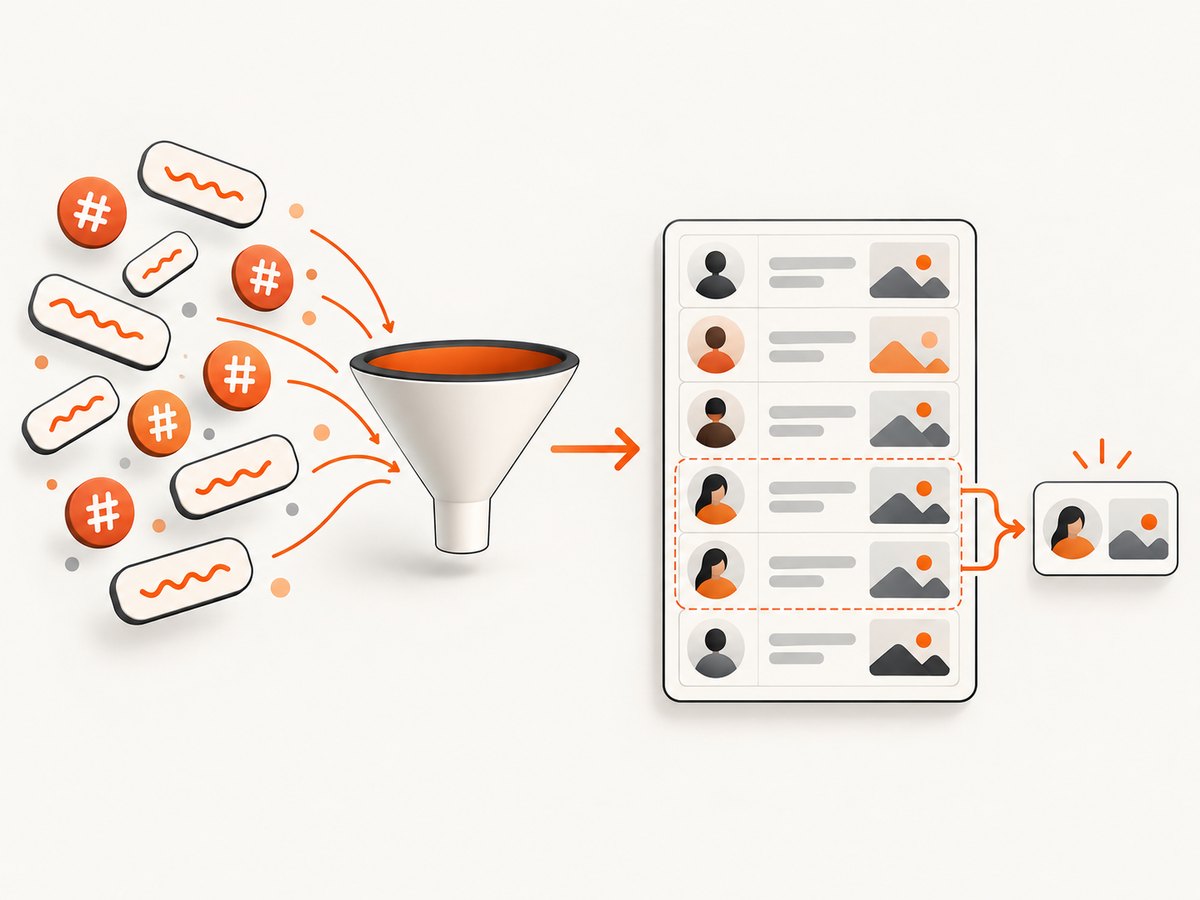
- Choose one discovery mode. Start with a small set of niche phrases or hashtags. Add seed profiles if you want to find related creators.
- Run a small sample first. Confirm that the returned profiles are relevant before expanding the search.
- Export or sync the results. Send the dataset to Google Sheets using the actor’s documented integration.
- Deduplicate on username. Keep one row per account even if several queries discover the same creator.
- Review the list by hand. Confirm the handle, recent posts, niche fit, and any metrics you plan to rely on.
Apify documents optional scheduling and integrations with Zapier, Make, and n8n. Add those only if a completed run needs to move to a CRM, trigger a notification, or repeat on a schedule. Apify’s own guide describes an example workflow and its own limits; verify current actor behavior, result caps, and pricing before committing to a recurring process. Apify workflow guide · Apify actor directory
6. Structure Google Sheets so you can compare creators fairly
Use one row per username and keep source evidence beside the judgment you make from it. A practical starting set of columns is:
- Identity: handle, profile URL, discovery query, date added.
- Fit: niche match, audience fit, language, creator location, audience country when available.
- Scale and activity: follower count, average views if supplied, recent-post date, posting cadence.
- Evidence: example video URLs, prior brand work, source of each metric, date you checked it.
- Campaign: format fit, contact clue, estimated rate if available, usage-rights questions, notes.
- Decision: content-fit score, audience-fit score, review status, next action.
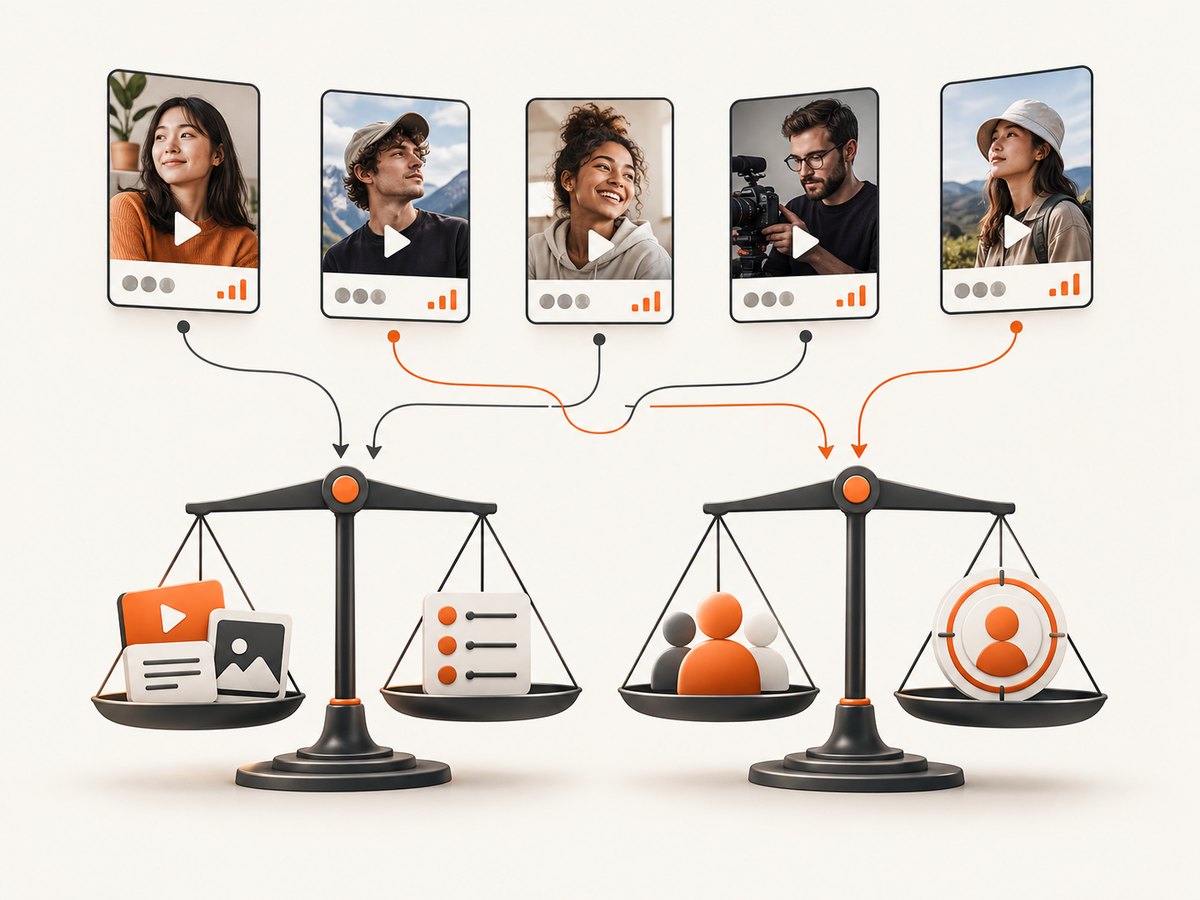
For a first pass, score content fit and audience fit separately on a simple scale, such as 1–5. Give each score a written reason: “recent tutorials match the product use” is more useful than “good vibe.” Add reach or estimated engagement as another consideration, not as a replacement for relevance. A small creator whose audience and content match the brief may be a better prospect than a larger creator with weak fit.
Do not treat scraped emails, country labels, audience estimates, or heuristic scores as verified identity or performance data. Mark unavailable fields as unknown instead of filling them with guesses. If several sources disagree, preserve the source and date rather than silently choosing the most favorable number.
7. Compare prospects and verify them before outreach
- Open each shortlisted profile and review multiple recent posts, not only the example video that surfaced in search.
- Check whether the creator still publishes in the topic, and whether the style is suitable for your audience and brand.
- Compare audience fit and content fit before ranking by follower count or estimated views.
- Look for signs that could affect brand safety, disclosure, or campaign suitability.
- Confirm the correct handle and contact route before you send a brief.
- Ask for current audience information, rates, availability, and examples when those details are missing.
Before agreeing, clarify deliverables, deadlines, compensation, usage rights, paid-ad authorization, exclusivity, revision expectations, and disclosure requirements. TikTok’s branded-content rules and other applicable advertising rules may matter to the campaign. Do not infer that a creator has authorized paid usage simply because a video is public.
8. Automate only the handoff you need
Google Sheets is enough for a one-time shortlist. Add automation when there is a clear next step: for example, sending reviewed rows into a CRM or notifying a campaign owner when a new batch is ready. Apify documents Zapier, Make, and n8n integrations; Zapier also documents Google Sheets actions for finding or creating spreadsheets and rows. Keep a human review step before outreach so an automated import does not turn uncertain scraped fields into confirmed facts. Zapier Google Sheets integrations
9. Troubleshooting common problems
| Problem | Likely cause | What to do |
|---|---|---|
| The search returns creators outside the niche | The query is broad, ambiguous, or commonly used in unrelated topics | Use longer audience phrases, combine a niche phrase with a use case, and inspect a sample before a large run. |
| The same creator appears many times | Multiple hashtags or keywords found the same username | Normalize handles to a consistent format and deduplicate the sheet using username. |
| Expected audience or contact fields are blank | The data source or public response does not include those fields for that profile | Leave the field unknown and request the information from the creator when it is necessary. |
| An actor run returns fewer rows than expected | Actor limits, query scope, source coverage, or TikTok response behavior may constrain results | Review the actor’s current documentation, test separate focused queries, and check whether results were capped. |
| A native TikTok tool is missing | Feature access may vary by region, account, or eligibility | Check the current TikTok One or Shop access requirements; use manual search while access is unavailable. |
| A creator’s audience data conflicts across sources | Metrics may be estimates, collected at different times, or defined differently | Record source and date, ask the creator for current data, and avoid presenting an estimate as verified. |
| Automation creates duplicate or incomplete CRM records | The handoff runs before deduplication or maps optional fields as mandatory | Deduplicate first, use username as a stable matching key, and allow unknown fields to remain blank. |
10. Performance, reliability, and cost considerations
Manual TikTok search has little setup cost but grows labor-intensive as the list grows. A no-code actor can reduce repetitive collection and make a workflow repeatable, but it does not guarantee full coverage, complete fields, or stable results. Test with a modest run, inspect relevance and duplicates, then decide whether to expand. Check the actor’s current pricing and limits directly; the research guide’s example figures are specific to that workflow and can change.
For reliability, save the query, run date, actor or source, and export in the sheet. Re-run discovery periodically rather than assuming a creator’s posting pattern, audience, or availability stays fixed. Before outreach, refresh the profile and relevant metrics. Keep a manual verification checkpoint for identity, audience, brand safety, and commercial terms.
For cost control, begin with native search and a narrow no-code sample. Expand only when the additional candidates are useful. If you automate recurring runs, set a schedule that matches campaign planning rather than collecting data more often than you can review it. A larger list is not automatically a better shortlist.
11. Capture public profile references without browser setup
If your research workflow needs a screenshot of a public creator profile or example video page for an internal review record, you can capture it with a browser tool or use an API. Do not treat a screenshot as evidence that audience metrics or identity are verified; it is a dated visual reference.
DIY option: capture with a browser
For an occasional screenshot, open the public page in a browser and use its built-in screenshot or print-to-PDF function. If you need repeatable captures, use a browser automation library and save the output alongside the profile URL and capture date. Respect access controls and the platform’s terms; do not attempt to bypass login gates or bot checks.
Or skip the browser setup
ScreenshotNeo is a website screenshot API and MCP server. One GET request can return a PNG, JPEG, WebP, or PDF. Its clean-shot flow accepts cookie or consent banners like a visitor and removes more than 60 known consent platforms, newsletter popups, and chat widgets; each step can be turned off. Bot checks or CAPTCHAs, blank pages, timeouts, failed loads, and cache hits are not billed, and the response identifies the page verdict and billing status in headers. Its MCP server includes take_screenshot, get_page_info, and capture_pdf for Claude, Cursor, and other MCP clients. One thousand screenshots a month are free with no card; paid plans start at $5 for 3,000. See the ScreenshotNeo API docs.
curl -G "https://api.screenshotneo.com/v1/shot" -d access_key=YOUR_API_KEY --data-urlencode url=https://stripe.com -o shot.webpimport requests
r = requests.get(
"https://api.screenshotneo.com/v1/shot",
params={"access_key": "YOUR_API_KEY", "url": "https://stripe.com"},
timeout=90,
)
open("shot.webp", "wb").write(r.content)const q = new URLSearchParams({ access_key: 'YOUR_API_KEY', url: 'https://stripe.com' });
const res = await fetch(`https://api.screenshotneo.com/v1/shot?${q}`);
if (!res.ok) throw new Error(`Screenshot request failed: ${res.status}`);
const bytes = new Uint8Array(await res.arrayBuffer());
await import('node:fs/promises').then(fs => fs.writeFile('shot.webp', bytes));Replace the example URL with the public page you are allowed to capture. Keep the key private and check the response before assuming the saved body is an image. The API offers capture options including full-page or element captures, viewport and device presets, dark mode, custom CSS or JavaScript, wait conditions, request blocking, headers, cookies, geolocation, caching, signed links, async jobs, bulk capture, and PDF output; consult the docs for parameter names and constraints.
Try ScreenshotNeo free: 1,000 screenshots a month with no card.
FAQ
What is the easiest way to find TikTok micro-influencers?
Search a focused niche phrase and related hashtags on TikTok, review recent posts for fit, then use an Apify Finder workflow and Google Sheets if you need a larger list. Define the follower range in your brief, but compare audience and content fit as well as size.
Can I export TikTok creators to Google Sheets without coding?
Yes. Apify documents workflows that run a TikTok scraper or Finder actor and export or sync results to Google Sheets. The exact fields and limits depend on the actor and the data returned.
Is Creator Search Insights an influencer database?
No. It is a source of topic and search-demand signals in supported regions. Use it to improve search language, then find and vet individual creators through native discovery or a prospecting workflow.
Should I choose a creator with the most followers?
Not by default. Start with campaign and audience fit, inspect recent content, and use reach as one factor. Follower count alone does not establish audience quality or campaign performance.
Do I need Zapier, Make, or n8n?
No. They are optional when you want rows to trigger a CRM update, notification, or recurring handoff. A sheet is enough to collect and compare a one-time list.


