How to Finish Firefox Runs with Playwright Stealth Plugins
Finish Playwright Firefox runs reliably: use the bundled browser, register stealth hooks early, avoid Chromium-only evasions, and debug timeouts methodically.
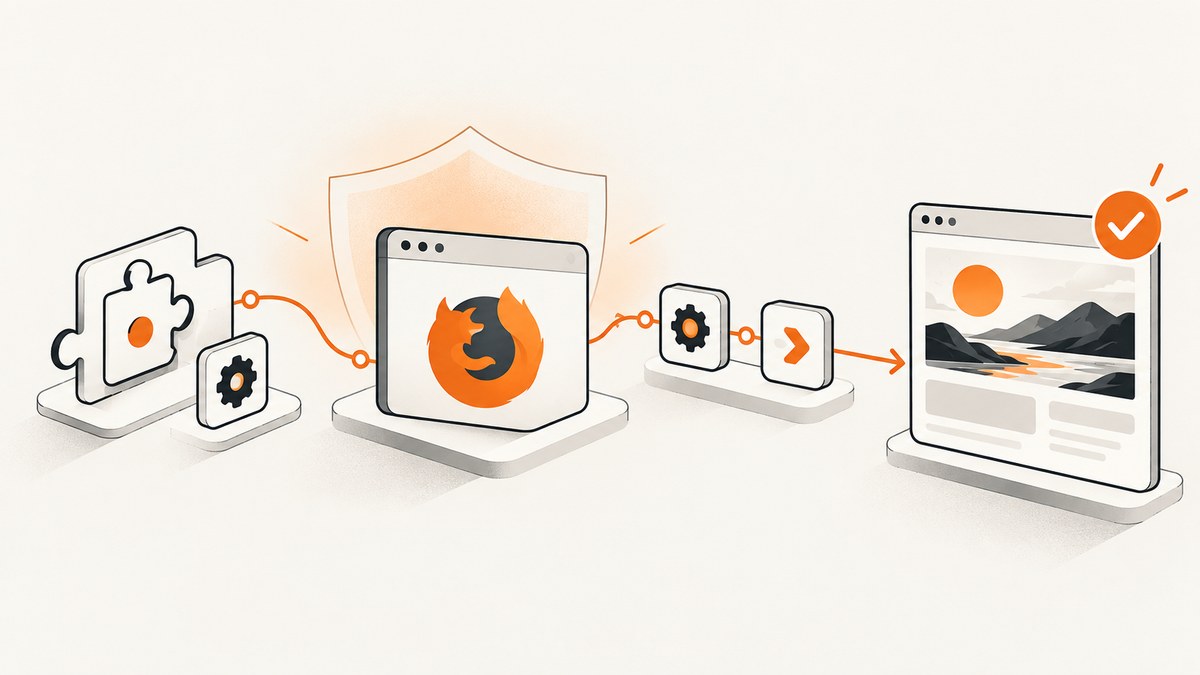
To finish Firefox runs with Playwright stealth plugins, launch Playwright’s bundled Firefox build, register the plugin before creating a page, navigate only after its hooks are installed, and remove evasions that assume Chromium. Add explicit readiness checks and always close the context and browser in a finally block.
Playwright’s Firefox build is patched and tracks recent Firefox Stable. The official documentation says branded, consumer-installed Firefox is unsupported because Playwright relies on those patches. Use the supported Playwright browser build unless you have verified a custom executable path for your exact setup.
What “finish” means in a Firefox stealth run
A run can fail in several different ways:
- The browser process never starts or exits immediately.
- Navigation reaches a document but your wait condition never becomes true.
- A stealth evasion throws because it expects a Chrome user-agent or API.
- A bot challenge loops, so the script appears to hang.
- The task completes but leaves Firefox processes running.
Stealth is only one variable. A reliable script separates browser startup, page readiness, application actions, and cleanup so you can identify which stage failed.
Supported setup and package choices
Install Playwright, download its browsers, and add a Playwright-compatible stealth integration. The playwright-extra package exposes browser-specific instances and plugin registration. Its README documents the popular puppeteer-extra-plugin-stealth integration but also notes that the plugin is optimized for Chromium-based browsers. Treat Firefox support as evasion-by-evasion compatibility, not as a guarantee.
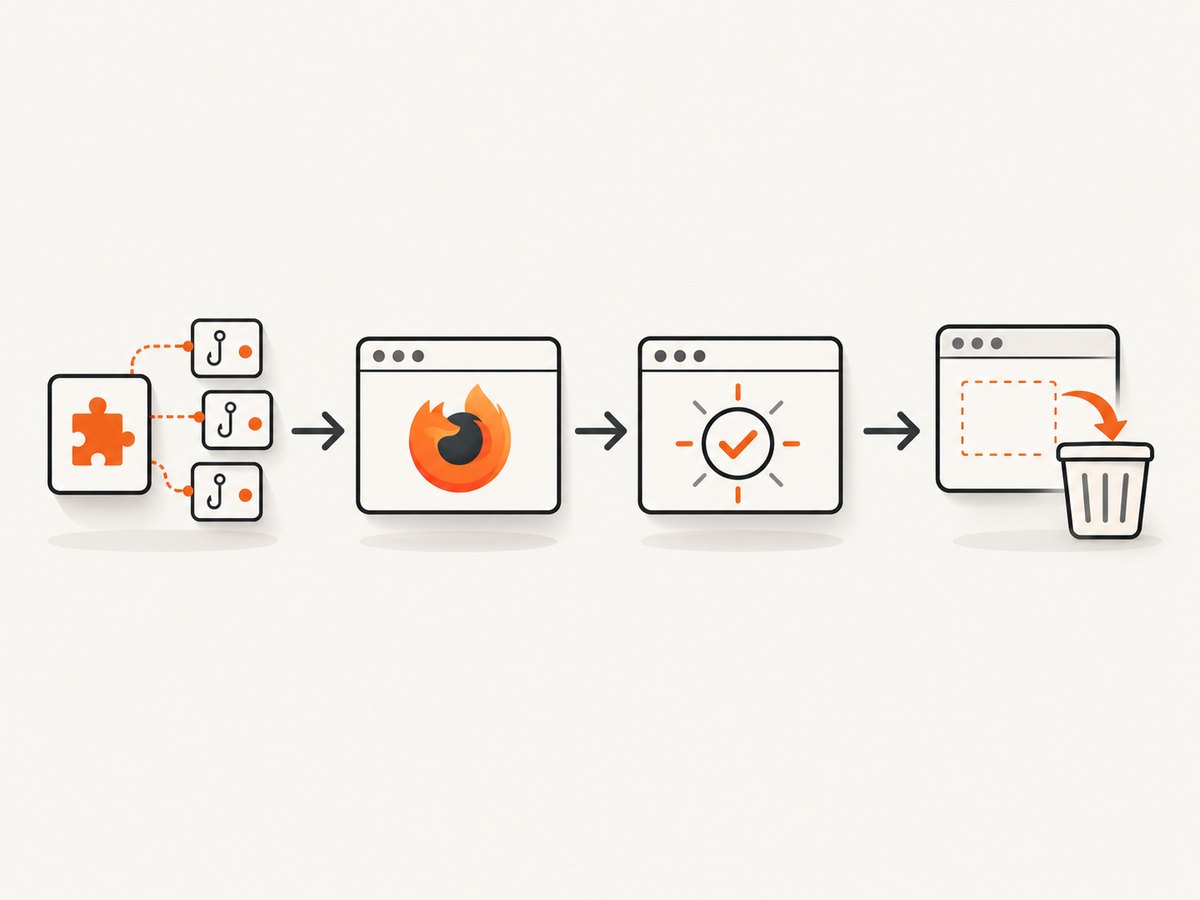
npm install playwright playwright-extra puppeteer-extra-plugin-stealth
npx playwright install firefox
Use the exact package versions recorded in your lockfile. When a run changes behavior, record Node.js, Playwright, playwright-extra, and stealth-plugin versions together with the Firefox revision.
Minimal Firefox run with hooks installed before navigation
This integration pattern follows the documented browser-specific API. It is intentionally small so you can first prove that Firefox starts and the page reaches a deterministic readiness point.
import { firefox } from 'playwright-extra'
import StealthPlugin from 'puppeteer-extra-plugin-stealth'

firefox.use(StealthPlugin())

const browser = await firefox.launch({ headless: true })
let context
try {
  context = await browser.newContext({
    viewport: { width: 1365, height: 900 },
  })
  const page = await context.newPage()
  page.setDefaultNavigationTimeout(45_000)
  page.setDefaultTimeout(15_000)

  page.on('console', message => {
    console.log(`[console:${message.type()}] ${message.text()}`)
  })
  page.on('pageerror', error => {
    console.error('pageerror:', error)
  })

  await page.goto('https://example.com', {
    waitUntil: 'domcontentloaded',
    timeout: 45_000,
  })
  await page.locator('body').waitFor({ state: 'visible', timeout: 15_000 })

  console.log('finished:', await page.title())
} finally {
  await context?.close()
  await browser.close()
}
Register the plugin before launch, create the context and page after launch, and call goto only after those steps. Some wrappers also document waiting for page-level hooks before the first navigation. If your chosen wrapper has such a method, follow its current API before loading the target URL.
Use a readiness signal instead of an arbitrary sleep
waitUntil: 'domcontentloaded' means the initial HTML has been parsed. It does not mean that a single-page application has rendered, that data requests have finished, or that a challenge has cleared. Prefer a signal owned by the application:
await page.goto(url, { waitUntil: 'domcontentloaded' })
await page.locator('[data-testid="app-ready"]').waitFor({ state: 'visible' })

// Or wait for a known response, then assert the rendered state.
await page.waitForResponse(response =>
  response.url().includes('/api/session') && response.ok()
)
await page.locator('main').waitFor({ state: 'visible' })
Use a bounded delay only when the page has no observable readiness signal:
await page.waitForTimeout(1_500) // last resort; keep it short and explicitA timeout on networkidle is not proof that stealth failed. Analytics, long polling, advertisements, and challenge scripts can keep the network active indefinitely.
Firefox-specific stealth problems
Chrome version assumptions
A documented Firefox issue showed a user-agent-override evasion attempting to parse a Chrome-style version from Firefox Headless. The issue report states that disabling that evasion allowed a PDF download flow to proceed. If one evasion throws, disable only that evasion first and rerun the same task.
Chromium-only APIs and identity strings
The popular stealth plugin contains evasions written with Chromium assumptions. A plugin can register on the Firefox object while an individual evasion still changes the wrong API, expects a Chrome version, or modifies a property Firefox exposes differently. Start with the smallest supported set and add evasions one at a time.
Branded Firefox executable
Playwright relies on patched browser binaries. The official documentation explicitly says that branded Firefox is unsupported. If your code passes an executable path to a system Firefox installation, remove it and run npx playwright install firefox so the Playwright-managed revision is used.
Site-specific challenges
Detection systems vary by site, account, network, and time. An issue report describes a Cloudflare challenge failing repeatedly with Playwright plus stealth while the reporter said Puppeteer plus stealth succeeded under comparable headful conditions. That report is anecdotal and does not isolate a cause. Treat it as a debugging lead, not a success-rate benchmark.
Reduce the evasion set when Firefox hangs or crashes
Do not assume the default bundle is appropriate for Firefox. Keep a short experiment log and compare one variable at a time:
- Run plain Playwright Firefox without stealth.
- Run the plugin with its default set.
- Disable the suspected evasion, especially user-agent or Chrome-version overrides.
- Compare headless and headful mode.
- Compare the bundled browser with any custom executable only after the supported path works.
Keep the URL, timeout, plugin list, browser revision, and first failing event in each record. This makes a reproducible issue instead of a vague “stealth does not work” report.
Diagnostics that show where completion stops
Capture a screenshot and HTML at the failure point
try {
  await page.goto(url, { waitUntil: 'domcontentloaded', timeout: 45_000 })
  await page.locator('[data-testid="app-ready"]').waitFor({ timeout: 15_000 })
} catch (error) {
  await page.screenshot({ path: 'firefox-failure.png', fullPage: true })
  console.error('url:', page.url())
  console.error('title:', await page.title().catch(() => 'unavailable'))
  console.error('error:', error)
  throw error
}
Record browser and package details
Log the Playwright version, Firefox revision, Node.js version, operating system, headless setting, plugin and evasion list, URL, navigation timeout, readiness condition, and network or proxy configuration. Include the first console error and the first page error, not just the final timeout message.
Use tracing for multi-step tasks
await context.tracing.start({ screenshots: true, snapshots: true })
try {
  await page.goto(url, { waitUntil: 'domcontentloaded' })
  await page.locator('[data-testid="app-ready"]').waitFor()
} finally {
  await context.tracing.stop({ path: 'firefox-trace.zip' })
}
Open the trace after a failure to see actions, snapshots, network timing, and screenshots. Keep tracing enabled for a minimal reproduction, then disable it for normal high-volume runs.
Timeouts, retries, and cleanup
Set navigation and action timeouts explicitly. A retry should create a fresh context so cookies, storage, and a partially completed challenge do not leak into the next attempt.
async function runOnce(browser, url) {
  const context = await browser.newContext()
  const page = await context.newPage()
  page.setDefaultNavigationTimeout(45_000)
  page.setDefaultTimeout(15_000)
  try {
    await page.goto(url, { waitUntil: 'domcontentloaded' })
    await page.locator('main').waitFor({ state: 'visible' })
    return await page.title()
  } finally {
    await context.close()
  }
}

const browser = await firefox.launch({ headless: true })
try {
  let lastError
  for (let attempt = 1; attempt <= 2; attempt++) {
    try {
      console.log(await runOnce(browser, 'https://example.com'))
      lastError = undefined
      break
    } catch (error) {
      lastError = error
      console.error(`attempt ${attempt} failed`, error)
    }
  }
  if (lastError) throw lastError
} finally {
  await browser.close()
}
Retry only transient failures such as connection resets or a temporary upstream error. Repeating a deterministic selector failure hides the real bug and adds load to the target.
Performance and reliability considerations
- Browser reuse: Reuse one browser process for several isolated contexts when safe. Context creation is cheaper than starting Firefox repeatedly, while cookies and storage remain separated.
- Concurrency: Increase parallel pages gradually. CPU, memory, target throttling, and challenge systems can make high concurrency slower.
- Headless versus headful: Headful mode can change timing and rendering, but it is not a universal solution for detection. Compare modes with the same URL, profile, and network.
- Persistent profiles: A persistent context can preserve login state, but it also preserves cookies and challenge state. Use a clean profile for diagnosis.
- Network variance: Run the same script from another network or IP when investigating a challenge. A timeout may be caused by reputation or rate limiting rather than browser code.
- Version cadence: Keep Playwright and the plugin pinned, update deliberately, and rerun a small Firefox compatibility suite after upgrades.
Common errors and fixes
| Symptom | Likely cause | Fix |
|---|---|---|
Executable doesn't exist |
Firefox was not installed for the current Playwright version. | Run npx playwright install firefox and use the bundled binary. |
| Browser launches, then closes | Launch failure, incompatible flag, or an exception before cleanup. | Run headful once, remove custom flags, and log the original exception before finally. |
Timeout waiting for networkidle |
Long polling, analytics, ads, or a challenge keeps requests open. | Use domcontentloaded plus an application selector or response. |
| User-agent parsing error | A Chromium-oriented evasion sees a Firefox identity string. | Disable that evasion and test the remaining set. |
| Challenge loops | Site-specific detection, network reputation, or unsupported evasion. | Compare plain Firefox, reduced stealth, headful mode, and another network; do not claim universal stealth success. |
| Orphaned Firefox processes | Missing cleanup after navigation or assertion failure. | Close contexts and the browser in nested finally blocks. |
| Page is blank | Navigation completed before client rendering, or a script failed. | Capture console and page errors, wait for the app selector, and inspect a trace. |
Or skip the browser setup
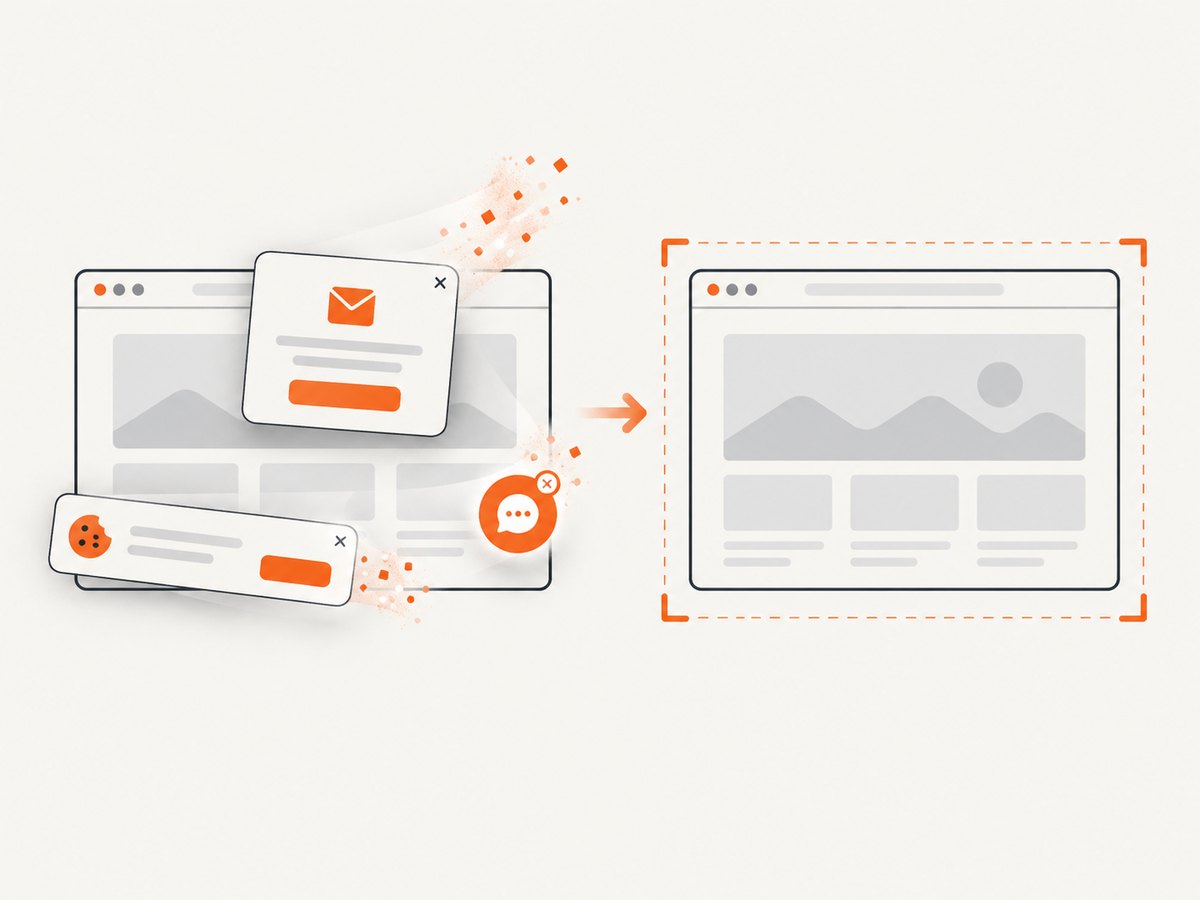
If your goal is a clean image or PDF rather than browser-level interaction, ScreenshotNeo provides a single screenshot API request. It accepts consent banners as a visitor and removes more than 60 known consent platforms, newsletter popups, and chat widgets before capture; each step can be turned off. Bot checks and CAPTCHAs, blank pages, timeouts, failed loads, and cache hits are not billed, and the response identifies the result with X-Page-Verdict and X-Billed headers. ScreenshotNeo also provides an MCP server with take_screenshot, get_page_info, and capture_pdf tools for Claude, Cursor, and other MCP clients.
See the ScreenshotNeo API documentation for all options. This one-call example targets the same kind of page capture without installing Firefox:
curl -G "https://api.screenshotneo.com/v1/shot" -d access_key=YOUR_API_KEY --data-urlencode url=https://stripe.com -o shot.webpimport requests
r = requests.get("https://api.screenshotneo.com/v1/shot", params={"access_key": "YOUR_API_KEY", "url": "https://stripe.com"}, timeout=90)
open("shot.webp", "wb").write(r.content)const q = new URLSearchParams({ access_key: 'YOUR_API_KEY', url: 'https://stripe.com' });
const res = await fetch(`https://api.screenshotneo.com/v1/shot?${q}`);Relevant capture options include full-page screenshots with lazy images loaded, CSS-selector element capture, dark mode, 12 device presets or any viewport, retina scale, PDF paper sizes and margins, custom CSS and JavaScript, click and hide selectors, waits for selectors, delays or network idle, blocked ads or resource types, custom headers, cookies, user agents and authorization, timezone and geolocation, transparent backgrounds, resizing, configurable caching TTL, signed links, asynchronous jobs with signed webhooks, bulk capture for up to 100 URLs per call, and a usage API. Parameter names used by other screenshot APIs also work, which helps when switching.
The Free plan includes 1,000 screenshots each month with no card. Paid plans start at $5 for 3,000 screenshots; yearly billing gives two months free, and every feature is available on every plan. Create a free ScreenshotNeo account and start with the 1,000 monthly screenshots.
What stealth can and cannot promise
Stealth plugins reduce common automation signals; they do not guarantee that every detector or challenge will accept a Firefox run. The stealth README describes detection avoidance as an ongoing cat-and-mouse problem. Report results with the URL, date, browser build, plugin version, network, headless setting, and evasion list. Do not turn one local pass into a universal claim.
FAQ
Should I use installed Firefox or Playwright Firefox?
Use Playwright’s bundled, patched Firefox build. Branded Firefox is explicitly unsupported by Playwright.
Does registering a stealth plugin guarantee Firefox compatibility?
No. The commonly used plugin is Chromium-oriented, so individual evasions can fail or behave differently in Firefox.
Is a navigation timeout proof that stealth failed?
No. The page may never satisfy your wait condition, may be blocked by a challenge, or may have long-lived requests. Add a deterministic readiness check and diagnostics.
When should I use a persistent context?
Use one when a task genuinely needs saved login state. Use a clean context while diagnosing detection, cookies, or challenge loops.
Can I claim a Firefox stealth pass rate?
Only from a controlled, dated benchmark you ran and can describe. The researched sources provide no authoritative success-rate statistic.


