How to Enable High Contrast Mode in Firefox Playwright Tests
Use Playwright to test Firefox forced colors, prefers-contrast, and native High Contrast Mode with deterministic CI examples and accessibility checks.

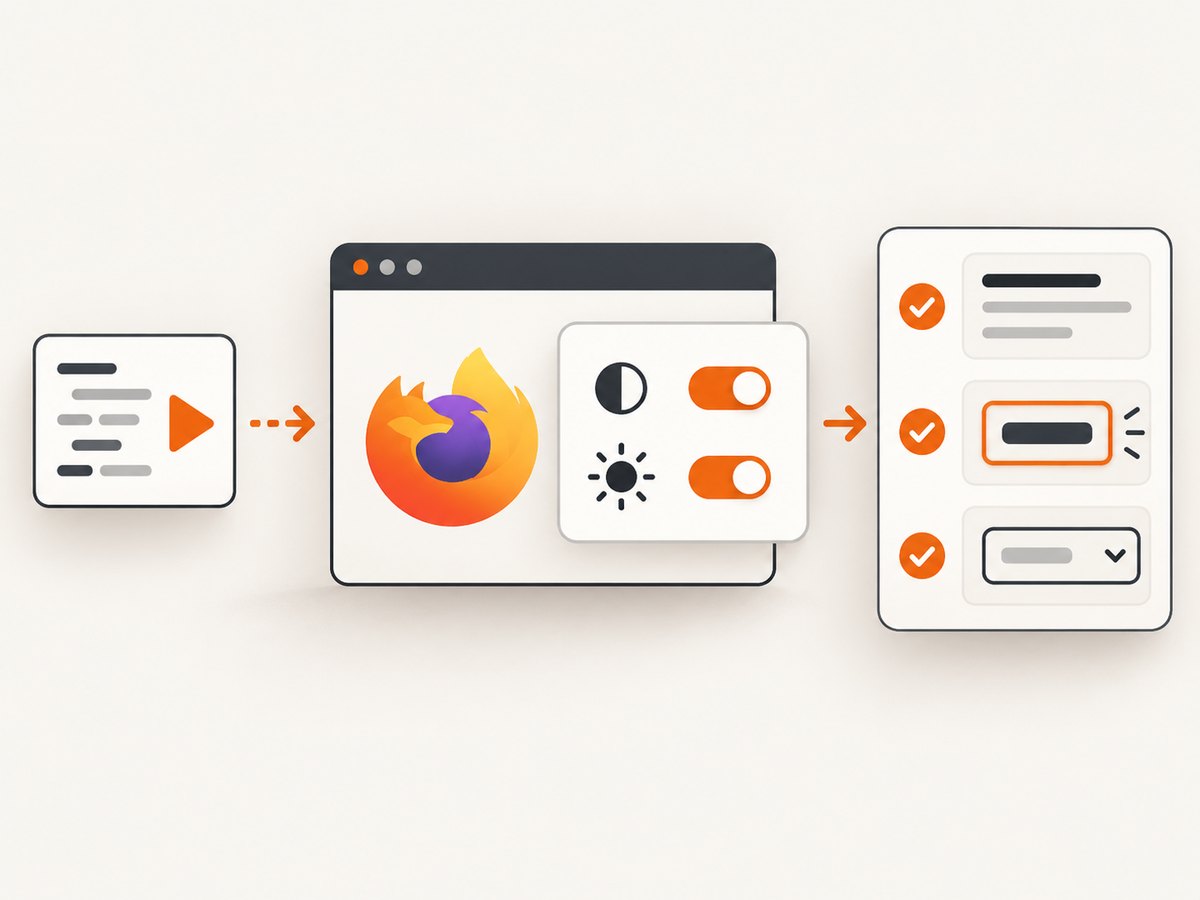
Direct answer: Configure a Firefox Playwright project with forcedColors: 'active' to emulate the forced-colors: active media query, and add contrast: 'more' when your CSS has a prefers-contrast: more branch. For Firefox’s native High Contrast Mode (HCM) preference, launch Firefox with browser.display.document_color_use: 2. These paths test related behavior, but they are not interchangeable.
import { test, expect } from '@playwright/test';

test.use({
  browserName: 'firefox',
  forcedColors: 'active',
  contrast: 'more',
});

test('high contrast rendering', async ({ page }) => {
  await page.goto('/');
  await expect(page).toHaveCSS('forced-color-adjust', 'auto');
});
Playwright documents both media-emulation fields for browser contexts and Playwright Test configuration; the TestOptions reference marks them as available from version 1.50. See the Playwright Test options documentation and the browser context API. Mozilla’s guidance explains how Firefox handles forced-colors, prefers-contrast, system colors, and forced-color-adjust.
1. Understand the two contrast signals
There are two separate questions your application may need to answer:
| Signal | What it represents | Playwright setting | Typical CSS |
|---|---|---|---|
forced-colors |
The browser or operating system restricts the page to a user-selected palette. | forcedColors: 'active' |
@media (forced-colors: active) |
prefers-contrast |
The user requests a stronger or weaker contrast presentation. | contrast: 'more' |
@media (prefers-contrast: more) |
Firefox HCM can cause both queries to match. A component may therefore enter a forced-colors branch, a prefers-contrast branch, or both. Test each branch deliberately instead of assuming one setting covers all accessibility behavior.
In forced-colors mode, Firefox can replace author-specified colors with system colors. Mozilla recommends semantic system colors such as Canvas, CanvasText, ButtonFace, and ButtonText. An element with forced-color-adjust: none opts out of this replacement and needs explicit regression coverage.
2. Add a Firefox Playwright project
Keep the contrast configuration in a named project so ordinary browser tests remain readable and your CI report shows exactly which accessibility mode failed.
// playwright.config.ts
import { defineConfig, devices } from '@playwright/test';

export default defineConfig({
  testDir: './tests',
  projects: [
    {
      name: 'firefox-hcm-emulation',
      use: {
        ...devices['Desktop Firefox'],
        browserName: 'firefox',
        forcedColors: 'active',
        contrast: 'more',
      },
    },
  ],
});
Install Playwright and its browsers in a new project with:
npm install -D @playwright/test
npx playwright install firefox
Pin the Playwright package and browser revision in CI. The available option set and browser behavior can change between versions, so a lockfile makes failures reproducible.
3. Write outcome-focused tests
A media query matching is only a configuration check. Your useful tests verify that people can read and operate the page.
Check the active media queries
import { test, expect } from '@playwright/test';

test.use({ browserName: 'firefox', forcedColors: 'active', contrast: 'more' });

test('Firefox reports the requested contrast modes', async ({ page }) => {
  await page.goto('/settings');

  const state = await page.evaluate(() => ({
    forced: matchMedia('(forced-colors: active)').matches,
    more: matchMedia('(prefers-contrast: more)').matches,
  }));

  expect(state.forced).toBe(true);
  expect(state.more).toBe(true);
});
Check readability and focus
test('text, controls, and focus remain visible', async ({ page }) => {
  await page.goto('/checkout');

  await expect(page.getByRole('heading', { name: 'Checkout' })).toBeVisible();
  await expect(page.getByRole('button', { name: 'Pay now' })).toBeVisible();

  const pay = page.getByRole('button', { name: 'Pay now' });
  await pay.focus();
  await expect(pay).toBeFocused();

  const focusStyle = await pay.evaluate((el) => {
    const style = getComputedStyle(el);
    return {
      outlineStyle: style.outlineStyle,
      outlineWidth: style.outlineWidth,
      forcedColorAdjust: style.forcedColorAdjust,
    };
  });

  expect(focusStyle.outlineStyle).not.toBe('none');
  expect(focusStyle.outlineWidth).not.toBe('0px');
});
Test system colors and intentional opt-outs
test('custom forced-color exception is deliberate', async ({ page }) => {
  await page.goto('/charts');

  const chart = page.locator('[data-testid="chart"]');
  await expect(chart).toHaveCSS('forced-color-adjust', 'none');

  // The chart must provide a non-color distinction, such as patterns or labels.
  await expect(page.getByText('Revenue')).toBeVisible();
});
Do not assert a particular RGB value in forced-colors mode. The browser may map your palette to platform colors. Assert visibility, focus, borders, labels, and the semantic behavior users need.
4. Emulate only the preference you need
If your product has a prefers-contrast stylesheet but does not depend on forced palette replacement, use a separate test:
import { test, expect } from '@playwright/test';

test.use({
  browserName: 'firefox',
  contrast: 'more',
});

test('high contrast preference changes spacing and borders', async ({ page }) => {
  await page.goto('/profile');
  await expect(page.locator('.profile-card')).toHaveClass(/contrast-more/);
});
Keeping this as a separate project tells you whether a failure belongs to preference-aware styling or to forced palette behavior.
5. Exercise Firefox’s native HCM preference
Playwright media emulation is usually the most deterministic CI check. When you need Firefox-specific behavior, launch Firefox with its documented preference:
import { firefox } from 'playwright';

const browser = await firefox.launch({
  firefoxUserPrefs: {
    'browser.display.document_color_use': 2,
  },
});

const page = await browser.newPage();
await page.goto('http://localhost:3000');
console.log(await page.evaluate(() => ({
  forced: matchMedia('(forced-colors: active)').matches,
  more: matchMedia('(prefers-contrast: more)').matches,
})));
await browser.close();
Firefox defines browser.display.document_color_use as 0 (follow platform settings), 1 (force HCM off), and 2 (force HCM on). Use this path when a bug appears only in Firefox’s own HCM implementation, then retain the emulation test for a stable regression case.
6. CSS patterns that survive forced colors
Use semantic colors for controls and text:
@media (forced-colors: active) {
  :root {
    color-scheme: only light;
  }

  body {
    background: Canvas;
    color: CanvasText;
  }

  button,
  input,
  select {
    background: ButtonFace;
    color: ButtonText;
    border: 1px solid ButtonText;
  }

  a {
    color: LinkText;
  }

  :focus-visible {
    outline: 2px solid Highlight;
    outline-offset: 2px;
  }
}

@media (prefers-contrast: more) {
  .card {
    border-width: 2px;
  }
}
Never communicate status only through color. Pair color with text, an icon with an accessible name, a pattern, or a shape. Review disabled controls, selected tabs, validation errors, charts, drag handles, and focus rings because these commonly disappear when a palette is replaced.
7. A practical test matrix
| Case | Configuration | What to verify |
|---|---|---|
| Default Firefox | No contrast options | Baseline layout and visual behavior. |
| Forced colors | forcedColors: 'active' |
System colors, borders, focus, and non-color cues. |
| More contrast | contrast: 'more' |
Preference-specific CSS and component density. |
| Both | Both options enabled | Interaction between your two CSS branches. |
| Native Firefox HCM | document_color_use: 2 |
Firefox-specific palette replacement behavior. |
8. Troubleshooting common failures
The option is rejected as unknown
Cause: Your Playwright version predates the option, or the option is in the wrong object. Fix: Upgrade and pin @playwright/test to a version that supports the fields (the TestOptions reference lists them from 1.50), then put them under use or pass them to browser.newContext().
forced-colors is active but the page looks unchanged
Cause: Your page may not define a forced-colors branch, or the browser is replacing colors without changing layout. Fix: Assert matchMedia, inspect computed styles, and check controls and focus states rather than expecting a screenshot to change dramatically.
prefers-contrast: more never matches
Cause: Only forcedColors was configured, or the CSS query uses a different value. Fix: Add contrast: 'more' to the same context and verify the exact media query in page JavaScript.
Native HCM tests are flaky in CI
Cause: The host platform’s color settings, browser revision, or launch preferences differ. Fix: Pin Playwright and Firefox, set browser.display.document_color_use explicitly, and keep a separate emulation test for deterministic coverage.
A focus ring disappears
Cause: A reset sets outline: none, or the ring uses a color that is replaced. Fix: restore a visible outline with Highlight, increase its width, and assert the computed outline after focusing the element.
A chart becomes unreadable
Cause: Series are distinguished only by color, or an opt-out uses forced-color-adjust: none without an alternate encoding. Fix: add labels, patterns, markers, or a table, and test the exception explicitly.
9. Performance, reliability, and CI cost
Media emulation adds little work compared with launching Firefox and loading your application. Keep the contrast projects focused on accessibility-critical routes, reuse authenticated storage state where appropriate, and avoid screenshot assertions for every component. DOM assertions are generally faster and explain failures better.
Run the native-preference suite less often if it is expensive or platform-sensitive, while running the emulation suite on every pull request. Capture traces only on retry or failure. Parallelize independent routes, but avoid sharing a mutable browser context between tests.
For visual regression, use a fixed viewport, font set, device scale factor, and Firefox version. Forced-colors output can differ when the operating system palette differs, so treat screenshots as environment-specific artifacts.
10. Or skip the browser setup
If your goal is to capture a page in a repeatable service instead of maintaining browser infrastructure, ScreenshotNeo provides a single screenshot API request. It is useful after your Playwright checks when you need generated PNG, JPEG, WebP, or PDF assets.

curl -G "https://api.screenshotneo.com/v1/shot" -d access_key=YOUR_API_KEY --data-urlencode url=https://stripe.com -o shot.webpimport requests
r = requests.get("https://api.screenshotneo.com/v1/shot", params={"access_key": "YOUR_API_KEY", "url": "https://stripe.com"}, timeout=90)
open("shot.webp", "wb").write(r.content)const q = new URLSearchParams({ access_key: 'YOUR_API_KEY', url: 'https://stripe.com' });
const res = await fetch(`https://api.screenshotneo.com/v1/shot?${q}`);See the ScreenshotNeo API documentation for all options. Cookie banners, newsletter popups, and chat widgets are removed before the shot. Bot checks, blank pages, failed loads, timeouts, and cache hits are not billed; response headers identify the page verdict and whether it was billed. An MCP server provides take_screenshot, get_page_info, and capture_pdf tools for Claude, Cursor, and other MCP clients. The Free plan includes 1,000 screenshots a month with no card; paid plans start at $5 for 3,000 shots. Create a free ScreenshotNeo account.
FAQ
Does forcedColors: 'active' turn on every Firefox HCM behavior?
It emulates the forced-colors media feature. Use the Firefox preference launch path when you specifically need Firefox’s native HCM setting.
Should I test forced-colors and prefers-contrast together?
Test them separately when your CSS has separate branches, and add a combined case because Firefox HCM can make both queries match.
What does forced-color-adjust: none mean?
It opts an element out of the browser’s forced color replacement. The element then needs its own explicit contrast and non-color checks.
Can I use these settings with Chromium or WebKit?
The settings are Playwright media-emulation options, but this article targets Firefox behavior. Keep a Firefox project for the behavior you intend to guarantee and add other browsers according to their own support.
What is the smallest useful assertion?
Assert the intended media query, then verify visible text, controls, keyboard focus, and status information. A single screenshot or a single computed color is not enough.


