How to Fix Angular ChromeHeadless Unit Test Failures on Visual Studio Online
Fix Angular ChromeHeadless failures in Visual Studio Online with Karma settings, Azure Pipelines YAML, diagnostics, and CI reliability tips.
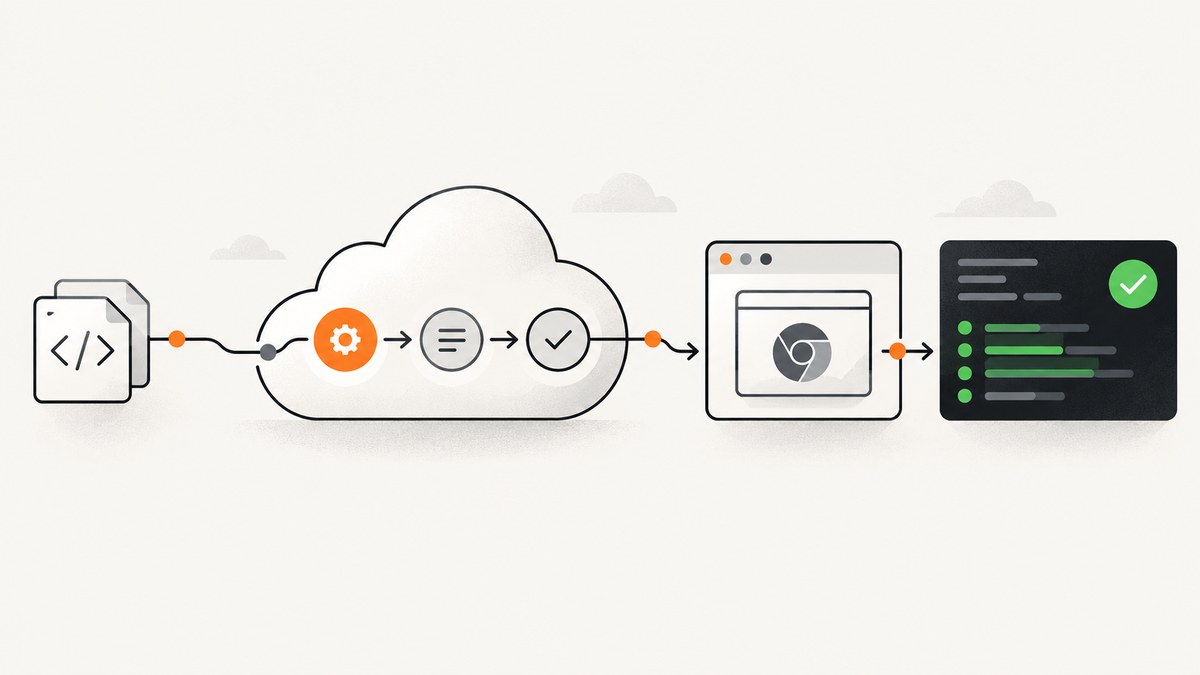
Angular unit tests commonly fail in Visual Studio Online (now Azure DevOps) when Karma starts a headed browser, stays in watch mode, or cannot find a Chrome binary. For a Karma-based Angular project, run:
ng test --no-watch --no-progress --browsers=ChromeHeadlessThe --no-watch and --no-progress flags make the CI run execute once and exit cleanly. Microsoft’s Azure Pipelines guidance also pairs ChromeHeadless with Karma’s singleRun: true.
1. Confirm which Angular test runner you use
This fix applies to Angular projects that use Karma and Jasmine, which is common in older Angular CLI projects. Check angular.json, your test target, and karma.conf.js.
cat angular.json
ls karma.conf.js
npm ls karma karma-chrome-launcher jasmine-core
If your project uses the newer Angular unit-test builder with Vitest, ChromeHeadless settings do not apply. Angular documents a separate Karma-to-Vitest migration path; do not migrate just to mask a browser provisioning problem.
2. Make the local command CI-safe
Run the explicit one-shot command locally before changing the pipeline:
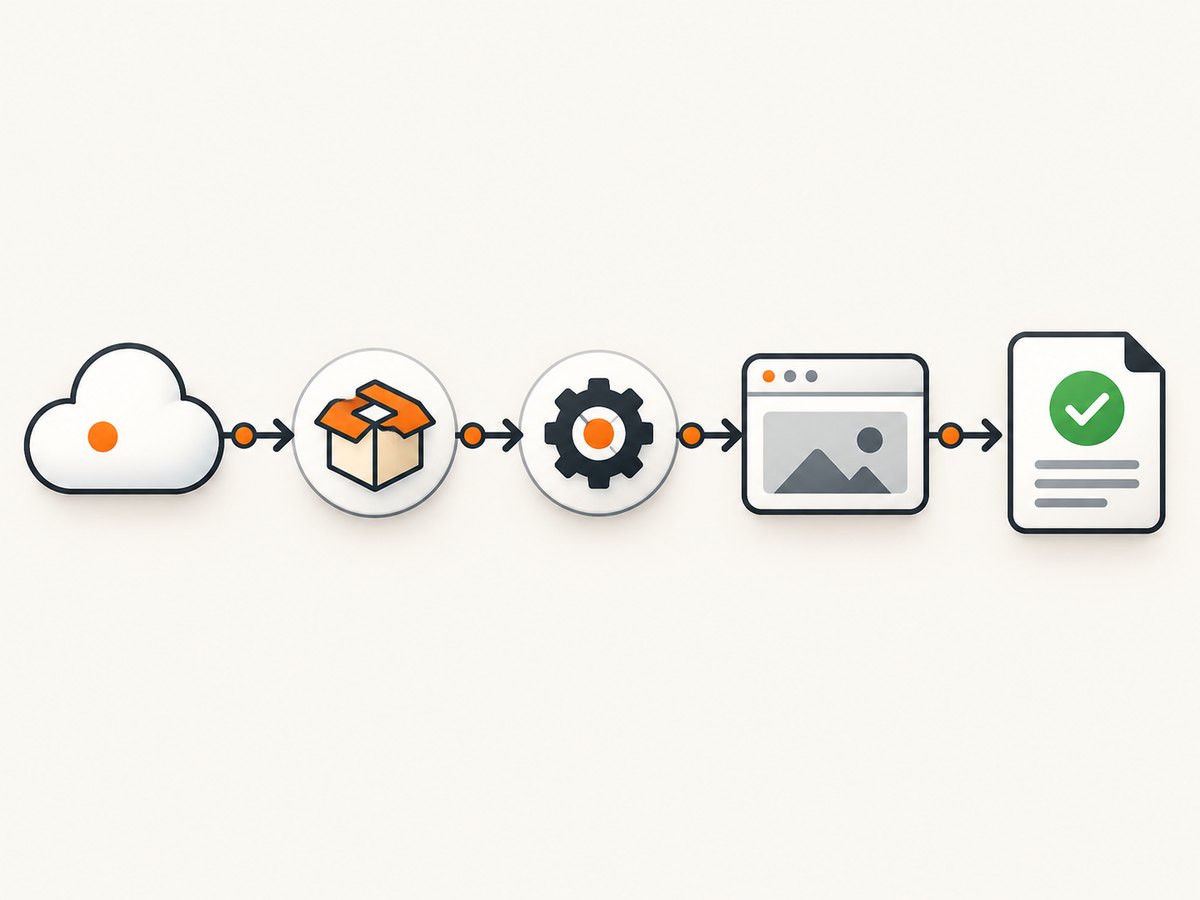
npm ci
ng test --no-watch --no-progress --browsers=ChromeHeadless
If this passes locally but fails in Visual Studio Online, the likely difference is the hosted agent’s browser installation, sandbox, display environment, or Node dependency cache.
3. Configure Karma for ChromeHeadless
In karma.conf.js, select the headless launcher and make Karma terminate after one run:
module.exports = function (config) {
  config.set({
    basePath: '',
    frameworks: ['jasmine', '@angular-devkit/build-angular'],
    plugins: [
      require('karma-jasmine'),
      require('karma-chrome-launcher'),
      require('karma-jasmine-html-reporter'),
      require('@angular-devkit/build-angular/plugins/karma')
    ],
    client: {
      clearContext: false
    },
    reporters: ['progress'],
    browsers: ['ChromeHeadless'],
    singleRun: true,
    restartOnFileChange: false,
    captureTimeout: 120000,
    browserDisconnectTolerance: 2,
    browserDisconnectTolerance: 2,
    browserNoActivityTimeout: 120000
  });
};
Keep only the options supported by your installed Karma version. If your existing file already contains Angular CLI defaults, change the browser and lifecycle settings rather than replacing the entire file.
When to add Chrome flags
Hosted Linux agents can fail when Chrome’s sandbox cannot initialize. Add flags only when the log identifies a sandbox or shared-memory problem:
customLaunchers: {
  ChromeHeadlessCI: {
    base: 'ChromeHeadless',
    flags: ['--no-sandbox', '--disable-dev-shm-usage']
  }
},
browsers: ['ChromeHeadlessCI']
--no-sandbox reduces isolation and should be limited to the controlled CI agent. It is not a general fix for assertion failures, Angular compilation errors, or a missing executable.
4. Use an Azure Pipelines job that installs dependencies and exits
A minimal YAML pipeline for a Linux hosted agent is:
trigger:
- main

pool:
  vmImage: ubuntu-latest

steps:
- task: NodeTool@0
  inputs:
    versionSpec: '20.x'
  displayName: Use Node.js

- script: npm ci
  displayName: Install dependencies

- script: ng test --no-watch --no-progress --browsers=ChromeHeadless
  displayName: Run Angular unit tests
  env:
    CI: true
If your project’s scripts or Angular version require a different Node release, match the version declared by the repository. Pinning the major version avoids a browser launcher or dependency change appearing unexpectedly on a hosted image.
Using the npm script
You can keep the command in package.json and call it from YAML:
{
  "scripts": {
    "test:ci": "ng test --no-watch --no-progress --browsers=ChromeHeadless"
  }
}
- script: npm run test:ci
displayName: Run Angular tests once5. Read the failure class before changing code
| Log symptom | Likely cause | First fix |
|---|---|---|
ChromeHeadless have not captured in 60000 ms |
Chrome did not launch, crashed, or could not connect | Verify the agent browser and launcher; increase timeout only after launch is confirmed |
Can not find Chrome binary |
Chrome or Chromium is absent, or CHROME_BIN points to a stale path |
Inspect the agent image and remove or correct the binary override |
Failed to move to new namespace or sandbox errors |
Chrome sandbox restrictions on the agent | Use a controlled CI launcher with --no-sandbox |
Disconnected during a run |
Browser crash, resource pressure, or a long-running test | Check memory and test duration; then tune disconnect and activity timeouts |
| Assertions fail but Chrome starts | Application or test failure | Fix the failing spec, fixture, compile error, or environment assumption |
| Pipeline never finishes | Watch mode or file-change restart remains enabled | Use --no-watch, --no-progress, singleRun: true, and restartOnFileChange: false |
6. Troubleshoot ChromeHeadless launch failures
Check the executable path
On Linux agents, inspect common browser variables and the executable:
echo "$CHROME_BIN"
command -v google-chrome || true
command -v chromium || true
node -e "console.log(process.platform, process.arch)"
If CHROME_BIN is set to a path that does not exist, unset it or set it to the browser installed on the agent. Do not guess a path from a different operating system.
Check dependency installation
Use npm ci with a committed lockfile. A partial install can omit karma-chrome-launcher or produce a launcher version that does not match Karma.
npm ls karma karma-chrome-launcher @angular-devkit/build-angular
npm ci
Increase timeouts only for slow startup
Timeouts can help a busy hosted agent, but they cannot install Chrome or repair a failing test. Start with:
captureTimeout: 120000,
browserNoActivityTimeout: 120000,
browserDisconnectTolerance: 2
Keep the values finite so a broken browser does not consume an agent indefinitely.
Capture useful CI diagnostics
Print versions and preserve the test log as a pipeline artifact:
node --version
npm --version
ng version
npm run test:ci 2>&1 | tee test-output.log
Compare the failing job with a passing local run: Node version, Angular CLI version, browser executable, operating system, and environment variables.
7. Common configuration mistakes
- Using
Chromein CI: a headed browser needs a graphical display. SelectChromeHeadless. - Leaving watch mode enabled: the process waits for file changes. Pass
--no-watchand disable file-change restarts. - Setting
singleRunto false: Karma stays alive after tests. Set it totruein CI. - Changing assertions for a launch error: browser connection messages occur before test assertions run.
- Mixing test runners: Vitest configuration will not fix a Karma launcher problem, and Karma options do not configure Vitest.
- Relying on a global Angular CLI: use the repository’s local CLI through
ngin npm scripts ornpx ngso versions stay aligned.
8. Reliability and performance practices
- Run
npm cifrom a lockfile and pin the Node major version. - Use one CI command that always disables watch mode and progress output.
- Keep browser startup diagnostics separate from assertion output.
- Split unusually large test suites only when the project’s test architecture supports it; the supplied Angular and Microsoft guidance does not publish a speed benchmark.
- Reserve longer timeouts for proven slow startup or heavy suites. Longer timeouts increase the time before a genuine failure is reported.
- Use a clean agent when investigating flaky browser state. Cache dependencies carefully and invalidate the cache when the lockfile changes.
9. When to consider Vitest
Angular documents migration from Karma to Vitest through the @angular/build:unit-test builder. Evaluate that change using browser requirements, CI process lifecycle, existing Jasmine/Karma compatibility, debugging workflow, and migration effort. Vitest migration is a separate project decision; it is not the first-line repair for a missing Chrome binary or a misconfigured headless launcher.
10. Or skip the browser setup
If your goal is to capture a rendered Angular page for a visual artifact or review, ScreenshotNeo can take the screenshot through one HTTP request. It does not run Angular unit tests or replace Karma; it removes the browser automation setup for screenshot capture.
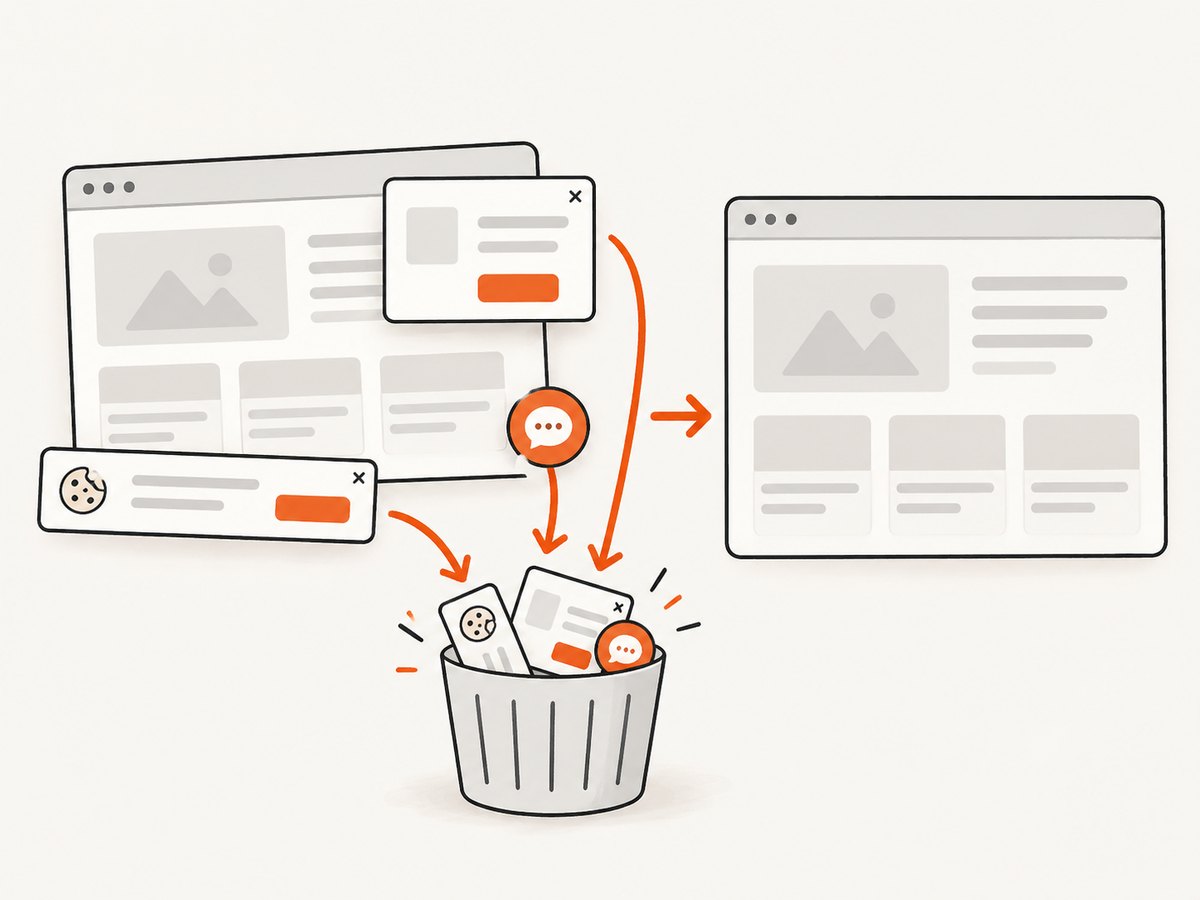
Before the capture, ScreenshotNeo accepts cookie and consent banners and removes more than 60 known consent platforms, newsletter popups, and chat widgets. Bot checks, blank pages, timeouts, failed loads, and cache hits are not billed, and response headers identify the page verdict and billing result. Its MCP server provides take_screenshot, get_page_info, and capture_pdf tools for Claude, Cursor, and other MCP clients. Every plan includes the features; 1,000 screenshots per month are free with no card, and paid plans start at $5 for 3,000 shots.
See the ScreenshotNeo API documentation for the request options.
cURL
curl -G "https://api.screenshotneo.com/v1/shot" -d access_key=YOUR_API_KEY --data-urlencode url=https://stripe.com -o shot.webpPython
import requests
r = requests.get("https://api.screenshotneo.com/v1/shot", params={"access_key": "YOUR_API_KEY", "url": "https://stripe.com"}, timeout=90)
open("shot.webp", "wb").write(r.content)
Node.js
const q = new URLSearchParams({ access_key: 'YOUR_API_KEY', url: 'https://stripe.com' });
const res = await fetch(`https://api.screenshotneo.com/v1/shot?${q}`);
Create a free ScreenshotNeo account with 1,000 screenshots a month and no card.
FAQ
Does ChromeHeadless run the same tests as Chrome?
It runs the browser-based Karma tests without a graphical interface. Browser-specific behavior can still differ, so investigate a genuine browser behavior failure separately from a launch failure.
Should I use --no-sandbox on every pipeline?
No. Add it only when the agent reports a sandbox initialization problem and use a controlled CI environment.
Why does increasing the timeout not fix the failure?
A timeout only gives a successfully starting browser more time. It cannot correct a missing executable, an invalid CHROME_BIN, or a crashed browser.
Can ScreenshotNeo replace Angular unit tests?
No. It captures web pages and PDFs. Karma or another test runner still executes Angular unit-test assertions.


