How to Fix Angular 6 dom-to-image’s “Can’t Convert HTML to Image” Error
Diagnose Angular 6 dom-to-image failures caused by timing, CORS, browser support, SSR, and production assets with runnable fixes.
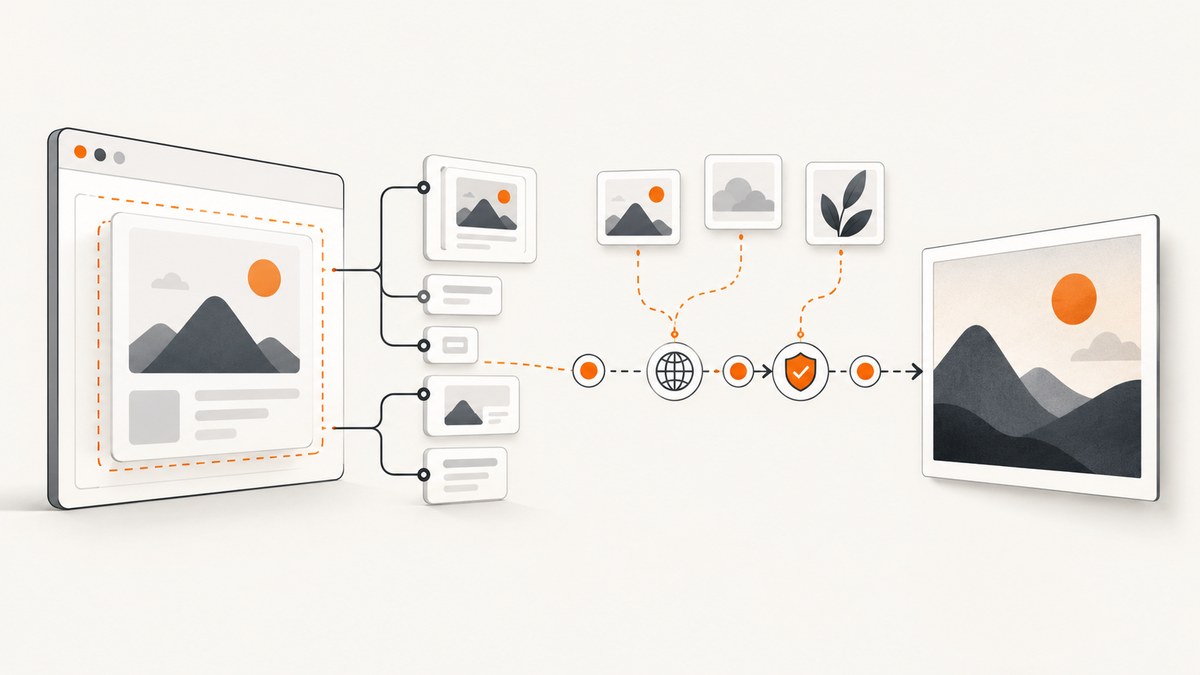
Short answer: Angular 6 is rarely the direct cause of dom-to-image’s “Can’t convert HTML to image” error. In production, first capture the complete exception, confirm the target element exists in the browser, then inspect failed image, font, stylesheet, and SVG requests for CORS or loading errors. Run capture only after Angular has rendered the view and its resources are ready. Do not run it during Angular Universal server rendering. If the same case still fails, test dom-to-image-more against the same browser and assets; it is a fork and possible compatibility alternative, not a way to bypass browser security.
1. Reproduce the failure with useful evidence
The original report calls domtoimage.toBlob(this.container.nativeElement), works locally, and fails in production where the element contains server-hosted images. That information makes remote assets a high-value lead, but it does not prove CORS is the root cause. The missing stack trace, browser version, package version, lifecycle context, and response headers are needed for a case-specific diagnosis.
- Open the production page in the browser where the failure occurs.
- Log the complete rejection object, not only its message.
- Keep DevTools’ Console and Network panels open while calling
toBlob(). - Check every non-2xx request and every image, font, stylesheet, SVG, and CSS background used by the target.
- Record the browser and version, Angular build mode, dom-to-image version, whether Angular Universal is enabled, and the response headers for remote assets.
capture(): void {
  const node = this.container?.nativeElement;
  if (!node) {
    console.error('Capture target is missing');
    return;
  }

  this.domToImage.toBlob(node)
    .then((blob: Blob) => {
      const url = URL.createObjectURL(blob);
      const link = document.createElement('a');
      link.href = url;
      link.download = 'component.png';
      link.click();
      URL.revokeObjectURL(url);
    })
    .catch((error: unknown) => {
      console.error('dom-to-image conversion failed', error);
    });
}
The original project documents that rendering depends on SVG <foreignObject>, browser security behavior, and browser support. Safari has security restrictions and Internet Explorer is unsupported in the original project. The dom-to-image-more README also describes browser-only rendering and warns that stylesheets inserted immediately before capture may not have their font rules available. See the original dom-to-image README and the dom-to-image-more README.
2. Make sure Angular has rendered the target
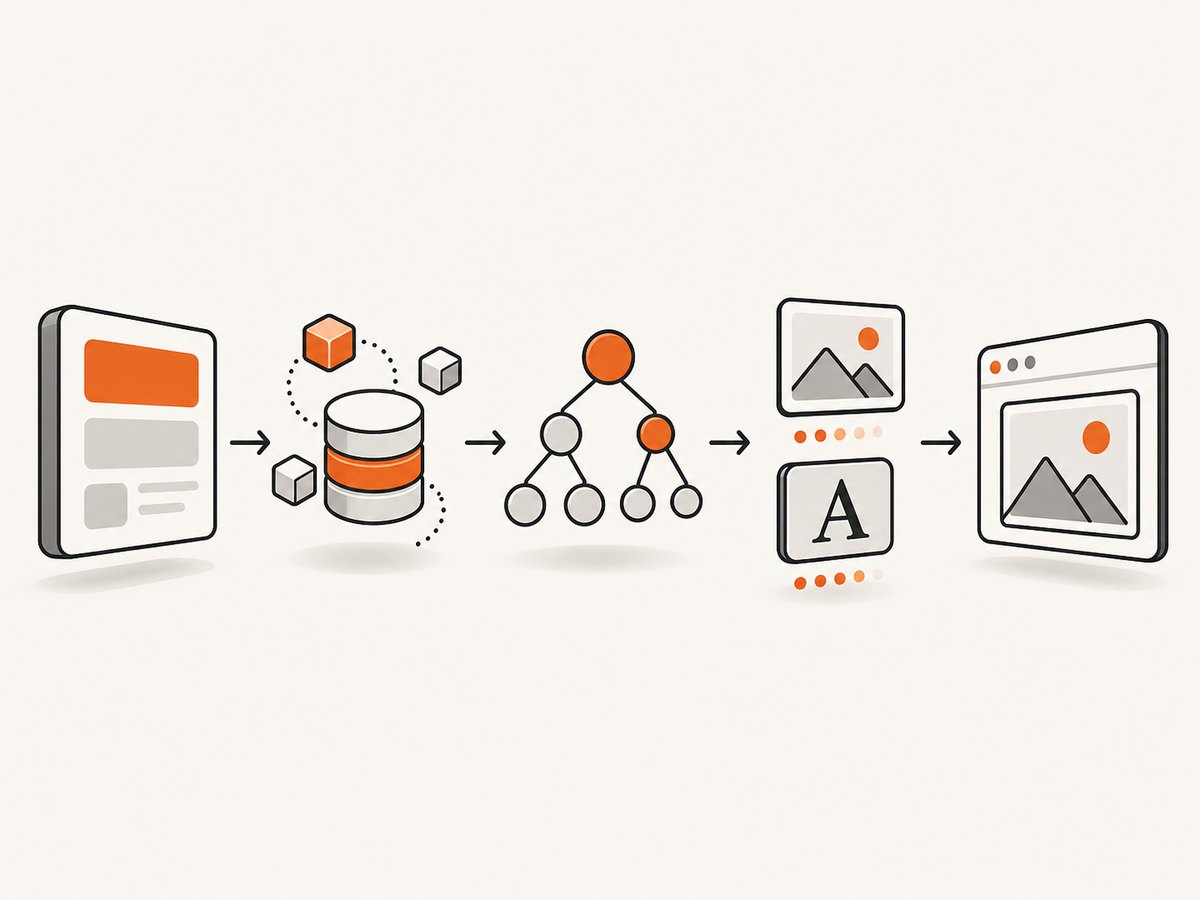
A ViewChild reference can be undefined, detached, or incomplete when capture starts. Capture from a user action after the view is visible, or schedule it after data binding and image loading finish.
import { AfterViewInit, ElementRef, ViewChild } from '@angular/core';
import domtoimage from 'dom-to-image';

export class ReportComponent implements AfterViewInit {
  @ViewChild('captureTarget', { static: false })
  captureTarget!: ElementRef<HTMLElement>;

  ngAfterViewInit(): void {
    // Do not capture here if the component still loads data or images.
  }

  async saveImage(): Promise<void> {
    const element = this.captureTarget.nativeElement;
    await this.waitForImages(element);
    const blob = await domtoimage.toBlob(element);
    const url = URL.createObjectURL(blob);
    const a = document.createElement('a');
    a.href = url;
    a.download = 'report.png';
    a.click();
    URL.revokeObjectURL(url);
  }

  private async waitForImages(root: HTMLElement): Promise<void> {
    const images = Array.from(root.querySelectorAll('img'));
    await Promise.all(images.map((img) => {
      if (img.complete) return Promise.resolve();
      return new Promise<void>((resolve) => {
        img.addEventListener('load', () => resolve(), { once: true });
        img.addEventListener('error', () => resolve(), { once: true });
      });
    }));
  }
}
For content that arrives after a click, wait until the request completes and Angular has applied the resulting bindings. A small delay can help reveal a race, but it does not repair an inaccessible asset or an unsupported browser.
3. Fix cross-origin images, fonts, and stylesheets
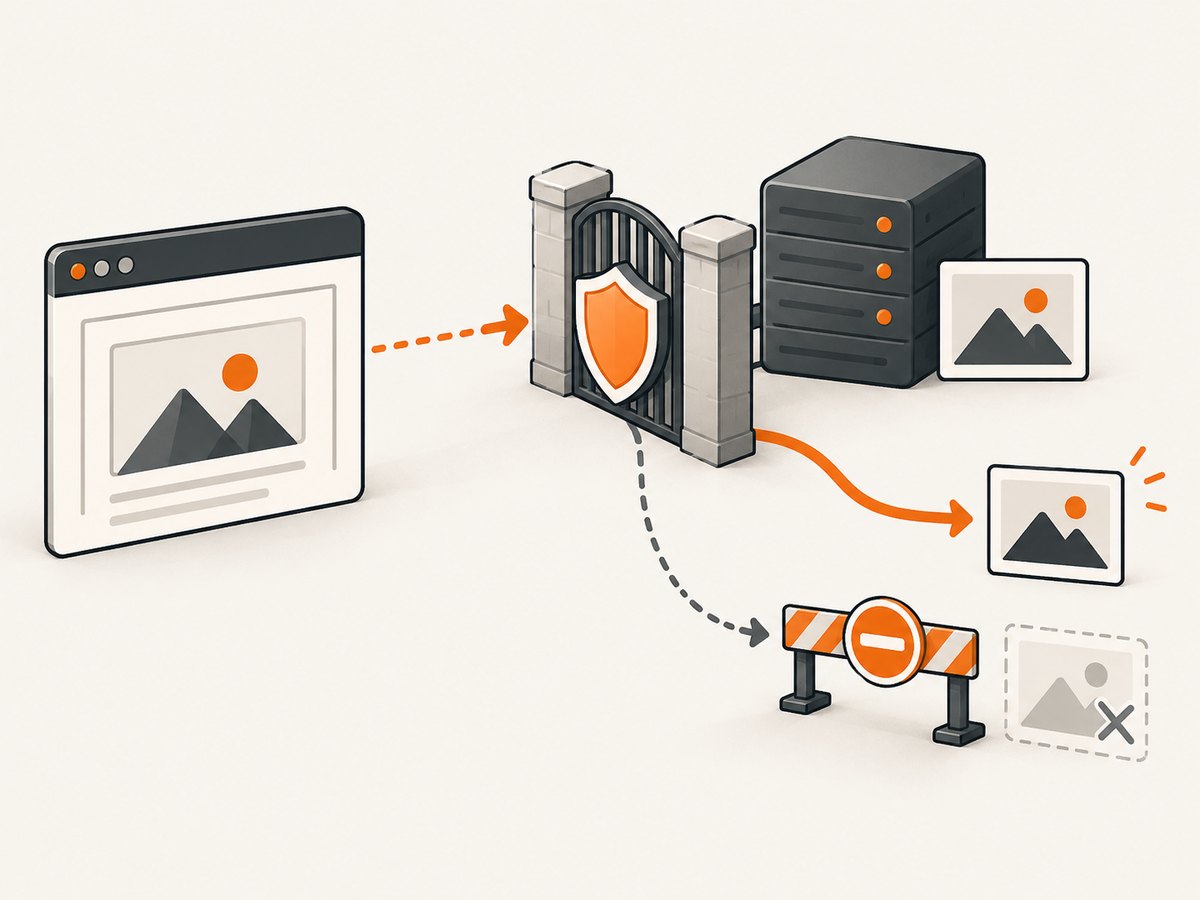
Browsers enforce CORS when a DOM serializer fetches a resource from another origin. If an image server does not return an Access-Control-Allow-Origin header authorizing your application origin, the capture can reject or omit the image. A JavaScript option cannot override that policy.
Inspect the response
curl -I https://assets.example.com/chart.pngLook for the status code, redirects, authentication requirements, and an appropriate Access-Control-Allow-Origin value. Ask the asset owner to authorize your exact origin, or serve the resource through an authorized same-origin backend route. Do not add mode: 'no-cors'; an opaque response cannot be safely read into the generated image.
Check all resource types
- Images:
<img>, CSSbackground-image, SVG image references, and generated canvas content. - Fonts: cross-origin
@font-facefiles can fail even when the page itself renders. - Stylesheets: external CSS must be reachable and available when serialization starts.
- Redirects: the final host also needs the correct headers.
- Credentials: cookie-protected assets need a server design that permits the required origin and credentials.
The dom-to-image-more project tracks a remote-image CORS failure in issue #14. Its lesson applies to either package: changing the client library does not grant access to a server that withholds permission.
4. Keep capture in the browser
dom-to-image reads browser DOM and computed styles. It cannot run where there is no document, including Angular Universal server code, plain Node.js, or a build step. Guard browser-only code with Angular’s platform check and invoke it from a client-side lifecycle point or event.
import { Inject, PLATFORM_ID } from '@angular/core';
import { isPlatformBrowser } from '@angular/common';

constructor(@Inject(PLATFORM_ID) private platformId: object) {}

async saveImage(): Promise<void> {
  if (!isPlatformBrowser(this.platformId)) {
    throw new Error('Image capture must run in a browser');
  }
  // Import or call dom-to-image here after the view is ready.
}
Lazy-loading the package can also prevent a server bundle from evaluating browser-only code:
async saveImage(): Promise<void> {
  if (!isPlatformBrowser(this.platformId)) return;
  const domtoimage = (await import('dom-to-image')).default;
  const blob = await domtoimage.toBlob(this.captureTarget.nativeElement);
  // Save blob...
}
5. Check browser and rendering limits
These libraries serialize the element and render it through browser mechanisms. Verify the actual production browser before blaming Angular 6. Test a minimal same-origin element first, then add complexity one item at a time.
- Remove remote images temporarily.
- Replace web fonts with a system font.
- Remove complex SVG and canvas nodes.
- Try a smaller element instead of a very large full-page tree.
- Test in a Chromium-based browser if the production browser is Safari or an older engine.
- Confirm the element is visible and has non-zero width and height.
The original README identifies Internet Explorer as unsupported and Safari as restricted. dom-to-image-more describes Safari as unreliable or unsupported. These are documented project limitations, not a guarantee about every browser release.
6. Use the supported conversion methods and options
The common methods are toBlob, toPng, toJpeg, and toPixelData. Start with toBlob for downloads or uploads, toPng for lossless output, and toJpeg when a smaller file is more useful.
const options = {
  bgcolor: '#ffffff',
  width: element.scrollWidth,
  height: element.scrollHeight,
  style: { transform: 'scale(1)' },
  filter: (node: Node) => !(node instanceof HTMLElement && node.matches('.no-export')),
  cacheBust: true,
  imagePlaceholder: 'data:image/gif;base64,R0lGODlhAQABAIAAAAAAAP///ywAAAAAAQABAAACAUwAOw=='
};

const pngDataUrl = await domtoimage.toPng(element, options);
const jpegDataUrl = await domtoimage.toJpeg(element, { ...options, quality: 0. nine });
Use the exact option names and supported values for the installed package version. Common documented controls include background color, output width and height, inline style overrides, a node filter, cache busting, an image placeholder, and JPEG quality. A filter can diagnose the failing subtree and intentionally exclude controls from an export. Do not assume an option fixes CORS; options affect serialization and output, while permission is enforced by the browser.
7. Evaluate dom-to-image-more carefully
The accepted Stack Overflow answer recommends dom-to-image-more as a compatibility alternative. The package describes itself as a fork with fixes and additional features; npm lists version 3.10.2, and the project history records that v3.10.1 moved back to the maintainer’s repository on 2026-07-10. Check the current release and migration notes before changing dependencies.
npm install dom-to-image-moreimport domtoimage from 'dom-to-image-more';
const blob = await domtoimage.toBlob(this.captureTarget.nativeElement);
Compare the two packages on the browser used in production, external image and font handling, Angular and bundler compatibility, release status, and whether SSR is involved. A fork may fix a renderer bug, but it cannot make a missing CORS header valid.
8. A reduction test that isolates the cause
- Create a plain
divwith text and a solid background. Capture it. - Add local images. Capture again.
- Add each remote image individually.
- Add web fonts and external stylesheets.
- Reintroduce SVG, canvas, filters, and large dimensions one at a time.
If the minimal same-origin element works and one remote asset breaks the capture, inspect that asset’s request and headers. If even plain text fails, focus on browser support, SSR execution, package bundling, or a detached target node.
9. Troubleshooting table
| Symptom | Likely cause | Fix |
|---|---|---|
container is undefined |
Capture runs before the view exists | Use ViewChild after rendering and trigger from a ready event |
| Works locally, fails in production | Different origin, browser, headers, assets, or build path | Compare production Network requests and browser versions |
| Remote image missing or conversion rejects | CORS, redirect, authentication, or failed request | Authorize the app origin or proxy through an authorized same-origin backend |
| Fonts differ or fail | Font stylesheet or font file is not ready or permitted | Wait for fonts and inspect @font-face responses |
| Fails only during SSR | No browser document |
Guard with isPlatformBrowser and run client-side |
| Safari or IE failure | Documented renderer and security limits | Use a supported browser or a server-side screenshot service |
| Blank or partial image | Images not loaded, hidden nodes, unsupported SVG/canvas, or incorrect dimensions | Wait for resources, inspect dimensions, and reduce the DOM |
| Fork installation changes nothing | Underlying issue is CORS or timing | Fix the resource or lifecycle problem before switching packages |
10. Performance, reliability, and cost considerations
- Performance: large DOM trees, high-resolution images, many fonts, and retina-sized output increase serialization and memory use. Capture only the required element when possible.
- Reliability: wait for data and resources deterministically, avoid capturing while layout is changing, and record the browser and package version with failures.
- Security: keep private data out of client-side exports unless the asset and application permissions are designed for it. Never expose server credentials in browser code.
- Repeatability: use fixed dimensions, a known font stack, and stable asset URLs for consistent output.
11. Or skip the browser setup
If you need a screenshot of a URL rather than the Angular component’s in-memory DOM, ScreenshotNeo provides a single GET request that returns PNG, JPEG, WebP, or PDF. Its capture flow accepts cookie and consent banners like a visitor, then removes more than 60 known consent platforms, newsletter popups, and chat widgets; each step can be turned off. Bot checks and CAPTCHAs, blank pages, timeouts, failed loads, and cache hits cost nothing, and the response identifies the result with X-Page-Verdict and X-Billed headers. It also offers an MCP server for Claude, Cursor, and other MCP clients.
See the ScreenshotNeo API documentation for all options.
curl -G 'https://api.screenshotneo.com/v1/shot' -d access_key=YOUR_API_KEY --data-urlencode 'url=https://example.com' -o shot.webpimport requests
r = requests.get('https://api.screenshotneo.com/v1/shot', params={'access_key': 'YOUR_API_KEY', 'url': 'https://example.com'}, timeout=90)
r.raise_for_status()
open('shot.webp', 'wb').write(r.content)const q = new URLSearchParams({ access_key: 'YOUR_API_KEY', url: 'https://example.com' });
const res = await fetch(`https://api.screenshotneo.com/v1/shot?${q}`);
if (!res.ok) throw new Error(`Screenshot failed: ${res.status}`);
const image = Buffer.from(await res.arrayBuffer());ScreenshotNeo supports full-page capture, CSS element selection, dark mode, device presets, custom viewports, retina scale, custom CSS and JavaScript, waits, request blocking, headers, cookies, user agents, authorization, timezone, geolocation, transparent backgrounds, resizing, caching, signed links, asynchronous jobs, webhooks, bulk capture, usage reporting, and PDF output. Plans include 1,000 screenshots per month free with no card; paid plans start at $5 for 3,000. Create a free ScreenshotNeo account.
12. FAQ
Is Angular 6 incompatible with dom-to-image?
No. Failures usually come from browser support, resource access, timing, SSR, or rendering limits. The production environment must be examined.
Will adding crossorigin='anonymous' fix the image?
Only when the image server also sends a compatible CORS header. The attribute alone cannot grant permission.
Should I immediately replace dom-to-image with dom-to-image-more?
Evaluate the fork after collecting evidence. It may address a compatibility issue, but it does not fix inaccessible assets or premature capture.
Can this run in Angular Universal?
Not during server rendering. Run the conversion in a browser after checking isPlatformBrowser.
What information should I include in a bug report?
Include the full stack trace, browser and version, Angular and package versions, SSR status, a minimal reproduction, failing resource URLs, and relevant response headers.


