How to Fix AngularJS Module Loading Errors in PhantomJS
Diagnose AngularJS $injector:modulerr failures in PhantomJS with a repeatable checklist, working loader code, test setup fixes, and network debugging.
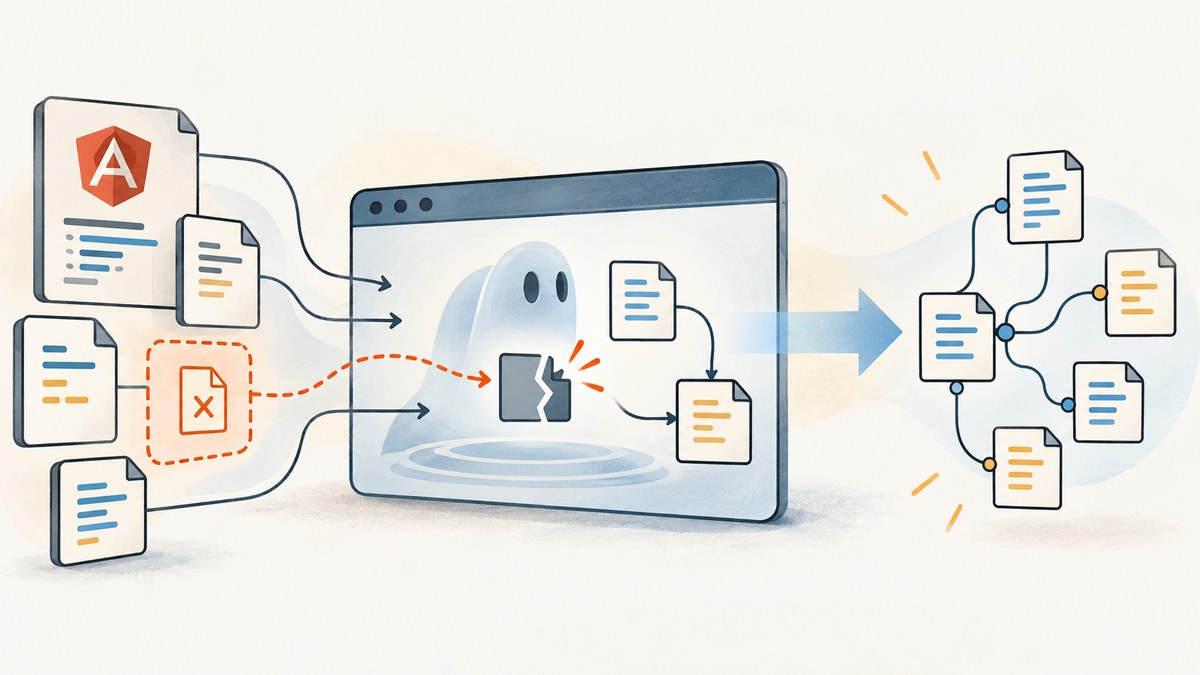
Direct answer: AngularJS $injector:modulerr in PhantomJS is a wrapper around an exception thrown while Angular instantiates a module. Read the complete nested exception first, then verify that every module named in the dependency array is defined and that its script was actually loaded. In PhantomJS, confirm injectJs() returned true, wait for includeJs() callbacks before bootstrapping dependent code, include angular-mocks.js for unit tests, and log page errors plus resource requests. These checks separate a missing file from a bad dependency declaration, a test-runner problem, a JavaScript exception, or an HTTPS/runtime issue.
This guide targets legacy AngularJS and PhantomJS installations. AngularJS documentation records official support ending in January 2022, so pin the versions used by your project and verify each fix against that exact combination.
What $injector:modulerr means
AngularJS defines $injector:modulerr as a module failure caused by an exception during loading. The error page identifies a common cause: the file defining a module was omitted or could not be loaded. The visible injector message is therefore only the outer layer. The useful cause is usually the innermost error after the module name, such as an unknown provider, a syntax error, or a missing global.
For example, this application declares ngRoute:
angular.module('catalogApp', ['ngRoute']);If the page never loads angular-route.js, Angular can report a module-loading failure. Since AngularJS 1.2.0, ngRoute is a separate module; it is not included in the core ng script. Conversely, do not add application modules to the built-in ng module. AngularJS documents that as unsupported and reports an error beginning with version 1.3.0. Define your own top-level module and list application components there.
Step 1: preserve the complete error and identify its layer
- Save the entire PhantomJS console output, including the nested exception and stack trace.
- Record the AngularJS version, PhantomJS version, test runner, and the exact command used.
- Find the first meaningful inner error. An “unknown module” points to dependency declaration or script inclusion. An undefined
module()orinject()points to test setup. A syntax or runtime exception after a resource request means the file loaded but failed while executing.
AngularJS error URLs can be difficult to read in CI logs because they are encoded. Keep the original text and decode it only for inspection; changing the message can hide the nested cause.
Step 2: verify the dependency graph
Check module names exactly
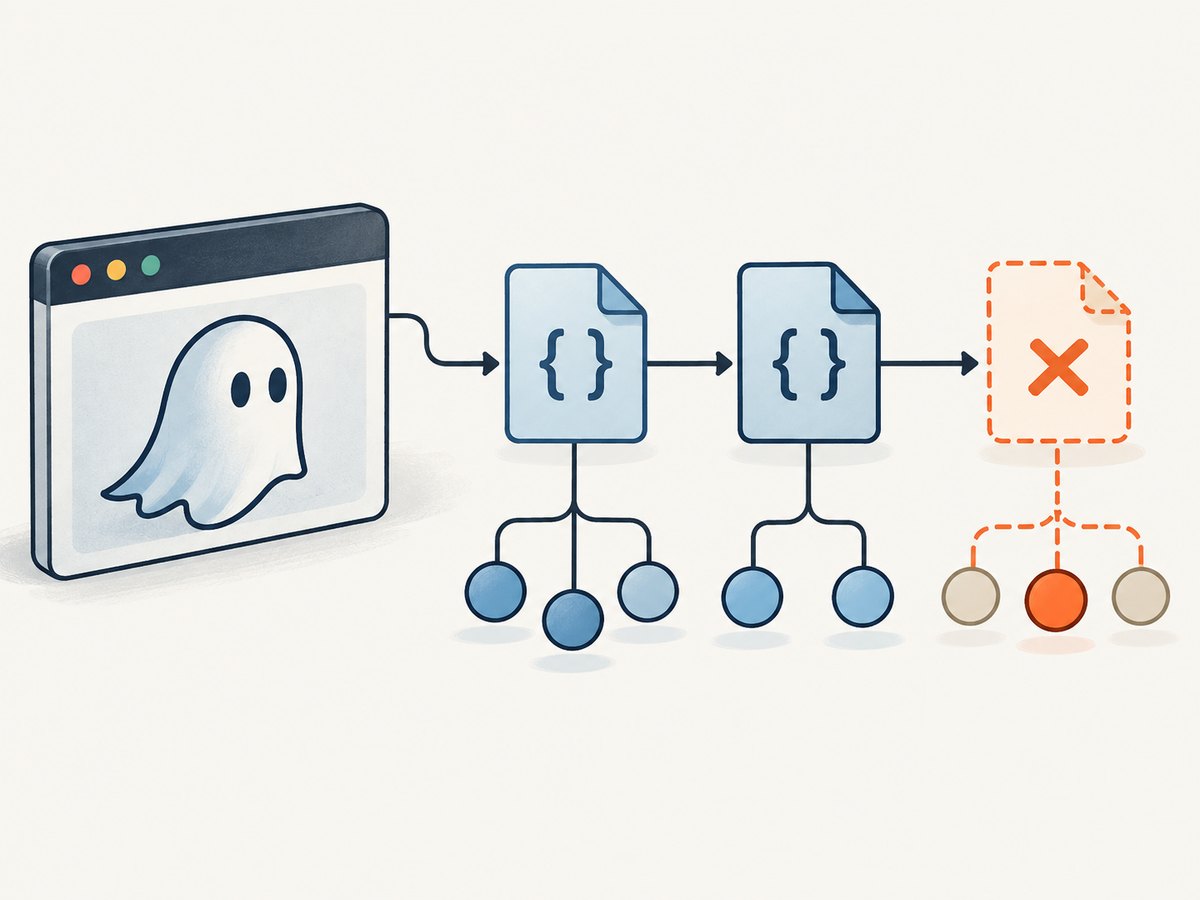
Module names are case-sensitive strings. Compare every item in the application dependency array with a corresponding registration:
// app.js
angular.module('catalogApp', ['ngRoute', 'catalog.filters']);

// filters.js
angular.module('catalog.filters', []);
A typo such as catalog.filter creates the same class of failure as a missing file. Search the built assets and source tree for angular.module(, then confirm the registration runs before Angular bootstraps.
Load ngRoute separately
<script src="angular.js"></script>
<script src="angular-route.js"></script>
<script src="app.js"></script>
The order matters: Angular core first, each dependency next, and the application last. If you use a concatenated bundle, inspect the generated file rather than assuming the build task included every input.
Keep application code out of ng
// Incorrect: modifies Angular's built-in module.
angular.module('ng', []).service('catalogApi', catalogApi);

// Correct: create an application module.
angular.module('catalogApp', []).service('catalogApi', catalogApi);
Use catalogApp as the bootstrap module and make feature modules dependencies of it. Never “fix” an unknown module by appending your components to ng.
Step 3: make PhantomJS prove that scripts loaded
PhantomJS has separate APIs for local and external scripts. page.injectJs(filename) looks in the current directory and then PhantomJS’s libraryPath. It returns true when injection succeeds and false otherwise. Check that return value.
var page = require('webpage').create();
var system = require('system');

page.onConsoleMessage = function (message) {
  console.log('[browser] ' + message);
};
page.onError = function (message, trace) {
  console.error('[page] ' + message);
  trace.forEach(function (frame) {
    console.error('  ' + frame.file + ':' + frame.line + ' in ' + frame.function);
  });
};

var files = ['angular.js', 'angular-route.js', 'app.js'];
files.forEach(function (file) {
  var ok = page.injectJs(file);
  console.log(file + ': ' + (ok ? 'loaded' : 'FAILED'));
  if (!ok) {
    phantom.exit(2);
  }
});

page.open('about:blank', function (status) {
  console.log('page status: ' + status);
  phantom.exit(status === 'success' ? 0 : 1);
});
Run this from the directory expected by your script:
phantomjs diagnose.jsIf a relative path fails, print the working directory, use an absolute path temporarily, or set phantom.libraryPath to the directory containing shared scripts. A failed injection means Angular never had a chance to register the module.
Use includeJs for external URLs
page.includeJs(url, callback) invokes its callback after the external script inclusion completes. Put dependent code inside that callback, and nest or sequence callbacks for dependencies:
var page = require('webpage').create();
page.onError = function (message, trace) {
  console.error(message);
};

page.open('about:blank', function () {
  page.includeJs('https://cdn.example.test/angular.js', function (status) {
    if (status !== 'success') {
      console.error('Angular failed to load');
      phantom.exit(1);
      return;
    }
    page.includeJs('https://cdn.example.test/angular-route.js', function (routeStatus) {
      if (routeStatus !== 'success') {
        console.error('ngRoute failed to load');
        phantom.exit(1);
        return;
      }
      page.includeJs('https://cdn.example.test/app.js', function (appStatus) {
        console.log('app status: ' + appStatus);
        phantom.exit(appStatus === 'success' ? 0 : 1);
      });
    });
  });
});
Do not call angular.bootstrap() immediately after starting includeJs; that creates a race in which the dependency has not registered yet.
Step 4: fix unit-test setup separately
If the error is module is not a function, module is undefined, or inject is undefined, first check the test helper rather than changing application dependencies. Include angular-mocks.js after Angular and before test files. AngularJS documents angular.mock.module for Jasmine or Mocha contexts; that helper also makes ng and ngMock available.
<script src="angular.js"></script>
<script src="angular-mocks.js"></script>
<script src="app.js"></script>
<script src="catalog.spec.js"></script>
describe('catalogApp', function () {
beforeEach(angular.mock.module('catalogApp'));
it('loads', angular.mock.inject(function ($injector) {
expect($injector).toBeDefined();
}));
});In PhantomJS test runners, inspect the generated test page and script order. A helper loaded in a browser manually may be absent from the CI page template.
Step 5: instrument requests and page exceptions
Logging requests tells you whether the expected file was requested at all. A request followed by an exception usually means execution failed inside that file; no request suggests an HTML, path, bundling, or conditional-loading problem.
page.onResourceRequested = function (request) {
  console.log('REQUEST ' + request.method + ' ' + request.url);
};
page.onResourceReceived = function (response) {
  if (response.stage === 'end') {
    console.log('RESPONSE ' + response.status + ' ' + response.url);
  }
};
page.onResourceError = function (error) {
  console.error('RESOURCE ERROR ' + error.errorCode + ' ' + error.url);
};
page.onError = function (message, trace) {
  console.error('PAGE ERROR: ' + message);
  trace.forEach(function (frame) {
    console.error(frame.file + ':' + frame.line);
  });
};
Look for HTTP errors, redirects to an authentication page, incorrect MIME responses, and a URL that differs from the one you expected. If a dependency is loaded from HTTPS, compare behavior with HTTP only as a diagnostic; fix the TLS or certificate problem instead of weakening production security.
Environment-specific PhantomJS checks
- Executable mismatch: run
phantomjs --versionin the same shell and CI job as the test. Multiple installations can make local and CI behavior differ. - TLS failures: if HTTPS resources fail while HTTP works, inspect the installed TLS/SSL libraries and the PhantomJS build.
- Windows proxy delay: PhantomJS troubleshooting documents
--proxy-type=noneas a workaround for a default-proxy latency issue. Use it only when the observed symptom matches. - Old X-server guidance: PhantomJS 1.4 and earlier required an X server; 1.5 and later were pure headless. Verify the actual executable before adding Xvfb configuration.
A repeatable diagnostic script
Use this compact script when you need one command that reports loading, requests, and exceptions:
var page = require('webpage').create();
var system = require('system');
var files = system.args.slice(1);

page.onResourceRequested = function (r) { console.log('REQ ' + r.url); };
page.onResourceError = function (e) { console.error('NET ' + e.errorCode + ' ' + e.url); };
page.onError = function (m, t) {
  console.error('JS ' + m);
  t.forEach(function (f) { console.error('  ' + f.file + ':' + f.line); });
};

page.open('about:blank', function () {
  var failed = false;
  files.forEach(function (file) {
    if (!page.injectJs(file)) {
      console.error('INJECT FAILED ' + file);
      failed = true;
    }
  });
  phantom.exit(failed ? 2 : 0);
});
Call it with the same files and order used by the application:
phantomjs diagnose.js angular.js angular-route.js app.jsTroubleshooting checklist
| Symptom | Likely cause | Fix |
|---|---|---|
| Unknown module name | Missing registration or script | Match dependency strings, verify script order, check injectJs result. |
ngRoute missing |
Angular 1.2+ route script omitted | Load angular-route.js and list ngRoute. |
module()/inject() undefined |
Missing or misplaced angular-mocks.js |
Load the helper in Jasmine/Mocha setup before specs. |
| Resource requested, then syntax error | File loaded but cannot execute | Read onError stack; check transpilation and PhantomJS-supported syntax. |
| No request for expected file | Wrong path, bundle omission, or conditional branch | Inspect generated HTML and build output; use an absolute path to confirm. |
| HTTPS-only failure | TLS or certificate environment | Check PhantomJS build and system SSL libraries. |
| Intermittent failure | Bootstrap race or slow dependency | Sequence includeJs callbacks and wait for page readiness. |
Performance, reliability, and maintenance
PhantomJS is efficient for small scripted captures, but old JavaScript engines can fail on syntax emitted for modern browsers. Keep a reproducible, pinned toolchain; avoid relying on globally installed binaries; and archive the generated HTML and asset manifest when CI fails. Reduce nondeterminism by loading local, versioned assets where possible, sequencing asynchronous loads, and setting explicit waits for application bootstrap.

For reliability, fail the job when a required injection returns false, when an external include reports a non-success status, or when page.onError fires. A green process exit with a blank page can hide a broken test, so assert that the expected Angular root element and module state exist before exiting.
For cost, the do-it-yourself approach consumes CI time and maintenance effort rather than an API quota. If you need repeatable website images instead of running a legacy browser, an API can move browser setup, waiting, and output handling out of your test scripts.
Or skip the browser setup
ScreenshotNeo provides a website screenshot API and MCP server. One GET request returns PNG, JPEG, WebP, or PDF. The equivalent capture is:
curl -G "https://api.screenshotneo.com/v1/shot" -d access_key=YOUR_API_KEY --data-urlencode url=https://stripe.com -o shot.webpimport requests
r = requests.get("https://api.screenshotneo.com/v1/shot", params={"access_key": "YOUR_API_KEY", "url": "https://stripe.com"}, timeout=90)
open("shot.webp", "wb").write(r.content)const q = new URLSearchParams({ access_key: 'YOUR_API_KEY', url: 'https://stripe.com' });
const res = await fetch(`https://api.screenshotneo.com/v1/shot?${q}`);See the ScreenshotNeo API documentation for request options. Before capture, it accepts cookie or consent banners and removes more than 60 known consent platforms, newsletter popups, and chat widgets; each step can be disabled. Bot checks or CAPTCHAs, blank pages, timeouts, failed loads, and cache hits cost nothing, and response headers identify the page verdict and billing state. Its MCP server exposes take_screenshot, get_page_info, and capture_pdf for Claude, Cursor, and other MCP clients.
Every plan includes features such as full-page lazy-image loading, CSS-selector element capture, dark mode, device presets, custom viewport and retina scale, PDF controls, custom CSS and JavaScript, clicks, waits, request blocking, headers, cookies, user agents, authorization, timezone, geolocation, transparent backgrounds, resizing, TTL caching, signed links, asynchronous jobs with signed webhooks, bulk capture, usage data, and an OpenAPI specification. The free plan includes 1,000 screenshots each month with no card; paid plans start at $5 for 3,000. Create a free ScreenshotNeo account.
FAQ
Does reinstalling AngularJS fix modulerr?
Usually no. The message wraps an application or loading exception. Preserve the nested error and verify the dependency graph first.
Can I add ngRoute to the core ng module?
No. Load angular-route.js and list ngRoute in your application module.
Why does the page work in Chrome but fail in PhantomJS?
PhantomJS may use a different JavaScript engine, TLS stack, proxy configuration, or script order. Log requests and page exceptions, then check the executable version.
Should new projects still choose PhantomJS?
For legacy suites, stabilize the pinned environment. For new capture workflows, evaluate a maintained browser or an API that supplies the required rendering controls.


