How to Fix Background Images Missing From Print Preview
Enable background graphics, fix print CSS, and diagnose missing images in Chrome, Edge, Firefox, and automated captures.
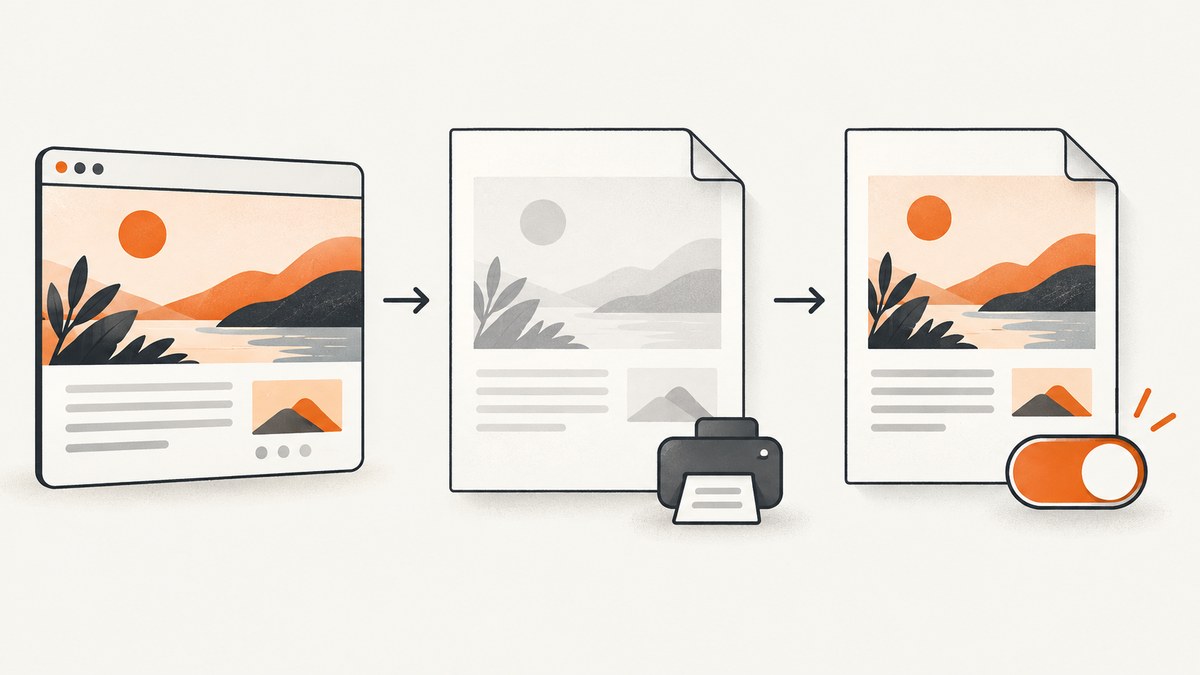
Most browsers remove background colors and images when printing. Open the print dialog and enable Background graphics (Chrome or Edge) or Print backgrounds (Firefox). Then check your print stylesheet and add print-color-adjust: exact to the element that needs its background preserved. The browser’s print-dialog choice has priority over CSS.
1. Enable background graphics in print preview
| Browser | What to change | Important detail |
|---|---|---|
| Chrome | Open Print, expand More settings, enable Background graphics. | Chrome can apply enterprise policies that set or restrict this mode. See the Chrome Enterprise policies documentation. |
| Edge | Open Print, expand More settings, enable Background graphics. | Managed devices can enforce the allowed or default background-graphics mode. See Microsoft Edge policies. |
| Firefox | Open Print, expand More settings, enable Print backgrounds. | Choose Original format. Firefox’s Simplified format does not allow print backgrounds. See Mozilla’s printing guide. |
If the control is missing, disabled, or keeps reverting, check whether an enterprise policy controls it.
2. Add the author-side CSS fix
Apply the rule to the element whose background must survive printing:
.print-card {
  print-color-adjust: exact;
  -webkit-print-color-adjust: exact;
}
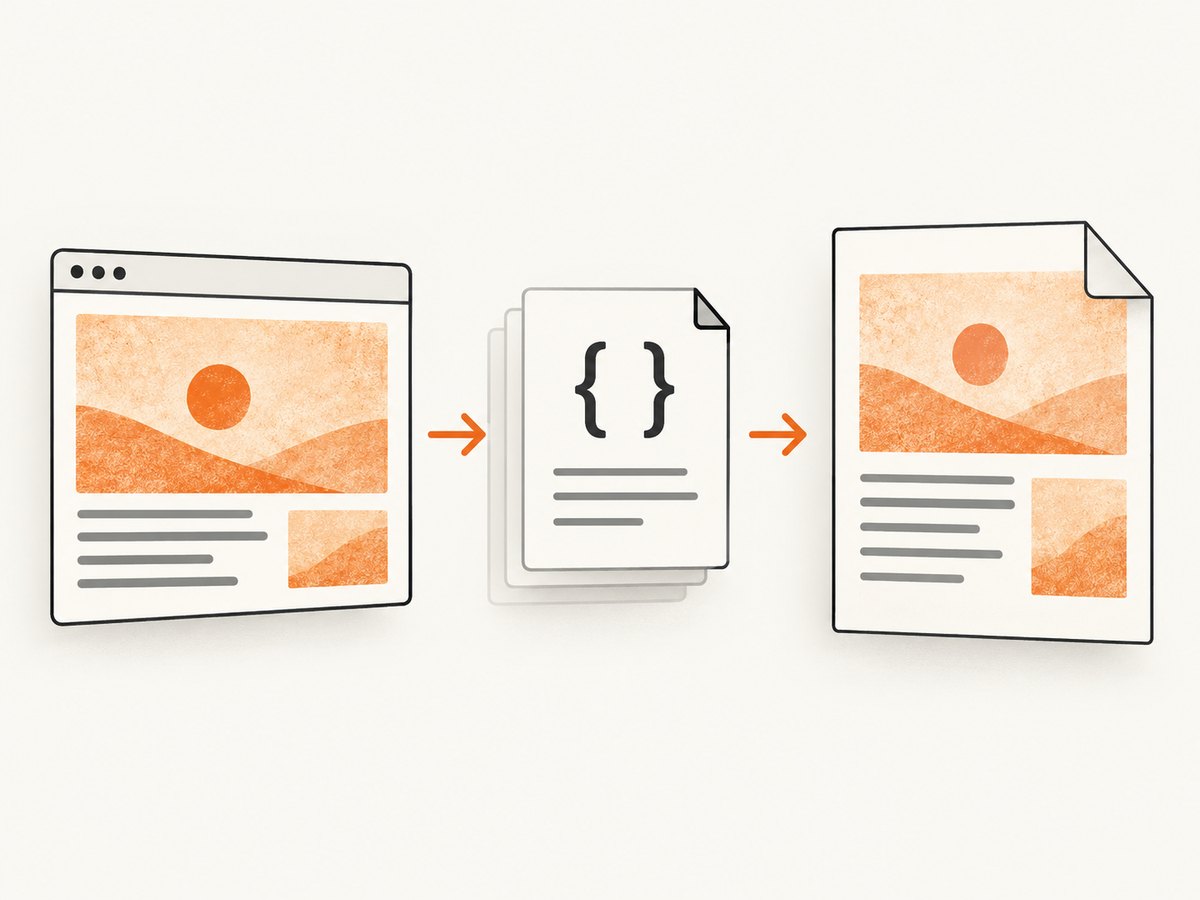
MDN documents economy as the default behavior, which permits the browser to remove backgrounds to save ink, and exact as a request to preserve the authored appearance. This is a request, not a guarantee: the user’s print-dialog preference takes priority.
Use the rule on the correct element
@media print {
  .invoice {
    background-image: url('/assets/invoice-paper.png');
    background-color: #fffdf5;
    print-color-adjust: exact;
    -webkit-print-color-adjust: exact;
  }
}
Do not put the declaration only on body if the image belongs to a nested card, header, or pseudo-element. Check the computed style of the element that actually paints the background.
3. Audit your print stylesheet
A print rule can intentionally remove the image even when screen rendering is correct. Search all loaded stylesheets for:
background-image: noneorbackground: nonedisplay: none,visibility: hidden, or an opacity of zero- changed width, height, overflow, clipping, or positioning
- a different
z-indexthat places content over the image - a print-only replacement element that has no background
@media print {
  /* Remove rules like these if the artwork is required. */
  .hero { background-image: none; }
  .decorative-layer { display: none; }
}
Also check whether a framework or component library adds a later, more specific print rule. In DevTools, inspect the winning declaration and the stylesheet that supplied it.
4. Diagnose print CSS separately from print-dialog settings
- Open Chrome DevTools.
- Open the Rendering panel. If it is hidden, open the command menu and search for “Show Rendering”.
- Set Emulate CSS media type to
print. - Inspect the affected element’s computed
background-image, dimensions, visibility, andprint-color-adjust. - In the Network panel, reload while print emulation is active and confirm that the image request succeeds.
If the image appears in print emulation but disappears in the real preview, the print-dialog background setting or a managed browser policy is responsible. If it disappears in emulation too, fix the CSS or image loading path first. Chrome’s DevTools guidance is in the CSS media emulation documentation.
5. Verify that the image can load before preview generation
- Open the image URL directly and check for 404, 403, redirects, or an HTML error response.
- Confirm authentication cookies or headers are available to the print context.
- For cross-origin images, check CORS and CSP rules. A background image can be blocked even when the page itself loads.
- Wait for fonts and images before calling
window.print():
async function printWhenReady() {
  const imagePromises = Array.from(document.images).map((img) => {
    if (img.complete) return Promise.resolve();
    return new Promise((resolve) => {
      img.addEventListener('load', resolve, { once: true });
      img.addEventListener('error', resolve, { once: true });
    });
  });

  await Promise.all(imagePromises);
  if (document.fonts) await document.fonts.ready;
  window.print();
}
CSS background images are not included in document.images. Preload critical backgrounds explicitly when timing is tight:
const preload = new Image();
preload.src = '/assets/invoice-paper.png';
preload.decode?.().catch(() => {});
6. Use a minimal reproducible example
<!doctype html>
<html>
<head>
  <meta charset="utf-8">
  <style>
    .print-card {
      width: 640px;
      min-height: 240px;
      padding: 32px;
      color: #111;
      background: #f4ead7 url('/assets/paper-texture.png') center / cover no-repeat;
      print-color-adjust: exact;
      -webkit-print-color-adjust: exact;
    }
  </style>
</head>
<body>
  <article class="print-card">Background test</article>
</body>
</html>
Save this page with a known-good local image, enable backgrounds, and print to PDF. If this works, compare its CSS and asset-loading path with the production page.
7. Test by saving to PDF
Save the print preview as a PDF with background graphics enabled. If the PDF contains the background but physical paper does not, the browser has completed its job and the remaining setting is in the printer driver, operating-system print dialog, or device-specific “draft” or “ink saving” mode. Test a second printer or PDF viewer before changing the page.
8. Common errors and fixes
| Symptom | Likely cause | Fix |
|---|---|---|
| Backgrounds vanish everywhere | Print backgrounds are disabled. | Enable Background graphics or Print backgrounds in the dialog. |
| Only Firefox loses the image | Simplified format is selected. | Choose Original format, then enable Print backgrounds. |
| CSS declaration has no effect | The user setting overrides CSS. | Change the print-dialog setting; CSS cannot force a user preference. |
| Image is absent in DevTools print emulation | A print rule hides it, or the request fails. | Inspect computed styles, Network status, CSP, CORS, authentication, and URL redirects. |
| Image is clipped | Print dimensions or overflow differ from screen styles. | Inspect width, height, page margins, overflow, and positioning inside @media print. |
| Preview shows a blank region | Capture or print started before the asset loaded. | Wait for image decode and fonts before invoking print. |
| Setting is unavailable on a managed computer | An enterprise policy controls background graphics. | Ask the administrator to review Chrome or Edge background-graphics policies. |
| Background appears in PDF but not on paper | Printer or driver economy mode. | Enable color/background printing in the system or driver dialog. |
9. Performance and reliability considerations
- Large texture files increase preview time and PDF size. Use an appropriately sized WebP or JPEG and avoid a full-resolution photo when a small repeating texture is enough.
- Prefer a stable absolute or root-relative URL. Avoid short-lived signed URLs that can expire between page load and preview.
- Keep critical backgrounds in the initial document or preload them. Lazy-loading logic designed for scrolling may never run before printing.
- Test with cache disabled and with a cold browser profile. A warm cache can hide timing and authentication problems.
- For repeatable automated output, record the browser version, viewport, print CSS, background setting, and asset response status along with the generated file.
10. Automate a reliable screenshot or PDF capture
When the requirement is an image or PDF rather than a user-controlled physical print, an API can provide a consistent capture environment. ScreenshotNeo supports full-page screenshots, custom CSS and JavaScript, wait conditions, cookies, headers, device settings, PDF output, and other capture controls. Its response also reports whether the page was cleanly captured and billed.
Or skip the browser setup
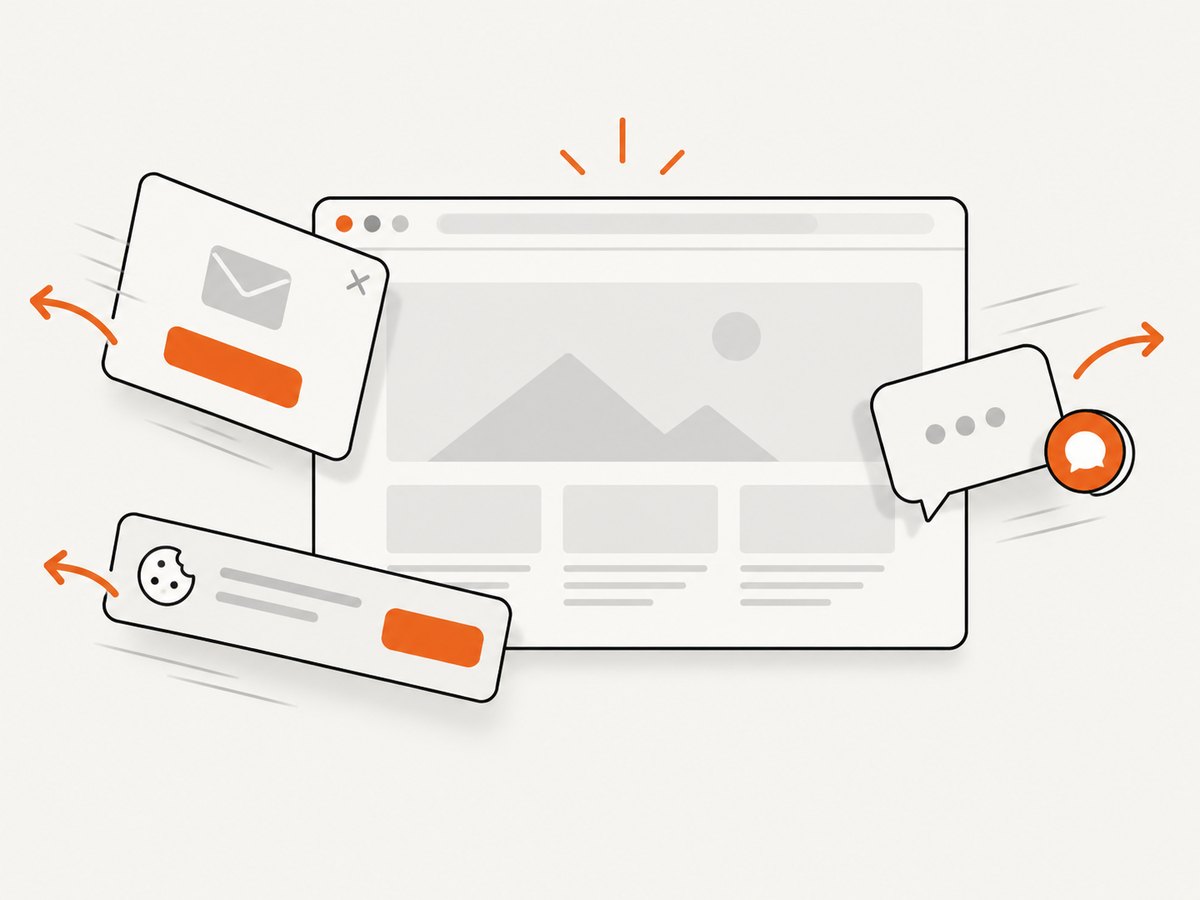
ScreenshotNeo provides a GET endpoint for screenshots and PDFs. Cookie banners, newsletter popups, and chat widgets are removed before the shot. Bot checks, blank pages, failed loads, timeouts, and cache hits are not billed, and the response identifies the page verdict and billing result in headers. An MCP server lets Claude, Cursor, and other MCP clients use take_screenshot, get_page_info, and capture_pdf.
See the ScreenshotNeo API documentation for all options. The following calls capture the example page:
curl -G "https://api.screenshotneo.com/v1/shot" -d access_key=YOUR_API_KEY --data-urlencode url=https://stripe.com -o shot.webpimport requests
r = requests.get(
"https://api.screenshotneo.com/v1/shot",
params={"access_key": "YOUR_API_KEY", "url": "https://stripe.com"},
timeout=90,
)
r.raise_for_status()
open("shot.webp", "wb").write(r.content)
const fs = require('node:fs/promises');

const q = new URLSearchParams({ access_key: 'YOUR_API_KEY', url: 'https://stripe.com' });
const res = await fetch(`https://api.screenshotneo.com/v1/shot?${q}`);
if (!res.ok) throw new Error(`HTTP ${res.status}`);
await fs.writeFile('shot.webp', Buffer.from(await res.arrayBuffer()));
There is a free plan with 1,000 screenshots per month and no card. Paid plans start at $5 for 3,000 shots, and every feature is available on every plan. Create a free ScreenshotNeo account.
FAQ
Can CSS force a browser to print a background?
No. print-color-adjust: exact asks the browser to preserve the design, but the user’s print preference wins.
Why does a background color print while the image does not?
The image may be removed by a print rule, blocked by authentication or CSP, or still loading when preview generation starts. Inspect the computed style and Network panel in print emulation.
Does Firefox support background printing?
Yes. Enable Print backgrounds and use Original format instead of Simplified.
What if the PDF is correct but the physical print is not?
Check the operating-system and printer-driver options for background or color printing and disable draft or ink-saving modes.
Can automated captures apply the same CSS?
Yes. Inject the print-color-adjust rule and any required print stylesheet before capture, then wait for the background asset to load. ScreenshotNeo also supports custom CSS, JavaScript, wait conditions, and PDF capture.


