How to Fix Base64 Images Not Rendering in wkhtmltopdf
Diagnose missing Base64 images in wkhtmltopdf with a minimal test, print CSS checks, version comparisons, and reliable fixes.

When a Base64 image is missing from a wkhtmltopdf PDF, isolate the exact HTML, data URI, binary version, and command-line flags first. Image loading is enabled by default; --no-images disables it. Print-only CSS, an old or unusual build, malformed image data, and JavaScript that changes the image source are separate possibilities that need controlled tests.
1. Reproduce the failure with a minimal file
Record the environment before changing anything:
wkhtmltopdf --versionoutput- Operating system and installation source
- Whether the build uses patched Qt
- The complete command and every option
- The exact HTML, CSS, JavaScript, and expected versus actual result
The wkhtmltopdf command-line documentation lists image loading as enabled by default and documents --no-images as the opt-out. Keep that reference open while comparing commands: wkhtmltopdf usage documentation.
Create a one-image test
Replace the example payload with the exact data URI from your application. This sample uses a tiny SVG so the test file is easy to inspect.
<!doctype html>
<html>
<head>
  <meta charset="utf-8">
  <style>
    body { margin: 24px; }
    .probe { width: 240px; height: 120px; }
  </style>
</head>
<body>
  <h1>wkhtmltopdf image probe</h1>
  <img class="probe"
       alt="embedded test"
       src="data:image/svg+xml;base64,PHN2ZyB4bWxucz0iaHR0cDovL3d3dy53My5vcmcvMjAwMC9zdmciIHdpZHRoPSIyNDAiIGhlaWdodD0iMTIwIj48cmVjdCB3aWR0aD0iMjQwIiBoZWlnaHQ9IjEyMCIgZmlsbD0iIzE0NzNkMSIvPjx0ZXh0IHg9IjEyMCIgeT0iNjUiIGZvbnQtc2l6ZT0iMjAiIGZpbGw9IndoaXRlIiB0ZXh0LWFuY2hvcj0ibWlkZGxlIj5wcm9iZTwvdGV4dD48L3N2Zz4=">
</body>
</html>
Save it as probe.html, open it in a browser, then render it with the same wkhtmltopdf binary used by the application:
wkhtmltopdf probe.html probe.pdfIf this minimal file works, progressively add your application CSS, JavaScript, and options until the image disappears. If it fails, keep the file unchanged while testing the branches below.
2. Check image loading flags first
Search the command, wrapper configuration, and generated arguments for --no-images. Remove it and rerun the minimal test. Do not assume that local-file permissions affect a data: URI: --disable-local-file-access and --enable-local-file-access govern local resources referenced by paths, which is a different diagnostic branch.
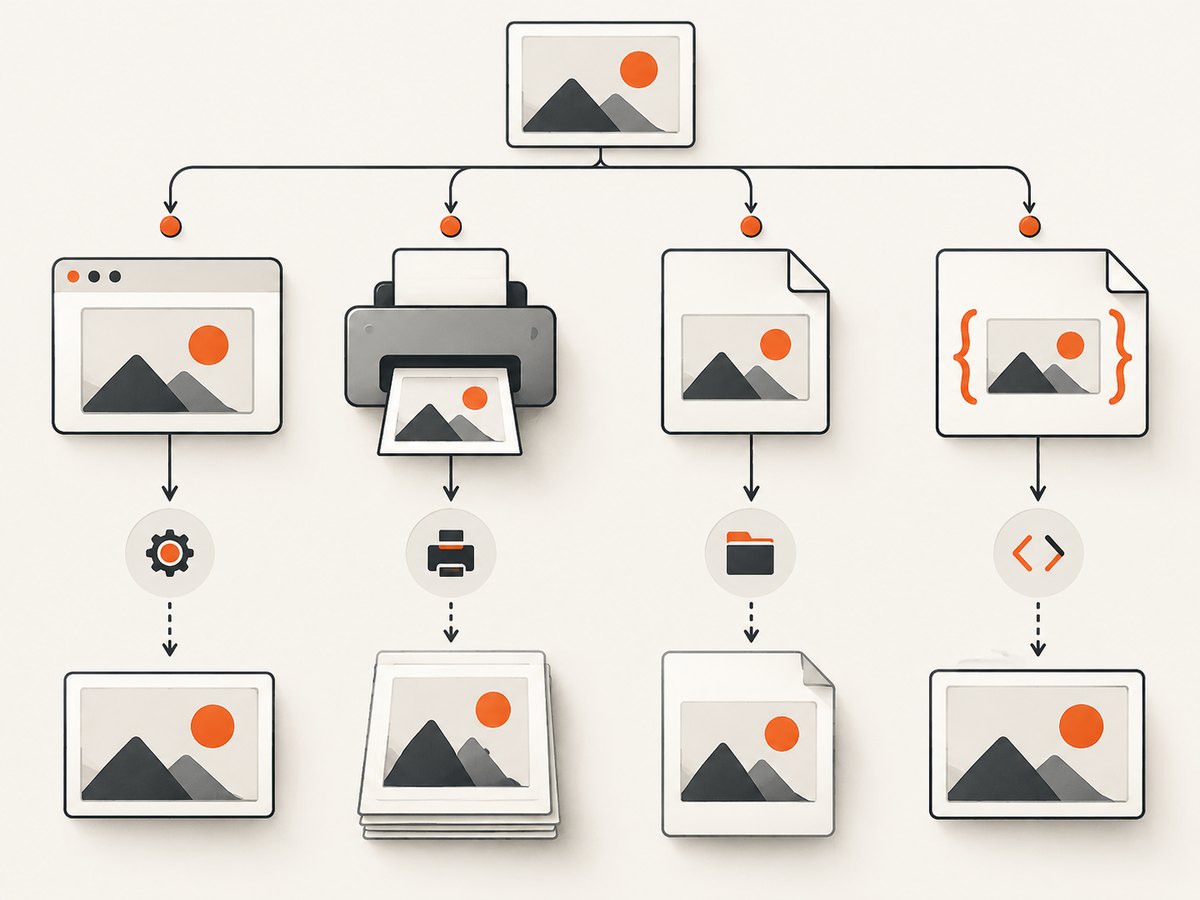
# Show the exact binary and command available to the process
which wkhtmltopdf
wkhtmltopdf --version

# A deliberately simple comparison
wkhtmltopdf probe.html probe-default.pdf
wkhtmltopdf --no-images probe.html probe-disabled.pdf
The second command should omit the image by design. If both outputs omit it, inspect the wrapper or runtime environment for additional flags and confirm that the process is invoking the binary you inspected.
3. Validate the data URI and image payload
A browser accepting an image does not prove that your production HTML contains the same bytes. Compare the exact string emitted to wkhtmltopdf with the string viewed in a browser.
- Confirm the prefix is the intended media type, such as
data:image/png;base64,ordata:image/jpeg;base64,. - Ensure the comma separating metadata from Base64 data appears exactly once.
- Check that the payload is not URL-encoded, truncated, or altered by template escaping.
- Preserve padding characters when the encoded data requires them.
- Write the decoded bytes to a file and inspect that file independently of wkhtmltopdf.
- Compare a known-good local or remote image source in the same
<img>element.
These checks determine whether the failure is in the image bytes or in wkhtmltopdf’s rendering path. The available evidence does not establish a universal list of supported formats or a single malformed-payload signature, so use the minimal reproducer and your actual bytes.
4. Test print media and CSS
Run the minimal page with and without --print-media-type:
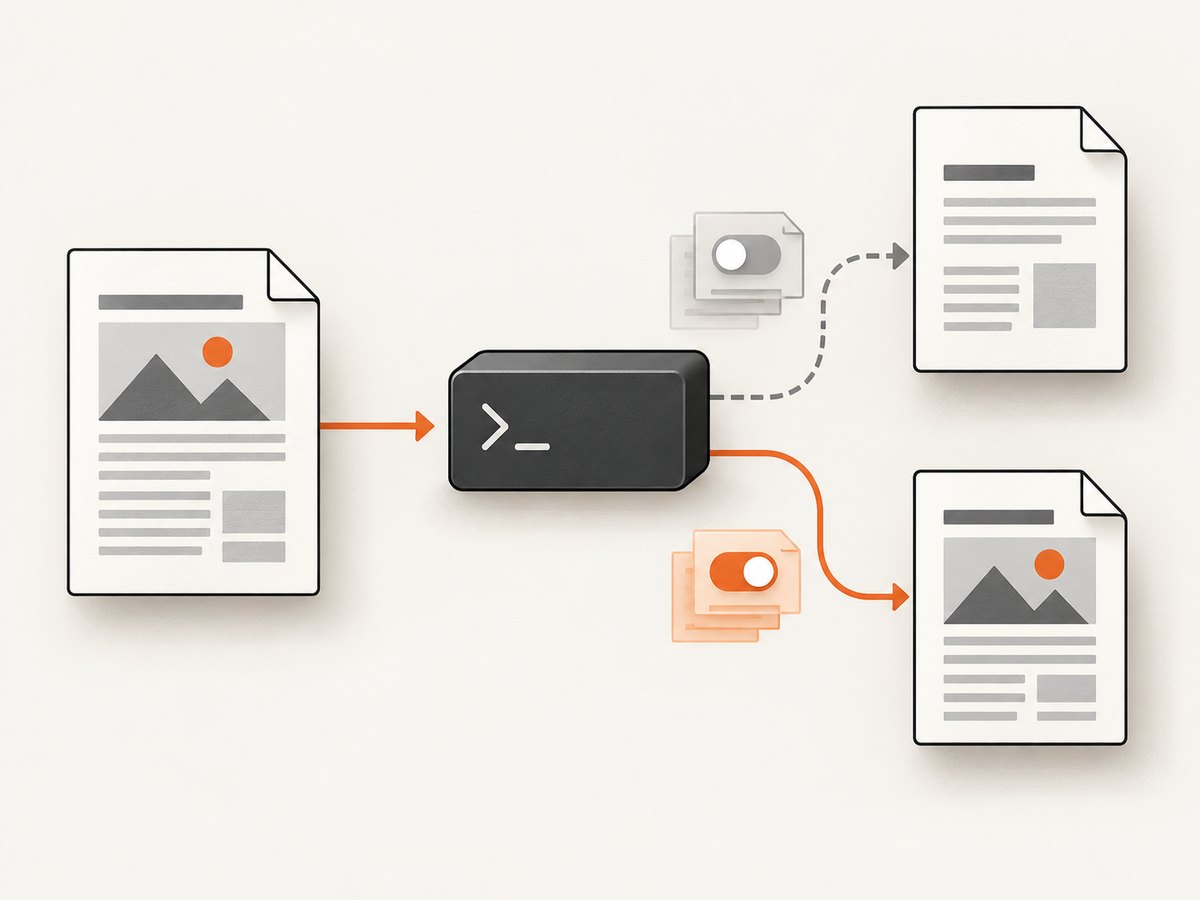
wkhtmltopdf probe.html screen-media.pdf
wkhtmltopdf --print-media-type probe.html print-media.pdf
Inspect whether the image, its parent, or a pseudo-element is introduced or hidden only inside @media print. A historical 0.12.5 issue report describes an image referenced only in print media failing to render and reports that also referencing it in default media worked around that case. Another report describes missing images with --print-media-type in 0.12.6 on patched Qt under macOS 12.6.1. Those reports justify this comparison; they do not prove that every Base64 failure has the same cause.
/* Diagnostic version: make the image exist in both media contexts */
.hero { display: block; }
@media print {
  .hero { display: block; }
}
Also check for display:none, zero dimensions, clipping, transparent colors, background images, and a parent with an unexpected page-break or overflow rule.
5. Check timing and JavaScript
If JavaScript assigns src after page load, create a static version with the final data URI already in the HTML. wkhtmltopdf’s JavaScript timing can differ from a modern browser, and the supplied evidence does not identify a universal delay that fixes every page.
<!-- Static diagnostic: no JavaScript assignment required -->
<img src="data:image/png;base64,EXACT_PAYLOAD" alt="test">
When the static version works, move the assignment earlier, remove unnecessary scripts, and compare a short delay with the application default. Keep one variable changed per run.
6. Compare versions and builds
Run the minimal file with the installed binary and, as a controlled comparison, a newer appropriate build when the current version is old or the reproducer points to version behavior. One community answer reports that upgrading fixed a Base64 image issue, but that is anecdotal and is not a general guarantee.
wkhtmltopdf --version
# Then run the same command, unchanged, with the comparison binary
/path/to/other/wkhtmltopdf probe.html comparison.pdf
Keep the operating system, HTML, options, and input bytes constant. Record whether each build uses patched Qt. This makes a bug report actionable and avoids mistaking an installation change for a data fix.
7. Local-file access: only when the page uses local paths
If your HTML references file:///..., CSS files, fonts, or images on disk, test the documented local-file options:
wkhtmltopdf --disable-local-file-access page.html restricted.pdf
wkhtmltopdf --enable-local-file-access page.html local-access.pdf
Do not present either option as a direct fix for an inline Base64 URI. Broad filesystem access can be unsafe with untrusted HTML. Restrict filesystem permissions at the application or operating-system layer when processing content you do not control.
8. A repeatable diagnostic matrix
| Test | Change one factor | What the result tells you |
|---|---|---|
| Default flags | Remove --no-images |
Whether image loading was explicitly disabled |
| Media mode | Toggle --print-media-type |
Whether print CSS or a build-specific print path is involved |
| Source type | Inline URI versus known-good local or remote image | Whether the URI or renderer is the likely boundary |
| Static HTML | Remove JavaScript-generated src |
Whether timing or script execution changes the source |
| Build | Same input with another appropriate version | Whether behavior is version or packaging specific |
| Local permissions | Only when using local paths | Whether filesystem policy affects referenced files |
9. Common errors and fixes
“The image is blank, but the HTML works in Chrome”
Use the minimal file and the exact wkhtmltopdf binary. Check --no-images, print CSS, dimensions, and JavaScript-generated sources. Browser success alone does not identify which renderer difference matters.
“Enabling local file access did nothing”
That is expected for a self-contained data: URI. Local-file flags address paths on disk; return to payload validation and media-mode tests.
“It fails only with --print-media-type”
Compare the same file without the flag and inspect every @media print rule affecting the image. Treat historical issue reports as leads, then confirm with your version and reproducer.
“Only production fails”
Log the binary path, version, complete arguments, generated HTML length, and a safe hash or copy of the data URI. Differences in package source, patched Qt, working directory, and wrapper defaults are common diagnostic boundaries.
“The image appears only after a delay”
Remove JavaScript from the reproducer and put the final URI directly in the HTML. If that works, simplify the page or tune timing while keeping the delay explicit.
“A version upgrade fixed it”
Keep the upgrade as a controlled resolution for your reproducer, but do not generalize it to every Base64 problem. Record the old and new versions and retain the minimal regression test.
10. Reporting an unresolved defect
Submit a minimal, reproducible case through the project’s issue-reporting path. Include:
- Exact
wkhtmltopdf --versionoutput - Operating system, package source, and patched-Qt status
- Full command line
- Smallest HTML/CSS/JavaScript file that fails
- Whether
--print-media-typechanges the result - Expected and actual PDF output
Remove secrets from headers, cookies, and HTML while preserving the bytes and structure needed to reproduce the failure.
11. Performance, reliability, and cost considerations
- Use the smallest reproducer to reduce render time and make comparisons deterministic.
- Keep one wkhtmltopdf process configuration consistent across environments.
- Cache decoded assets or generated HTML in your application when the same document is rendered repeatedly.
- Monitor failures separately from successful PDFs so a blank page is not counted as success.
- For untrusted HTML, apply filesystem and process restrictions; rendering engines can access more than the document’s visible content if deployment is permissive.
The supplied research does not establish a universal benchmark, failure rate, fixed release, or supported-format matrix. Measure your own document set after the reproducer is fixed.
Or skip the browser setup
If you need a clean image of a live URL rather than a local wkhtmltopdf PDF pipeline, ScreenshotNeo provides a single screenshot request. It accepts consent banners before capture and removes more than 60 known consent platforms, newsletter popups, and chat widgets; bot checks, blank pages, timeouts, failed loads, and cache hits are not billed. Each response identifies the page verdict and billing result in X-Page-Verdict and X-Billed headers. Its MCP server also lets Claude, Cursor, and other MCP clients call take_screenshot, get_page_info, and capture_pdf.
See the ScreenshotNeo API documentation for all options.
cURL
curl -G "https://api.screenshotneo.com/v1/shot" -d access_key=YOUR_API_KEY --data-urlencode url=https://stripe.com -o shot.webpPython
import requests
r = requests.get("https://api.screenshotneo.com/v1/shot", params={"access_key": "YOUR_API_KEY", "url": "https://stripe.com"}, timeout=90)
open("shot.webp", "wb").write(r.content)
Node.js
const q = new URLSearchParams({ access_key: 'YOUR_API_KEY', url: 'https://stripe.com' });
const res = await fetch(`https://api.screenshotneo.com/v1/shot?${q}`);
The Free plan includes 1,000 screenshots each month with no card. Paid plans start at $5 for 3,000 screenshots, and every feature is available on every plan. Create a free ScreenshotNeo account.
FAQ
Does Base64 require --enable-local-file-access?
No. That flag concerns local resources referenced by file paths. An inline data: URI is a separate input path.
Is --no-images the default?
No. Image loading is enabled by default according to the command-line documentation; --no-images disables it.
Should I always upgrade wkhtmltopdf?
Test an upgrade as a controlled comparison when your build is old or your minimal reproducer suggests version behavior. An anecdotal report is not proof of a universal fix.
Can print CSS cause a missing embedded image?
It can be a useful diagnostic branch. Historical reports involve print-media behavior, but they do not prove that all Base64 failures are caused by print CSS.


