How to Fix Black Canvas Areas When Capturing ngx-graph with html2canvas
Missing ngx-graph text, links, or black regions in html2canvas usually point to SVG rendering, asset, or canvas-size limits. Diagnose them step by step, then choose a reliable export path.
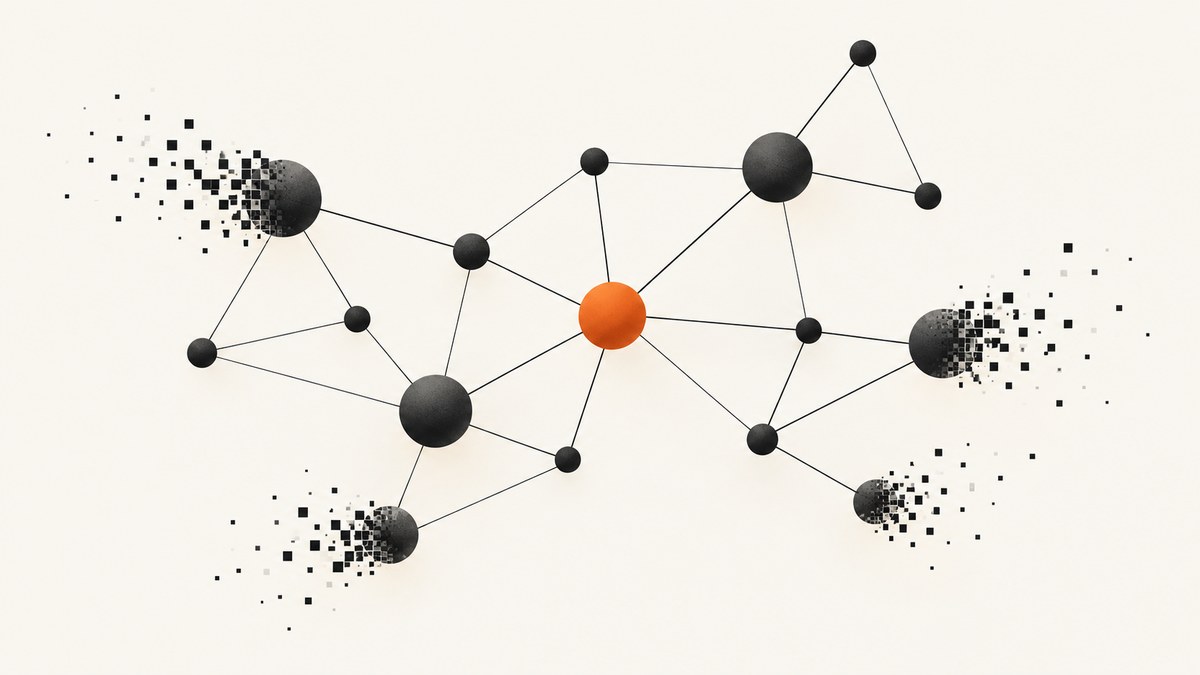
When html2canvas captures an ngx-graph and the result has black regions, missing node text, or links without their connecting lines, the first suspect is SVG rasterization—not Angular data binding. ngx-graph renders graph content with SVG primitives, including shapes, text, paths, markers, and text paths. html2canvas reconstructs a page from the CSS and DOM features it implements; it does not promise complete fidelity for every SVG and CSS combination.
Start by waiting for graph layout and fonts, capture a measured element with an explicit background and dimensions, and inspect the SVG features and external assets in the cloned DOM. Then run a controlled foreignObjectRendering comparison. If the graph still renders incorrectly, export its SVG directly for vector output or use a real browser capture with Puppeteer or Playwright. This guide includes runnable Angular TypeScript examples, diagnostic checks, practical limits, and alternatives.
1. Why ngx-graph captures can be partly black
ngx-graph is an Angular graph visualization library. Its documented templates use SVG rectangles, text, paths, markers, and textPath elements. A capture that keeps arrow tips but loses link strokes or node text is consistent with selective SVG rasterization trouble. It does not, by itself, prove that the graph data or Angular bindings are wrong. [ngx-graph repository]
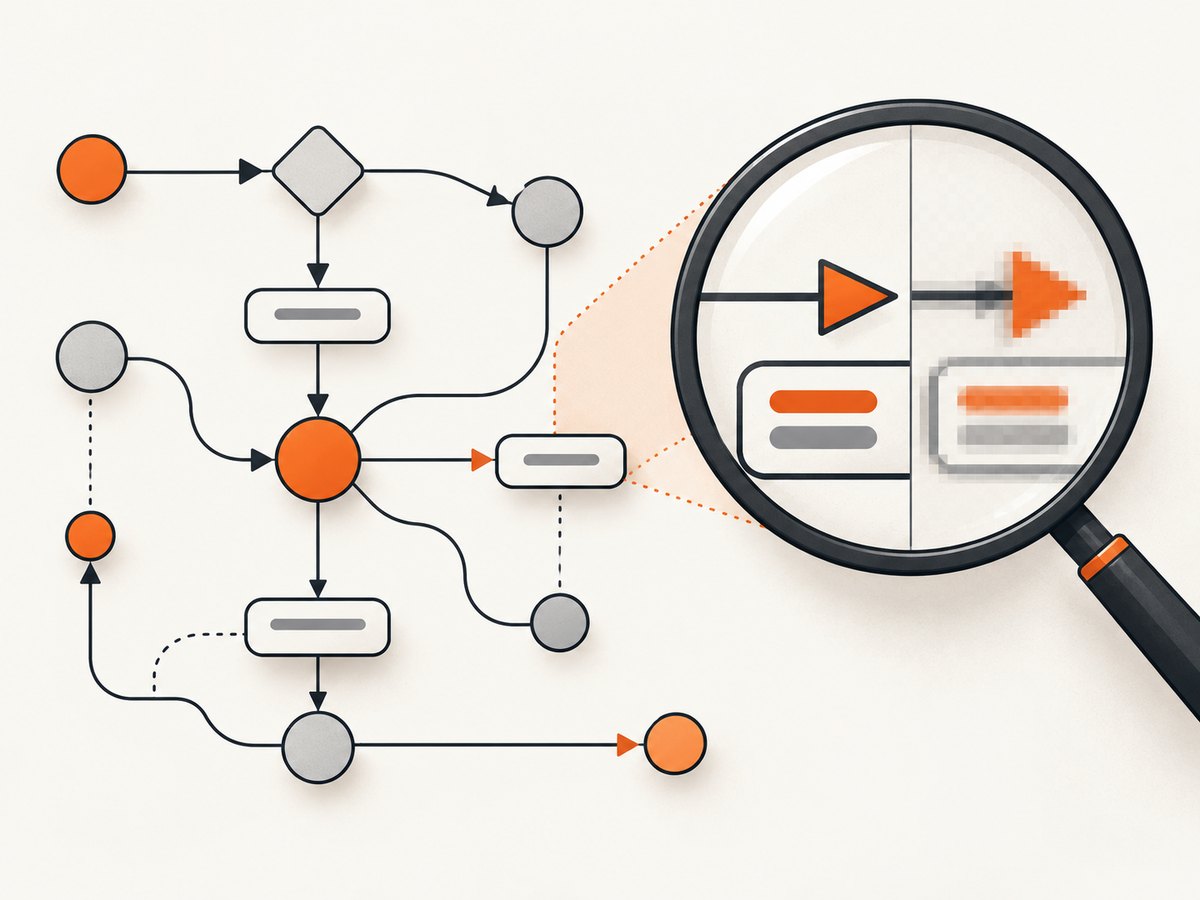
html2canvas does not take a native operating-system screenshot. It parses the document and draws a representation of it. Its documentation warns that CSS properties must be implemented individually and that full CSS support is not available. SVG features, foreignObject content, masks, and combinations of styles can therefore behave differently from what the browser displays on screen. The project issue tracker includes a report of missing font colors inside SVG foreignObject content. [html2canvas documentation] [html2canvas issue tracker]
Other common causes include external images or CSS backgrounds that the browser cannot load with CORS permission, a capture that runs before layout or web fonts finish, dimensions that do not match the rendered graph, and a canvas that exceeds browser limits. Treat the symptom as a rendering and capture problem until a separate check shows the graph itself is wrong.
2. Capture after layout with explicit dimensions
Use a stable graph container with a known size. Wait for fonts and at least two animation frames so Angular and the browser have time to finish layout and paint. Then capture the actual element bounds and scroll dimensions. The following example is for a component that has already rendered the graph inside an element with id="graph".
import html2canvas from 'html2canvas';

async function captureGraph(): Promise<HTMLCanvasElement> {
  const host = document.querySelector<HTMLElement>('#graph');
  if (!host) throw new Error('Graph container #graph was not found');

  // Wait for web fonts where the browser supports the Font Loading API.
  if (document.fonts?.ready) await document.fonts.ready;
  await new Promise<void>(resolve => requestAnimationFrame(() => resolve()));
  await new Promise<void>(resolve => requestAnimationFrame(() => resolve()));

  const rect = host.getBoundingClientRect();
  if (rect.width <= 0 || rect.height <= 0) {
    throw new Error(`Graph has no rendered size: ${rect.width} x ${rect.height}`);
  }

  return html2canvas(host, {
    backgroundColor: '#ffffff',
    width: Math.ceil(rect.width),
    height: Math.ceil(rect.height),
    windowWidth: Math.max(host.scrollWidth, Math.ceil(rect.width)),
    windowHeight: Math.max(host.scrollHeight, Math.ceil(rect.height)),
    useCORS: true,
    logging: true,
    onclone: clonedDoc => {
      const svg = clonedDoc.querySelector<SVGSVGElement>('#graph svg');
      if (svg) svg.style.backgroundColor = '#ffffff';
    }
  });
}

async function downloadGraphPng(): Promise<void> {
  const canvas = await captureGraph();
  const link = document.createElement('a');
  link.download = 'graph.png';
  link.href = canvas.toDataURL('image/png');
  link.click();
}
For a simple Angular click handler, call downloadGraphPng() from the component. Keep the graph mounted and visible during capture; a hidden element with zero dimensions cannot produce a meaningful image. The sample uses PNG because it preserves sharp edges and text well, but the output format does not repair an incomplete render.
What the options do
| Option | Why it matters |
|---|---|
backgroundColor |
Sets an intentional background. Use null only when transparency is wanted and the downstream format and consumer support it. |
width, height |
Set the capture dimensions in CSS pixels. Use the measured bounds rather than guessing from a screenshot. |
windowWidth, windowHeight |
Set the cloned window dimensions used during rendering. Account for scrollable content when the intended capture includes it. |
useCORS |
Attempts CORS-enabled loading of cross-origin images. It cannot grant permission when the asset server does not send suitable CORS headers. |
logging |
Emits html2canvas diagnostic output that can help identify resource or parsing problems. |
onclone |
Lets you make capture-only changes to the cloned document, such as setting a background or simplifying a troublesome style. |
scale |
Controls output pixel density. Higher values increase sharpness and memory use; lower it if the output becomes too large. |
foreignObjectRendering |
Enables a different rendering path for foreign objects. Test both values because SVG and foreignObject support can vary. |
Check the installed html2canvas version’s option documentation before relying on a particular setting. In particular, changing allowTaint is not a CORS fix: it may permit drawing a tainted source, but it does not make a cross-origin canvas safe to read with toDataURL(). [html2canvas configuration]
3. Isolate SVG, foreignObject, and asset failures
Keep the application styles unchanged while you perform a small set of capture-only experiments. This makes it easier to identify which feature triggers the problem.
- Open browser developer tools and inspect the rendered
#graph svg. Look forforeignObject, masks, externalimagereferences, CSS background images, and text or path styles inherited from Angular component styles. - Run the same capture once with
foreignObjectRendering: falseand once withtrue. Compare the same graph at the same dimensions and scale. Neither setting is universally correct; the comparison is diagnostic. - In the
onclonecallback, temporarily replace one suspect external asset or complex feature with a plain SVG shape or text element. If that element now appears, investigate that feature rather than changing the graph data. - For diagnosis, apply explicit SVG styles to the relevant node and link template elements:
fill,stroke,color, andfont-family. Explicit values can avoid inherited-style ambiguity, but they are a workaround to test, not a guarantee. - Capture a small graph with one node and one edge. If it works, add labels, markers, masks, external assets, and graph size back one at a time.
Example A/B check:
const options = {
  backgroundColor: '#ffffff',
  useCORS: true,
  logging: true,
  width: Math.ceil(host.getBoundingClientRect().width),
  height: Math.ceil(host.getBoundingClientRect().height)
};

const standard = await html2canvas(host, {
  ...options,
  foreignObjectRendering: false
});

const foreignObject = await html2canvas(host, {
  ...options,
  foreignObjectRendering: true
});
For cross-origin images, inspect the browser network panel and response headers. useCORS: true helps only if the remote server permits the requesting origin with an appropriate Access-Control-Allow-Origin header. Otherwise, use a same-origin proxy you control or inline the asset where appropriate. Do not assume that an image visible in the page is necessarily readable by a canvas.
4. Check graph size and output memory
Large graphs may exceed the browser’s canvas dimension or area limits. html2canvas documents that an oversized canvas can silently produce blank or partially rendered output instead of throwing an error. The project’s FAQ gives rough evergreen-browser figures around 32,767 pixels per dimension, with area limits that vary by browser and platform. Those figures are not a safe target: memory pressure and device constraints can cause trouble sooner. [html2canvas FAQ]
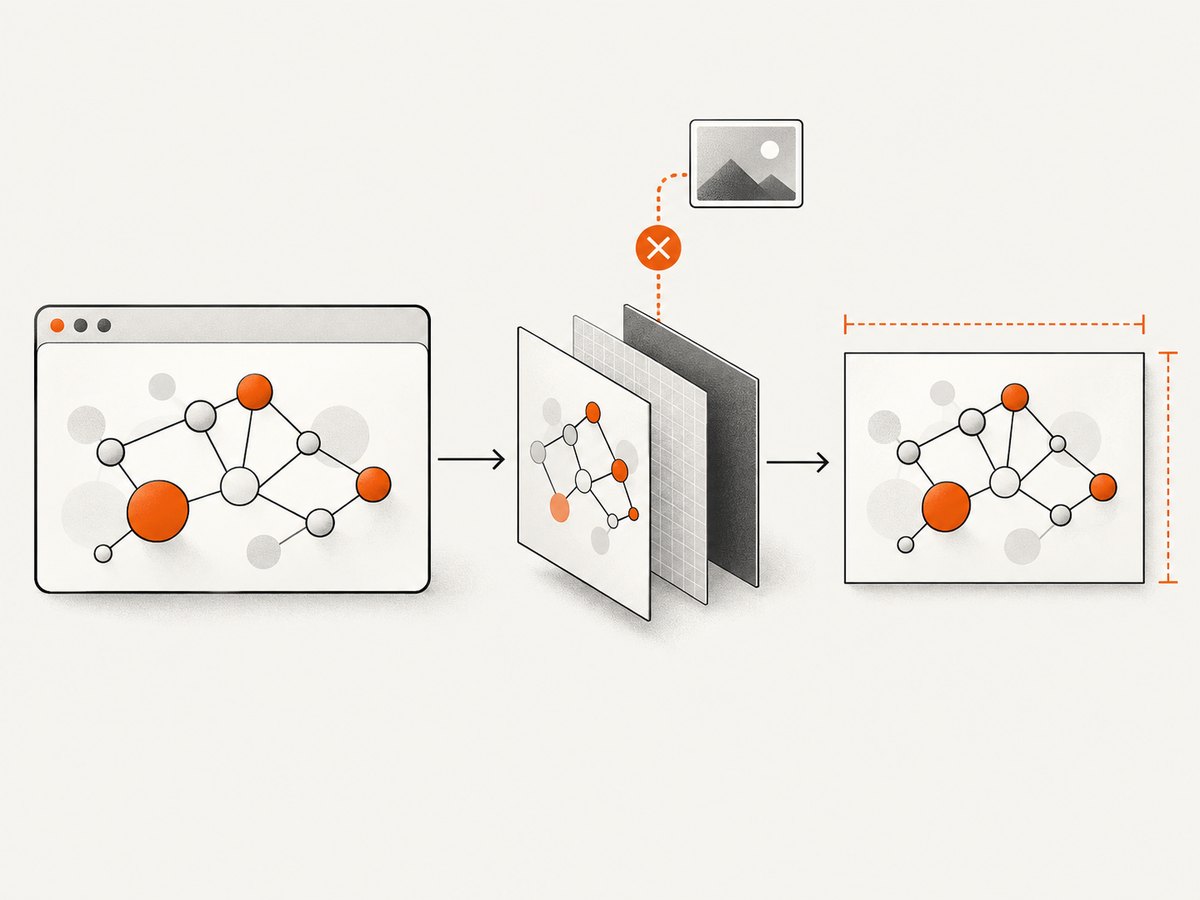
Canvas memory grows roughly with pixel count. A 2× scale doubles each dimension and therefore uses about four times as many pixels. Before raising scale, calculate the intended output dimensions: CSS width × scale by CSS height × scale. A huge, high-density graph can consume substantial memory even if each individual dimension appears reasonable.
- Log the measured element bounds, scroll dimensions, and chosen scale before capture.
- Try a smaller
scalewhile keeping the CSS dimensions the same. - If the graph is taller or wider than the visible region, decide whether the output should include scroll content or just the viewport; do not mix those intentions accidentally.
- For very large diagrams, export in tiles or capture logical sections and combine them with a workflow designed for large images.
- Consider whether vector SVG is a better output than a massive raster image.
5. Export paths when html2canvas remains unreliable
Keep the graph as SVG
Because ngx-graph produces SVG, serializing the graph’s SVG is a reasonable vector-preserving fallback. This is an engineering inference from the library’s SVG output, not a guarantee that every external style or asset will travel with the serialized file. Inline required styles and check referenced assets before distributing the SVG.
function downloadGraphSvg(): void {
  const svg = document.querySelector<SVGSVGElement>('#graph svg');
  if (!svg) throw new Error('Graph SVG was not found');

  const copy = svg.cloneNode(true) as SVGSVGElement;
  copy.setAttribute('xmlns', 'http://www.w3.org/2000/svg');
  const source = new XMLSerializer().serializeToString(copy);
  const blob = new Blob([source], { type: 'image/svg+xml;charset=utf-8' });
  const url = URL.createObjectURL(blob);
  const link = document.createElement('a');
  link.href = url;
  link.download = 'graph.svg';
  link.click();
  URL.revokeObjectURL(url);
}
If the SVG uses stylesheets outside the element, the downloaded file may look different when opened elsewhere. Copy essential styles onto SVG elements or include a style element in the SVG, and embed or make external assets available. For a transparent-background raster, render the SVG through a browser or a compatible SVG renderer and specify transparency deliberately.
Use a real browser for PNG output
If PNG is mandatory and html2canvas’s reconstruction path keeps dropping SVG content, use a browser screenshot workflow such as Puppeteer or Playwright. html2canvas’s own FAQ names these as server-side screenshot options. A real browser renders the page’s SVG through its normal rendering engine, though you still need to wait for graph layout, fonts, and assets and to choose a viewport and full-page strategy. [html2canvas FAQ]
Choose based on the actual need: direct SVG export preserves vector geometry; html2canvas is convenient for client-side DOM-to-canvas rendering; browser screenshots use the browser’s page renderer and can be more faithful for complex SVG; any path that loads remote assets still has to account for access, timing, and failure.
6. Troubleshooting checklist
| Symptom | Likely cause | Fix to try |
|---|---|---|
| Node labels missing or black | SVG text styles, inherited color, font readiness, or foreignObject rendering issue | Wait for document.fonts.ready; set explicit SVG fill, color, and font-family; compare foreignObject modes. |
| Link strokes missing but arrowheads visible | Selective path or stroke rendering issue in a complex SVG | Inspect the link template’s path and marker; make stroke and fill explicit; test a minimal edge and direct SVG export. |
| Black rectangle or black background | Unspecified background, unsupported SVG feature, or an asset/rendering failure | Set backgroundColor; set the SVG background in onclone; remove suspect masks or assets one at a time. |
| Images disappear | Cross-origin response lacks permission or the asset is not ready | Check response headers and load timing; use an allowed same-origin proxy or inline the asset. |
toDataURL throws a security error |
The canvas is tainted by a cross-origin resource | Serve the resource with suitable CORS headers or proxy it. allowTaint does not make a tainted canvas readable. |
| Entire result is blank or only partly drawn | Zero/incorrect dimensions, capture before render, or canvas limit exceeded | Check bounds, wait for layout, log scroll size, lower scale, or tile the output. |
| Looks different from the live page | html2canvas’s manual CSS implementation or cloned-page viewport differs | Set capture dimensions and window dimensions deliberately; simplify unsupported styles in the clone or use a browser screenshot. |
| Works locally but not in production | Different fonts, asset origins, headers, timing, or graph size | Compare production network responses, computed SVG styles, loaded fonts, and measured dimensions. |
7. A practical decision sequence
- Confirm the live graph. Verify that labels and edges are visible before capture and that the host has nonzero dimensions.
- Stabilize the page. Wait for fonts, graph layout, and required assets. Capture after rendering rather than immediately after changing graph data.
- Make the capture deterministic. Specify background, element bounds, window dimensions, and a modest scale.
- Run feature isolation. Toggle foreignObject rendering; simplify one suspect SVG feature or asset at a time; set explicit styles on node and link elements.
- Check security and limits. Confirm CORS permission for external resources and keep dimensions within practical browser canvas limits.
- Select the output path. Prefer SVG when vector output is acceptable. Use a real-browser screenshot when PNG fidelity matters and client-side rasterization remains incomplete.
8. Or skip the browser setup
If the goal is a screenshot of a hosted page that contains a graph, [ScreenshotNeo](https://screenshotneo.com) provides a screenshot API and MCP server. It captures a URL with a single request and supports PNG, JPEG, WebP, or PDF. For this graph example, first make the page available at a URL that the capture service can reach; a browser-only Angular route behind a local development server is not directly accessible to an external service.
cURL:
curl -G "https://api.screenshotneo.com/v1/shot" \
  -d access_key=YOUR_API_KEY \
  --data-urlencode url=https://your-site.example/graph \
  -o graph.webp
Python:
import requests

r = requests.get(
    "https://api.screenshotneo.com/v1/shot",
    params={"access_key": "YOUR_API_KEY", "url": "https://your-site.example/graph"},
    timeout=90,
)
r.raise_for_status()
with open("graph.webp", "wb") as f:
    f.write(r.content)
Node.js:
const q = new URLSearchParams({
  access_key: 'YOUR_API_KEY',
  url: 'https://your-site.example/graph'
});
const res = await fetch(`https://api.screenshotneo.com/v1/shot?${q}`);
if (!res.ok) throw new Error(`Screenshot request failed: ${res.status}`);
const bytes = new Uint8Array(await res.arrayBuffer());
await import('node:fs/promises').then(fs => fs.writeFile('graph.webp', bytes));
See the ScreenshotNeo API documentation for the request options and setup. Cookie banners, popups, and chat widgets are removed before the shot; bot checks, blank pages, and failed loads are never billed. Its MCP server lets AI agents take screenshots. The free plan includes 1,000 screenshots a month with no card; paid plans start at $5 for 3,000. Sign up for free.
9. Performance, reliability, and cost notes
Client-side html2canvas uses the visitor’s browser CPU and memory, so large graphs and high output scales can make the page feel slow or run out of memory. Keep captures focused, avoid repeating work when the graph has not changed, and use a scale appropriate to the display or print size. If a capture is part of a user action, show that it is in progress and handle rejected promises instead of assuming the browser will always finish.
Reliability depends on stable layout and available assets. Fonts, images, graph data, and Angular updates all affect the rendered result. Capture only after the graph reaches its intended state, and treat external asset loading as a dependency with its own failure modes. For repeatable server-side output, pin the browser environment and viewport in your own capture workflow; test representative graphs, especially ones that use markers, labels, masks, or external assets.
The direct client-side method has no screenshot-service request charge, but it consumes browser resources and engineering time. A browser automation server adds infrastructure and maintenance. ScreenshotNeo offers a free allowance of 1,000 shots monthly with no card, then plans from $5 for 3,000; only clean shots are billed, and its response includes page-verdict and billed headers. Check the current plan details on the product site before choosing based on volume.
10. FAQ
Does a missing link line mean ngx-graph failed to draw it?
Not necessarily. If the line appears in the live page, but not in the capture, investigate SVG rasterization, styles, assets, and dimensions before debugging the graph data.
Should I always enable foreignObjectRendering?
No. Test both modes against the exact graph. ForeignObject support can be a compatibility risk, and the better result depends on the content.
Can I fix every black capture by setting a white background?
No. An explicit background removes ambiguity about the canvas background, but it cannot restore an unsupported path, text style, or inaccessible external asset.
When should I stop tuning html2canvas?
When a minimal, correctly sized capture still consistently omits required SVG content, use direct SVG output for vector needs or a real-browser screenshot for PNG.
Can ScreenshotNeo capture an Angular graph?
It captures a URL. The page must be reachable by the service and render the graph at that URL; a local-only route is not reachable until exposed through an accessible deployment or development setup.


