How to Fix Blank Canvas Elements in Cypress Screenshots
Separate Cypress Test Replay capture problems from blank PNGs, then fix rendering, timing, CORS, iframe, and browser tab issues.
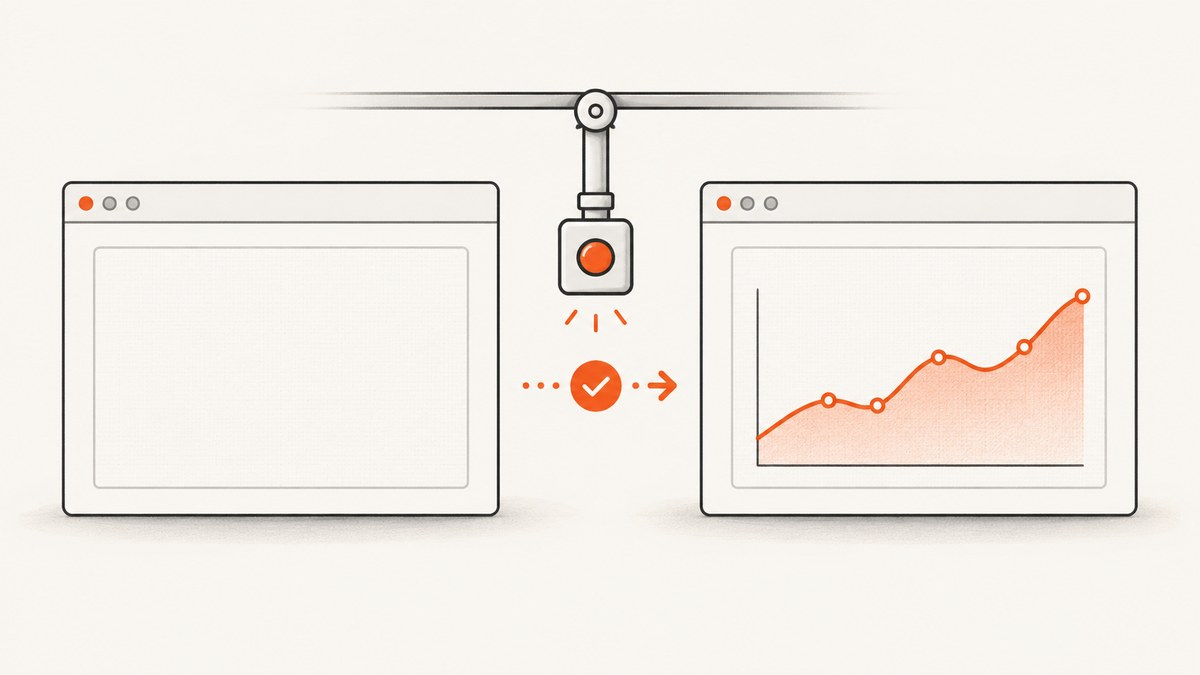
A “blank canvas in Cypress screenshot” can describe two different failures:
- A striped or empty canvas while viewing a Cypress Cloud Test Replay.
- A canvas that is missing or empty in a PNG created by
cy.screenshot().
Identify the failing capture surface first. Test Replay has its own capture setting and version requirement. A saved screenshot usually indicates that the application had not finished drawing, the canvas was tainted by cross-origin data, the canvas lived behind an unsupported document boundary, or Chromium paused the Cypress renderer.
1. Identify which Cypress capture is blank
| Symptom | Likely area | First check |
|---|---|---|
| Canvas is blank only in Cypress Cloud Test Replay | Replay capture support or project settings | Cypress version, Cloud toggle, Shadow DOM placement |
Canvas is blank in a saved cy.screenshot() PNG |
Application rendering or browser security | Live page state, canvas dimensions, data readiness |
| Entire screenshot fails after opening a new tab | Chromium renderer pause | Whether a target="_blank" link activated another tab |
| Canvas belongs to a cross-origin iframe | Cypress document boundary | Iframe origin and test architecture |
Save the PNG and inspect the page at the exact capture point. Cypress stores screenshots in cypress/screenshots by default. Failure screenshots are automatic in cypress run, but not in cypress open; video is configurable for cypress run. Preserve the browser, Cypress version, CI or open/run mode, canvas dimensions, iframe or Shadow DOM placement, and the request sequence that produced the chart.
2. Fix a blank canvas in Cypress Test Replay
Cypress announced on April 3, 2026 that canvas element capture is enabled by default for all projects in Cypress Cloud. The announcement states that most teams do not need a configuration change, but canvas capture requires Cypress 15.5.0 or later. A project-level setting can disable capture, and canvases inside Shadow DOM are not shown by the documented support.
- Run
npx cypress versionand confirm Cypress is 15.5.0 or later. - Open the project’s Cypress Cloud Test Replay settings.
- Confirm canvas capture is enabled for the project.
- Check whether the canvas is inside a shadow root. Current documented Replay support does not show Shadow DOM canvases.
- Compare the Replay with a manual PNG from
cy.screenshot(). If the PNG contains the pixels but Replay does not, keep the investigation focused on Replay capture rather than application rendering.
For future upgrades, verify the current Cypress announcement and Cloud settings because support and defaults can change.
3. Make cy.screenshot() wait for the application, not an arbitrary delay
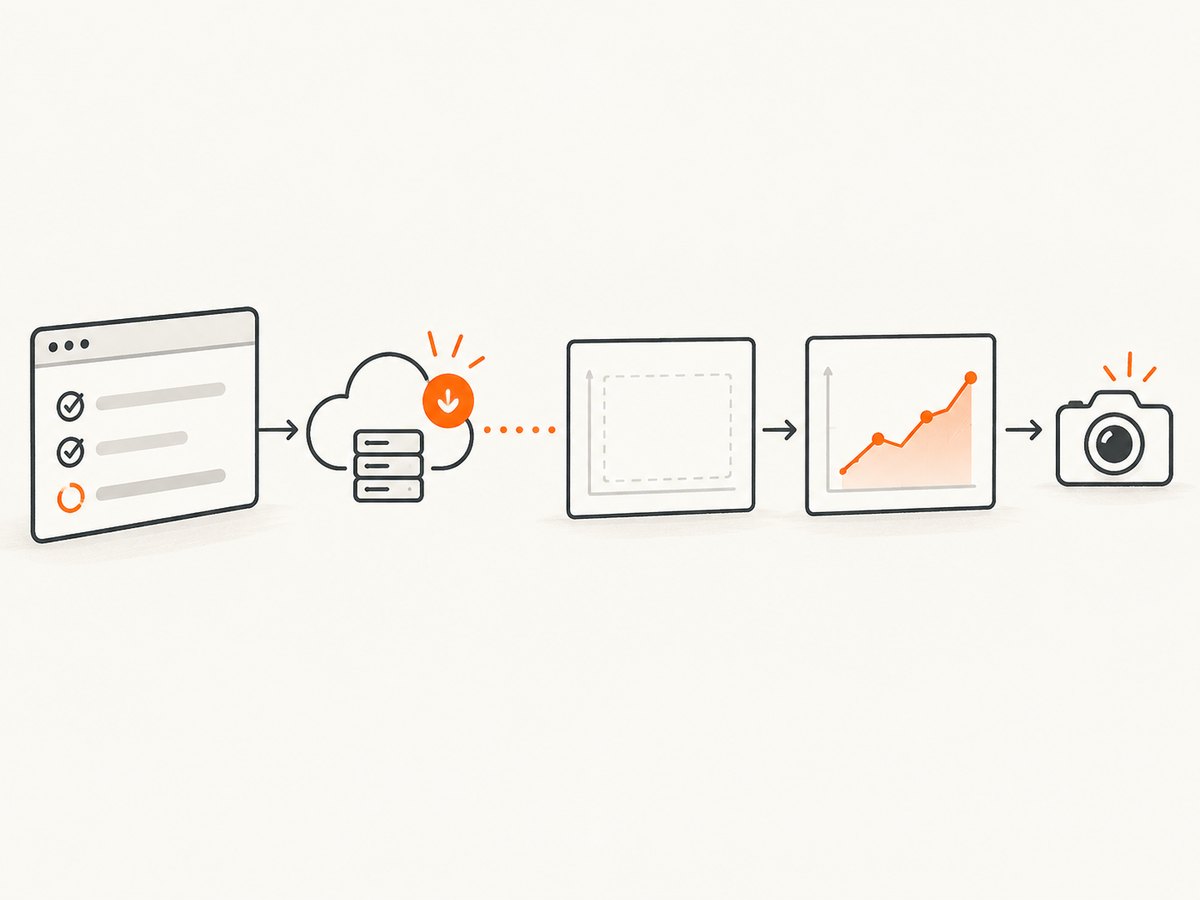
cy.screenshot() is asynchronous and takes around 100 milliseconds. The command does not prove that your chart library has finished painting. Synchronize on the request, loading state, and application readiness signal that control the canvas.
Wait for the data request
describe('chart screenshot', () => {
  it('captures the rendered chart', () => {
    cy.intercept('GET', '**/api/sales*').as('sales')
    cy.visit('/dashboard')

    cy.wait('@sales').its('response.statusCode').should('eq', 200)
    cy.get('[data-cy=chart-loading]').should('not.exist')
    cy.get('[data-cy=sales-chart]').should('be.visible')
    cy.get('[data-cy=sales-chart canvas]')
      .should('have.prop', 'width')
      .and('be.greaterThan', 0)

    cy.screenshot('sales-chart')
  })
})
Expose an application readiness state
// Application code
window.renderSalesChart(data)
  .then(() => {
    document.querySelector('[data-cy=chart-status]')
      .setAttribute('data-ready', 'true')
  })

// Cypress test
cy.get('[data-cy=chart-status]')
  .should('have.attr', 'data-ready', 'true')
cy.screenshot('sales-chart-ready')
A readiness attribute, removed spinner, resolved network alias, or visible chart container is more reliable than cy.wait(2000). Use a fixed delay only when the rendering library offers no observable state, and keep it tied to a measured application transition.
Check that the page itself contains pixels
cy.get('[data-cy=sales-chart canvas]').then(($canvas) => {
  const canvas = $canvas[0]
  expect(canvas.width).to.be.greaterThan(0)
  expect(canvas.height).to.be.greaterThan(0)

  const context = canvas.getContext('2d')
  expect(context).to.exist

  // This read is diagnostic only. A SecurityError indicates a tainted canvas.
  expect(() => context.getImageData(0, 0, 1, 1)).not.to.throw()
})
If the live page is already blank at this point, Cypress is faithfully capturing an application problem. Inspect chart inputs, canvas dimensions, device-pixel-ratio calculations, resize observers, and errors in the browser console.
4. Resolve cross-origin canvas tainting
When a canvas draws image data loaded from another origin without CORS approval, the browser taints the canvas. Pixel reads and export methods such as getImageData(), toDataURL(), and toBlob() then throw a SecurityError. This is a browser security boundary; a Cypress command cannot bypass it.
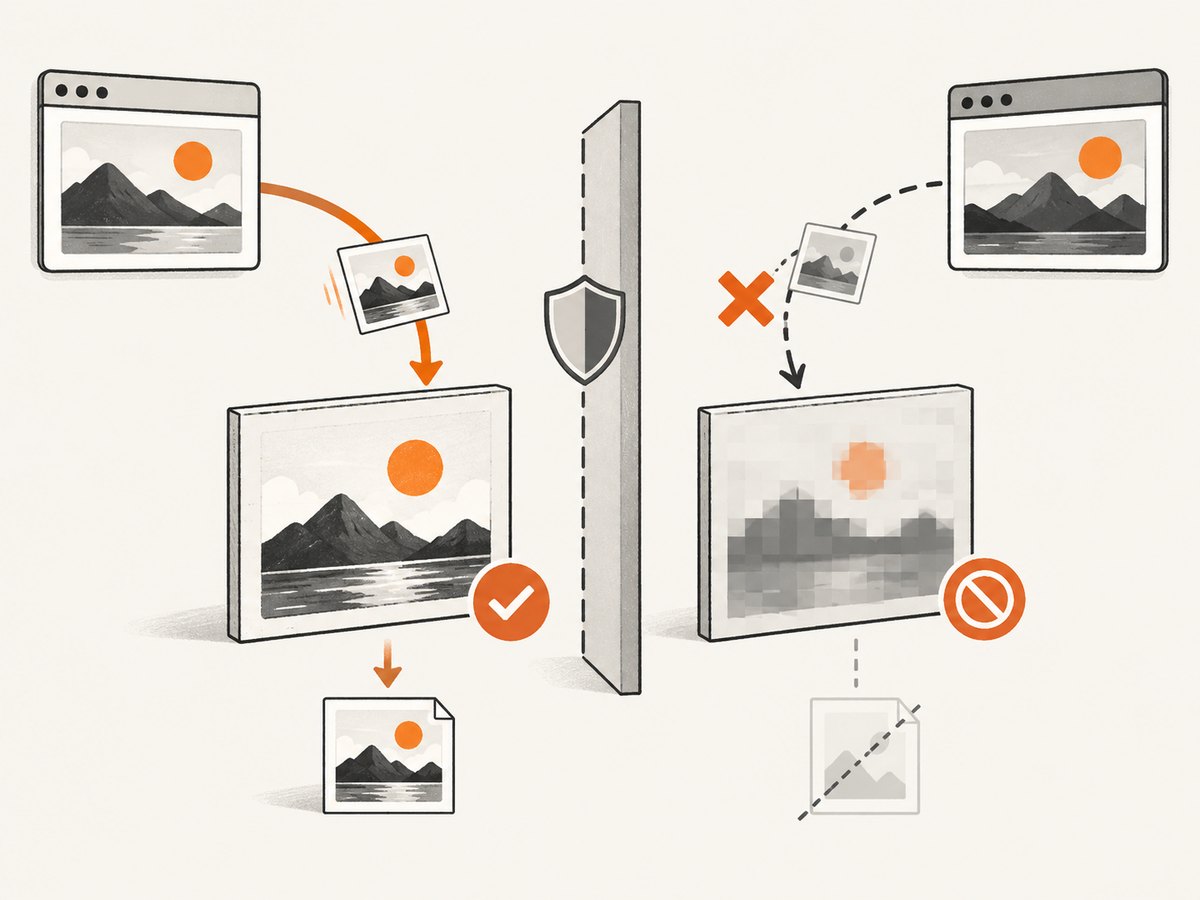
MDN documents the required pairing: set the image’s crossorigin attribute before assigning src, and configure the remote server to return an appropriate CORS response header.
const image = new Image()
image.crossOrigin = 'anonymous'
image.onload = () => {
  const canvas = document.querySelector('#chart')
  canvas.getContext('2d').drawImage(image, 0, 0)
}
image.src = 'https://assets.example.com/map.png'
The asset server must allow the requesting origin, for example with Access-Control-Allow-Origin. If you do not control that server, proxy the asset through an origin you control or use a same-origin asset. Do not recommend disabling browser security in CI as a fix.
5. Check iframe and Shadow DOM boundaries
Cross-origin iframe
Determine whether the canvas is in the main document, a same-origin iframe, or a cross-origin iframe. Cypress cannot automate or communicate with a cross-origin iframe. cy.origin() supports top-level navigation across origins; it does not make a cross-origin iframe accessible.
For a same-origin iframe, obtain the iframe document after it loads and assert the canvas there. For a cross-origin iframe, test the embedded application in its own origin, expose a test-friendly integration point, or capture it with tooling that runs inside that origin.
Shadow DOM
Test Replay’s documented canvas capture does not show canvases inside Shadow DOM. A saved PNG can still contain such a canvas if the browser renders it, so compare Replay and PNG results before changing application code.
6. Handle Chromium’s paused-tab condition
Cypress documents that Chromium may pause the Cypress tab renderer after a link opens a new tab, often through target="_blank". In that state screenshots can fail or appear incomplete. This is a tab activation condition, not a canvas rendering API issue.
cy.get('a[target="_blank"]')
  .invoke('removeAttr', 'target')
  .click()

// Or assert the URL and stay in the same tab when that matches the behavior under test.
cy.url().should('include', '/reports')
Use this only when the test does not need to verify a real second-tab workflow. If it does, test the destination separately and preserve the original navigation contract in the application.
7. Compare Cypress screenshot modes and artifacts
cy.screenshot() supports viewport, full-page, and runner capture modes. Full-page capture has separate stitching behavior for fixed and sticky elements, so first prove that the canvas is rendered in a viewport screenshot. If the viewport image is correct but full-page output is wrong, investigate stitching, layout changes during scroll, and fixed-position overlays.
cy.screenshot('chart-viewport', { capture: 'viewport' })
cy.screenshot('chart-full-page', { capture: 'fullPage' })
cy.screenshot('runner-state', { capture: 'runner' })
When sequence matters, enable Cypress run video and retain screenshots and videos as CI artifacts. A reproducible artifact is more useful than repeatedly increasing a timeout.
8. Troubleshooting checklist
| Error or symptom | Cause | Fix |
|---|---|---|
| Replay canvas is striped or empty | Old Cypress version, disabled project capture, or unsupported Shadow DOM | Use Cypress 15.5.0+, enable the Cloud setting, and check the canvas location. |
| PNG contains a blank chart but live page is also blank | Application has not rendered data or dimensions | Wait for the data request and app readiness; assert nonzero width and height. |
SecurityError from getImageData or export |
Canvas is tainted by foreign-origin image data | Set crossorigin before src and return suitable CORS headers. |
| Canvas is inside a cross-origin iframe | Cypress cannot access that document | Test or capture from the iframe’s origin; cy.origin() does not unlock iframe access. |
| Screenshot fails after a new-tab link | Chromium paused the Cypress renderer | Keep the test in one tab where appropriate or split destination testing. |
| Viewport works, full-page is blank or shifted | Full-page scrolling and stitching changed layout | Prove viewport capture first, then inspect sticky elements and scroll-triggered rendering. |
Works in cypress open, missing in CI |
Different browser, timing, environment, or run-only artifacts | Record versions, use explicit readiness assertions, and preserve run screenshots/video. |
9. Performance, reliability, and cost considerations
- Performance: Cypress describes screenshot capture as taking around 100 milliseconds. Canvas capture in Test Replay has been reported qualitatively without a published numerical benchmark; measure your own suite if capture time matters.
- Reliability: Network aliases, application readiness signals, and dimension assertions make failures diagnosable. A long fixed wait can still race a slow request and adds time to every test.
- Memory: Large full-page canvases and high device-pixel-ratio rendering increase image size. Capture the smallest meaningful element when validating a chart.
- CI consistency: Pin browser and Cypress versions, use deterministic fixture data, and record whether the test ran headed or headless.
- Visual testing: Cypress screenshots create artifacts; visual regression requires a comparison workflow after rendering is correct.
Or skip the browser setup
If you need a clean screenshot of a rendered page rather than a Cypress test artifact, ScreenshotNeo provides a website screenshot API. Its cleanup steps accept cookie and consent banners and remove more than 60 known consent platforms, newsletter popups, and chat widgets before capture; each step can be disabled. Bot checks, blank pages, timeouts, failed loads, and cache hits are not billed, and the response identifies the result with X-Page-Verdict and X-Billed headers. It also offers an MCP server for AI agents such as Claude and Cursor.
See the ScreenshotNeo API documentation for all options.
cURL
curl -G "https://api.screenshotneo.com/v1/shot" \
  -d access_key=YOUR_API_KEY \
  --data-urlencode url=https://cypress.io \
  -o cypress.webp
Python
import requests

r = requests.get(
    "https://api.screenshotneo.com/v1/shot",
    params={"access_key": "YOUR_API_KEY", "url": "https://cypress.io"},
    timeout=90,
)
r.raise_for_status()
open("cypress.webp", "wb").write(r.content)
Node.js
const q = new URLSearchParams({
  access_key: 'YOUR_API_KEY',
  url: 'https://cypress.io'
})
const res = await fetch(`https://api.screenshotneo.com/v1/shot?${q}`)
if (!res.ok) throw new Error(`Screenshot failed: ${res.status}`)
const fs = await import('node:fs/promises')
await fs.writeFile('cypress.webp', Buffer.from(await res.arrayBuffer()))
ScreenshotNeo supports PNG, JPEG, WebP, PDF, full-page capture, CSS element capture, dark mode, device presets, retina scale, custom CSS and JavaScript, waits for selectors or network idle, request blocking, headers, cookies, user agents, authorization, timezone, geolocation, transparent backgrounds, resizing, caching, signed links, asynchronous jobs, bulk capture, usage reporting, and an OpenAPI specification. The parameter names used by other screenshot APIs also work, which can simplify migration.
There is a free plan with 1,000 screenshots per month and no card. Paid plans start at $5 for 3,000 screenshots. Create a free ScreenshotNeo account.
FAQ
Does Cypress always exclude canvas elements?
No. The documented behavior differs between Test Replay and saved screenshots, and the result depends on rendering readiness, browser boundaries, and canvas security.
Will adding cy.wait(5000) fix a blank canvas?
Only if the delay happens to outlast the application’s rendering. A request or readiness assertion explains why the capture is safe and is usually more stable.
Can cy.origin() access a cross-origin iframe canvas?
No. Cypress documents cy.origin() for top-level cross-origin navigation, not cross-origin iframe automation.
Why does the browser show the chart but getImageData() fail?
The canvas is likely tainted by an image loaded from another origin without CORS approval. The browser can display it while refusing pixel reads and exports.
Where are Cypress screenshots saved?
By default, Cypress writes them under cypress/screenshots. The location can be changed with the project’s screenshotsFolder setting.
Primary references: Cypress screenshot API, Cypress cross-origin testing, Cypress capture guidance, and MDN’s cross-origin canvas guide.


