How to Fix Blank Images from PHP imagegrabwindow
Diagnose blank PHP imagegrabwindow captures by checking Windows, HWND validity, readiness, client area, return values, and whole-screen comparisons.
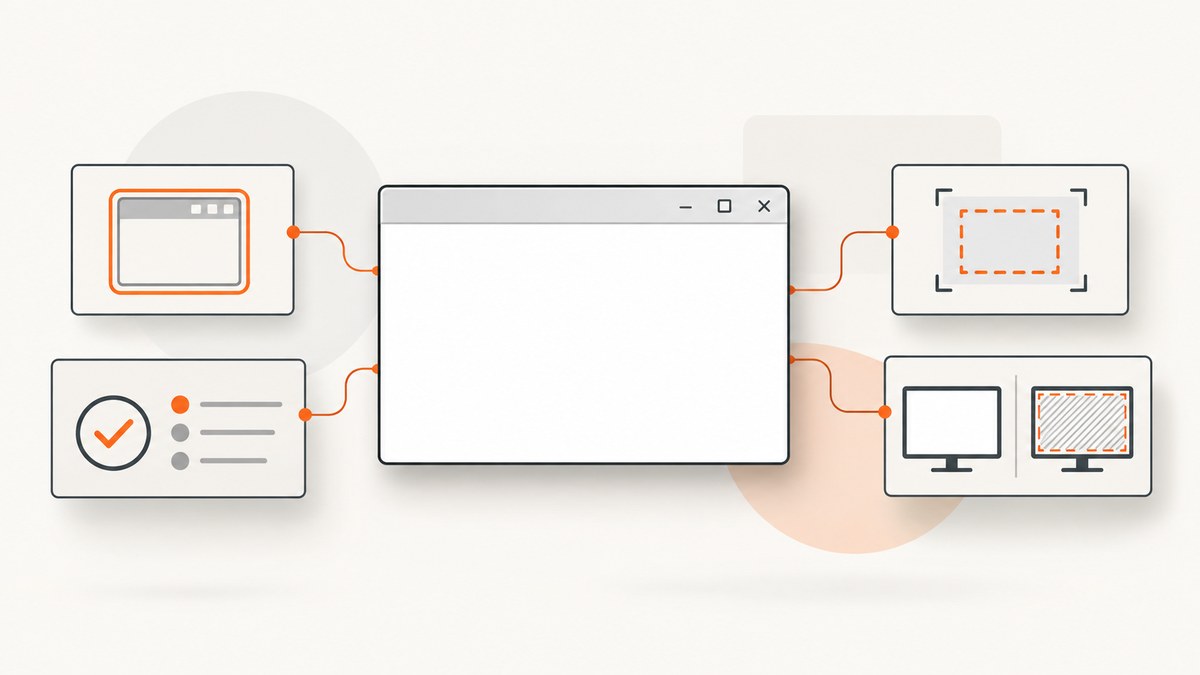
imagegrabwindow() can produce a blank-looking image for several different reasons. Start by confirming that PHP is running on Windows, the HWND is valid at capture time, the target has finished drawing, and the function did not return false. Then compare full-window and client-area captures and use imagegrabscreen() as a diagnostic control.
The PHP manual does not document one universal cause for a valid-but-blank capture. Treat each check below as evidence gathering rather than a guaranteed single fix.
What imagegrabwindow() does
imagegrabwindow() captures a Windows window identified by its HWND and returns a GD image on success. It is available only on Windows. The optional client_area argument controls whether the application’s client area is included.
On PHP 8.0 and later, a successful call returns a GdImage object. Older PHP versions returned a resource. PHP 8 also declares client_area as a Boolean parameter.
Reference: PHP imagegrabwindow() documentation.
Use a defensive capture script first
This script checks the HWND, captures both argument variants, checks for false, and writes PNG files only after a successful capture. Set WINDOW_HWND to the current numeric HWND supplied by your Windows integration.
<?php

declare(strict_types=1);

$rawHwnd = getenv('WINDOW_HWND');
if ($rawHwnd === false || $rawHwnd === '' || !ctype_digit($rawHwnd)) {
    throw new RuntimeException('Set WINDOW_HWND to the target window HWND.');
}

$hwnd = (int) $rawHwnd;
if ($hwnd <= 0) {
    throw new RuntimeException('HWND must be a positive integer.');
}

function saveWindowCapture(int $hwnd, bool $clientArea, string $filename): void
{
    $image = imagegrabwindow($hwnd, $clientArea);

    if ($image === false) {
        throw new RuntimeException(
            sprintf('imagegrabwindow() failed for client_area=%s', $clientArea ? 'true' : 'false')
        );
    }

    if (PHP_VERSION_ID >= 80000 && !($image instanceof GdImage)) {
        throw new RuntimeException('Expected a GdImage on PHP 8 or later.');
    }

    if (!imagepng($image, $filename)) {
        throw new RuntimeException("Could not write {$filename}");
    }

    imagedestroy($image);
}

// Capture the default/full-window interpretation.
saveWindowCapture($hwnd, false, __DIR__ . '/window.png');

// Capture the application's client area for comparison.
saveWindowCapture($hwnd, true, __DIR__ . '/client-area.png');

echo "Wrote window.png and client-area.png\n";
If your code targets PHP versions before 8.0, remove the GdImage instance check and keep the false check. Do not pass a failed return value to imagepng().
Step-by-step diagnosis
1. Confirm the platform
The function is Windows-only. Check the runtime rather than the development machine:
<?php
if (PHP_OS_FAMILY !== 'Windows') {
    throw new RuntimeException('imagegrabwindow() requires Windows.');
}
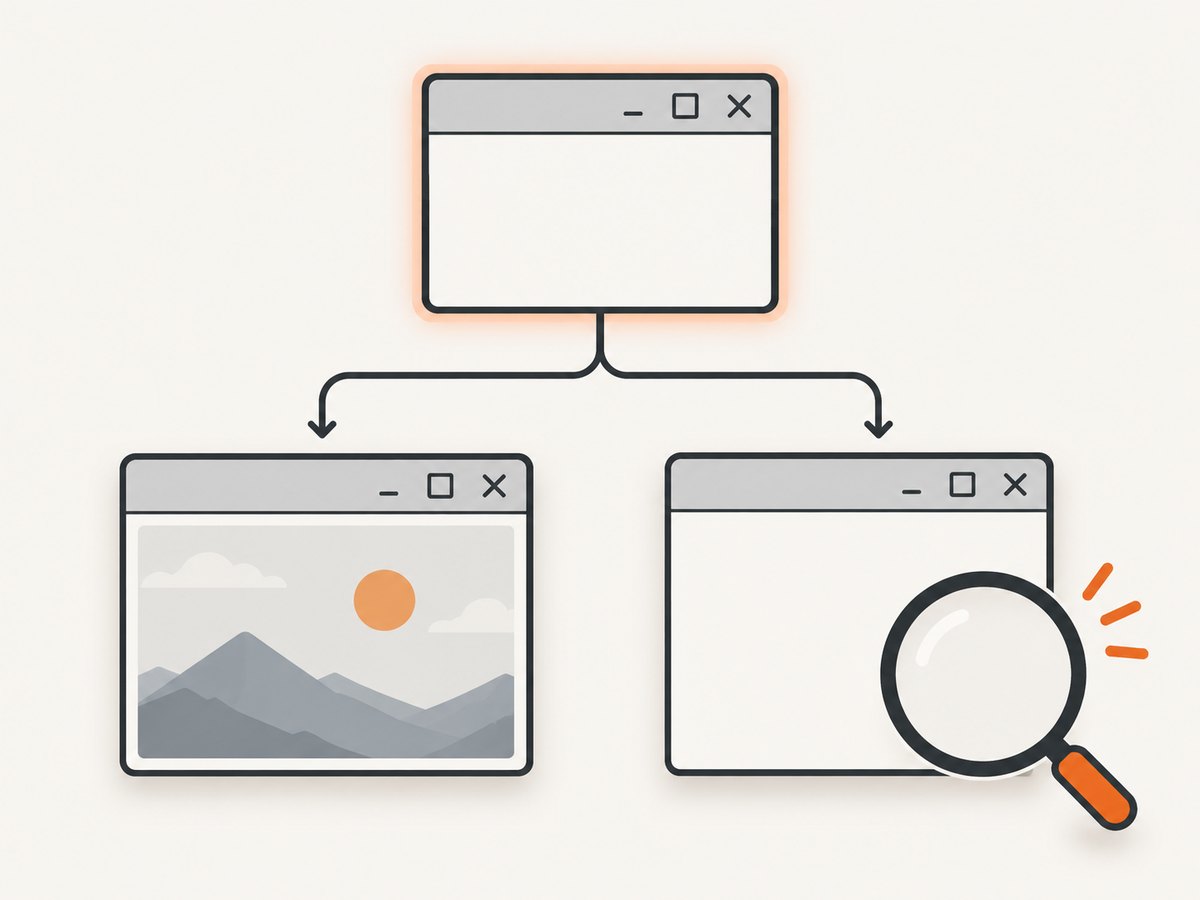
When PHP runs under Linux, macOS, WSL, a container, or a remote worker, this is not the supported capture route. Move the capture code to a Windows process or use a browser-based screenshot service.
2. Validate the HWND immediately before capture
An HWND can become invalid when the application closes, restarts, opens a replacement window, or recreates its main window. The manual documents an E_NOTICE for an invalid window handle.
Log the exact value and how it was obtained. Confirm that it identifies the intended window, not a child control or an old process instance. If your integration can query the window again, reacquire the handle just before calling imagegrabwindow().
3. Inspect the return value and PHP messages
A failed call returns false. Enable logging while diagnosing notices and warnings:
<?php
error_reporting(E_ALL);
ini_set('display_errors', '1');

$image = imagegrabwindow($hwnd, false);
var_dump($image);
The reference also documents an E_WARNING when the Windows API is too old. Record the PHP version, Windows version, message text, and whether the return value is false or an image object/resource.
4. Wait until the application has finished drawing
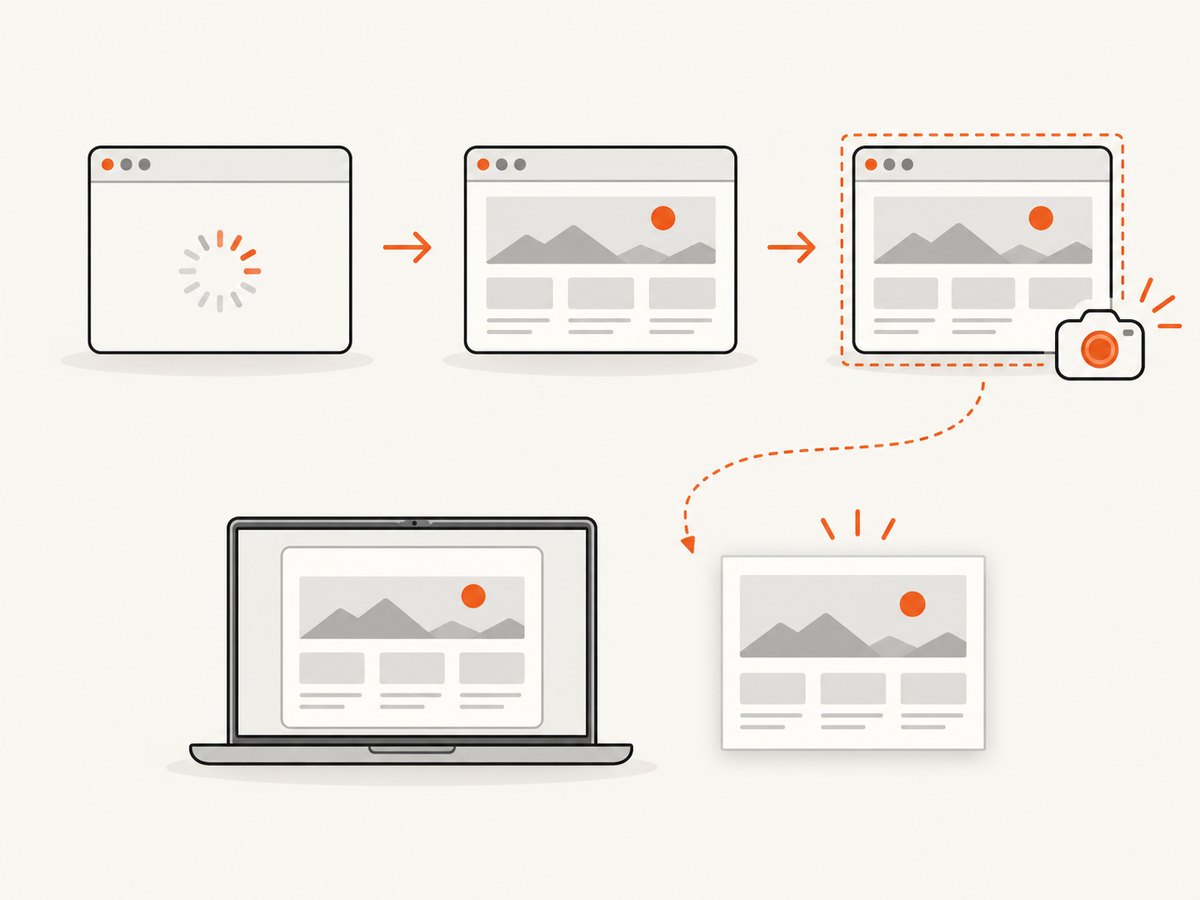
A window can have a valid HWND while its page or controls are still loading. The PHP manual’s browser example waits for the browser’s Busy property to clear before capturing. That demonstrates why readiness matters; it does not prove that waiting fixes every blank image.
Use the readiness signal exposed by your application. If none exists, use a bounded polling loop and log the elapsed time. Avoid an unbounded sleep that can hang a worker forever.
<?php
$deadline = microtime(true) + 30.0;

while (microtime(true) < $deadline) {
    // Replace this with your application's real loading/busy check.
    $isReady = checkApplicationReady();
    if ($isReady) {
        break;
    }
    usleep(250000);
}

if (!$isReady) {
    throw new RuntimeException('The target did not report ready within 30 seconds.');
}

$image = imagegrabwindow($hwnd, false);
checkApplicationReady() is an integration placeholder. Use a COM property, IPC status, browser automation state, or another signal that belongs to the application you control.
5. Compare the client-area setting
Capture with both false and true. The argument controls whether the application’s client area is included; the manual does not claim that either setting universally repairs blank output.
<?php
$fullWindow = imagegrabwindow($hwnd, false);
$clientOnly = imagegrabwindow($hwnd, true);

var_dump([
    'full_window' => $fullWindow !== false,
    'client_area' => $clientOnly !== false,
]);
If one image contains content and the other does not, inspect the window’s non-client frame, child controls, and rendering path. Keep both files as evidence for a support report.
6. Compare with a whole-screen capture
imagegrabscreen() captures the whole screen. Run it in the same Windows session:
<?php
$screen = imagegrabscreen();
if ($screen === false) {
    throw new RuntimeException('imagegrabscreen() failed.');
}

imagepng($screen, __DIR__ . '/screen.png');
imagedestroy($screen);
This comparison is diagnostic reasoning: if the whole-screen image also fails or is blank, the problem may extend beyond the requested HWND capture. If the whole screen shows the application while the window image is blank, focus your investigation on the handle, capture area, or window rendering path.
Reference: PHP imagegrabscreen() documentation.
7. Check PHP-version assumptions
| Area | PHP 7.x and earlier code | PHP 8.0+ |
|---|---|---|
| Successful return | GD resource | GdImage object |
client_area |
Older code may pass an integer | Declared as bool |
| Failure handling | false; check before calling image functions |
|
Update strict type declarations, object checks, and cleanup code when migrating to PHP 8. Do not infer success from the variable being non-null; test explicitly for false.
Common blank-image causes and fixes
| Symptom | Likely cause | Action |
|---|---|---|
| PHP says the function is unavailable | PHP is not running on Windows | Run capture in a Windows process or choose a browser screenshot route. |
E_NOTICE about the window handle |
HWND is invalid, stale, or points to the wrong window | Reacquire and log the HWND immediately before capture; verify the window still exists. |
false is returned |
Capture failed | Stop before imagepng(); record PHP messages and test the other capture mode. |
E_WARNING mentions an old Windows API |
Unsupported or outdated Windows API environment | Record Windows and PHP versions and move to a supported Windows environment. |
| Image object exists but pixels are blank | Target has not finished loading or drawing | Wait for the application’s busy/loading state to clear, then capture again. |
| Only one area variant is blank | Difference between full-window and client-area capture | Keep both outputs and inspect frames, child controls, and rendering behavior. |
| Window capture is blank but screen capture works | HWND or window-specific rendering issue | Revalidate the HWND and compare the target’s visible state with the captured area. |
| Both captures are blank | Broader session, API, readiness, or rendering problem | Check the Windows session, visibility, readiness signal, and API warnings. |
What to include in a reproducible bug report
- PHP version and whether the process is 32-bit or 64-bit.
- Windows version and whether the process runs interactively, as a service, through Remote Desktop, or in another session.
- The exact HWND value, how it was obtained, and when it was queried.
- Whether the target window is visible and has finished rendering.
- The exact
imagegrabwindow()arguments. - The return type or
falsevalue. - All PHP notices and warnings.
- Results from
client_area=false,client_area=true, andimagegrabscreen(). - Small output files that demonstrate the difference, when permitted.
Performance, reliability, and cost considerations
Performance
Window and screen captures are local operations, but repeated captures still consume CPU, memory, and disk bandwidth. Reuse a bounded readiness loop, avoid capturing while the target is unchanged, and destroy GD images after writing them. Keep diagnostic PNGs out of the hot path if you only need a quick health check.
Reliability
Handles are process-session state, not durable identifiers. Reacquire them after application restarts and treat a failed or blank result as observable data. Log the capture mode, timestamp, HWND, readiness state, and return result so intermittent failures can be correlated.
Cost
Local GD captures do not involve a screenshot API charge, but maintaining a Windows desktop capture worker can add operational cost. If you need repeatable website captures across environments, a hosted browser screenshot API can remove the HWND, desktop-session, and rendering setup from your application.
Or skip the browser setup
For website screenshots, ScreenshotNeo uses one GET request and returns PNG, JPEG, WebP, or PDF. Cookie and consent banners are accepted and 60+ known consent platforms, newsletter popups, and chat widgets are removed before the shot. Bot checks, blank pages, failed loads, timeouts, and cache hits are not billed, and response headers identify the page verdict and billing result. Its MCP server provides take_screenshot, get_page_info, and capture_pdf tools for Claude, Cursor, and other MCP clients.
See the ScreenshotNeo API documentation for all options.
curl -G "https://api.screenshotneo.com/v1/shot" \
  -d access_key=YOUR_API_KEY \
  --data-urlencode url=https://stripe.com \
  -o shot.webp
import requests
r = requests.get(
"https://api.screenshotneo.com/v1/shot",
params={"access_key": "YOUR_API_KEY", "url": "https://stripe.com"},
timeout=90,
)
r.raise_for_status()
open("shot.webp", "wb").write(r.content)const q = new URLSearchParams({
access_key: 'YOUR_API_KEY',
url: 'https://stripe.com'
});
const res = await fetch(`https://api.screenshotneo.com/v1/shot?${q}`);
if (!res.ok) throw new Error(`HTTP ${res.status}`);
const bytes = Buffer.from(await res.arrayBuffer());
require('fs').writeFileSync('shot.webp', bytes);ScreenshotNeo includes full-page capture with lazy images loaded, CSS-selector element capture, dark mode, device presets and custom viewports, retina scale, PDF controls, custom CSS and JavaScript, clicks, waits, request blocking, headers, cookies, user agents, authorization, timezone, geolocation, transparent backgrounds, resizing, caching, signed links, asynchronous jobs, webhooks, bulk capture, usage data, and an OpenAPI specification. Existing parameter names used by other screenshot APIs also work.
The Free plan includes 1,000 screenshots per month with no card. Paid plans start at $5 for 3,000 screenshots; every feature is available on every plan. Create a free ScreenshotNeo account.
FAQ
Can imagegrabwindow() capture a browser page on Linux?
No. The function is documented as Windows-only. Run it in a Windows process or use a browser screenshot service for cross-platform website capture.
Does client_area=true always fix a blank image?
No. It changes the capture area. Compare both values and use the results to isolate the window or rendering issue.
What should I do when the function returns false?
Do not call imagepng() with that value. Log PHP notices and warnings, verify the HWND, check the platform, and retry only after the target is ready.
Why compare imagegrabwindow() with imagegrabscreen()?
The whole-screen capture provides a control image. The difference helps determine whether the issue is specific to the HWND/window capture or affects the broader Windows capture session.
What changed in PHP 8?
Successful captures return a GdImage object instead of a resource, and the declared client_area parameter changed from int to bool.


