How to Fix a Blank Page in Selenium and Codeception Acceptance Tests
Fix blank Selenium and Codeception pages by checking modules, URLs, browser sessions, rendering waits, and logs in a practical diagnostic sequence.
A blank page in a Selenium or Codeception acceptance test is a symptom, not a diagnosis. The browser may be pointed at the wrong host, the test may be using Codeception’s non-JavaScript PhpBrowser module, the WebDriver session may never have started, or the application may still be rendering when the assertion runs.
Use this order: identify the active Codeception module, verify the base URL from the browser’s network environment, confirm that a browser session is created, wait for a meaningful rendered element, then inspect screenshots, source, and logs. Fix the layer that fails instead of adding random delays.
1. Triage the blank page in five minutes
- Read the suite configuration. Decide whether the scenario uses
PhpBrowserorWebDriver. PhpBrowser uses Guzzle and Symfony BrowserKit and does not execute JavaScript. WebDriver controls a real Chrome or Firefox browser. - Check the URL from the browser’s environment. The
urlin the acceptance suite is the base origin;amOnPage()opens paths relative to it. A hostname that works on the test runner may not resolve inside a Dockerized browser or remote Selenium host. - Confirm session creation. Check Selenium or the selected browser driver endpoint, port, path, and browser binary. If no session exists, page rendering is not yet the problem.
- Wait for application state. Replace an immediate assertion with a wait for a visible element or text that proves client rendering completed.
- Collect evidence. Save the browser screenshot and page source, and enable JavaScript and debug logs. Compare what loaded with what the test expected.
This sequence follows the distinctions in Codeception’s acceptance-test documentation and its WebDriver module documentation.
2. Choose the correct Codeception module
| Axis | PhpBrowser | WebDriver |
|---|---|---|
| Execution model | HTTP requests through Guzzle and HTML parsing through Symfony BrowserKit | Real Chrome or Firefox controlled through WebDriver |
| JavaScript | Not executed | Executed by the browser |
| Best use | Server responses, status codes, headers, and HTML-level behavior | User-visible UI, asynchronous rendering, and browser integration |
| Trade-off | Fast and simple, but client-rendered interfaces can look empty | More realistic, but requires a browser session and driver |
If your application mounts a React, Vue, Angular, or other client-rendered interface, a PhpBrowser scenario can receive a valid shell HTML document while seeing no rendered controls. Move that scenario to WebDriver, or test the server response separately with PhpBrowser and the UI separately with WebDriver.
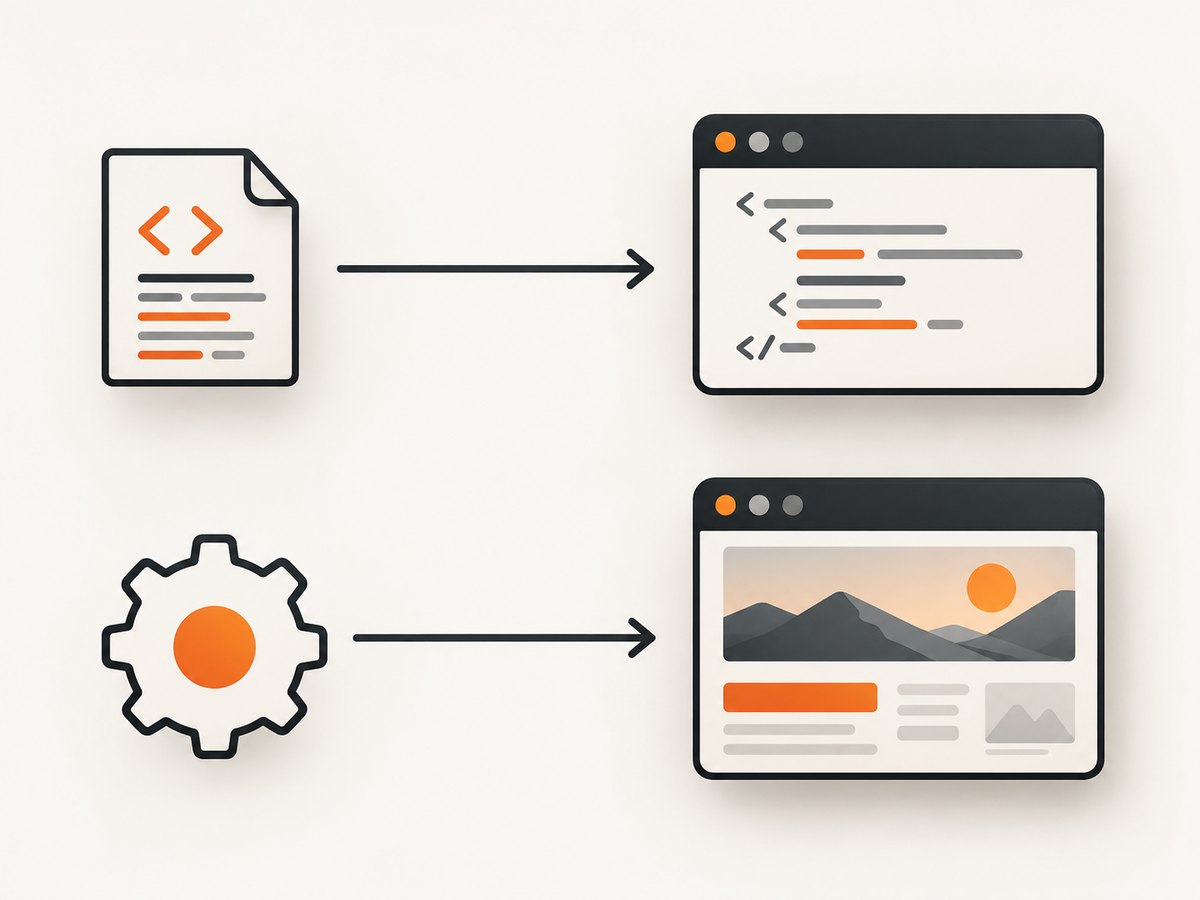
Minimal WebDriver suite configuration
# tests/acceptance.suite.yml
actor: AcceptanceTester
modules:
  enabled:
    - WebDriver:
        url: 'http://web-app:8080'
        browser: chrome
        host: selenium
        port: 4444
        window_size: 1280x900
        capabilities:
          browserName: chrome
          goog:chromeOptions:
            args:
              - '--headless=new'
              - '--no-sandbox'
              - '--disable-dev-shm-usage'
    - \Helper\Acceptance
Use an origin reachable from the browser container. In a Docker network that commonly means a service name such as web-app, not localhost. In a remote setup, use the address visible to the remote browser. Codeception’s Docker example and WebDriver reference describe this networking requirement.
Minimal PhpBrowser configuration
# tests/acceptance.suite.yml
actor: AcceptanceTester
modules:
  enabled:
    - PhpBrowser:
        url: 'http://web-app:8080'
    - \Helper\Acceptance
Do not enable WebDriver and PhpBrowser together in the same acceptance suite. Codeception documents that WebDriver conflicts with modules implementing its web interface, including PhpBrowser and framework web modules. Review Modules and Helpers for supported dependencies and shared actions.
3. Verify the target URL and network context
A blank document often means the test navigated somewhere other than the application. Print or inspect the exact URL after amOnPage(). Remember that a relative path is joined to the configured base URL:
Check the following from the browser environment:
- DNS resolves the hostname.
- The port is open between the browser and application containers.
- TLS certificates are trusted by the browser.
- The application binds to a non-loopback interface when accessed from another container.
- Reverse-proxy rules route the requested path instead of returning an empty shell or redirect loop.
When the runner is on the host and Selenium is in Docker, run a request from the Selenium container or browser node. A successful curl from the runner alone proves only that the runner can reach the URL.
4. Confirm Selenium, the driver, and the browser session
Selenium sends WebDriver commands to a browser-specific driver executable, which then starts and controls the browser. The Selenium browser-driver guide explains this chain. Verify each link before investigating application HTML.
- Start Selenium or the chosen remote WebDriver service.
- Confirm the configured host, port, and URL path. Selenium Grid deployments may use a different endpoint from a standalone server.
- Ensure the ChromeDriver or GeckoDriver version can start the installed browser.
- Run a trivial session that opens a stable public page.
- Only then navigate to the application under test.
# Check a Selenium endpoint from the test runner
curl -sS http://selenium:4444/status
If session creation returns an empty response, connection refusal, or a driver error, fix the service, executable, browser binary, permissions, or container resources first. An older Codeception issue shows a session-creation failure from the Codeception 2.5.3 and ChromeDriver era; treat it as a historical example rather than evidence of a current general defect: issue 5374.
5. Wait for client-side rendering correctly
Navigation completion does not mean the interface is ready. Wait for a condition that represents usable application state. Codeception provides explicit waits for asynchronous JavaScript behavior.
Prefer a stable data attribute or a meaningful text node over a styling class. If the page requires an API request, wait for the resulting element rather than sleeping for an arbitrary number of seconds. A short pause can help diagnose timing, but it is fragile as a final test because network and CPU speed vary.
Wait for a selector or text
If there is no suitable marker, add one to the application, such as data-testid="app-ready", after essential bootstrapping completes. This makes the test's readiness contract explicit.
6. Inspect what the browser actually loaded
When the assertion fails, preserve three artifacts: a screenshot, page source, and browser logs. They separate wrong navigation from server errors, driver failures, and late rendering.
Enable WebDriver diagnostics when needed:
# tests/acceptance.suite.yml
modules:
  enabled:
    - WebDriver:
        url: 'http://web-app:8080'
        browser: chrome
        debug_log_entries: true
        log_js_errors: true
Use the evidence this way:
- Screenshot is a browser error page: inspect DNS, TLS, redirects, and server responses.
- Screenshot is a white shell and source has only a root element: inspect JavaScript bundles, API calls, and console errors.
- Source contains the expected data but screenshot does not: wait for layout, fonts, images, or client-side visibility.
- No screenshot is produced: the session or teardown may be failing before the browser can capture evidence.
7. Common causes and fixes
| Symptom | Likely cause | Fix |
|---|---|---|
| HTML shell, no controls | PhpBrowser cannot execute JavaScript | Use WebDriver for the UI scenario; retain PhpBrowser for HTTP-level tests. |
| Connection refused | Wrong host, port, service name, or stopped app | Test reachability from the browser environment and correct url. |
| Unknown host | Runner-only DNS name such as localhost |
Use a shared Docker service name or reachable remote hostname. |
| Session not created | Driver/browser mismatch or unavailable Selenium endpoint | Check driver installation, browser version, executable path, and Selenium status. |
| Page appears only with a long sleep | Asynchronous rendering or slow API | Wait for a visible application condition and investigate failed API requests. |
| Unexpected empty page after redirects | Authentication, base-path, or proxy redirect | Inspect current URL, response chain, cookies, and login setup. |
| WebDriver actions are ambiguous | PhpBrowser or framework web module also enabled | Remove duplicate web modules from the acceptance suite. |
| Intermittent blank screenshots | Resource pressure, race condition, or unstable readiness marker | Increase diagnostic logging, wait on application state, and check container CPU/memory. |
8. A complete Codeception example
Run the acceptance suite with the same environment variables and network available to the browser. If it fails, keep the screenshot and source from the failing run; do not replace the condition with a longer sleep until you understand which layer is late or unreachable.
9. Performance, reliability, and cost considerations
- Use the lightest correct test mode. PhpBrowser is usually faster for response and HTML assertions. Reserve WebDriver for JavaScript, layout, cookies, navigation, and other browser behavior.
- Keep waits conditional. A specific selector reduces idle time and lowers flake compared with a fixed pause.
- Reuse setup carefully. Shared browser sessions can save startup time, but isolate authentication and state when tests depend on clean data.
- Control external dependencies. Slow third-party scripts, analytics, fonts, or APIs can delay readiness. Where appropriate in test environments, stub them or block them at the network layer.
- Size the browser host. Parallel Chrome sessions consume CPU and memory. Resource starvation can look like a blank or partially painted page.
- Capture evidence only on failure. This keeps normal runs smaller while preserving enough information to diagnose regressions.
10. Or skip the browser setup
If your goal is a reliable image of a URL rather than an interactive assertion, ScreenshotNeo provides a single screenshot API request. It accepts consent banners like a visitor and removes more than 60 known consent platforms, newsletter popups, and chat widgets before capture; each step can be turned off. Bot checks, blank pages, timeouts, failed loads, and cache hits are not billed, and response headers identify the page verdict and billing result.
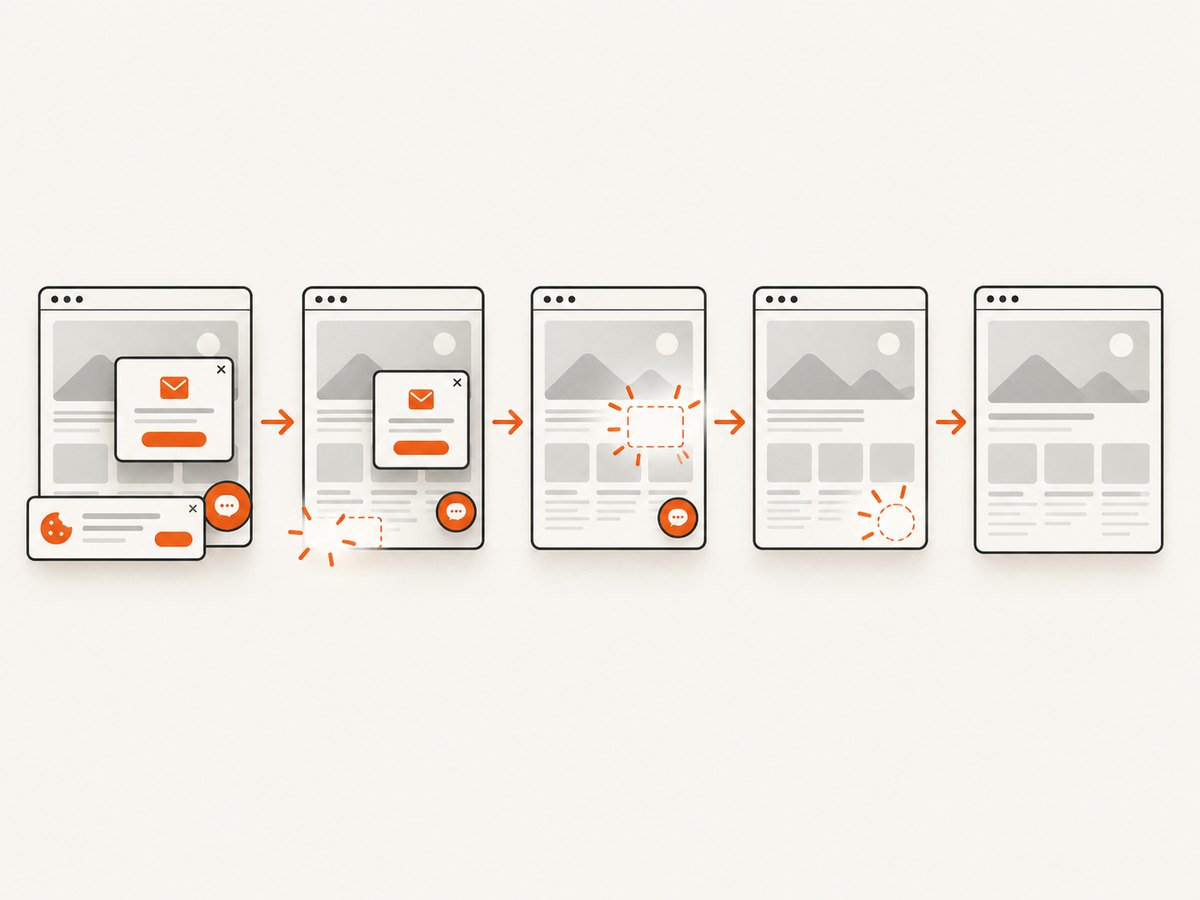
See the ScreenshotNeo API documentation for all options. Basic calls:
curl -G "https://api.screenshotneo.com/v1/shot" -d access_key=YOUR_API_KEY --data-urlencode url=https://stripe.com -o shot.webpimport requests
r = requests.get("https://api.screenshotneo.com/v1/shot", params={"access_key": "YOUR_API_KEY", "url": "https://stripe.com"}, timeout=90)
open("shot.webp", "wb").write(r.content)const q = new URLSearchParams({ access_key: 'YOUR_API_KEY', url: 'https://stripe.com' });
const res = await fetch(`https://api.screenshotneo.com/v1/shot?${q}`);ScreenshotNeo also supports full-page shots with lazy images loaded, CSS-element capture, dark mode, device presets and custom viewports, retina scale, PDF output, custom CSS and JavaScript, clicks, selector waits, delays, network-idle waits, request blocking, headers, cookies, user agents, Authorization, timezone, geolocation, transparent backgrounds, resizing, selectable cache TTLs, signed links, asynchronous jobs with signed webhooks, bulk capture of up to 100 URLs per call, a usage API, and an OpenAPI specification. An MCP server exposes take_screenshot, get_page_info, and capture_pdf to Claude, Cursor, and other MCP clients.
There is a free tier of 1,000 screenshots per month with no card. Paid plans start at $5 for 3,000 shots; yearly billing gives two months free, and every feature is available on every plan. Create a free ScreenshotNeo account to get started.
11. FAQ
Why does PhpBrowser show a blank page when Chrome works?
PhpBrowser does not execute JavaScript. It can receive the application's HTML shell without running the code that mounts the interface. Use WebDriver for client-rendered UI checks.
Should I use localhost in the WebDriver URL?
Only when the browser process runs on the same host as the application. In containers or remote Selenium, use a hostname and port reachable from that browser environment.
Is a fixed sleep ever acceptable?
It can help prove that timing is involved during diagnosis. Replace it with a wait for visible text or a stable selector in the maintained test.
What should I inspect first when no browser window appears?
Inspect Selenium status, driver and browser compatibility, endpoint settings, and session-creation logs. Rendering cannot be debugged until a session exists.
Can screenshots prove that the application is correct?
A screenshot proves what the browser painted at one moment. Pair it with page source, URL checks, JavaScript logs, and assertions on meaningful elements.


