How to Fix Blank Pages Between Pages in Dompdf
Find the real cause of blank pages in Dompdf with an ordered CSS, layout, table, header/footer, and diagnostics workflow.

Blank pages between pages in Dompdf usually come from a layout decision, not one universal Dompdf defect. The usual suspects are duplicated forced breaks, content that is taller than the printable area, large blocks that cannot split, table row-group behavior, or fixed headers and footers colliding with normal flow. Isolate those causes in order, then use Dompdf’s diagnostics to identify the exact frame that triggered the gap.
This guide gives you a repeatable workflow, a complete PHP example, configuration notes, edge cases, troubleshooting fixes, and a way to capture a rendered page without maintaining a browser stack.
1. Confirm the symptom with a minimal render
Before changing production templates, create a small script that renders only the suspected section. Keep the same Dompdf version, paper size, orientation, margins, fonts, and options as production. A minimal reproduction prevents unrelated HTML from hiding the rule that creates the blank page.
<?php
require __DIR__ . '/vendor/autoload.php';

use Dompdf\Dompdf;
use Dompdf\Options;

$options = new Options();
$options->set('isRemoteEnabled', true);
$options->set('defaultFont', 'DejaVu Sans');

$dompdf = new Dompdf($options);
$dompdf->setPaper('a4', 'portrait');

$html = '<!doctype html>
<html><head><style>
@page { margin: 18mm 16mm 18mm 16mm; }
body { font-family: DejaVu Sans, sans-serif; font-size: 11pt; }
.section { page-break-before: always; }
.section:first-of-type { page-break-before: auto; }
</style></head><body>
  <section class="section"><h1>First section</h1><p>Short test content.</p></section>
  <section class="section"><h1>Second section</h1><p>More test content.</p></section>
</body></html>';

$dompdf->loadHtml($html);
$dompdf->render();
$dompdf->stream('diagnostic.pdf', ['Attachment' => false]);
The first section exception follows Dompdf’s documented usage pattern: subsequent chapter containers can force a new page while the first container uses auto. See the Dompdf usage guidance and verify behavior against your installed release.
2. Inspect every forced page break
Search generated HTML, inline styles, component CSS, and template classes for page-break-before, page-break-after, and page-break-inside. A wrapper and its child can both force a break, producing an apparently empty page. A break at the end of a section can also be followed by a naturally overflowing block, leaving a blank page in between.
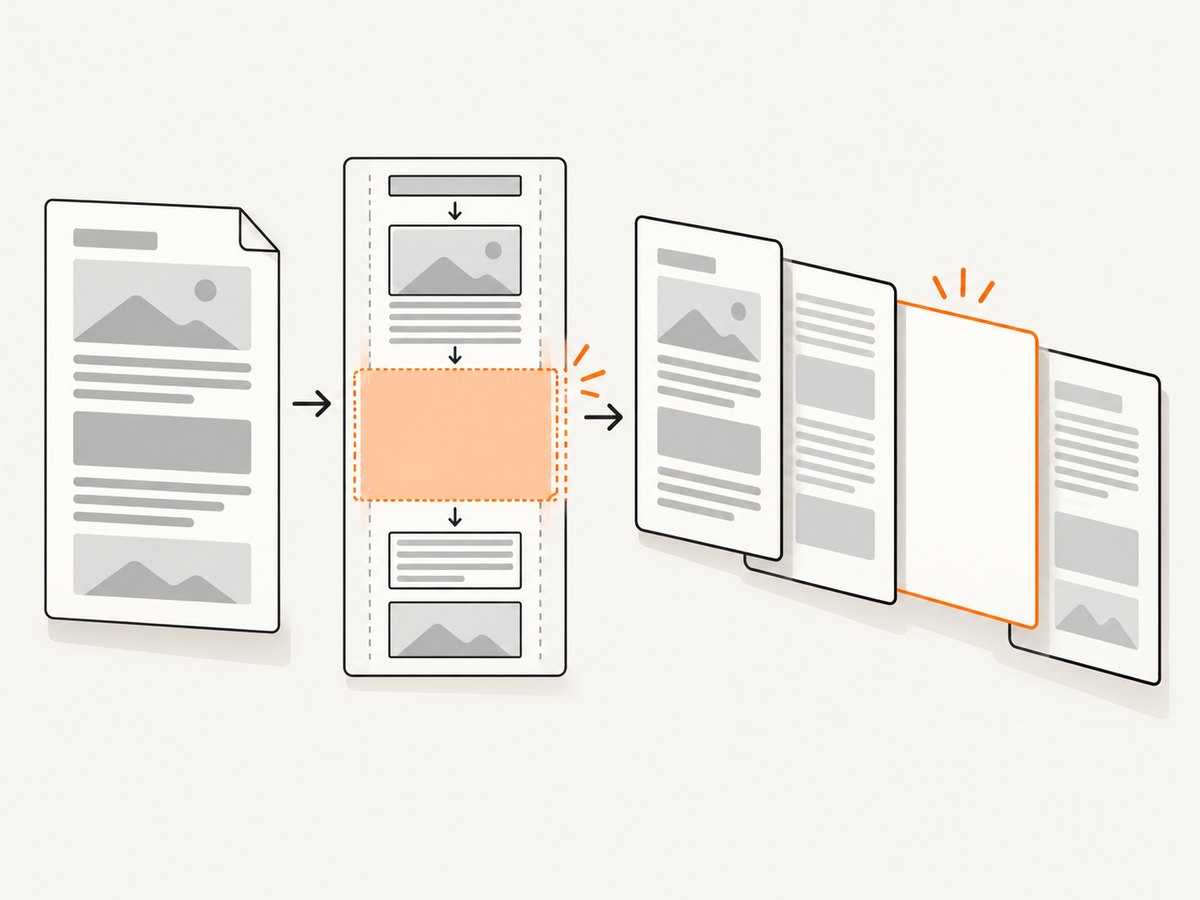
- Temporarily remove all unconditional
beforeandafterrules. - Render again and record which transition first changes.
- Add breaks back one selector at a time.
- Keep a first-section exception when only later sections should start on fresh pages.
Dompdf lists these page-break properties as supported, with limitations around table rows and row groups. Support is therefore structure- and version-dependent; check the project’s CSS compatibility list for your release.
3. Check page geometry and printable area
A page is the paper box minus the top and bottom margins. A block that reaches or exceeds that remaining height can be pushed forward, especially when it also has a forced break or cannot split. Inspect:
@pagemargins and PHP paper settings.- Blocks with
height: 100%, viewport units, or fixed pixel heights. - Large top and bottom margins, padding, borders, and positioned elements.
- Images whose intrinsic dimensions exceed the content width.
- Boxes that are only a few pixels taller than the printable region.
Set paper and orientation explicitly so CSS and PHP agree:
$dompdf->setPaper('letter', 'landscape');
// or: $dompdf->setPaper([0, 0, 612, 792]); // points
An historical report associated blank pages with a normal-flow block using height: 100%, zero page margins, and page-break styling. Treat that combination as a useful hypothesis to test, not a rule that every percentage height is wrong. The official usage guide documents setPaper configuration.
4. Test blocks that cannot split cleanly
Large wrappers often carry page-break-inside: avoid. If the wrapper is taller than one printable page, Dompdf must place it on a new page and may leave apparent whitespace. Remove the rule temporarily, then render again. If the gap disappears, split the content into smaller logical blocks instead of applying avoid to the entire document.
For tables, test the table, thead, tbody, and row-group rules separately. Dompdf supports page-break properties but documents limitations for table rows and row groups. An older multiple-table report found that clear and page-break-inside: avoid did not solve its blank pages, so do not assume either property is a universal fix.
/* Diagnostic version: allow normal splitting */
.large-card,
.report-table,
.report-table tbody {
  page-break-inside: auto;
}

/* Production version: apply only to genuinely small units */
.signature-block {
  page-break-inside: avoid;
}
5. Isolate fixed headers and footers
Fixed content is laid out on every page and can interact with variable-length text, lists, blank rows, and tables. Render a version with the fixed header and footer removed. Add the header, then the footer, then any counters or positioned elements back individually.
Keep fixed content inside the printable geometry. A footer positioned at the physical bottom edge can overlap the page margin and force unexpected flow decisions. Use a conservative bottom margin and reserve space explicitly:
@page { margin: 22mm 16mm 25mm 16mm; }
.header { position: fixed; top: -14mm; height: 10mm; }
.footer { position: fixed; bottom: -16mm; height: 10mm; }
.content { margin-top: 4mm; }
Historical issue reports describe many blank pages in documents combining variable text and fixed headers or footers. Those reports show an interaction worth isolating; they do not establish that fixed elements alone are responsible in current Dompdf.
6. Turn on Dompdf diagnostics
When CSS inspection does not identify the transition, collect warnings and enable the documented page-break and layout diagnostics. Keep diagnostics in a non-production path because overlays and verbose logs increase output and processing time.
<?php
use Dompdf\Dompdf;
use Dompdf\Options;

$options = new Options();
$options->set('debugPng', true);
$options->set('debugKeepTemp', true);
$options->set('debugLayout', true);
$options->set('debugLayoutLines', true);
$options->set('debugLayoutBlocks', true);
$options->set('debugLayoutInline', true);

$dompdf = new Dompdf($options);
$dompdf->loadHtml($html);
$dompdf->render();

$warnings = $dompdf->get_canvas()->get_cpdf()->get_messages();
foreach ($warnings as $warning) {
    error_log((string) $warning);
}
$dompdf->stream('debug.pdf', ['Attachment' => false]);
The exact debug option names can vary by installed release. Dompdf’s troubleshooting guidance covers warning capture, frame details, page-break logging, and layout overlays; consult the debugging documentation before copying settings between versions. In older integrations you may also see globals such as $_dompdf_warnings and $_DOMPDF_DEBUG_TYPES = ['page-break' => true].
7. Reduce the HTML until one rule explains the gap
Use binary reduction:
- Save the HTML and CSS that produces the blank page.
- Remove half the sections, tables, images, and fixed elements.
- Render again.
- Keep the half that still fails and repeat.
- Change one suspected rule, then compare page count and break location.
Record Dompdf’s installed version, PHP version, paper size, orientation, margins, fonts, and the smallest failing markup. Historical reports span old releases, so a behavior described for Dompdf 0.6 beta2 is evidence of a possible symptom pattern, not proof of a current engine bug.
8. Common errors and fixes
| Symptom | Likely cause | Fix to try |
|---|---|---|
| Blank page after a page break | Breaks on adjacent parent and child elements | Remove one rule; keep the break on the section container only. |
| Dompdf adds a page break by itself | Content exceeds printable height or cannot split | Check percentage/fixed heights, margins, images, and avoid rules. |
| Blank final page | Forced break followed by an empty or oversized final node | Remove the trailing break, inspect the final node, and test without its fixed height. |
| Tables create gaps | Row-group splitting limitation or oversized rows | Split large tables, simplify row wrappers, and test with page-break-inside: auto. |
| Many blank pages with a header/footer | Fixed content collides with flow or margins | Render without fixed elements, reserve margin space, then add each element back. |
| Debug output changes pagination | Overlay and logging options alter layout or timing | Use debug output only to locate the frame, then verify the fix in normal mode. |
| Images push a section forward | Intrinsic image size or unavailable remote asset | Set dimensions, verify remote access, and test with a placeholder image. |
9. Reliability, performance, and deployment notes
- Keep inputs deterministic. Freeze remote assets, fonts, and data while diagnosing. A changed image or font can alter line wrapping and page boundaries.
- Use a production timeout. Bound the PHP request and isolate PDF generation from the web worker when documents are large.
- Cache stable assets. Reusing local CSS, fonts, and images reduces repeated network and parsing work.
- Watch memory. Large tables and high-resolution images increase memory use; resize images before embedding and split very large documents into batches.
- Pin and record the Dompdf version. CSS support and pagination behavior can change. Store the version beside each diagnostic PDF.
- Compare page count in CI. For important templates, keep a small fixture and detect unexpected page-count changes after dependency or CSS updates.
10. Or skip the browser setup
If your goal is a clean image of a web page rather than a PHP-generated PDF, ScreenshotNeo provides a single HTTP request. It accepts consent banners before capture and removes more than 60 known consent platforms, newsletter popups, and chat widgets. Bot checks, blank pages, timeouts, failed loads, and cache hits are not billed, and response headers identify the page verdict and billing result. An MCP server provides take_screenshot, get_page_info, and capture_pdf for Claude, Cursor, and other MCP clients.

See the ScreenshotNeo API documentation for all options, including full-page and element capture, device presets, dark mode, custom CSS and JavaScript, waits, request blocking, cookies, headers, geolocation, PDF settings, caching, signed links, asynchronous jobs, bulk capture, and usage reporting.
curl -G "https://api.screenshotneo.com/v1/shot" -d access_key=YOUR_API_KEY --data-urlencode url=https://stripe.com -o shot.webpimport requests
r = requests.get("https://api.screenshotneo.com/v1/shot", params={"access_key": "YOUR_API_KEY", "url": "https://stripe.com"}, timeout=90)
open("shot.webp", "wb").write(r.content)const q = new URLSearchParams({ access_key: 'YOUR_API_KEY', url: 'https://stripe.com' });
const res = await fetch(`https://api.screenshotneo.com/v1/shot?${q}`);ScreenshotNeo includes 1,000 screenshots each month on the free plan with no card. Paid plans start at $5 for 3,000 shots, and every feature is available on every plan. Create a free ScreenshotNeo account.
FAQ
Is there one CSS property that fixes blank pages?
No. The correct change depends on the break rule, geometry, splittability, table structure, and fixed content involved.
Should I remove every page-break-inside: avoid?
No. Remove it as a diagnostic step, then apply it only to small blocks that must remain together.
Does a blank page prove Dompdf is broken?
No. It is a symptom with multiple possible causes. Confirm with a reduced reproduction and diagnostics.
Why does the same HTML paginate differently after an upgrade?
Pagination depends on the Dompdf release, fonts, paper geometry, and CSS support. Record those inputs and compare the smallest failing fixture.
Can ScreenshotNeo repair a Dompdf template?
No. ScreenshotNeo captures web pages as images or PDFs. Use the Dompdf workflow when you need to fix your PHP PDF layout; use ScreenshotNeo when you need a hosted page capture without browser setup.


