How to Fix Blank PDFs on POST Requests When GET Works
A blank PDF after POST can come from invalid server bytes, text decoding, or CORS. Compare the raw responses, then trace the PDF through your client and server.
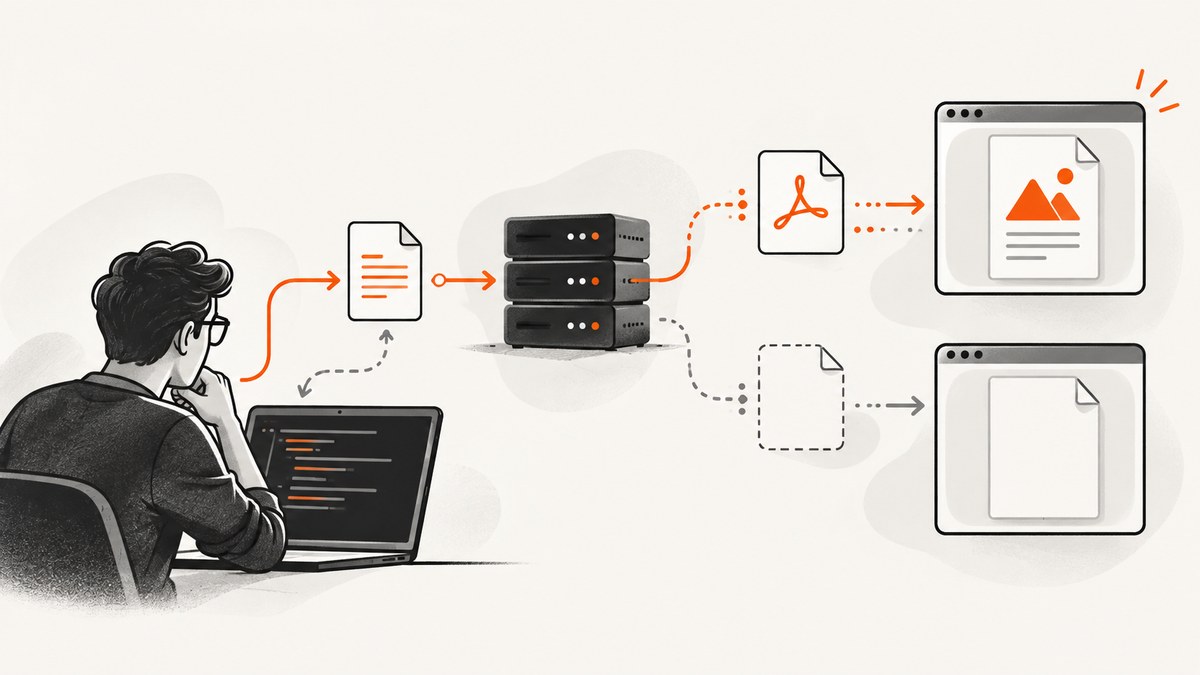
If a GET request returns a readable PDF but a POST appears blank, compare the actual response bytes first, then check how your client reads them. The PDF may be missing or replaced on the POST server path, or valid bytes may be decoded as text or JSON by the client. A successful status code alone does not prove the body is a PDF.
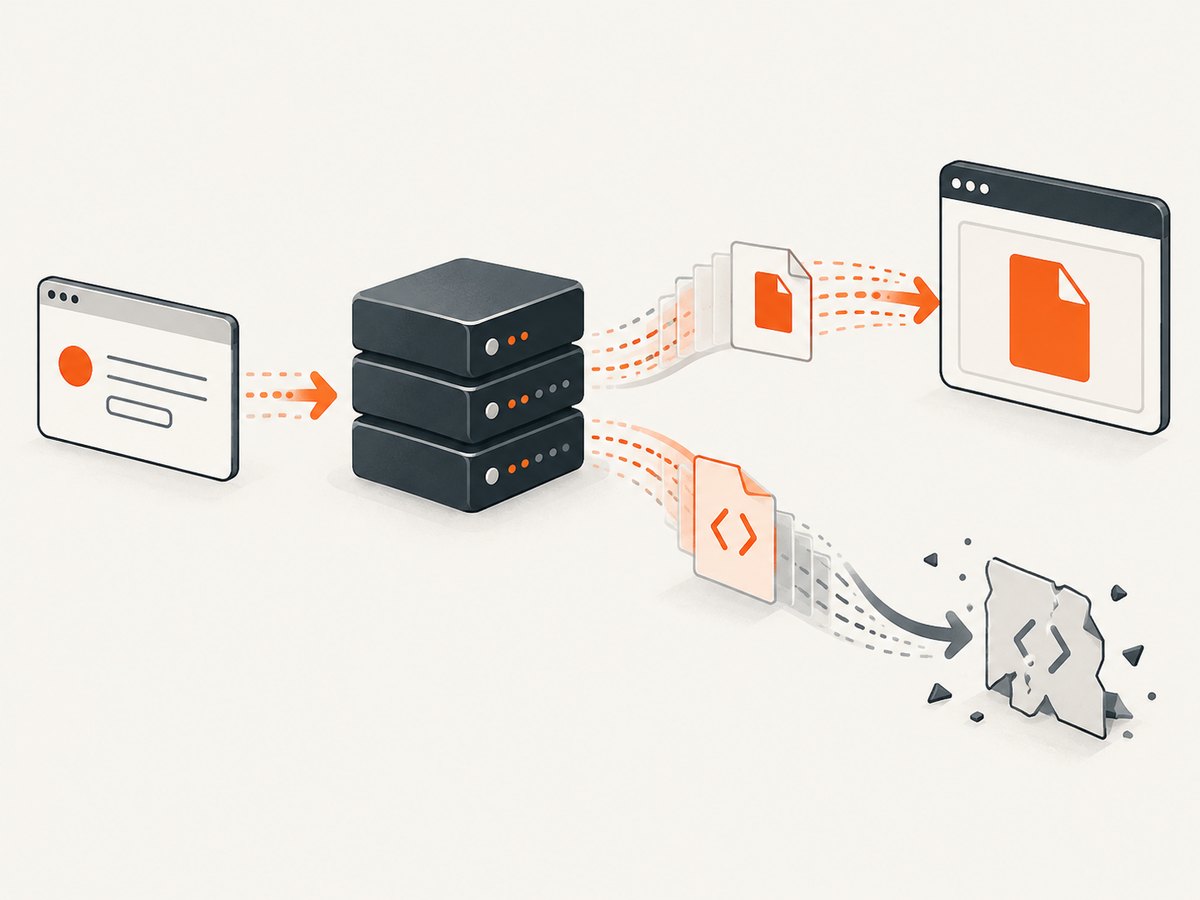
Use this sequence: compare GET and POST status, final URL, response headers, byte count, and body signature; read the POST response as a Blob or ArrayBuffer (or configure Axios for binary data); then inspect the POST route’s PDF generation and response handling. The POST request’s Content-Type describes the submitted body. The response’s Content-Type describes what came back. MDN’s POST reference explains the request-body role of that header.
1. Compare the GET and POST responses
Open your browser’s Network panel, reproduce both requests with the same intended document inputs, and compare the final responses. If possible, save the POST response body directly to a file and open it outside your app. That separates a bad PDF response from a viewer or download problem.
| Inspect | What to look for | What it can indicate |
|---|---|---|
| Status and final URL | Same expected success status and destination; note redirects. | An auth redirect or error route may return HTML instead of the document. |
| Response Content-Type | Usually application/pdf for a PDF response. |
A different type can point to JSON, HTML, or another representation. A header does not prove the body is valid. |
| Body size | Nonzero, plausible byte count; compare GET and POST. | Zero or unexpectedly small output can point to a generation, routing, or truncation issue. |
| First bytes | A PDF commonly begins with the signature %PDF-. |
HTML, JSON, or an error message means the response is not the expected PDF bytes. |
| Content-Disposition | inline to display or attachment to download. |
Helps choose delivery behavior; it does not generate or repair the PDF. |
Do not rely on a .pdf filename, a 200 response, or the browser viewer’s blank page as proof of a valid document. Inspect the saved body. If it is empty, HTML, JSON, or a short error, start with the route and server path. If the saved bytes open as a PDF but the app shows a blank viewer, focus on client decoding, object URL wiring, and rendering.
2. Read a Fetch response as binary data
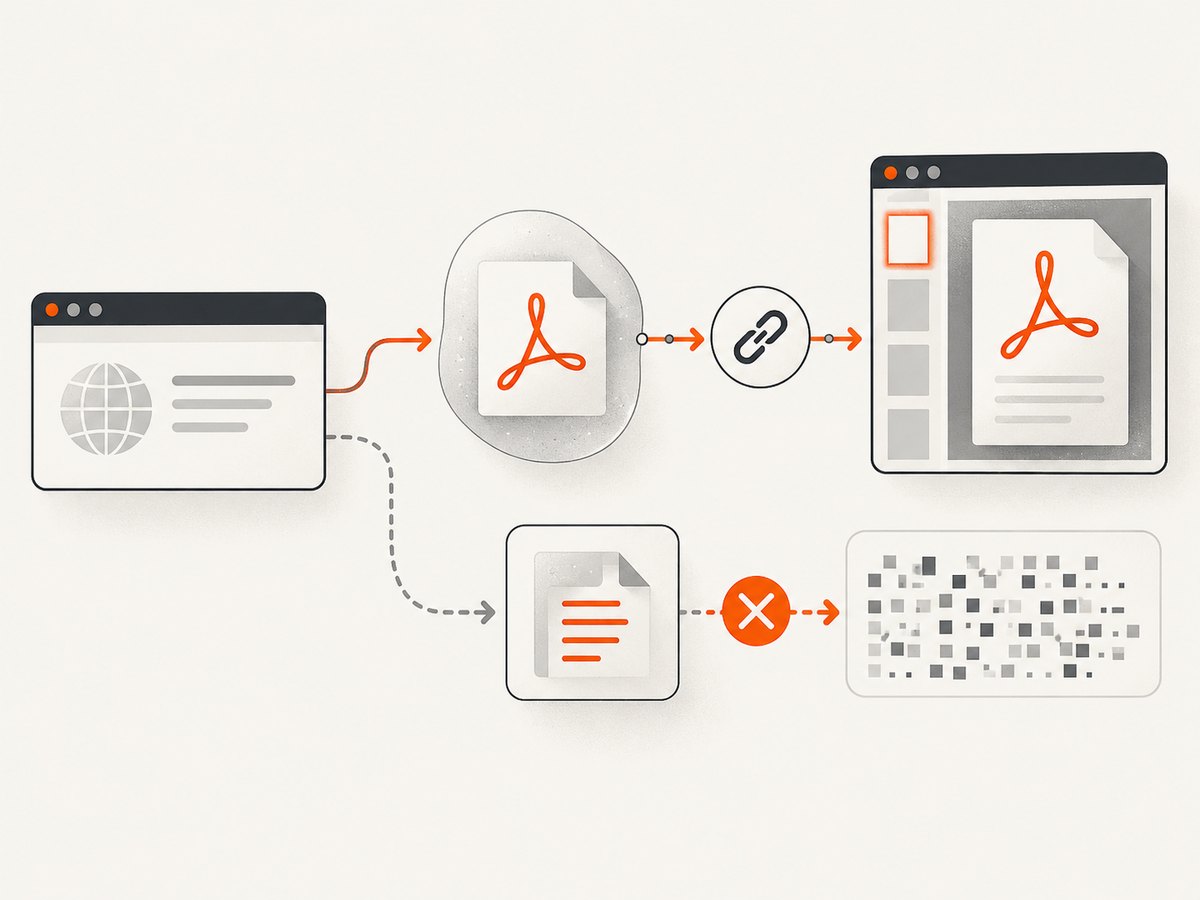
Fetch does not automatically turn a response into a PDF file. Check the status, then consume the body as a Blob for a browser viewer/download or as an ArrayBuffer if the next layer expects raw bytes. Response.blob() reads the response stream and returns a Blob containing its bytes; the Blob media type is based on the response’s Content-Type.
async function requestPdf(url, payload) {
  const response = await fetch(url, {
    method: "POST",
    headers: { "Content-Type": "application/json", "Accept": "application/pdf" },
    body: JSON.stringify(payload),
  });

  if (!response.ok) {
    const detail = await response.text();
    throw new Error(`PDF request failed: HTTP ${response.status}: ${detail}`);
  }

  const contentType = response.headers.get("content-type") || "";
  const pdfBlob = await response.blob();
  if (pdfBlob.size === 0) throw new Error("PDF response body is empty");
  if (contentType && !contentType.toLowerCase().includes("application/pdf")) {
    console.warn(`Expected application/pdf; got ${contentType}`);
  }

  const objectUrl = URL.createObjectURL(pdfBlob);
  const link = document.createElement("a");
  link.href = objectUrl;
  link.download = "report.pdf";
  link.click();
  // Revoke after the browser has had time to start using the URL.
  setTimeout(() => URL.revokeObjectURL(objectUrl), 60_000);
}

requestPdf("https://api.example.com/reports", { reportId: "r-123" });
Replace the example URL and payload with your endpoint’s values. For inline display, assign the object URL to an iframe or viewer instead of triggering a download, and revoke it when the viewer no longer needs it. Do not call response.json() or response.text() on a successful PDF body: those methods interpret bytes as a different format.
If you need a raw buffer rather than a Blob, use await response.arrayBuffer(). This still reads the response body; it cannot turn HTML, an empty body, or a server error into a PDF. A response body can only be consumed once, so choose the right reader for the path you are debugging.
3. Configure Axios response handling
For browser Axios calls, put responseType in Axios’s third argument, the request configuration. It is not part of the JSON payload sent to the server. Use blob when handing the data to a browser download/viewer, or arraybuffer when a downstream library requires bytes.
import axios from "axios";

async function downloadReport() {
  const response = await axios.post(
    "https://api.example.com/reports",
    { reportId: "r-123" },
    {
      responseType: "blob",
      headers: {
        "Content-Type": "application/json",
        "Accept": "application/pdf",
      },
    }
  );

  const pdfBlob = response.data;
  if (!pdfBlob || pdfBlob.size === 0) {
    throw new Error("The server returned an empty PDF response");
  }
  const objectUrl = URL.createObjectURL(pdfBlob);
  const link = document.createElement("a");
  link.href = objectUrl;
  link.download = "report.pdf";
  link.click();
  setTimeout(() => URL.revokeObjectURL(objectUrl), 60_000);
}

downloadReport();
Axios behavior can vary by runtime and installed version. If the code runs in Node.js rather than a browser, check the documentation for that installed version and pass the resulting binary data to an appropriate file writer rather than using browser-only APIs such as URL.createObjectURL. See the Axios project documentation.
4. Make sure the POST route completes and sends the PDF
If the raw POST response is not a PDF, inspect the server. Confirm that the POST handler receives the expected input, invokes the PDF generation path, waits for generation to finish, and writes the resulting bytes to the response. Check whether POST-only middleware, authentication, serialization, or error handling differs from GET. Middleware can replace the response with an error body or interrupt a stream.
Set a response media type appropriate to the representation, typically application/pdf, and choose a Content-Disposition that matches the intended behavior. For an inline viewer, the response may use inline; for a download, attachment with a filename. These headers help clients handle a real PDF. They do not create bytes or fix a truncated generation stream.
Compare the GET and POST handlers with the same inputs. If GET serves a previously generated file while POST generates a new one, these routes may have different failure points. Log the generation result’s byte length and the outgoing response status and headers on the server. Avoid logging sensitive document contents or credentials.
5. Check request encoding separately
The request and response are two distinct directions. Content-Type: application/json on the POST request tells the server how to interpret the JSON payload; it says nothing about the format returned. The response should identify its own representation, such as application/pdf. If the endpoint expects JSON, send JSON as in the examples. If it expects form fields, use the encoding the endpoint specifies. Do not change request encoding just because the response is a PDF.
For endpoints that accept binary input, follow their documented body format. URL-encoded form data is not suitable for arbitrary binary bytes. Keep the submitted request format and returned response format separate when debugging.
6. Rule out CORS for cross-origin browser requests
CORS matters only when browser JavaScript calls a different origin. The server must allow the requesting origin and the required methods and headers, including credentials when your request uses them. A failed CORS check can prevent JavaScript from accessing the response, even when the server received the request.
Do not use mode: "no-cors" as a workaround. Fetch then gives JavaScript an opaque response, so code cannot inspect its headers or body and cannot use it as an ordinary readable PDF response. Same-origin requests and command-line clients are not blocked by browser CORS policy. See MDN’s Fetch guide for response status and CORS behavior.
7. A command-line check that saves the POST body
Use cURL to compare the raw POST response outside the browser. Replace the endpoint and JSON fields. The output file is the response body; response headers and status are printed separately for diagnosis.
curl --silent --show-error \
  --request POST "https://api.example.com/reports" \
  --header "Content-Type: application/json" \
  --header "Accept: application/pdf" \
  --data '{"reportId":"r-123"}' \
  --dump-header response-headers.txt \
  --output response.pdf \
  --write-out '\nHTTP %{http_code}; downloaded %{size_download} bytes\n'

file response.pdf
head -c 8 response.pdf
Inspect response-headers.txt, the status, file size, and initial bytes. If the file starts with an HTML doctype or JSON punctuation, investigate the server response instead of trying another viewer. Be mindful that a real document may contain private data; store diagnostic files appropriately.
8. Troubleshooting by symptom
| Symptom | Likely cause | Next check or fix |
|---|---|---|
| 200 status, zero-byte file | The POST route did not finish writing the generated stream, or returned an empty body. | Trace generation completion and response writes; compare route behavior to GET. |
| 200 status, body begins with HTML | Login redirect, proxy page, or application error rendered as HTML. | Check final URL, redirects, auth, and server/proxy logs. |
| Body is JSON error data | The endpoint reported an application failure despite an unexpected status or client path. | Inspect the JSON error before treating the response as a PDF; correct input or server handling. |
| File opens elsewhere but browser is blank | Client decoded it as text/JSON, created the wrong Blob, or wired the viewer incorrectly. | Use blob() or binary Axios responseType; inspect the object URL and viewer lifecycle. |
| GET works, POST fails only in app | Different request body, headers, route, auth, or POST-specific middleware. | Compare the complete requests and final response in the Network panel. |
| Browser reports a CORS error | Server policy does not allow this origin, method, headers, or credentials. | Configure the server’s CORS response and read the normal response; remove no-cors. |
| Blob reader rejects | The body may be disturbed or locked, or response content encoding may be incorrect. | Read the body once and inspect the network/proxy encoding path. MDN documents these Blob failure cases. |
| PDF starts correctly but is truncated | Generation or transfer ended early, or an intermediary cut off the response. | Compare server byte count with downloaded size; inspect stream completion, proxy limits, and connection logs. |
| Axios returns an object that is not downloadable | responseType was omitted or placed inside the payload. |
Move it to the third request argument and check the installed Axios version’s supported types. |
9. Performance, reliability, and cost
Binary responses consume memory while the browser or client processes them. A Blob or ArrayBuffer keeps the response available in memory; large documents can therefore increase memory use, especially if the app also retains multiple copies. For large PDFs, avoid unnecessary conversions between text, base64, Blob, and ArrayBuffer. Prefer the binary form required by the next component, and release object URLs when they are no longer used.
Reliability comes from making failure visible before opening a viewer: check status, record response type and byte count, and distinguish a server error body from document bytes. Ensure the server finishes the generation stream and that intermediaries preserve the response. A retry is appropriate only if the request is safe to repeat: POST can trigger server-side effects, so confirm the endpoint’s semantics or use its supported idempotency mechanism before retrying automatically.
Cost depends on your PDF generation, hosting, transfer, and storage design; there is no universal cost figure for this debugging pattern. Measure document size and generation time in your own service. If the task is actually capturing a website as a PDF rather than debugging a POST PDF endpoint, a screenshot API may remove the need to operate browser capture infrastructure.
Or skip the browser setup
If your goal is a PDF capture of a website, ScreenshotNeo is a website screenshot API and MCP server from Yorker Media. Its API can return a PDF in one GET request; see the API documentation.
curl -G "https://api.screenshotneo.com/v1/shot" \
  -d access_key=YOUR_API_KEY \
  --data-urlencode url=https://stripe.com \
  -d format=pdf \
  -o page.pdf
Cookie banners are accepted and removed before capture, along with known newsletter popups and chat widgets; each cleanup step can be turned off. Bot checks, blank pages, failed loads, timeouts, and cache hits are not billed. An MCP server lets AI agents use the take_screenshot, get_page_info, and capture_pdf tools. The free plan includes 1,000 shots a month with no card; paid plans start at $5 for 3,000 shots. All features are on every plan.
Sign up free for 1,000 screenshots a month, with no card required.
Frequently asked questions
Does a 200 response mean the PDF is valid?
No. It only indicates a successful HTTP status. Inspect the body bytes and response type; an endpoint can return an error page or empty content with an unexpected success status.
Can I set the POST request Content-Type to application/pdf?
Only if the request body itself is a PDF and the endpoint expects that format. For a JSON payload that asks the server to generate a PDF, use the request type the endpoint expects, often JSON, and check the response Content-Type separately.
Should I use Blob or ArrayBuffer?
Use Blob for browser download or display flows that accept a Blob. Use ArrayBuffer when a library needs raw bytes. Neither option repairs invalid bytes returned by the server.
Why does the file extension not help?
A filename labels the saved content; it does not change the response body. A file named report.pdf can still contain HTML, JSON, or zero bytes.
What details should I include when asking for help?
Share the client and server framework versions, relevant request and response code, POST status and final URL, response headers, byte length, and how those compare with GET. Redact credentials and private document content.


