How to Fix Blank Protractor Screenshots with restartBrowserBetweenTests
Blank Protractor screenshots usually mean the browser restarted before your failure hook captured the page. Capture and attach first, then restart.
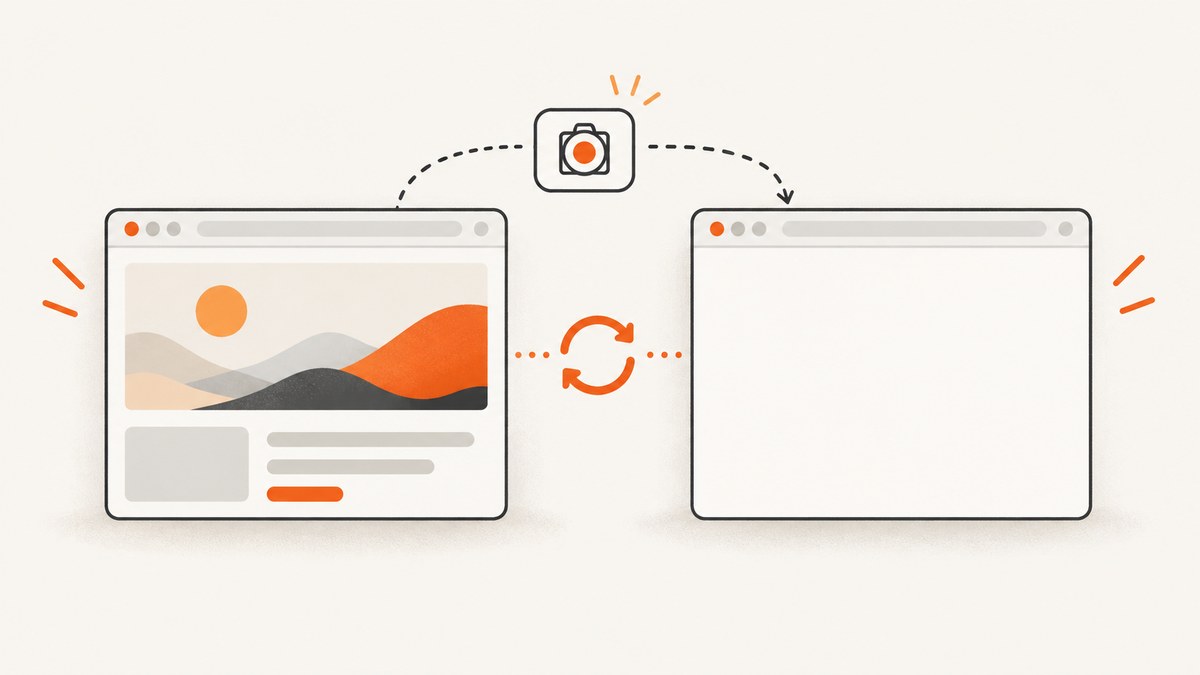
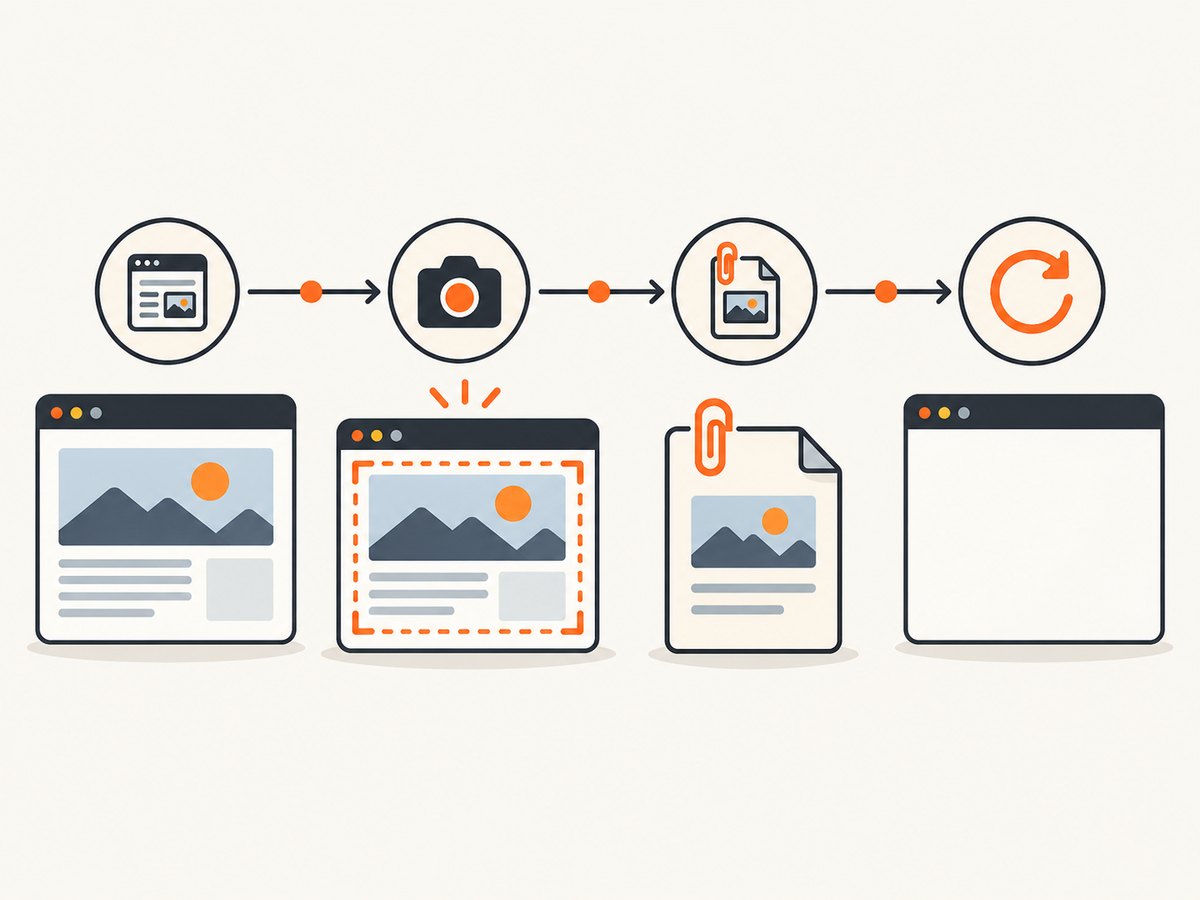
Capture the failure screenshot before restarting the browser. When restartBrowserBetweenTests is enabled, a blank attachment can occur because the browser has already been restarted when the After hook runs. Make the screenshot operation finish, attach its PNG, and only then call browser.restart(). Verify the actual hook order in your runner and installed versions.
Why the screenshot is blank
Protractor’s restartBrowserBetweenTests option restarts the browser between each test and defaults to false. The configuration reference warns that enabling it can slow tests significantly (Protractor configuration reference). A reported Protractor/Cucumber failure mode is an After hook taking its screenshot after the browser restart, when the new session has no rendered application page.
WebDriver’s screenshot command captures the viewport of the top-level browsing context at the moment the command executes and returns PNG data encoded as base64 (WebDriver specification). A blank PNG therefore tells you what the browser looked like at capture time; it does not, by itself, identify which lifecycle event caused that state.
Recommended fix
- Find the failure screenshot code in your framework’s
Afteror failure hook. - Capture the screenshot and wait for the returned promise.
- Attach the image to the report.
- Restart the browser only after the attachment completes.
Protractor configuration
// protractor.conf.js
exports.config = {
  framework: 'jasmine',
  specs: ['spec/**/*.spec.js'],
  directConnect: true,

  // The documented default is false. Enable only when test isolation needs it.
  restartBrowserBetweenTests: true
};
Jasmine failure capture
// jasmine screenshot helper
const fs = require('fs');

async function captureFailure(browser, filename) {
  const png = await browser.takeScreenshot();
  fs.writeFileSync(filename, png, 'base64');
}

afterEach(async function () {
  const failed = this.currentTest && this.currentTest.failedExpectations &&
    this.currentTest.failedExpectations.length > 0;

  if (failed) {
    await captureFailure(browser, `artifacts/${Date.now()}.png`);
  }

  // If you perform an explicit restart, it must follow capture and attachment.
  // await browser.restart();
});
Cucumber After hook
// features/support/hooks.js
const { After } = require('@cucumber/cucumber');
const fs = require('fs');

After(async function (scenario) {
  if (scenario.result && scenario.result.status === 'failed') {
    const pngBase64 = await browser.takeScreenshot();
    const png = Buffer.from(pngBase64, 'base64');
    this.attach(png, 'image/png');
  }

  // Restart only after the screenshot promise and report attachment resolve.
  await browser.restart();
});
The exact hook API differs between Cucumber, Jasmine, Mocha, and custom reporters. Preserve the ordering even if your attachment method is different. A community report describes this same ordering failure and recommends returning or awaiting the screenshot operation before restarting (community report).
Step-by-step troubleshooting
1. Confirm the option is enabled
console.log('restartBrowserBetweenTests:', browser.params.restartBrowserBetweenTests);Check the resolved configuration rather than assuming a value from a shared config file. The documented default is false. If the option is not needed for isolation, remove it and compare the result.
2. Locate every restart
Search for restartBrowserBetweenTests, browser.restart(), driver quit calls, and framework teardown hooks. A second restart in a global AfterAll or reporter can still race your capture.
3. Prove the order with timestamps
function mark(label) {
  console.log(new Date().toISOString(), label);
}

After(async function (scenario) {
  mark('before screenshot');
  const shot = await browser.takeScreenshot();
  mark('after screenshot');
  this.attach(Buffer.from(shot, 'base64'), 'image/png');
  mark('after attach');
  await browser.restart();
  mark('after restart');
});
The expected sequence is before screenshot → after screenshot → after attach → after restart. If “after restart” appears first, move the restart or disable the automatic option while capturing.
4. Temporarily disable automatic restarts
exports.config = {
  restartBrowserBetweenTests: false
};
Run one failing scenario with an explicit restart after the attachment. This separates a lifecycle problem from a rendering problem. Re-enable automatic restarts only if the isolation benefit justifies their runtime cost.
5. Check the page state at capture time
Because WebDriver captures the top-level viewport, inspect the URL, window handle, frame context, and navigation state immediately before takeScreenshot():
console.log('url:', await browser.getCurrentUrl());
console.log('handles:', await browser.getWindowHandles());
console.log('title:', await browser.getTitle());
const ready = await browser.executeScript('return document.readyState');
console.log('readyState:', ready);
These checks help identify a separate navigation or rendering issue. The reported restart failure does not prove that any one of these states is responsible in your project.
Common errors and fixes
| Symptom | Likely cause | Fix |
|---|---|---|
| PNG is completely blank only when restarts are enabled | Restart ran before the failure hook captured the page | Await capture and attachment, then restart; or disable automatic restarts and restart explicitly afterward. |
takeScreenshot is not a function |
The hook is using a different driver object or an incompatible API | Call the screenshot method on the active Protractor/WebDriver browser instance and check installed versions. |
| Attachment is empty or corrupt | Base64 data was treated as binary text, or the promise was not awaited | Await the command and decode with Buffer.from(data, 'base64') before attaching. |
| Screenshot shows the wrong tab | Capture occurred in a different top-level window | Log window handles and switch to the intended handle before capture. |
| Screenshot shows an iframe’s blank area | The page is rendered inside a frame while capture covers the top-level viewport | Switch to the intended frame for DOM operations, then return to the top-level context before diagnosing viewport output. |
| Restart makes the suite much slower | A fresh browser session is created between tests | Use restarts only where isolation requires them; the Protractor reference warns of significant slowdown. |
| Capture hangs | The driver command or browser session is stuck | Set a command timeout, collect driver logs, and ensure teardown cannot run concurrently with capture. |
Choosing an isolation strategy
| Strategy | Isolation | Runtime impact | Screenshot ordering |
|---|---|---|---|
| Automatic restart between tests | Fresh browser session per test | Can slow tests significantly | Ensure the framework’s failure hook runs before the restart |
| No automatic restart | Shared session unless your hooks clean it | Usually lower overhead | Capture in the normal failure hook |
| Explicit restart after capture | Controlled isolation boundary | Restart only where needed | Capture, attach, then restart in one awaited hook |
Choose based on the isolation your tests require. Do not treat the configuration warning as a measured benchmark; it is a documented caution.
Reliability checklist
- Capture only when the scenario or test has failed.
- Await the screenshot promise.
- Decode base64 exactly once.
- Await report attachment when the framework supports asynchronous attachments.
- Log URL, window handle, frame state, and document readiness on failure.
- Run teardown after capture, never concurrently with it.
- Keep one diagnostic artifact per failed test and include the test identifier in its filename.
- Verify behavior after upgrading Protractor, WebDriver, browser, driver, or test-runner versions.
Or skip the browser setup
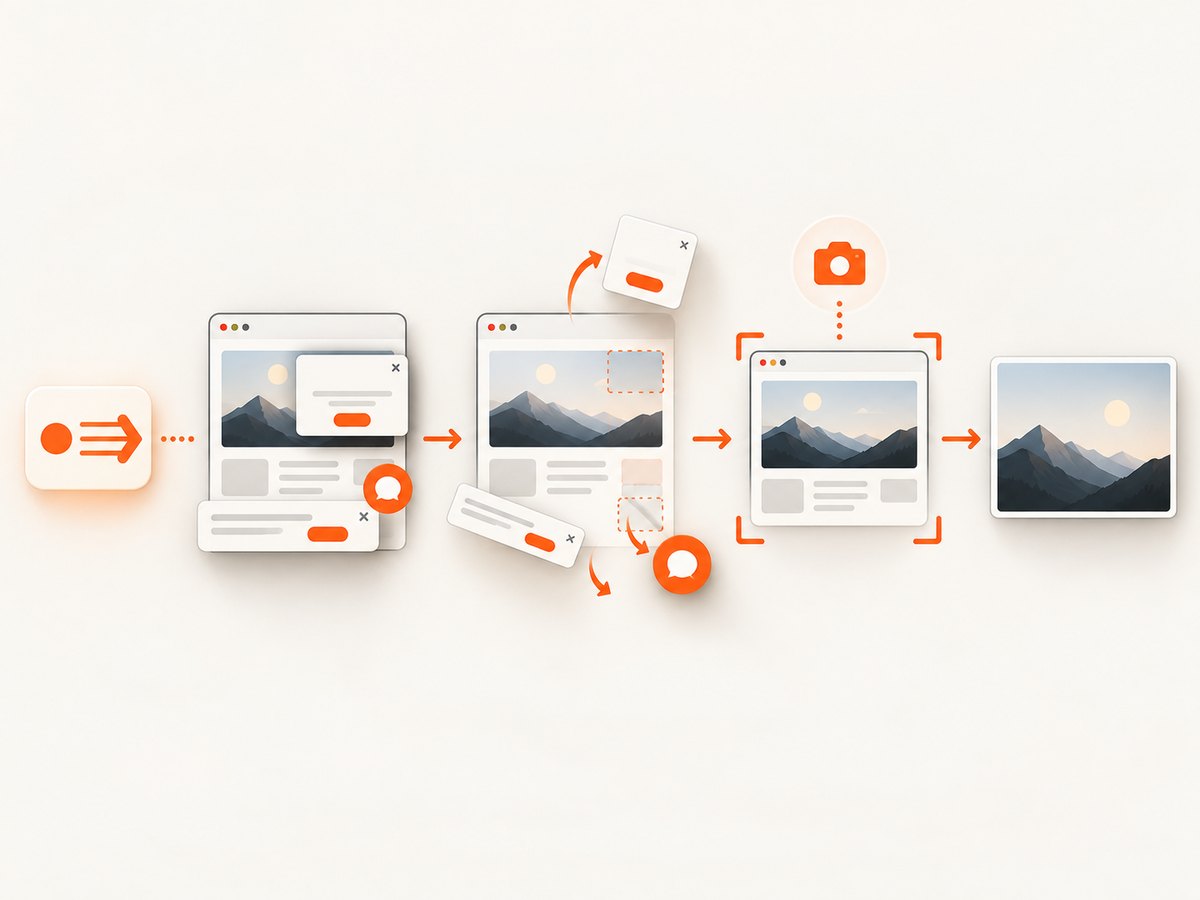
If you need dependable page images outside the test runner, ScreenshotNeo provides a website screenshot API. It accepts consent banners before capture and removes more than 60 known consent platforms, newsletter popups, and chat widgets. Bot checks, blank pages, timeouts, failed loads, and cache hits are not billed, and response headers report the page verdict and billing status. Its MCP server lets Claude, Cursor, and other MCP clients call take_screenshot, get_page_info, and capture_pdf.
See the ScreenshotNeo API documentation for options such as full-page or selector capture, wait conditions, custom headers and cookies, device presets, PDF output, blocking rules, caching, signed links, asynchronous jobs, bulk capture, and usage reporting.
cURL
curl -G "https://api.screenshotneo.com/v1/shot" \
  -d access_key=YOUR_API_KEY \
  --data-urlencode url=https://stripe.com \
  -o shot.webp
Python
import requests

r = requests.get(
    "https://api.screenshotneo.com/v1/shot",
    params={"access_key": "YOUR_API_KEY", "url": "https://stripe.com"},
    timeout=90,
)
r.raise_for_status()
open("shot.webp", "wb").write(r.content)
Node.js
const q = new URLSearchParams({
  access_key: 'YOUR_API_KEY',
  url: 'https://stripe.com'
});
const res = await fetch(`https://api.screenshotneo.com/v1/shot?${q}`);
if (!res.ok) throw new Error(`${res.status} ${await res.text()}`);
require('fs').writeFileSync('shot.webp', Buffer.from(await res.arrayBuffer()));
There is a free plan with 1,000 screenshots each month and no card. Paid plans start at $5 for 3,000 screenshots; every feature is included on every plan. Create a free ScreenshotNeo account.
FAQ
Should I set restartBrowserBetweenTests to true?
Only when a fresh browser session is required for test isolation. The documented default is false, and enabling it can slow the suite significantly.
Does taking a screenshot after browser.restart() always produce a blank image?
No. It is a reported lifecycle failure mode, not a universal rule. Hook scheduling, framework, browser, driver, and versions affect the result.
Can WebDriver capture an iframe directly?
The screenshot command captures the top-level browsing context’s viewport. Inspect frame and window context when diagnosing a blank or unexpected image.
What should I verify after changing the hook?
Confirm the log order, attachment bytes, URL, window handle, and document readiness on a deliberately failing test before restoring the full suite.


