How to Fix Blank Three.js canvas.toDataURL Screenshots
Fix blank Three.js canvas.toDataURL screenshots by controlling WebGL buffer lifetime, render timing, render targets, and capture diagnostics.
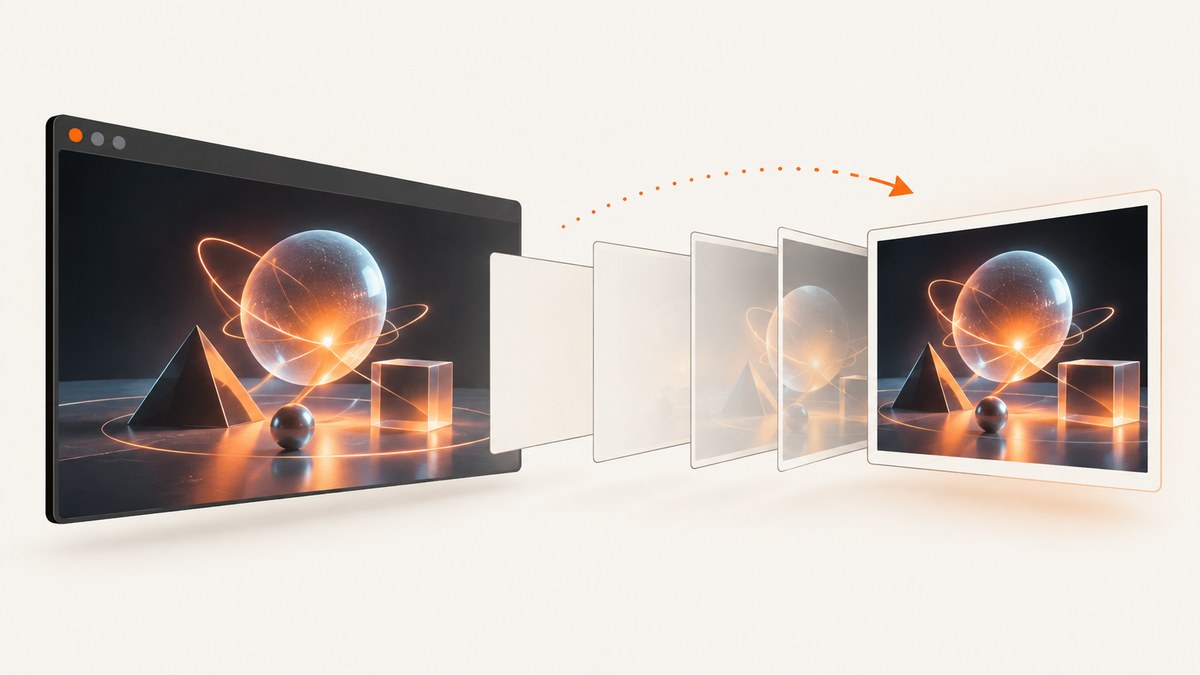
A Three.js scene can look correct in the browser and still produce a blank or black canvas.toDataURL() image. The usual cause is WebGL drawing-buffer lifetime: Three.js creates its renderer with preserveDrawingBuffer disabled by default, so the browser is not required to keep the rendered pixels available after the render operation returns.
For a one-time screenshot, render immediately before calling toDataURL():
function capture() {
  renderer.render(scene, camera);
  const dataUrl = renderer.domElement.toDataURL('image/png');
  return dataUrl;
}
If the application must capture the last frame later, create the renderer with preserveDrawingBuffer: true. For larger or repeated workflows, render into a WebGLRenderTarget and read its pixels explicitly. These approaches follow the Three.js screenshot guidance and WebGL specification. See the Three.js screenshot manual, WebGLRenderer documentation, and WebGL specification.
Why a visible canvas can produce a blank data URL
WebGL renders into a drawing buffer owned by the browser. With preservation disabled, the specification permits that buffer to be discarded or made undefined after the rendering function returns. The affected operations include readPixels() and toDataURL(). A frame that was visible during presentation therefore does not guarantee that a later JavaScript call can read the same pixels.
Three.js sets preserveDrawingBuffer to false by default. This is normally the better setting for interactive rendering because retaining the buffer can reduce performance on some platforms. The browser’s buffer-preservation setting is separate from Three.js clearing settings such as autoClear, autoClearColor, autoClearDepth, and autoClearStencil.
The important distinction is timing:
| Situation | Recommended approach | Trade-off |
|---|---|---|
| One screenshot of the current scene | Call renderer.render(), then toDataURL() in the same function |
Requires a deliberate capture path |
| Capture may happen later | Set preserveDrawingBuffer: true |
Possible performance cost; resizing needs care |
| Need controlled pixels, export, or post-processing | Render to WebGLRenderTarget and read it |
More code and pixel-format decisions |
Fix 1: render immediately before toDataURL()
This is the preferred fix for a one-off screenshot. Do not rely on the animation loop having rendered recently. Put the render and capture calls next to each other so no other callback, resize, or frame can invalidate your assumptions.

import * as THREE from 'three';

const scene = new THREE.Scene();
const camera = new THREE.PerspectiveCamera(45, 800 / 600, 0.1, 100);
camera.position.z = 4;

const renderer = new THREE.WebGLRenderer({ antialias: true, alpha: true });
renderer.setSize(800, 600, false);
document.body.appendChild(renderer.domElement);

const geometry = new THREE.BoxGeometry();
const material = new THREE.MeshNormalMaterial();
const cube = new THREE.Mesh(geometry, material);
scene.add(cube);

function render() {
  renderer.render(scene, camera);
}

function capturePng() {
  // Apply any state changes before this point.
  cube.rotation.y += 0.2;
  render();
  return renderer.domElement.toDataURL('image/png');
}

function download(dataUrl) {
  const link = document.createElement('a');
  link.href = dataUrl;
  link.download = 'three-scene.png';
  link.click();
}

download(capturePng());
In an animation-driven application, share the render function between the animation loop and the capture action:
let captureRequested = false;

function animate() {
  requestAnimationFrame(animate);
  updateScene();
  renderer.render(scene, camera);

  if (captureRequested) {
    captureRequested = false;
    const image = renderer.domElement.toDataURL('image/png');
    saveImage(image);
  }
}

function requestCapture() {
  captureRequested = true;
}
This schedules capture after a completed render, while keeping both operations in the same animation callback. If your scene uses asynchronous textures, fonts, or models, request capture only after those resources have loaded and the scene has rendered at least once.
Account for device-pixel ratio
The CSS size of a canvas and its drawing-buffer size can differ. Use the renderer’s pixel ratio deliberately:
const width = 1200;
const height = 800;
renderer.setPixelRatio(Math.min(window.devicePixelRatio, 2));
renderer.setSize(width, height, false);
camera.aspect = width / height;
camera.updateProjectionMatrix();
renderer.render(scene, camera);
const png = renderer.domElement.toDataURL('image/png');
Set the size and camera aspect before the final render. A resize that happens between rendering and capture can produce unexpected dimensions or a frame that no longer matches the camera.
Fix 2: preserve the drawing buffer
Use this when another part of the application will call toDataURL() after the render function has returned.
const renderer = new THREE.WebGLRenderer({
  antialias: true,
  preserveDrawingBuffer: true,
});
Then a later capture can read the last retained frame:
renderer.render(scene, camera);
// Other application work can happen here.
const image = renderer.domElement.toDataURL('image/png');
Preservation is not free. The WebGL specification says it can cause significant performance loss on some platforms. It also does not solve every resizing problem: if the canvas resolution changes, the retained pixels may no longer represent the intended output. Prefer render-then-capture when the requirement is a single screenshot.
When preservation is appropriate
- A user presses a capture button well after the render callback.
- A third-party integration can read the canvas at an unpredictable time.
- You intentionally keep the last frame as a visual snapshot.
When it is a poor default
- High-frequency animation where every frame must remain fast.
- Mobile or low-memory devices.
- Applications that can invoke a synchronous render-and-capture function instead.
Fix 3: render to a WebGLRenderTarget
A render target gives you explicit ownership of the pixels. This is useful when the screenshot is an export pipeline, when you need a predictable resolution, or when the canvas is not the source you want to encode.
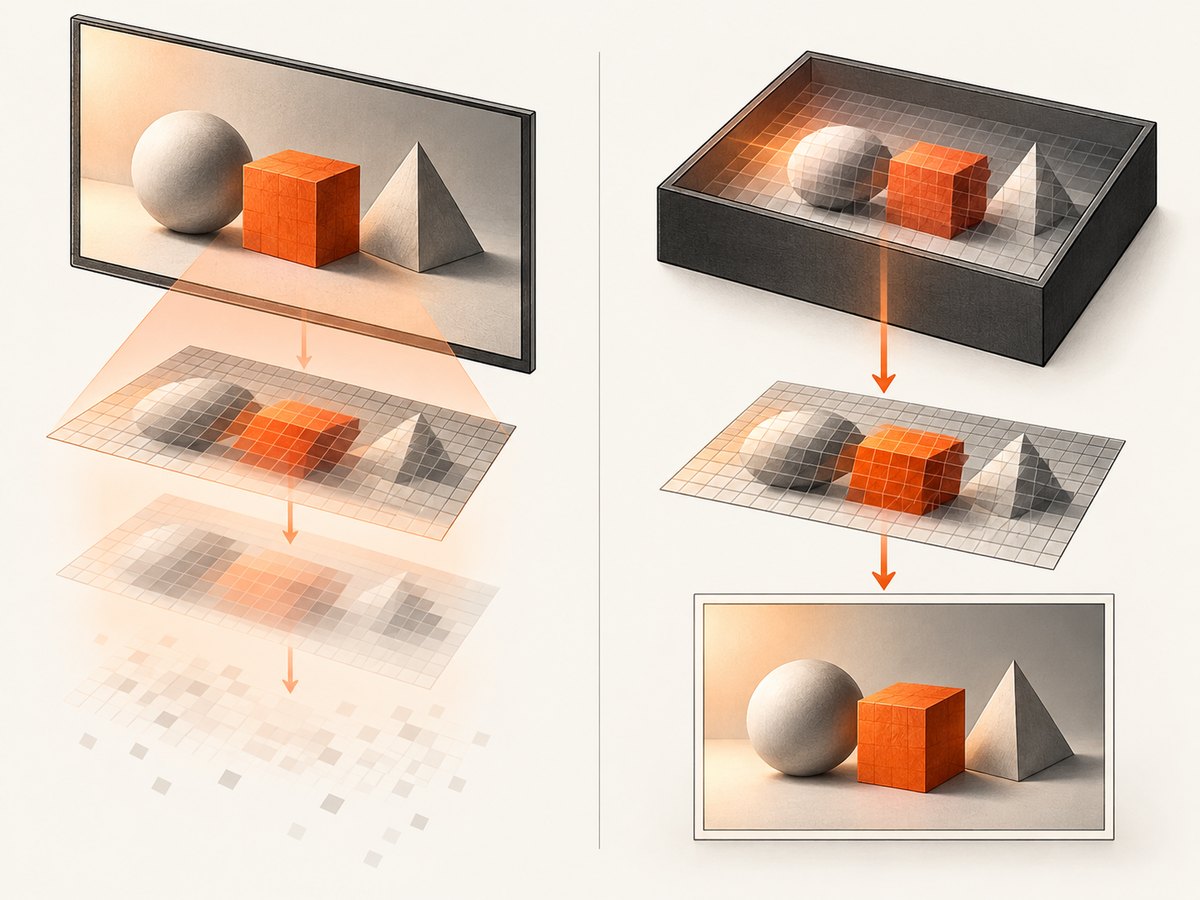
const target = new THREE.WebGLRenderTarget(1024, 1024, {
  depthBuffer: true,
  stencilBuffer: false,
});

renderer.setRenderTarget(target);
renderer.render(scene, camera);
renderer.setRenderTarget(null);

const pixels = new Uint8Array(1024 * 1024 * 4);
renderer.readRenderTargetPixels(
  target,
  0,
  0,
  1024,
  1024,
  pixels
);

// WebGL pixel rows start at the bottom. Flip rows before encoding
// if your image encoder expects top-to-bottom order.
function flipRows(data, width, height) {
  const rowSize = width * 4;
  const row = new Uint8Array(rowSize);
  for (let y = 0; y < Math.floor(height / 2); y++) {
    const top = y * rowSize;
    const bottom = (height - 1 - y) * rowSize;
    row.set(data.subarray(top, top + rowSize));
    data.copyWithin(top, bottom, bottom + rowSize);
    data.set(row, bottom);
  }
}

flipRows(pixels, 1024, 1024);
Three.js also provides an asynchronous read method and recommends it whenever possible. An asynchronous read can avoid forcing the CPU to wait for the GPU in the same way as a synchronous read. Check the version-specific WebGLRenderer API for the exact method signature available in your project.
If you only need a browser image, the normal canvas path is simpler. A render target is the better fit when you need raw pixels, a custom encoder, tiled output, or a capture independent of the display canvas.
Capture details that commonly make a correct render look blank
Transparent backgrounds
If you create the renderer with alpha: true, the canvas can contain transparent pixels. Some viewers show transparency as white or black. Set a scene background when an opaque image is required:
scene.background = new THREE.Color(0x202020);Alternatively, composite the PNG over a chosen color in a 2D canvas before exporting.
Color space and tone mapping
Color-management settings affect appearance, not drawing-buffer lifetime. Configure them before the final render and use the same settings for the interactive and capture paths. A washed-out or dark image is a color configuration issue; a fully blank image is more often timing, buffer lifetime, or an incomplete render.
Cross-origin textures
A texture loaded without appropriate cross-origin response headers can make a canvas origin-unclean. In that case, toDataURL() throws a security error instead of returning a usable image. Serve the texture with compatible CORS headers, set the image loading policy before assigning src, and verify the asset URL. This is distinct from a blank result: inspect the console and catch the exception.
WebGL context loss
A lost context can leave the canvas empty and invalidate GPU resources. Listen for context events and rebuild renderer resources after restoration:
renderer.domElement.addEventListener('webglcontextlost', (event) => {
  event.preventDefault();
  console.warn('WebGL context lost');
});

renderer.domElement.addEventListener('webglcontextrestored', () => {
  // Recreate application resources if required, then render again.
  renderer.render(scene, camera);
});
Debugging checklist
- Confirm the source canvas. Capture
renderer.domElement, not a placeholder canvas or a canvas from a previous renderer. - Render directly before capture. Temporarily place
renderer.render(scene, camera)on the line beforetoDataURL(). - Check dimensions. Log
canvas.width,canvas.height,renderer.getDrawingBufferSize(), and the camera aspect. - Check errors. Look for WebGL context-loss messages, shader compilation errors, failed textures, and cross-origin security exceptions.
- Verify resources. Wait for models, textures, fonts, and shaders before capturing.
- Test preservation only as a diagnostic. Set
preserveDrawingBuffer: true. If that fixes a delayed capture, the issue is probably buffer lifetime; decide whether the performance cost is acceptable. - Use a render target for deterministic output. This separates export pixels from the visible canvas.
- Check orientation and encoding. Render-target pixels are commonly bottom-up; canvas data URLs are already encoded for normal image use.
Common errors and fixes
| Symptom | Likely cause | Fix |
|---|---|---|
| Blank image, no exception | Capture occurs after the non-preserved buffer is discarded | Render immediately before toDataURL(), or enable preservation |
| Black image after animation | Animation loop rendered a different state or capture read too late | Capture inside the render callback or use a preserved buffer |
SecurityError |
Cross-origin image or video tainted the canvas | Fix CORS response headers and asset loading |
| Image has wrong size | CSS dimensions differ from drawing-buffer dimensions | Set renderer size and pixel ratio before rendering |
| Scene appears empty | Camera, clipping planes, lights, or resources are not ready | Log camera position, bounds, shader errors, and load completion |
| Capture fails after tab switching | WebGL context was lost or the app paused rendering | Handle context events and render again after restoration |
Performance and reliability guidance
Render only when a capture is requested if screenshots are infrequent. Reuse geometries, materials, render targets, and typed arrays for repeated exports. Avoid calling synchronous pixel reads every animation frame because they can force GPU and CPU synchronization. Prefer an asynchronous render-target read where your Three.js version supports it.
For reliable automation, make capture state explicit: freeze animation, set the camera and viewport, wait for all assets, render once, then encode. Record the canvas dimensions and any capture options alongside the output so a failed image can be reproduced. Do not treat disabling buffer clearing as the default fix; clearing controls address Three.js render behavior, while preservation addresses whether old pixels remain readable.
Or skip the browser setup
If your goal is a URL screenshot rather than an in-process Three.js export, ScreenshotNeo provides a single HTTP request that returns PNG, JPEG, WebP, or PDF. Its capture flow accepts cookie and consent banners, then removes more than 60 known consent platforms, newsletter popups, and chat widgets before the shot. Each step can be turned off.
See the ScreenshotNeo API documentation for all options, including full-page capture, element selectors, dark mode, device presets, retina scale, custom CSS and JavaScript, click and wait actions, blocked resources, headers, cookies, user agents, timezone, geolocation, caching, signed links, asynchronous jobs, bulk capture, and usage reporting.
cURL
curl -G "https://api.screenshotneo.com/v1/shot" \
  -d access_key=YOUR_API_KEY \
  --data-urlencode url=https://threejs.org \
  -o shot.webp
Python
import requests

r = requests.get(
    "https://api.screenshotneo.com/v1/shot",
    params={"access_key": "YOUR_API_KEY", "url": "https://threejs.org"},
    timeout=90,
)
r.raise_for_status()
open("shot.webp", "wb").write(r.content)
Node.js
const q = new URLSearchParams({
  access_key: 'YOUR_API_KEY',
  url: 'https://threejs.org'
});
const res = await fetch(`https://api.screenshotneo.com/v1/shot?${q}`);
if (!res.ok) throw new Error(`HTTP ${res.status}`);
const bytes = Buffer.from(await res.arrayBuffer());
require('fs').writeFileSync('shot.webp', bytes);
ScreenshotNeo bills only clean shots. Bot checks or CAPTCHAs, blank pages, timeouts, failed loads, and cache hits cost nothing, and each response reports the result with X-Page-Verdict and X-Billed headers. It also offers an MCP server with take_screenshot, get_page_info, and capture_pdf tools for Claude, Cursor, and other MCP clients.
The Free plan includes 1,000 screenshots each month with no card. Paid plans start at $5 for 3,000 shots; yearly billing gives two months free, and every feature is available on every plan. Create a free ScreenshotNeo account.
FAQ
Does preserveDrawingBuffer guarantee a non-blank image?
No. It keeps the drawing buffer available for later access, but the scene still must render successfully, resources must load, and the canvas must not be origin-tainted.
Should I disable autoClear?
Usually no. Clearing settings control how Three.js prepares buffers for rendering. They do not replace the render-immediately-before-capture fix for a non-preserved WebGL buffer.
Can I call toDataURL() from a different event handler?
Yes, if the renderer preserves the drawing buffer. Otherwise, render again in that handler immediately before reading the canvas.
Why are render-target images upside down?
WebGL pixel coordinates start at the lower-left. Flip the rows before passing the data to an encoder that expects top-to-bottom image order.
Is a blank screenshot always a Three.js bug?
No. Buffer lifetime is the leading documented cause, but context loss, failed resources, incorrect dimensions, camera setup, and cross-origin restrictions can produce similar symptoms. Use the checklist to separate them.


