How to Fix Bootstrap 3 Colors Missing in wkhtmltopdf PDFs
Fix missing Bootstrap 3 colors in wkhtmltopdf PDFs by checking media mode, background printing, CSS assets, and renderer settings.
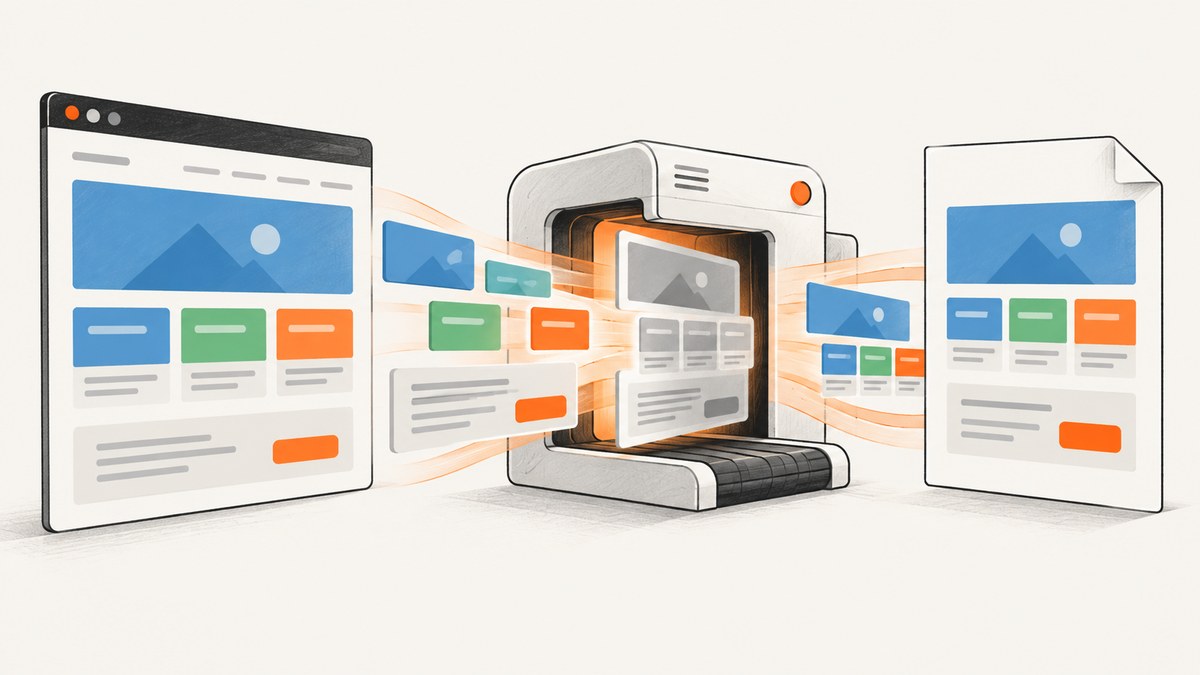
Bootstrap 3 colors usually disappear from a wkhtmltopdf PDF for one of four reasons: the converter is using a different CSS media mode than your page expects, background painting is disabled, the stylesheet or image assets did not load, or a cascade/renderer setting overrides the colors. Diagnose those separately. --background controls background painting; --print-media-type and --no-print-media-type control which media rules are selected. Enabling backgrounds cannot restore a missing text color or a stylesheet that never loaded.
The fastest first attempt is to render a minimal page with the intended media mode and explicit background output:
wkhtmltopdf --background --no-print-media-type input.html output.pdfThe command above asks wkhtmltopdf to use screen CSS and paint backgrounds. If your Bootstrap overrides live in @media print, use --print-media-type instead. Keep a copy of the exact command, binary version, operating system, and input URL while debugging.
1. Identify which color is missing
Inspect the affected Bootstrap component in the browser and classify the missing property:
| Symptom | Likely property | What to check |
|---|---|---|
| Buttons, labels, alerts, or navbar fills are white | background-color or a background image |
--background, CSS media mode, and loaded stylesheet |
| Text becomes black | color |
media rules, cascade, inherited styles, and grayscale settings |
| Borders lose their color | border-color |
print overrides and CSS load order |
| Gradients or icons disappear | background-image, SVG, or font asset |
asset URLs, resource loading, and background output |
This distinction matters because wkhtmltopdf’s background switch is specifically about backgrounds. It is not a universal “print all CSS colors” option. A missing text or border color needs a CSS or media-mode fix.
2. Record the runtime and create a minimal reproduction
Run:
wkhtmltopdf --versionSave whether the output says it is a patched-Qt build, your operating system, the complete invocation, and how Bootstrap is referenced. A page that works in a browser may fail in conversion when a stylesheet uses a relative URL, an HTTPS certificate is rejected, or a JavaScript-generated class has not been created yet.
Create a small test page that contains only Bootstrap and one colored component. This separates a renderer problem from an application-specific cascade:
<!doctype html>
<html>
<head>
  <meta charset="utf-8">
  <link rel="stylesheet" href="https://maxcdn.bootstrapcdn.com/bootstrap/3.4.1/css/bootstrap.min.css">
  <style>
    .test-panel { background-color: #337ab7; color: #fff; padding: 24px; }
    @media print { .test-panel { background-color: #5cb85c; } }
  </style>
</head>
<body>
  <div class="test-panel">Color test</div>
</body>
</html>
If the minimal page works, compare your production page’s CSS order, media attributes, asset paths, and JavaScript timing. If it fails too, continue with the renderer checks below.
3. Choose screen or print media deliberately
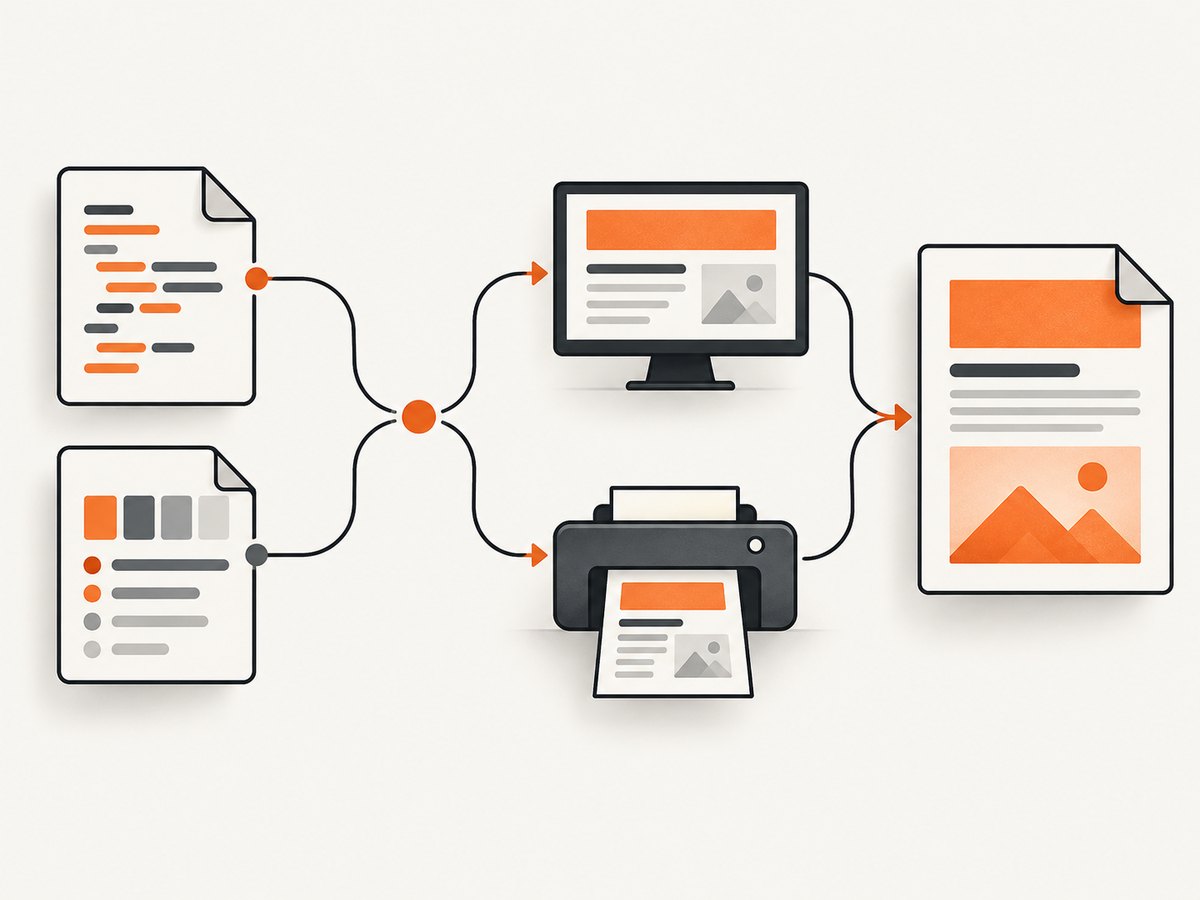
wkhtmltopdf documents --print-media-type as “Use print media-type instead of screen.” The usage documentation lists screen media as the default and provides --no-print-media-type to select it explicitly. See the official wkhtmltopdf usage documentation.
Use screen media
Bootstrap 3’s normal component colors are generally in the base stylesheet, while your own print stylesheet may intentionally remove backgrounds. Test screen mode explicitly:
wkhtmltopdf --no-print-media-type --background page.html page-screen.pdfUse this when the desired colors are defined in ordinary rules or @media screen. Also inspect linked stylesheets such as:
<link rel="stylesheet" href="app.css" media="screen">
<link rel="stylesheet" href="print.css" media="print">
Use print media
If the color rules are inside @media print, select print media:
wkhtmltopdf --print-media-type --background page.html page-print.pdfDo not switch modes blindly. Compare the generated PDF with the CSS that is meant for the document. A print stylesheet can deliberately set background: transparent, change text colors for ink savings, or hide decorative elements.
Use an all-media rule for a critical color
When a component must keep one color in both modes, put the rule outside media blocks and make the selector specific enough to survive Bootstrap overrides:
.invoice .btn-primary {
  background-color: #337ab7;
  border-color: #2e6da4;
  color: #fff;
}

@media print {
  .invoice .btn-primary {
    -webkit-print-color-adjust: exact;
    print-color-adjust: exact;
  }
}
The color-adjust declarations can help browsers honor colors, but they do not replace wkhtmltopdf’s background setting or repair unloaded CSS.
4. Enable background and color output
The CLI documentation lists --background as enabled by default and --no-background as the disabling option. A wrapper, configuration file, or deployment script may still pass --no-background, so inspect the actual command line.
wkhtmltopdf --background --no-print-media-type page.html page.pdfBackground output covers properties such as background-color and background-image. It does not force text, border, or font colors. If a global PDF setting exposes a color mode, ensure it is set to color rather than grayscale. In the library API, the equivalent page setting is commonly named web.background; the global PDF setting exposes a color-versus-grayscale colorMode. Confirm the exact option names in the wrapper you use.
To prove whether backgrounds are the issue, compare two outputs:
wkhtmltopdf --no-background page.html without-backgrounds.pdf
wkhtmltopdf --background page.html with-backgrounds.pdf
If only fills and background images change, you have isolated the correct control. If text remains wrong in both files, return to media selection and CSS loading.
5. Check CSS, fonts, and image assets
- Verify the stylesheet URL. Open the exact URL from the conversion host. Relative paths resolve from the input document’s location, which may differ from your browser’s development server.
- Use absolute or file-correct asset paths. A background such as
url('../img/pattern.png')must resolve from the CSS file’s directory, not the HTML directory. - Check HTTPS and authentication. A certificate error, protected asset, or missing cookie can leave Bootstrap partially styled.
- Check CSS order. Load Bootstrap first, then your overrides. A later print rule such as
.btn { background: none; }wins over the Bootstrap color. - Check JavaScript timing. If a script adds a theme class after load, use an appropriate delay or wait for a selector before conversion.
- Check fonts and SVGs. Missing fonts can make icons appear absent even when the surrounding color is correct.
For a local file, test with a simple absolute path and an explicit encoding. For a remote page, test the URL directly and compare the converter’s network permissions with the browser.
6. Handle print-only background images
A wkhtmltopdf issue report from the 0.12.5 era describes a background image declared only in @media print that did not appear on the PDF body. The reported workaround was to reference the same image URL on a matching element in the default stylesheet while retaining the print background rule. Treat this as a narrow workaround for that reported case, not as a universal Bootstrap fix.
/* Default rule makes the asset discoverable in the reported case */
.report-shell {
  background-image: url('/assets/report-paper.png');
}

@media print {
  .report-shell {
    background-image: url('/assets/report-paper.png');
  }
}
Reproduce the problem against your own binary before adopting this pattern. If the image still fails, inspect the URL, file permissions, MIME type, and whether the image is blocked by a security policy.
7. Library configuration equivalents
Applications often call wkhtmltopdf through a language wrapper. The names vary, but the concepts map to the CLI:
| CLI concept | Typical library setting | Purpose |
|---|---|---|
--background |
web.background |
Paint CSS backgrounds |
--print-media-type |
load.printMediaType |
Select print media rules |
| color output | global PDF colorMode |
Choose Color or Grayscale |
For example, a configuration object in a wrapper may look conceptually like this:
options = {
  web: {
    background: true
  },
  load: {
    printMediaType: false
  },
  colorMode: 'Color'
}
Use your wrapper’s documented spelling and value types. Some wrappers use booleans, while others expect strings or nested option names.
8. Troubleshooting checklist
| Error or symptom | Cause to test | Fix |
|---|---|---|
| All fills are white | --no-background was passed |
Remove it or add --background; verify the wrapper setting. |
| Only print overrides are missing | Screen media is selected | Try --print-media-type and inspect @media print. |
| Normal Bootstrap colors are missing | Print CSS overrides or print mode mismatch | Try --no-print-media-type; inspect later rules. |
| Text is black but panels are colored | Text color rule or inherited style is missing |
Inspect computed CSS and print overrides; background flags will not fix it. |
| Remote CSS works in Chrome but not conversion | Asset URL, certificate, cookie, or network access | Use reachable absolute URLs and verify from the conversion host. |
| One print background image is absent | Version-specific print background issue | Try the narrow duplicate-reference workaround and test another build. |
| Output is grayscale | Global color mode or post-processing | Set the wrapper’s color mode to Color and inspect downstream PDF processing. |
| Colors differ between machines | Different wkhtmltopdf versions, Qt builds, libraries, or OS | Capture --version, pin the binary, and compare a minimal page. |
9. Version and renderer decisions
The wkhtmltopdf downloads page identifies the 0.12.6 series as stable and dates that release to June 11, 2020. It also notes that Linux builds depend on system libraries and that distribution differences can create compatibility problems. Check the official downloads page and the binary installed in your deployment rather than assuming every package behaves the same.
Older issue reports describe media behavior changing between named builds and operating systems. Another report involving 0.12.5 on Windows said Chrome print-to-PDF handled the styling better for that user’s page, while header and footer requirements remained a concern. That is an anecdotal report, not a benchmark. Evaluate another renderer only after comparing representative documents, page breaks, headers, footers, fonts, asset loading, and color output.
10. Performance, reliability, and cost considerations
- Keep reproductions small. A single component page makes media and cascade errors visible and reduces conversion time.
- Prefer local, cacheable assets. Remote requests add latency and introduce certificate, DNS, and availability failures.
- Pin the runtime. Record the wkhtmltopdf version and OS image so a package update does not silently change rendering.
- Wait for required content. If JavaScript populates the page, use a delay or a wrapper’s selector/network-idle wait option where available.
- Validate PDFs in automation. Keep a representative color fixture and inspect generated pages after runtime changes.
- Separate rendering failures from billing or retry logic. A timeout should be diagnosed as a load problem before increasing retries or resources.
Or skip the browser setup
If your goal is a clean screenshot or PDF rather than maintaining a wkhtmltopdf runtime, ScreenshotNeo provides a single-request capture API and an MCP server for AI agents. The API accepts the URL and returns PNG, JPEG, WebP, or PDF; its options include full-page capture, device and viewport control, dark mode, custom CSS and JavaScript, waits, headers, cookies, user agents, geolocation, PDF margins and page ranges, caching, signed links, async webhooks, bulk capture, and a usage API. See the ScreenshotNeo documentation for the complete option list.
curl -G "https://api.screenshotneo.com/v1/shot" -d access_key=YOUR_API_KEY --data-urlencode url=https://stripe.com -o shot.webpimport requests
r = requests.get("https://api.screenshotneo.com/v1/shot", params={"access_key": "YOUR_API_KEY", "url": "https://stripe.com"}, timeout=90)
open("shot.webp", "wb").write(r.content)const q = new URLSearchParams({ access_key: 'YOUR_API_KEY', url: 'https://stripe.com' });
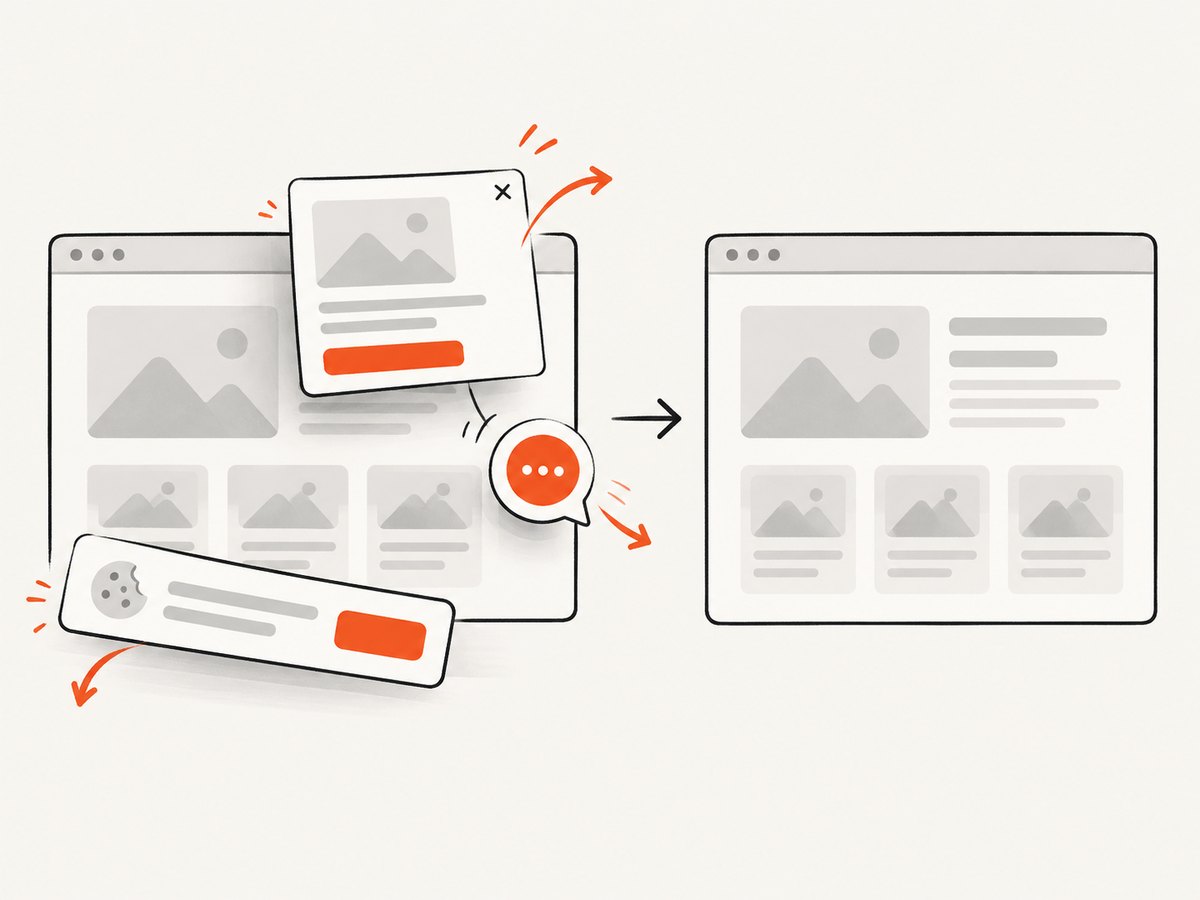
const res = await fetch(`https://api.screenshotneo.com/v1/shot?${q}`);Cookie banners, newsletter popups, and chat widgets are removed before the shot. Bot checks, blank pages, failed loads, timeouts, and cache hits are not billed, and response headers identify the page verdict and whether it was billed. Its MCP server lets Claude, Cursor, and other MCP clients call take_screenshot, get_page_info, and capture_pdf. The free plan includes 1,000 screenshots a month with no card; paid plans start at $5 for 3,000 shots. Create a free ScreenshotNeo account.
FAQ
Does --background print every Bootstrap color?
No. It controls CSS backgrounds. Text, borders, and missing styles require media, cascade, and asset checks.
Should I always use --print-media-type?
No. Use it when the desired rules are print-specific. Screen media is the documented default, and --no-print-media-type makes that choice explicit.
Why does the browser look correct while the PDF does not?
The converter may select different media rules, fail to load remote assets, run a different JavaScript state, or use a different binary and Qt build.
Is the print-only background-image workaround guaranteed?
No. It was reported for a narrow 0.12.5 case. Reproduce it with your own page and runtime before relying on it.
When should I consider another renderer?
After checking media mode, background output, CSS loading, color mode, and runtime version. Compare pagination, headers, fonts, assets, and colors on representative documents.


