How to Fix c.getComputedStyle Is Not a Function in Angular 12
Fix Angular 12's c.getComputedStyle error by checking the DOM element, browser-only execution, and dom-to-image-more version.
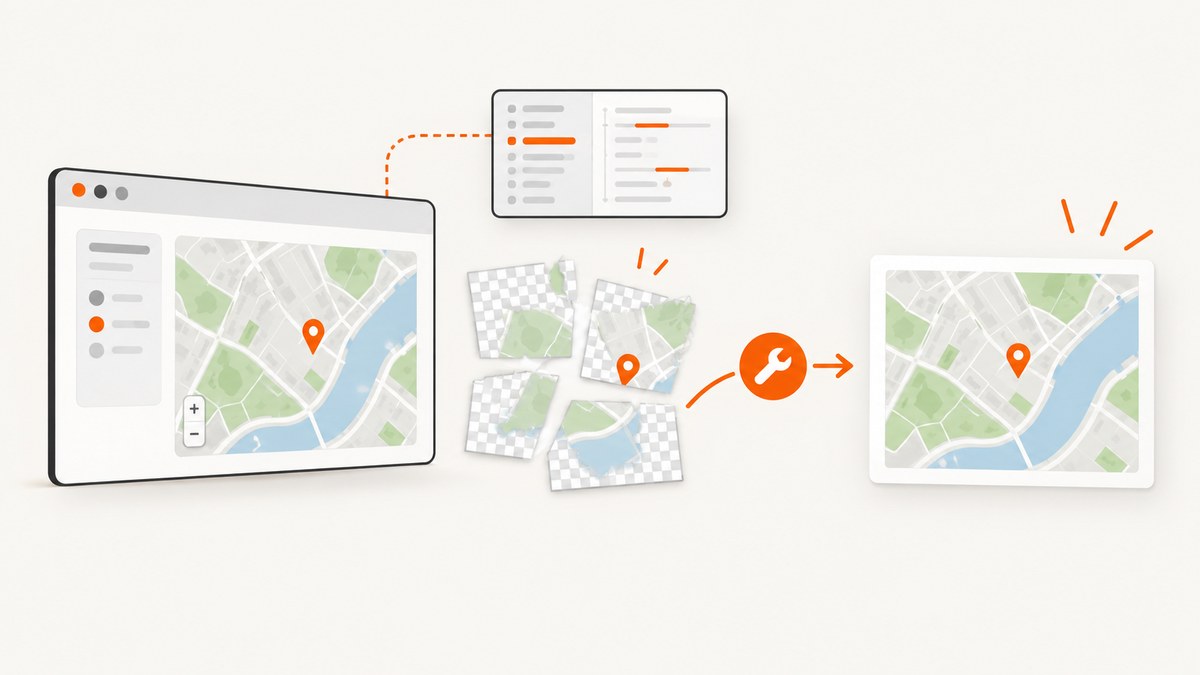
Direct answer: In the reported Angular 12 case, dom-to-image-more failed while converting a Leaflet map element because of a library-version issue. Check the installed version first; pinning dom-to-image-more to 2.8.0 was the accepted fix for that historical report. Treat that version as a case-specific workaround, not a guaranteed current fix. Also verify that the value passed to toPng() is the rendered Element and that the code runs in a browser after the view exists.
The minified variable c is internal bundle code. The useful diagnostic question is what object the library is calling getComputedStyle on, which dependency version supplied that code, and whether a browser document exists.
What the error means
The browser API is window.getComputedStyle(element). It returns resolved CSS values for an element after stylesheets and layout calculations are applied. Its argument must be a DOM Element; an unset reference, wrapper object, or other value can trigger a type error. See the MDN API reference.
dom-to-image-more reads computed styles and rasterizes the result in a browser. Its documentation says it cannot run where document is unavailable, including Angular Universal, a Next.js server, or plain Node. That browser requirement is separate from the historical Angular 12 regression, but both problems can produce confusing stack traces.
Fix the reported dependency regression
- Inspect the installed package and lockfile version.
- Compare it with the version that introduced the failure.
- Try the historical workaround,
2.8.0, in a branch or reproducible test. - Rebuild the application and retest the same component and browser.
npm ls dom-to-image-more
npm view dom-to-image-more versions --json
npm install dom-to-image-more@2.8.0 --save-exact
The accepted answer for the matching 2021 Stack Overflow report recommended 2.8.0. That report is one community case, so confirm compatibility with your Angular, browser, and lockfile before adopting the pin. If the error began after another upgrade, use git diff on package.json and the lockfile to identify the actual change.
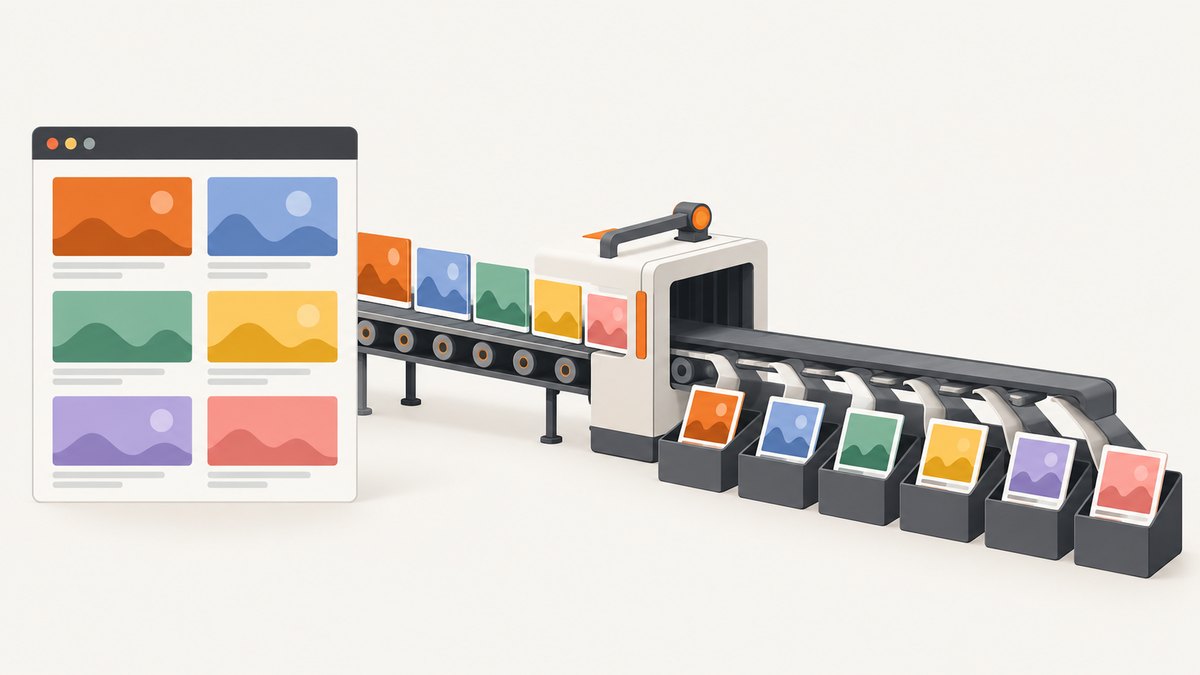
Pass the actual rendered element
Use @ViewChild after Angular has created the view. With a template reference, nativeElement should be the element that contains the map or other content to capture.
import { AfterViewInit, Component, ElementRef, ViewChild } from '@angular/core';
import domtoimage from 'dom-to-image-more';

@Component({
  selector: 'app-map-export',
  template: `
    <div #mapHost class="map-host"></div>
    <button type="button" (click)="savePng()">Save PNG</button>
  `
})
export class MapExportComponent implements AfterViewInit {
  @ViewChild('mapHost', { static: false }) mapHost!: ElementRef<HTMLDivElement>;

  ngAfterViewInit(): void {
    const element = this.mapHost.nativeElement;
    console.log({
      element,
      nodeType: element?.nodeType,
      tagName: element?.tagName,
      isElement: element instanceof Element
    });

    if (!(element instanceof Element)) {
      throw new Error('mapHost is not a rendered DOM Element');
    }

    // Create or update the Leaflet map here, after the host exists.
  }

  async savePng(): Promise<void> {
    const element = this.mapHost?.nativeElement;
    if (!(element instanceof Element)) {
      throw new Error('Capture requested before mapHost was rendered');
    }

    const dataUrl = await domtoimage.toPng(element);
    const link = document.createElement('a');
    link.download = 'map.png';
    link.href = dataUrl;
    link.click();
  }
}
Do not pass the ElementRef itself, a component instance, a Leaflet map object, or a native element from a different document. Pass this.mapHost.nativeElement.
Check Angular lifecycle and conditional templates
@ViewChild is undefined until the view has been initialized when static: false is used. A reference inside *ngIf can also disappear when the condition changes. Capture only after the element is present and after the map has finished rendering.
import { ChangeDetectorRef, AfterViewChecked } from '@angular/core';

// Prefer an explicit event from the map or a button click.
// If the element is created by *ngIf, wait until that condition is true.
if (this.mapHost?.nativeElement) {
  await new Promise(requestAnimationFrame);
  // Call domtoimage.toPng(this.mapHost.nativeElement) here.
}
A button click is usually safer than calling the converter from a constructor or ngOnInit. If map tiles or fonts load asynchronously, wait for the map’s ready event and, when needed, one or more animation frames.
Keep DOM-to-image code out of SSR
Angular Universal renders on the server, where window, document, and computed styles are unavailable. Guard browser-only work with Angular’s platform check and invoke it from a browser lifecycle path.
import { isPlatformBrowser } from '@angular/common';
import { Inject, PLATFORM_ID } from '@angular/core';

constructor(@Inject(PLATFORM_ID) private platformId: object) {}

captureInBrowser(): void {
  if (!isPlatformBrowser(this.platformId)) {
    return;
  }

  const element = this.mapHost?.nativeElement;
  if (!(element instanceof Element)) {
    return;
  }

  domtoimage.toPng(element).then(dataUrl => {
    // Use the result only in the browser.
  });
}
Do not import or execute browser-dependent conversion during server startup. If a shared service is used, put the platform guard at the method boundary and keep DOM references out of server state.
Debugging checklist
| Symptom | Likely cause | Fix |
|---|---|---|
c.getComputedStyle is not a function immediately after an npm update |
A dependency regression or incompatible build | Record the installed version, compare release history, and test the reported 2.8.0 workaround. |
nativeElement logs as undefined |
The view has not initialized or an *ngIf branch is inactive |
Move the call to ngAfterViewInit or a user action after rendering. |
| The value exists but is not an element | An ElementRef, component, collection, or Leaflet object was passed |
Pass exactly elementRef.nativeElement and verify element instanceof Element. |
| It fails only during Universal builds | The converter runs without document |
Guard with isPlatformBrowser and run capture in the browser. |
| It works on a simple div but fails on the map | Tiles, fonts, cross-origin images, or unfinished layout | Wait for the map-ready event, test a minimal element, and inspect browser console resource errors. |
| The output is blank or incomplete | Capture ran before layout or lazy resources completed | Wait for rendering, ensure the element has dimensions, and capture after the final visual state. |
Reduce the problem to a minimal reproduction
- Create a new Angular 12 component containing one styled
div. - Call
domtoimage.toPng(div.nativeElement)from a button afterngAfterViewInit. - Run the same package version and build configuration as the failing app.
- Add the Leaflet map, conditional template, SSR, and custom styles one at a time.
This identifies whether the failure belongs to the package, the execution context, or the content being rendered. Keep the package lockfile and the full browser stack trace with the reproduction.
Performance, reliability, and cost considerations
- Large full-page or map captures require more layout, style traversal, and image decoding than a small element.
- Capture after the final state; repeated retries can create duplicate downloads and unnecessary browser work.
- Cache stable assets and avoid running conversion on every change-detection cycle.
- Cross-origin resources may be unavailable to a client-side rasterizer unless the resource and browser policy permit access.
- For SSR applications, keep browser capture on the client or move the job to a browser-capable service.
Or skip the browser setup
If the goal is a reliable URL screenshot rather than debugging a local DOM conversion, ScreenshotNeo provides a single HTTP request. It removes cookie and consent banners, newsletter popups, and chat widgets before capture. Bot checks, blank pages, failed loads, timeouts, and cache hits are not billed, and the response identifies the result with X-Page-Verdict and X-Billed headers. Its MCP server also gives Claude, Cursor, and other MCP clients take_screenshot, get_page_info, and capture_pdf tools.
See the ScreenshotNeo API documentation for the request options.
cURL
curl -G "https://api.screenshotneo.com/v1/shot" -d access_key=YOUR_API_KEY --data-urlencode url=https://stripe.com -o shot.webpPython
import requests
r = requests.get("https://api.screenshotneo.com/v1/shot", params={"access_key": "YOUR_API_KEY", "url": "https://stripe.com"}, timeout=90)
open("shot.webp", "wb").write(r.content)
Node.js
const q = new URLSearchParams({ access_key: 'YOUR_API_KEY', url: 'https://stripe.com' });
const res = await fetch(`https://api.screenshotneo.com/v1/shot?${q}`);
ScreenshotNeo supports PNG, JPEG, WebP, and PDF output, full-page and CSS-selector captures, device presets, custom viewports, retina scale, custom CSS and JavaScript, waits, request blocking, headers, cookies, user agents, authorization, timezone, geolocation, resizing, caching, signed links, asynchronous jobs, bulk capture, usage reporting, and an OpenAPI specification. The Free plan includes 1,000 screenshots each month with no card; paid plans start at $5 for 3,000. Create a free ScreenshotNeo account.
FAQ
Is 2.8.0 always the correct version?
No. It is the historical workaround reported for the matching Angular 12 issue. Verify current releases and your application’s compatibility before pinning it.
Can I call getComputedStyle on a text node?
No. Pass an element node. Confirm the value with element instanceof Element before conversion.
Does this error prove Angular is broken?
No. The failure can come from the converter version, an invalid input, or execution outside a browser.
Why does a screenshot service help with SSR?
The capture runs in ScreenshotNeo’s browser environment, so your Angular server does not need to provide window, document, or computed styles.


