How to Fix the Cannot Find Module ‘ws’ Error in Electron and Playwright
Fix “Cannot find module 'ws'” by tracing the importer, installing the dependency in the right package, and checking Electron packaging.
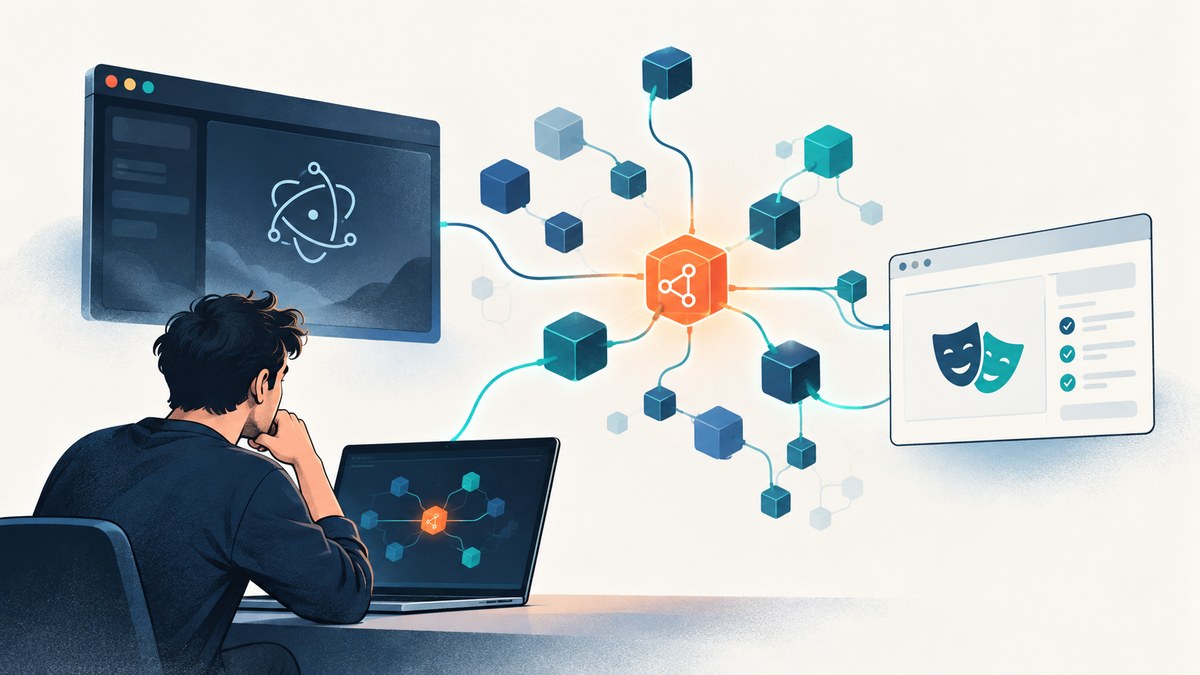
Direct answer: find the file that imports ws, then install ws as a runtime dependency of the application package that owns that file. Run the install command in the correct package or workspace context, and retest the same environment that failed. If development works but a packaged Electron app fails, inspect the packaged artifact and your builder’s dependency inclusion or externalization rules. Do not use the Node ws package as a replacement for the browser’s native WebSocket API.
The command documented by the official ws package page is:
npm install wsThat command is only the beginning. Electron applications often have separate main, preload, renderer, test, and packaged-runtime contexts. Playwright can observe and mock WebSockets, but those features do not remove a separate Node dependency when your own code or another package imports ws.
1. Read the complete error and require stack
Start with the entire message, including the require stack. The final line may say:
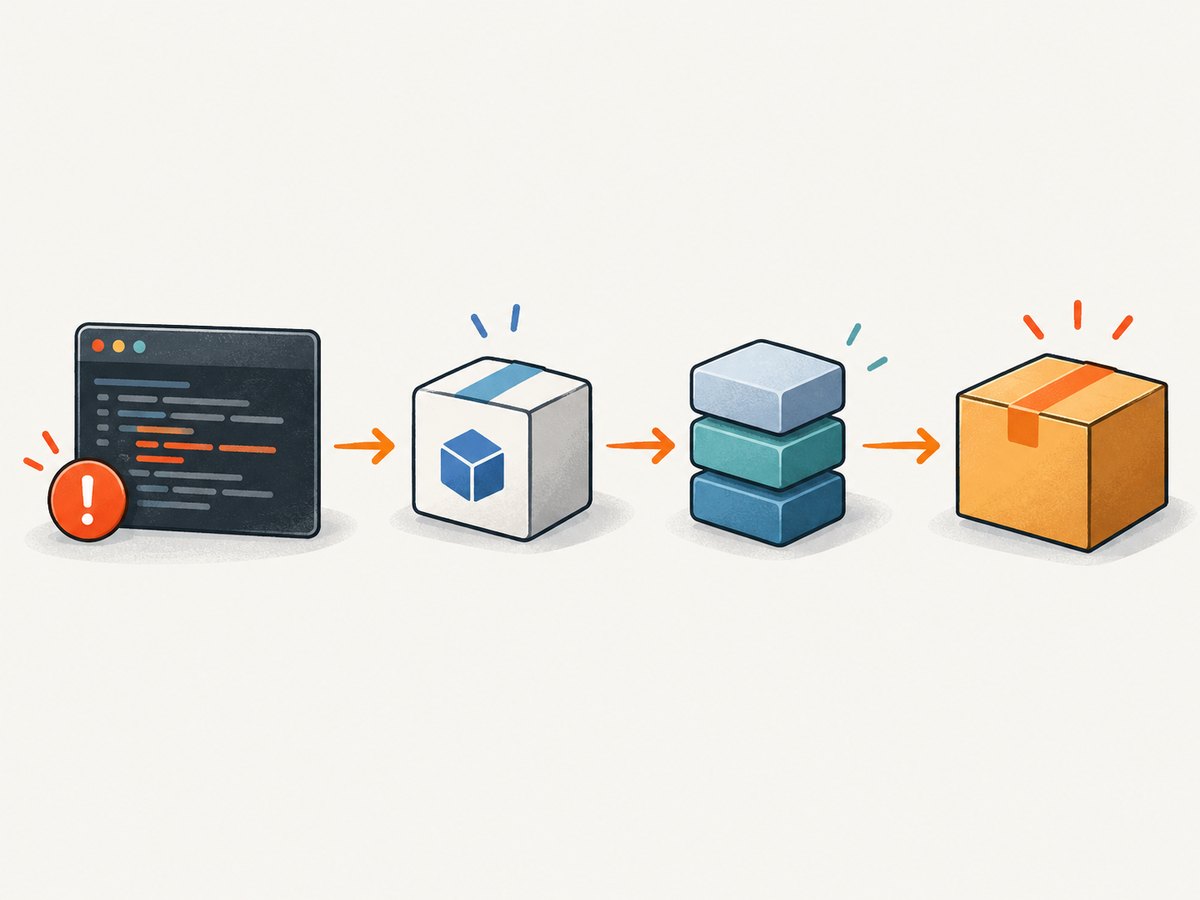
Error: Cannot find module 'ws'
Require stack:
- /project/src/main/websocket-client.js
- /project/src/main/index.js
The first useful path is the file that requested ws. Classify it before changing dependencies:
| Stack location | Likely meaning | First action |
|---|---|---|
| Your source file | Your application directly imports ws. |
Add ws to that application package’s runtime dependencies. |
A package under node_modules |
A dependency expects ws, or its installation is incomplete. |
Inspect that package’s manifest and the dependency tree. |
| A test file or test runner | The failure is limited to the test environment. | Install it where the test runner resolves dependencies, then run the failing test command again. |
An app.asar or packaged-resource path |
The development tree has the module, but the built application does not. | Inspect packaged files and production dependency settings. |
Search for both CommonJS and ESM forms:
rg -n "require\(['\"]ws['\"]\)|from ['\"]ws['\"]|import\(['\"]ws['\"]\)" .A stack that points into your code is strong evidence of a direct dependency. A stack inside another package means you should verify that package’s declared dependencies before forcing a top-level workaround.
2. Install ws in the owning package
For a single-package npm project:
npm install wsThen confirm that package.json contains ws under dependencies, not only under devDependencies, when production Electron code imports it:
{
  "dependencies": {
    "ws": "^8.22.0"
  }
}
The registry version changes over time, so choose a version compatible with your Node.js and Electron support policy instead of copying a volatile version number blindly. Commit the lockfile produced by your package manager.
For Yarn or pnpm, use the equivalent command used by the repository:
yarn add ws
pnpm add ws
In a monorepo, identify the package that owns the importing file. Installing ws at the repository root may not make it a declared dependency of an Electron app package, and hoisting behavior can hide that mistake during development. Check workspace configuration, the app package’s package.json, and the lockfile. Run the install command from the workspace root with the package selector, or from the owning package directory, according to the repository’s conventions.
Verify resolution in the failing context
Run Node from the same package and environment that fails:
node -p "require.resolve('ws')"
npm ls ws
If require.resolve fails, the current runtime cannot see the module. If it succeeds in your shell but the application still fails, the application may use a different working directory, a different bundled runtime, or a different package boundary.
A minimal CommonJS check is:
const WebSocket = require('ws');
console.log(typeof WebSocket);
For ESM, use the package’s documented import style supported by your selected version and project configuration. Do not infer that a successful import in a build script proves that the packaged Electron process can resolve it.
3. Check which Electron process is running the code
Electron has distinct execution boundaries:
- Main process: Node-capable application code and desktop lifecycle.
- Preload: a constrained bridge between privileged APIs and the renderer.
- Renderer: browser code running in Chromium.
The ws package documentation describes a Node.js WebSocket client and server and explicitly says it does not work in browsers. If the failing import is bundled into renderer code, adding a Node module may be the wrong fix. Use the browser’s native API when the code runs in a browser context:
const socket = new WebSocket('wss://example.com/socket');
socket.addEventListener('open', () => socket.send('hello'));
socket.addEventListener('message', event => console.log(event.data));
Keep Node-only WebSocket code in the main process or another Node execution context, and expose only the operations the renderer needs through a controlled preload bridge.
4. Development succeeds but the packaged app fails
This symptom means the development dependency tree is not proof that the production artifact contains the runtime dependency. Inspect the stack path. If it references app.asar, an unpacked resources directory, or another build output, examine that artifact directly.
- Build the application using the exact production command.
- List the packaged application’s resources and locate the code that imports
ws. - Check whether production installation prunes
devDependencies. - Review bundler externalization and packager exclusion rules.
- Confirm that the package containing the import declares
wsas a runtime dependency. - Rebuild and run the packaged executable, not only the development launcher.
Do not assume that changing an archive setting is universally required. Whether ws must be unpacked depends on the packager, bundler, native modules, and the way the package is loaded. The reliable check is whether the final runtime can resolve the module from the path shown in its stack.
5. Decide whether Electron’s net.WebSocket fits
Electron documents a net.WebSocket API for the main process that uses Chromium’s network stack. See the Electron net API documentation for availability and usage. It can be a valid design choice when you control the main-process code and need the behavior that API provides.
It is not established as a transparent replacement for every ws import. Compare:
| Question | Keep ws |
Evaluate net.WebSocket |
|---|---|---|
| Where does code run? | Node code that already imports ws. |
Electron main process. |
| What API is expected? | Existing client/server interfaces and events. | Behavior supported by Electron’s documented API. |
| What ships? | Package must be present in the built runtime. | API is supplied by Electron, subject to Electron version support. |
| Is it browser code? | No; ws is not a browser implementation. |
No; this is also a main-process choice. |
Electron’s security guidance also recommends secure protocols for remote resources, including WSS over WS. Transport security does not fix module resolution, but it should be part of the WebSocket design.
6. What Playwright changes—and what it does not
Playwright documents WebSocket inspection and related network testing features in its network documentation. You can observe WebSocket traffic from a page, and Playwright provides APIs for network testing. Those APIs describe Playwright’s capabilities; they do not guarantee that an application dependency importing ws is installed.
For a Playwright project, separate three cases:
- Tests only observe a page socket: use Playwright’s documented page and network APIs; no direct
wsimport may be needed. - Test utilities import
ws: declare and install it in the package that owns those utilities. - The application under test imports
ws: fix the application’s runtime dependency, then run the test in the same workspace context.
7. Common errors and fixes
| Error or symptom | Cause | Fix |
|---|---|---|
npm install ws ran successfully, but the error remains. |
The command ran in a different package or workspace. | Install in the package owning the importer and run require.resolve('ws') there. |
| Works in development, fails after packaging. | The artifact omitted, externalized, or pruned the runtime dependency. | Inspect the packaged resources, production install, and builder configuration. |
| Renderer build reports a Node-module problem. | Browser code is importing a Node-only package. | Use the native browser WebSocket API or move Node code to main/preload. |
| Only Playwright tests fail. | The test package or runner cannot resolve the dependency. | Install it in the test workspace and invoke the configured runner from that context. |
| Another package appears in the require stack. | That dependency may have an incomplete install or an undeclared peer/runtime requirement. | Inspect its manifest, lockfile, and package-manager tree before adding arbitrary top-level modules. |
Changing asar settings did nothing. |
The root issue is dependency declaration or bundler externalization. | Use the stack path and artifact contents to identify what is actually missing. |
| Connection errors continue after installation. | Module resolution is fixed; the problem is now URL, TLS, authentication, server availability, or protocol behavior. | Debug the socket connection separately from installation. |
8. A repeatable diagnostic checklist
- Copy the complete error and require stack.
- Identify whether the importer is application code, a dependency, a test, the main process, the renderer, or a packaged path.
- Search for every
wsimport. - Declare
wsin the owning package’s runtime dependencies when Node code directly imports it. - Install with the repository’s package manager and workspace rules.
- Run
require.resolve('ws')from the failing package context. - For packaged failures, inspect the final artifact and production dependency installation.
- For browser code, use the browser WebSocket API instead of the Node package.
- Retest the exact path that failed: test runner, development Electron, or packaged executable.
9. Performance, reliability, and maintenance notes
The optional bufferutil and utf-8-validate modules mentioned by the ws project are performance-related additions in relevant environments. They are not substitutes for the missing ws package, so resolve module ownership first.
Keep the lockfile committed and make dependency installation part of the reproducible build. Test both a clean checkout and the packaged artifact. A local, hoisted module can conceal a missing declaration until a clean CI install or production packaging step.
For reliability, log the runtime context at startup: Electron version, process type, package version, and the resolved module path where appropriate. Avoid logging secrets or complete authorization headers. When a failure changes from “module not found” to a network error, treat that as a separate stage and inspect TLS, endpoint, credentials, proxy settings, and server logs.
10. Capture a diagnostic page without maintaining browser infrastructure
If your goal is to capture an Electron or Playwright page for regression reports, visual checks, or support tickets, ScreenshotNeo provides a website screenshot API and MCP server. You still fix the missing module when your application needs ws, but you can remove browser setup from a separate screenshot workflow.

Or skip the browser setup
One GET request returns PNG, JPEG, WebP, or PDF output. See the ScreenshotNeo documentation for request options.
cURL
curl -G "https://api.screenshotneo.com/v1/shot" -d access_key=YOUR_API_KEY --data-urlencode url=https://stripe.com -o shot.webpPython
import requests
r = requests.get("https://api.screenshotneo.com/v1/shot", params={"access_key": "YOUR_API_KEY", "url": "https://stripe.com"}, timeout=90)
open("shot.webp", "wb").write(r.content)
Node.js
const q = new URLSearchParams({ access_key: 'YOUR_API_KEY', url: 'https://stripe.com' });
const res = await fetch(`https://api.screenshotneo.com/v1/shot?${q}`);
ScreenshotNeo accepts cookie and consent banners before capture and removes more than 60 known consent platforms, newsletter popups, and chat widgets; each step can be disabled. Bot checks, blank pages, timeouts, failed loads, and cache hits are not billed, and response headers identify the page verdict and billing result. Its MCP server includes take_screenshot, get_page_info, and capture_pdf for Claude, Cursor, and other MCP clients. The free plan includes 1,000 screenshots per month with no card; paid plans start at $5 for 3,000 shots. Create a free ScreenshotNeo account.
11. FAQ
Do I need to install ws if I only use Playwright’s WebSocket events?
Not necessarily. Playwright’s network APIs may cover observation without a direct ws import. Check your require stack and source imports before adding a dependency.
Should ws be a devDependency?
Use dependencies when shipped Node or Electron runtime code imports it. A test-only utility can belong to the test package’s development dependencies, provided the test environment installs them.
Can I replace every ws import with Electron net.WebSocket?
No universal replacement is established. Compare runtime location and API behavior, and migrate only when the documented Electron API fits your caller.
Why does the error mention app.asar?
That path indicates the packaged runtime is resolving code from the application archive. Inspect the final artifact and production dependency configuration instead of relying on the development tree.
What should I do after the module resolves?
Retest the original command. If the next error concerns connection, authentication, TLS, or protocol behavior, debug that network issue separately.


