How to Fix “Cannot Take Screenshot Due to Security Policy”
Learn why Android blocks screenshots, how to identify the cause, and which supported fixes work for protected apps and managed devices.
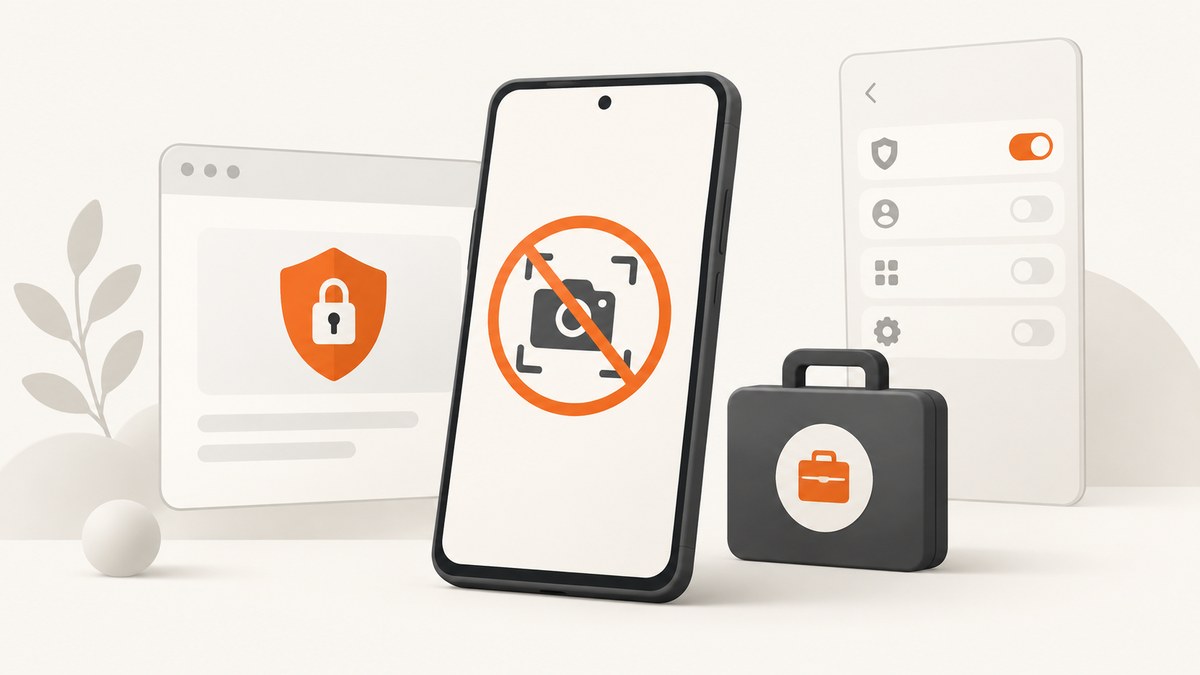
Short answer: “Cannot take screenshot due to security policy” usually means Android or the app is intentionally blocking capture. First try the normal screenshot shortcut on the home screen or in Settings. If those screens work but one app or sensitive screen does not, use that app’s share, export, download, receipt, statement, print, or support workflow. If the phone is managed by work or school, ask the administrator for an approved way to obtain the information. If ordinary screens also fail, troubleshoot the phone’s screenshot function separately.
1. Identify which kind of restriction you have
The fastest diagnosis is a comparison between an ordinary screen and the screen showing the message.
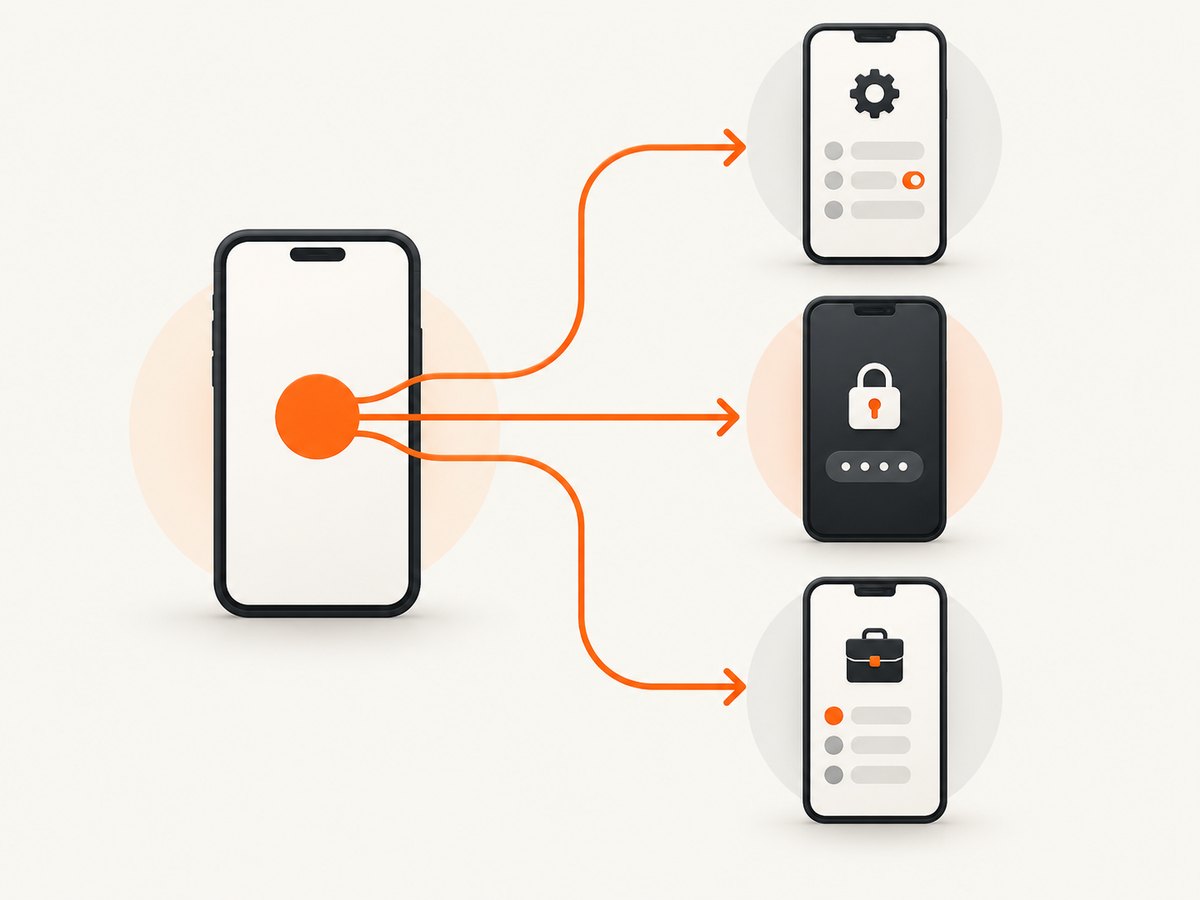
| What you observe | Most likely cause | Next step |
|---|---|---|
| Home screen and Settings capture normally; one app fails | The app protects a window or screen | Use the app’s supported sharing or export feature |
| Only a work or school profile fails | An administrator policy disables capture | Contact the device or profile administrator |
| Every screen fails | Screenshot shortcut, system software, or device-specific problem | Check the model’s screenshot controls and manufacturer support |
| Only an authentication or token screen fails | Intentional protection of sensitive credentials | Use the provider’s approved recovery, sharing, or support process |
This comparison is a diagnostic step, not a method for bypassing protected content.
2. Why Android shows this message
App-level protection with FLAG_SECURE
Android apps can set the FLAG_SECURE window flag. Android describes it as a flag that prevents screenshots and prevents the window from appearing on a non-secure display such as screen casting. Banking apps and password managers are common examples because a captured image could expose account or credential data. See Android’s secure-sensitive-activities guidance.
When this flag is active, there is no normal phone setting that makes the protected window capturable. The correct fix is to obtain the information through a feature the app intentionally provides.
Device or work-profile administration
Android’s DevicePolicyManager API allows a device owner or profile owner to disable screen capture. A company, school, or other organization can apply that policy to a managed device or work profile. The exact scope depends on how the administrator configured ownership and policy.
Protected authentication screens
Some authentication providers deliberately protect generated codes and similar secrets. RSA, for example, documents that Android phones do not allow screenshots of generated RSA SecurID token codes. A failure on that screen is expected security behavior.
3. Safe troubleshooting steps
- Test an ordinary screen. Open the home screen or Settings and use the phone’s normal screenshot shortcut. If it works there, the phone’s basic capture function is available.
- Repeat the test in the affected app. Note whether the block affects every page or only a login, payment, password, token, or other sensitive screen.
- Look for an in-app alternative. Check menus and share sheets for Share, Export, Download, Receipt, Statement, Print, Save, or Account history. A provider may offer a PDF or transaction record even when it blocks screenshots.
- Check whether the app is in a work profile. A briefcase badge or separate work-app area can indicate management. Ask the administrator which approved workflow to use.
- If all screens fail, check the device-specific shortcut. Button combinations and built-in screenshot controls vary by model and software version. Consult the manufacturer’s support material for that exact device.
- Restart only for a broad system failure. A restart can clear a temporary system problem, but it will not remove an app’s intentional protection or an administrator policy.
- Contact the app or administrator when needed. Describe the exact screen, account context, and information you need. Request an approved export or support path.
4. What not to do
- Do not recommend rooting, modifying system policy, or removing a work profile to defeat a capture restriction.
- Do not install a third-party screenshot utility expecting it to override
FLAG_SECUREor an administrator policy. - Do not treat the message alone as proof that the display, storage, or camera hardware is damaged.
- Do not share screenshots of passwords, one-time codes, payment details, or private records when an official export is available.
Android documents these controls as privacy and security mechanisms. Also, Android notes that FLAG_SECURE is not a complete defense against every overlay attack and that, on Android 11 (API 30) and lower, it helps reliably on around 70% of devices. That figure describes the platform control’s reliability in that version range; it is not the prevalence of this error.
5. Troubleshooting common errors
| Error or symptom | Cause | Fix |
|---|---|---|
| “Cannot take screenshot due to security policy” in one banking or password app | The app protects its window with Android’s secure-window mechanism | Use the app’s receipt, statement, export, or support workflow |
| The message appears only inside a work profile | A profile owner disabled screen capture | Ask IT or the school administrator for an approved method |
| RSA or another token screen cannot be captured | The authentication provider protects generated secrets | Use the provider’s documented recovery or account-support process |
| Home screen and Settings also cannot be captured | Device shortcut, system state, or model-specific issue | Verify the correct shortcut, restart if appropriate, and consult device support |
| A third-party capture app produces a blank or black image | Protected windows may be hidden from screenshots and non-secure displays | Use an official export or share feature instead of trying to bypass the block |
| Capture works outside the app but fails after switching accounts | The second account may use a managed profile or stricter app policy | Compare personal and work profiles and contact the relevant administrator |
6. If you are a developer protecting your own Android screen
For an Android app, the usual implementation is to set FLAG_SECURE on the sensitive window. The platform documentation explains the behavior and trade-offs. Apply it narrowly to screens containing credentials, payment data, token codes, or other secrets, and provide an intentional alternative such as copy-safe support instructions or an authenticated export when users need the information.
window.setFlags(
    WindowManager.LayoutParams.FLAG_SECURE,
    WindowManager.LayoutParams.FLAG_SECURE
)
Use the platform guidance for the API level and window architecture in your app. Do not assume this flag protects every possible display or overlay path.
7. When the real task is capturing a website
The Android error applies to protected phone screens. If your goal is to capture a public website for documentation, monitoring, testing, or an AI workflow, use a web screenshot tool instead of attempting to capture the phone UI.
Or skip the browser setup
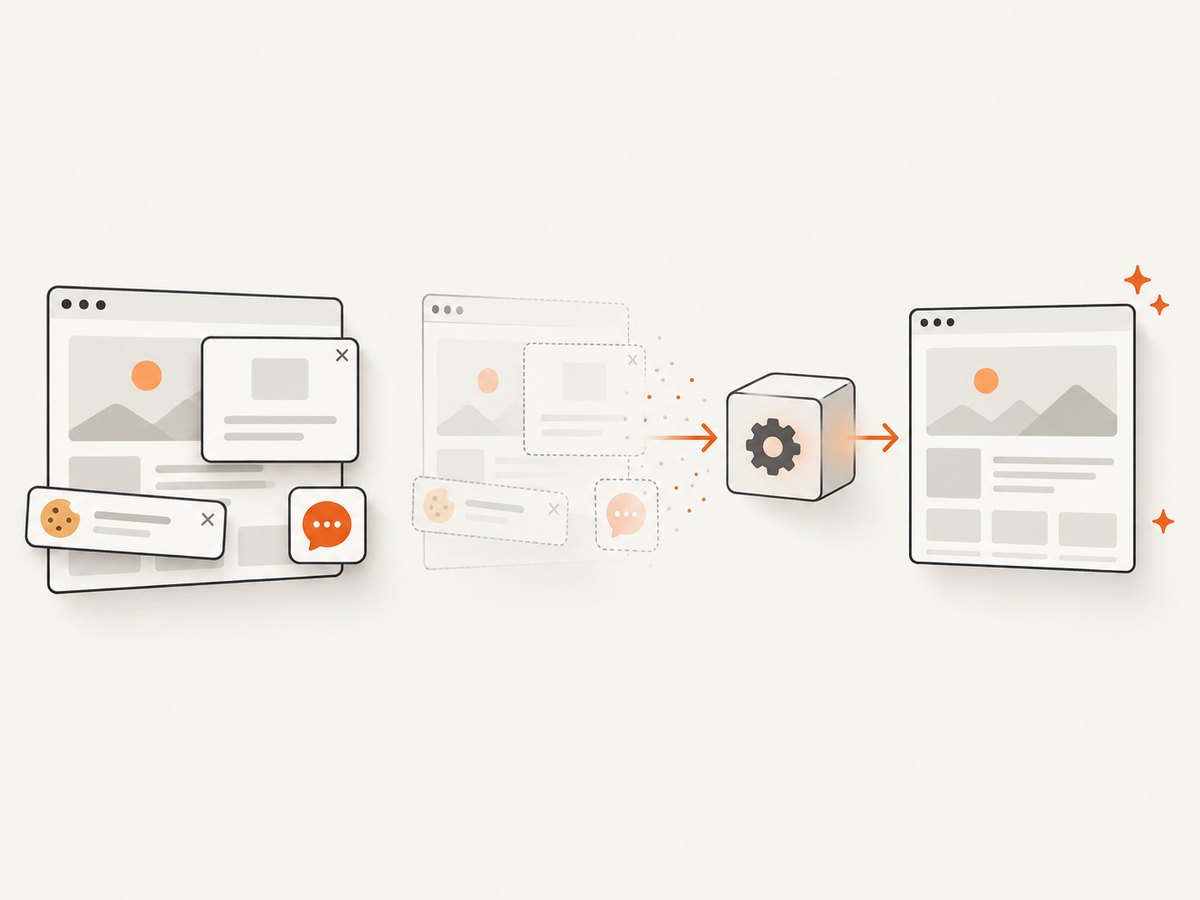
ScreenshotNeo is a website screenshot API and MCP server. It accepts one GET request and returns a PNG, JPEG, WebP, or PDF. Cookie and consent banners, newsletter popups, and chat widgets are removed before capture; bot checks, blank pages, timeouts, failed loads, and cache hits are not billed. Responses identify the result with X-Page-Verdict and X-Billed headers. Its MCP server provides take_screenshot, get_page_info, and capture_pdf tools for Claude, Cursor, and other MCP clients.
See the ScreenshotNeo API documentation for all options.
curl -G "https://api.screenshotneo.com/v1/shot" -d access_key=YOUR_API_KEY --data-urlencode url=https://stripe.com -o shot.webpimport requests
r = requests.get("https://api.screenshotneo.com/v1/shot", params={"access_key": "YOUR_API_KEY", "url": "https://stripe.com"}, timeout=90)
open("shot.webp", "wb").write(r.content)const q = new URLSearchParams({ access_key: 'YOUR_API_KEY', url: 'https://stripe.com' });
const res = await fetch(`https://api.screenshotneo.com/v1/shot?${q}`);ScreenshotNeo supports full-page capture with lazy images, CSS-element capture, dark mode, 12 device presets or custom viewports, retina scale, PDF paper sizes and ranges, HTML/CSS rendering, custom JavaScript and CSS, clicks, selector waits, delays, network-idle waits, request and resource blocking, headers, cookies, user agents, Authorization, timezone, geolocation, transparent backgrounds, resizing, configurable caching, signed links, asynchronous jobs with signed webhooks, bulk capture of up to 100 URLs per call, a usage API, and an OpenAPI specification.
Performance, reliability, and cost notes
- Use a selector wait, delay, or network-idle wait when a page renders content after the initial HTML.
- Block ads, trackers, or unnecessary resource types when they slow a capture or create unwanted visual noise.
- Choose caching and a TTL when repeated captures can reuse the same result.
- Use asynchronous jobs and signed webhooks for long pages or batch workflows.
- Only clean shots are billed. Failed loads, bot checks, blank pages, timeouts, and cache hits cost nothing.
- The Free plan includes 1,000 shots per month with no card. Paid plans start at $5 for 3,000 shots; yearly billing gives two months free. Every feature is available on every plan.
Start with 1,000 free screenshots a month—no card required.
8. FAQ
Can I change an Android setting to allow the screenshot?
Usually not when the app set FLAG_SECURE or an administrator disabled capture. The supported path is an app export or an administrator-approved workflow.
Does the error mean my Samsung phone is broken?
Not by itself. If ordinary screens capture normally, the message points to app or policy protection. If ordinary screens fail too, investigate the model-specific screenshot function.
Why does screen recording also show a blank area?
The same secure-window behavior can prevent protected content from appearing on non-secure displays, including recording or casting.
Can a company allow screenshots in only part of a work profile?
The scope depends on the device or profile-owner policy and how it was applied. Ask the administrator rather than changing management settings yourself.
Can ScreenshotNeo capture a protected Android app screen?
No. ScreenshotNeo captures websites through its API. It is useful when the material you need is a web page, not when you need to defeat an Android app or organization’s capture policy.


