How to Fix the “Can’t Take a Screenshot of This Page” Error
Learn why Firefox says it cannot screenshot a page, the supported capture steps, and what to do when the page is restricted or browser-internal.
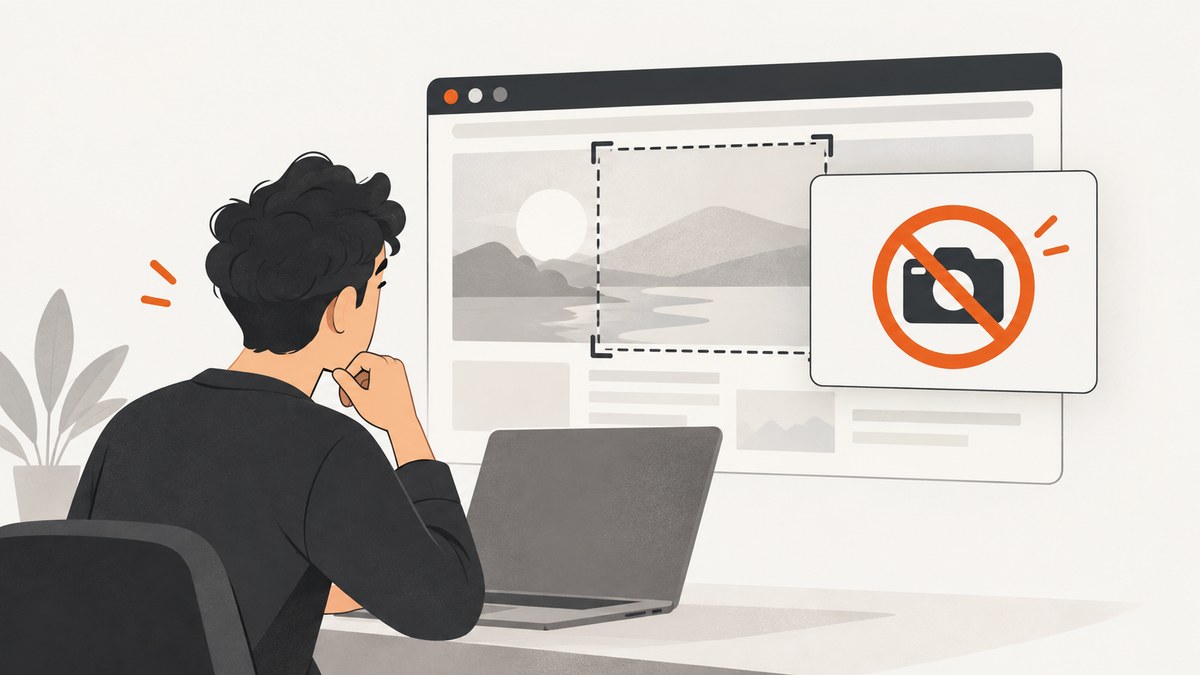
Firefox can capture a selected region, a page element, the visible viewport, or the entire page. If it reports “We can’t screenshot this page. It isn’t a standard webpage”, first check whether the address is an ordinary website or a browser-internal, protected, or otherwise restricted page. The wording is reported by users, but Mozilla does not document one universal cause or one setting that fixes every occurrence.
Take a screenshot in Firefox
- Open the page you want to capture.
- Right-click an empty part of the page and select Take Screenshot.
- Choose one of the capture modes: select a region, select an element, capture the full page, or capture the visible area.
- Save the image or copy it to the clipboard.
You can also use the documented shortcuts:

- Windows/Linux: Ctrl + Shift + S
- macOS: Command + Shift + S
See Mozilla’s complete workflow in Take screenshots in Firefox.
What the “not a standard webpage” message may mean
Start with the page address. A normal site usually has an https:// or http:// address and page content delivered by a web server. A browser-internal or special page may use an about: address, Firefox’s PDF viewer, reader view, or view-source:. Mozilla’s WebExtensions documentation explains that extensions cannot inject content scripts into privileged pages such as about:addons, reader view, view-source, and the PDF viewer. Mozilla also documents protected domains, including its add-ons and support sites.
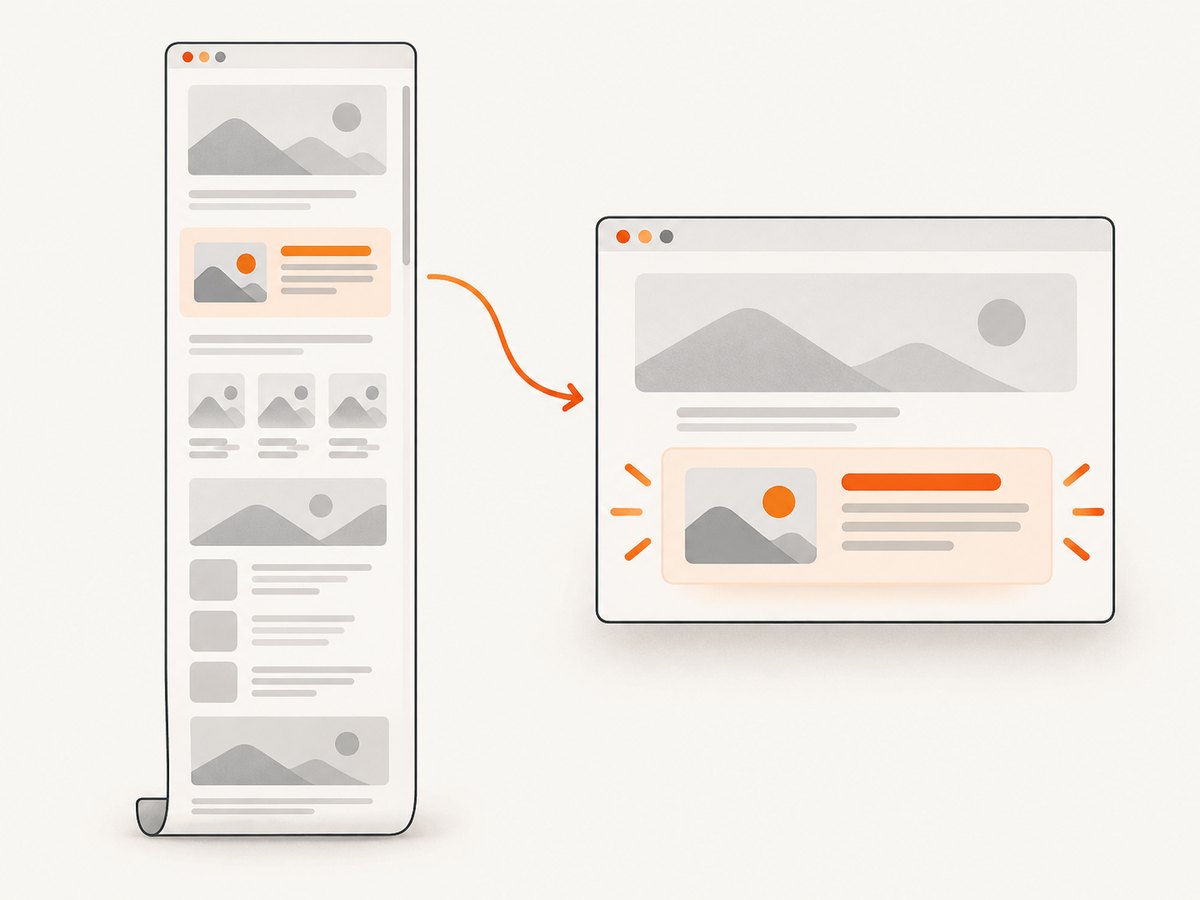
Those restrictions make page type a useful diagnostic distinction, but they do not prove that every instance of this message has the same cause. User reports reproduce the wording, while the reviewed Mozilla documentation does not identify a single root cause for all cases.
Diagnose the failure step by step
1. Check the address and page type
| What you see | What to do |
|---|---|
| Ordinary website | Retry Firefox’s built-in tool, then test another ordinary site. |
about:, reader view, view-source:, or Firefox PDF viewer |
Look for an authorized download, export, or print command. |
| Work, school, subscription, or protected service | Ask the owner or administrator for an approved copy or export. |
2. Compare one page with many pages
- Only one page fails: the page type, an embedded document, a navigation state, or a site-specific restriction may be involved.
- Every page fails: restart Firefox, install pending Firefox updates, and retry the documented shortcut and context-menu command.
- Only a private window fails: compare the same URL in a regular window; extensions and site permissions can differ.
3. Try a simpler capture
On an ordinary site, first capture the visible area. If that works, try element selection and then full-page capture. A full-page operation may encounter lazy content, an embedded frame, or a page that changes while Firefox scrolls it.
Authorized alternatives for restricted pages
If the page is browser-internal or intentionally restricted, use an option supplied by the page or service:
- Download the original PDF or file.
- Use the page’s export or print command.
- Save an authorized copy from the service.
- Ask the site owner, administrator, or publisher for a screenshot or source document.
Do not assume that a browser extension or another screenshot app can override a restriction. The available Mozilla evidence does not support a universal bypass.
Troubleshooting common errors
| Symptom | Likely explanation | Fix |
|---|---|---|
| “It isn’t a standard webpage” appears immediately | The address may be a privileged, protected, or special page. | Inspect the URL and use an authorized export, download, or print option. |
| Screenshot works on other sites but not one URL | The page or embedded content is site-specific or restricted. | Try visible-area capture, then contact the page owner if it remains unavailable. |
| Full-page capture is blank or incomplete | Content may be lazy-loaded, inside an embedded frame, or changing during capture. | Use visible-area or region capture, wait for content to finish loading, or use the site’s export. |
| The shortcut does nothing | Focus may be in a field, another application may intercept the shortcut, or Firefox may need restarting. | Right-click an empty page area and choose Take Screenshot; then restart Firefox and retry. |
| Only a PDF tab fails | Firefox’s PDF viewer is a special page. | Download the PDF or use its print/export controls. |
| An extension reports it cannot access the page | Mozilla limits content-script injection on privileged pages and protected domains. | Use Firefox’s built-in capture for ordinary pages or an authorized file/export for restricted pages. |
Performance and reliability tips
- Wait until fonts, images, and interactive content finish loading before capturing.
- Use visible-area or region capture when you need a quick, stable image.
- Use full-page capture for long documents, but check the result for lazy images and sticky headers.
- Capture a stable URL and record the page state if you need reproducible documentation.
- For a protected or browser-internal page, reliability comes from the page owner’s export path; repeated retries will not change the page’s privilege level.
Or skip the browser setup
For ordinary public URLs, ScreenshotNeo provides a one-request screenshot API and MCP server. It removes cookie and consent banners, newsletter popups, and chat widgets before capture. Bot checks, blank pages, failed loads, timeouts, and cache hits are not billed, and the response identifies the result with X-Page-Verdict and X-Billed headers. Its MCP server lets Claude, Cursor, and other MCP clients call take_screenshot, get_page_info, and capture_pdf.
Read the ScreenshotNeo API documentation for parameters and response details.
cURL
curl -G "https://api.screenshotneo.com/v1/shot" -d access_key=YOUR_API_KEY --data-urlencode url=https://stripe.com -o shot.webpPython
import requests
r = requests.get("https://api.screenshotneo.com/v1/shot", params={"access_key": "YOUR_API_KEY", "url": "https://stripe.com"}, timeout=90)
open("shot.webp", "wb").write(r.content)
Node.js
const q = new URLSearchParams({ access_key: 'YOUR_API_KEY', url: 'https://stripe.com' });
const res = await fetch(`https://api.screenshotneo.com/v1/shot?${q}`);
const buffer = Buffer.from(await res.arrayBuffer());
require('fs').writeFileSync('shot.webp', buffer);
ScreenshotNeo supports PNG, JPEG, WebP, and PDF output plus full-page capture, CSS-element capture, device presets, custom viewports, retina scale, waits, custom CSS and JavaScript, click and hide actions, request blocking, headers, cookies, user agents, authorization, timezone, geolocation, transparent backgrounds, resizing, caching, signed links, asynchronous jobs, webhooks, bulk capture, usage reporting, and an OpenAPI specification. Every feature is available on every plan. Pricing starts with 1,000 free shots per month without a card; paid plans start at $5 for 3,000 shots. Annual billing provides two months free.
Create a free ScreenshotNeo account and get 1,000 screenshots each month with no card.
FAQ
Is Firefox broken when this message appears?
Not necessarily. The message can appear in a context Firefox does not treat as a standard webpage. The evidence does not establish that Firefox is broken or that one setting fixes every case.
Can I screenshot a Firefox settings page?
Special pages such as browser settings and add-on management can have privileged access rules. Use an authorized export, print, or download option when available.
Will installing a screenshot extension fix it?
There is no documented universal fix. Extensions also face restrictions on privileged pages and protected domains.
What is the fastest test?
Open a normal public website and run Take Screenshot there. If it works, the original page’s type or restrictions are the key lead.


