How to Fix Canvas Print Errors When Using CSS Filters
Fix CSS-filtered canvas print failures by separating print CSS from image export, preserving color, and resolving CORS-tainted canvases.
Direct answer: CSS filters can appear to disappear during printing because print uses its own media rules and browsers may reduce colors or backgrounds. Add an explicit print rule, request exact color adjustment, and verify the browser’s print settings. If the error occurs while calling toDataURL() or toBlob(), inspect the canvas for cross-origin images or SVGs: a tainted canvas throws SecurityError until the image server permits CORS.
1. Identify which failure you have
“Canvas print error” describes several different symptoms. Reproduce the problem in print preview and record the browser and version, operating system, destination (physical printer or PDF), and print color/background settings.
| Symptom | Likely area | First check |
|---|---|---|
| Filter is visible on screen but missing in print preview | Print stylesheet or cascade | Inspect @media print rules and computed styles |
| Preview looks right but paper/PDF is washed out | User print controls or color adjustment | Enable background graphics and color printing |
toDataURL() or toBlob() throws SecurityError |
Cross-origin canvas content | Check CORS headers on every drawn image or SVG |
| Export succeeds but differs from printed output | Different output paths | Decide whether you need paper/PDF or a raster file |
2. Preserve CSS filters in print
Use the print media type for paper and PDF output. The MDN printing guide documents print stylesheets, @media print, and @page for page size, orientation, and margins.

<canvas id='art' class='filtered-artwork' width='1200' height='800'></canvas>

<style>
.filtered-artwork {
  filter: contrast(1.08) saturate(1.2) drop-shadow(0 8px 18px rgb(0 0 0 / .2));
}

@page {
  size: A4 portrait;
  margin: 12mm;
}

@media print {
  .filtered-artwork {
    print-color-adjust: exact;
    -webkit-print-color-adjust: exact;
    filter: contrast(1.08) saturate(1.2) drop-shadow(0 8px 18px rgb(0 0 0 / .2));
  }
}
</style>

<button type='button' onclick='window.print()'>Print</button>
print-color-adjust: exact asks the user agent to preserve the authored colors and images. It is not an unconditional override: user controls take priority, as explained in MDN’s print-color-adjust documentation. Keep a readable fallback when the filter is decorative or nonessential.
Check the cascade
- Open print preview, then inspect the canvas or its wrapper in developer tools where supported.
- Search all stylesheets for
filter: none,opacity,mix-blend-mode,background: none, and print-only selectors. - Increase specificity only when an existing rule wins unexpectedly; avoid forcing every element with
!important. - If the canvas is hidden or resized in print, set an explicit print width and height and remove transforms that move it off the page.
3. Understand canvas filters versus CSS filters
A CSS filter changes how the canvas element is painted. It does not change the pixels returned by canvas.toDataURL() or canvas.toBlob(). If you need the filter baked into a downloadable image, apply equivalent pixel operations while drawing to an export canvas or render the filtered canvas into an intermediate image and draw that image into a clean export canvas.
const source = document.querySelector('#art');
const output = document.createElement('canvas');
output.width = source.width;
output.height = source.height;
const ctx = output.getContext('2d');

// This filter is applied to canvas drawing pixels, so it is included in export.
ctx.filter = 'contrast(1.08) saturate(1.2)';
ctx.drawImage(source, 0, 0);

output.toBlob((blob) => {
  if (!blob) throw new Error('The browser could not create an image blob');
  const link = document.createElement('a');
  link.href = URL.createObjectURL(blob);
  link.download = 'filtered-artwork.png';
  link.click();
  URL.revokeObjectURL(link.href);
}, 'image/png');
The export path and print path have different constraints. MDN’s toDataURL documentation notes that PNG is the default and that encoded images carry 96 dpi metadata where the format supports it. For large images, prefer toBlob() and an object URL instead of a very large data URL.
4. Fix SecurityError caused by cross-origin images
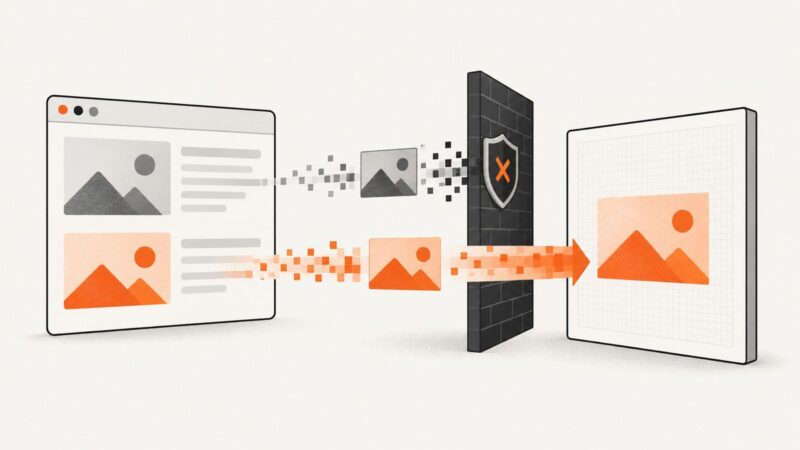
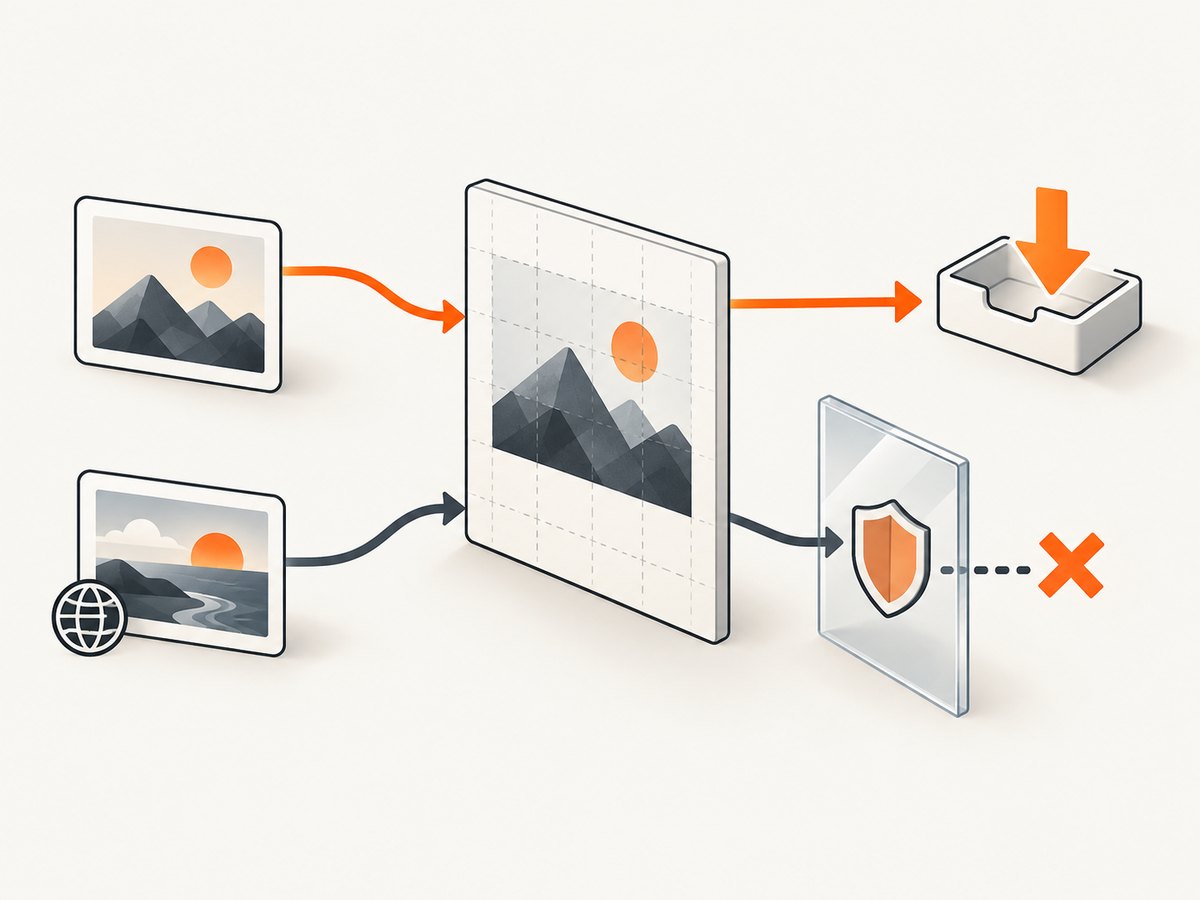
Drawing an image from another origin without CORS approval taints the canvas. Subsequent toDataURL() or toBlob() calls then throw SecurityError. The image server must send an appropriate Access-Control-Allow-Origin response, and the request mode must be set before assigning src. See MDN’s CORS-enabled image guide and MDN’s CORS reference.
async function loadCorsImage(url) {
  const image = new Image();
  image.crossOrigin = 'anonymous'; // Set before src.
  image.src = url;
  await image.decode();
  return image;
}

(async () => {
  const image = await loadCorsImage('https://cdn.example.com/artwork.jpg');
  const canvas = document.querySelector('#art');
  const ctx = canvas.getContext('2d');
  ctx.drawImage(image, 0, 0, canvas.width, canvas.height);
  canvas.toBlob((blob) => console.log(blob), 'image/png');
})();
Example response header from the image server:
Access-Control-Allow-Origin: https://your-site.exampleUse * only when the asset is intentionally public and no credentials are involved. Check redirects as well: the final image response, not only the first URL, must satisfy CORS.
External SVG filter resources
A CSS declaration such as filter: url(https://cdn.example.com/filters.svg#blur) can introduce another CORS request. MDN documents this constraint for URL-based properties in cases involving external SVG image elements; do not assume every ordinary filter function has the same requirement. Test the SVG request separately and serve it with suitable CORS headers. Reference: MDN CORS.
5. A complete diagnostic example
<canvas id='art' width='1200' height='800'></canvas>
<button id='print'>Print</button>
<button id='download'>Download PNG</button>
<script>
const canvas = document.querySelector('#art');
const ctx = canvas.getContext('2d');
ctx.fillStyle = '#19324d';
ctx.fillRect(0, 0, canvas.width, canvas.height);
ctx.fillStyle = '#f3b562';
ctx.beginPath();
ctx.arc(600, 400, 220, 0, Math.PI * 2);
ctx.fill();

function reportCanvasState() {
  try {
    canvas.toDataURL('image/png');
    console.log('Canvas is exportable');
  } catch (error) {
    console.error('Canvas export failed:', error.name, error.message);
  }
}

document.querySelector('#print').addEventListener('click', () => window.print());
document.querySelector('#download').addEventListener('click', () => {
  canvas.toBlob((blob) => {
    if (!blob) return;
    const url = URL.createObjectURL(blob);
    const link = document.createElement('a');
    link.href = url;
    link.download = 'artwork.png';
    link.click();
    URL.revokeObjectURL(url);
  }, 'image/png');
});
reportCanvasState();
</script>
6. Troubleshooting checklist
| Error or symptom | Cause | Fix |
|---|---|---|
| Filter disappears only in print preview | A print rule overrides it or the canvas is hidden | Inspect computed print styles; restore filter, dimensions, visibility, and position under @media print. |
| Colors are dull or backgrounds are missing | Browser economy mode or print settings | Try print-color-adjust: exact, the prefixed declaration for older engines, and enable background graphics/color printing. |
SecurityError: Tainted canvases may not be exported |
At least one drawn resource lacks CORS permission | Set crossOrigin before src; configure Access-Control-Allow-Origin on the final image response. |
| Only one image causes failure | That image or an SVG inside it is cross-origin | Inventory every draw call and test each URL independently. |
| CSS filter works, downloaded PNG does not | Element CSS was never rasterized into export pixels | Use ctx.filter while drawing or render the filtered result into another canvas. |
| Large export freezes the tab | Huge bitmap or data URL allocation | Reduce dimensions, use toBlob(), and release object URLs after download. |
| Output differs between browsers | Print engines and user settings differ | Test the exact browser, OS, printer/PDF destination, and print preferences you support. |
7. Performance, reliability, and output choices
- Paper or PDF: keep the artwork as a DOM canvas and tune
@media printand@page. This preserves the browser’s print pipeline but depends on user color and background settings. - Downloadable image: rasterize the filter into canvas pixels and export with
toBlob(). This gives a predictable file but requires CORS-clean inputs and enough memory for the bitmap. - Resolution: choose canvas dimensions for the physical output size and target printer density; CSS display size alone does not increase bitmap detail.
- Reliability: keep a no-filter fallback, show a useful error when export is tainted, and log the resource URL that was being drawn when failure occurred.
- Security: do not expose private image URLs through a client-side CORS workaround. Configure the asset server or proxy the asset through a controlled origin.
8. Or skip the browser setup
If your goal is a clean screenshot or PDF of a page that contains filtered canvas artwork, ScreenshotNeo handles the browser capture in one request. The API accepts a URL and returns PNG, JPEG, WebP, or PDF. See the ScreenshotNeo documentation for all options.
curl -G 'https://api.screenshotneo.com/v1/shot' -d access_key=YOUR_API_KEY --data-urlencode url=https://stripe.com -o shot.webpimport requests
r = requests.get('https://api.screenshotneo.com/v1/shot', params={'access_key': 'YOUR_API_KEY', 'url': 'https://stripe.com'}, timeout=90)
open('shot.webp', 'wb').write(r.content)const q = new URLSearchParams({ access_key: 'YOUR_API_KEY', url: 'https://stripe.com' });
const res = await fetch(`https://api.screenshotneo.com/v1/shot?${q}`);Cookie and consent banners, newsletter popups, and chat widgets are removed before the shot. Bot checks, blank pages, timeouts, failed loads, and cache hits are not billed, and response headers identify the page verdict and billing status. An MCP server provides take_screenshot, get_page_info, and capture_pdf tools for Claude, Cursor, and other MCP clients. The free plan includes 1,000 screenshots each month with no card; paid plans start at $5 for 3,000. Create a free ScreenshotNeo account.
9. FAQ
Does print-color-adjust: exact force a printer to use color?
No. It requests preservation of authored colors, but user print controls and browser decisions can override it.
Will toDataURL() include a CSS filter on the canvas element?
No. Element-level CSS is a presentation effect. Apply a filter through drawing operations or rasterize the rendered result before export.
Can I fix a tainted canvas with JavaScript alone?
No. The remote resource must grant permission with CORS, and the image request must use the correct crossOrigin setting before its URL is assigned.
Why does saving a PDF differ from saving a PNG?
PDF uses the browser’s print media and page settings; PNG uses canvas serialization. Diagnose and configure each path separately.
What details should I include in a bug report?
Include a minimal reproduction, browser and version, operating system, print destination, print settings, console error, every image/SVG origin, and whether the problem appears in preview, on paper, or only during export.