How to Fix canvas.toDataURL() Returning an Incorrect URL
Diagnose data:, PNG fallbacks, SecurityError, CORS tainting and oversized exports from canvas.toDataURL(), with working fixes and code.

Short answer: canvas.toDataURL() returns an unexpected result for a small set of documented reasons. data:, means the canvas width or height is zero or exceeds the browser’s implementation limit. A data:image/png;base64,... prefix after requesting JPEG or WebP means the requested encoder was unsupported and the browser used PNG. A SecurityError means the canvas is tainted by cross-origin content without approved CORS headers. Large exports may appear broken because toDataURL() builds the entire encoded image in one JavaScript string.
Check the dimensions, inspect the returned MIME prefix, validate the arguments, and audit every resource drawn into the bitmap before changing unrelated code. The method returns a data: URL containing an encoded representation of the canvas in the requested type; PNG is required, while JPEG and WebP depend on browser support. MDN documents the return format and fallback behavior.
1. Run a minimal diagnostic first
Use this small script at the point where the export fails. It distinguishes the common failure modes without trying to parse the whole image.
const canvas = document.querySelector("canvas");

console.log({
  width: canvas.width,
  height: canvas.height,
  cssWidth: canvas.clientWidth,
  cssHeight: canvas.clientHeight
});

try {
  const requestedType = "image/png";
  const dataUrl = canvas.toDataURL(requestedType);

  console.log({
    prefix: dataUrl.slice(0, 32),
    returnedType: dataUrl.slice(5, dataUrl.indexOf(";")),
    length: dataUrl.length
  });
} catch (error) {
  if (error.name === "SecurityError") {
    console.error("The canvas is tainted by cross-origin content.", error);
  } else {
    throw error;
  }
}
A healthy PNG export starts with data:image/png;base64,. If the value is exactly data:,, inspect the bitmap dimensions before investigating URLs, MIME types or CORS.
2. Fix data:, by setting valid dimensions
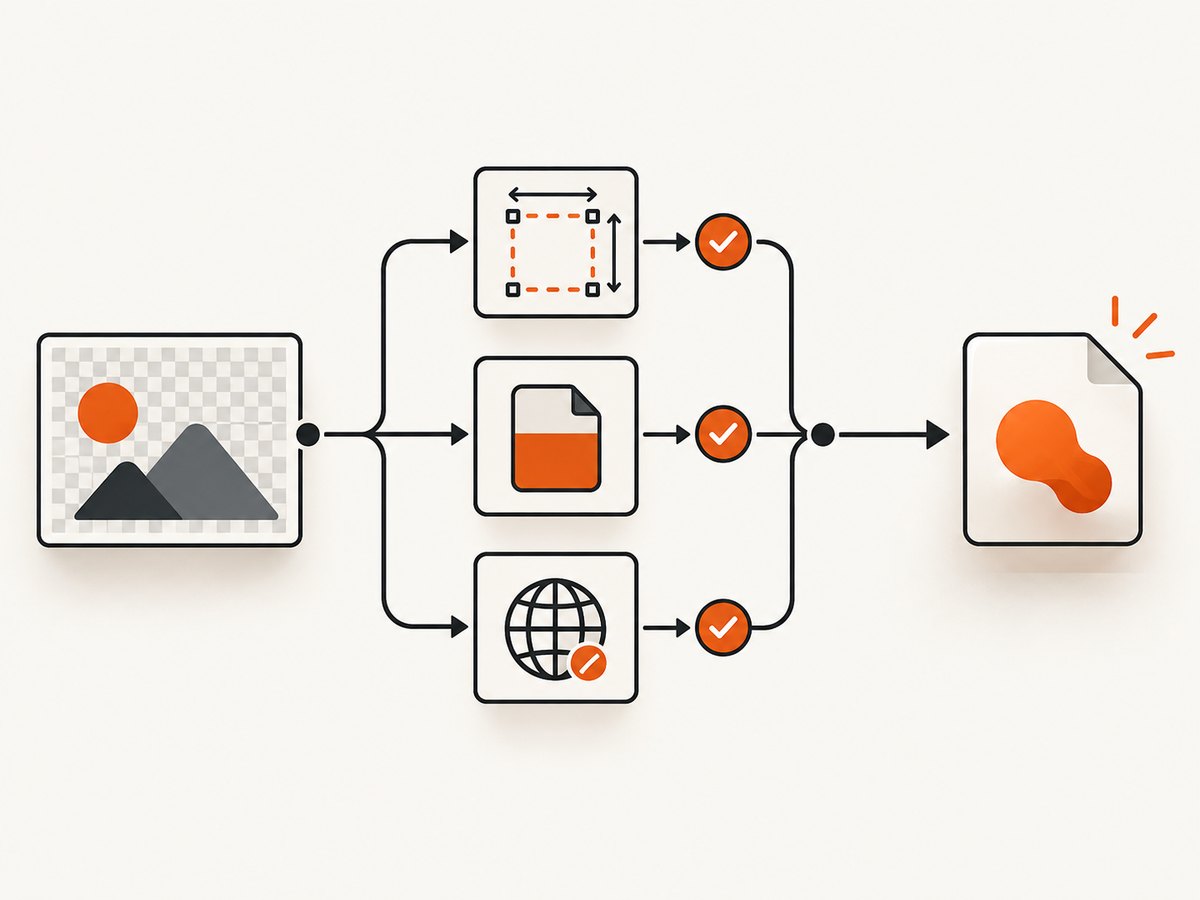
The exact return value data:, is specified for a canvas whose width or height is zero, and for a bitmap larger than the implementation’s maximum canvas size. Browser limits vary, so do not hard-code a universal maximum. Test on the browsers and devices that matter to your application.
Set dimensions before drawing
Canvas attributes are bitmap dimensions, not merely CSS dimensions. A canvas can look large on screen while still having a default bitmap of 300 by 150 pixels, or it can have a CSS size while its bitmap width or height is zero. Set canvas.width and canvas.height before rendering.
const canvas = document.querySelector("canvas");
const ctx = canvas.getContext("2d");

const width = 800;
const height = 450;

if (!Number.isInteger(width) || !Number.isInteger(height) || width <= 0 || height <= 0) {
  throw new RangeError("Canvas dimensions must be positive integers");
}

canvas.width = width;
canvas.height = height;

ctx.fillStyle = "white";
ctx.fillRect(0, 0, width, height);
ctx.fillStyle = "black";
ctx.font = "32px sans-serif";
ctx.fillText("Export me", 40, 80);

const pngUrl = canvas.toDataURL("image/png");
console.log(pngUrl.slice(0, 32));
Changing either dimension clears the bitmap and resets drawing state. If you resize after drawing, render the content again before exporting. When converting a displayed image, use its intrinsic dimensions rather than a possibly empty layout measurement.
const image = new Image();
image.onload = () => {
  const canvas = document.querySelector("canvas");
  canvas.width = image.naturalWidth;
  canvas.height = image.naturalHeight;
  canvas.getContext("2d").drawImage(image, 0, 0);

  const url = canvas.toDataURL("image/png");
  document.querySelector("#preview").src = url;
};
image.src = "/assets/photo.png";
Check oversized exports
Very large screenshots, high device-pixel-ratio canvases and unbounded user input can exceed a browser’s maximum bitmap size. Log the actual width and height immediately before export. If they are extreme, render at a smaller scale, tile the work into multiple canvases, or export server-side. Do not assume that increasing CSS size increases the supported bitmap limit.
3. Understand MIME type and quality fallbacks
Pass a valid MIME type such as image/png, image/jpeg or image/webp. PNG support is required; other encoders are optional. If the browser does not support the requested type, it silently exports PNG, so the returned prefix is the source of truth.
const canvas = document.querySelector("canvas");

for (const type of ["image/png", "image/jpeg", "image/webp", "image/avif"]) {
  const url = canvas.toDataURL(type, 0.85);
  const comma = url.indexOf(",");
  const metadata = url.slice(5, comma);
  console.log({ requested: type, returnedMetadata: metadata });
}
If you request JPEG or WebP and receive data:image/png, the export is not necessarily corrupt. It is the documented fallback. An unsupported type, a typo in the MIME string, or a browser without that encoder can trigger it. Your application should either accept the fallback or verify the returned type and choose another path.
The second argument is meaningful for lossy formats. Use a number from 0 to 1. Values outside that range cause the browser’s default quality to be used. PNG generally ignores this quality parameter.
const jpegUrl = canvas.toDataURL("image/jpeg", 0.8);
const actualType = jpegUrl.slice(5, jpegUrl.indexOf(";"));

if (actualType !== "image/jpeg") {
  console.warn(`JPEG was not available; received ${actualType}`);
}
4. Fix SecurityError and tainted canvases
A canvas becomes not origin-clean when you draw an image, video, SVG, another canvas or bitmap loaded from another origin without the required CORS approval. Once tainted, pixel-reading operations such as toDataURL(), toBlob() and getImageData() are blocked with SecurityError. One foreign resource is enough to taint the final bitmap.
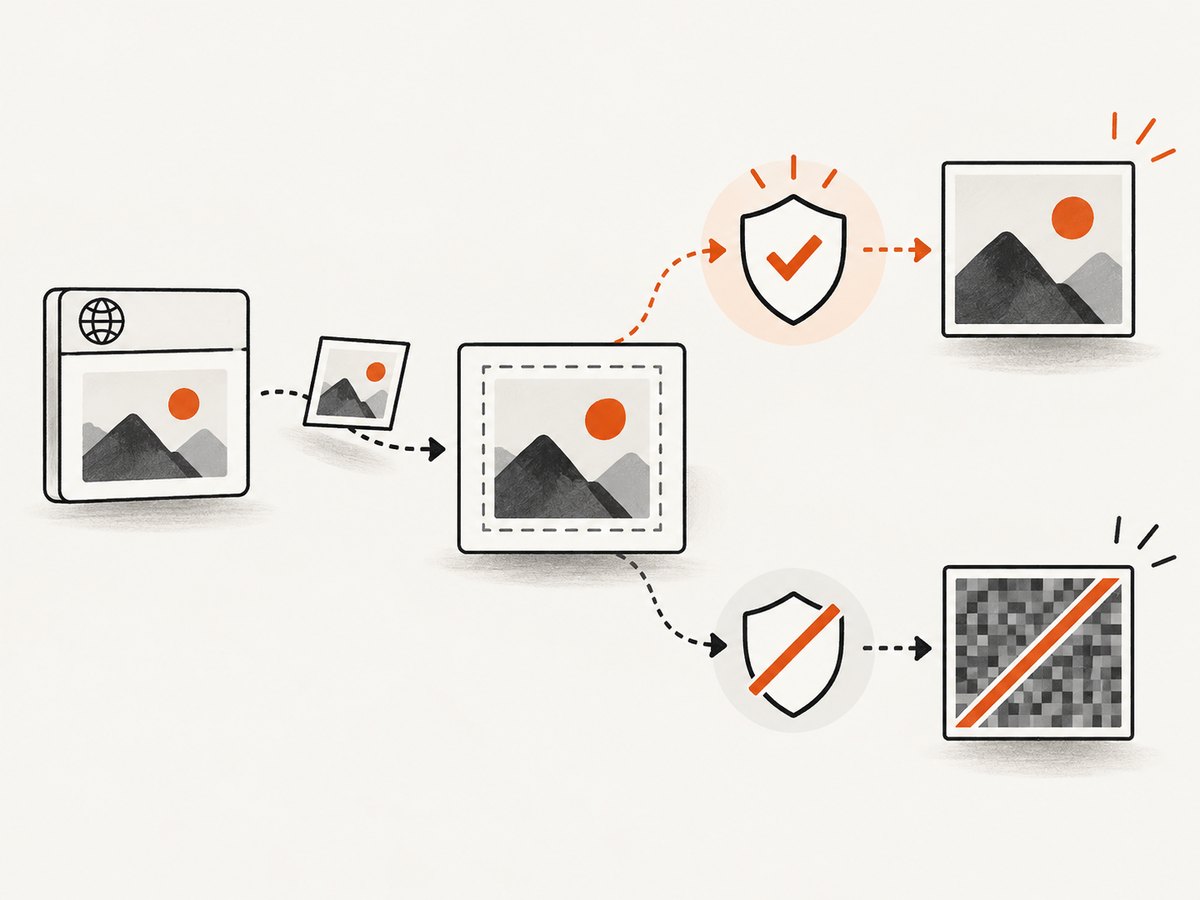
The browser and the resource server must both participate. JavaScript cannot override a missing response header. MDN’s CORS-enabled image guidance covers the required loading order and server response.
Set crossOrigin before src
const image = new Image();
image.crossOrigin = "anonymous";

image.onload = () => {
  const canvas = document.querySelector("canvas");
  canvas.width = image.naturalWidth;
  canvas.height = image.naturalHeight;
  canvas.getContext("2d").drawImage(image, 0, 0);

  try {
    const png = canvas.toDataURL("image/png");
    console.log("Export succeeded", png.slice(0, 32));
  } catch (error) {
    console.error(error);
  }
};

image.onerror = () => {
  console.error("The image failed to load, or its CORS policy rejected the request");
};

image.src = "https://cdn.example.com/image.png";
The server at cdn.example.com must return an appropriate Access-Control-Allow-Origin header. For a credential-free request, that is commonly your exact site origin or * when appropriate. If cookies or authorization are required, use the matching credentialed CORS configuration instead of blindly using a wildcard.
Audit every drawn resource
- Inspect images in DevTools Network and confirm the response includes the expected CORS header.
- Check redirects: the final image response must also satisfy CORS.
- Review SVG files for embedded foreign images or content.
- Do not draw a cross-origin canvas into a clean canvas and expect the destination to remain clean.
- Use same-origin proxies only when you control the server and can preserve licensing and security requirements.
Setting crossOrigin after src is too late because the request has already started. Reload the resource after correcting the order.
5. Use toBlob() for large exports
toDataURL() encodes the complete image into one in-memory string. That is convenient for small previews but can increase memory use and create very long URLs. For downloads, uploads and large images, use toBlob() and an object URL. MDN documents the Blob-based alternative.
const canvas = document.querySelector("canvas");

canvas.toBlob((blob) => {
  if (!blob) {
    throw new Error("Blob export failed");
  }

  const objectUrl = URL.createObjectURL(blob);
  const link = document.createElement("a");
  link.href = objectUrl;
  link.download = "canvas.png";
  link.click();

  setTimeout(() => URL.revokeObjectURL(objectUrl), 0);
}, "image/png");
Object URLs are not data URLs. They reference a browser-managed Blob and should be revoked when no longer needed. This avoids keeping every exported image alive for the lifetime of the page.
6. Parse and validate a data URL safely
A data URL has the data: scheme, media metadata, an optional ;base64 marker, a comma and the payload. Do not manually rewrite the returned string to change formats. Invalid media parameters or misspelled base64 markers can be ignored without an obvious exception, so inspect the exact prefix.
function describeDataUrl(value) {
  if (typeof value !== "string" || !value.startsWith("data:")) {
    throw new TypeError("Expected a data URL");
  }

  const comma = value.indexOf(",");
  if (comma === -1) {
    throw new Error("Data URL has no payload separator");
  }

  const metadata = value.slice(5, comma);
  const [mediaType = "text/plain", ...parameters] = metadata.split(";");

  return {
    mediaType,
    base64: parameters.includes("base64"),
    payloadLength: value.length - comma - 1
  };
}

const result = describeDataUrl(canvas.toDataURL("image/png"));
console.log(result);
7. A repeatable debugging checklist
- Log
canvas.widthandcanvas.heightimmediately before export. - Confirm both dimensions are positive and within the target browser’s practical limit.
- Confirm dimensions were assigned before drawing, because assignment clears the bitmap.
- Log the first 32 characters and identify the returned MIME type.
- Use only supported MIME strings and a quality number between 0 and 1 for lossy formats.
- Wrap the call in
try/catchand identifySecurityErrorseparately. - List every image, video, SVG, bitmap and nested canvas drawn into the surface.
- Set
crossOriginbefore each cross-origin resource’ssrc. - Inspect the final network response for
Access-Control-Allow-Origin, including redirects. - Switch large exports to
toBlob()and revoke object URLs after use.
8. Common errors and fixes
| Symptom | Cause | Fix |
|---|---|---|
data:, |
Zero dimension or implementation size limit exceeded | Set positive bitmap dimensions before drawing; reduce or tile oversized output |
| PNG returned after requesting JPEG/WebP | Requested encoder unsupported or MIME string invalid | Inspect the prefix and accept PNG or choose a supported type |
SecurityError |
Canvas contains a resource without CORS approval | Set crossOrigin before src and configure the resource server |
| Blank but valid image | Canvas was resized after drawing, or drawing completed asynchronously later | Assign dimensions first and export after image/video rendering completes |
| Tab freezes during export | Huge bitmap and a large base64 string | Reduce dimensions or use toBlob() |
| Preview works, download fails | Object URL or data URL was revoked or replaced too early | Keep the URL alive until the consumer finishes, then clean it up |
9. Performance, reliability and cost considerations
Canvas export cost grows with pixel count and encoding work. Device-pixel-ratio scaling improves sharpness but multiplies the number of pixels, so cap it for user-generated dimensions. Avoid exporting on every animation frame; debounce exports after drawing settles. For repeated output, cache the Blob or data URL only when the underlying bitmap has not changed.
For reliability, treat the returned MIME type as a runtime result rather than an assumption. Test representative browsers for JPEG and WebP support, and provide a PNG fallback. Handle null Blobs, image load failures and CORS errors explicitly. If a remote page or asset is difficult to make origin-clean, a server-side screenshot service can keep browser security configuration out of your application.
10. Or skip the browser setup
If your goal is a screenshot of a web page rather than a canvas you already control, ScreenshotNeo provides a single GET request that returns PNG, JPEG, WebP or PDF. See the ScreenshotNeo API documentation for the complete option list.
curl -G "https://api.screenshotneo.com/v1/shot" -d access_key=YOUR_API_KEY --data-urlencode url=https://stripe.com -o shot.webpimport requests
r = requests.get(
"https://api.screenshotneo.com/v1/shot",
params={"access_key": "YOUR_API_KEY", "url": "https://stripe.com"},
timeout=90,
)
r.raise_for_status()
open("shot.webp", "wb").write(r.content)const q = new URLSearchParams({ access_key: 'YOUR_API_KEY', url: 'https://stripe.com' });
const res = await fetch(`https://api.screenshotneo.com/v1/shot?${q}`);
if (!res.ok) throw new Error(`Screenshot failed: ${res.status}`);
const image = Buffer.from(await res.arrayBuffer());
require('node:fs').writeFileSync('shot.webp', image);ScreenshotNeo removes cookie and consent banners, newsletter popups and chat widgets before capture; each cleanup step can be disabled. Bot checks, blank pages, timeouts, failed loads and cache hits are not billed, and the response identifies the page verdict and billing status in X-Page-Verdict and X-Billed headers. Its MCP server gives AI agents tools named take_screenshot, get_page_info and capture_pdf.
The API also supports full-page captures with lazy images loaded, CSS element selection, dark mode, device presets and custom viewports, retina scale, PDF paper settings, custom CSS and JavaScript, clicks, selector or network-idle waits, request blocking, headers, cookies, user agents, authorization, timezone, geolocation, transparent backgrounds, resizing, chosen cache TTLs, signed image links, asynchronous jobs with signed webhooks, bulk capture for up to 100 URLs per call, a usage API and an OpenAPI specification. Existing parameter names used by other screenshot APIs also work.
Free accounts include 1,000 screenshots per month with no card. Paid plans start at $5 for 3,000 shots; yearly billing gives two months free, and every feature is available on every plan. Create a free ScreenshotNeo account and start with the browser-free request.
11. FAQ
Does toDataURL() return a normal URL?
It returns a data: URL, not an HTTP URL. The encoded image is embedded in the string itself.
Why does changing CSS width not fix data:,?
CSS dimensions affect display size. Export uses the bitmap dimensions in the width and height attributes.
Can JavaScript bypass an image server’s CORS policy?
No. The image request must be made with the correct CORS mode and the server must send an appropriate CORS response header.
Should I always replace toDataURL() with toBlob()?
No. Data URLs are convenient for small inline previews. Use toBlob() for larger exports, downloads and uploads.
Is PNG after a WebP request proof that the browser is broken?
No. PNG is the required fallback when the requested encoder is unsupported or the type is invalid.


