How to Fix captureScreenshotOnFailure Not Working
A missing failure screenshot usually comes down to the wrong framework option, inactive configuration, a dead browser session, or an unexpected artifact location.
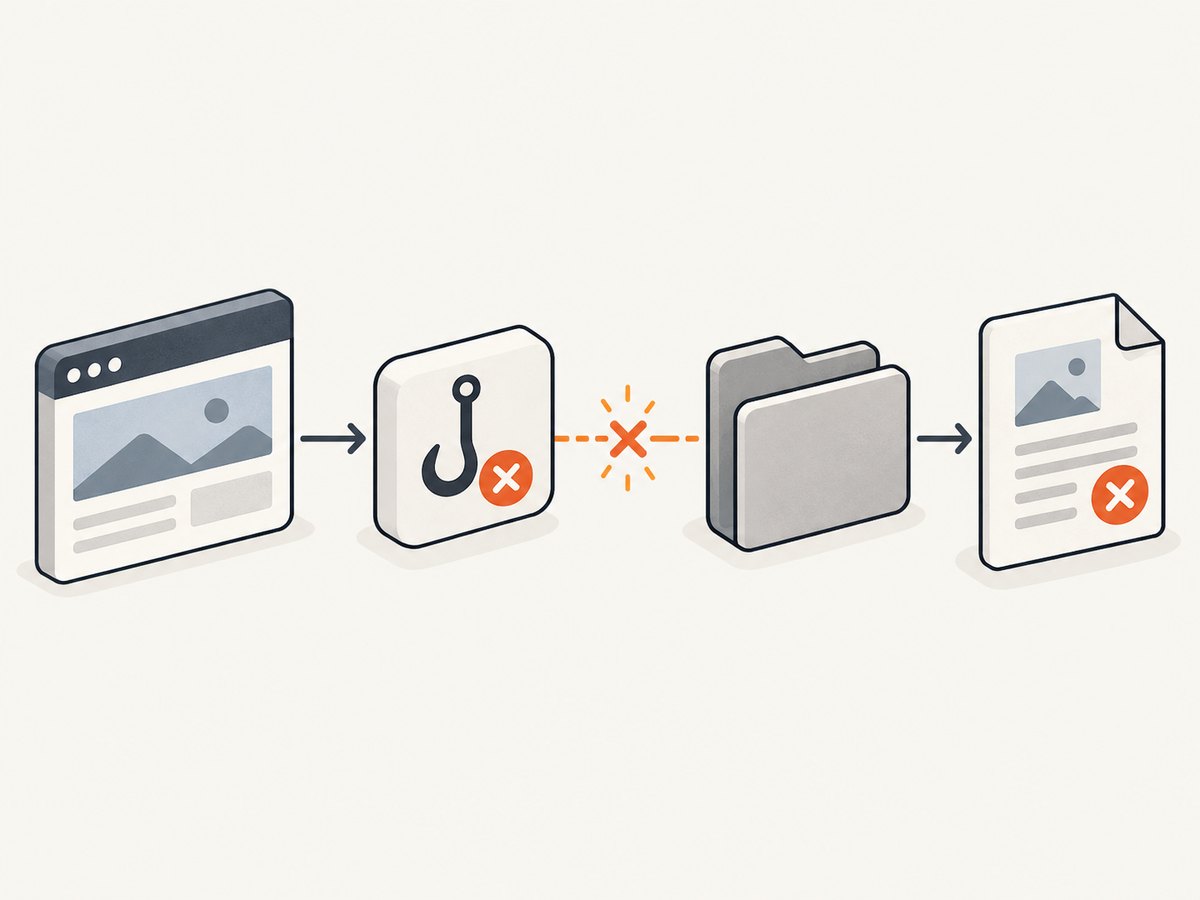
If a test fails but no screenshot appears, first identify the test framework: captureScreenshotOnFailure is an Android Trade Federation option, Karate uses screenshotOnFailure, and Playwright Test uses use.screenshot: 'only-on-failure'. The setting must belong to the active runner and configuration. Then check whether the browser or device is still connected when the failure hook runs and look in the framework’s artifact or attachment output, not just beside the test file.
1. Identify the framework and exact option
Similar names are not interchangeable. Find the framework, runner, package version, browser or device, and whether the run is local or in CI. Then verify the option against documentation for that exact installed version.
| Framework | Failure screenshot setting | Where to look |
|---|---|---|
| Playwright Test | use.screenshot: 'only-on-failure' |
Usually the test-results output, report, or configured attachment destination |
| Karate | screenshotOnFailure |
Scenario report and driver logs |
| Android Trade Federation | captureScreenshotOnFailure() |
Host-side result directory and automatic log collector output |
| Legacy PHPUnit Selenium integrations | Depends on the integration and base test class | Runner-specific result output |
For reference, see the Playwright Test configuration documentation, Android Trade Federation documentation, and the documentation for the Karate or Selenium integration version actually installed. The identifier in a search result or example may be for a different runner or version.
2. Fix Playwright Test configuration
Place the screenshot mode under the active use configuration in playwright.config.ts or playwright.config.js. Playwright Test’s default is off; supported modes include off, on, only-on-failure, and on-first-failure.
import { defineConfig } from '@playwright/test';

export default defineConfig({
  use: {
    screenshot: 'only-on-failure',
  },
});
Run a test expected to fail and inspect the Playwright report and test-results. This option is handled by Playwright Test. A standalone browser script, another test runner, or a different configuration file will not automatically use it.
Manual capture to isolate the problem
If automatic capture still produces no artifact, capture explicitly in a test hook. This example saves a screenshot to the test’s output directory and attaches it to the report. It preserves the original test failure if screenshot capture itself throws.
import { test } from '@playwright/test';

test.afterEach(async ({ page }, testInfo) => {
  if (testInfo.status === testInfo.expectedStatus) return;

  try {
    const screenshot = await page.screenshot({
      path: testInfo.outputPath('failure.png'),
      fullPage: true,
    });
    await testInfo.attach('failure screenshot', {
      body: screenshot,
      contentType: 'image/png',
    });
  } catch (error) {
    console.warn('Failure screenshot could not be captured:', error);
  }
});
For the official option details and attachment APIs, consult Playwright recording options and Playwright TestInfo.
3. Check Karate’s failure handler and driver
Karate’s failure handler checks that a driver exists and has not been terminated, reads the scenario or driver screenshotOnFailure setting, and asks the driver for failure screenshot bytes. It embeds an image only if it receives non-empty PNG bytes. If capture throws, Karate logs a warning and carries on with the original test failure.
- Confirm the setting is enabled at the scenario or driver scope used by the failing test.
- Check browser and driver logs for a crashed, disconnected, or terminated session.
- If drivers are pooled and reused, check whether a per-scenario override changed the setting or left the driver in an unexpected state.
- Look in the generated scenario report; the image may be embedded there rather than written beside the feature file.
A screenshot warning is secondary evidence: diagnose the original scenario failure and the driver state at teardown as well as the missing image.
4. Check Android Trade Federation collectors
Trade Federation documents captureScreenshotOnFailure() as a boolean controlling capture when a test case fails. Invocation setup converts the enabled legacy option into the SCREENSHOT_ON_FAILURE automatic log collector.
- Verify the command option is enabled in the invocation actually being run.
- Confirm the active invocation configuration includes the expected collector setup.
- Check device connectivity and whether the device remains available when failure collection runs.
- Inspect the host-side result directory and log collector output for the invocation.
If the test runs on a different invocation profile than the one you edited, the option can be correct in a file that is never loaded. Check the runner command and generated configuration.
5. Check legacy Selenium and inherited configuration
In older PHPUnit Selenium integrations, screenshot properties may be ignored when a test extends a different base class from the one expected by that integration. A historical case involved PHPUnit_Extensions_Selenium2TestCase versus PHPUnit_Extensions_SeleniumTestCase. Treat this as a compatibility diagnostic, not a universal fix: verify the installed package, its version, the documented base class, and how the package generates or consumes configuration.
6. A debugging sequence that works across runners
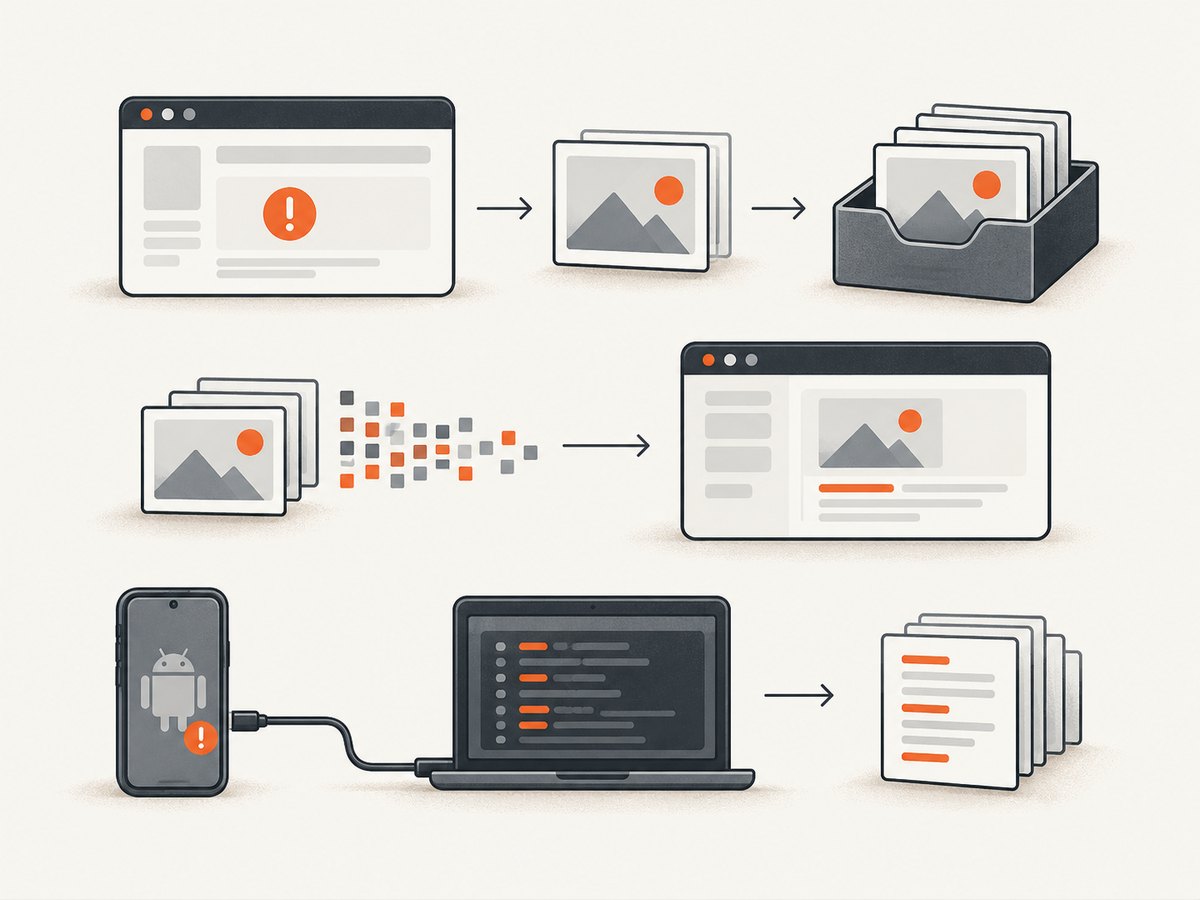
- Record the framework and runner, package version, browser or device, and local or CI environment.
- Search the installed framework API for the exact option spelling. Distinguish
captureScreenshotOnFailure,screenshotOnFailure, and Playwright’sscreenshotoption. - Confirm the setting is in the configuration file or test scope the failing run actually loads, including project profiles and inherited settings.
- Cause a deliberate assertion failure and confirm the runner marks the test failed.
- Check that the browser or device session is alive when teardown or the failure collector runs.
- Inspect the documented output directory, report attachment panel, or host log collector output.
- If capture fails, preserve the original assertion failure and inspect driver logs, filesystem permissions, path validity, free disk space, and CI artifact-upload logs.
- Try manual screenshot capture once. If that also fails, investigate the session or filesystem; if it works, focus on the automatic hook and configuration.
7. Common errors and fixes
| Symptom | Likely cause | What to do |
|---|---|---|
| Option has no effect | Wrong framework spelling, wrong runner, or unsupported package version | Check the installed runner’s API and configure its exact option |
| Works locally, missing in CI | CI loads another config/profile, session ends early, or artifacts are not uploaded | Print or inspect the active config, keep the session available through teardown, and check artifact collection logs |
| Test fails but report has no image | Looking in the wrong directory or report destination | Inspect runner output paths, report attachments, and host collector results |
| Screenshot warning appears after test failure | Driver is disconnected, terminated, or screenshot capture threw | Read driver/browser logs and check session state at hook time; retain the original failure |
| Manual screenshot also fails | Browser/device, path, permission, or disk problem | Check connectivity, use a writable absolute output path, and verify available disk space |
| Only some scenarios capture | Per-test overrides, pooled driver reuse, or differing worker/project config | Compare effective settings and driver lifecycle for a passing and failing case |
| Artifact exists but is absent from CI job output | Runner saved it, but CI artifact upload does not include that path | Configure the CI artifact step to include the runner’s actual output directory |
8. Performance, reliability, and storage
Failure-only capture avoids producing an image for every passing test, but it still needs a live browser or device and writable storage at failure time. Capturing full-page images can take longer and use more memory than a viewport image, especially on long pages. Keep the screenshot hook bounded and avoid letting its own exception replace the assertion failure. In parallel test runs, use per-test output paths to prevent files from overwriting one another.
In CI, preserve both the test report and the raw output directory as artifacts. Set retention to match the time needed to investigate failures, and ensure the artifact step runs after a failed test command. A screenshot file created on the worker is not useful if the job discards it.
Or skip the browser setup
If your goal is to capture a web page rather than diagnose a test runner’s failure hook, ScreenshotNeo is a website screenshot API and MCP server. It captures a URL with one GET request and can return PNG, JPEG, WebP, or PDF. See the API documentation for the available parameters.
curl -G "https://api.screenshotneo.com/v1/shot" -d access_key=YOUR_API_KEY --data-urlencode url=https://stripe.com -o shot.webpimport requests
r = requests.get(
"https://api.screenshotneo.com/v1/shot",
params={"access_key": "YOUR_API_KEY", "url": "https://stripe.com"},
timeout=90,
)
open("shot.webp", "wb").write(r.content)const q = new URLSearchParams({ access_key: 'YOUR_API_KEY', url: 'https://stripe.com' });
const res = await fetch(`https://api.screenshotneo.com/v1/shot?${q}`);- Cookie banners, newsletter popups, and chat widgets are removed before capture; each cleanup step can be turned off.
- Bot checks and CAPTCHAs, blank pages, timeouts, failed loads, and cache hits are not billed. Response headers report the page verdict and billing status.
- An MCP server provides
take_screenshot,get_page_info, andcapture_pdffor Claude, Cursor, and other MCP clients. - The Free plan includes 1,000 screenshots per month with no card. Paid plans start at $5 for 3,000 screenshots; every feature is available on every plan.
Sign up free for 1,000 screenshots a month, no card required.
FAQ
Does Playwright’s setting work in a plain browser script?
No. The automatic use.screenshot mode belongs to Playwright Test. Use page.screenshot() in a standalone script or the test runner’s equivalent hook.
Can a screenshot be missing even when the test correctly fails?
Yes. The capture hook can run after the browser or device disconnects, or it can save the image somewhere other than the location you checked.
Should a screenshot failure make the test pass or replace the assertion error?
No. Treat capture as diagnostic output. Preserve the original test result and log capture errors separately.


