How to Fix EOFError in Capybara Feature Tests with Headless Chrome
Diagnose and fix Capybara EOFError with headless Chrome by checking driver versions, CI startup, middleware, sessions, and concurrency.
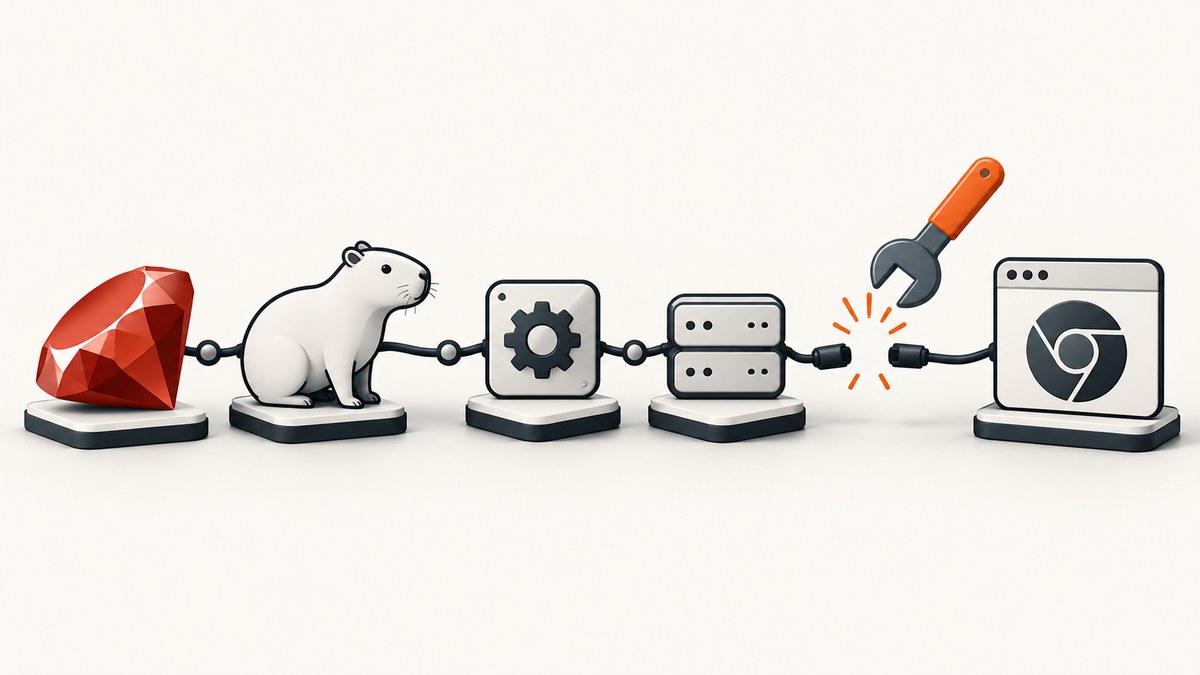
EOFError: end of file reached in a Capybara feature test means the Ruby client reached the end of its WebDriver connection unexpectedly. It is a connection symptom, not a single diagnosis. ChromeDriver, Chrome, an application server, middleware, or a reused browser session may have closed the connection.
Work through the checks below in order. Start by recording the exact binaries and versions, then run the same example with a visible browser and preserved driver logs. Those two steps usually distinguish browser startup failures from Rails, CI, or session-lifecycle failures.
What EOFError means
With Selenium, Capybara sends WebDriver commands to ChromeDriver. ChromeDriver starts and controls Chrome, then returns HTTP responses to Selenium. An EOFError occurs when the Ruby side tries to read a response after that connection has been closed.
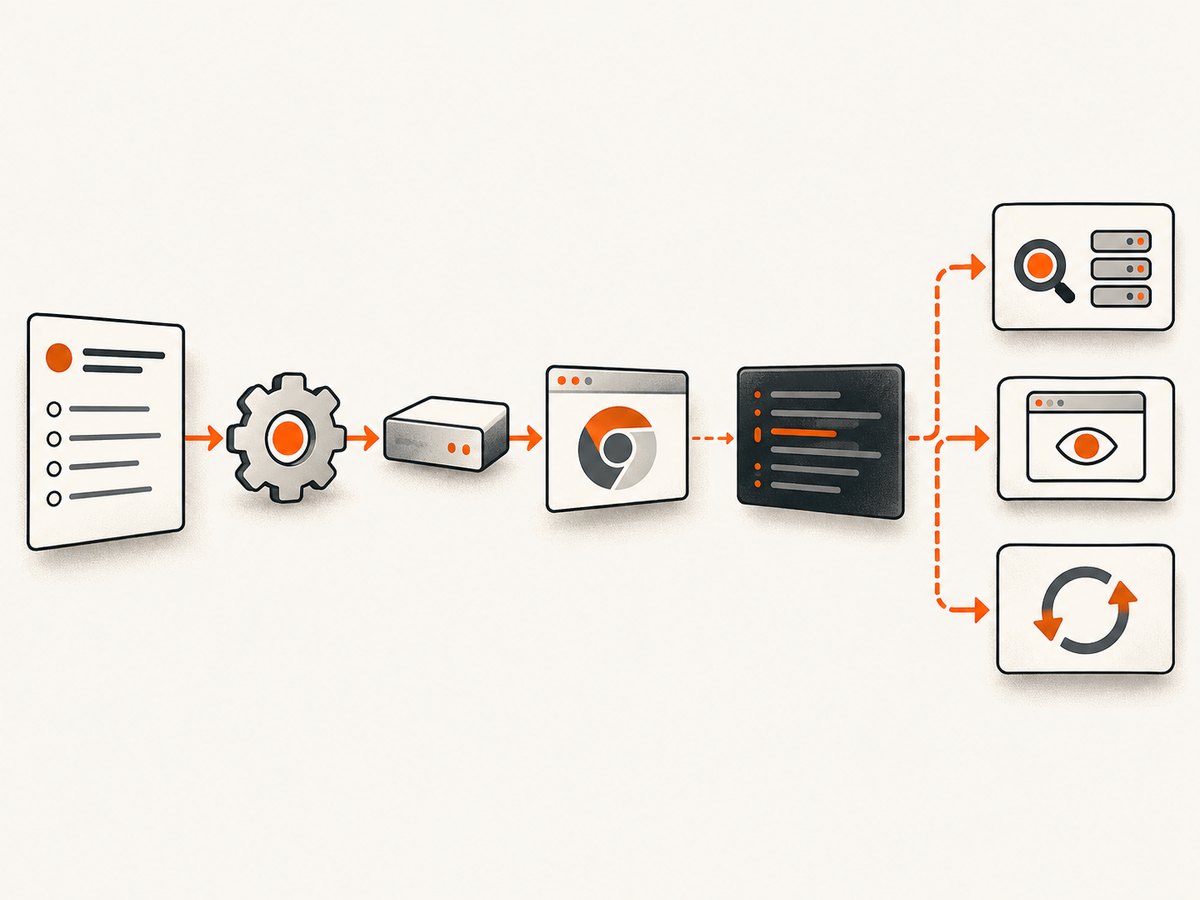
- Browser or driver process exited: incompatible versions, a crash, missing shared libraries, an invalid profile, or a restricted container.
- Application-server or middleware failure: a custom server patch can terminate or corrupt the connection.
- Session lifecycle bug: code closes the final browser window and then reuses the same Capybara session.
- Concurrency or profile collision: parallel workers share a profile or driver session.
The exception’s empty or short backtrace often hides the first failure. Find the earliest ChromeDriver or Selenium startup error instead.
1. Capture the versions and executable paths
Run these commands in the same machine or CI image that runs the test:
ruby -v
bundle exec ruby -e 'require "selenium-webdriver"; puts Selenium::WebDriver::VERSION'
bundle exec ruby -e 'require "capybara"; puts Capybara::VERSION'
which google-chrome || which chromium || true
google-chrome --version || chromium --version || true
which chromedriver || true
chromedriver --version || true
Confirm that the Chrome and ChromeDriver major versions match. Selenium’s Chrome guidance states: “Chromedriver and Chrome browser versions should match, and if they don’t the driver will error.” Also verify the path actually selected by Selenium; an older binary from Homebrew, a gem, or the base CI image may take precedence over the one you inspected.
Print the resolved driver path when your Selenium version exposes it, or enable Selenium/ChromeDriver logging and inspect the startup command. Pin the browser and driver through your CI image or package manager so every worker receives the same pair.
2. Register the supported Capybara driver
Capybara pre-registers :selenium_chrome and :selenium_chrome_headless. Keep the default Rack driver for tests that do not execute JavaScript, and opt into a browser only where needed.
# spec/rails_helper.rb or test_helper.rb
require "capybara/rails"
require "selenium/webdriver"

Capybara.default_driver = :rack_test
Capybara.javascript_driver = :selenium_chrome_headless

# Use the browser only for JavaScript examples:
# RSpec: it "works", js: true do ... end
# Minitest: driven_by :selenium_chrome_headless
Using :rack_test for non-JavaScript examples reduces startup work and avoids introducing a browser dependency where it is unnecessary.
3. Configure Chrome options for Selenium 4
Use Selenium’s current Ruby options API. Add Linux flags only when the environment requires them and document the reason.
Capybara.register_driver :ci_chrome do |app|
  options = Selenium::WebDriver::Chrome::Options.new
  options.add_argument("--headless=new")
  options.add_argument("--window-size=1440,1000")
  options.add_argument("--disable-gpu")

  # Common container-only workarounds. Keep them out of local runs unless needed.
  options.add_argument("--no-sandbox")
  options.add_argument("--disable-dev-shm-usage")

  Capybara::Selenium::Driver.new(app, browser: :chrome, options: options)
end

Capybara.javascript_driver = :ci_chrome
--no-sandbox lowers Chrome’s sandbox protection and should be limited to an appropriately isolated CI container. --disable-dev-shm-usage helps images with a small /dev/shm; increasing shared memory is another option. Neither flag fixes a version mismatch or a crashing browser.
4. Re-run once with a visible browser
Temporarily switch to :selenium_chrome:
Capybara.javascript_driver = :selenium_chrome
A visible run can reveal a missing executable, profile-lock error, certificate problem, display failure, navigation error, or browser crash that headless output obscures. If the visible browser fails in the same way, investigate startup and the application server before changing headless flags.
5. Preserve ChromeDriver and Selenium logs
Capture driver output in CI rather than allowing it to disappear with the test process. The first logged failure matters more than the later Ruby EOFError. Immediate driver exit usually indicates incompatible binaries, missing system libraries, a bad profile, or a restricted container.
Capybara.register_driver :logged_chrome do |app|
  service = Selenium::WebDriver::Chrome::Service.new(log: "tmp/chromedriver.log")
  options = Selenium::WebDriver::Chrome::Options.new
  options.add_argument("--headless=new")
  Capybara::Selenium::Driver.new(app, browser: :chrome, options: options, service: service)
end
Keep the log as a CI artifact. Search it for version errors, “cannot find Chrome binary,” sandbox failures, profile locks, certificate failures, and renderer crashes.
6. Isolate the Rails server and middleware
Run the failing example against the standard Capybara/Puma setup with custom server patches disabled. A published incident with the same empty-backtrace EOFError was caused by a hidden, poorly named WEBrick monkey patch. If removing the patch fixes the test, replace it with a documented server configuration and add a focused regression test.
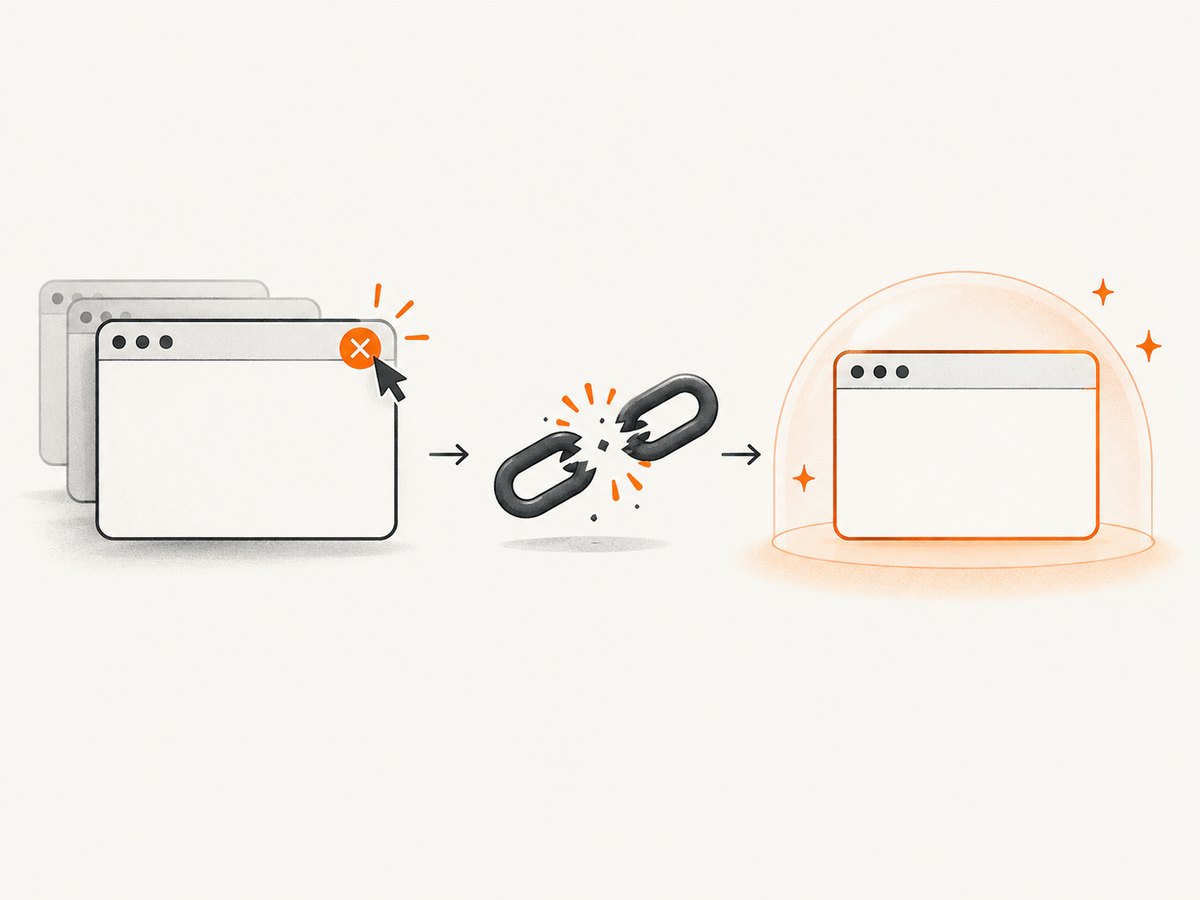
Also check for middleware that closes sockets, rewrites HTTPS, or terminates requests during boot. Compare a plain route and the failing route to determine whether the browser connection or the application request is ending first.
7. Check session lifecycle and closed windows
Do not reuse a Capybara session after closing its final browser window. Capybara issue #1426 documents EOFError when a stale browser object is reused after the last window closes.
# Prefer a fresh session after closing the final window
page.driver.browser.close
Capybara.reset_sessions!
visit "/dashboard"
In most tests, let Capybara manage cleanup. If a test must close windows, assert that another window remains or reset the session before the next navigation.
8. Eliminate concurrency and profile reuse
Run the failing example alone with one worker. If it passes, parallel workers may be sharing a Chrome profile, a port, or a driver object.
- Give each worker a unique temporary Chrome user-data directory.
- Never share one Selenium driver or Capybara session across threads.
- Use separate application-server ports when your test runner requires them.
- Reintroduce parallelism after a single-worker run is stable.
9. Consider Cuprite when ChromeDriver maintenance is the problem
Cuprite is a Capybara driver for headless Chrome/Chromium that uses CDP and has no Selenium, WebDriver, or ChromeDriver dependency. It can reduce driver-version management, but you still need a compatible Chrome/Chromium binary and the system libraries required by your CI image.
# Gemfile
gem "cuprite"

# test_helper.rb
require "capybara/cuprite"
Capybara.javascript_driver = :cuprite

# Interactive diagnosis in a failing test:
# page.driver.debug
Compare drivers on browser-version management, CI libraries, startup logs, parallel-session isolation, JavaScript fidelity, and ongoing maintenance. No single driver or flag resolves every EOFError cause.
Diagnostic checklist
| Symptom | Likely cause | Next action |
|---|---|---|
| Driver exits before the first visit | Version mismatch, missing binary or library | Print versions and inspect startup logs |
| Only CI fails | Sandbox, shared memory, display or image difference | Run visible locally, compare images, add only justified container flags |
| Only one route fails | Application server, middleware or certificate issue | Test a plain route and disable custom patches |
| Failure follows window closing | Stale Capybara session | Reset sessions and create a new browser |
| Failure appears only in parallel | Profile, port or session collision | Run one worker and isolate temporary profiles |
| ChromeDriver upgrades keep breaking builds | Unpinned browser/driver dependency | Pin the CI image or evaluate Cuprite |
Performance, reliability and cost notes
Browser tests are slower and more resource-intensive than :rack_test. Keep JavaScript coverage focused, reuse a stable driver process where safe, and avoid unnecessary full-page navigations. A larger shared-memory allocation can be more reliable than disabling it, while isolated profiles improve parallel reliability.
Pin versions in the CI image, record logs as artifacts, and fail fast on driver startup errors. Retry only after collecting evidence; retries can hide deterministic version or configuration faults.
Or skip the browser setup
If your goal is a clean image or PDF of a page rather than an end-to-end browser assertion, ScreenshotNeo provides a GET-based screenshot API. It accepts consent banners before capture and removes more than 60 known consent platforms, newsletter popups and chat widgets; each step can be turned off. Bot checks, blank pages, timeouts, failed loads and cache hits are not billed, and the response identifies the result with X-Page-Verdict and X-Billed headers. Its MCP server lets Claude, Cursor and other MCP clients call take_screenshot, get_page_info and capture_pdf.
See the ScreenshotNeo API documentation for all options.
cURL
curl -G "https://api.screenshotneo.com/v1/shot" -d access_key=YOUR_API_KEY --data-urlencode url=https://example.com -o shot.webpPython
import requests
r = requests.get("https://api.screenshotneo.com/v1/shot", params={"access_key": "YOUR_API_KEY", "url": "https://example.com"}, timeout=90)
r.raise_for_status()
open("shot.webp", "wb").write(r.content)
Node.js
const q = new URLSearchParams({ access_key: 'YOUR_API_KEY', url: 'https://example.com' });
const res = await fetch(`https://api.screenshotneo.com/v1/shot?${q}`);
if (!res.ok) throw new Error(`Screenshot failed: ${res.status}`);
const fs = await import('node:fs/promises');
await fs.writeFile('shot.webp', Buffer.from(await res.arrayBuffer()));
Features include full-page and element capture, device presets, custom viewports, dark mode, retina scale, PDF settings, custom CSS and JavaScript, clicks, waits, request blocking, headers, cookies, user agents, authorization, timezone, geolocation, transparent backgrounds, resizing, TTL caching, signed links, asynchronous jobs, webhooks, bulk capture and a usage API.
Free accounts include 1,000 screenshots per month with no card. Paid plans start at $5 for 3,000 shots, and every feature is available on every plan. Create a free ScreenshotNeo account.
FAQ
Is EOFError always a ChromeDriver mismatch?
No. A mismatch is common, but server middleware, a crashed browser, a closed final window, and concurrent profile reuse can produce the same symptom.
Should I add --no-sandbox first?
No. Verify versions and logs first. Add it only when the container requires it and document the reduced sandbox protection.
Does headless mode itself cause EOFError?
Headless mode can expose display, shared-memory, or startup problems, but the exception identifies a closed connection rather than a headless-only bug.
When should I switch to Cuprite?
Consider it when maintaining Selenium and ChromeDriver versions is a recurring source of failures and CDP-based Chrome control fits your test suite.


