How to Fix Chrome Failed to Create a Chrome Process in Selenium
Fix Selenium’s Chrome process startup error with version checks, profile isolation, CI diagnostics, dependency fixes, and runnable Python examples.
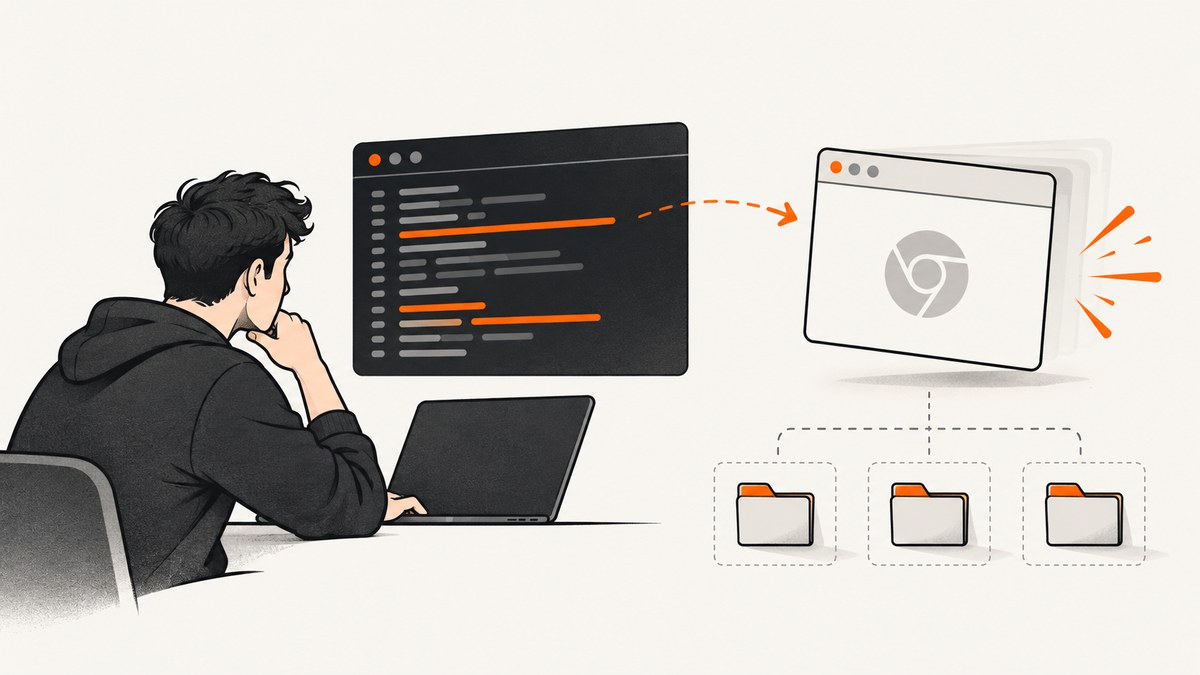
Short answer: Selenium reports “failed to create a Chrome process” when ChromeDriver cannot keep Chrome running long enough to create a WebDriver session. The usual causes are an incorrect executable path, incompatible Chrome and ChromeDriver versions, a locked or unwritable profile, missing Linux libraries, or differences between your interactive shell and the account that runs CI or a service.
Reproduce the same Chrome command outside Selenium under the same account and environment. Then fix the failing layer before changing WebDriver code.
1. What the error means
ChromeDriver starts Chrome with a temporary debugging endpoint and waits for Chrome to answer. If Chrome exits immediately, ChromeDriver has no browser to attach to and raises SessionNotCreatedException or messages such as “Chrome failed to start: exited abnormally” and “failed to create a Chrome process.” This is a browser-process startup failure, not a page-navigation failure.
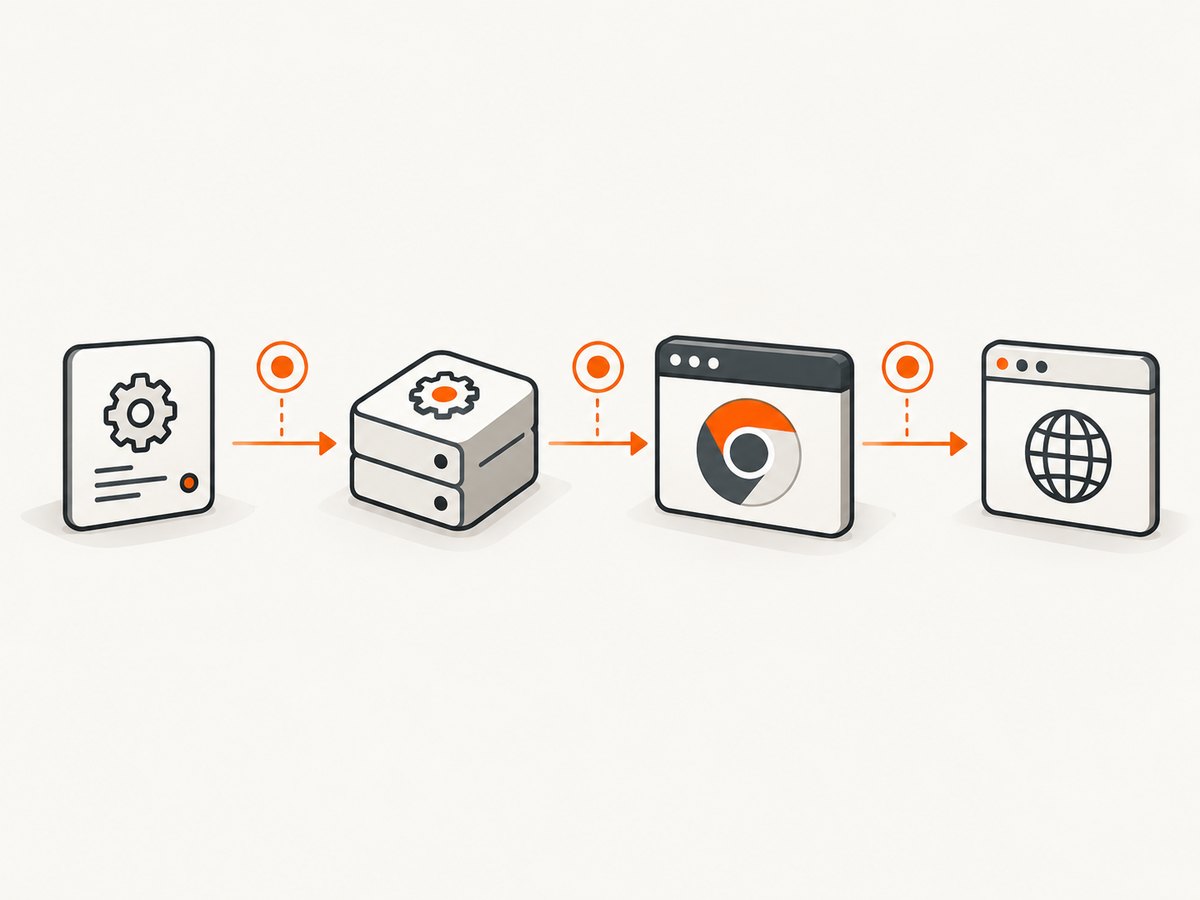
ChromeDriver recommends launching the same Chrome binary directly when a test runs from an IDE, special harness, or continuous-build system. That separates an operating-system or browser problem from a WebDriver API problem. See ChromeDriver’s troubleshooting guidance.
2. Capture the original evidence
Save the complete exception and ChromeDriver service log before retrying. Record the operating system, CPU architecture, Chrome executable path and version, ChromeDriver version, Selenium version, launch flags, account, home and temporary directories, proxy settings, and working directory. Keep ChromeDriver stderr and stdout, especially the first process-exit message.
Do not replace the first exception with a generic retry message. The first exit usually identifies the layer that needs repair.
3. Reproduce Chrome outside Selenium
Run the exact executable as the same user and from the same machine, container, scheduled task, or service account.
# Linux
/usr/bin/google-chrome --version
/usr/bin/google-chrome --headless=new --no-first-run --user-data-dir=/tmp/chrome-probe about:blank

# macOS
"/Applications/Google Chrome.app/Contents/MacOS/Google Chrome" --version
"/Applications/Google Chrome.app/Contents/MacOS/Google Chrome" --headless=new --no-first-run --user-data-dir=/tmp/chrome-probe about:blank

# Windows PowerShell
& "C:\Program Files\Google\Chrome\Application\chrome.exe" --version
& "C:\Program Files\Google\Chrome\Application\chrome.exe" --headless=new --no-first-run --user-data-dir="$env:TEMP\chrome-probe" about:blank
Use a new profile for this probe. If Chrome exits directly, fix permissions, the executable, profile, display, sandbox policy, or dependencies before changing Selenium. If it stays alive, compare its command line and environment with ChromeDriver’s launch.
4. Keep Chrome and ChromeDriver compatible
Chrome and ChromeDriver need compatible versions. Selenium 4.6 and later can normally use Selenium Manager when you omit a driver path. Selenium Manager discovers a suitable driver and can obtain one when network access permits it. See the Selenium Manager documentation and Selenium Chrome documentation.
Remove an old hard-coded path first. A stale driver earlier on PATH may be selected after Chrome has been upgraded.
python -m pip install --upgrade selenium
python -c "import selenium; print(selenium.__version__)"
# Linux/macOS
which google-chrome chromedriver || true
# Windows PowerShell
Get-Command chrome, chromedriver -ErrorAction SilentlyContinue

chromedriver --version
If automatic management is unavailable, pin a known-good local driver with Selenium’s Service API and record both browser and driver versions in your build artifacts.
5. Minimal robust Python configuration
This runnable example uses current headless mode, a unique writable profile, and Selenium Manager.
from tempfile import TemporaryDirectory
from selenium import webdriver
from selenium.webdriver.chrome.options import Options


def open_chrome():
    options = Options()
    options.add_argument("--headless=new")
    options.add_argument("--no-first-run")
    options.add_argument("--no-default-browser-check")
    # options.binary_location = "/absolute/path/to/chrome"  # non-standard install only

    with TemporaryDirectory(prefix="selenium-chrome-") as profile:
        options.add_argument(f"--user-data-dir={profile}")
        driver = webdriver.Chrome(options=options)
        try:
            driver.get("https://example.com")
            print(driver.title)
        finally:
            driver.quit()


if __name__ == "__main__":
    open_chrome()
In parallel tests, generate a different directory for every process. Set options.binary_location only when Chrome is installed outside its normal location, and point it to the executable itself.
For a fixed driver, use webdriver.Chrome(service=Service('/absolute/path/chromedriver'), options=options) and import Service from selenium.webdriver.chrome.service.
6. Profile and permission failures
Chrome cannot reliably open one profile from multiple processes. A desktop Chrome process may hold a lock while a test reuses the directory. A service account may also lack permission to write the default profile or cache.
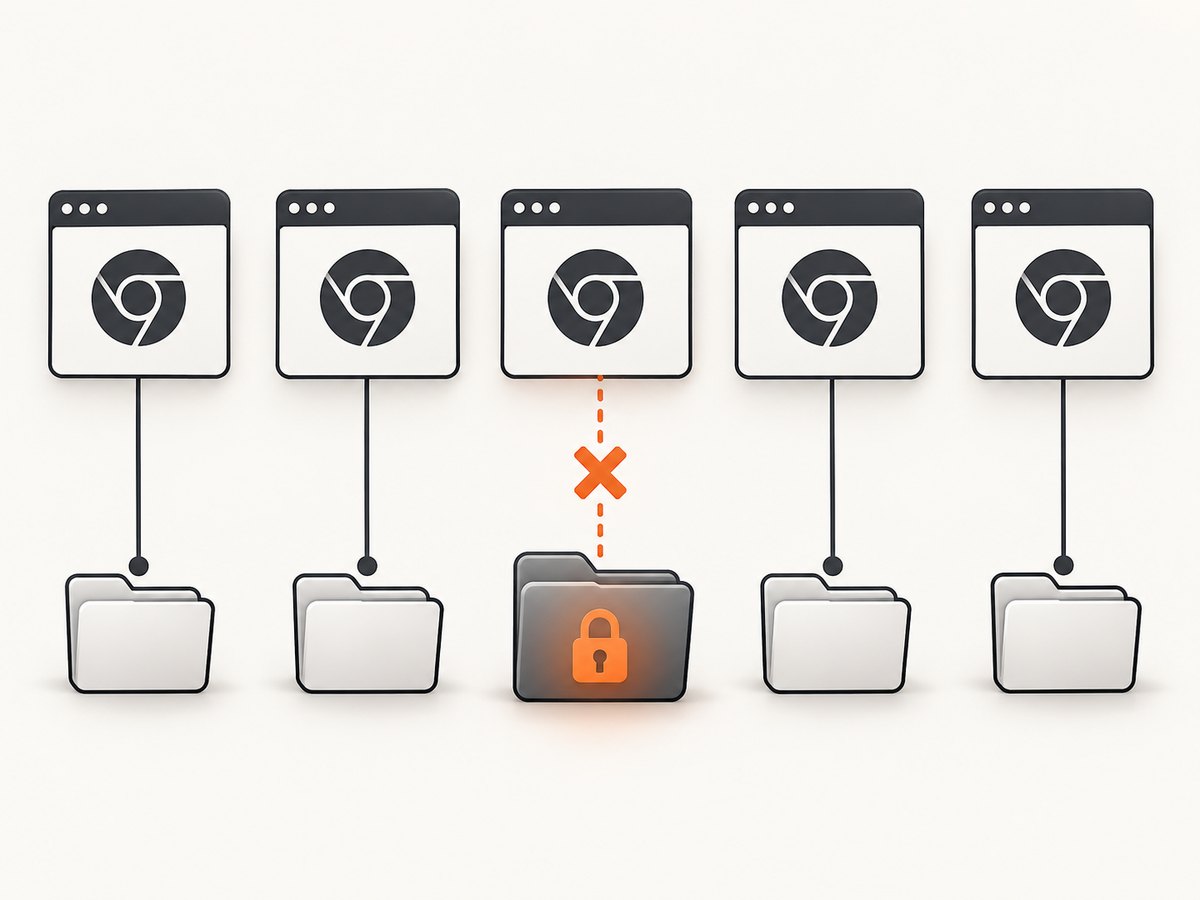
- Pass a unique
--user-data-dirfor every run. - Ensure the parent directory is writable by the test account.
- Keep the temporary directory alive until
driver.quit()finishes. - Remove stale locks only after confirming that no Chrome process still owns the profile.
For long-lived sessions, create one profile per job and clean it in a finally block.
7. Headless, CI, Docker, and services
Use --headless=new for current Chrome releases. A headful Linux launch requires a display; headless mode does not. Compare a failing job with an interactive shell for the user and group IDs, home and temporary directories, file permissions, display variables, sandbox policy, container shared memory, proxy settings, DNS, firewall rules, and certificates.
Run the direct command from section 3 inside the same container or service. This catches failures caused by the service account even when the script works on a developer desktop. Add flags only for a demonstrated environment constraint; long lists of copied flags make future diagnosis harder.
8. Linux libraries and runtime dependencies
Chrome can terminate before a session exists when a shared library is missing. Selenium Manager documents this failure mode and gives libatk-1.0.so.0 as an example. Install the distribution package that provides the missing library, then rerun the direct launch.
ldd /usr/bin/google-chrome | grep "not found" || true
sudo apt-get update
sudo apt-get install -y libatk-bridge2.0-0

ls -l /usr/bin/google-chrome
mkdir -p /tmp/chrome-probe && test -w /tmp/chrome-probe
Use your distribution’s package manager and dependency tools to identify the exact provider. A missing library is a browser failure, not necessarily a driver mismatch.
9. Selenium Manager network restrictions
Selenium Manager may contact Chrome for Testing endpoints to discover or download drivers and browsers. Proxy, DNS, firewall, or offline policies can therefore look like a driver startup problem. Check Selenium Manager logs for discovery or download errors. Configure its documented proxy support, allow the required endpoint, or provide local browser and driver paths.
curl -I https://googlechromelabs.github.io/chrome-for-testing/
curl -sS http://127.0.0.1:9515/status
The first command checks access to a Chrome for Testing endpoint. The second checks a locally running ChromeDriver status endpoint.
10. Common errors and fixes
| Symptom | Likely cause | Fix |
|---|---|---|
This version of ChromeDriver only supports Chrome version … |
Browser and driver are incompatible. | Let Selenium Manager select the driver or install matching versions. |
cannot find Chrome binary |
Chrome is absent or installed elsewhere. | Install Chrome or set options.binary_location to the executable. |
| Works locally but fails in CI | Different account, profile permissions, display, sandbox, or environment. | Run Chrome directly as the CI user, use headless mode, and create a writable profile. |
DevToolsActivePort file doesn’t exist |
Chrome exited before opening its debugging endpoint. | Use a fresh profile and inspect browser stderr and dependencies. |
| Selenium Manager cannot download a driver | Proxy, DNS, firewall, or offline build. | Configure the proxy or provide a local driver. |
| Parallel jobs fail intermittently | Processes share a profile or temporary directory. | Generate one profile per process. |
| Only headful mode fails | No display is available. | Use headless mode or provide a display server. |
11. Node.js and cURL checks
cURL cannot launch Chrome through Selenium, but it can verify a running ChromeDriver server:
curl -sS http://127.0.0.1:9515/statusNode.js uses the same executable, headless, and profile rules:
const { Builder } = require('selenium-webdriver');
const chrome = require('selenium-webdriver/chrome');
const fs = require('fs');
const os = require('os');
const path = require('path');

(async () => {
  const profile = fs.mkdtempSync(path.join(os.tmpdir(), 'selenium-chrome-'));
  const options = new chrome.Options().addArguments('--headless=new', '--no-first-run', `--user-data-dir=${profile}`);
  const driver = await new Builder().forBrowser('chrome').setChromeOptions(options).build();
  try { await driver.get('https://example.com'); console.log(await driver.getTitle()); }
  finally { await driver.quit(); }
})();
12. Performance and reliability notes
- A fresh profile improves isolation but adds startup and cache-warm time.
- Parallel browsers consume CPU, memory, file descriptors, and temporary storage. Cap concurrency for the host.
- Automatic driver management reduces maintenance. Pinned binaries improve reproducibility in locked-down builds.
- Retries help transient host races, but do not fix deterministic version, path, permission, dependency, or network errors.
- Measure browser startup separately from page-load timing.
13. Or skip the browser setup
If your goal is a clean screenshot or PDF rather than browser automation, ScreenshotNeo provides a GET API and MCP server. It accepts consent banners as a visitor and removes more than 60 known consent platforms, newsletter popups, and chat widgets before capture; each step can be disabled. Bot checks, blank pages, timeouts, failed loads, and cache hits are not billed, and responses identify the result with X-Page-Verdict and X-Billed.
It supports full-page and element captures, device presets or custom viewports, dark mode, retina scale, custom CSS and JavaScript, waits, request blocking, headers, cookies, user agents, authorization, timezone, geolocation, transparent backgrounds, resizing, TTL caching, signed links, asynchronous jobs, webhooks, bulk capture, and usage reporting. Its MCP server exposes take_screenshot, get_page_info, and capture_pdf for Claude, Cursor, and other MCP clients.
Read the ScreenshotNeo API documentation for parameters and response headers.
curl -G "https://api.screenshotneo.com/v1/shot" -d access_key=YOUR_API_KEY --data-urlencode url=https://stripe.com -o shot.webpimport requests
r = requests.get("https://api.screenshotneo.com/v1/shot", params={"access_key": "YOUR_API_KEY", "url": "https://stripe.com"}, timeout=90)
open("shot.webp", "wb").write(r.content)const q = new URLSearchParams({ access_key: 'YOUR_API_KEY', url: 'https://stripe.com' });
const res = await fetch(`https://api.screenshotneo.com/v1/shot?${q}`);1,000 screenshots per month are free with no card. Paid plans start at $5 for 3,000 shots, and every feature is included on every plan. Create a free ScreenshotNeo account.
14. FAQ
Should I add --no-sandbox?
Only when your container or sandbox policy requires it. First verify the browser directly, profile permissions, and dependencies.
Is ChromeDriver required with Selenium 4?
A compatible driver is still required, but Selenium Manager can discover or obtain it when you omit a manual path and network access is available.
Why does deleting the profile help?
It removes locks and corrupted state. A unique temporary profile per run prevents the collision from returning.
Why does a retry sometimes work?
A retry may pass after a transient resource race, but repeated retries do not fix a deterministic mismatch, path, permission, dependency, or network problem. Keep the first failure log and correct its cause.


