How to Fix Chrome Failed to Start with ChromeDriver and Selenium on a VPS
Fix ChromeDriver startup failures on a Linux VPS with a safe diagnostic order, matching versions, isolated profiles, headless Chrome, and practical Selenium examples.
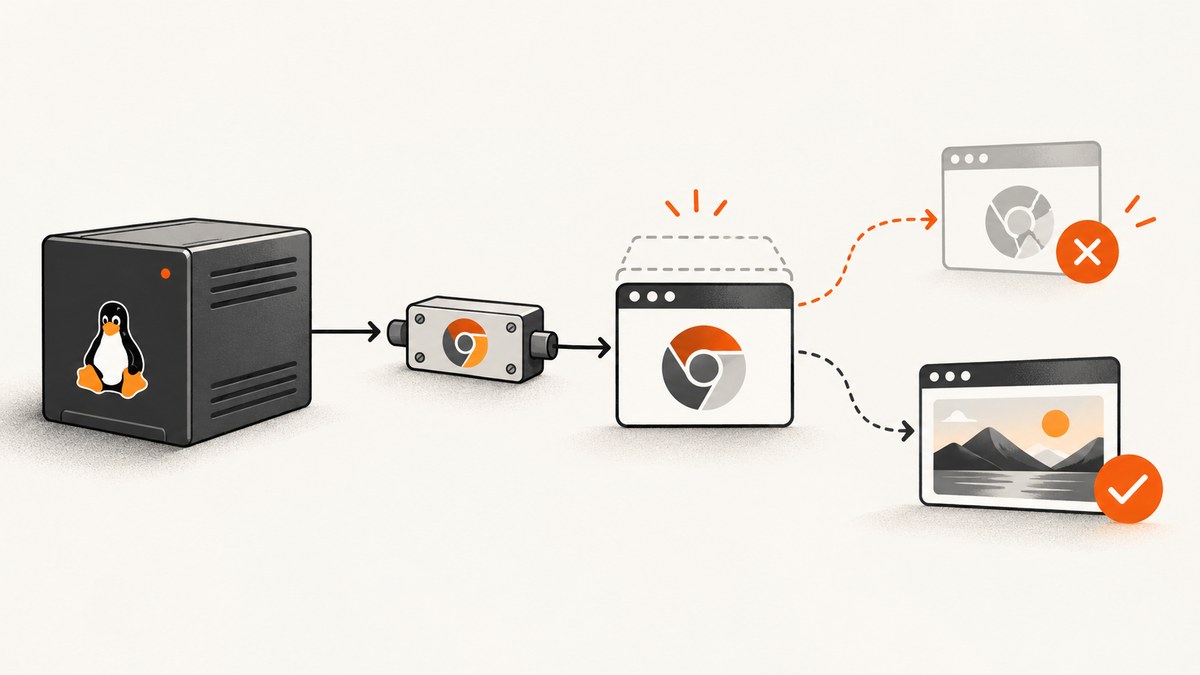
Chrome failed to start with ChromeDriver on a VPS usually means Chrome exited before WebDriver could connect. The reliable fix is to diagnose the launch outside Selenium, run Chrome as a regular Unix user, align Chrome and ChromeDriver major versions, make driver discovery explicit, and use a writable profile with headless mode. Do not begin by adding random flags such as --no-sandbox or installing Xvfb.
This guide gives you a repeatable repair process, a safe Python baseline, equivalent checks from the shell, guidance for parallel jobs and service accounts, and a troubleshooting table for common errors.
1. Confirm what is actually failing
There are three separate startup layers:
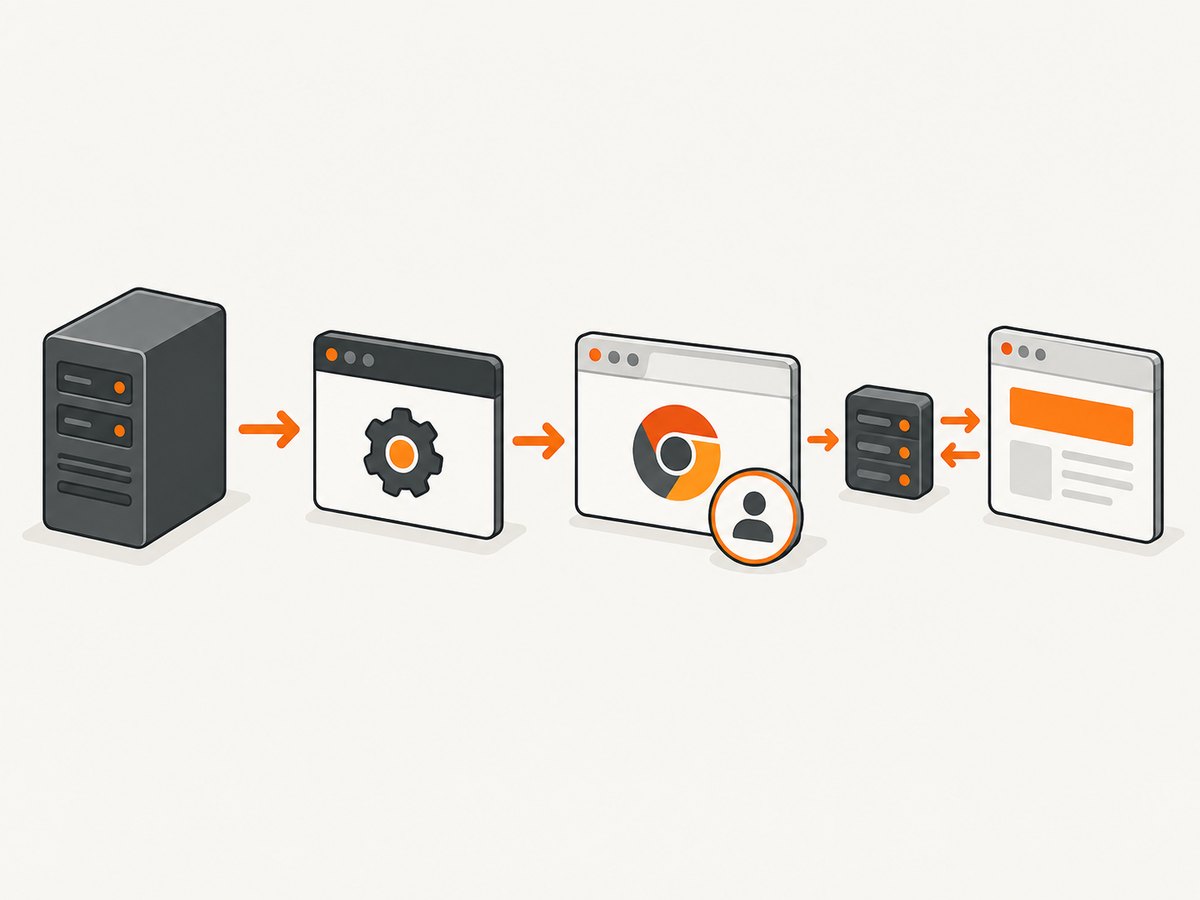
- Your process must find the ChromeDriver executable.
- ChromeDriver must find and launch a Chrome or Chromium binary.
- Chrome must stay alive long enough for ChromeDriver to open its DevTools connection.
An error such as DevToolsActivePort file doesn't exist often describes the third layer, but it does not identify the cause. Chrome may have crashed because it was started as root, could not write its profile, used an incompatible driver, or could not run with the available libraries.
Read the complete ChromeDriver log
Turn on logging and inspect the first launch failure. The log often shows the selected binary path, command-line arguments, port, and the point where Chrome exits. Selenium’s official troubleshooting guidance recommends running the same Chrome binary directly and checking the driver log before changing configuration. See ChromeDriver troubleshooting.
chromedriver --verbose --log-path=/tmp/chromedriver.log
cat /tmp/chromedriver.log
If Selenium starts ChromeDriver for you, configure the log in your language. In Python, Service(log_output=...) writes the driver output to a file.
2. Launch the exact Chrome binary outside WebDriver
Find the binary ChromeDriver selected. Common paths are /usr/bin/google-chrome, /usr/bin/google-chrome-stable, and /usr/bin/chromium. Verify the executable and version:
command -v google-chrome || command -v chromium || command -v chromium-browser
google-chrome --version
chromium --version
Use the path that exists on your VPS and run it as the same Unix account that runs Selenium. Give it a temporary, writable profile and a DevTools port:
/usr/bin/google-chrome \
  --headless=new \
  --user-data-dir=/tmp/chrome-direct-test \
  --remote-debugging-port=0 \
  about:blank
If this command exits immediately, Selenium is not the root cause. Repair or reinstall Chrome, its shared libraries, permissions, or the service account first. If it stays alive, stop it with Ctrl-C and continue with the driver checks.
3. Stop running Chrome as root
Google’s ChromeDriver documentation identifies root execution on Linux as a common startup-crash cause: “A common cause for Chrome to crash during startup is running Chrome as root user (administrator) on Linux.” The documented --no-sandbox workaround is unsupported and highly discouraged. Create a dedicated unprivileged account instead. See Chrome doesn’t start.
sudo useradd --create-home --shell /bin/bash selenium
sudo install -d -o selenium -g selenium /var/log/selenium
sudo -u selenium -H bash -lc 'mkdir -p /tmp/selenium-chrome-profile && google-chrome --headless=new --user-data-dir=/tmp/selenium-chrome-profile about:blank'
Make sure the account can execute the browser and write its home, temporary directory, logs, downloads, and profile directories. If you run Selenium through systemd, set an explicit User=selenium and use directories owned by that account.
4. Match Chrome and ChromeDriver versions
Chrome and ChromeDriver must have matching major versions. Check both values:
google-chrome --version
chromedriver --version
For example, Chrome 140.x requires a ChromeDriver with major version 140. Patch numbers do not need to be identical, but the major version must align. Update the mismatched component, then restart the service so it does not keep an old driver process.
Selenium Manager can discover and manage drivers automatically in current Selenium releases. For reproducible production builds, you can instead pin a driver path and Chrome package version yourself. The important point is to choose one deliberate discovery strategy and make it observable in logs. Selenium’s Chrome documentation covers driver management and current headless options at Selenium’s Chrome page.
5. Use a writable, isolated headless profile
A VPS normally has no graphical display. Chrome’s headless mode does not need X11 or Xvfb. Use --headless=new on current Chrome versions; use --headless if an older installed version does not recognize the new form. Chrome’s headless documentation explains that current headless mode uses the normal Chrome code path: Chrome headless mode.
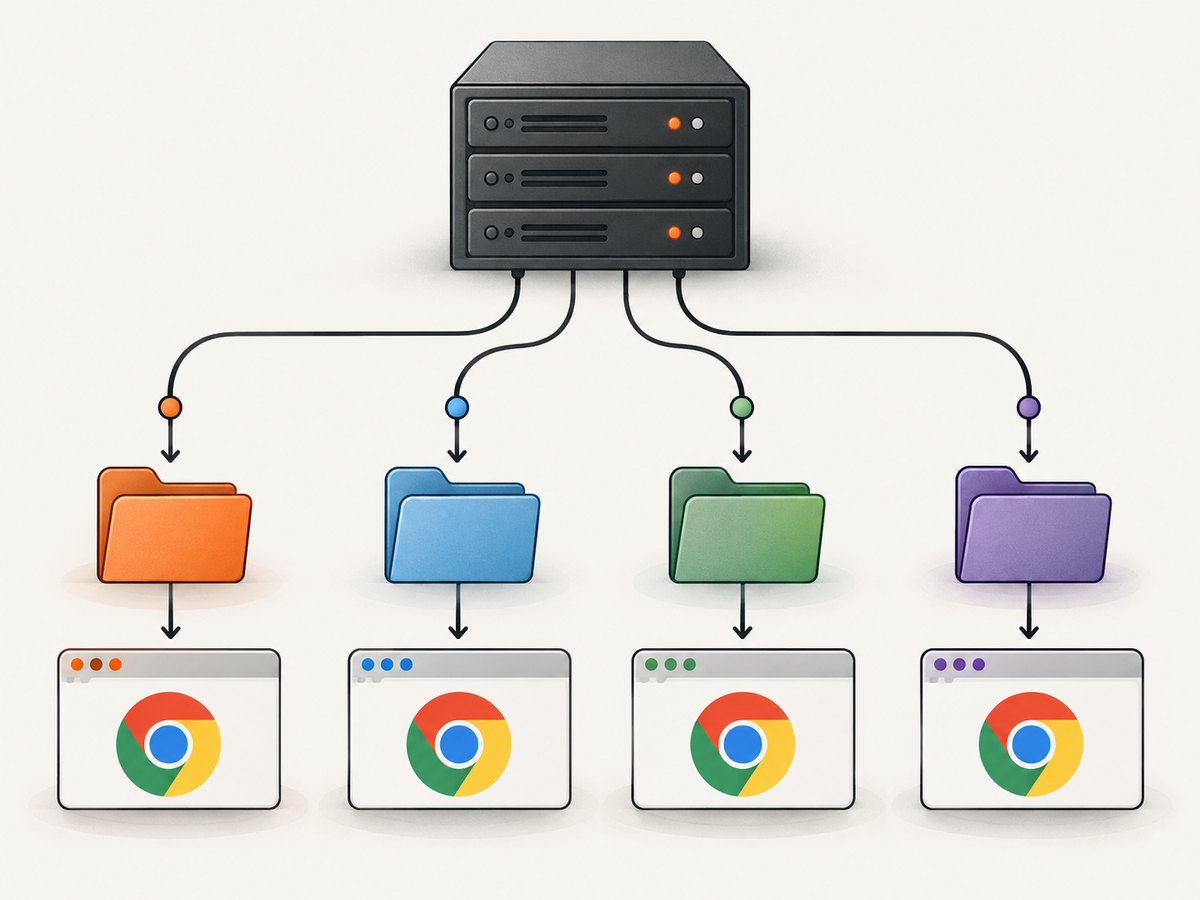
Every concurrent process should have its own --user-data-dir. Sharing one profile causes lock errors, corrupted state, and unpredictable cookies or extensions.
profile_dir=$(mktemp -d /tmp/selenium-profile-XXXXXX)
chmod 700 "$profile_dir"
/usr/bin/google-chrome \
  --headless=new \
  --user-data-dir="$profile_dir" \
  --remote-debugging-port=0 \
  about:blank
rm -rf "$profile_dir"
Do not automatically install Xvfb. Add a display server only when your application genuinely needs a display-backed, non-headless session, such as a legacy workflow that cannot operate in headless mode.
6. Safe Python Selenium baseline
Install Selenium in the same environment used by your service:
python -m pip install --upgrade seleniumThis complete example uses headless Chrome, an isolated profile, and a driver log:
from pathlib import Path
from selenium import webdriver
from selenium.webdriver.chrome.options import Options
from selenium.webdriver.chrome.service import Service

profile = Path('/tmp/selenium-chrome-profile')
profile.mkdir(mode=0o700, parents=True, exist_ok=True)

options = Options()
options.add_argument('--headless=new')
options.add_argument(f'--user-data-dir={profile}')
options.add_argument('--remote-debugging-port=0')

service = Service(log_output='/tmp/chromedriver.log')
driver = webdriver.Chrome(options=options, service=service)
try:
    driver.get('https://example.com')
    print(driver.title)
finally:
    driver.quit()
For parallel workers, create a unique directory per job rather than reusing /tmp/selenium-chrome-profile. If Chrome is installed in a nonstandard location, set it explicitly:
options.binary_location = '/usr/bin/chromium'If ChromeDriver is not on PATH and Selenium Manager cannot locate it, pass its absolute path:
service = Service(executable_path='/opt/webdrivers/chromedriver', log_output='/tmp/chromedriver.log')7. Make driver discovery reproducible
| Approach | Use when | Operational concern |
|---|---|---|
| Selenium Manager | You want automatic discovery and a current Selenium release | Network access and automatic version changes may affect reproducibility |
| PATH | Your image owns a known driver package | A different package earlier on PATH can be selected |
Explicit Service path |
You pin browser and driver versions in an image | You must update both when Chrome changes |
Record the Chrome version, driver version, binary path, and Selenium version in your deployment logs. This turns a vague startup error into a configuration diff.
8. Debug an invisible Chrome session
If Chrome exits only when launched through Selenium, capture remote debugging output. Use --remote-debugging-port=0 to request an available port, then inspect the WebSocket endpoint printed by Chrome. For a controlled fixed port, choose one that is firewalled from the public internet and unique per process. Chrome’s remote debugging guidance describes inspecting targets with chrome://inspect: remote debugging.
Do not expose the DevTools port publicly. A VPS firewall rule should allow it only from an administrative source, or you should use an SSH tunnel.
9. Troubleshooting common errors
| Error or symptom | Likely cause | Fix |
|---|---|---|
DevToolsActivePort file doesn't exist |
Chrome crashed before the DevTools endpoint was ready | Run the exact binary directly; use a regular user, writable unique profile, and headless mode. |
session not created: This version of ChromeDriver only supports Chrome version ... |
Major-version mismatch | Compare both --version outputs and update the older side. |
Unable to obtain driver |
Driver is missing or not discoverable | Use Selenium Manager, put the driver on PATH, or pass an absolute Service path. |
unknown error: cannot find Chrome binary |
Chrome is not installed in a standard location | Set options.binary_location to the actual executable. |
Could not remove old devtools port file |
Stale profile or a profile shared by another process | Stop orphaned Chrome processes and create a fresh per-job profile. |
| Permission denied in profile or cache | Service account cannot write the selected directory | Change ownership and permissions, or select a directory owned by the service account. |
| Chrome works in SSH but not under systemd | Different user, environment, PATH, or working directory | Set User=, absolute executable paths, writable directories, and inspect the service journal. |
Chrome starts only with --no-sandbox |
Usually root execution or incorrect container permissions | Run as an unprivileged user and fix permissions. Keep the flag only as a temporary diagnostic. |
Errors mentioning display or $DISPLAY |
A non-headless session is being requested | Use headless mode, or intentionally configure Xvfb for a display-backed workflow. |
10. Production reliability and performance
- Use a versioned image. Pin the Chrome package and driver strategy together so an unattended browser update does not break sessions.
- Use one profile per worker. This prevents lock contention and keeps cookies and local storage isolated.
- Clean up processes. Always call
driver.quit()in afinallyblock and remove temporary profiles after the job. - Set timeouts. Configure page-load and script timeouts so a slow origin cannot consume every worker indefinitely.
- Limit concurrency by memory. Each Chrome process has a meaningful memory footprint; increase workers gradually and observe resident memory and file descriptors.
- Capture diagnostics. Keep driver logs, Chrome stderr, browser and driver versions, the Unix user, and the selected profile path for failed jobs.
- Retry selectively. A fresh profile and a new browser process can recover from transient crashes. Repeating the same invalid version or permission configuration will not.
11. Or skip the browser setup
If your goal is a screenshot rather than browser administration, ScreenshotNeo provides a website screenshot API and MCP server. One GET request returns a PNG, JPEG, WebP, or PDF. It accepts cookie and consent banners like a visitor, then removes more than 60 known consent platforms, newsletter popups, and chat widgets before capture; each step can be turned off.
cURL:
curl -G 'https://api.screenshotneo.com/v1/shot' \
  -d access_key=YOUR_API_KEY \
  --data-urlencode 'url=https://stripe.com' \
  -o shot.webp
Python:
import requests

r = requests.get(
    'https://api.screenshotneo.com/v1/shot',
    params={'access_key': 'YOUR_API_KEY', 'url': 'https://stripe.com'},
    timeout=90,
)
r.raise_for_status()
open('shot.webp', 'wb').write(r.content)
Node.js:
const q = new URLSearchParams({ access_key: 'YOUR_API_KEY', url: 'https://stripe.com' });
const res = await fetch(`https://api.screenshotneo.com/v1/shot?${q}`);
if (!res.ok) throw new Error(`HTTP ${res.status}`);
const fs = await import('node:fs/promises');
await fs.writeFile('shot.webp', Buffer.from(await res.arrayBuffer()));
See the ScreenshotNeo API documentation for parameters and response details. Failed loads, bot checks or CAPTCHAs, blank pages, timeouts, and cache hits cost nothing; response headers identify the page verdict and whether the request was billed. The service also supports full-page and element capture, custom CSS and JavaScript, device presets, cookies and headers, waits, blocking rules, PDFs, caching, signed links, asynchronous jobs, bulk capture, a usage API, and an MCP server with take_screenshot, get_page_info, and capture_pdf for AI clients.
There is a free plan with 1,000 screenshots per month and no card. Paid plans start at $5 for 3,000 shots. Create a free ScreenshotNeo account.
12. FAQ
Do I always need --no-sandbox on a VPS?
No. Run Chrome as a regular user and fix permissions first. The flag is an unsupported, highly discouraged workaround for the root case.
Does headless Chrome require Xvfb?
No. Headless Chrome does not need a display server. Use Xvfb only for a genuinely display-backed, non-headless application.
Can I share one Chrome profile between Selenium jobs?
Do not. Give each concurrent process a unique writable profile directory.
Should ChromeDriver and Chrome have identical full versions?
The major versions must match. Patch versions can differ within the supported release line.
What is the fastest first test?
As the Selenium service user, launch the exact Chrome binary with --headless=new, a fresh writable profile, and about:blank. If that fails, repair the browser environment before debugging application code.


