How to Fix Chrome Startup Failures with Selenium and Headless Chrome
Isolate Chrome from WebDriver, align versions, fix headless and Linux account issues, and capture logs that reveal the real startup failure.
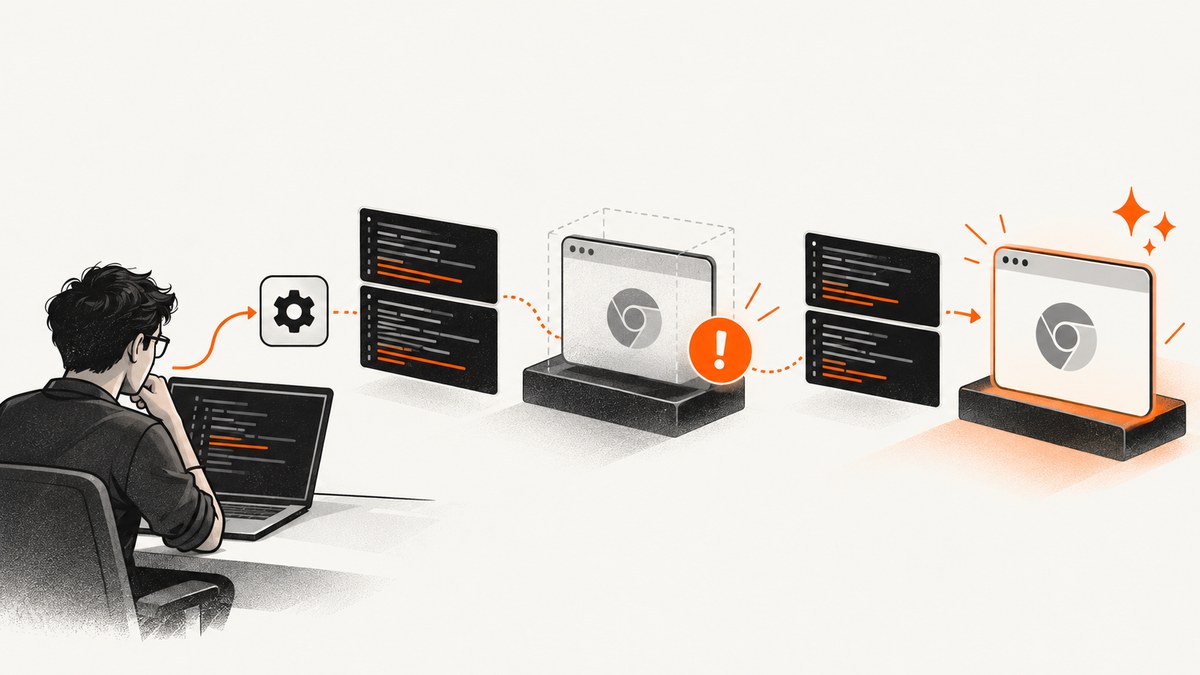
When Selenium cannot start Chrome, first separate Chrome from WebDriver: launch the exact Chrome binary with the exact arguments outside Selenium, then inspect ChromeDriver’s verbose log. If that command fails, repair the browser installation. If it succeeds, investigate the driver and browser versions, Selenium Manager or PATH, the runtime account, headless flags, and the CI or service environment.
This guide gives a repeatable diagnosis for Linux, macOS, Windows, containers, and CI. It keeps Chrome in its supported security model and shows how to collect evidence before changing options.
1. Reproduce the launch outside Selenium
Start with the executable Selenium is actually using. ChromeDriver logs the selected binary; enable verbose logging before reproducing the failure:
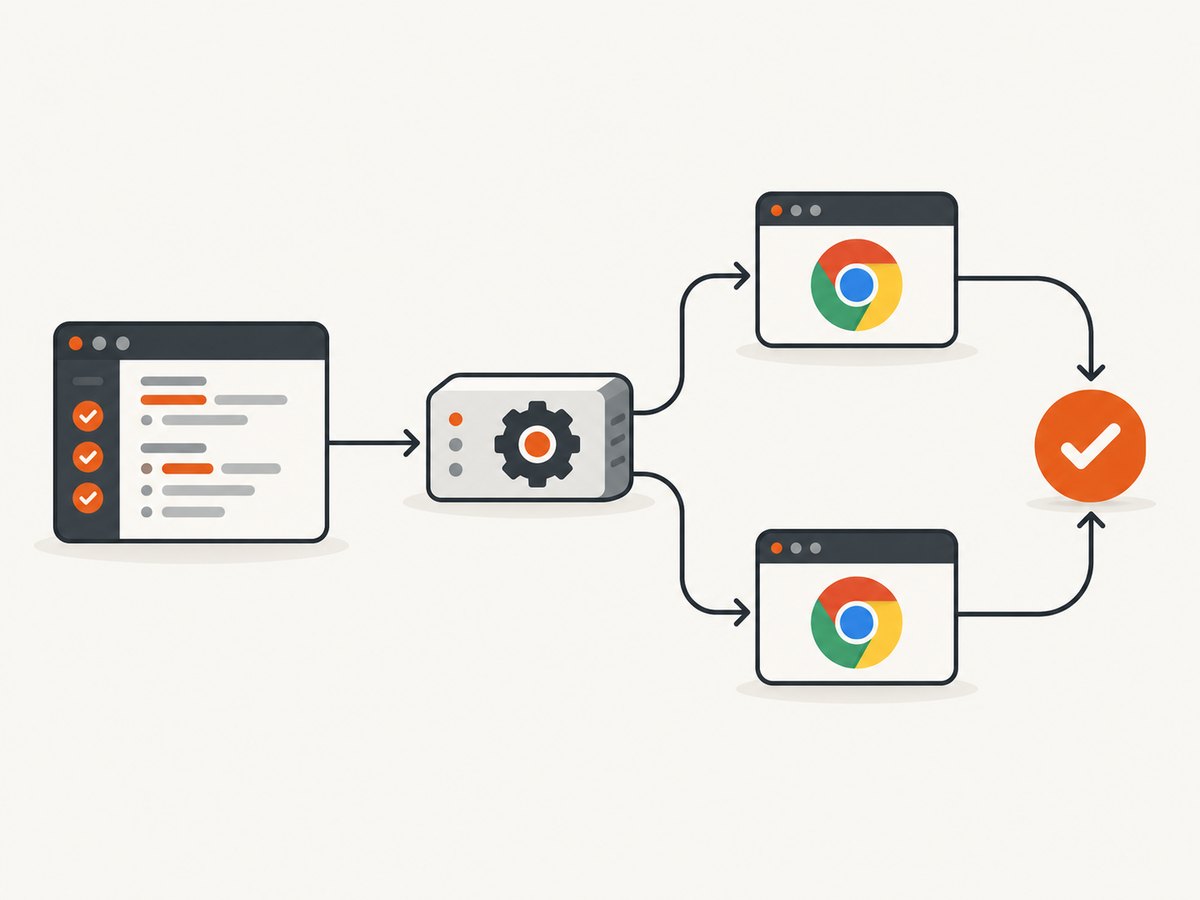
chromedriver --verbose --log-path=chromedriver.logCopy the binary path and arguments from the log, then run them as the same unprivileged account as the test. A minimal Linux check is:
/usr/bin/google-chrome --headless --disable-gpu --remote-debugging-port=0 https://example.comUse your real path and switches. If Chrome exits immediately, prints a profile or library error, or never opens a debugging endpoint, Selenium is not the first failure boundary. Repair Chrome, its dependencies, and the profile directory. If direct launch works, run a tiny test from the same process that normally starts Selenium. This catches service accounts, missing HOME directories, permissions, and restricted CI environments. ChromeDriver’s startup troubleshooting guide also notes that installing Chrome for all users can help when Selenium runs as a background service.
2. Use a known-good Selenium launch
The following Python program is a complete baseline. Selenium 4.6 and later can use Selenium Manager to obtain a driver automatically; otherwise put a compatible driver on PATH or pass its path through Service.
from selenium import webdriver
from selenium.webdriver.chrome.options import Options
from selenium.webdriver.chrome.service import Service

options = Options()
options.add_argument('--headless=new')
options.add_argument('--window-size=1365,900')
options.add_argument('--disable-dev-shm-usage')
# options.binary_location = '/opt/google/chrome/chrome'
# service = Service('/usr/local/bin/chromedriver')
# driver = webdriver.Chrome(service=service, options=options)
driver = webdriver.Chrome(options=options)
try:
    driver.get('https://example.com')
    print(driver.title)
finally:
    driver.quit()
Selenium’s Chrome guide documents Chrome options and states that Selenium 4 supports Chrome 75 and newer. Keep the commented Service lines when you need deterministic driver selection.
3. Align Chrome, ChromeDriver, and Selenium
Record all three versions from the failing machine:
google-chrome --version
chromedriver --version
python -c "import selenium; print(selenium.__version__)"
Chrome and ChromeDriver major versions should match. Do not force a driver to accept a different browser build; Selenium documents that workaround as unsupported. Upgrade Chrome, select the matching ChromeDriver release, or let Selenium Manager resolve the pair. If you see “Unable to obtain driver”, check whether Selenium Manager is available, whether outbound access is blocked, and whether a stale executable earlier on PATH is being selected. The driver installation guide covers Selenium Manager, PATH, and explicit service paths.
| Symptom | Likely boundary | Next action |
|---|---|---|
| Chrome crashes in direct command | Browser install, profile, or libraries | Repair Chrome and run as the test user |
| Direct command works, WebDriver fails | Driver discovery or options | Compare binary path, versions, and arguments |
| Headed works, headless fails | Headless flag, sandbox, or shared memory | Test the current headless flag and container limits |
| Local works, CI fails | Account, HOME, permissions, or service policy | Run with the same user and collect environment details |
4. Handle headless mode deliberately
Headless is a Chrome launch mode, not a separate WebDriver. Selenium examples commonly use --headless=new; Chrome’s current documentation demonstrates --headless. Choose the flag supported by your installed Chrome and binding, and remove obsolete flags copied from old blog posts.
Chrome 112 updated Headless to share the normal Chrome implementation. Since Chrome 132.0.6793.0, the older implementation is available only as the separate chrome-headless-shell binary. See Chrome Headless mode for the version history.
Run the same URL once headed and once headless. A headed success proves that the browser can start but does not prove that display, GPU, or profile settings are valid in CI. Keep the window size explicit because responsive layouts can change resource loading and page behavior.
5. Linux accounts, sandbox, and containers
A frequent Linux startup crash occurs when Chrome runs as root. Run the test and ChromeDriver as a normal user with a writable temporary directory and profile. ChromeDriver says --no-sandbox may bypass the symptom but calls it unsupported and highly discouraged; it is not a routine fix. Correct the container user, filesystem ownership, namespaces, and kernel restrictions instead.
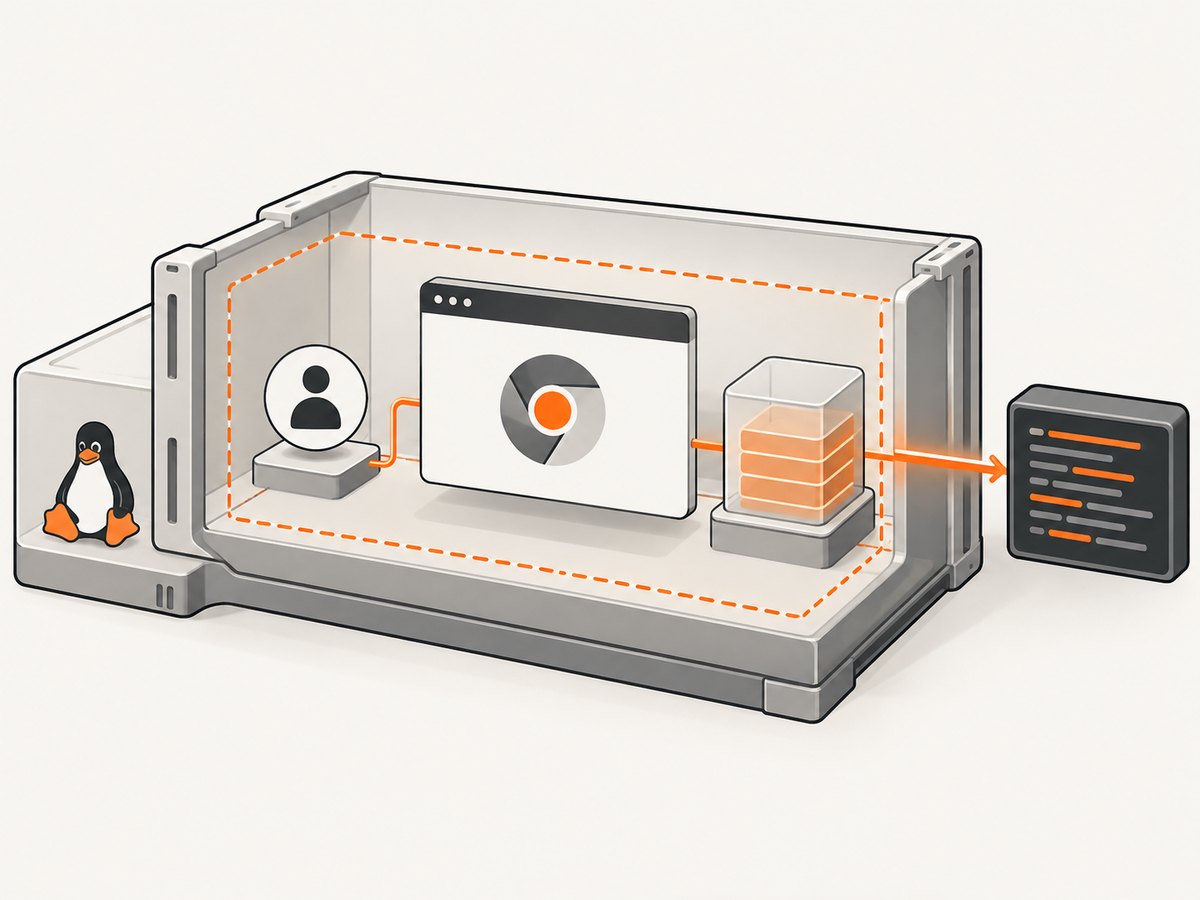
In containers, check shared memory, fonts, certificates, and writable locations. --disable-dev-shm-usage can move shared-memory files to disk, but it may reduce performance; treat it as a container workaround after measuring. Do not disable unrelated security features simply to make a launch pass. ChromeDriver’s security guidance recommends least privilege, a protected environment, and a test account without sensitive local or network access.
6. Capture Chrome and ChromeDriver logs
Keep logs from the same failing run. ChromeDriver supports:
chromedriver --verbose --log-path=/tmp/chromedriver.logChrome’s stderr can be redirected with the CHROME_LOG_FILE environment variable. Selenium’s Chrome options also expose a log path that can be copied into that variable. On Windows, Chrome stderr is not captured through the ChromeDriver log path in the same way as Linux and macOS, so set the environment variable explicitly. See the ChromeDriver logging reference.
For an actionable bug report, include the operating system, Chrome and ChromeDriver versions, Selenium version, exact binary path, complete arguments, account name, whether direct and headed launches work, and the relevant log section. Redact cookies, authorization headers, URLs with secrets, and local usernames.
7. Common errors and fixes
“session not created: This version of ChromeDriver only supports Chrome version …”
The major versions do not match. Install the matching driver or update both through your normal package process. Avoid build-check bypasses.
“Unable to obtain driver for chrome”
Selenium Manager cannot download or locate a driver. Check Selenium is 4.6 or newer, network and proxy access, PATH ordering, and file execute permissions. Supply an explicit Service path when policy requires offline installation.
“DevToolsActivePort file doesn’t exist”
Chrome started and died before WebDriver connected. Reproduce the exact command directly, check that the user is not root, verify a writable profile and temporary directory, and inspect Chrome stderr. In a container, examine /dev/shm and missing libraries.
Chrome opens locally but not as a service
The service likely has a different user, HOME, PATH, display, proxy, or filesystem policy. Log those values, install Chrome for all users when appropriate, and launch a minimal command from the service account.
Headless times out while headed succeeds
Compare flags and viewport, then test current --headless and --headless=new behavior for your Chrome version. Check blocked network requests, DNS, certificates, and resource limits. Capture a driver log before adding switches.
Blank page or missing elements
Startup succeeded; the failure is navigation or page readiness. Wait for a selector or document state, inspect console and network logs, and confirm the URL is reachable from the runtime account. Do not misdiagnose a page timeout as a browser crash.
8. Reliability, performance, and cost practices
- Pin a tested Chrome major version in CI and update it with the matching driver on a planned schedule.
- Reuse a browser only when tests are isolated; otherwise create a fresh profile to avoid extensions, locks, and corrupted state.
- Set explicit page and script timeouts, but keep startup diagnostics separate from navigation retries.
- Use one diagnostic run with verbose logs, then return to normal logging to reduce I/O.
- Keep images, fonts, and certificates installed in the container; missing assets can look like rendering failures.
- Measure launch time, navigation time, and memory before adding flags such as
--disable-dev-shm-usage.
ChromeDriver’s help page says only current stable and beta ChromeDriver versions are supported. If documented isolation does not resolve a reproducible crash, file an issue with the complete evidence rather than accumulating random flags.
Or skip the browser setup
If your goal is a clean image or PDF rather than maintaining Chrome, ScreenshotNeo exposes a single screenshot endpoint. Its consent step accepts cookie banners and removes more than 60 known consent platforms, newsletter popups, and chat widgets before capture; each step can be disabled. Bot checks, blank pages, timeouts, failed loads, and cache hits are not billed, and the response reports the verdict in X-Page-Verdict and X-Billed headers. An MCP server provides take_screenshot, get_page_info, and capture_pdf tools for Claude, Cursor, and other MCP clients.
See the ScreenshotNeo API documentation for all options. This one-call example returns WebP:
curl -G "https://api.screenshotneo.com/v1/shot" -d access_key=YOUR_API_KEY --data-urlencode url=https://stripe.com -o shot.webpimport requests
r = requests.get("https://api.screenshotneo.com/v1/shot", params={"access_key": "YOUR_API_KEY", "url": "https://stripe.com"}, timeout=90)
open("shot.webp", "wb").write(r.content)const q = new URLSearchParams({ access_key: 'YOUR_API_KEY', url: 'https://stripe.com' });
const res = await fetch(`https://api.screenshotneo.com/v1/shot?${q}`);It supports full-page or CSS-element capture, dark mode, device presets and custom viewports, retina scale, PDF paper and page controls, HTML/CSS, custom JavaScript and CSS, clicks, waits, request blocking, headers, cookies, user agents, authorization, timezone, geolocation, transparent backgrounds, resizing, TTL caching, signed links, asynchronous webhooks, bulk capture, usage data, and an OpenAPI specification. One thousand screenshots per month are free with no card; paid plans start at $5 for 3,000. Create a free ScreenshotNeo account.
FAQ
Should I always add --no-sandbox?
No. Treat it as an unsupported, highly discouraged workaround. Fix the account and container security model first.
Does Selenium Manager replace ChromeDriver?
It automates driver discovery and management from Selenium 4.6, but Chrome and driver compatibility still matters.
Is headless a different browser?
No. Current Headless uses Chrome’s browser implementation; the legacy implementation is a separate shell binary from Chrome 132.0.6793.0.
What evidence should I attach to a bug?
Versions, OS, user, binary path, complete arguments, direct-launch result, headed and headless results, and verbose ChromeDriver plus Chrome logs.


