How to Fix ChromeDriver Version 125 Not Finding chromedriver.exe
Diagnose whether ChromeDriver 125 is missing, on the wrong PATH, or mismatched with Chrome. Fix it with Windows checks, Selenium Manager, or an explicit driver path.
If ChromeDriver Version 125 cannot find chromedriver.exe, first determine whether the executable is missing from the process’s PATH, Selenium is using the wrong explicit path, or the driver starts but is incompatible with the installed Chrome build. These are different failures and need different fixes.
In the same terminal or runtime context that launches Selenium, run where chromedriver and chromedriver.exe --version. If Windows cannot resolve the command, extract the driver and either add its containing directory to PATH or configure its absolute path in Selenium’s Chrome driver service. If it runs, compare its full version with Chrome’s full version before changing files. Selenium Manager can resolve the driver in supported modern Selenium setups. The number “125” alone does not identify the correct build.
This guide starts with checks that distinguish those cases, then gives runnable Windows examples for C#, Java, Python, and JavaScript, plus the Selenium Manager and .NET package paths.
1. Capture the actual failure
Before changing PATH or reinstalling anything, record the complete exception and the environment that produced it. The title alone cannot establish whether the driver is absent, inaccessible, mismatched, or failing during startup.
- The full exception and stack trace, including whether it says the driver executable cannot be found or reports a session creation failure.
- Selenium binding and version, programming language, and how the test is started.
- The installed Chrome version, ChromeDriver version if it launches, Windows architecture, and project target/runtime.
- How the driver was installed: standalone archive, PATH, explicit service path, Selenium Manager, or NuGet/package output.
A “driver location” error usually means Selenium could not locate an executable through the configured mechanisms. A browser/driver mismatch typically surfaces after a driver is found and attempts to create a browser session. Fixing PATH does not correct a version mismatch; replacing the driver does not help if Selenium cannot find the file at all.
2. Check whether Windows can find and run the executable
Open the same kind of terminal used to launch the test. If the test is launched from an IDE, CI runner, service, or scheduled task, run an equivalent check in that process environment: its PATH may differ from your interactive shell.
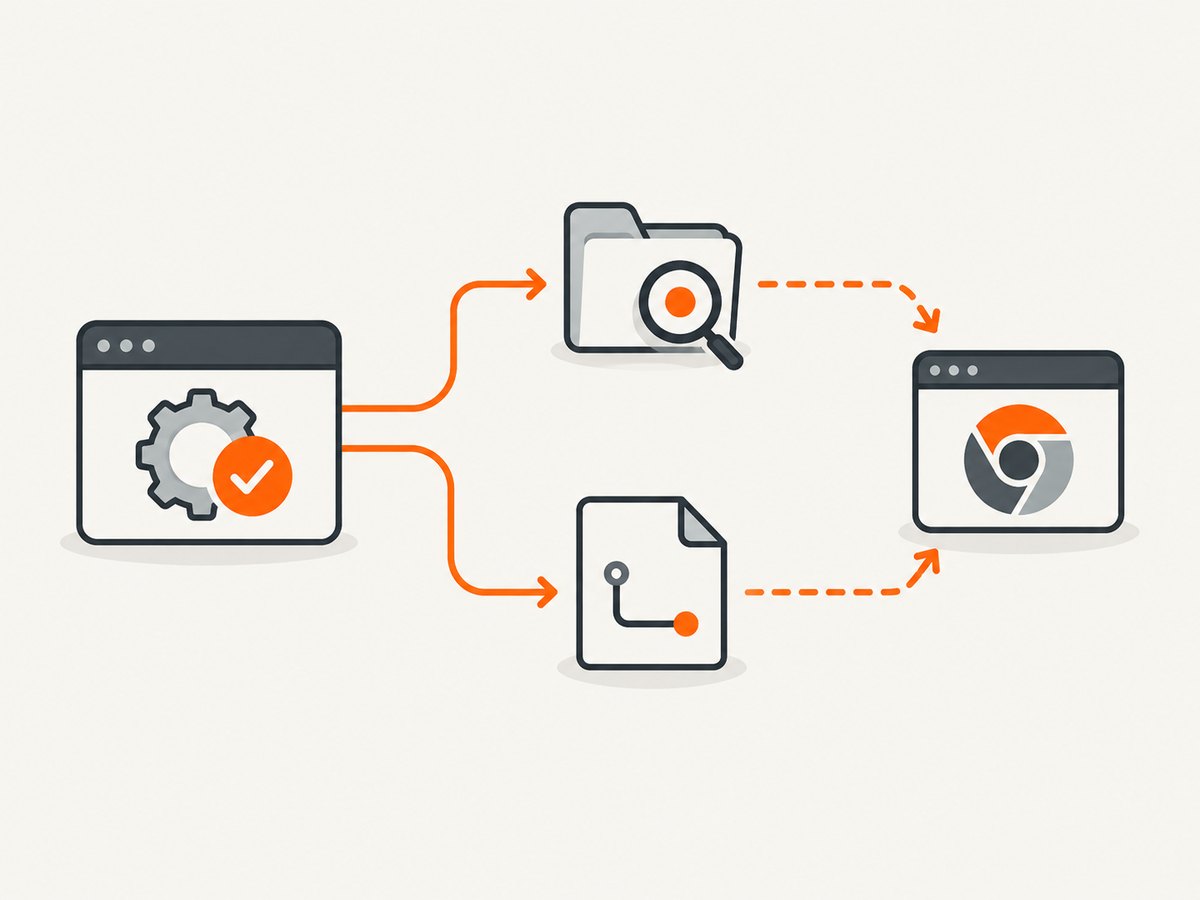
where chromedriver
chromedriver.exe --version
Interpret the results as follows:
where chromedriverreports “could not find files” or no path: the current process cannot resolve that command through PATH.- It prints a path, but
chromedriver.exe --versionfails: check that the file exists, is the Windows executable, and is accessible to the account running the test. - It prints a path and a version: note the exact path and full version. You may have multiple copies; this is the copy found first on PATH, not necessarily the one you expect.
If Windows says the command is unrecognized but you know the file’s location, invoke it directly to separate a PATH issue from an executable issue:
"C:\WebDriver\bin\chromedriver.exe" --versionIf this works, the file is present and runnable; Selenium still needs to be pointed to it or started with a PATH that includes C:\WebDriver\bin. The directory goes on PATH, not the filename chromedriver.exe.
3. Choose one driver-location strategy
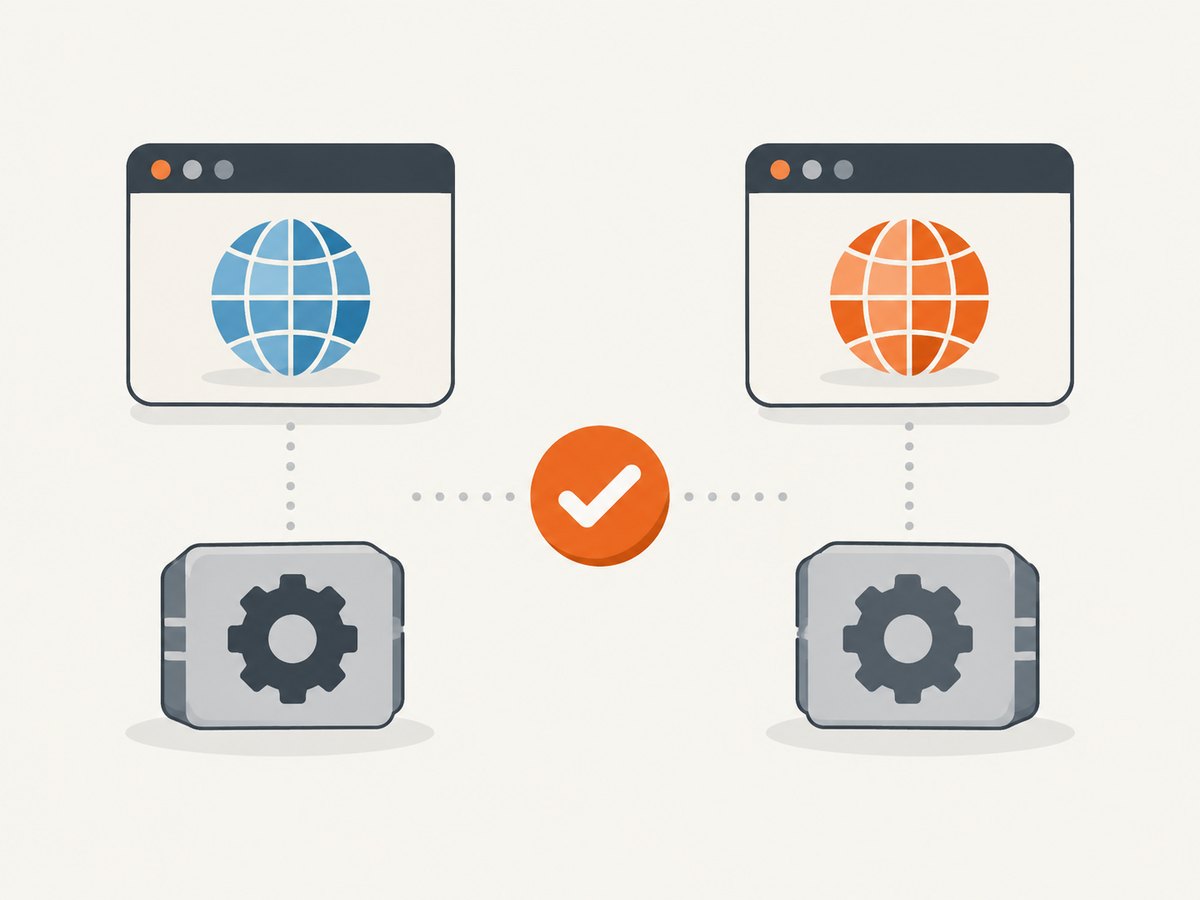
Use one clear source of the executable while diagnosing. PATH, an explicit service path, a package-copied binary, and Selenium Manager can each select a different file. Simplifying the configuration makes the result easier to understand.
Option A: Put the extracted driver directory on PATH
- Download the ChromeDriver build for the platform and Chrome build from the official ChromeDriver downloads page.
- Extract the archive. Confirm that
chromedriver.exeis directly inside the directory you plan to use, such asC:\WebDriver\bin. - Add that directory to the PATH visible to the account and process that runs Selenium.
- Close and reopen the terminal. If you launch from an IDE, restart it too, then repeat
where chromedriverand the version command.
Environment-variable changes are inherited when a process starts. A terminal or IDE that was already open can retain the old PATH. A CI agent, Windows service, or scheduled task may also run under a different account with different environment settings. Confirm from the actual runner rather than assuming that an interactive terminal’s result applies everywhere.
Option B: Set an explicit service path
An explicit absolute path avoids reliance on PATH and makes the intended executable unambiguous. The exact service API can vary across Selenium binding versions; the examples below use common current APIs. Replace the path with the actual location on your machine.
C#
using OpenQA.Selenium;
using OpenQA.Selenium.Chrome;

var service = ChromeDriverService.CreateDefaultService(
    @"C:\WebDriver\bin");
var options = new ChromeOptions();
using var driver = new ChromeDriver(service, options);
driver.Navigate().GoToUrl("https://example.com");
Console.WriteLine(driver.Title);
CreateDefaultService accepts a directory; if your Selenium version exposes an overload that accepts a driver filename, follow that version’s API documentation. Verify that the configured directory contains chromedriver.exe.
Java
import org.openqa.selenium.WebDriver;
import org.openqa.selenium.chrome.ChromeDriver;
import org.openqa.selenium.chrome.ChromeDriverService;
import org.openqa.selenium.chrome.ChromeOptions;
import java.io.File;

ChromeDriverService service = new ChromeDriverService.Builder()
    .usingDriverExecutable(new File("C:\\WebDriver\\bin\\chromedriver.exe"))
    .build();
WebDriver driver = new ChromeDriver(service, new ChromeOptions());
try {
    driver.get("https://example.com");
    System.out.println(driver.getTitle());
} finally {
    driver.quit();
}
Python
from selenium import webdriver
from selenium.webdriver.chrome.service import Service

service = Service(r"C:\WebDriver\bin\chromedriver.exe")
driver = webdriver.Chrome(service=service)
try:
    driver.get("https://example.com")
    print(driver.title)
finally:
    driver.quit()
JavaScript (Node.js)
The Selenium JavaScript package accepts a driver service configuration. Install Selenium with npm install selenium-webdriver, then point the Chrome service at the executable:
const { Builder } = require('selenium-webdriver');
const chrome = require('selenium-webdriver/chrome');

(async () => {
  const service = new chrome.ServiceBuilder(
    'C:\\WebDriver\\bin\\chromedriver.exe'
  );
  const driver = await new Builder()
    .forBrowser('chrome')
    .setChromeService(service)
    .build();
  try {
    await driver.get('https://example.com');
    console.log(await driver.getTitle());
  } finally {
    await driver.quit();
  }
})();
For JavaScript projects using another automation library or an older Selenium API, check that library’s service configuration rather than assuming this API is interchangeable.
Option C: Let Selenium Manager resolve the driver
Supported modern Selenium setups can use Selenium Manager to inspect Chrome, select or download a compatible driver, and report how it resolved the executable. This can remove manual PATH management. It still needs a supported Selenium setup and an environment in which the manager can perform the required detection and resolution.
Enable Selenium Manager’s debug output using the mechanism supported by your binding/version, then inspect the messages for Chrome detection, PATH lookup, metadata resolution, and the final driver path. The goal is to learn which binary Selenium selected. If the manager reports a path, compare that exact file’s version with Chrome; do not assume it selected the copy you saw in another terminal.
If manual configuration and Selenium Manager are both active, temporarily simplify the setup so the selected source is clear. Selenium’s Selenium Manager notes describe its driver management and diagnostics.
4. Verify the Chrome and ChromeDriver versions
Once you know which executable is being used, check compatibility. ChromeDriver is separate from Selenium itself. Installing Selenium does not establish that chromedriver.exe is present or that it matches the installed browser.
- Read Chrome’s full version from the browser’s About Chrome page or the installed browser executable’s version details.
- Read the full ChromeDriver version from the exact executable selected by PATH, service configuration, package output, or Selenium Manager.
- Choose the official driver build corresponding to the installed Chrome build and platform using the Chrome for Testing downloads.
- Rerun the lookup or debug logging to verify Selenium is using the intended executable after updating it.
“125” is only a major-version clue; it does not provide the complete Chrome build or patch. The ChromeDriver release notes list changes made in version 125, including device-posture commands and a BiDi command identifier precision fix. They do not identify a missing-chromedriver.exe symptom as a ChromeDriver 125 defect. Avoid attributing this error to a 125 regression without a matching exception or issue.
5. If this is a .NET NuGet installation
With Selenium.WebDriver.ChromeDriver, the driver executable can be copied into the project’s build output folder. It may not appear as an ordinary file in Solution Explorer. Inspect the output directory created by the test build and confirm the test runner is using that output. The package version’s copy behavior and the resulting location can depend on package version, project configuration, and runtime identifier.
For the researched package Selenium.WebDriver.ChromeDriver 125.0.6422.14100, the package page describes copying the Windows driver into the test project’s output directory at build time. If it is absent there, rebuild and inspect the actual output path; if present, verify the test process uses that output rather than a different PATH copy. Do not infer that a package reference alone means the executable is visible to every runner.
6. Troubleshooting common errors
| Symptom | Likely cause | What to do |
|---|---|---|
where chromedriver finds nothing |
Driver directory is absent from this process’s PATH, or the archive was not extracted. | Confirm the file exists, add its containing directory to PATH or configure the absolute service path, then restart the terminal/IDE and check again. |
chromedriver.exe works by full path but not by name |
PATH does not include the directory, or the current process inherited an older PATH. | Add the directory, start a fresh process, and verify with where chromedriver. |
where returns an unexpected path |
An older or competing driver appears earlier in PATH. | Inspect the reported executable’s version. Remove ambiguity by setting one explicit service path or correcting PATH ordering. |
| Driver is found, but Chrome session creation fails | Could be Chrome/driver incompatibility, browser startup, permissions, or another startup condition. | Read the full exception, compare full versions, confirm the selected path, and investigate the specific startup error rather than treating it as a missing file. |
| Works in a terminal, fails in IDE or CI | The IDE, runner, service account, or agent has a different PATH, permissions, or working environment. | Run checks in that context, restart the process after environment changes, and prefer an explicit path when the deployment layout is stable. |
| NuGet package is installed, but file is not visible in Solution Explorer | The package may copy the executable to build output instead of displaying it as a project file. | Build, inspect the actual output directory, and check the runner’s executable resolution. |
| Two sources appear to configure the driver | PATH, service configuration, package output, or Manager may select different copies. | Temporarily use one location strategy and log/inspect the final path. |
Selenium’s driver-location troubleshooting guide covers this class of error, including missing driver resolution and explicit location configuration. Its archived ChromeDriver guidance provides historical context on PATH and explicit paths; for exact current API details, use the documentation for your Selenium binding and version.
7. Performance, reliability, and maintenance
For one local run, an explicit path can make it easy to see which driver will be used. For a team or CI environment, a repeatable install or Selenium Manager may reduce manual file management, but reliability still depends on matching the browser and driver and on the runner’s environment. PATH-based setups need consistent provisioning and fresh processes after changes.
- Pin what matters. Keep browser and driver selection deliberate in CI. A version that works on a developer laptop may not be installed on a clean runner.
- Log resolution. Record the Chrome version, driver version, and resolved path when a run fails. Selenium Manager debug output can explain how it selected a driver.
- Avoid stale duplicates. Multiple copies in PATH make a successful lookup less informative unless you inspect the returned path.
- Keep paths portable. An explicit machine-local path is clear but may not exist on another machine. Use a project or runner provisioning convention appropriate to the environment.
- Do not treat driver downloads as a fix for all failures. A missing path, mismatched build, inaccessible file, and browser startup problem have separate remedies.
This setup problem has no necessary hardware purchase. The relevant work is locating and configuring software; the research did not establish a useful physical product for resolving it.
8. Or skip the browser setup
If the task is to capture a website screenshot rather than test browser behavior through Selenium, ScreenshotNeo provides a website screenshot API and MCP server. Its one-call API returns a screenshot or PDF, so this use case does not require installing ChromeDriver locally. See the ScreenshotNeo API docs for its request options.
curl -G "https://api.screenshotneo.com/v1/shot" -d access_key=YOUR_API_KEY --data-urlencode url=https://stripe.com -o shot.webpimport requests
r = requests.get(
"https://api.screenshotneo.com/v1/shot",
params={"access_key": "YOUR_API_KEY", "url": "https://stripe.com"},
timeout=90,
)
open("shot.webp", "wb").write(r.content)const q = new URLSearchParams({ access_key: 'YOUR_API_KEY', url: 'https://stripe.com' });
const res = await fetch(`https://api.screenshotneo.com/v1/shot?${q}`);
if (!res.ok) throw new Error(`Screenshot request failed: ${res.status}`);
const fs = require('node:fs/promises');
await fs.writeFile('shot.webp', Buffer.from(await res.arrayBuffer()));- Cookie banners, newsletter popups, and chat widgets are removed before the shot; each cleanup step can be turned off.
- Bot checks/CAPTCHAs, blank pages, timeouts, failed loads, and cache hits cost nothing. Responses identify the page verdict and billing status in headers.
- An MCP server lets AI agents, including Claude, Cursor, and other MCP clients, take screenshots.
- 1,000 screenshots a month are free with no card. Paid plans start at $5 for 3,000; every feature is on every plan.
Sign up for ScreenshotNeo free: 1,000 screenshots a month, no card required.
9. FAQ
Does the number 125 prove I need ChromeDriver 125?
No. Compare the full installed Chrome build with the full driver version. The title does not include enough detail to name the compatible patch build.
Should I reinstall Selenium?
Not as the first step. Selenium and ChromeDriver are separate; first determine whether the executable exists and which location strategy Selenium is using.
Does adding the executable itself to PATH work?
Add the directory containing chromedriver.exe. Then start a fresh terminal or IDE and confirm the lookup resolves to the intended file.
Is this a known ChromeDriver 125 bug?
The cited 125 release notes do not associate that release’s listed changes with a missing executable. Diagnose location and compatibility from the actual error and environment.
When should I use Selenium Manager?
Use it when your Selenium setup supports it and you want Selenium to resolve the browser driver. Its debug output is especially useful when the selected path or version is unclear.


