How to Fix the ChromeDriver Executable Needs to Be in PATH Error
Fix Selenium’s ChromeDriver PATH error with Selenium Manager, a manual PATH entry, or an explicit driver path—with platform steps and runnable Python examples.
If Selenium reports that the ChromeDriver executable needs to be in PATH, it cannot find a usable ChromeDriver through its configured lookup methods. With a current Selenium release, first upgrade Selenium and retry without specifying a driver: Selenium Manager, included with Selenium, can obtain the needed driver automatically. If automatic management is unsuitable, add the directory containing chromedriver (macOS/Linux) or chromedriver.exe (Windows) to the PATH seen by the test process, or configure an explicit service path. The PATH entry is a directory, not the executable file itself. See Selenium’s Unable to Locate Driver guide.
1. Start with the simplest fix: Selenium Manager
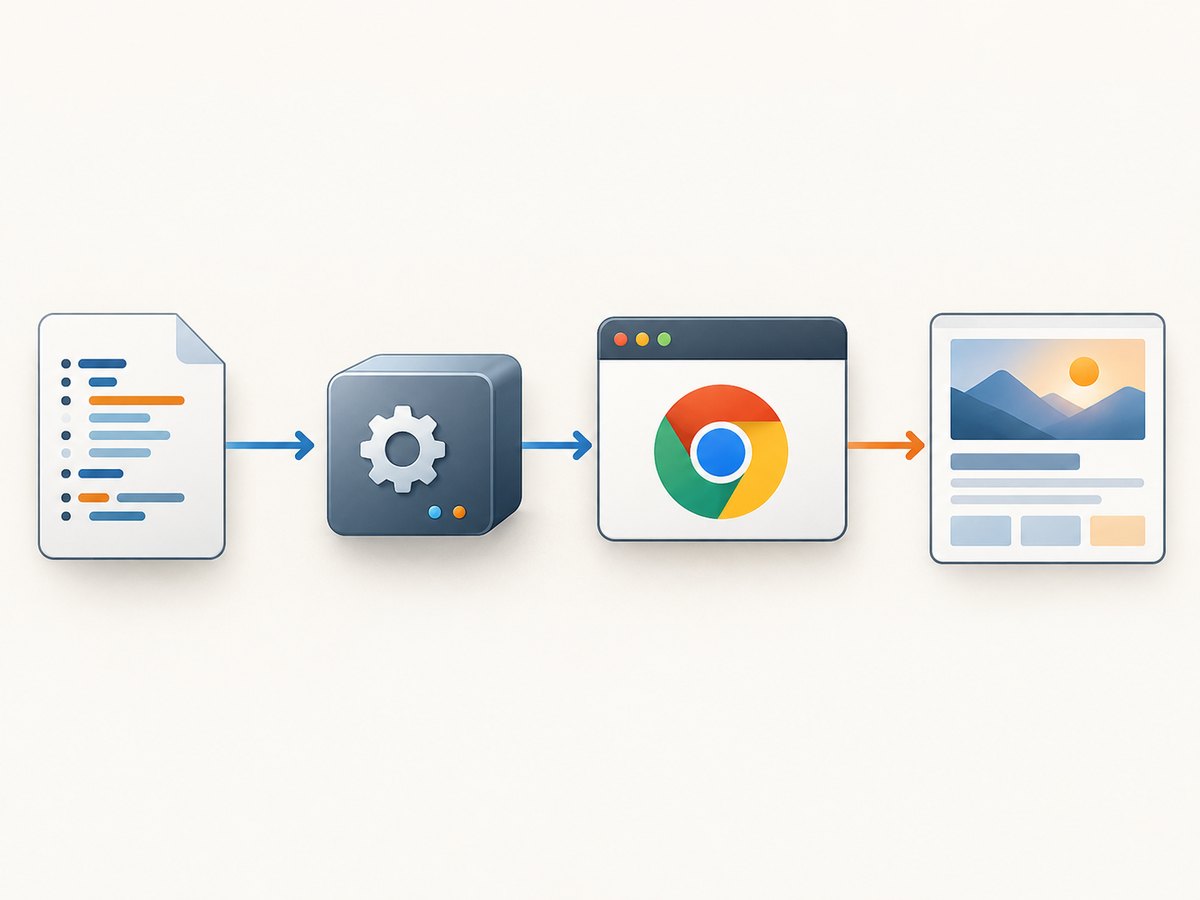
Install or upgrade Selenium in the same environment that runs your script, then construct Chrome without passing a driver path. Selenium Manager is shipped with Selenium and is used when Selenium cannot otherwise find a driver. Selenium documents automatic driver management from Selenium 4.6 onward. This is usually the right first attempt because it avoids maintaining a manually downloaded binary.
python -m pip install --upgrade seleniumSave this as check_chrome.py and run it with the same Python interpreter used by your application:
from selenium import webdriver

options = webdriver.ChromeOptions()
# Add options required by your environment here, for example:
# options.add_argument("--headless")

driver = webdriver.Chrome(options=options)
try:
    driver.get("https://example.com")
    print("Title:", driver.title)
finally:
    driver.quit()
If this works, no manual PATH change is needed. Selenium Manager may need network access to resolve and download a compatible driver when one is not already available. A locked-down CI job or offline machine may therefore need a preinstalled driver and an explicit path instead. If the original error persists, confirm that the upgraded Selenium package is installed in the environment actually executing the code:
python -c "import selenium; print(selenium.__version__)"
python -m pip show selenium
When the error changes to a browser startup or session-creation error, driver discovery may already be fixed. Check the new message separately; version compatibility, browser installation, permissions, and headless/container requirements are distinct issues.
2. Find and verify the ChromeDriver executable
Before editing PATH, locate the driver you intend to use. Extract the downloaded archive and identify the actual executable. The directory you add must contain that executable. ChromeDriver is a separate executable used by Selenium WebDriver to control Chrome; Chrome must also be installed in a location ChromeDriver can recognize, unless configured otherwise. See Chrome for Developers’ ChromeDriver setup guide.
Check the current shell’s PATH and ask it to resolve the command:
# macOS / Linux
printf '%s\n' "$PATH"
command -v chromedriver
chromedriver --version

# Windows Command Prompt
echo %PATH%
where chromedriver
chromedriver.exe --version
If the version command says “command not found” or Windows cannot find the command, the current process does not see a matching executable. Verify the file location and filename before changing configuration. On macOS/Linux, check that the file can be executed:
ls -l /path/to/driver/chromedriver
chmod +x /path/to/driver/chromedriver
/path/to/driver/chromedriver --version
Use the full path for the last command to separate an executable or permission problem from a PATH problem. On Windows, use a Windows ChromeDriver binary and Windows path syntax; Linux and macOS binaries cannot run there.
3. Add the containing directory to PATH
macOS and Linux
For a temporary fix in the current shell, prepend or append the directory for one command session:
export PATH="$PATH:/path/to/driver"
chromedriver --version
For a persistent change, put the export in the startup file read by the shell that launches your work. For example, Bash commonly reads ~/.bashrc for interactive shells, while Zsh commonly reads ~/.zshrc. Login shells, terminals, IDEs, and automation tools can read different startup files, so use the one relevant to your launch path.
# Example for Bash; replace the directory with the real one
printf '\nexport PATH="$PATH:/path/to/driver"\n' >> ~/.bashrc
source ~/.bashrc
chromedriver --version
Open a fresh terminal after changing startup configuration and rerun the version check. Avoid adding the archive path, a nonexistent folder, or the binary filename where a directory is expected.
Windows
Add the directory containing chromedriver.exe to the user or system Path through Environment Variables in Windows settings. Open a new Command Prompt or restart the application that runs Selenium; existing processes keep their old environment. Selenium’s troubleshooting guide also describes setting Path from Command Prompt. Use care with persistent Path edits: check the resulting Path in a new shell and confirm the driver resolves.
REM In a newly opened Command Prompt
echo %PATH%
where chromedriver
chromedriver.exe --version
4. Use an explicit Service path when PATH is not the right fit
An explicit path is useful when a project pins a known driver location, when PATH differs across machines, or when the test environment controls binaries in a dedicated directory. In Python, Selenium’s Service object accepts the executable path:
from selenium import webdriver
from selenium.webdriver.chrome.service import Service

service = Service(executable_path="/opt/webdrivers/chromedriver")
options = webdriver.ChromeOptions()

driver = webdriver.Chrome(service=service, options=options)
try:
    driver.get("https://example.com")
    print(driver.title)
finally:
    driver.quit()
On Windows, provide a Windows path such as r"C:\WebDriver\bin\chromedriver.exe". Keep machine-specific paths in configuration rather than hard-coding a developer’s local directory into shared source. The explicit service path bypasses PATH lookup for the driver, but the file still has to exist, match the operating system and architecture, and be executable by the test account.
Chrome for Developers documents the Python path option and Java’s webdriver.chrome.driver system property in its setup guide. The exact API varies by Selenium language binding. For JavaScript, recent Selenium bindings can use Selenium Manager when creating a Chrome driver without a manually configured service:
const { Builder } = require('selenium-webdriver');
const chrome = require('selenium-webdriver/chrome');

(async function run() {
  const options = new chrome.Options();
  // options.addArguments('--headless');
  const driver = await new Builder()
    .forBrowser('chrome')
    .setChromeOptions(options)
    .build();
  try {
    await driver.get('https://example.com');
    console.log(await driver.getTitle());
  } finally {
    await driver.quit();
  }
})();
5. Make the fix work in IDEs, Docker, and CI
A PATH update in your interactive terminal does not automatically update a process launched elsewhere. The relevant question is not just “Is ChromeDriver on my PATH?” but “Does the process running Selenium receive a PATH that contains the driver directory?” Check the environment from the same IDE run configuration, service, container, or CI job that launches the test.
| Where it runs | What to check |
|---|---|
| IDE | Restart the IDE after changing environment variables, or set PATH in its run configuration. |
| Docker | Install or copy a driver into the image and set PATH in the image or container environment. A host PATH does not configure the container. |
| CI runner | Install the matching platform binary in the job environment or rely on Selenium Manager where network and policy allow. Print PATH and the resolved driver in the job log. |
| Service account | Check that account’s environment and file permissions; it may not share your logged-in user’s PATH or home directory. |
| Virtual environment | Confirm the Python interpreter and Selenium package belong to the activated environment used by the test. |
For reproducible builds, choose a deliberate driver-management policy. Selenium Manager reduces manual version and path maintenance but can depend on network access when resolving binaries. A pinned executable gives more control over the exact binary, but your team must distribute, update, and keep that binary compatible with the browser. Either way, log Selenium’s version, the browser version, the resolved driver path, and the driver version when diagnosing CI-only failures.
6. If discovery works, check compatibility and browser startup
A successful chromedriver --version only proves that a command resolves and runs in that shell. It does not prove Selenium uses that same binary, that the browser is installed, or that the browser and driver can establish a session together. Compare the browser and driver versions when the error has moved from “executable needs to be in PATH” to a session-creation or compatibility message. Let Selenium Manager resolve a compatible driver when possible, or install a compatible browser-driver pair for a pinned environment.
Other failures can resemble a PATH issue:
- Wrong platform or architecture: replace the binary with one built for the OS and architecture where the test runs.
- Permission denied: grant execute permission on macOS/Linux and ensure the service account can read and execute the file.
- Browser not found: install Chrome/Chromium or configure the browser binary location in Chrome options.
- Security quarantine or policy: macOS Gatekeeper or endpoint controls may block execution after discovery succeeds; follow the machine administrator’s approved process for trusted binaries.
- Headless/container startup: diagnose browser startup flags and container dependencies from the browser error. These are not repaired by adding ChromeDriver to PATH.
7. Common error messages and fixes
| Symptom | Likely cause | Fix |
|---|---|---|
chromedriver: command not found |
Driver directory is absent from this shell’s PATH, or executable name differs. | Check the file, add its containing directory, reload/reopen the shell, and run chromedriver --version. |
| Selenium says driver executable must be set | Selenium cannot locate a driver through PATH, an explicit path, or its management fallback. | Upgrade Selenium and retry with Selenium Manager; otherwise configure PATH or a Service path. |
Permission denied / cannot execute |
File lacks execute permission, is blocked, or belongs to a different platform. | Use the right binary, grant execute permission where appropriate, and verify with the absolute path. |
SessionNotCreatedException or version mismatch |
Discovery succeeded, but Chrome and ChromeDriver cannot create a compatible session. | Compare versions and use Selenium Manager or install a compatible pair. |
| Works in terminal, fails in IDE or CI | The launching process has a different environment, account, container, or architecture. | Inspect PATH and file access from that exact process environment. |
| Automatic resolution fails offline | Selenium Manager cannot obtain a missing driver in the restricted environment. | Provision the required driver in advance and configure its path explicitly. |
8. Performance, reliability, and cost considerations
ChromeDriver is a local executable used to automate Chrome; this setup error does not itself indicate a paid Selenium feature or a screenshot service charge. The operational cost is engineering and runtime maintenance: managing compatible binaries, provisioning browser dependencies, and debugging differences between developer machines and CI. Selenium Manager can remove routine manual driver downloads, while pinned drivers make versions and locations explicit. In CI, caching or preinstalling the chosen browser and driver can avoid repeated setup work, subject to your update and security policy. Reuse a browser session when the test design permits it instead of starting a fresh browser for every small action; always close sessions so browser processes do not accumulate.
If your task is simply to capture a webpage image or PDF, browser automation may be more setup than needed. ScreenshotNeo is a website screenshot API and MCP server from ScreenshotNeo. Its request-based capture avoids installing Chrome and ChromeDriver in your application environment.
Or skip the browser setup
Make one GET request to capture a URL. Full API options are in the ScreenshotNeo API documentation.
curl -G "https://api.screenshotneo.com/v1/shot" -d access_key=YOUR_API_KEY --data-urlencode url=https://stripe.com -o shot.webpPython:
import requests
r = requests.get("https://api.screenshotneo.com/v1/shot", params={"access_key": "YOUR_API_KEY", "url": "https://stripe.com"}, timeout=90)
open("shot.webp", "wb").write(r.content)
Node.js:
const q = new URLSearchParams({ access_key: 'YOUR_API_KEY', url: 'https://stripe.com' });
const res = await fetch(`https://api.screenshotneo.com/v1/shot?${q}`);
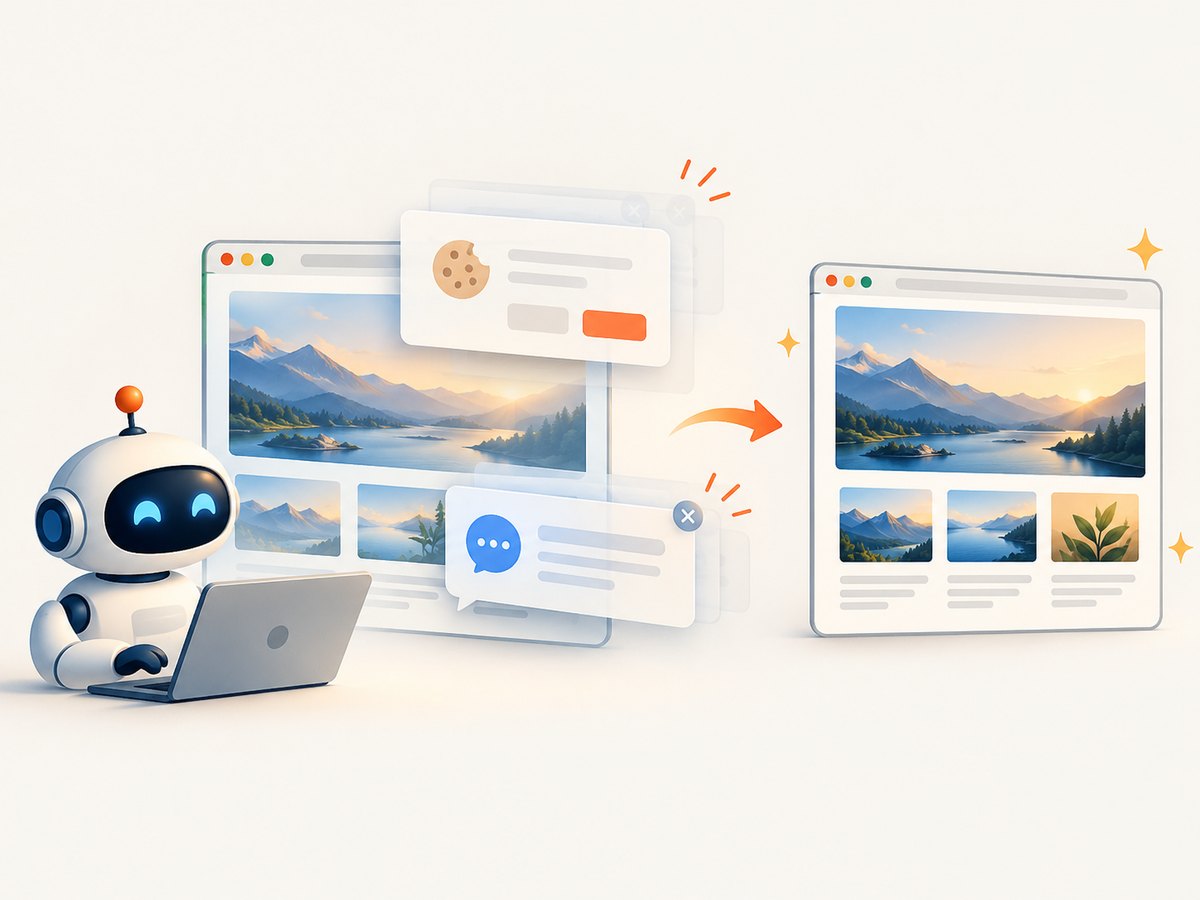
- Cookie banners, newsletter popups, and chat widgets are removed before the shot; each cleanup step can be turned off.
- Bot checks, blank pages, timeouts, failed loads, and cache hits are not billed; response headers report page verdict and billing status.
- An MCP server lets Claude, Cursor, and other MCP clients take screenshots, get page information, and capture PDFs.
- 1,000 screenshots per month are free with no card; paid plans start at $5 for 3,000 shots. All features are on every plan.
Get started with 1,000 free screenshots a month, no card required.
FAQ
Does the PATH need the ChromeDriver filename?
No. PATH contains directories. Add the folder that contains chromedriver or chromedriver.exe.
Do I still need Chrome installed?
Usually yes: ChromeDriver controls Chrome, and the browser must be installed or otherwise made available to the setup. Browser installation and driver discovery are separate checks.
Why does restarting the terminal matter?
Environment variables are inherited when a process starts. A terminal, IDE, service, or CI worker that was already running may retain the old PATH after you change it.
Can I use this fix for Firefox?
The discovery principle is similar, but Firefox uses its own browser driver, geckodriver. Use the driver and service configuration for the browser you automate.


