How to Fix Chromedriver Screenshots That Fail in Headless Mode
Fix missing, blank, clipped, or wrongly sized Chromedriver screenshots with a version, headless-mode, viewport, and logging checklist.
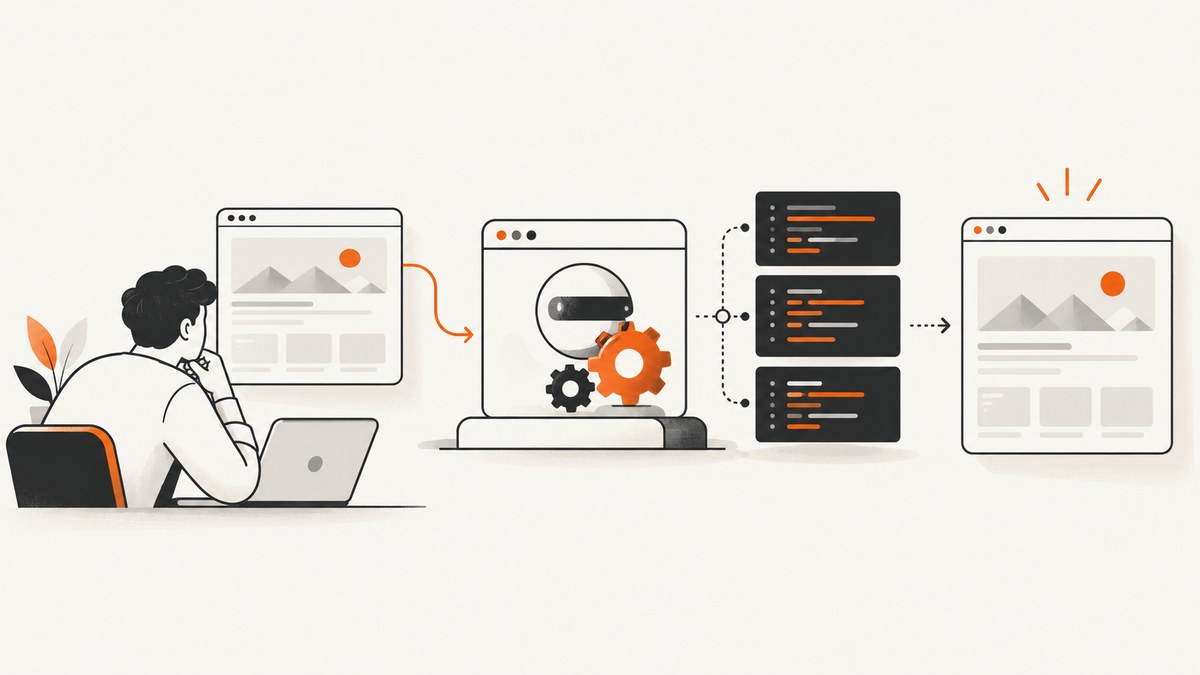
A headless Chromedriver screenshot usually fails for one of four reasons: Chrome and ChromeDriver have incompatible major versions, the script is using a different headless implementation than expected, the viewport was never set deliberately, or navigation and capture failed before the page was ready. Diagnose those causes separately instead of treating every blank or missing image as the same problem.
The fastest sequence is:
- Record the Chrome, ChromeDriver, Selenium, operating-system, and architecture versions.
- Check that Chrome and ChromeDriver have matching major versions.
- Identify whether you are using current unified headless Chrome or the separate legacy
chrome-headless-shellbinary. - Set an explicit viewport with
--window-sizeor Selenium’s window-size API. - Enable ChromeDriver logging and inspect the exact point where session startup, navigation, or capture stops.
- Classify the result as a missing file, exception, blank page, clipped page, or unexpected dimensions, then apply the matching fix.
1. Separate the screenshot symptoms
These symptoms have different evidence and usually different causes:
| Symptom | What to inspect first | Typical next action |
|---|---|---|
| No output file | Process exit status, output path, permissions, and driver logs | Use an absolute path and preserve stderr/log output |
| WebDriver exception | Chrome/ChromeDriver major versions and startup flags | Align versions, then reproduce with logging enabled |
| Blank image | Navigation result, page source, readiness, blocked resources | Confirm the URL loaded before calling screenshot |
| Clipped image | Viewport and full-page behavior | Set a known window size or use a deliberate full-page method |
| Wrong dimensions | CSS viewport, device scale factor, and output format | Measure the image and configure viewport and scale explicitly |
Official Chrome documentation demonstrates --screenshot with --window-size; it does not claim one universal fix for every blank or missing image. Treat the image result as evidence, not as proof of a single root cause.
2. Verify Chrome and ChromeDriver versions
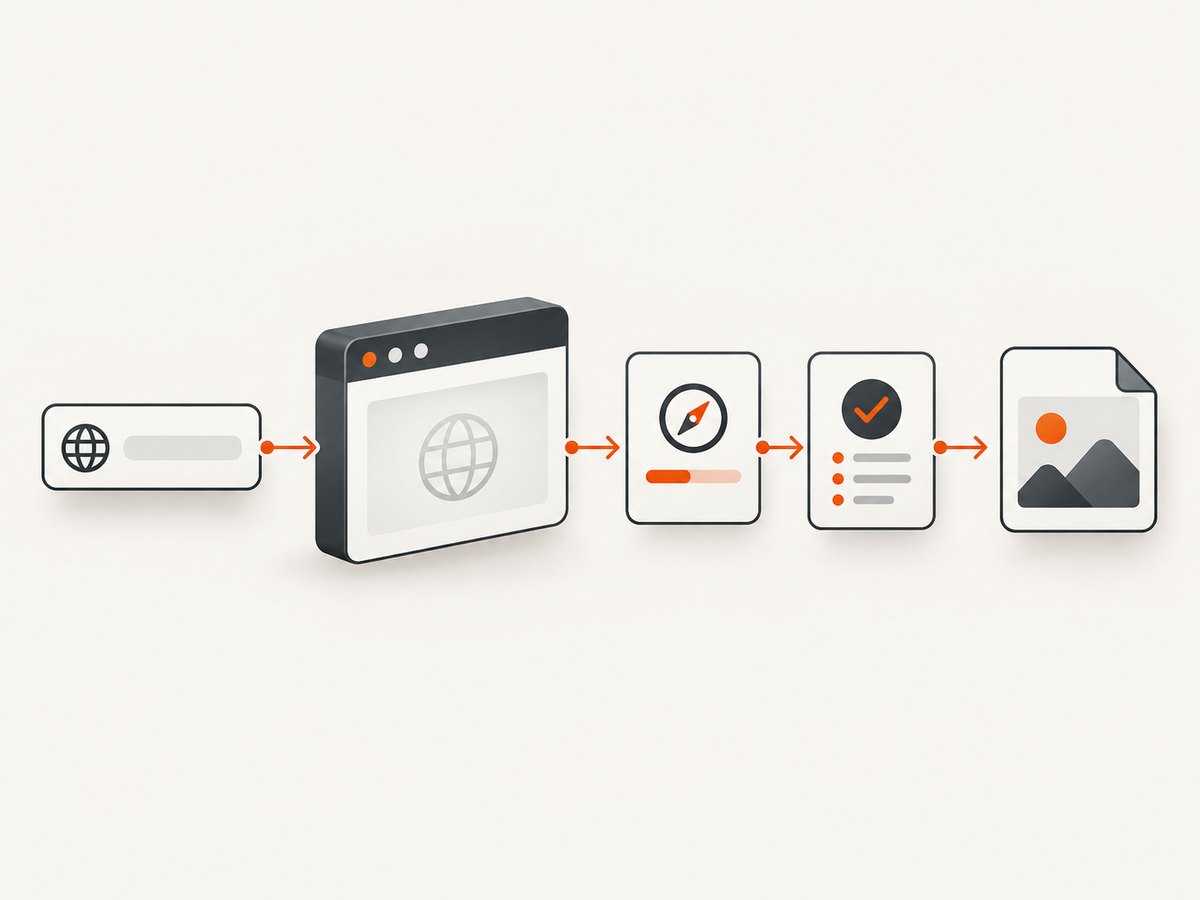
Selenium’s Chrome documentation identifies a Chrome/ChromeDriver version mismatch as a driver error cause. Check both major versions before changing application code. A patch-level difference is not the same diagnostic as a major-version mismatch, so record the complete versions for reproducibility.
google-chrome --version
chromedriver --version
python -c "import selenium; print(selenium.__version__)"
uname -a
On systems where the binaries have different names, use the installed paths explicitly:
/usr/bin/google-chrome --version
/usr/local/bin/chromedriver --version
Compare the first number in each browser and driver version. If they do not match, install a compatible ChromeDriver or use Selenium Manager with a browser version that it can resolve. Keep the browser and driver installation method documented in your build or container configuration so an automatic update cannot silently change one side.
3. Confirm which headless implementation you are running
Chrome’s current headless mode shares code with Chrome’s headful mode. Chrome for Developers states, “Chrome now has unified Headless and headful modes.” Older recipes can therefore behave differently from current Chrome commands. Beginning with Chrome 132.0.6793.0, the older implementation is available as a separate chrome-headless-shell binary. Verify the version-specific assumption before copying a command that uses legacy flags or a separate executable.
For a direct command-line check, use the current headless flag and a known viewport:
google-chrome \
  --headless=new \
  --disable-gpu \
  --hide-scrollbars \
  --screenshot=/tmp/example.png \
  --window-size=412,892 \
  https://developer.chrome.com/
The --disable-gpu flag is retained in many Linux examples for compatibility, but the key diagnostic settings here are the headless implementation, output path, URL, and explicit window size. Remove flags one at a time when isolating a startup failure; a large collection of copied flags can hide the real cause.
4. Use an explicit viewport and capture method
Headless Chrome does not infer the dimensions you want from the target page. A responsive layout can change at a different width, and device scale can change pixel dimensions even when CSS dimensions look correct. Set the viewport before navigation and inspect the resulting image dimensions afterward.
from pathlib import Path
from selenium import webdriver
from selenium.webdriver.chrome.options import Options
from selenium.webdriver.chrome.service import Service

options = Options()
options.add_argument("--headless=new")
options.add_argument("--window-size=1440,900")
options.add_argument("--hide-scrollbars")

service = Service(log_output="chromedriver.log")
driver = webdriver.Chrome(service=service, options=options)
try:
    driver.get("https://example.com")
    driver.save_screenshot(str(Path("example.png").resolve()))
finally:
    driver.quit()
save_screenshot captures the current viewport. It does not automatically mean “entire document.” If you need a full-page image, decide whether your Selenium version supports a full-page screenshot API or whether you will use Chrome DevTools Protocol stitching. Keep that choice explicit because full-page capture has different memory and lazy-loading behavior than a viewport shot.
To confirm what the browser actually used:
width = driver.execute_script("return window.innerWidth")
height = driver.execute_script("return window.innerHeight")
print({"css_viewport": (width, height), "outer": driver.get_window_size()})
If your output is twice the expected pixel width, inspect device scale factor and any retina emulation. If it is clipped, compare the CSS viewport to the document’s scroll height and verify that your capture method supports full-page output.
5. Enable ChromeDriver logs
Selenium exposes driver logging through the Service class. Send logs to a file and retain them with the failing screenshot or test artifact.
from selenium import webdriver
from selenium.webdriver.chrome.options import Options
from selenium.webdriver.chrome.service import Service

options = Options()
options.add_argument("--headless=new")
options.add_argument("--window-size=1280,800")
service = Service(log_output="chromedriver.log")
driver = webdriver.Chrome(service=service, options=options)
Read the log around the first error, not only the final WebDriver exception. Startup failures, port binding problems, executable-path mistakes, and session negotiation errors often appear earlier. In CI, upload the log even when the screenshot file is absent.
6. Check navigation and page readiness
A valid browser session can still produce a blank image when navigation failed, the URL redirected to an interstitial, or application content had not rendered when capture ran. Log the final URL, title, and a small page-source marker immediately before the screenshot.
from selenium.webdriver.support.ui import WebDriverWait

wait = WebDriverWait(driver, 30)
driver.get("https://example.com")
wait.until(lambda d: d.execute_script("return document.readyState") == "complete")
print("url:", driver.current_url)
print("title:", driver.title)
print("body:", driver.find_element("tag name", "body").text[:200])
driver.save_screenshot("ready.png")
Do not treat a fixed sleep as a guaranteed blank-image cure. Dynamic applications can continue rendering after the load event, while some pages never become idle because of analytics or long-lived requests. Wait for a page-specific selector when possible, and make that selector a configuration value for each site.
7. A complete reproducible Selenium diagnostic
This script records versions, starts current headless Chrome, uses a fixed viewport, waits for document readiness, writes a screenshot, and preserves the driver log.
import json
import platform
import subprocess
from pathlib import Path

from selenium import webdriver
from selenium.webdriver.chrome.options import Options
from selenium.webdriver.chrome.service import Service
from selenium.webdriver.support.ui import WebDriverWait

URL = "https://example.com"
OUT = Path("diagnostic.png").resolve()
LOG = Path("chromedriver.log").resolve()

def command_version(command):
    try:
        return subprocess.check_output(command, text=True, stderr=subprocess.STDOUT).strip()
    except Exception as exc:
        return f"unavailable: {exc}"

print(json.dumps({
    "os": platform.platform(),
    "python": platform.python_version(),
    "chrome": command_version(["google-chrome", "--version"]),
    "chromedriver": command_version(["chromedriver", "--version"]),
}, indent=2))

options = Options()
options.add_argument("--headless=new")
options.add_argument("--window-size=1440,900")
options.add_argument("--hide-scrollbars")
service = Service(log_output=str(LOG))
driver = webdriver.Chrome(service=service, options=options)
try:
    driver.get(URL)
    WebDriverWait(driver, 30).until(
        lambda d: d.execute_script("return document.readyState") == "complete"
    )
    print({
        "final_url": driver.current_url,
        "title": driver.title,
        "viewport": driver.execute_script(
            "return [window.innerWidth, window.innerHeight]"
        ),
    })
    if not driver.save_screenshot(str(OUT)):
        raise RuntimeError("WebDriver reported that the screenshot was not saved")
    print(f"saved: {OUT}")
finally:
    driver.quit()
print(f"driver log: {LOG}")
8. Troubleshooting checklist
“SessionNotCreatedException” or driver version error
Cause: Chrome and ChromeDriver major versions differ, or the driver starts a different Chrome binary than the one you checked. Fix: print the executable paths, align major versions, and pass the intended binary with options.binary_location when more than one Chrome installation exists.
Chrome exits immediately in a container
Cause: sandbox, shared-memory, permissions, or missing runtime libraries. Fix: inspect ChromeDriver logs and the container's stderr, verify that the user can execute both binaries, and check the base image's required libraries. Add container-specific flags only after the log identifies the startup problem; broad flag bundles make later diagnosis harder.
The file is missing
Cause: a relative path points to an unexpected working directory, the process lacks write permission, or the script exited before capture. Fix: use an absolute output path, create its parent directory, check the return value, and preserve the exception and driver log.
The file exists but is blank
Cause: navigation or rendering did not complete, the page returned an interstitial, or resources were blocked. Fix: print current_url, title, body text, and page source length; wait for a meaningful selector; then inspect network or browser logs. The reviewed Chrome and Selenium documentation does not establish a universal wait duration or blank-image workaround.
The screenshot is clipped or the wrong size
Cause: the viewport was implicit, the page is taller than the viewport, or device scale changed pixel output. Fix: set --window-size, record CSS viewport dimensions, and choose a full-page method deliberately.
Consent dialogs, popups, or chat widgets cover the page
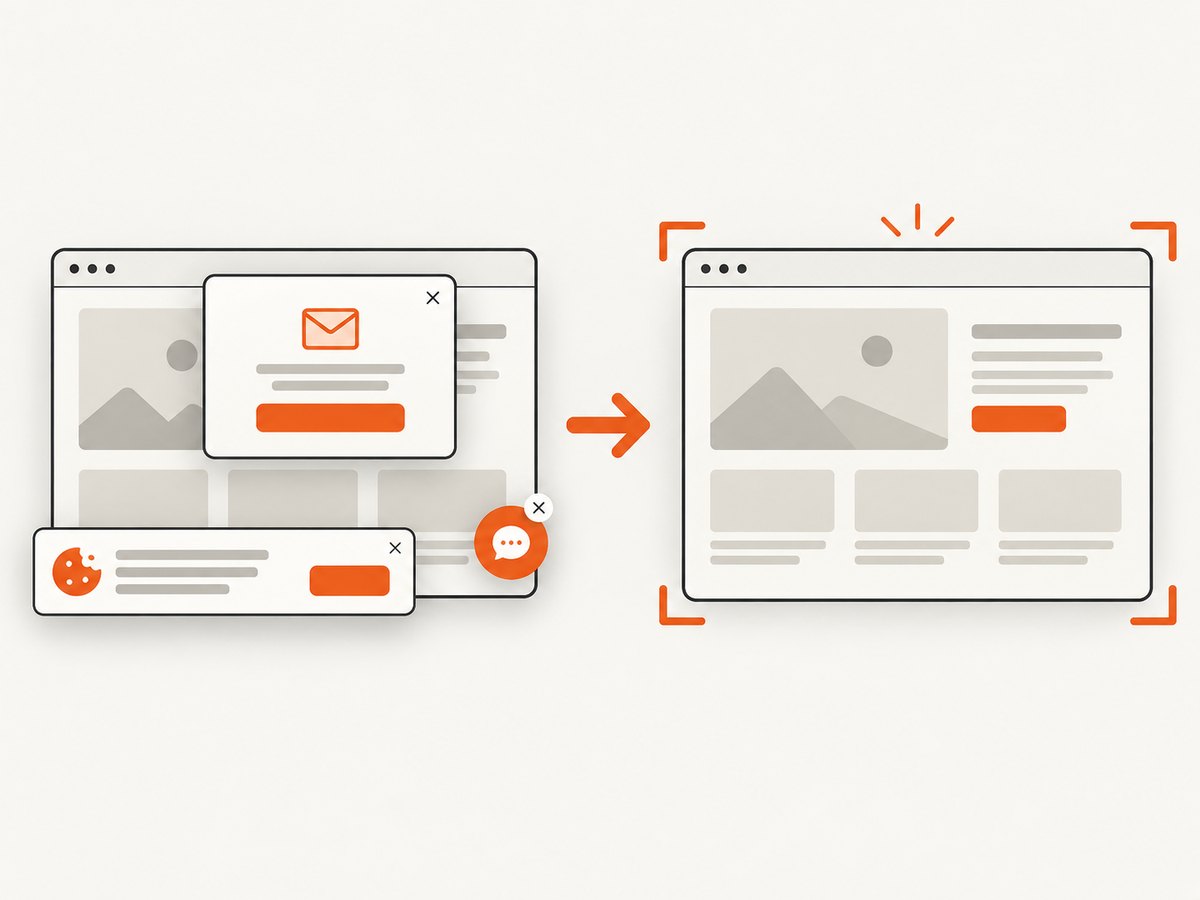
Cause: automation captured the page exactly as rendered for a new visitor. Fix: handle the banner or popup in Selenium before capture, hide known selectors with JavaScript or CSS, and make the handling site-specific. Do not assume a selector from one consent platform works on another.
9. Performance, reliability, and cost considerations
- Startup: creating a new Chrome process for every image is expensive. Reuse a driver for a controlled batch, but reset cookies, storage, viewport, and navigation state between URLs.
- Memory: full-page screenshots and pages with many lazy-loaded images consume more memory than viewport captures. Limit concurrency and watch container memory.
- Determinism: pin browser and driver versions in CI, set timezone and viewport, and avoid relying on animations or changing remote data.
- Readiness: prefer a selector or application-defined readiness signal over a long fixed sleep.
- Retries: retry transient navigation failures with a bounded count and fresh browser session. Do not retry a deterministic version mismatch.
- Cost: self-hosted Selenium costs the compute time and maintenance of browser processes, images, updates, and debugging. Measure your own workload; the supplied sources do not provide a universal screenshot failure rate or benchmark.
10. Or skip the browser setup
ScreenshotNeo provides a website screenshot API and MCP server. One GET request returns a PNG, JPEG, WebP, or PDF, so you do not have to package ChromeDriver and a browser for this capture path. See the ScreenshotNeo API documentation for the parameters.
curl -G "https://api.screenshotneo.com/v1/shot" -d access_key=YOUR_API_KEY --data-urlencode url=https://stripe.com -o shot.webpimport requests
r = requests.get("https://api.screenshotneo.com/v1/shot", params={"access_key": "YOUR_API_KEY", "url": "https://stripe.com"}, timeout=90)
open("shot.webp", "wb").write(r.content)const q = new URLSearchParams({ access_key: 'YOUR_API_KEY', url: 'https://stripe.com' }); const res = await fetch(`https://api.screenshotneo.com/v1/shot?${q}`);Cookie banners, newsletter popups, and chat widgets are removed before the shot. Bot checks, blank pages, timeouts, failed loads, and cache hits are not billed, and response headers report the page verdict and billing status with X-Page-Verdict and X-Billed. An MCP server exposes take_screenshot, get_page_info, and capture_pdf to Claude, Cursor, and other MCP clients. The Free plan includes 1,000 screenshots each month with no card; paid plans start at $5 for 3,000 shots. Create a free ScreenshotNeo account.
11. FAQ
Should I use --headless or --headless=new?
Verify your Chrome version and follow the current Chrome documentation for that version. Current headless Chrome is unified with headful Chrome; older implementations may refer to a separate chrome-headless-shell binary.
Why does the screenshot differ between my laptop and CI?
Compare Chrome and driver versions, operating-system fonts, viewport, device scale, timezone, page data, and readiness conditions. Record those values with every diagnostic artifact.
Can a screenshot succeed while the page is incomplete?
Yes. A successful file write only proves that Chrome produced pixels. Wait for a page-specific selector and log the final URL and content before capture.
Where should I start when debugging a new failure?
Start with matching major versions, identify the headless implementation, set a known viewport, and enable ChromeDriver logging. Those checks produce the most useful evidence before you change application code.


