How to Fix WebDriver Errors Running Codeception on Windows 7
Resolve Codeception WebDriver failures on Windows 7: driver paths, version mismatches, connection errors, waits, logs, and remote alternatives.
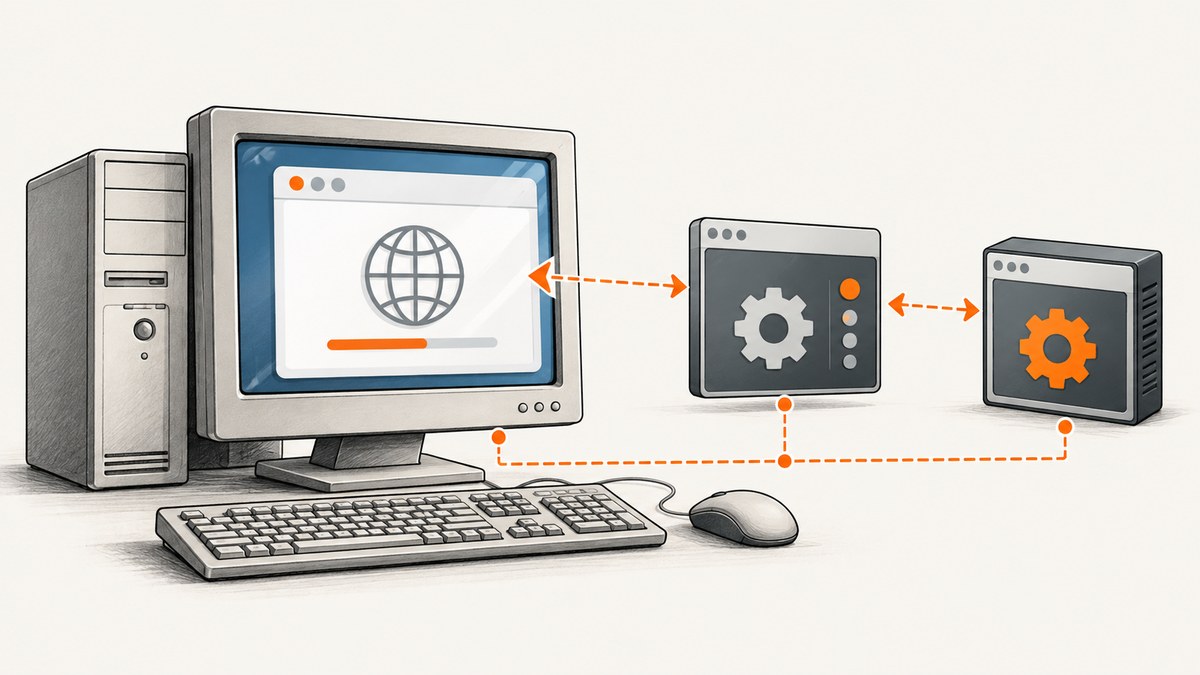
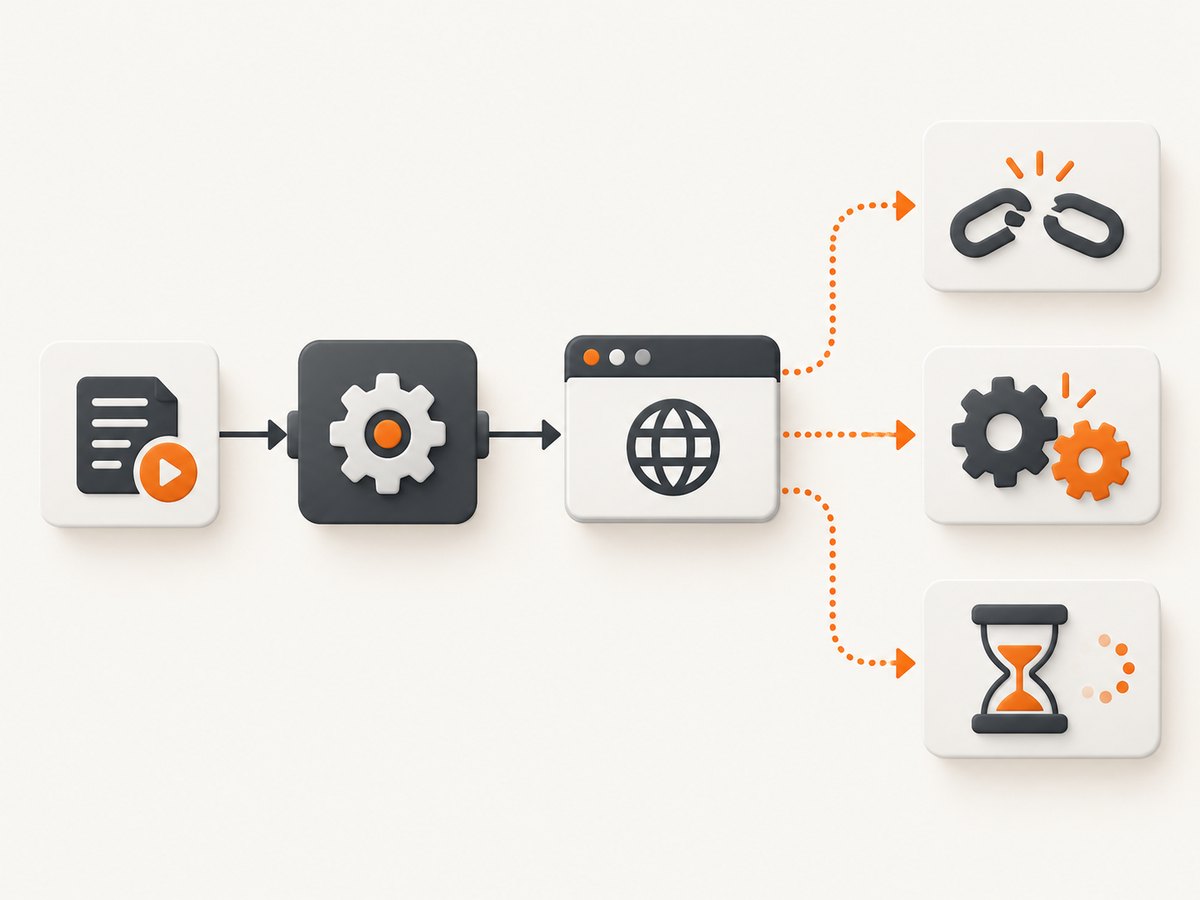
Direct answer: Codeception WebDriver errors on Windows 7 usually come from one of four causes: the driver executable is missing or outside PATH, Selenium is not running at the configured host and port, the browser and driver versions do not match, or the test acts before a dynamic element is ready. Check those in that order. Windows 7 also imposes a hard browser ceiling: Chrome 109 and Edge 109 were the final supported releases, while Mozilla directs Windows 7 users to Firefox 115 ESR. A stable local setup is possible, but it remains a legacy, unsupported operating system.
1. Identify which WebDriver transport Codeception is using
Open tests/acceptance.suite.yml (or your suite configuration) and inspect the WebDriver module. Codeception can connect through a Selenium Server, directly to ChromeDriver, or directly to GeckoDriver. The process you start must match the endpoint in this file.
actor: AcceptanceTester
modules:
    enabled:
        - WebDriver:
            url: https://example.test
            host: 127.0.0.1
            port: 4444
            browser: chrome
            window_size: 1366x768
            wait: 5
            connection_timeout: 30
            request_timeout: 30
            capabilities:
                browserName: chrome
                acceptInsecureCerts: true
A Selenium Server setup normally uses 127.0.0.1:4444. A direct ChromeDriver setup commonly uses port 9515; change both the process and Codeception configuration together. Do not increase timeouts until you have confirmed that the process is listening.
2. Install the Codeception WebDriver module
From the project directory, install the module with Composer:
composer require --dev codeception/module-webdriver
vendor/bin/codecept build
The module documentation covers the available URL, browser, host, port, capabilities, wait, and timeout settings. Keep the module version compatible with the PHP, Selenium, and browser versions available on the Windows 7 machine.
3. Fix “driver executable not found” and PATH errors
This error means Selenium cannot locate the executable that controls the requested browser.
- Record the browser version. In Chrome, open
chrome://settings/help; in Firefox, openabout:support. - Download a driver release compatible with that browser generation.
- Place
chromedriver.exeorgeckodriver.exein a stable directory such asC:\WebDriver. - Add that directory to the system or user
PATH. - Open a new Command Prompt and verify the executable:
chromedriver.exe --version
geckodriver.exe --version
If the command is not recognized, the PATH change has not reached the current shell, the directory is wrong, or antivirus software quarantined the file. Start a new console after changing PATH. You can also configure an explicit driver service path in the Selenium process or launch command instead of relying on PATH.
Selenium 4.6 and later can use Selenium Manager to resolve drivers automatically. On Windows 7, upgrading Selenium, PHP bindings, and the browser together may be impractical, so verify the complete compatibility matrix before depending on automatic management.
4. Start the matching process and verify the endpoint
Selenium Server
java -jar selenium-server.jar standalone --port 4444Leave this console open and run a health check from another one:
curl http://127.0.0.1:4444/statusA JSON response showing a ready server confirms that the transport is reachable. If the connection is refused, Selenium is stopped, listening on another port, or blocked by a local firewall.
Direct ChromeDriver
chromedriver.exe --port=9515Configure Codeception with port: 9515 and the direct-driver endpoint expected by your module version. GeckoDriver is started similarly:
geckodriver.exe --port 4444Do not run ChromeDriver while expecting a Selenium Server endpoint, or vice versa. Confirm host, port, and any configured URL path character for character.
5. Resolve “session not created” and browser-version mismatches
Capture the versions from both sides before changing anything:
chrome.exe --version
chromedriver.exe --version
firefox.exe --version
geckodriver.exe --version
Use a compatible browser-driver pair. Installing the newest driver is not a fix on Windows 7: Chrome 109 was the last Chrome release supporting Windows 7, and Edge 109 was the last Edge release. Firefox users should use the Firefox 115 ESR path documented by Mozilla and choose a GeckoDriver release that supports that browser build.
Typical causes include:
- A ChromeDriver release for a newer major Chrome version than the installed browser.
- A stale driver earlier on PATH than the version you intended to run.
- Multiple browser installations, with Selenium launching a different executable than the one you checked.
- Capabilities requesting a browser name or option that the installed driver does not understand.
Remove duplicate executables from PATH, set the browser binary explicitly when necessary, and keep a written record of the browser, driver, Selenium, PHP, and Codeception versions.
6. Fix connection refused, timeout, and wrong-endpoint errors
Start the server or driver before invoking Codeception:
vendor/bin/codecept run acceptance --steps --debugCheck these values:
| Setting | What to verify |
|---|---|
host |
The address where Selenium or the driver is listening, usually 127.0.0.1. |
port |
The process port, commonly 4444 for Selenium and 9515 for ChromeDriver. |
url |
The site under test, including scheme and required path. |
connection_timeout |
Time allowed to establish a connection; Codeception documents 30 seconds by default. |
request_timeout |
Time allowed for a WebDriver request; Codeception documents 30 seconds by default. |
Increase the timeout only after proving that the endpoint is correct and merely slow. A longer timeout cannot repair a stopped process, blocked port, or invalid URL.
7. Fix ElementNotFound and flaky actions with synchronization
Selenium identifies poor synchronization as its most common error source. An element may exist in the HTML but still be invisible, disabled, covered by an overlay, or rendered later by JavaScript.
Use precise locators and wait for the state your step needs:
$I->waitForElement(['id' => 'login'], 10);
$I->waitForElementVisible('.checkout-button', 10);
$I->click(['css' => 'button[type="submit"]']);
Prefer strict forms such as ['id' => 'login'], a stable CSS selector, or a precise XPath. Avoid text fragments that appear in several controls. Use Codeception’s module wait for a deliberate global default, and explicit waits for unusually dynamic steps. Do not replace a missing synchronization condition with a large sleep; it slows every run and still fails when the page takes longer.
8. Turn on evidence before changing more settings
Enable Codeception debug output and JavaScript error logging when needed. Set debug_log_entries above zero in the WebDriver configuration and capture:
- The complete first WebDriver error, including its HTTP status.
- Browser and driver
--versionoutput. - Selenium or direct-driver host, port, and startup command.
- The first failing test step and its locator.
- Whether the failure occurs during session creation, navigation, or an element action.
This separates transport failures from browser startup failures and synchronization failures. Fix the earliest failure in the log; later “element not found” messages may only be consequences of a session that never opened.
9. Windows 7 compatibility limits
Microsoft lists Windows 7 support as ended. Its lifecycle documentation states that Edge 109 was the last browser version supporting Windows 7 and Windows 8.1. Google’s support notice identifies Chrome 109 as the last Chrome version for Windows 7. Mozilla directs Windows 7 users to Firefox 115 ESR. These limits can stabilize a frozen legacy test matrix, but they do not make the operating system current or secure.
10. Move execution to a supported host or remote grid
Move Codeception to a supported Windows release or Linux when the required browser cannot run on Windows 7, the compatible driver is unavailable, or the PHP/Selenium stack cannot be upgraded together. Codeception documents remote WebDriver integrations such as BrowserStack and LambdaTest. Compare options by browser and driver version control, access to private environments, setup and maintenance effort, debugging logs or video, network latency, and ongoing service cost. Remote grids generally require a remote host, access credentials, browser capabilities, operating-system and version settings, and sometimes a local tunnel for private sites.
11. Practical diagnostic checklist
- Install
codeception/module-webdriverand runvendor/bin/codecept build. - Identify Selenium Server, ChromeDriver, or GeckoDriver in the suite configuration.
- Check browser and driver versions; use a compatible pair within Windows 7’s limits.
- Run the matching process and verify its host and port with a status request.
- Confirm PATH or set an explicit executable/service path.
- Match Codeception
host,port, and endpoint path to the process. - Use precise locators and explicit waits for dynamic elements.
- Enable debug logs and JavaScript logging before making additional changes.
- Move to a supported OS or remote grid when the legacy matrix cannot be maintained.
12. Or skip the browser setup
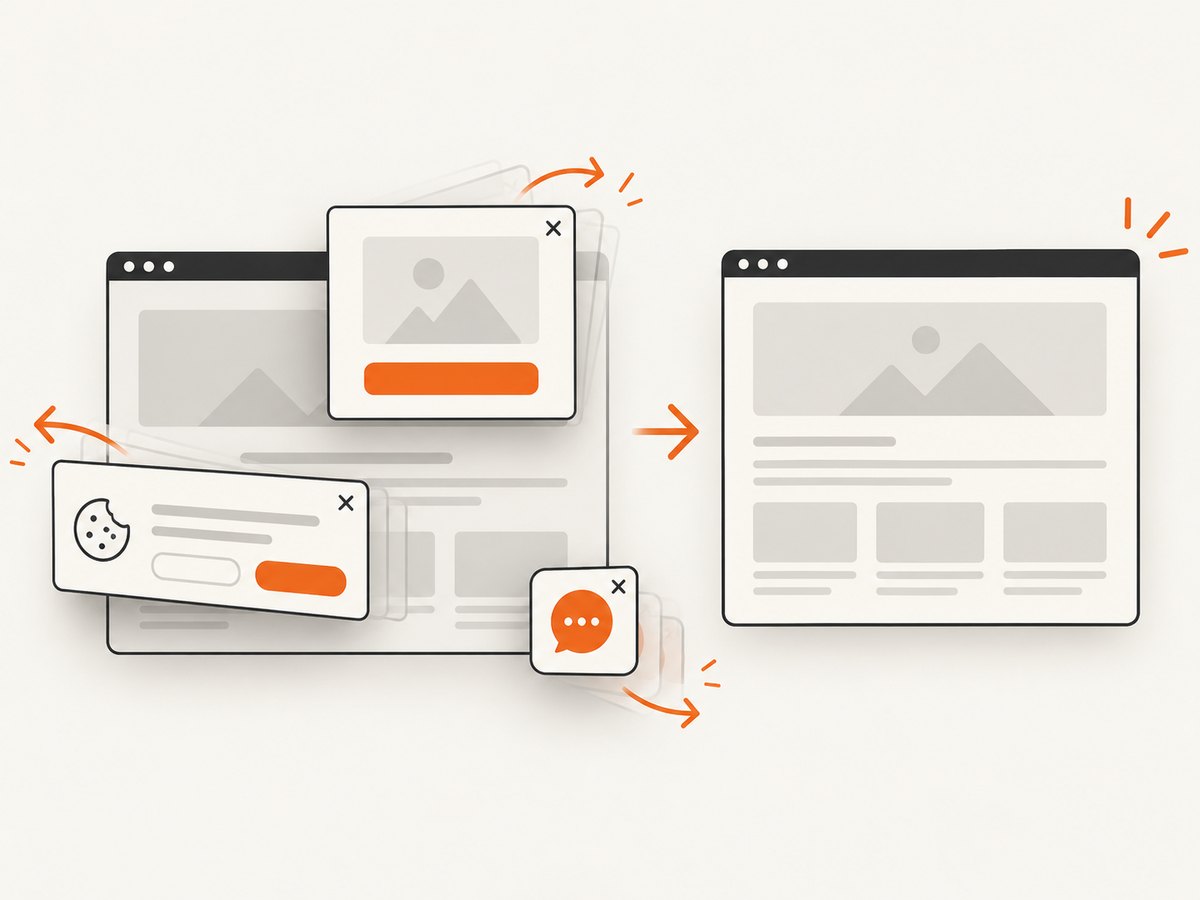
For a finished image or PDF of a public page, ScreenshotNeo removes the local Selenium and browser-driver setup. Before capture it accepts cookie or consent banners and removes more than 60 known consent platforms, newsletter popups, and chat widgets. Bot checks, blank pages, timeouts, failed loads, and cache hits are not billed, and each response reports the result in X-Page-Verdict and X-Billed headers.
See the ScreenshotNeo API documentation for all options, including full-page capture, CSS element capture, dark mode, device presets, retina scale, PDF settings, custom CSS and JavaScript, clicks, selector waits, network-idle waits, request blocking, headers, cookies, user agents, authorization, timezone, geolocation, transparent backgrounds, resizing, caching, signed links, async jobs, webhooks, bulk capture, usage, and OpenAPI support.
cURL
curl -G "https://api.screenshotneo.com/v1/shot" -d access_key=YOUR_API_KEY --data-urlencode url=https://stripe.com -o shot.webpPython
import requests
r = requests.get("https://api.screenshotneo.com/v1/shot", params={"access_key": "YOUR_API_KEY", "url": "https://stripe.com"}, timeout=90)
r.raise_for_status()
open("shot.webp", "wb").write(r.content)
Node.js
const q = new URLSearchParams({ access_key: 'YOUR_API_KEY', url: 'https://stripe.com' });
const res = await fetch(`https://api.screenshotneo.com/v1/shot?${q}`);
if (!res.ok) throw new Error(`${res.status} ${await res.text()}`);
const fs = await import('node:fs/promises');
await fs.writeFile('shot.webp', Buffer.from(await res.arrayBuffer()));
The free plan includes 1,000 screenshots each month with no card. Paid plans start at $5 for 3,000 shots, and every feature is available on every plan. An MCP server provides take_screenshot, get_page_info, and capture_pdf tools for Claude, Cursor, and other MCP clients. Create a free ScreenshotNeo account.
FAQ
Can I fix Codeception without Selenium Server?
Yes. Configure Codeception for a direct ChromeDriver or GeckoDriver endpoint and start that driver on the matching port. Selenium Server is one transport option, not a requirement.
Why does increasing wait not fix my test?
wait cannot fix a wrong selector, a stopped browser session, or an element covered by an overlay. Wait for the required state with a precise locator and inspect the first error in debug logs.
Is Selenium Manager enough on Windows 7?
Selenium 4.6 and later can resolve drivers automatically, but the rest of the stack may not support an upgrade on Windows 7. Verify PHP, browser, Selenium, and Codeception compatibility as one set.
When should I stop repairing the Windows 7 machine?
Move to a supported OS or remote grid when the required browser is unavailable, the compatible driver cannot be obtained, or the legacy dependencies prevent reliable upgrades.


