How to Fix Colored Noise in Transparent PNGs from wkhtmltoimage
Random speckles in a transparent wkhtmltoimage PNG may come from uninitialized image pixels. Learn how to distinguish them from edge fringes and what to check.
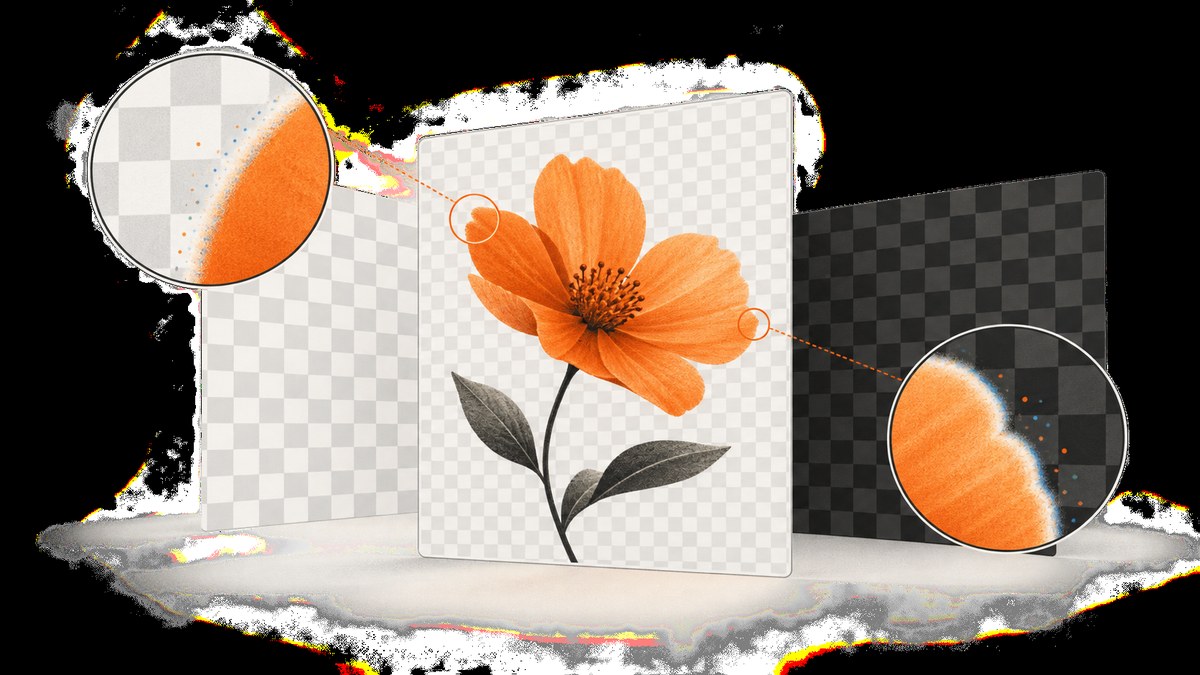
Colored speckles in a transparent PNG from wkhtmltoimage can be caused by image pixels that were not initialized before the page was drawn. A project issue report describes this symptom and proposes filling the image with fully transparent pixels after initialization. That is a reported remedy, not proof that every affected release has the fix or that every colored artifact has the same cause. See issue #4267.
First determine whether you see scattered pixels across transparent areas or a colored fringe only around antialiased edges. Those patterns point to different investigations. The documented transparent setting makes a white background transparent for PNG or SVG output; it does not, by itself, guarantee that every underlying pixel has been initialized. The wkhtmltox image settings documentation describes the setting and supported image formats.
1. Identify which artifact you have
Open the PNG over both a light and a dark background. A transparent pixel can contain RGB values as well as an alpha value. When alpha is zero, its color should not be visible in a correct composite, but incorrect processing or stale image data can make those values show up.
| What you see | Where to investigate |
|---|---|
| Random colored speckles in areas that should be fully transparent | Uninitialized or stale image-buffer pixels; compare transparent and opaque output and inspect the renderer build. |
| A colored outline limited to partly transparent edges | Alpha handling, conversion between image formats, or the background used when rendering the antialiased edge. |
| A solid or broad background that is not transparent | Output format, the transparency setting, or a later conversion that discarded alpha. |
| Artifacts that appear only in one viewer or after export | The viewer, optimizer, image editor, or conversion step in the pipeline. |
This is a diagnostic guide, not a way to identify the cause from the title alone. Keep the original output file and compare it with any processed copy before changing the renderer.
2. Confirm the wkhtmltoimage output settings
For the command-line tool, request PNG output and enable transparency. A minimal example is:
wkhtmltoimage --format png --transparent input.html output.pngUse a local HTML file or replace input.html with a page URL. The official settings documentation describes transparent as making the white background transparent for PNG or SVG output. Check the options accepted by the exact binary you run with wkhtmltoimage --extended-help; packaged builds and wrappers can expose different command-line interfaces.
If you call the library rather than the command-line program, set the corresponding image setting through that library’s API. The documented image setting is named transparent. Do not assume a wrapper flag with a similar name is passed through; inspect the wrapper’s configuration or generated command.
Make a comparison capture with transparency disabled. If the speckles disappear only in transparent output, that supports investigating the transparent-image path, but it is not a fix when your deliverable needs transparency. Also check that later tools preserve the PNG alpha channel: converting to a format without alpha, flattening against a background, or exporting with the wrong mode can change the result.
3. If you maintain the renderer, initialize the image
Issue #4267 reports random noise in PNG output when transparency is enabled. The proposed source-level workaround is to fill the newly initialized image with fully transparent pixels before painting the page. The issue discussion gives this example:
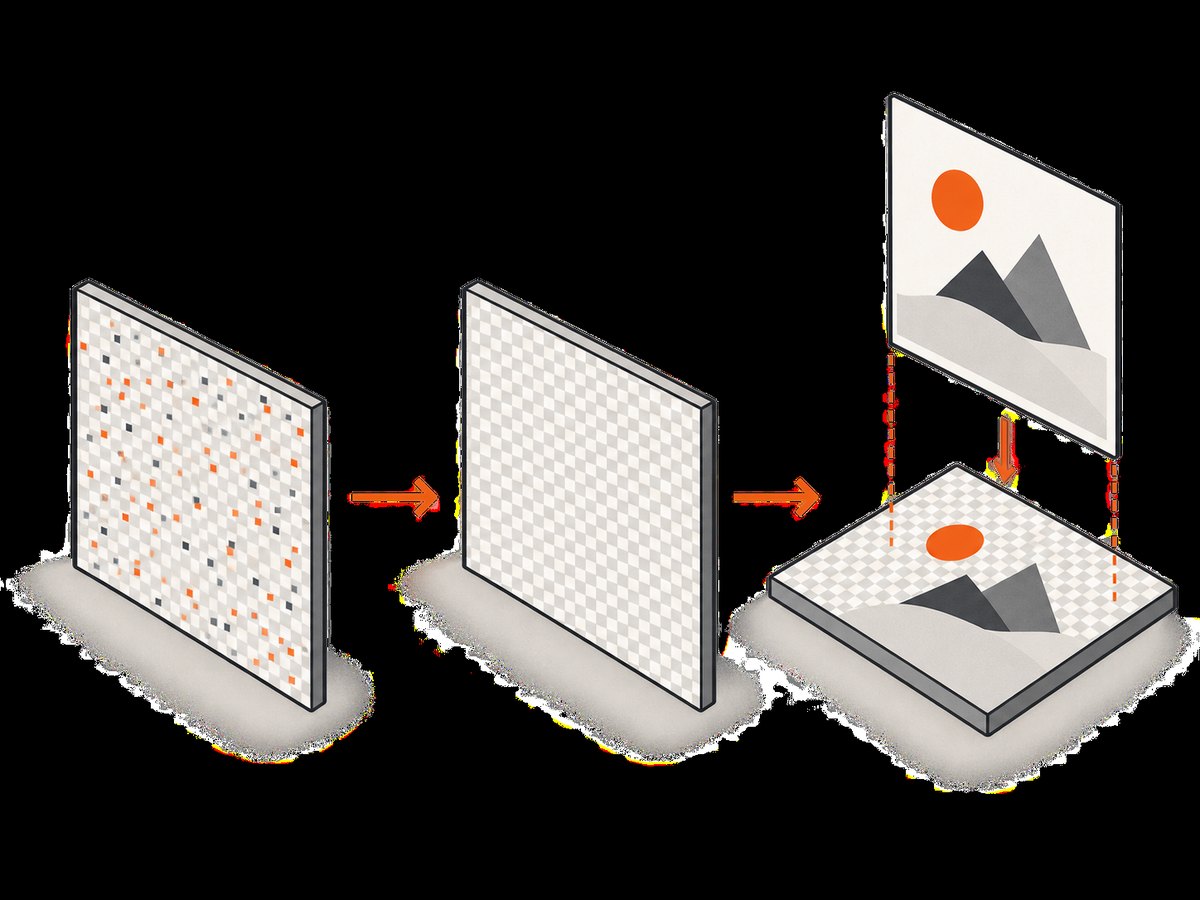
image.fill(qRgba(0, 0, 0, 0));The important behavior is the initialization to transparent pixels before drawing. In the reported context, the image is a Qt QImage; apply the line to the relevant image object at the point after initialization and before rendering into it. The issue report is not a patch guide for every wkhtmltoimage fork or version. Check the source and types in your own build before adapting it.
- Find the code path that allocates the image used for PNG output with transparency.
- Confirm the image dimensions and pixel format are set before initializing its pixels.
- Fill the image with fully transparent pixels before painting content into it.
- Rebuild the renderer using your project’s normal process.
- Render the same input before and after the change, then composite both PNGs over light and dark backgrounds.
- Check both the transparent regions and antialiased edges; confirm that the change did not replace intended transparent areas with an opaque color.
The issue was opened in 2019, and the repository was archived in 2023. The available evidence does not establish which released packages contain this change or identify an affected-version range. Check the source history for the exact package or distribution you use instead of assuming a stock binary includes the workaround. Issue #4267.
4. Investigate edge fringes separately
PNG stores unassociated, also called non-premultiplied, alpha. Rendering systems may use premultiplied-alpha data internally. Converting between those representations changes how RGB values relate to partially transparent pixels; fully transparent pixels require special handling because their RGB color cannot be recovered by dividing by zero alpha. These details make alpha conversion worth inspecting when the defect follows antialiased edges, but they do not establish that alpha conversion caused the random noise reported in the wkhtmltoimage issue. See the W3C PNG specification and Qt QPainter documentation.
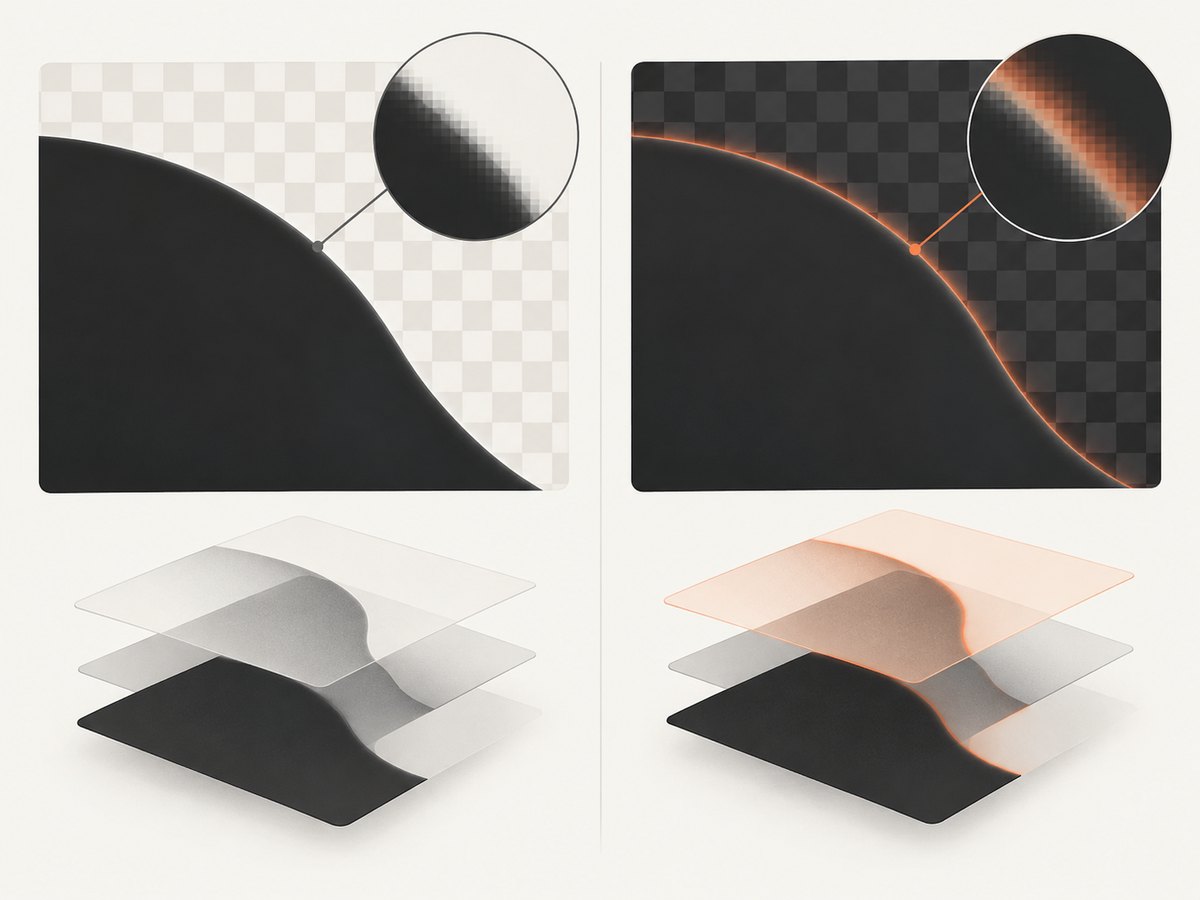
Qt documents SourceOver as the common alpha-blending composition mode and notes premultiplied ARGB32 as a preferred format for performance in relevant painter operations. That describes Qt’s rendering model; it is not a diagnosis of a particular output file. For a fringe, check which background the page was rendered against, what format the image used at each stage, and whether an optimizer or editor changed alpha representation or color values.
Do not run a generic “remove color noise” filter as the first fix. It can damage legitimate partially transparent pixels and make the edge look jagged. Preserve a copy of the original, test one conversion step at a time, and compare composites over backgrounds similar to the ones where the PNG will be used.
5. A reproducible command-line diagnostic
Use one stable input page and save outputs to separate files. For example:
wkhtmltoimage --format png --transparent input.html transparent.png
wkhtmltoimage --format png input.html opaque.png
Compare the transparent image with the opaque capture, but remember they have different backgrounds by design. Inspect the transparent file over both light and dark backgrounds. If the noise exists in the original transparent output, but not in a copy opened and saved by another tool, the save operation may be altering the image. If the output is clean until a pipeline step runs, isolate that step and check whether it preserves alpha.
For a source-level change, record the renderer’s version or package identity alongside the before-and-after files. This makes it possible to distinguish a code change from differences in input, command-line flags, or downstream processing. The sources do not specify a universal test fixture or affected-version list, so your own reproducible input is essential.
6. Troubleshooting common failures
| Symptom | Likely cause | What to do |
|---|---|---|
| The background is white, not transparent | The output is not PNG or SVG, transparency was not enabled, or a later step flattened the image. | Confirm the format and transparent setting, then inspect the original output before any conversion. |
| Speckles remain in fully transparent areas | The renderer may leave image-buffer pixels undefined; a downstream step may also introduce artifacts. | Compare the original output with processed files. If maintaining the renderer, investigate the initialization remedy described in issue #4267. |
| Only the edges have a colored halo | Alpha conversion or the edge’s rendered background may be involved. | Inspect partially transparent pixels and conversion stages. Keep alpha intact and avoid broad color filtering. |
| The source change has no effect | The edited image may not be the one used by the active output path, or a different binary is being run. | Verify the binary and source path used by the build, then repeat the same input capture and compare files. |
| The output changes between runs | Inputs, assets, renderer builds, or pipeline stages may differ. | Hold the page and processing steps constant, save each original output, and compare before changing multiple variables. |
| A wrapper ignores the transparency flag | The wrapper may use a different option name or may not pass the option through. | Check the wrapper’s documentation or inspect the command it executes; confirm with an output file, not just a successful exit. |
7. Performance, reliability, and cost considerations
Initializing an image buffer adds work proportional to the number of pixels because each pixel must be written. The sources provide no benchmark for the cost in wkhtmltoimage, so measure it in your own workload if rendering time matters. Avoid extrapolating from a single image size: output dimensions affect the amount of pixel data.
For reliability, keep a known input page and compare output after changing renderer packages, build flags, or image-processing tools. Capture the exact binary or package version in your build records. Since the project repository is archived, the presence of a fix in a distribution should be verified against that distribution’s source or release history; the issue report alone cannot answer it.
There is no relevant third-party service cost established by the research for this defect. The practical cost is engineering time spent identifying which stage introduces the artifact and, if needed, maintaining a renderer change. Preserve original PNGs during diagnosis so conversion or re-export does not erase useful evidence.
8. Or skip the browser setup
If your goal is to capture a website rather than debug a wkhtmltoimage PNG, ScreenshotNeo is a website screenshot API and MCP server from Yorker Media. It returns PNG, JPEG, WebP, or PDF from one GET request. It does not repair an existing PNG or prove the cause of a wkhtmltoimage artifact. Its API accepts options for custom CSS and JavaScript, full-page captures, selectors, wait conditions, and output format; see the ScreenshotNeo API documentation.
curl -G "https://api.screenshotneo.com/v1/shot" -d access_key=YOUR_API_KEY --data-urlencode url=https://stripe.com -o shot.webpimport requests
r = requests.get(
"https://api.screenshotneo.com/v1/shot",
params={"access_key": "YOUR_API_KEY", "url": "https://stripe.com"},
timeout=90,
)
open("shot.webp", "wb").write(r.content)const q = new URLSearchParams({ access_key: 'YOUR_API_KEY', url: 'https://stripe.com' });
const res = await fetch(`https://api.screenshotneo.com/v1/shot?${q}`);
ScreenshotNeo accepts cookie and consent banners like a visitor and removes more than 60 known consent platforms, newsletter popups, and chat widgets before capture; each step can be turned off. Bot checks, blank pages, failed loads, timeouts, and cache hits cost nothing, and responses include X-Page-Verdict and X-Billed headers. Its MCP server provides take_screenshot, get_page_info, and capture_pdf tools for AI agents. The free plan includes 1,000 shots a month with no card; paid plans start at $5 for 3,000 shots.
Sign up for 1,000 free screenshots a month, with no card required.
9. FAQ
Does enabling --transparent fix random noise?
It requests a transparent background; the documented option does not establish that uninitialized pixels are fixed. The issue report proposes explicitly filling the image before painting.
Does the issue report say which versions are affected?
No affected-version range is established by the available evidence. Check the exact package and source history you use.
Can transparent pixels have colored RGB values?
Yes. PNG uses unassociated alpha, and fully transparent pixels still have color channels. A correct composite should not show their color, but image processing can expose artifacts.
Should I convert the PNG to another format to remove the noise?
Conversion may flatten transparency or alter alpha handling, so it can hide or change the symptom without fixing its source. Keep the original and identify the pipeline stage first.
Sources
- wkhtmltoimage issue #4267, report of random noise in transparent PNG output and proposed image initialization workaround.
- wkhtmltox image settings, including transparency behavior and supported formats.
- W3C PNG specification, alpha representation.
- Qt QPainter documentation, composition and premultiplied image formats.


