How to Fix ContentNotFoundError in wkhtmltopdf
Trace ContentNotFoundError to the resource that failed, then check its path, permissions, URL, and wkhtmltopdf loading settings.

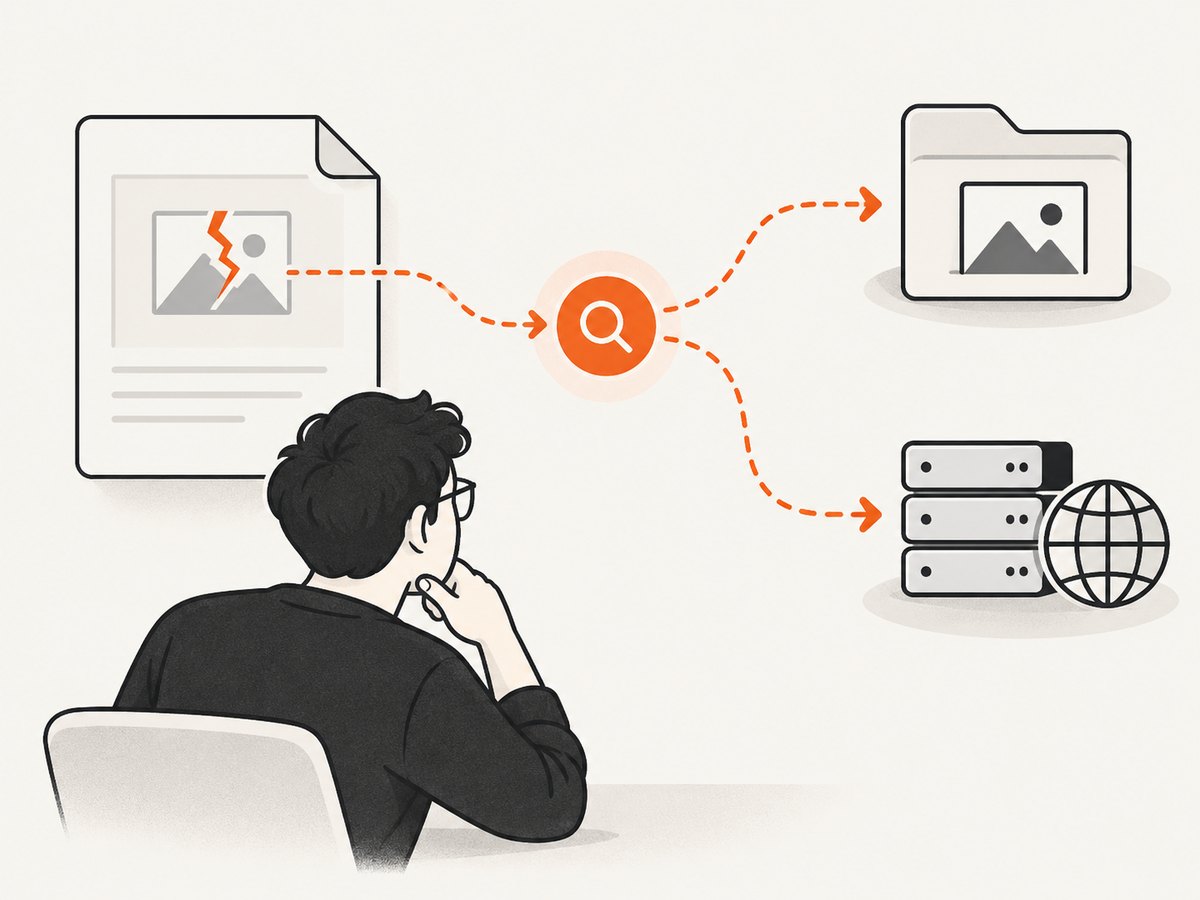
ContentNotFoundError means wkhtmltopdf could not load a page or one of its resources. It is a clue, not a diagnosis: the missing resource might be a local image, stylesheet, font, or a remote URL. Find the specific resource in the warning lines immediately before the final error, then test access from the same machine, container, user account, and runtime environment that runs wkhtmltopdf.
Changing --load-error-handling may let a conversion continue, but it does not make the missing resource available. First determine what failed; then repair access or deliberately accept incomplete output.
1. Capture the warning that identifies the failure
The last line, Exit with code 1 due to network error: ContentNotFoundError, does not usually tell you which asset failed. Capture all standard error, especially Warning: Failed to load and Blocked access to file messages. Save the exact command and the version output too.
wkhtmltopdf --version
wkhtmltopdf input.html output.pdf 2>wkhtmltopdf.stderr
cat wkhtmltopdf.stderr
If a wrapper such as PDFKit invokes the program, capture the generated command and stderr from the wrapper. The command may differ from what you expect, and the wrapper may pass HTML as a string or through a pipe rather than as a file. Test the same input mode when reproducing the issue.
2. Identify whether the failed resource is local or remote
Read the warning and write down the full path or URL. Then test that exact resource as the operating-system user and in the environment used for the conversion. A resource that loads in your browser or on your laptop may not be reachable from a container, service account, or production server.
| Resource | Check | Typical things to verify |
|---|---|---|
| Local file | Does it exist and can the wkhtmltopdf process read it? | Absolute path, case-sensitive spelling, relative-path base, file permissions, mount points, access policy |
| Remote URL | Can the same runtime retrieve it? | DNS, HTTP status, redirects, TLS, proxy, authentication, network policy |
| Wrapper or piped input | Does a direct command with the same input mode reproduce it? | Generated command, working directory, base URL, temporary-file paths, access settings |
For remote resources, a simple request can establish whether the runtime can reach the endpoint, but it is only a first check: wkhtmltopdf may use a different proxy, authentication setup, or TLS stack. Run diagnostics as the same user, from the same container, and with equivalent network settings.
# Run inside the same container or host environment as wkhtmltopdf.
curl -I --location 'https://example.com/path/image.png'

# For a local file, inspect it as the same service user.
ls -l '/absolute/path/to/image.png'
test -r '/absolute/path/to/image.png' && echo readable
Replace the example URL and path with the exact resource named in stderr. If the URL requires credentials, test with the same authentication mechanism the conversion uses; do not paste secrets into logs or share diagnostic output containing them.
3. Repair local file paths and access
Local resources are often referenced with relative paths such as images/logo.png. Their resolution depends on how the HTML is supplied and the base location wkhtmltopdf uses. A relative path that works when opening an HTML file directly may fail when the HTML is passed as a string or piped input. Try an absolute file:// URL for diagnosis, or make sure the HTML has the correct base URL and that its asset paths resolve from that base.
Check the full directory chain, not only the file itself: the process needs permission to traverse parent directories as well as read the resource. Also confirm the file exists inside the container at the path visible to the process; a host path is not automatically mounted into a container.
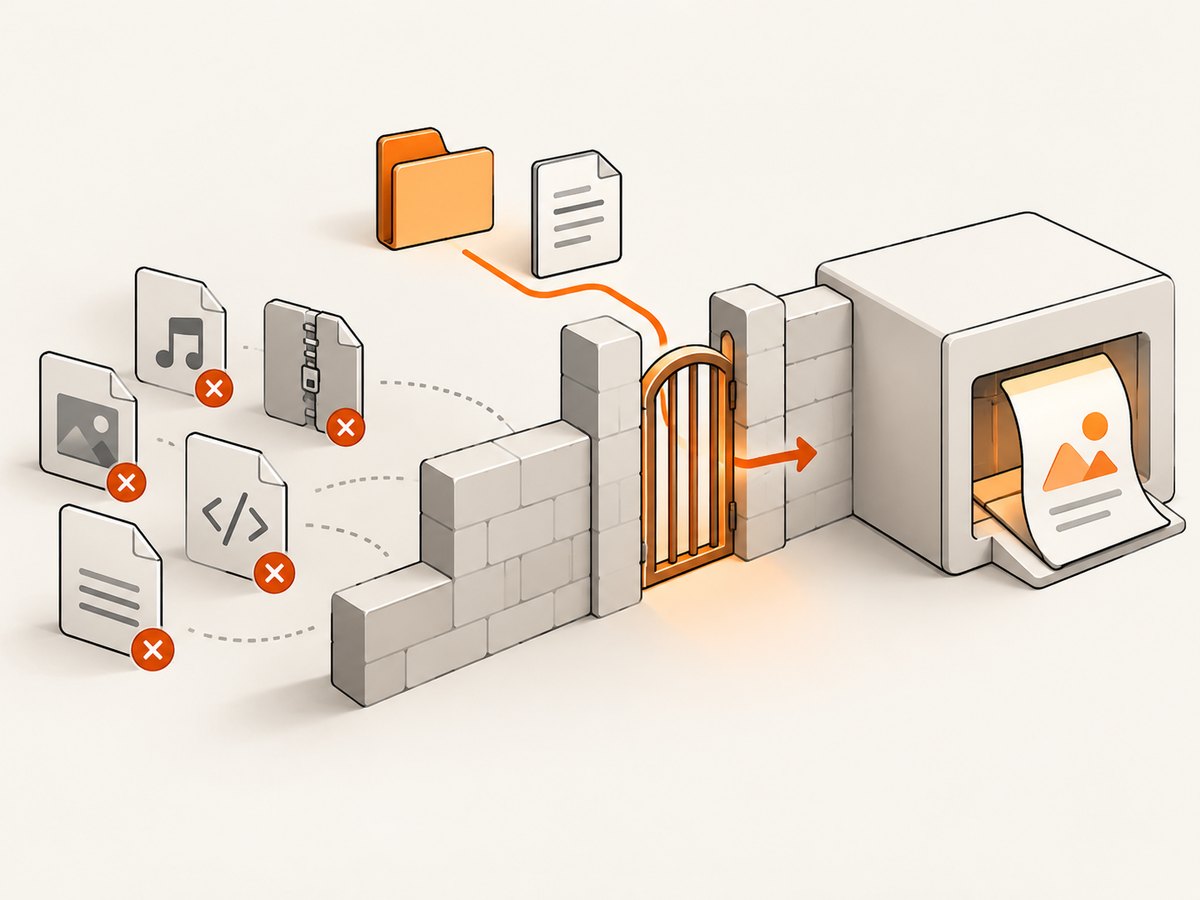
wkhtmltopdf has a local-file-access setting. Its documentation describes load.blockLocalFileAccess as disallowing local and piped files from accessing other local files. Review the command-line options supported by your installed build and allow access only to the specific required locations. Avoid broadly enabling filesystem access when processing untrusted HTML. The project documents AppArmor as a way to constrain file and network access with an operating-system policy. See the wkhtmltopdf AppArmor guidance and its settings reference.
Do not treat a security restriction as an inconvenience to disable without understanding the input. The project warns against using wkhtmltopdf with untrusted HTML because user-supplied HTML or JavaScript can create serious server risks. Sanitize untrusted input and use a suitable operating-system confinement policy; see the project download and security notice.
4. Repair remote URL loading
If stderr names an HTTP or HTTPS URL, verify that the endpoint works from the conversion environment. Follow redirects and inspect the final status. Check that the hostname resolves there, the container has network access, and any proxy or outbound firewall permits the connection. For protected assets, confirm that required cookies, headers, or credentials are available to the renderer.
A successful request from your laptop does not establish that the wkhtmltopdf process can fetch the resource. Compare environment variables and service configuration, and check whether a corporate proxy or TLS certificate is available to the process. If the failure is intermittent, record timestamps and repeat the same request from the same runtime to distinguish an access problem from a transient endpoint or network failure.
CSS and HTML can reference resources indirectly. A page might load while a font, background image, imported stylesheet, or JavaScript-loaded asset fails. Follow the complete warning list, not just the first visible image or the main document URL. If the main page depends on scripts to add content, remember that network completion and script rendering are separate problems: a missing resource can produce this error, while a page that prints too early can instead be incomplete without the same error.
5. Use load-error handling deliberately
The documented load-error choices are abort, skip, and ignore. They define what conversion does when an object fails to load:
| Mode | Behavior | Use it when |
|---|---|---|
abort |
Abort the conversion | The failed resource is required and incomplete output is a failure |
skip |
Leave the failed object out of the output | The failed object is optional and omission is acceptable |
ignore |
Try to add the object to the output | You have decided to tolerate the failure and will validate the result |
The precise command-line spelling and accepted values depend on the wkhtmltopdf interface and build you use; consult wkhtmltopdf --extended-help and the relevant version’s documentation. The library settings documentation lists the equivalent load.loadErrorHandling values. Do not present ignore as a repair: an archived issue reports ContentNotFoundError even with ignore enabled. If you choose to continue, inspect every relevant page and asset in the resulting PDF for omissions.
6. Reduce the case and compare wrapper behavior
When the failing reference is unclear, reduce the input until the error is reproducible with as little HTML as possible. Keep the exact failed reference and remove unrelated assets and scripts one at a time. This tells you whether the failure belongs to the main page, an imported stylesheet, a font, an image, or a wrapper-specific input path.
- Save the complete stderr, version, operating system, install source, wrapper name and version, and exact invocation.
- Create a minimal HTML file containing the failed reference and the smallest required surrounding markup.
- Run it directly through wkhtmltopdf with the same user and environment.
- If the wrapper uses a string or pipe, repeat with that input mode and record the generated command.
- Compare the warnings and output, then restore other assets only after isolating the failure.
The project’s support guidance asks for version details and a detailed test case when reporting problems. A concise reproducible case is also the fastest way to separate a renderer issue from application configuration.
7. Troubleshooting common cases
| Symptom | Likely explanation to investigate | Next step |
|---|---|---|
Blocked access to file |
Local-file restrictions or an operating-system policy denied access | Confirm the required file path and grant only the necessary access; inspect AppArmor or other policy logs. |
| A relative image or CSS URL fails | The path resolves against a different base than expected | Check the working directory and HTML base location; test the exact resolved absolute path. |
| Resource exists on the host but not in Docker | The path is outside the container or the volume is not mounted | Inspect the path from inside the running container as the service user. |
| Remote resource works in a browser but fails in conversion | Different DNS, proxy, TLS, credentials, redirect, or outbound network conditions | Request the exact URL from the conversion environment and inspect redirect/status details. |
| Failure occurs only through PDFKit or another wrapper | Different command, working directory, string/piped input, or resource base | Log the generated command and compare against a direct run with equivalent input. |
| Conversion succeeds after switching to ignore, but content is missing | The load failure remains and the output omitted or could not render the resource | Repair access where possible; otherwise treat omission as an explicit product decision and validate the PDF. |
| It fails only in a restricted production service | Service permissions, AppArmor/SELinux, mounted files, or network policy differ | Check the policy’s denial logs and add the narrow rule the application requires. |
8. Reliability, performance, version, and cost considerations
Each remote asset adds a dependency on DNS, network access, the remote server, and any authentication or proxy behavior. Each local asset adds a dependency on a stable path, mounted storage, and readable permissions. For repeatable documents, make asset locations deterministic, control the conversion environment, and retain stderr with the job record. Decide which resources are mandatory; a PDF that silently lacks a logo, chart, or legal disclosure may be worse than a failed job.
Do not use error-handling modes to conceal recurring infrastructure failures. Retrying a transient network problem may be appropriate in an application, but indiscriminate retries add latency and load while a permanent path or permission error will not improve. Track the failed URL or local path, the environment, and the final output status so failures can be diagnosed without guessing.
The project download page identifies 0.12.6 as its stable series and gives June 11, 2020 as its release date. That page is old, and packaged builds can differ; check your installed package metadata and current release information before choosing or upgrading a version. The project status page describes its QtWebKit foundation as needing catch-up and suggests other rendering approaches for some use cases. Treat that as project guidance, not proof that any one alternative fits every workload. See wkhtmltopdf project status.
Rendering cost is operational rather than a per-request price in this diagnosis: account for compute, memory, storage, network access, and time spent maintaining the renderer and its security boundary. The dossier provides no measured performance figures for this error, so benchmark your own representative documents rather than relying on an assumed conversion rate.
9. Or skip the browser setup
If the task is capturing a website as an image or PDF rather than debugging a PDF pipeline you must keep, ScreenshotNeo offers a website screenshot API and MCP server. It can return PNG, JPEG, WebP, or PDF from one request. Its cookie and consent handling accepts the banner like a visitor and removes more than 60 known consent platforms, newsletter popups, and chat widgets before capture; each step can be turned off. Bot checks and CAPTCHAs, blank pages, timeouts, failed loads, and cache hits cost nothing, and response headers identify the page verdict and billing status. Its MCP server provides screenshot, page-info, and PDF tools for AI agents.
For a quick website capture, use the documented API request below. See the ScreenshotNeo API documentation for parameters and response details.
curl -G "https://api.screenshotneo.com/v1/shot" -d access_key=YOUR_API_KEY --data-urlencode url=https://stripe.com -o shot.webpimport requests
r = requests.get("https://api.screenshotneo.com/v1/shot", params={"access_key": "YOUR_API_KEY", "url": "https://stripe.com"}, timeout=90)
open("shot.webp", "wb").write(r.content)const q = new URLSearchParams({ access_key: 'YOUR_API_KEY', url: 'https://stripe.com' });
const res = await fetch(`https://api.screenshotneo.com/v1/shot?${q}`);Cookie banners, popups, and chat widgets are removed before the shot; bot checks, blank pages, and failed loads are never billed. An MCP server lets AI agents take screenshots. The free plan includes 1,000 screenshots per month with no card; paid plans start at $5 for 3,000. Sign up for ScreenshotNeo’s free plan.
10. FAQ
Does ContentNotFoundError always mean the main webpage is missing?
No. A referenced image, stylesheet, font, script, or other page resource may be the failed object. Use the warning lines to identify which one.
Will switching to a newer wkhtmltopdf package fix it?
Not necessarily. First confirm the exact failed resource and test access in the conversion environment. A version change is a useful comparison only when you also record the build and reproduce the same input.
Can I safely enable local file access?
Only grant the access required by trusted inputs and your application. Untrusted HTML can create serious security risk; use sanitization and operating-system confinement such as an appropriate AppArmor or SELinux policy.
Should I use wkhtmltopdf for dynamic pages?
That depends on the page and your output requirements. The project status page suggests considering a modern browser renderer for sites that use dynamic JavaScript; validate any replacement against your own pages, deployment, and security needs.
What information should I include in a bug report?
Include the version, operating system and install source, wrapper and version, exact command, complete stderr, and a minimal reproducible HTML/CSS/JavaScript case with sensitive information removed.


