How to Fix ‘coroutine’ Object Has No Attribute ‘get’ in Pyppeteer
Fix Pyppeteer’s “coroutine has no attribute get” error by tracing the unawaited call, correcting async boundaries, and handling browser cleanup.

Direct answer: the error means .get is being called on a coroutine object instead of on the value that the coroutine should return. Find the async def call that produced the object and await it at the correct call site. In the commonly reported Django and Pyppeteer case, an async view was called without await, so framework code received the unresolved coroutine and tried to use it as a response.
Python documents coroutine objects returned by async def functions as awaitable. Pyppeteer follows the same model: browser launch, page creation, navigation, evaluation, and cleanup are asynchronous operations that must be awaited. See the Python coroutine object documentation and the Pyppeteer documentation.
What the error means
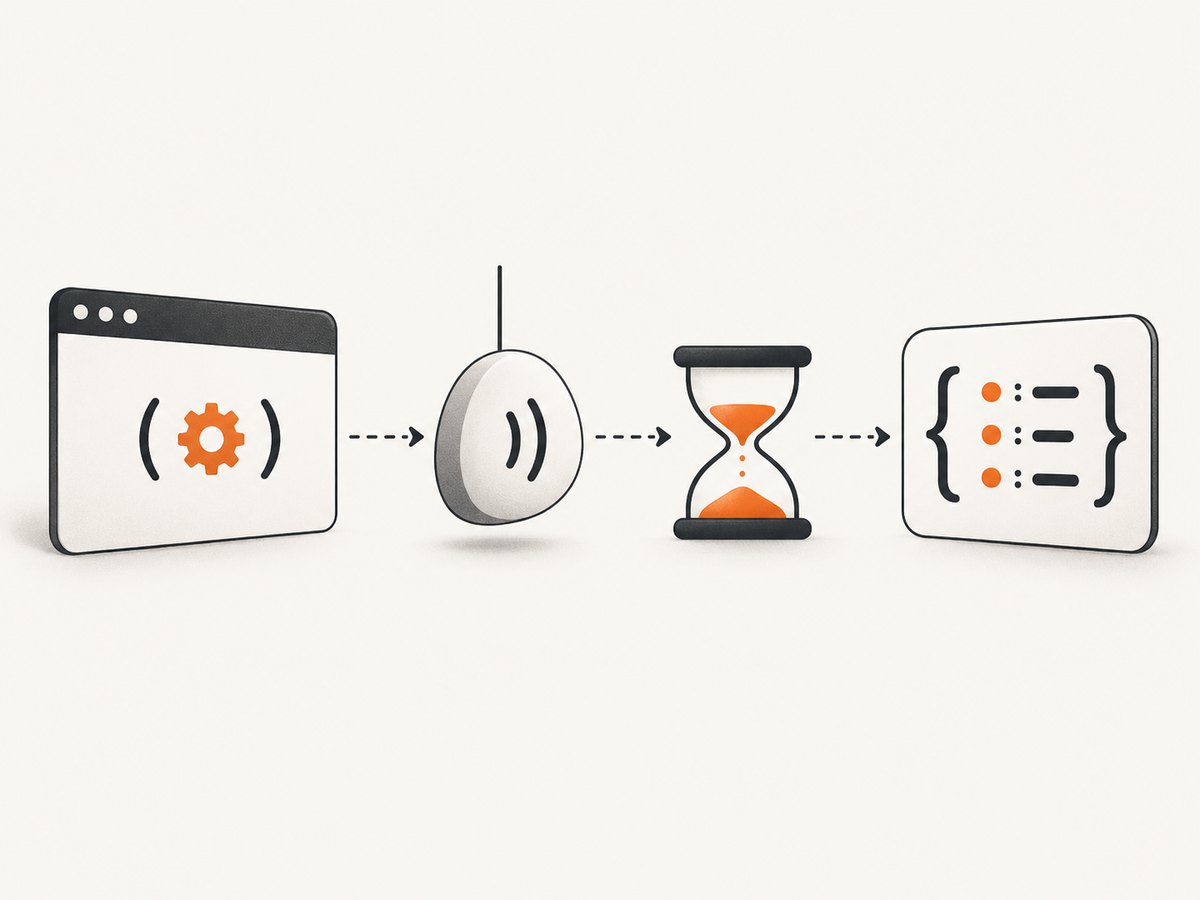
Calling an asynchronous function does not immediately run it to completion:
async def load_data():
    return {"status": "ok"}

value = load_data()
print(type(value))  # <class 'coroutine'>
value.get("status")  # AttributeError
value is a coroutine. The dictionary appears only after the coroutine is awaited:
async def main():
    value = await load_data()
    print(value.get("status"))

import asyncio
asyncio.run(main())
The same issue occurs when a Pyppeteer function, an async helper, or an async web view is called from code that expects its completed result.
Fast diagnosis checklist
- Read the complete traceback and locate the exact line that calls
.get. - Inspect the object immediately before
.get. Temporarily printtype(value)andrepr(value). - Trace that value back to the function that returned it.
- If that producer is declared with
async def, its call returns an awaitable coroutine. - Await the producer at an async call site before accessing dictionary, response, or page data.
- Search stderr for
RuntimeWarning: coroutine '...' was never awaited. The named function is usually the missed await.
result = get_result()
print(type(result))

# If get_result is async, this is the bug:
status = result.get("status")

# Correct inside async code:
result = await get_result()
status = result.get("status")
Correct Pyppeteer structure
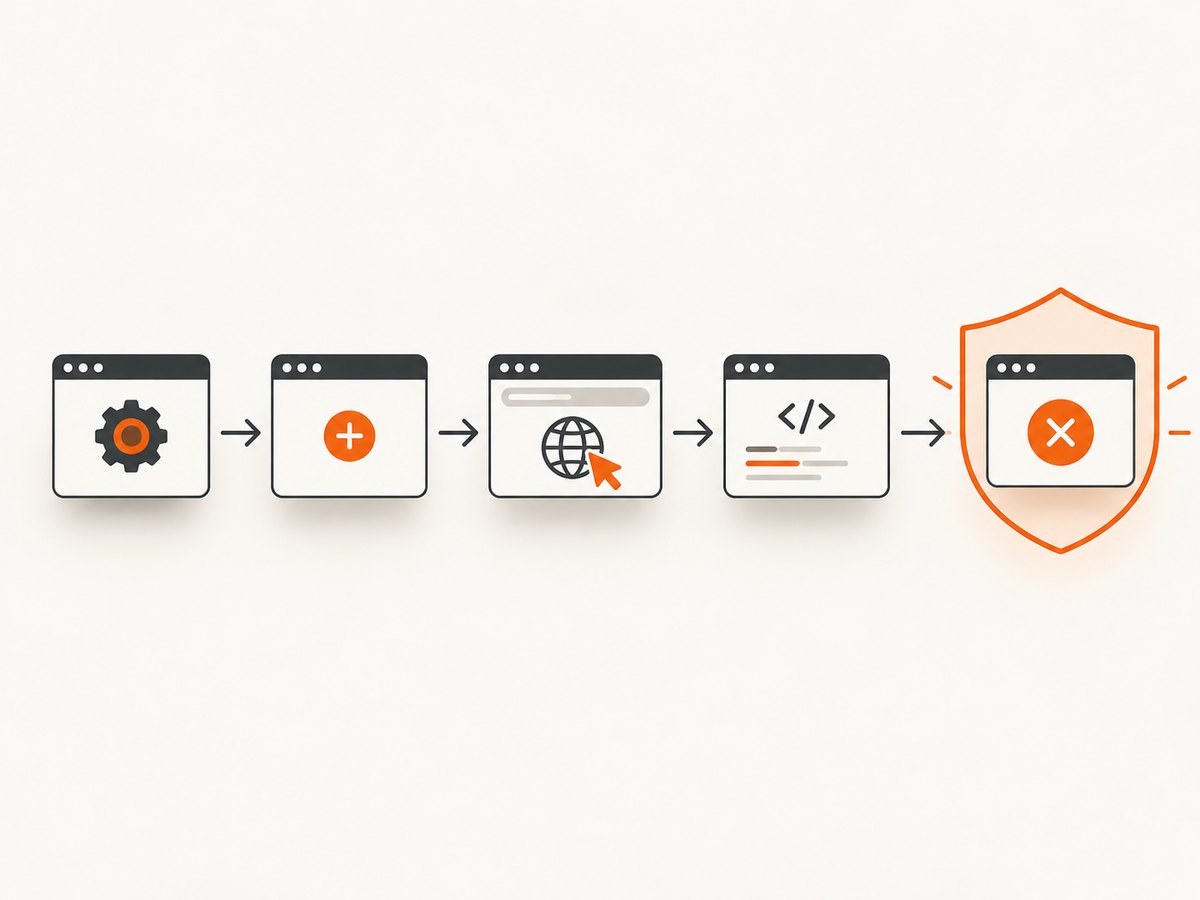
Keep browser work inside an async def function and await each asynchronous Pyppeteer operation. Close the browser in a finally block so failures during navigation or evaluation do not leave a process running.
import asyncio
from pyppeteer import launch

async def capture_title(url: str) -> str:
    browser = await launch(headless=True)
    try:
        page = await browser.newPage()
        await page.goto(url, {"waitUntil": "networkidle2"})
        title = await page.title()
        return title
    finally:
        await browser.close()

if __name__ == "__main__":
    print(asyncio.run(capture_title("https://example.com")))
In Pyppeteer’s documented workflow, launch(), newPage(), goto(), evaluate(), and close() are awaited. The exact supported options depend on the Pyppeteer version installed.
Evaluating JavaScript correctly
async def page_text(url: str) -> str:
    browser = await launch(headless=True)
    try:
        page = await browser.newPage()
        await page.goto(url, {"waitUntil": "networkidle2"})
        text = await page.evaluate("document.body.textContent", force_expr=True)
        return text or ""
    finally:
        await browser.close()
Do not call page.evaluate(...).get(...) or otherwise treat the return value of an async Pyppeteer method as resolved data until it has been awaited.
Fixing an async Django-style view caller
The reported error occurred at a response boundary: an async view named hmm was called without awaiting it, and middleware then treated the coroutine as a response. The conceptual correction is to await the view call in an async caller:
async def hmm(request):
    browser = await launch(headless=True)
    try:
        page = await browser.newPage()
        await page.goto("https://example.com")
        return {"title": await page.title()}
    finally:
        await browser.close()

async def caller(request):
    response = await hmm(request)
    return response
The precise integration depends on the framework and deployment configuration. Do not copy a synchronous adapter blindly; inspect whether the caller expects an async handler, a response object, or a task result. The durable rule is that the boundary receiving the result must await the async function before using it.
Common mistakes and their fixes
| Symptom | Cause | Fix |
|---|---|---|
coroutine object has no attribute get |
An async function call was assigned directly to a variable and used as a dictionary or response. | Await the function before calling .get. |
RuntimeWarning: coroutine ... was never awaited |
A coroutine was created but never driven by an event loop. | Find the named call in the traceback and add await inside an async function, or run the top-level coroutine with asyncio.run. |
SyntaxError: 'await' outside function |
await was added to synchronous top-level code. |
Move the code into async def main() and call asyncio.run(main()). |
asyncio.run() cannot be called from a running event loop |
Notebook, async test runner, or ASGI server already owns the event loop. | Use await main() in that environment; reserve asyncio.run for a synchronous process entry point. |
| The browser closes before a result is used | browser.close() ran before a pending operation completed. |
Await navigation and evaluation first, then close in finally. |
| Only some calls fail | One helper is async while callers assume every helper is synchronous. | Document the helper as async and propagate await through every caller, or provide a deliberate synchronous wrapper at the outer boundary. |
.get still fails after adding an await |
The awaited value is not a dictionary, or a second async layer remains unresolved. | Print the resolved type, inspect the function’s return statement, and await nested async helpers where required. |
Awaiting helpers, tasks, and gathered work
If a helper calls Pyppeteer, make that helper async and await it from its caller:
async def read_meta(page):
    return {
        "title": await page.title(),
        "url": page.url,
    }

async def run(page):
    meta = await read_meta(page)
    return meta.get("title")
For independent operations, tasks can be created and then awaited explicitly:
import asyncio

async def collect(page):
    title_task = asyncio.create_task(page.title())
    url = page.url
    title = await title_task
    return {"title": title, "url": url}
Creating a task is not the same as obtaining its result. Calling .get on the task or on an unawaited helper is another form of the same mistake.
When a browser setup is unnecessary
For a production screenshot endpoint, a managed capture API can remove the browser lifecycle from your application. ScreenshotNeo accepts one GET request and returns a PNG, JPEG, WebP, or PDF. Its API documentation is at screenshotneo.com/docs.
Or skip the browser setup
Use the ScreenshotNeo endpoint when the goal is a clean screenshot rather than maintaining Chromium, event loops, navigation timeouts, and cleanup code:
cURL
curl -G "https://api.screenshotneo.com/v1/shot" -d access_key=YOUR_API_KEY --data-urlencode url=https://stripe.com -o shot.webpPython
import requests
r = requests.get("https://api.screenshotneo.com/v1/shot", params={"access_key": "YOUR_API_KEY", "url": "https://stripe.com"}, timeout=90)
open("shot.webp", "wb").write(r.content)
Node.js
const q = new URLSearchParams({ access_key: 'YOUR_API_KEY', url: 'https://stripe.com' }); const res = await fetch(`https://api.screenshotneo.com/v1/shot?${q}`);ScreenshotNeo removes cookie and consent banners, newsletter popups, and chat widgets before capture. Bot checks, blank pages, failed loads, timeouts, and cache hits are not billed, and the response identifies the page verdict and billing status with X-Page-Verdict and X-Billed headers. It also provides an MCP server for AI agents with take_screenshot, get_page_info, and capture_pdf. The free plan includes 1,000 screenshots per month without a card; paid plans start at $5 for 3,000 screenshots. Create a free ScreenshotNeo account.
Reliability and performance considerations
- Close every browser: use
try/finallyso exceptions do not accumulate Chromium processes. - Set navigation expectations: choose an appropriate
waitUntilcondition and handle pages that keep long-lived connections open. - Keep the async boundary consistent: avoid repeatedly converting between sync and async code.
- Control concurrency: launching many browsers at once consumes substantial CPU and memory; use a bounded worker pool for batches.
- Separate browser errors from coroutine errors: a timeout or navigation failure is different from an unawaited coroutine. Diagnose the traceback type first.
- Account for version drift: the cited Pyppeteer documentation surfaced in older documentation, while the reported Django case dates from 2020. Verify options against the version installed in your project.
Minimal verification checklist
- Every call to an
async deffunction is either awaited or intentionally scheduled as a task. - Every Pyppeteer browser operation that returns an awaitable is awaited.
- The outermost synchronous entry point uses
asyncio.runonly when no event loop is already running. - Browser shutdown runs in
finally. - The value passed to
.gethas the expected type after awaiting. - No “coroutine was never awaited” warning remains in logs.
FAQ
Does this error mean Pyppeteer is broken?
No. The error identifies a type mismatch in application code. In the reported case, an async Django view was passed onward as a coroutine instead of being awaited.
Can I fix it by writing await value.get(...)?
Usually not. First await the function that produced value. A normal dictionary’s .get method is synchronous.
Why does the traceback mention middleware?
Framework middleware often expects a completed response. If it receives a coroutine from an unawaited async view, its response handling may call methods such as .get on the wrong object.
Should I use asyncio.run inside a Django or ASGI request?
Do not add it automatically. Request servers may already run an event loop. Follow the framework’s async request model and await the operation in the existing async call chain.
What is the quickest way to locate the missing await?
Start with the named coroutine in the “was never awaited” warning, then inspect its immediate caller. The first caller that treats the return value as a dictionary, response, or page result is usually where the await belongs.


