How to Fix Corrupted Screenshots from Selenium TakesScreenshot
Fix corrupted Selenium screenshots by checking bytes, base64 decoding, file writes, signatures, drivers, and viewport scope.
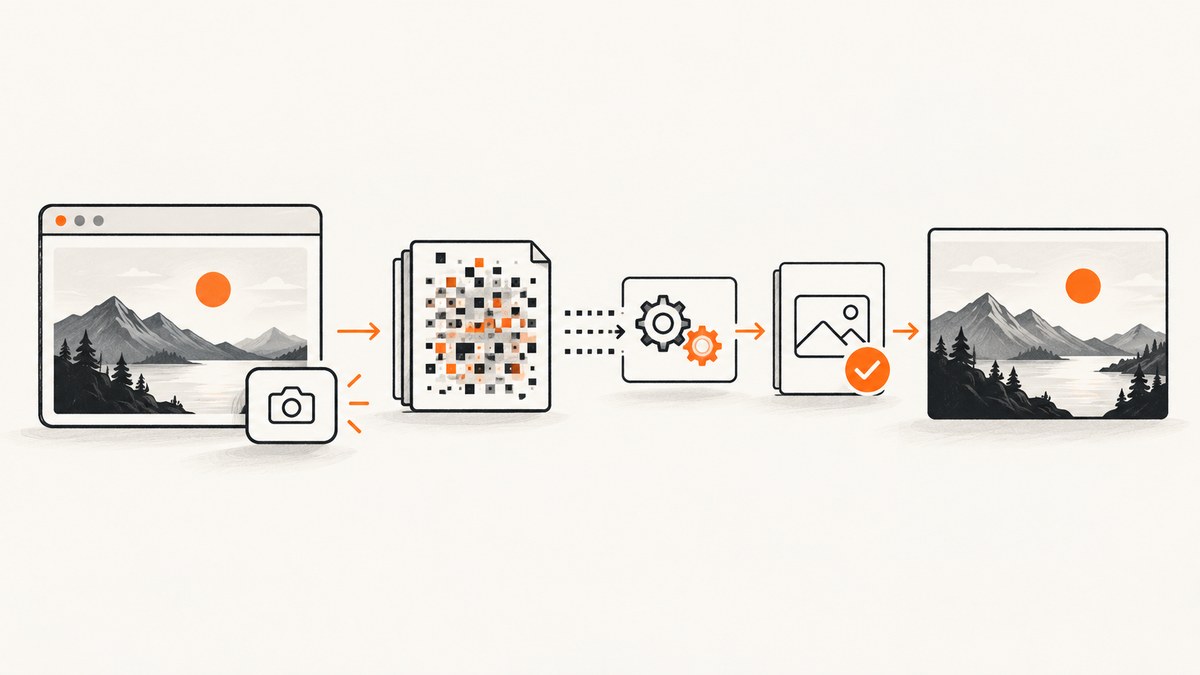
A Selenium screenshot is usually corrupted because the value written to disk is not the PNG bytes Selenium produced. Selenium exposes separate byte, base64, and file paths. Identify which representation you have, decode base64 exactly once when necessary, write binary data, finish the file before reading it, and verify the PNG signature before opening it.
The shortest reliable Java path is:
byte[] png = ((TakesScreenshot) driver).getScreenshotAs(OutputType.BYTES);
Files.write(Path.of("shot.png"), png);
For Python:
png = driver.get_screenshot_as_png()
with open("shot.png", "wb") as f:
    f.write(png)
assert png.startswith(b"\\x89PNG\\r\\n\\x1a\\n")
These APIs return PNG data. Do not convert the byte array to a language-level string, and do not write base64 characters directly to a file named .png.
What “corrupted” means in Selenium
Separate the capture pipeline into four representations:
| Representation | Java | Python | What to write |
|---|---|---|---|
| Raw bytes | OutputType.BYTES |
get_screenshot_as_png() |
Write directly in binary mode |
| Base64 text | OutputType.BASE64 |
get_screenshot_as_base64() |
Decode once, then write decoded bytes |
| File convenience API | OutputType.FILE |
get_screenshot_as_file(path) |
Check success and copy or inspect the completed file |
See Selenium’s screenshot documentation and the Java TakesScreenshot API.
Repair sequence
1. Capture an alternate representation
Capture bytes first. If that result is invalid, capture base64 as a diagnostic. Comparing both forms tells you whether the browser capture or your file handling is at fault.
2. Decode base64 exactly once
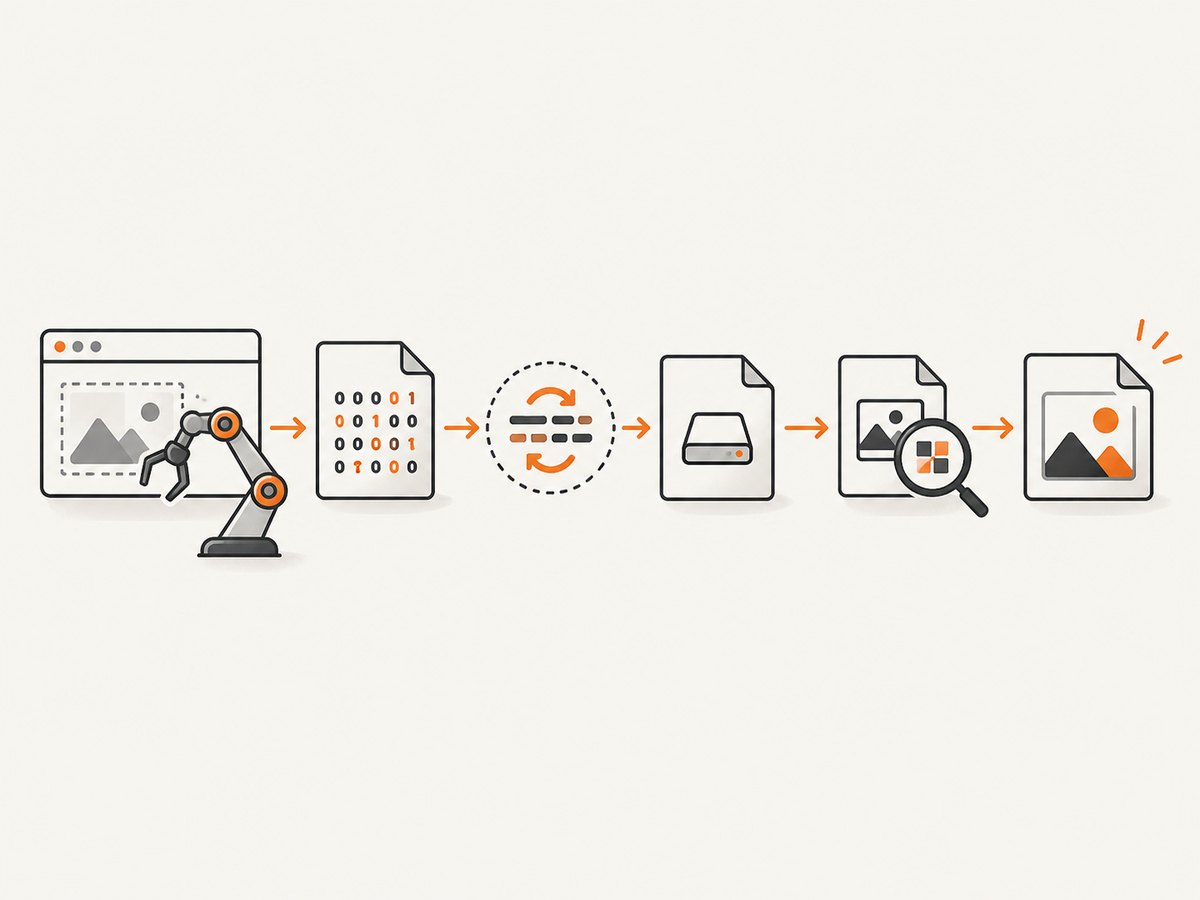
Base64 is text containing an encoded image. It is not the image file. Remove an optional data:image/png;base64, prefix, decode once, and write the resulting bytes. A common mistake is decoding bytes that were already decoded, or writing the characters from a base64 string into a PNG file.
3. Write atomically and validate
Use a unique temporary path, write all bytes in binary mode, close the file, then rename it into place. Check that the file is non-empty and begins with the PNG signature 89 50 4E 47 0D 0A 1A 0A. A signature check catches text, truncated output, and many path or concurrency mistakes before an image viewer reports a vague error.
4. Check the API result and exception
Python’s file convenience method returns a Boolean. Treat False as a failed capture. In Java, catch and log WebDriverException and unsupported-operation failures. Preserve the browser, driver, Selenium, operating-system, URL, and session capability details with the failure.
5. Verify driver and capture scope
W3C-conformant drivers follow the WebDriver screenshot contract. Non-conformant drivers may make a best effort and return the entire page, the current window, only the visible frame, or the display. Align browser, driver, and Selenium versions and reproduce with a minimal page.
6. Distinguish clipping from corruption
A valid image that contains only the viewport is not corrupted. For a full document in Firefox, use get_full_page_screenshot_as_png() or its base64 equivalent. Other drivers may provide viewport screenshots only or implement full-page behavior differently.
Java: complete byte, base64, and file examples
Write raw PNG bytes
import java.nio.file.Files;
import java.nio.file.Path;
import org.openqa.selenium.OutputType;
import org.openqa.selenium.TakesScreenshot;
import org.openqa.selenium.WebDriver;

WebDriver driver = ...;
try {
    driver.get("https://example.com");
    byte[] png = ((TakesScreenshot) driver).getScreenshotAs(OutputType.BYTES);
    if (png.length == 0) {
        throw new IllegalStateException("Selenium returned an empty screenshot");
    }
    byte[] signature = { (byte)0x89, 0x50, 0x4E, 0x47, 0x0D, 0x0A, 0x1A, 0x0A };
    for (int i = 0; i < signature.length; i++) {
        if (png[i] != signature[i]) throw new IllegalStateException("Not a PNG");
    }
    Path target = Path.of("shot.png");
    Path temporary = Path.of("shot.png.tmp-" + System.nanoTime());
    Files.write(temporary, png);
    Files.move(temporary, target, java.nio.file.StandardCopyOption.REPLACE_EXISTING,
               java.nio.file.StandardCopyOption.ATOMIC_MOVE);
} finally {
    driver.quit();
}
Decode base64 once
import java.nio.file.Files;
import java.nio.file.Path;
import java.util.Base64;
import org.openqa.selenium.OutputType;
import org.openqa.selenium.TakesScreenshot;

String encoded = ((TakesScreenshot) driver).getScreenshotAs(OutputType.BASE64);
if (encoded.startsWith("data:image/png;base64,")) {
    encoded = encoded.substring("data:image/png;base64,".length());
}
byte[] png = Base64.getDecoder().decode(encoded);
Files.write(Path.of("shot-from-base64.png"), png);
Use the file output carefully
File temporary = ((TakesScreenshot) driver).getScreenshotAs(OutputType.FILE);
Path permanent = Path.of("shot.png");
Files.copy(temporary.toPath(), permanent,
           java.nio.file.StandardCopyOption.REPLACE_EXISTING);
Selenium’s temporary file can be deleted when the JVM exits, so copy it to a permanent location before process termination.
Python: complete examples
Bytes API with validation
from pathlib import Path
from selenium import webdriver

PNG_SIGNATURE = b"\\x89PNG\\r\\n\\x1a\\n"
driver = webdriver.Chrome()
try:
    driver.get("https://example.com")
    png = driver.get_screenshot_as_png()
    if not png.startswith(PNG_SIGNATURE):
        raise ValueError("Selenium did not return PNG bytes")
    temporary = Path("shot.png.tmp")
    temporary.write_bytes(png)
    temporary.replace("shot.png")
finally:
    driver.quit()
Base64 API
import base64
from pathlib import Path

encoded = driver.get_screenshot_as_base64()
if encoded.startswith("data:image/png;base64,"):
    encoded = encoded.split(",", 1)[1]
png = base64.b64decode(encoded, validate=True)
Path("shot-from-base64.png").write_bytes(png)
assert png.startswith(b"\\x89PNG\\r\\n\\x1a\\n")
File convenience API
ok = driver.get_screenshot_as_file("shot.png")
if not ok:
    raise RuntimeError("Selenium could not save the screenshot")
Firefox full-page capture
png = driver.get_full_page_screenshot_as_png()
with open("full-page.png", "wb") as f:
    f.write(png)
Inspecting a suspicious file
Run these checks before changing browser settings:
python - <<'PY'
from pathlib import Path
p = Path("shot.png")
data = p.read_bytes()
print("bytes:", len(data))
print("signature:", data[:8].hex(" "))
print("is_png:", data.startswith(b"\\x89PNG\\r\\n\\x1a\\n"))
PY
file shot.png
A valid PNG starts with 89 50 4e 47 0d 0a 1a 0a. If the first bytes look like ASCII text such as iVBOR, base64 was written without decoding. If they look like an exception, HTML, or JSON, the capture call or an intermediary returned an error response.
Common errors and fixes
| Symptom | Likely cause | Fix |
|---|---|---|
| Image viewer says the PNG is invalid | Base64 text or a string representation was written | Use bytes directly or decode base64 exactly once |
| File is zero bytes | Write failed, process ended early, or a reader opened it during writing | Check the return value or exception, close the stream, and write to a temporary unique path before rename |
First bytes are iVBOR |
Base64 payload was saved as text | Base64-decode before writing |
| First bytes are HTML or JSON | Application, proxy, or driver error was saved as an image | Log the capture exception and inspect the response or returned value |
| Screenshot is clipped | Viewport capture was mistaken for full-page capture | Use the driver’s full-page API where supported, such as Firefox’s method |
Capture throws WebDriverException |
Driver, browser, session, or unsupported-operation problem | Align versions, check capabilities, keep the exception text, and reproduce on a minimal page |
| Intermittent corruption in parallel tests | Workers reuse the same filename or read before close | Use per-test unique names and atomic rename after the write completes |
| Remote execution differs from local | Remote driver or grid implements screenshot behavior differently | Compare capabilities and driver versions; validate bytes on the remote side before transfer |
Performance and reliability checklist
- Capture once and keep the returned bytes in memory until validation.
- Use unique filenames for parallel sessions.
- Write binary data and close or flush before consumers read it.
- Use atomic replacement so downstream jobs never see a partial file.
- Record byte length, PNG signature result, browser, driver, Selenium, operating system, URL, and session capabilities.
- Keep viewport and full-page tests separate because full-page captures can require more memory and time.
- For remote drivers, validate the returned payload at the client boundary and retain the original exception.
- Do not retry blindly: retry transient session or navigation failures, but fix deterministic base64 and path bugs first.
Or skip the browser setup
ScreenshotNeo returns a screenshot or PDF from one GET request. Its capture pipeline accepts cookie and consent banners like a visitor, then removes more than 60 known consent platforms, newsletter popups, and chat widgets before the shot. Each step can be disabled. Bot checks and CAPTCHAs, blank pages, timeouts, failed loads, and cache hits are not billed, and the response identifies the result with X-Page-Verdict and X-Billed headers. It also provides an MCP server with take_screenshot, get_page_info, and capture_pdf for Claude, Cursor, and other MCP clients.
See the ScreenshotNeo API documentation for all options.
cURL
curl -G "https://api.screenshotneo.com/v1/shot" -d access_key=YOUR_API_KEY --data-urlencode url=https://stripe.com -o shot.webpPython
import requests
r = requests.get("https://api.screenshotneo.com/v1/shot", params={"access_key": "YOUR_API_KEY", "url": "https://stripe.com"}, timeout=90)
open("shot.webp", "wb").write(r.content)
Node.js
const q = new URLSearchParams({ access_key: 'YOUR_API_KEY', url: 'https://stripe.com' });
const res = await fetch(`https://api.screenshotneo.com/v1/shot?${q}`);
Options include full-page capture with lazy images loaded, CSS-element capture, dark mode, 12 device presets or any viewport, retina scale, PDF paper size and ranges, HTML/CSS rendering, custom CSS and JavaScript, clicks, selector or delay waits, network-idle waits, request and resource blocking, headers, cookies, user agents, Authorization, timezone, geolocation, transparent backgrounds, resizing, selectable cache TTLs, signed public-image links, asynchronous jobs with signed webhooks, bulk capture of 100 URLs per call, usage reporting, and an OpenAPI specification. Parameter names used by other screenshot APIs also work, which simplifies migration.
Free accounts include 1,000 screenshots per month with no card. Paid plans start at $5 for 3,000 shots; every feature is available on every plan. Create a free ScreenshotNeo account.
FAQ
Is Selenium returning base64 instead of image bytes?
It can, depending on the output method. OutputType.BYTES and get_screenshot_as_png() return bytes; BASE64 and get_screenshot_as_base64() return text that must be decoded.

Why does a valid PNG look incomplete?
It may be a viewport screenshot. Use a full-page method supported by your driver and treat capture scope separately from file validity.
Should I rename a JPEG or WebP file to PNG?
No. Validate the actual signature and extension. Selenium screenshot methods documented here produce PNG data.
What details should I include in a bug report?
Include browser and driver versions, Selenium version, operating system, local or remote execution, session capabilities, exception text, file size, first eight bytes in hex, and whether bytes and base64 forms agree.


