How to Fix Screenshot Capture Failures in Crawl4AI
Fix empty, blank, cut-off, or missing Crawl4AI screenshots with a reliable diagnostic workflow for local, Docker, and CI environments.
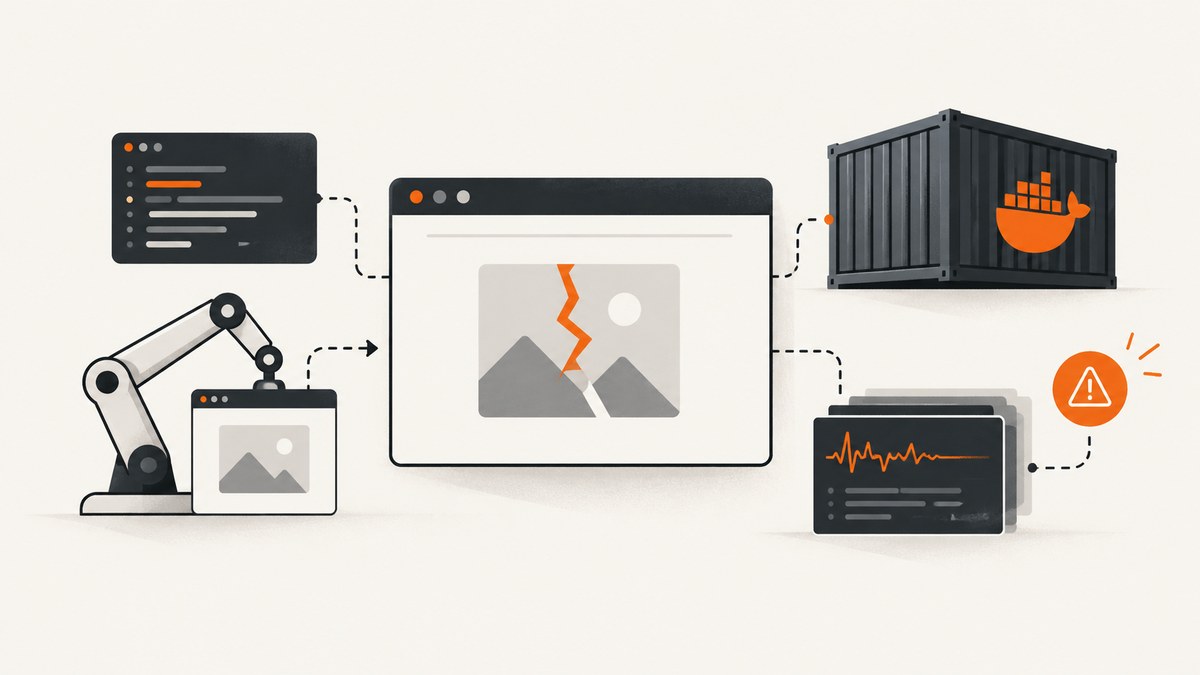
Most Crawl4AI screenshot failures have one of four causes: Chromium is not installed in the runtime, the browser launches with the wrong executable, the page is captured before it is ready, or the target page returns a blocked or altered response. Start by separating browser setup from screenshot configuration.
1. Run the supported setup first
Use the same virtual environment, container, CI runner, or hosted machine that runs your crawler:
pip install -U crawl4ai
crawl4ai-setup
python -m playwright install --with-deps chromium
crawl4ai-doctor
The Crawl4AI README recommends installing Chromium manually when browser-related problems occur: python -m playwright install –with-deps chromium. The doctor command runs a Chromium crawl with screenshots enabled. If it fails, the problem is below your selectors and extraction code: installation, executable discovery, permissions, or container resources.
2. Reproduce the smallest possible screenshot job
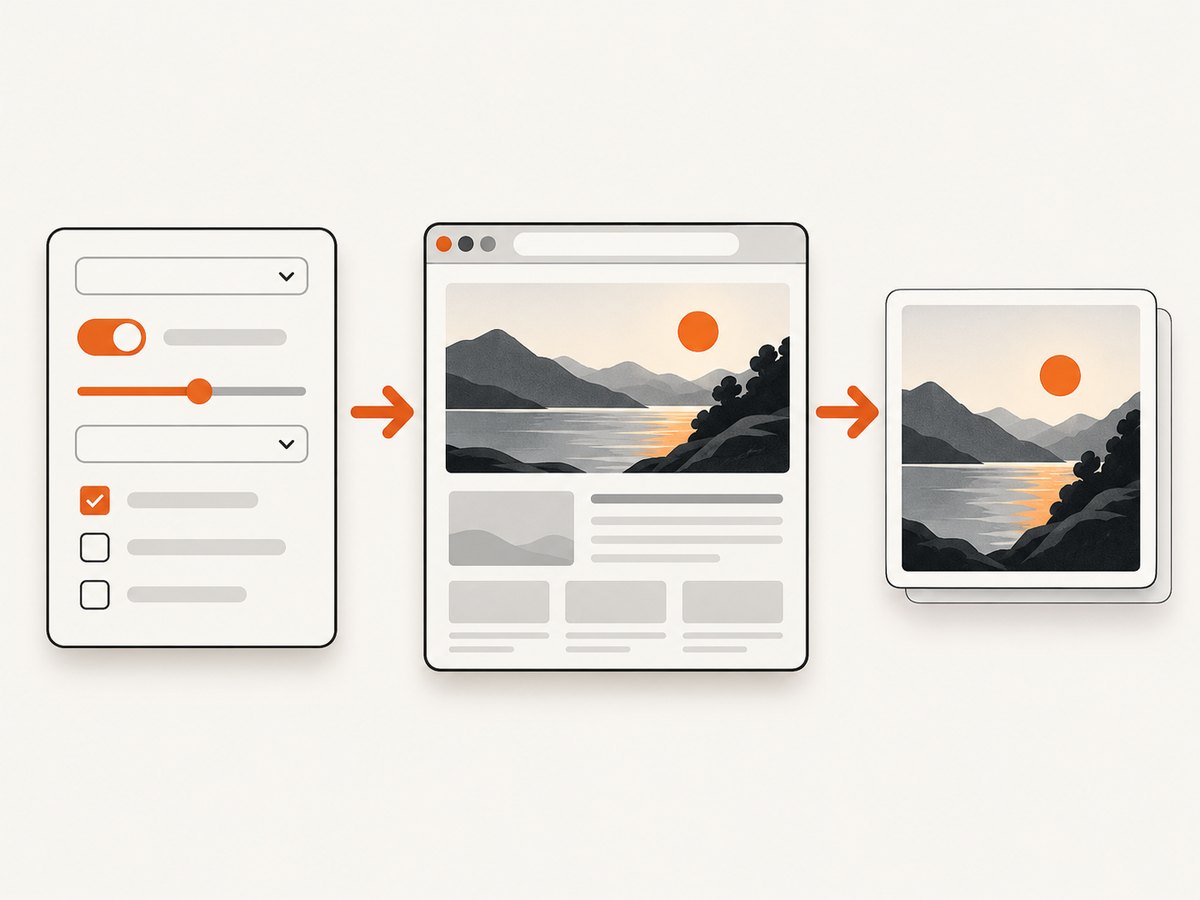
Remove extraction logic, custom JavaScript, proxies, and authentication while diagnosing. This script makes the browser visible, enables screenshots explicitly, and prints the exact error returned by Crawl4AI.
import asyncio
from crawl4ai import AsyncWebCrawler, BrowserConfig, CrawlerRunConfig

async def main():
    browser = BrowserConfig(
        browser_type="chromium",
        headless=False,
        verbose=True,
        viewport_width=1280,
        viewport_height=720,
    )
    run = CrawlerRunConfig(
        screenshot=True,
        screenshot_wait_for=2.0,
    )

    async with AsyncWebCrawler(config=browser) as crawler:
        result = await crawler.arun("https://example.com", config=run)
        print("success:", result.success)
        print("error:", result.error_message)
        print("screenshot bytes (base64):", len(result.screenshot or ""))

asyncio.run(main())
Keep headless=False until the baseline works. Then switch to headless mode for production. Browser launch settings belong in BrowserConfig; screenshot, waiting, scrolling, and capture settings belong in CrawlerRunConfig. The official configuration documentation covers these options in detail: Crawl4AI documentation.
3. Understand the two configuration layers
| Concern | Configure in | Examples |
|---|---|---|
| Launching Chromium | BrowserConfig |
browser type, headless mode, viewport, device scale factor, proxy, extra arguments, stealth |
| Capturing a page | CrawlerRunConfig |
screenshot=True, wait time, full-page scanning, scroll delay, maximum scroll steps |
Changing selectors cannot repair a missing executable. Installing another browser binary will not make a JavaScript-heavy page ready sooner. Always identify the failing stage first.
4. Fix missing executable and browser launch errors
Errors such as Executable doesn't exist, google-chrome not found, or missing chrome-headless-shell indicate an installation, cache, path, or image mismatch.
- Run the Playwright install command inside the runtime that executes Crawl4AI.
- Confirm the Playwright cache is writable and survives multi-stage Docker builds.
- Pin the Crawl4AI image tag and verify it contains the executable expected by the installed Playwright version.
- Record the exact executable path Playwright attempts to launch.
- If your platform supplies Chrome, explicitly configure Crawl4AI to use that binary and verify the path exists.
Known failure patterns include hosted environments without Playwright binaries, Docker images searching for google-chrome, and images expecting a headless-shell binary that is absent. Reinstall the matching browser in the image instead of changing page code.
Docker checklist
FROM python:3.12-slim
WORKDIR /app
COPY requirements.txt .
RUN pip install --no-cache-dir -U crawl4ai \
    && crawl4ai-setup \
    && python -m playwright install --with-deps chromium
COPY . .
CMD ["python", "capture.py"]- Build and run the browser install in the same image family.
- Do not assume
latestcontains the binary required by your installed Playwright version. - Give Chromium enough memory and shared memory; inspect sandbox and resource logs if it starts and then closes.
- Run the minimal script inside the failing container, not only on your laptop.
5. Fix empty or blank screenshots
If result.screenshot is empty, confirm screenshot=True and print result.error_message. If the screenshot exists but is blank or incomplete, the page probably was not ready when capture began.
run = CrawlerRunConfig(
    screenshot=True,
    screenshot_wait_for=3.0,
    delay_before_return_html=1.0,
)
Test a static page such as https://example.com. If it succeeds while the target fails, add only the readiness control the target needs: a longer screenshot wait, a page wait for a selector, or a short delay after JavaScript navigation. Excessive waits increase crawl time and browser resource use.
6. Fix cut-off and full-page capture problems
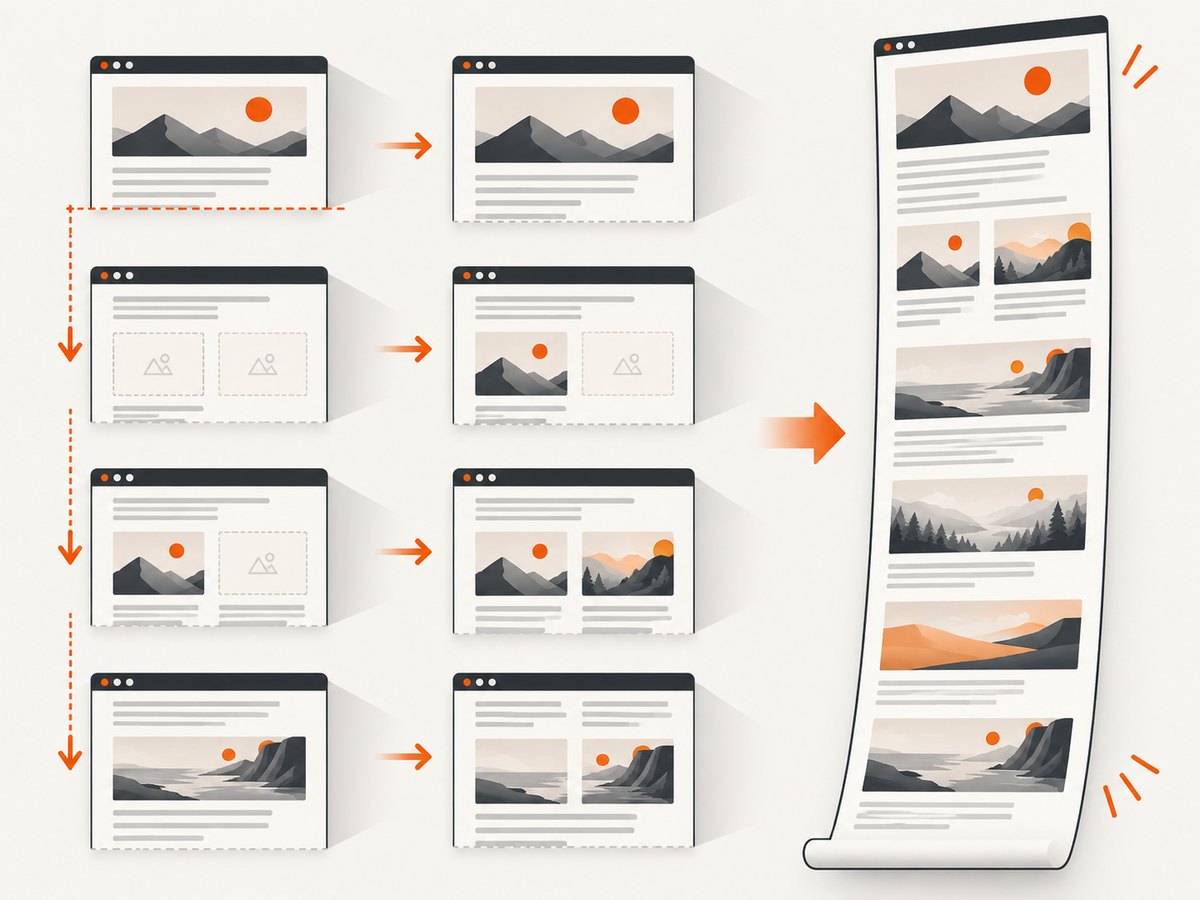
First force a viewport screenshot. This separates browser and encoding problems from full-page stitching:
viewport_run = CrawlerRunConfig(
    screenshot=True,
    force_viewport_screenshot=True,
    screenshot_wait_for=2.0,
)
For a full-page image, tune the documented scanning controls:
full_page_run = CrawlerRunConfig(
    screenshot=True,
    screenshot_wait_for=2.0,
    scan_full_page=True,
    scroll_delay=0.2,
    max_scroll_steps=40,
    screenshot_height_threshold=12000,
)scan_full_pageenables scrolling and stitching.scroll_delaygives lazy-loaded content time to render.max_scroll_stepsprevents endlessly growing pages from running forever.screenshot_height_thresholdhelps control very tall output.
Pages with infinite feeds, sticky elements, or continuously inserted advertisements may never reach a stable height. Cap scroll steps or capture bounded sections instead.
7. Resolve local-versus-CI and Docker differences
Compare these values between environments:
| Value | Why it changes output |
|---|---|
| Crawl4AI, Playwright, and image versions | Different versions can expect different browser binaries. |
| Browser executable path | Managed hosts may not use the path Playwright detects automatically. |
| Viewport width and height | Responsive layouts render different content and breakpoints. |
| Device scale factor | Changes pixel dimensions and memory use. |
| Proxy and user agent | Can produce a different page or a challenge response. |
| Shared memory and total memory | Chromium may crash after launch when resources are constrained. |
Pin versions, set a deterministic viewport, and rerun the minimal script in the failing environment. Preserve the complete Playwright launch error, including the attempted executable path.
8. Distinguish browser failures from anti-bot responses
A browser can launch successfully while the site returns a challenge, login page, consent wall, or alternate content. That is a page-access problem, not a screenshot-engine problem.
Compare the screenshot and returned HTML with a simple static URL. For sites that permit it, Crawl4AI documents headful mode, reasonable waits, simulate_user, magic, and an undetected adapter as diagnostic options. These techniques consume more resources and do not guarantee access. Follow robots.txt and the website’s terms of service.
9. A stable production pattern
- Keep a small health-check URL such as
https://example.com. - Run it after dependency, browser, or container-image changes.
- Log
result.success,result.error_message, browser and image versions, viewport dimensions, and whether a screenshot string was returned. - Use viewport screenshots for monitoring.
- Reserve full-page capture for pages with bounded height.
- Set a nonzero wait only for pages that need it.
async def capture(crawler, url, config):
    result = await crawler.arun(url, config=config)
    print({
        "url": url,
        "success": result.success,
        "error": result.error_message,
        "has_screenshot": bool(result.screenshot),
    })
    if not result.success or not result.screenshot:
        raise RuntimeError(result.error_message or "Screenshot was empty")
    return result.screenshot
10. Troubleshooting reference
| Symptom | Likely cause | Fix |
|---|---|---|
| Executable doesn’t exist | Chromium was not installed in this runtime | Run python -m playwright install --with-deps chromium during image build or setup. |
result.screenshot is empty |
Screenshot flag missing or capture failed earlier | Set screenshot=True; print result.error_message; run crawl4ai-doctor. |
| Blank image | Page scripts have not finished | Increase screenshot_wait_for; add a selector wait or short delay. |
| Image is cut off | Viewport capture was used for a long page | Try scan_full_page=True, then tune scroll delay and maximum steps. |
| Full-page capture hangs | Page height keeps growing | Set max_scroll_steps and capture sections. |
| Works locally, fails in CI | Version, path, viewport, proxy, or resource mismatch | Run the minimal script in CI and compare every environment value. |
| Browser starts but content differs | Anti-bot, consent, login, or proxy response | Inspect HTML and screenshot; diagnose access separately from browser installation. |
11. Or skip the browser setup
If maintaining matching Chromium binaries in every CI job is unnecessary, ScreenshotNeo provides a hosted screenshot API. See the ScreenshotNeo API documentation for the options.
curl -G "https://api.screenshotneo.com/v1/shot" -d access_key=YOUR_API_KEY --data-urlencode url=https://example.com -o shot.webpimport requests
r = requests.get("https://api.screenshotneo.com/v1/shot", params={"access_key": "YOUR_API_KEY", "url": "https://example.com"}, timeout=90)
r.raise_for_status()
open("shot.webp", "wb").write(r.content)const q = new URLSearchParams({ access_key: 'YOUR_API_KEY', url: 'https://example.com' });
const res = await fetch(`https://api.screenshotneo.com/v1/shot?${q}`);
if (!res.ok) throw new Error(`HTTP ${res.status}`);
const fs = await import('node:fs/promises');
await fs.writeFile('shot.webp', Buffer.from(await res.arrayBuffer()));Cookie banners, newsletter popups, and chat widgets are removed before the shot. Bot checks, blank pages, timeouts, failed loads, and cache hits are not billed, and response headers report the page verdict and billing status. ScreenshotNeo also offers an MCP server so Claude, Cursor, and other MCP clients can take screenshots, plus full-page capture, custom waits, headers, cookies, user agents, PDF output, caching, signed links, async jobs, and bulk capture.
The Free plan includes 1,000 screenshots per month with no card. Paid plans start at $5 for 3,000 screenshots. Create a free ScreenshotNeo account.
12. FAQ
Should I change selectors when Chromium cannot launch?
No. Repair installation, executable paths, cache permissions, or the container image first.
Why does increasing the viewport not fix a blank image?
Viewport size affects layout; it does not wait for application JavaScript. Add a readiness wait and inspect the returned error.
When should I use full-page capture?
Use it for pages with a bounded height. For feeds or pages that keep growing, capture sections or cap scroll steps.
Why is a screenshot different in headless mode?
Headless mode can use different rendering, timing, fonts, or environment resources. Compare viewport, device scale factor, browser version, and proxy before changing page code.
What log should a production alert include?
Include the URL, Crawl4AI and Playwright versions, browser executable path, viewport, success flag, exact error text, and whether screenshot data was returned.


