How to Fix HTTPS Authentication Issues with Crawlera and Puppeteer
Separate proxy credentials, website logins and TLS errors to diagnose Crawlera-era Puppeteer failures, then choose a current Zyte migration path.
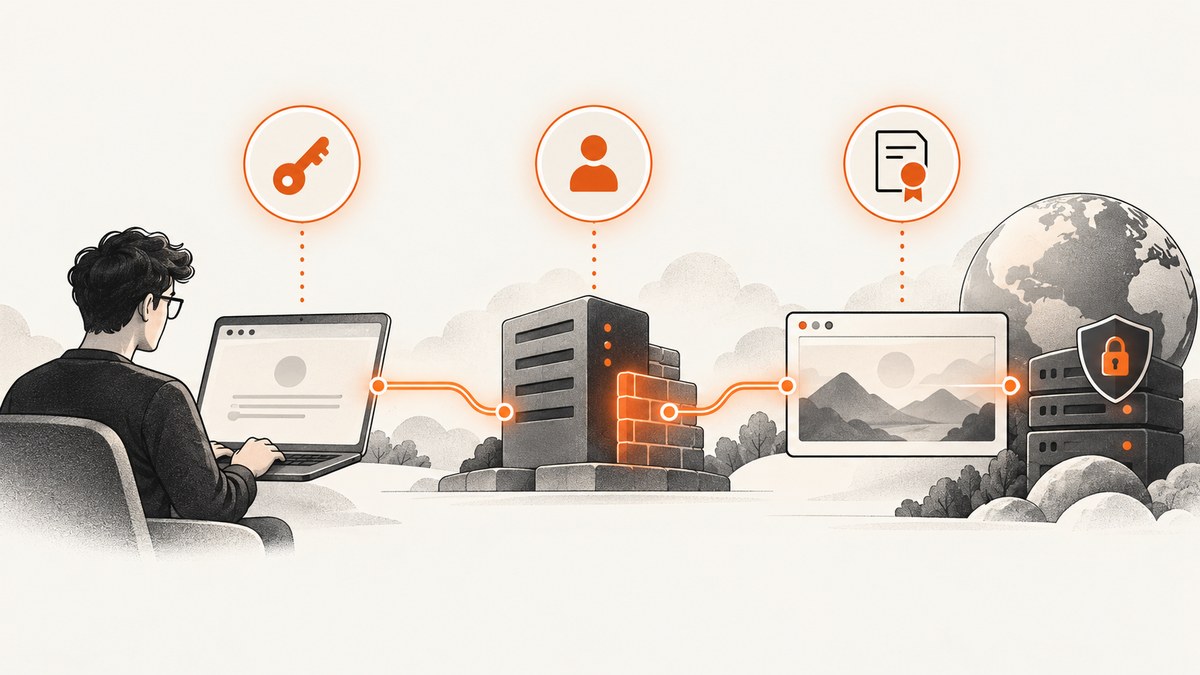
If Puppeteer shows a proxy login page or reports a proxy-authentication error while opening an HTTPS site, first identify which connection is asking for credentials. Proxy authentication, the destination website’s login, and TLS certificate validation are separate problems. A proxy API key will not fix a website login or a certificate error.
Crawlera was renamed Zyte Smart Proxy Manager (SPM), and Zyte says SPM has been retired and replaced by Zyte API. For a legacy integration, check the endpoint and credentials currently shown for your account. For new browser automation, Zyte documents a Puppeteer-compatible hosted browser over Chrome DevTools Protocol (CDP); it also offers proxy mode for migration, while cautioning that proxy mode is not optimized for browser automation. These are current options, not proof that every older integration stopped working on a particular date. Zyte’s migration documentation and proxy-mode documentation describe the current paths.
1. Identify which authentication failed
The phrase “HTTPS authentication” often merges three layers:
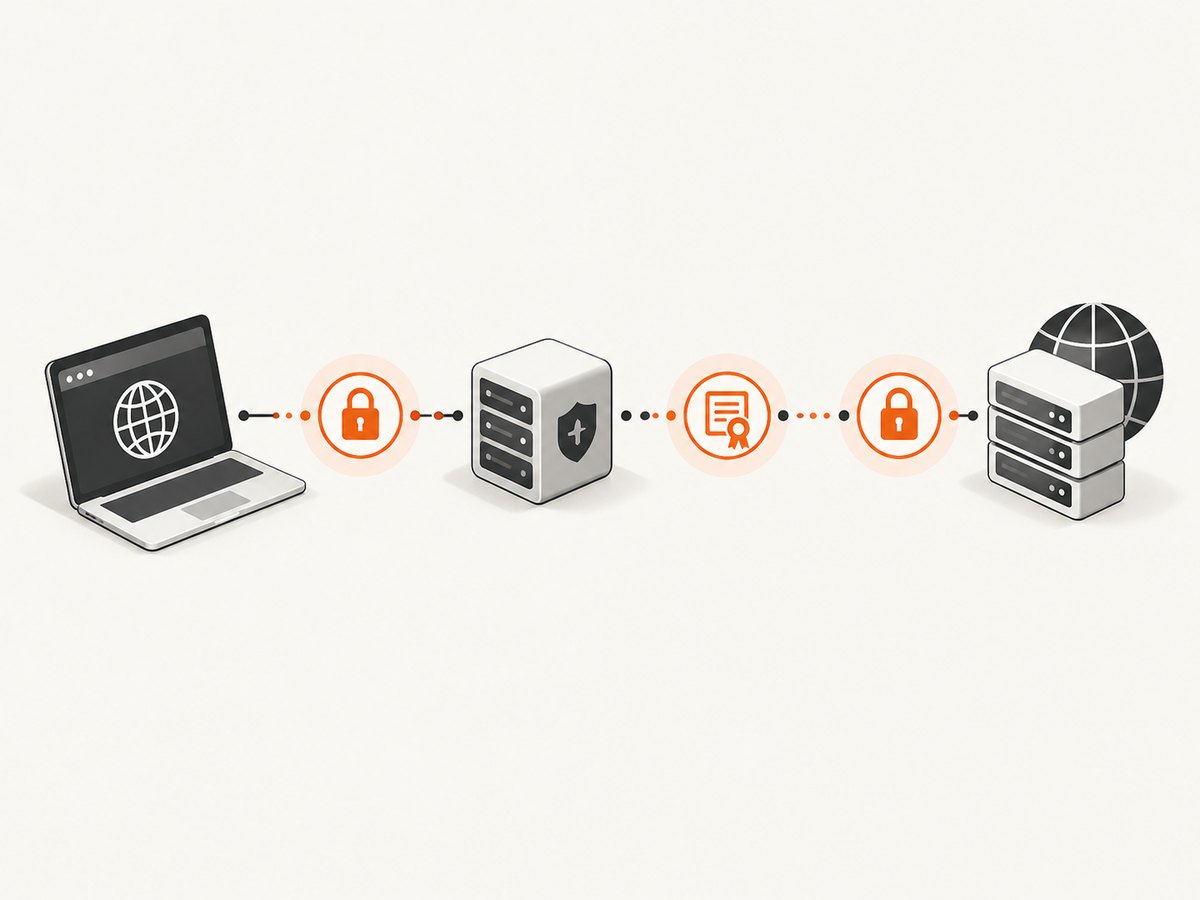
| Layer | What is being authenticated | Typical clue |
|---|---|---|
| Proxy | Your browser or HTTP client to the proxy service | Proxy login page, proxy-authentication error, or a request rejected before reaching the site |
| Destination | Your browser to the website | The website’s own login form, HTTP authentication prompt, or application-specific access denied page |
| TLS | The encrypted connection’s certificate chain and hostname | Certificate authority, hostname, or TLS handshake error |
HTTPS describes encrypted transport to the target; it does not tell you which credential challenge failed. A proxy can carry a request to an HTTPS target over an ordinary HTTP proxy connection. A separate HTTPS proxy interface has its own TLS requirements. Diagnose the actual error before changing browser security options.
2. Check the proxy endpoint and account key
- Find the proxy host and port configured in the running application. Check environment variables, deployment secrets and launch arguments, not only a local config file.
- Compare that endpoint with the current instructions in your Zyte account and migration state. Old examples often use
proxy.crawlera.com; do not assume that a copied legacy host remains the right one for your account. - Confirm the key is the API key for the intended account, has no extra whitespace, and is not an unrelated destination-site username or password. Rotate it if it has been exposed in source control or logs.
- Make one request to a simple HTTPS page and inspect the resulting status, page content and browser error. A login page means the request reached an authentication challenge; it does not by itself prove which side issued it.
A historical support thread describes Puppeteer v1.6.0 showing a proxy login page and net::ERR_UNEXPECTED_PROXY_AUTH; the administrator suggested using the Crawlera API key from account settings. Treat that as a clue about an old report, not as a current, verified integration recipe. Read the historical support thread.
3. Configure Puppeteer’s proxy and authentication
For a proxy endpoint and credential scheme that your account still supports, pass the proxy server at browser launch, then provide credentials through Puppeteer’s authentication API. The values below are placeholders: use the current host, port and credential format from your account’s documentation. This example demonstrates the Puppeteer API shape; it is not a claim that a particular legacy Crawlera endpoint or account was tested.
const puppeteer = require('puppeteer');

(async () => {
  const browser = await puppeteer.launch({
    headless: true,
    args: ['--proxy-server=http://PROXY_HOST:PROXY_PORT'],
  });

  try {
    const page = await browser.newPage();
    await page.authenticate({
      username: process.env.PROXY_USERNAME,
      password: process.env.PROXY_PASSWORD,
    });

    const response = await page.goto('https://example.com/', {
      waitUntil: 'domcontentloaded',
      timeout: 45000,
    });

    console.log({ status: response?.status(), url: page.url() });
    console.log((await page.title()).slice(0, 200));
  } finally {
    await browser.close();
  }
})().catch((error) => {
  console.error(error);
  process.exitCode = 1;
});
Set PROXY_USERNAME and PROXY_PASSWORD in the process environment using your provider’s specified format. Some proxy services use an API key as a password, a specially formatted username, or another arrangement; do not guess. Keep secrets out of command-line arguments that other users on the host can inspect, source files, screenshots, and debug logs.
Puppeteer documents Page.authenticate() as providing credentials for HTTP authentication. It turns on request interception behind the scenes, which may affect performance. See the Puppeteer API reference. If a page needs separate destination-site credentials too, validate behavior for the Puppeteer and Chromium versions you run: a page-level authentication setting should not be assumed to handle two independent challenges correctly.
Why a Proxy-Authorization page header may not fix it
Adding a Proxy-Authorization field as an ordinary page request header is not equivalent to completing the proxy’s authentication handshake. The browser and proxy negotiate that challenge at the proxy connection layer. A historical report mentioning a login page does not establish that manually setting a header works reliably with current Chromium. Use the authentication method and credential placement prescribed for the specific endpoint, then verify with a small request.
4. Treat TLS errors as a separate diagnosis
Do not turn off certificate validation to fix missing or rejected proxy credentials. An option such as ignoreHTTPSErrors can mask a certificate problem and weaken connection checks; it does not authenticate you to a proxy.
Zyte’s proxy-mode documentation distinguishes its regular proxy endpoint, which can carry HTTPS target URLs, from its HTTPS proxy interface, which requires compatible tooling and Zyte’s CA certificate. The documentation lists api.zyte.com:8011 for proxy mode and api.zyte.com:8014 for the HTTPS proxy interface; recheck the live documentation and your account instructions before configuring either. If the error is a certificate authority or TLS handshake error, confirm which interface is in use and follow its current certificate setup. Zyte proxy-mode setup and certificate notes.
5. Choose a current Zyte path for browser automation
| Path | Control model | Authentication shape | Fit and caveats |
|---|---|---|---|
| Proxy mode | Your local software sends its traffic through a proxy endpoint | Proxy host plus API key or credentials as specified by the account | Migration option for proxy-style requests. Zyte cautions that it is not optimized for browser automation. |
| Hosted CDP browser | Puppeteer connects to and controls a remotely managed browser | Basic authorization on the browser connection, constructed from the API key plus a colon | Explicitly documented for Puppeteer; account eligibility requirements apply. |
Zyte says its headless browser is exposed over Chrome DevTools Protocol so Puppeteer and other CDP-compatible clients can drive it. Consult the current browser documentation for the exact browser endpoint, authentication header, package version guidance and account requirements.
const puppeteer = require('puppeteer');

(async () => {
  const apiKey = process.env.ZYTE_API_KEY;
  if (!apiKey) throw new Error('Set ZYTE_API_KEY');

  const authorization = 'Basic ' + Buffer.from(`${apiKey}:`).toString('base64');
  const browser = await puppeteer.connect({
    browserWSEndpoint: 'wss://YOUR_CURRENT_ZYTE_CDP_ENDPOINT',
    headers: { Authorization: authorization },
  });

  try {
    const page = await browser.newPage();
    await page.goto('https://example.com/', {
      waitUntil: 'domcontentloaded',
      timeout: 45000,
    });
    console.log(await page.title());
  } finally {
    await browser.close();
  }
})().catch((error) => {
  console.error(error);
  process.exitCode = 1;
});
Replace the endpoint placeholder with the current value from Zyte’s documentation or your account. The code shows the documented Basic-auth construction, but exact endpoint and account access must be checked live. Zyte documents a 401 as an authentication problem such as a missing, malformed or misplaced key. A 403 indicates account access prerequisites, such as subscription/spending setup and business verification. Those meanings apply to Zyte CDP diagnostics, not every Crawlera-era proxy error. Check CDP authorization and eligibility details.
6. Troubleshoot by symptom
| Symptom | Likely area | Next action |
|---|---|---|
Proxy login page or ERR_UNEXPECTED_PROXY_AUTH |
Proxy endpoint, proxy credentials or credential placement | Verify the active endpoint and account key. Check the provider’s required username/password format and use Puppeteer authentication as documented for that integration. |
| Destination site displays its login form | Website authentication | Confirm the target URL and site account flow. Do not substitute the proxy API key for website credentials. |
| Certificate authority or TLS handshake error | Certificate/interface setup | Determine whether ordinary proxy mode or the HTTPS proxy interface is in use. Install the provider’s CA only when that interface requires it; keep validation enabled while diagnosing. |
| Zyte CDP returns 401 | CDP Authorization header | Check that the API key is current, Basic-encoded from key:, and attached to the browser connection in the documented field. |
| Zyte CDP returns 403 | Account eligibility | Review subscription or spending configuration and business verification in current Zyte account guidance. |
| Navigation times out | Target load, proxy path or overly strict wait condition | Try domcontentloaded instead of waiting for all network activity, increase timeout only when justified, and record the exact navigation error and response. |
| It works but is unexpectedly slow | Request interception, page weight or proxy route | Measure navigation and capture stages separately. Note that Puppeteer authentication enables request interception; avoid adding unnecessary per-request handlers. |
Log enough to isolate the layer
- Record Puppeteer and Chromium versions, proxy host and port (never the key), target hostname, navigation timeout and the exact error code.
- Record response status and final URL where available. Avoid logging authorization headers, cookies, full page contents or sensitive query parameters.
- Try a minimal page and a single browser tab to distinguish credential failures from resource or concurrency problems.
- Compare behavior from the same deployment environment. A key available on a laptop may be missing in a container or worker.
7. Performance, reliability and cost considerations
Proxy routing adds an additional service hop; browser startup and page rendering also take time. Keep a browser alive for a small batch of related pages when appropriate, but isolate browser contexts and close pages so cookies or state do not leak between jobs. Apply bounded navigation timeouts and retry only errors that may recover. Repeating a request after a clear authentication rejection will not repair bad credentials and can waste capacity.
Use domcontentloaded when the task does not require every image, analytics call or long-lived connection to finish. Waiting for network idle can hang on sites with persistent traffic. For a screenshot that depends on a particular component, wait for that selector, then capture; if a site loads content after interaction, perform the interaction deliberately rather than relying on a long fixed sleep.
Cost depends on the current Zyte account plan and usage terms. This research provides no current Zyte prices, so check the account’s pricing and usage dashboard before moving a workload. For reliability, preserve enough metadata to tell proxy authentication, destination response, navigation timeout and TLS validation apart. That makes retries and incident reports actionable.
8. Capture a screenshot without managing a proxy browser
If your task is simply to get an image of a web page rather than control a browser session, ScreenshotNeo is a website screenshot API and MCP server from Yorker Media. One GET request returns PNG, JPEG or WebP, or a PDF. Its options include full-page capture with lazy images loaded, CSS selector element capture, device and viewport settings, dark mode, custom CSS and JavaScript, cookies and headers, wait conditions, caching, signed links, async jobs and bulk capture.
Or skip the browser setup
Use a single API request instead of configuring Puppeteer and a proxy. See the ScreenshotNeo API documentation for parameters and response details.
curl -G "https://api.screenshotneo.com/v1/shot" -d access_key=YOUR_API_KEY --data-urlencode url=https://stripe.com -o shot.webpimport requests
r = requests.get(
"https://api.screenshotneo.com/v1/shot",
params={"access_key": "YOUR_API_KEY", "url": "https://stripe.com"},
timeout=90,
)
r.raise_for_status()
open("shot.webp", "wb").write(r.content)const q = new URLSearchParams({ access_key: 'YOUR_API_KEY', url: 'https://stripe.com' });
const res = await fetch(`https://api.screenshotneo.com/v1/shot?${q}`);
if (!res.ok) throw new Error(`Screenshot request failed: ${res.status}`);
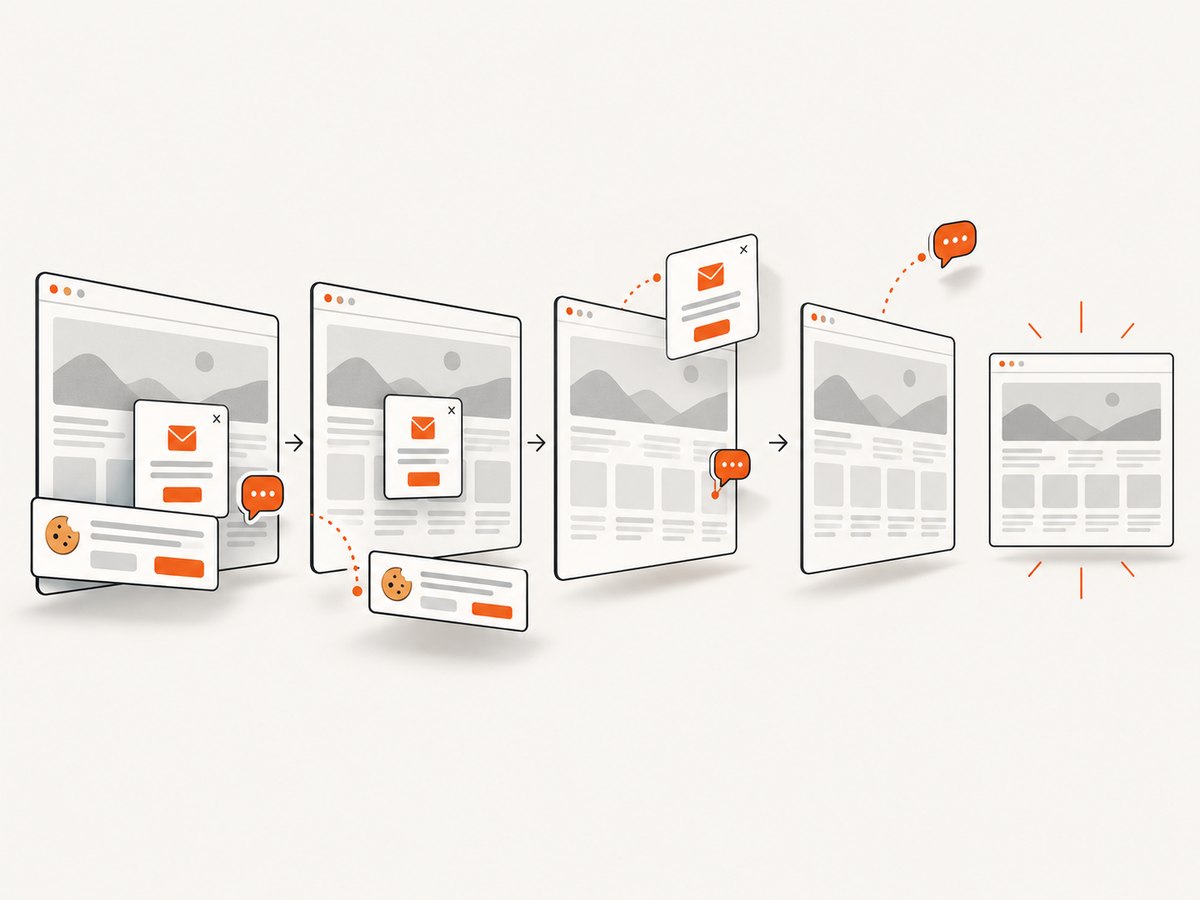
await Bun.write('shot.webp', res);In Node.js environments without Bun, write the response bytes with the runtime’s filesystem API. Keep the access key private; do not expose it in browser-side code or public URLs. ScreenshotNeo accepts cookie/consent banners like a visitor and removes more than 60 known consent platforms, newsletter popups and chat widgets before capture; each cleanup step can be turned off. Bot checks/CAPTCHAs, blank pages, timeouts, failed loads and cache hits are not billed, and responses identify the page verdict and billing status in headers. Its MCP server provides take_screenshot, get_page_info and capture_pdf to Claude, Cursor and other MCP clients.
The free plan includes 1,000 screenshots each month with no card. Paid plans start at $5 for 3,000 shots; every feature is on every plan. Sign up for 1,000 free screenshots a month, no card required.
FAQ
Does an HTTPS target require an HTTPS proxy?
Not necessarily. Zyte documents proxy mode for HTTPS target URLs over its main endpoint. Its separate HTTPS proxy interface has additional tooling and CA requirements.
Can Puppeteer authenticate to both a proxy and a website?
They are distinct challenges. Check the behavior supported by your deployed Puppeteer and Chromium versions and the proxy integration’s instructions; do not assume one credential pair satisfies both.
Should I use the old Crawlera host from a tutorial?
Only if the current account documentation still instructs you to use it. SPM has been retired and Zyte documents migration to Zyte API, so validate legacy configuration against your account.
Is a 403 the same as a bad API key?
For Zyte’s documented CDP endpoint, 401 indicates an authentication issue while 403 indicates account eligibility or access restrictions. Do not generalize these meanings to unrelated endpoints.


