How to Fix Cross-Origin Image Loading Errors in Browser Screenshots
Fix missing cross-origin images, tainted canvases, and CORS errors in Playwright, Puppeteer, and browser screenshot workflows.
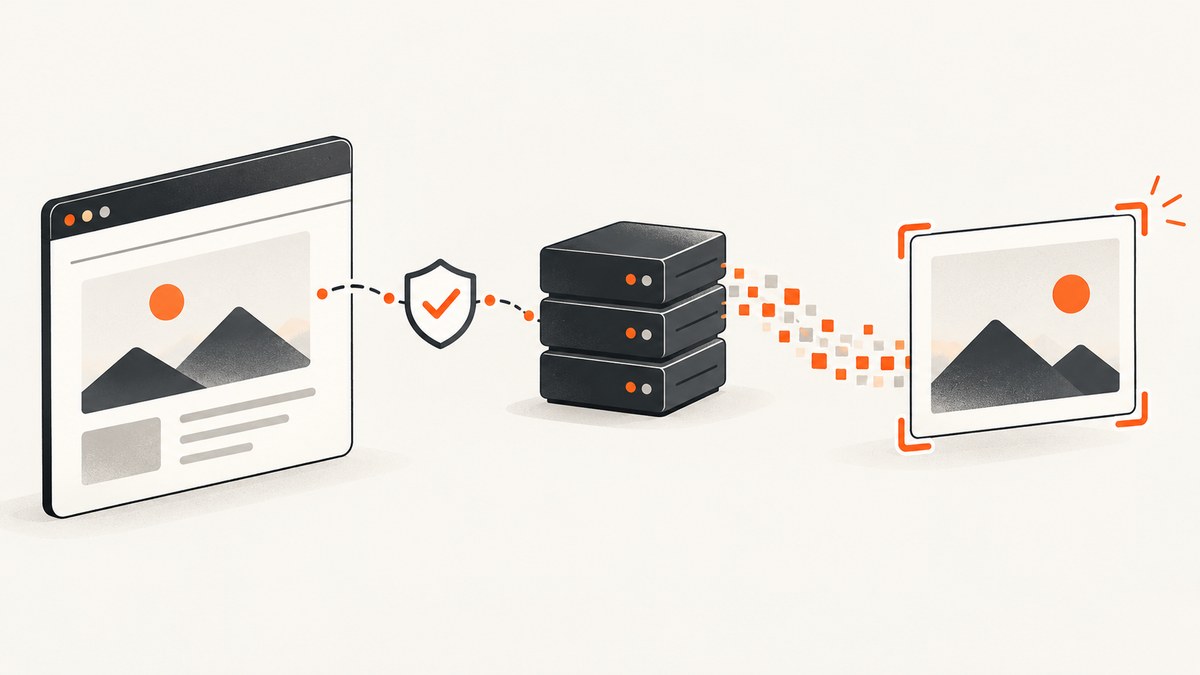
Direct answer: Add crossorigin="anonymous" to the image before its src is assigned, and configure the image server to return an Access-Control-Allow-Origin header that permits the page origin. Then reload the image and draw it into a new canvas. If the image server cannot grant CORS, proxy or re-host the image on an origin you control, avoid reading it through canvas, or capture the rendered page without canvas pixel readback.
Why a cross-origin image breaks screenshot code
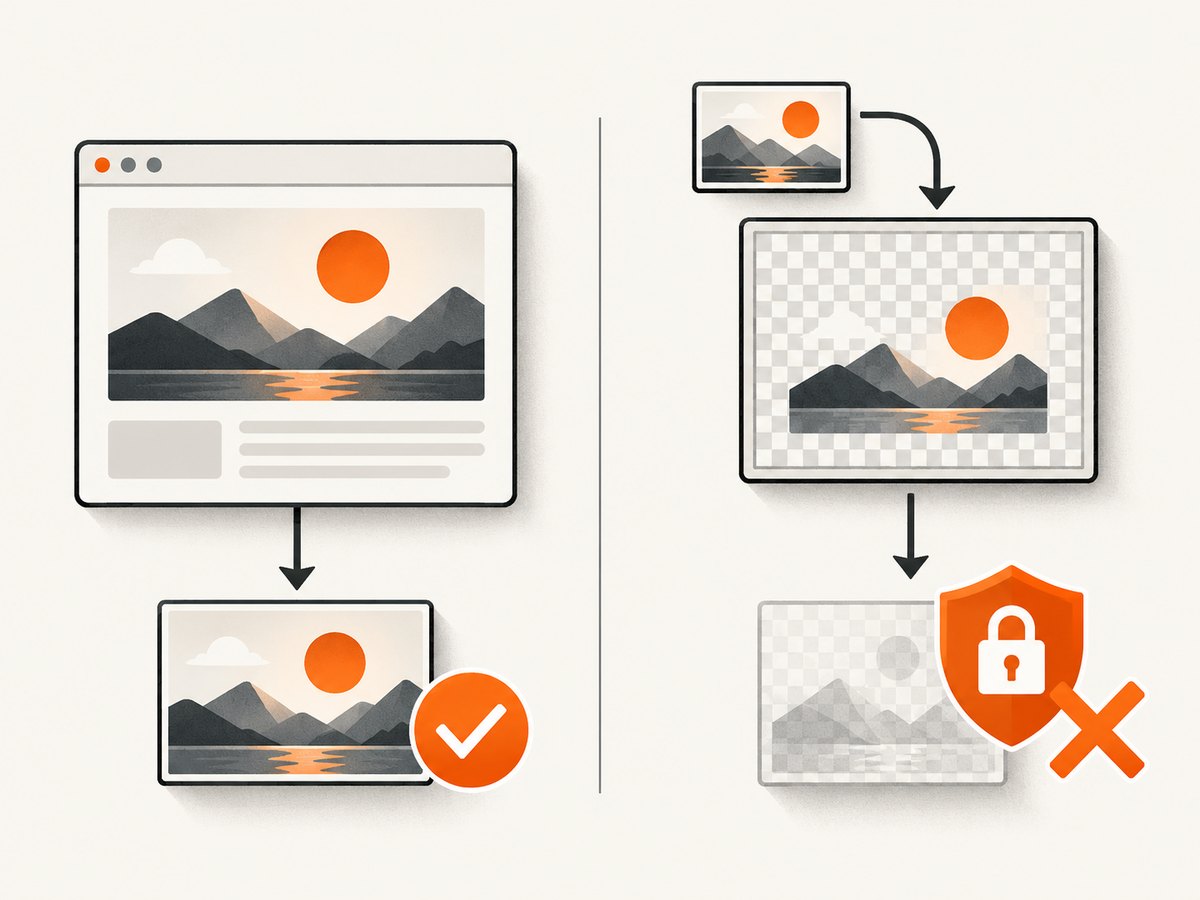
Browsers distinguish between displaying an image and exposing its pixels to JavaScript. An image from another origin can often render normally in an <img> element. When that image is drawn onto a canvas without a successful CORS exchange, the canvas becomes tainted. The browser then blocks getImageData(), toBlob(), toDataURL(), and captureStream() with a security exception. MDN describes this behavior in its CORS-enabled images guide and tainted-canvas documentation.
This explains the common symptom: the screenshot visibly contains the picture, but code that exports or analyzes canvas pixels fails. Screenshot automation does not bypass browser origin security.
Identify the origin that actually serves the image
Two URLs have different origins when their scheme, hostname, or port differs. Check all of these before changing code:
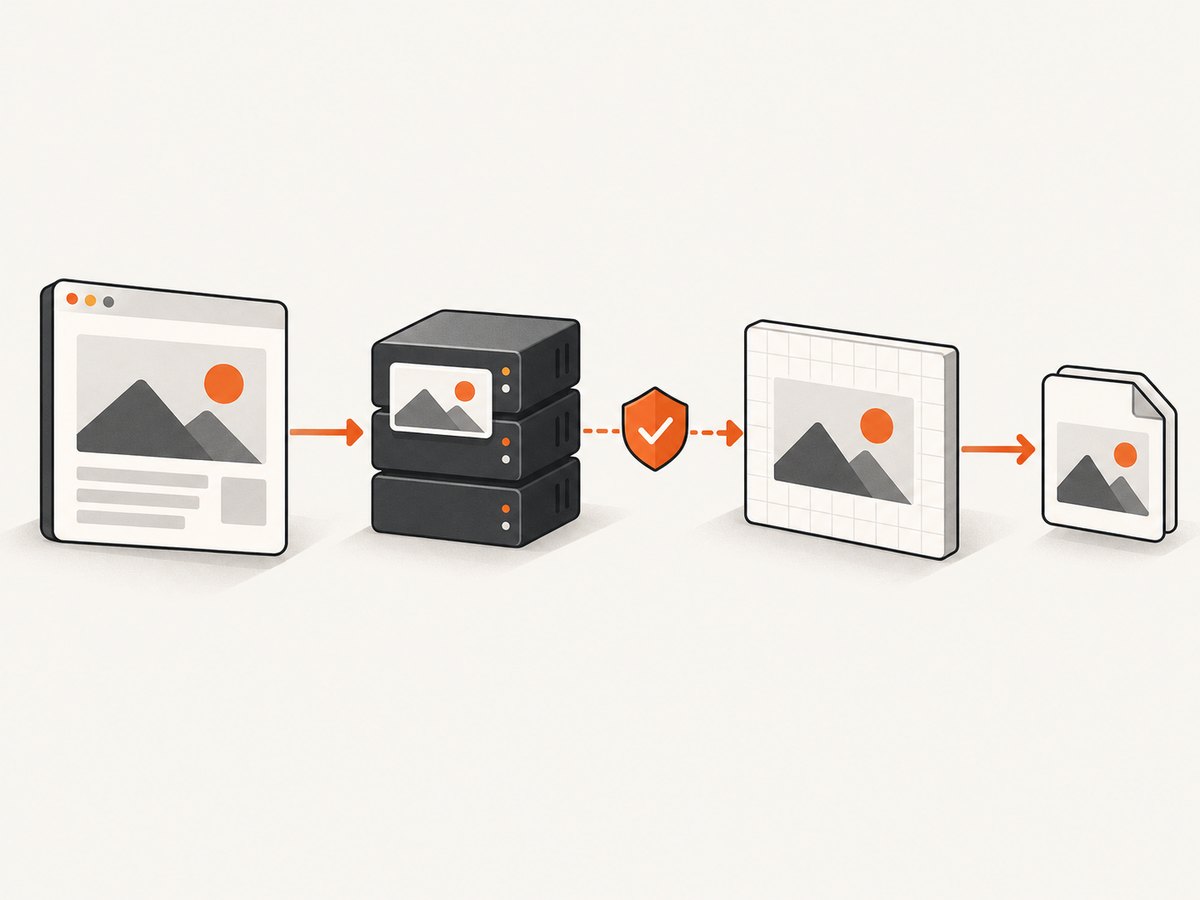
- The final image URL after redirects, not only the URL in your HTML.
- CDN, object-storage, image-optimization, and signed-download hostnames.
httpversushttps, including mixed-content upgrades.- CSS
background-imageURLs, SVG<image>references, and images inserted by widgets. - Images loaded by a framework after the initial page render.
In browser developer tools, inspect the image request and response. Record the request URL, final URL, status, and response headers.
Fix a public image you control
1. Set crossorigin before src
<img id="hero" crossorigin="anonymous" alt="Product hero">
<script>
  const image = document.querySelector('#hero');
  image.crossOrigin = 'anonymous';
  image.src = 'https://cdn.example.com/hero.png';
</script>
The request mode is selected when loading starts. Setting crossOrigin after src is too late. Frameworks must also set the property before they cause the image request.
2. Return an allowing response header
For a public asset, the image response can allow the requesting site explicitly:
Access-Control-Allow-Origin: https://app.example.comIf the asset is intentionally public to every origin, the server may return:
Access-Control-Allow-Origin: *Do not use a wildcard with credentialed requests. If cookies or HTTP credentials are required, return the exact allowed origin and Access-Control-Allow-Credentials: true, and use the appropriate credentialed request mode.
3. Reload and recreate the canvas
async function loadCorsImage(url) {
  const image = new Image();
  image.crossOrigin = 'anonymous';
  image.src = url;
  await image.decode();
  return image;
}

async function exportPng(url) {
  const image = await loadCorsImage(url);
  const canvas = document.createElement('canvas');
  canvas.width = image.naturalWidth;
  canvas.height = image.naturalHeight;
  const context = canvas.getContext('2d');
  context.drawImage(image, 0, 0);
  return await new Promise((resolve, reject) =>
    canvas.toBlob(blob => blob ? resolve(blob) : reject(new Error('toBlob failed')), 'image/png')
  );
}

exportPng('https://cdn.example.com/hero.png')
  .then(blob => console.log('PNG bytes:', blob.size))
  .catch(console.error);
A canvas that was already tainted cannot be repaired by changing headers later. Reload the image and draw it into a new canvas after the server fix is active.
Server configuration examples
Node.js and Express
import express from 'express';

const app = express();
const allowed = new Set(['https://app.example.com']);

app.use('/images', (req, res, next) => {
  const origin = req.get('Origin');
  if (origin && allowed.has(origin)) {
    res.set('Access-Control-Allow-Origin', origin);
    res.set('Vary', 'Origin');
  }
  next();
});

app.use('/images', express.static('public/images'));
app.listen(8080);
Amazon S3
Configure the bucket CORS policy for the website origin, then ensure the CDN does not strip or cache an incorrect header. A typical policy allows GET from the exact application origin. Purge a stale CDN object after changing metadata.
Nginx
location /images/ {
    add_header Access-Control-Allow-Origin "https://app.example.com" always;
    add_header Vary Origin always;
}
Apply the header on error responses as well when debugging, and confirm that an upstream proxy is not removing it.
Complete Playwright screenshot example
Playwright captures the rendered page, including viewport, element, full-page, and device-scale screenshots. Its screenshot API is documented at playwright.dev/docs/screenshots. The page still enforces CORS for JavaScript and canvas operations.
import { chromium } from 'playwright';

const browser = await chromium.launch();
const page = await browser.newPage({
  viewport: { width: 1440, height: 900 },
  deviceScaleFactor: 1
});

page.on('console', message => console.log('[browser]', message.type(), message.text()));
page.on('requestfailed', request => console.error('[failed]', request.url(), request.failure()?.errorText));

await page.goto('https://app.example.com/gallery', { waitUntil: 'networkidle' });
await page.locator('img[data-hero]').waitFor({ state: 'visible' });
await page.screenshot({ path: 'gallery.png', fullPage: true });
await browser.close();
Use this approach when you only need a visual screenshot. It does not make a tainted canvas readable; page code that calls getImageData() can still fail.
Complete Puppeteer screenshot example
Puppeteer likewise automates a remote Chromium page; see the official Puppeteer screenshot guide.
import puppeteer from 'puppeteer';

const browser = await puppeteer.launch({ headless: 'new' });
const page = await browser.newPage();
page.on('console', message => console.log('[browser]', message.text()));
page.on('requestfailed', request => console.error('[failed]', request.url(), request.failure()?.errorText));
await page.setViewport({ width: 1440, height: 900, deviceScaleFactor: 1 });
await page.goto('https://app.example.com/gallery', { waitUntil: 'networkidle0' });
await page.screenshot({ path: 'gallery.png', fullPage: true });
await browser.close();
When you do not control the image host
The browser cannot manufacture permission that the remote server did not grant. Choose the solution that matches the asset and the required output:
| Situation | Practical fix |
|---|---|
| Public image, server owner available | Ask the owner to return Access-Control-Allow-Origin for your origin. |
| Public image, owner unavailable | Fetch it through a server or proxy you control, validate content, and serve it from your origin. |
| Private or credentialed image | Use an authorized server-side fetch or API. Do not expose private credentials in a browser proxy. |
| Only a visual screenshot is needed | Capture the rendered page and remove code that reads canvas pixels. |
| Image processing is required | Re-host or proxy the asset with correct CORS, then reload into a new canvas. |
Simple server-side proxy pattern
import express from 'express';

const app = express();
app.get('/image-proxy', async (req, res) => {
  const target = new URL(req.query.url);
  if (target.protocol !== 'https:' || target.hostname !== 'cdn.example.com') {
    return res.status(400).send('Unsupported image host');
  }
  const upstream = await fetch(target);
  if (!upstream.ok) return res.status(upstream.status).end();
  res.type(upstream.headers.get('content-type') || 'application/octet-stream');
  res.set('Cache-Control', 'public, max-age=300');
  res.send(Buffer.from(await upstream.arrayBuffer()));
});
app.listen(3000);
Restrict proxy destinations, enforce size and content-type limits, and prevent internal-network URL access. For private assets, authenticate the proxy and apply authorization checks.
Debugging checklist
- Open the image request and inspect the final redirected URL.
- Confirm the response contains a matching
Access-Control-Allow-Origin. - Verify
crossoriginorimage.crossOriginappears beforesrc. - Check CSS backgrounds, SVG images, fonts, and third-party widgets for additional origins.
- Create a new image and a new canvas after changing server headers.
- Test the exact failing API:
getImageData,toBlob, ortoDataURL. - In CI, save browser console messages, failed requests, response headers, and the screenshot together.
Common errors and fixes
| Error or symptom | Cause | Fix |
|---|---|---|
SecurityError: The operation is insecure |
The canvas is tainted. | Enable CORS on the image response, reload the image, and recreate the canvas. |
Image displays, but toDataURL() fails |
Visual rendering does not grant pixel readback. | Use a CORS-clean image or skip canvas export. |
Image disappears after adding crossorigin |
The server did not opt in, so the CORS request was blocked. | Add the correct response header or use a proxy you control. |
| Header appears on the first request only | A CDN or cache served a response for another origin. | Vary or key the cache by Origin, purge stale objects, and retest. |
| Works locally but fails in CI | Different origin, redirect, environment, or asset host. | Log final URLs and headers in CI; test the deployed origin directly. |
| Only some images fail | Those images use a different CDN, CSS URL, SVG, or widget. | Inventory every resource and fix each response independently. |
Performance, reliability, and cost considerations
- Wait for the real readiness signal. In Playwright or Puppeteer, wait for the image selector,
img.decode(), an application-ready marker, or network idle. A screenshot taken before lazy images load can look like a CORS failure. - Prefer one browser session for batches. Reusing a browser and limiting concurrent pages reduces startup overhead. Keep concurrency below the capacity of your CI machine and target site.
- Cache immutable assets. A stable image URL and cache policy reduce repeated transfers. After changing CORS metadata, purge or version the URL.
- Separate visual capture from pixel processing. If no canvas readback is needed, avoid extra image conversion and processing.
- Make failures observable. Store the page URL, final image URL, response status, CORS headers, console output, and screenshot artifact for retries.
- Protect proxy endpoints. Allow-list hosts, cap response sizes, set timeouts, and block private IP ranges.
Or skip the browser setup
ScreenshotNeo provides a website screenshot API and MCP server. One request captures a rendered page as PNG, JPEG, WebP, or PDF. Cookie and consent banners, newsletter popups, and chat widgets are removed before capture. Bot checks, blank pages, timeouts, failed loads, and cache hits are not billed, and the response reports the verdict in X-Page-Verdict and X-Billed headers.
Read the complete option list and authentication details in the ScreenshotNeo documentation.
cURL
curl -G "https://api.screenshotneo.com/v1/shot" -d access_key=YOUR_API_KEY --data-urlencode url=https://stripe.com -o shot.webpPython
import requests
r = requests.get("https://api.screenshotneo.com/v1/shot", params={"access_key": "YOUR_API_KEY", "url": "https://stripe.com"}, timeout=90)
open("shot.webp", "wb").write(r.content)
Node.js
const q = new URLSearchParams({ access_key: 'YOUR_API_KEY', url: 'https://stripe.com' });
const res = await fetch(`https://api.screenshotneo.com/v1/shot?${q}`);
ScreenshotNeo also supports full-page capture with lazy images loaded, CSS-element capture, custom CSS and JavaScript, waits, blocked requests, headers, cookies, user agents, caching, signed links, asynchronous jobs, webhooks, bulk capture, and an MCP server with take_screenshot, get_page_info, and capture_pdf for AI agents.
The Free plan includes 1,000 screenshots per month with no card. Paid plans start at $5 for 3,000 screenshots, and every feature is available on every plan. Create your free ScreenshotNeo account.
FAQ
Does adding crossorigin="anonymous" alone fix the problem?
No. The image response must also include an allowing Access-Control-Allow-Origin header.
Can I use mode: 'no-cors' to read the image?
No. A no-CORS response is opaque and does not make pixels available to canvas.
Why does a normal screenshot work while canvas export fails?
A screenshot captures rendered pixels through the browser automation tool. Canvas export asks page JavaScript for pixel data, which is blocked when the canvas is tainted.
Will disabling browser security in CI solve this safely?
It changes the browser security model and can hide production defects. Fix the asset server or use a controlled proxy instead.
Do redirects affect CORS?
Yes. Inspect the final response. The server that ultimately returns the image must provide the appropriate CORS header, and caches must not serve a header for the wrong origin.


