How to Fix CSS Gradients Not Rendering in html2canvas
Diagnose missing CSS gradients in html2canvas with minimal tests, computed-style checks, fallbacks, and a reliable screenshot API alternative.

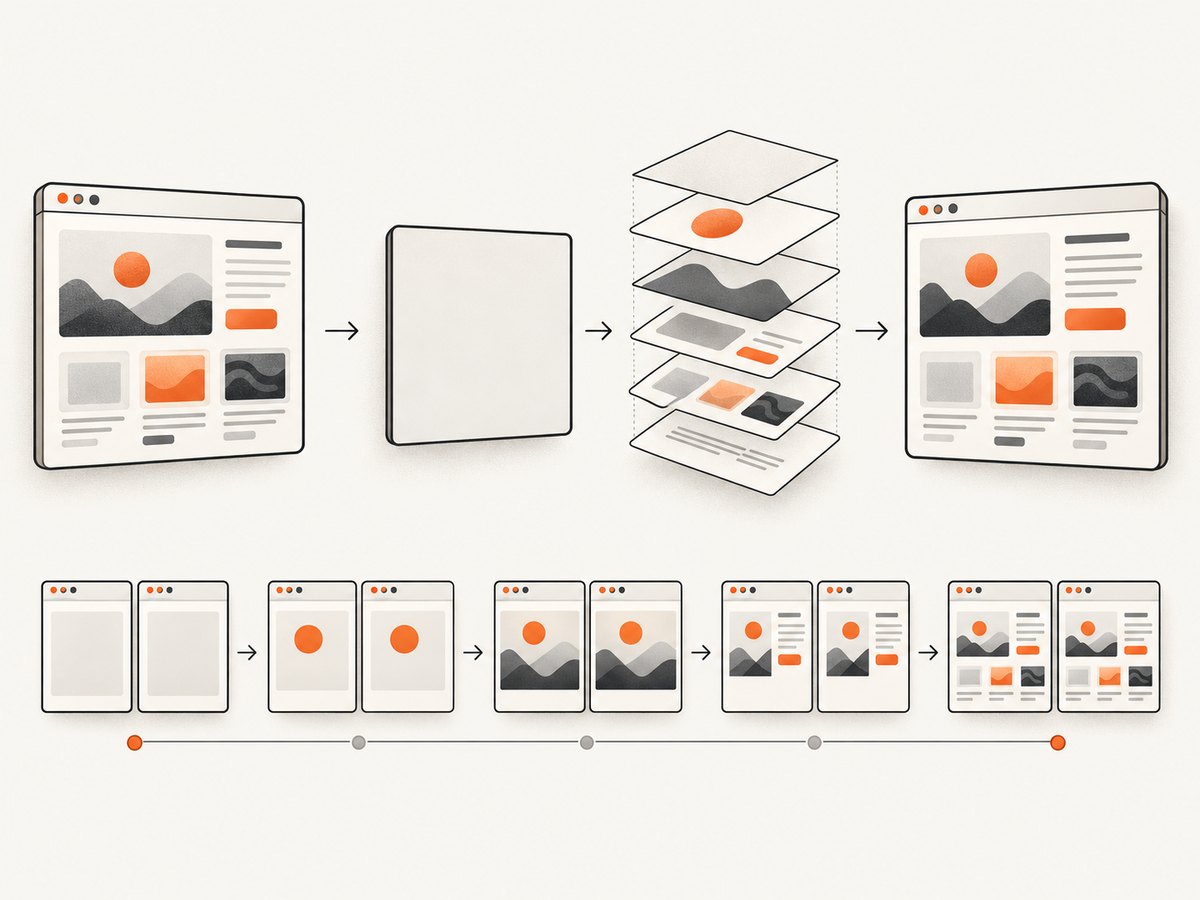
Short answer: html2canvas does not copy the browser’s final pixels. It rebuilds an image from the DOM and the CSS properties it implements. Linear gradients are listed as supported, and the renderer contains linear and radial gradient code, but CSS support is incomplete. A gradient can therefore work in the browser and still disappear in the generated canvas because of a specific syntax, CSS combination, installed version, browser, or layout condition.
The fastest fix is to isolate the gradient in a small element with explicit dimensions, inspect its computed background-image, and compare that result with the html2canvas output. If the minimal case still fails, preserve the reproduction and report it with the exact CSS, html2canvas version, browser, dimensions, and expected versus actual output. The project itself recommends a test case when a CSS property is unsupported or incomplete.
Why the browser and html2canvas can disagree
The html2canvas FAQ explains that every CSS property must be implemented manually, so the library cannot provide complete CSS support. Its documentation also says that it “does not actually take a screenshot of the page, but builds a representation of it based on the properties it reads from the page.” The browser’s rendering engine may support a declaration perfectly while html2canvas’s parser or renderer handles that declaration differently.

The feature reference lists linear-gradient() as supported. The current renderer source also has paths for linear and radial gradients. Those facts make a missing gradient a case-specific compatibility or implementation problem, not proof that gradients are universally unsupported. Your installed package can differ from the current source, and a production element can combine the gradient with properties that are not handled the same way.
Build a minimal gradient reproduction
Start with a page that has one element, explicit width and height, and no framework styles. This tells you whether the problem is the gradient itself or the surrounding application.
<!doctype html>
<html lang="en">
<head>
  <meta charset="utf-8">
  <title>html2canvas gradient test</title>
  <script src="https://cdn.jsdelivr.net/npm/html2canvas@1.4.1/dist/html2canvas.min.js"></script>
  <style>
    #test {
      width: 640px;
      height: 240px;
      background-image: linear-gradient(90deg, #2563eb 0%, #a855f7 50%, #ec4899 100%);
    }
  </style>
</head>
<body>
  <div id="test"></div>
  <button id="capture">Capture</button>
  <script>
    document.querySelector('#capture').addEventListener('click', async () => {
      const element = document.querySelector('#test');
      const canvas = await html2canvas(element, {
        backgroundColor: null,
        logging: true
      });
      document.body.appendChild(canvas);
    });
  </script>
</body>
</html>
Try the same test with a word direction:
background-image: linear-gradient(to right, #2563eb, #ec4899);Then try a simple two-stop gradient without percentages, alpha values, custom properties, or multiple backgrounds. A historical project issue reported a failure for one degree-angle declaration while a word direction worked for that reporter. The issue is old and does not establish behavior for current releases, but it is a useful diagnostic variation when your failing CSS uses an angle.
Check the computed CSS, not only the stylesheet
Frameworks, CSS custom properties, media queries, and animation can change the value that html2canvas actually reads. Inspect the computed style immediately before capture.
const element = document.querySelector('#test');
const style = getComputedStyle(element);

console.log({
  backgroundImage: style.backgroundImage,
  backgroundColor: style.backgroundColor,
  width: style.width,
  height: style.height,
  display: style.display,
  opacity: style.opacity,
  transform: style.transform
});
Confirm all of the following:
background-imagecontains the gradient rather thannone.- CSS variables resolve to actual colors and stops.
- The element has non-zero dimensions and is not
display: none. - The element is visible at the time capture begins.
- An animation is not changing the gradient while html2canvas traverses the DOM.
- The gradient is on the element you capture, rather than on a pseudo-element or ancestor that your capture excludes.
For a stable diagnostic, pause animations and transitions, set explicit dimensions, and wait for fonts and other resources before calling html2canvas.
Capture the correct element and layout
Capturing a child element does not reproduce every visual layer around it. If the gradient is on a parent, pseudo-element, or overlay, capture the element that owns the visual effect or move the declaration temporarily onto the test element.
const target = document.querySelector('.hero');
await document.fonts.ready;

const canvas = await html2canvas(target, {
  useCORS: true,
  backgroundColor: null,
  scale: window.devicePixelRatio,
  width: target.scrollWidth,
  height: target.scrollHeight,
  windowWidth: document.documentElement.clientWidth,
  windowHeight: document.documentElement.clientHeight,
  onclone: clonedDocument => {
    const clonedTarget = clonedDocument.querySelector('.hero');
    clonedTarget.classList.add('capture-stable');
  }
});
The configuration reference documents options such as scale, backgroundColor, useCORS, onclone, onerror, width, height, and viewport settings. These options control capture conditions; they do not guarantee a fix for a gradient that the renderer cannot interpret.
Reduce production CSS one change at a time
If the minimal gradient works, add your real styling back in small steps. This is a diagnostic method, not a universal workaround. Test in this order:
- Replace the production gradient with a two-stop
linear-gradient(to right, ...). - Restore the angle, then restore percentages and additional color stops.
- Restore transparency and CSS variables.
- Restore multiple background layers and background blending.
- Restore pseudo-elements, transforms, masks, filters, clipping, and animation.
- Restore the surrounding layout, framework classes, and responsive rules.
When the output changes, keep the smallest declaration that triggers the failure. That declaration is more useful in a bug report than an entire application page.
Fallbacks to test when you need an image now
No single workaround is established by the reviewed html2canvas sources for every gradient case. Depending on your target browsers and visual requirements, you can test these implementation options:
- Solid-color fallback: add a background color before the gradient. This preserves a readable result if the gradient layer is omitted.
- SVG background: represent the gradient as an inline SVG and test whether your capture path handles it correctly.
- Raster background: generate a PNG or WebP gradient ahead of time and use it as a background image.
- Browser-native capture: use a tool that captures the browser’s rendered pixels when exact CSS fidelity matters.
.hero {
  background-color: #6d28d9; /* readable fallback */
  background-image: linear-gradient(135deg, #2563eb, #ec4899);
}
Label these as choices to test in your environment. They are not guaranteed html2canvas fixes.
Common errors and their fixes
| Symptom | Likely cause | What to check or change |
|---|---|---|
| Gradient becomes a solid color | The gradient layer was not parsed or painted. | Log computed backgroundImage; test a two-stop gradient and a word direction. |
| Gradient is black or transparent | Alpha, fallback, or an unsupported combination changed the reconstructed paint. | Remove transparency and extra background layers; set backgroundColor explicitly. |
| Works in a tiny test but fails in the app | Production CSS, pseudo-elements, transforms, masks, or animation introduce the trigger. | Add styles back incrementally and capture the element that owns the gradient. |
| Only one browser fails | Browser behavior, package version, or CSS parsing differs. | Record browser version and html2canvas version; compare the same minimal case. |
| Output is blank | Zero dimensions, hidden content, timing, or a failed resource. | Check layout dimensions, wait for fonts/resources, and use the documented error callback. |
| Remote images disappear around the gradient | Cross-origin restrictions affect image loading. | Configure CORS on the image host and test useCORS: true; this does not repair gradient parsing. |
Use errors and ignored elements for diagnosis
The configuration documentation describes an onerror callback for resources that fail to load or render and the data-html2canvas-ignore attribute for excluding elements. They can make a reproduction cleaner and reveal unrelated resource failures.
const canvas = await html2canvas(document.querySelector('#test'), {
  logging: true,
  onclone: clonedDocument => {
    clonedDocument.querySelectorAll('[data-debug-only]').forEach(node => node.remove());
  },
  onerror: error => {
    console.error('html2canvas resource error', error);
  }
});
Neither option claims to repair gradient rendering. Use them to control the capture and collect evidence.
Performance and reliability considerations
Large full-page captures require html2canvas to walk more DOM nodes and paint more pixels. A high scale improves sharpness but increases canvas memory and encoding time. For diagnosis, capture only the smallest element. For production, set a deliberate scale, avoid repeatedly capturing unchanged content, and release generated object URLs when they are no longer needed.
Wait for deterministic state before capture: finish data rendering, await document.fonts.ready, pause animation, and ensure the target is in the document with stable dimensions. If you capture after a route change, schedule the call after the next layout update rather than immediately after setting framework state.
For reliability, store the input URL or page state, browser and html2canvas versions, computed CSS, element dimensions, and output metadata with failures. This makes regressions visible when you upgrade the package or change browsers. Do not claim a browser or version is universally broken from one reproduction.
When to file an html2canvas issue
File an issue when the smallest reproducible case still fails. Include:
- A public or self-contained HTML reproduction.
- The exact html2canvas package version and how it was installed.
- Browser name and version, operating system, and viewport size.
- The complete computed
background-imagevalue. - Element width, height, device pixel ratio, and capture options.
- A browser screenshot and the html2canvas output.
- Expected behavior and actual behavior.
Use the project FAQ’s guidance for unsupported or incomplete properties. A historical angle-gradient report can motivate testing both a degree angle and a word direction, but cite it as a historical report rather than a current guarantee.
Or skip the browser setup
If you need a screenshot of a rendered URL instead of a DOM canvas, ScreenshotNeo provides a website screenshot API. One GET request returns PNG, JPEG, WebP, or PDF. Its capture handles the browser page directly, so you do not need to install html2canvas or reproduce your page inside a canvas.
cURL:
curl -G "https://api.screenshotneo.com/v1/shot" \
  -d access_key=YOUR_API_KEY \
  --data-urlencode url=https://stripe.com \
  -o shot.webp
Python:
import requests

r = requests.get(
    "https://api.screenshotneo.com/v1/shot",
    params={"access_key": "YOUR_API_KEY", "url": "https://stripe.com"},
    timeout=90,
)
r.raise_for_status()
open("shot.webp", "wb").write(r.content)
Node.js:
const q = new URLSearchParams({
  access_key: 'YOUR_API_KEY',
  url: 'https://stripe.com'
});
const res = await fetch(`https://api.screenshotneo.com/v1/shot?${q}`);
if (!res.ok) throw new Error(`Screenshot failed: ${res.status}`);
const bytes = await res.arrayBuffer();
await require('node:fs').promises.writeFile('shot.webp', Buffer.from(bytes));
See the ScreenshotNeo API documentation for request options. Cookie and consent banners are accepted and removed before capture, along with more than 60 known consent platforms, newsletter popups, and chat widgets; each cleanup step can be turned off. Bot checks, CAPTCHAs, blank pages, timeouts, failed loads, and cache hits are not billed, and the response reports the result in X-Page-Verdict and X-Billed headers. An MCP server provides take_screenshot, get_page_info, and capture_pdf tools for Claude, Cursor, and other MCP clients.
You can also use full-page capture with lazy images loaded, CSS-selector element capture, dark mode, device presets or custom viewports, retina scale, custom CSS and JavaScript, click and wait actions, request blocking, headers, cookies, authorization, timezone, geolocation, transparent backgrounds, resizing, TTL caching, signed links, asynchronous jobs with signed webhooks, bulk capture for up to 100 URLs per call, and the usage API. Plans include 1,000 screenshots per month free with no card; paid plans start at $5 for 3,000 shots. Create a free ScreenshotNeo account.
FAQ
Does html2canvas support CSS gradients?
Linear gradients are listed in the feature reference, and the renderer includes linear and radial gradient paths. Support remains incomplete, so a specific declaration can still fail.
Should I switch from degrees to to right?
Test both. A historical issue reported one degree-angle failure, but it is too old to prove that current releases have a general angle bug.
Will useCORS fix a missing gradient?
No. It addresses cross-origin image loading. It can remove an unrelated failure from your reproduction but does not add gradient support.
Is an SVG or PNG fallback guaranteed?
No. They are implementation options to test in your target browser and capture path.
What evidence makes a useful bug report?
A minimal page, exact computed CSS, package and browser versions, dimensions, options, expected output, and actual output.


