How to Fix CSS Rendering in Knp Snappy Bundle Image
Fix missing CSS in KnpSnappy images with absolute URLs, safe local access, deployment checks, and a complete troubleshooting runbook.
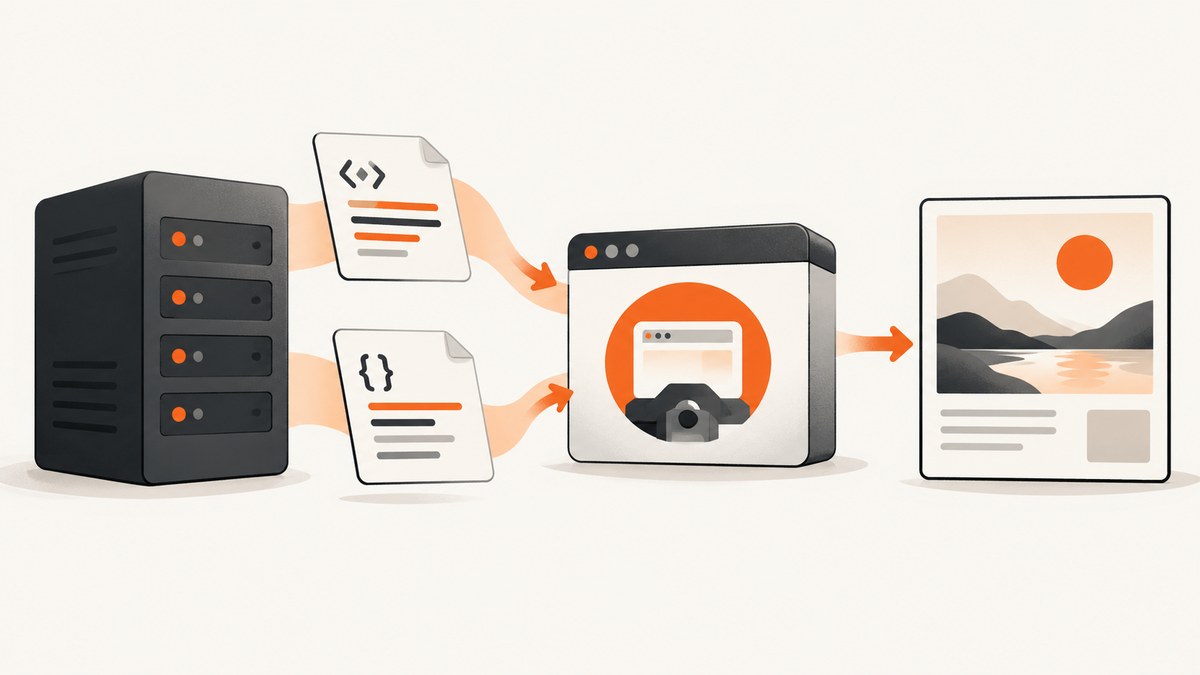
Short answer: CSS missing from a KnpSnappy image is usually an asset URL or file-access problem, not a selector problem. KnpSnappyBundle passes your HTML to wkhtmltoimage, which must independently resolve every stylesheet, font, image, and script. Use an absolute HTTP(S) route URL for Symfony pages, or valid file:// URLs with narrowly scoped allow directories for local assets. Then verify the deployed files, binary, and renderer limitations.
KnpSnappyBundle is the Symfony integration layer; Snappy and its wkhtmltoimage executable do the actual loading and rasterization. The bundle README marks generateUrl(..., true) as “use absolute path!” for pages containing relative CSS files. (KnpSnappyBundle README)
1. Confirm the asset strategy
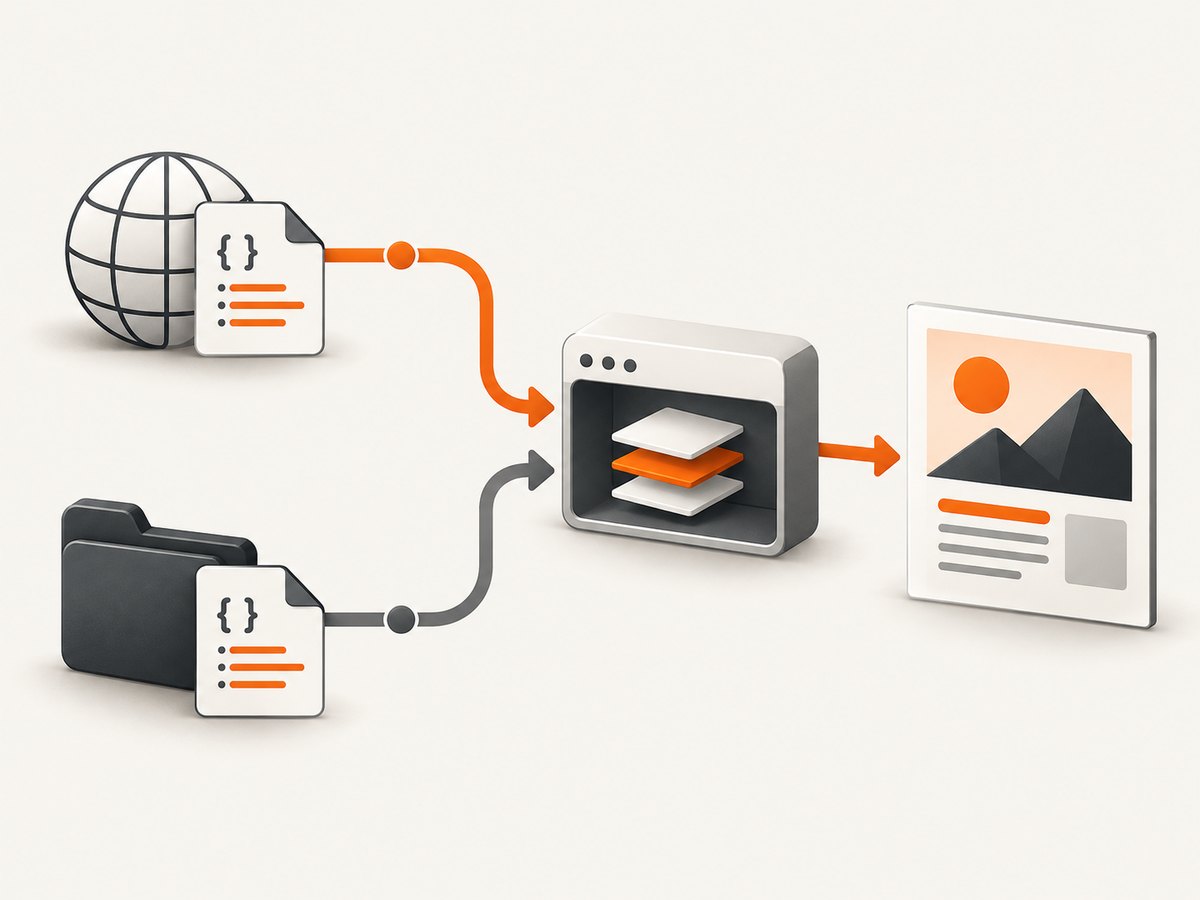
Choose one delivery model before changing CSS:
| Model | Use when | Requirements |
|---|---|---|
| Absolute HTTP(S) | Your Symfony app serves the page | Renderer can resolve the scheme, host, port, authentication, and subdirectory |
Local file:// |
HTML and assets are mounted in the same worker/container | Canonical paths plus narrowly scoped allow directories |
A temporary HTML file with /assets/app.css is not automatically rooted at your web server. Open the exact URL or HTML from the renderer host and inspect every link, @import, url(...), image, font, and script reference.
2. Preferred Symfony fix: render an absolute route URL
When the page is served by Symfony, give wkhtmltoimage a complete URL. This lets the normal web server resolve AssetMapper, Encore, fonts, and images.
use Knp\Snappy\Image;

final class PreviewController
{
    public function __construct(private Image $snappyImage) {}

    public function image(): Response
    {
        // The third argument true asks Symfony for an absolute URL.
        $url = $this->generateUrl('report_preview', ['id' => 42], true);
        $png = $this->snappyImage->getOutput($url, [
            'format' => 'png',
            'quality' => 92,
            'width' => 1280,
            'height' => 900,
            'javascript-delay' => 250,
        ]);

        return new Response($png, 200, ['Content-Type' => 'image/png']);
    }
}
Ensure Symfony’s router has the correct default scheme, host, port, and base path in the worker environment. If the route needs authentication, provide a dedicated internal route or pass the required cookie/header options rather than relying on your browser session.
3. Local files: use file:// and scoped access
For HTML generated from a string or temporary file, convert asset paths to canonical file URLs. Do not concatenate untrusted input into paths.
$root = $this->getParameter('kernel.project_dir');
$html = sprintf('<!doctype html>
<link rel="stylesheet" href="file://%s/public/assets/report.css">
<img src="file://%s/public/assets/logo.png">
<main class="report">Ready</main>',
    $root, $root);

$options = [
    'allow' => [$root . '/public/assets'],
    'format' => 'png',
];
$imageBytes = $snappyImage->getOutputFromHtml($html, $options);
file_put_contents($root . '/var/tmp/report.png', $imageBytes);
--enable-local-file-access can unblock local resources, but Snappy documents a security risk when HTML or JavaScript is untrusted. Prefer specific allow directories, sanitize user content, and isolate the process. (Snappy security warning)
4. Make deployed assets reachable
In production, the renderer sees the deployed filesystem, not your development checkout. With Symfony AssetMapper, compile assets during deployment:
php bin/console asset-map:compile
php bin/console debug:asset-map
The Symfony AssetMapper guide explains that missing CSS, JavaScript, or image files are usually a wrong path and recommends debug:asset-map to inspect logical paths and warnings. (Symfony AssetMapper documentation)
- Confirm compiled CSS, fonts, and images exist under
public/assets/. - Check read and execute permissions for the PHP worker user.
- Request the rendered URL from inside the application container.
- Compare the final
asset()URL in the HTML with a direct HTTP response.
5. Verify KnpSnappy configuration and stderr
# config/packages/knp_snappy.yaml
knp_snappy:
  image:
    enabled: true
    binary: '%env(WKHTMLTOIMAGE_PATH)%'
    options:
      allow:
        - '/srv/app/public/assets'
        - '/srv/app/var/cache'
which wkhtmltoimage
wkhtmltoimage --version
WKHTMLTOIMAGE_PATH=/usr/local/bin/wkhtmltoimage php bin/console aboutUse the image service, not the PDF service, and confirm the configured binary is the one used in production. Capture stderr and the exit status. A failure such as Warning: Blocked access to file followed by ProtocolUnknownError indicates blocked local access or a malformed resource URL.
6. Reduce the page to a known-good case
<!doctype html>
<html><head>
  <meta charset="utf-8">
  <style>.probe { color: #c00; font: 24px sans-serif; }</style>
  <link rel="stylesheet" href="https://example.test/assets/app.css">
</head><body><div class="probe">CSS probe</div></body></html>
If the inline rule appears but the external rule does not, inspect URL resolution and access. If both appear but the real page is unstyled, restore fonts, images, and scripts progressively.
7. Account for wkhtmltoimage’s rendering limits
wkhtmltoimage uses an older WebKit engine. KnpSnappyBundle warns that pages relying on modern ES6 APIs may need polyfills. (KnpSnappyBundle JavaScript note) JavaScript-generated styles can therefore fail even when the CSS file loads.
- Prefer server-rendered markup and CSS for critical layout.
- Use a small
javascript-delayonly when scripts must finish. - Polyfill ES6 APIs or remove the dependency for the capture route.
- Test advanced CSS against the exact deployed binary.
8. Common errors and fixes
| Symptom | Likely cause | Fix |
|---|---|---|
| CSS works in Chrome, absent in image | Relative URL resolved from a temporary file | Render an absolute Symfony route URL or use file:// paths |
Blocked access to file |
Local file policy denies CSS, fonts, or images | Use scoped allow; enable local access only for trusted, isolated content |
ProtocolUnknownError |
Malformed URL or blocked resource | Log final URLs and test them from the worker container |
| Fonts missing | Font URL is relative, cross-origin, or unreadable | Use an absolute URL or allowed file:// path |
| Asset URL returns 404 | AssetMapper/Encore build not deployed | Run asset-map:compile; inspect with debug:asset-map |
| Layout appears before styles | Capture races JavaScript or late CSS | Wait for a selector or add a measured delay |
| Modern component is blank | ES6 API unsupported by old WebKit | Add polyfills or render a static capture template |
9. Reliability, performance, and security checklist
- Reliability: log the source URL, binary version, exit status, stderr, and final HTML.
- Performance: inline only critical CSS, avoid unnecessary third-party requests, and keep delays short.
- Isolation: treat
--enable-local-file-accessas privileged; sanitize untrusted HTML. - Deployment: compile assets before workers start and mount the same public paths in every worker.
- Cache correctness: invalidate generated images when CSS, fonts, or templates change.
10. Or skip the browser setup
ScreenshotNeo is a website screenshot API. One GET request returns PNG, JPEG, WebP, or PDF, so there is no wkhtmltoimage binary or Symfony asset mount to maintain. See the ScreenshotNeo API documentation for all options.

curl -G "https://api.screenshotneo.com/v1/shot" \
  -d access_key=YOUR_API_KEY \
  --data-urlencode url=https://stripe.com \
  -o shot.webp
import requests
r = requests.get("https://api.screenshotneo.com/v1/shot", params={"access_key": "YOUR_API_KEY", "url": "https://stripe.com"}, timeout=90)
open("shot.webp", "wb").write(r.content)const q = new URLSearchParams({ access_key: 'YOUR_API_KEY', url: 'https://stripe.com' }); const res = await fetch(`https://api.screenshotneo.com/v1/shot?${q}`);Cookie and consent banners, newsletter popups, and chat widgets are removed before the shot; bot checks, blank pages, failed loads, timeouts, and cache hits are never billed. Response headers identify the page verdict and whether it was billed. An MCP server provides take_screenshot, get_page_info, and capture_pdf tools for Claude, Cursor, and other MCP clients. The free plan includes 1,000 screenshots a month with no card; paid plans start at $5 for 3,000.
Create your free ScreenshotNeo account.
FAQ
Should I inline all CSS?
No. Inline a minimal critical rule to diagnose loading, then serve the rest from an absolute URL or an allowed local directory.
Can I use a relative URL with getOutputFromHtml()?
Only when its base is unambiguous and reachable by wkhtmltoimage. Temporary files commonly make relative paths resolve unexpectedly.
Is enabling local file access safe?
It is risky for untrusted HTML or JavaScript. Prefer scoped allow directories and process isolation.
Why does a CSS file load but JavaScript styling fail?
The old WebKit engine may lack ES6 APIs. Add compatible polyfills or remove JavaScript dependence from the capture view.


