How to Fix Custom Font Rendering in wkhtmltoimage
Diagnose why wkhtmltoimage substitutes or misses custom fonts by checking CSS, font URLs, fontconfig, and runtime differences.
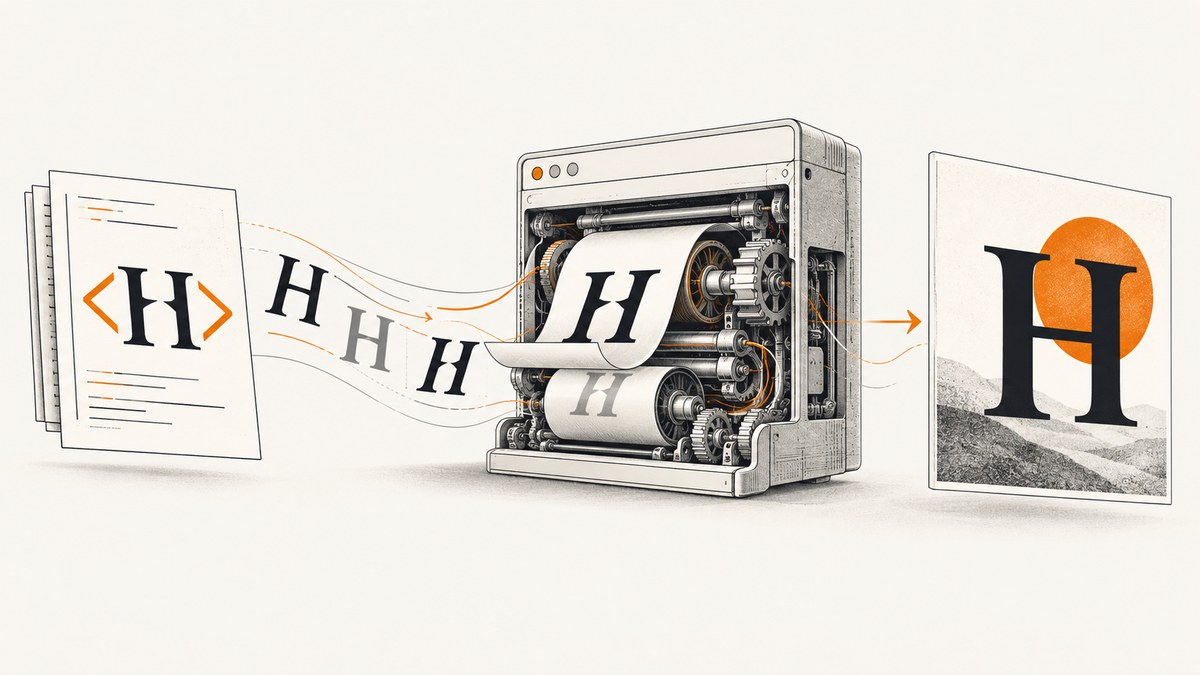
wkhtmltoimage renders HTML with Qt WebKit, so custom-font problems can originate in the page’s CSS, a font resource that cannot be loaded, or the runtime environment’s font installation and configuration. Start by reducing the page to a small reproducible HTML file, then check the declared family and font URL, local-file access, installed fonts, fontconfig, and differences between the exact binaries and hosts you are comparing. The wkhtmltopdf project specifically identifies fontconfig and freetype2 as runtime dependencies; having the executable alone does not guarantee consistent font output. See the project overview.
This guide gives you a step-by-step diagnosis, runnable examples, image settings that can help isolate input problems, and practical deployment checks. The same nominal wkhtmltoimage version can produce different results across environments, so verify your exact build with a minimal test rather than assuming one universal font fix.
1. Build a minimal reproduction
First remove everything that is not needed to demonstrate the mismatch. Use one HTML file, one font family, a few representative characters, and the same output format and options for every run. Include characters that are actually failing: a font may cover Latin letters but lack a glyph used in another script or symbol.
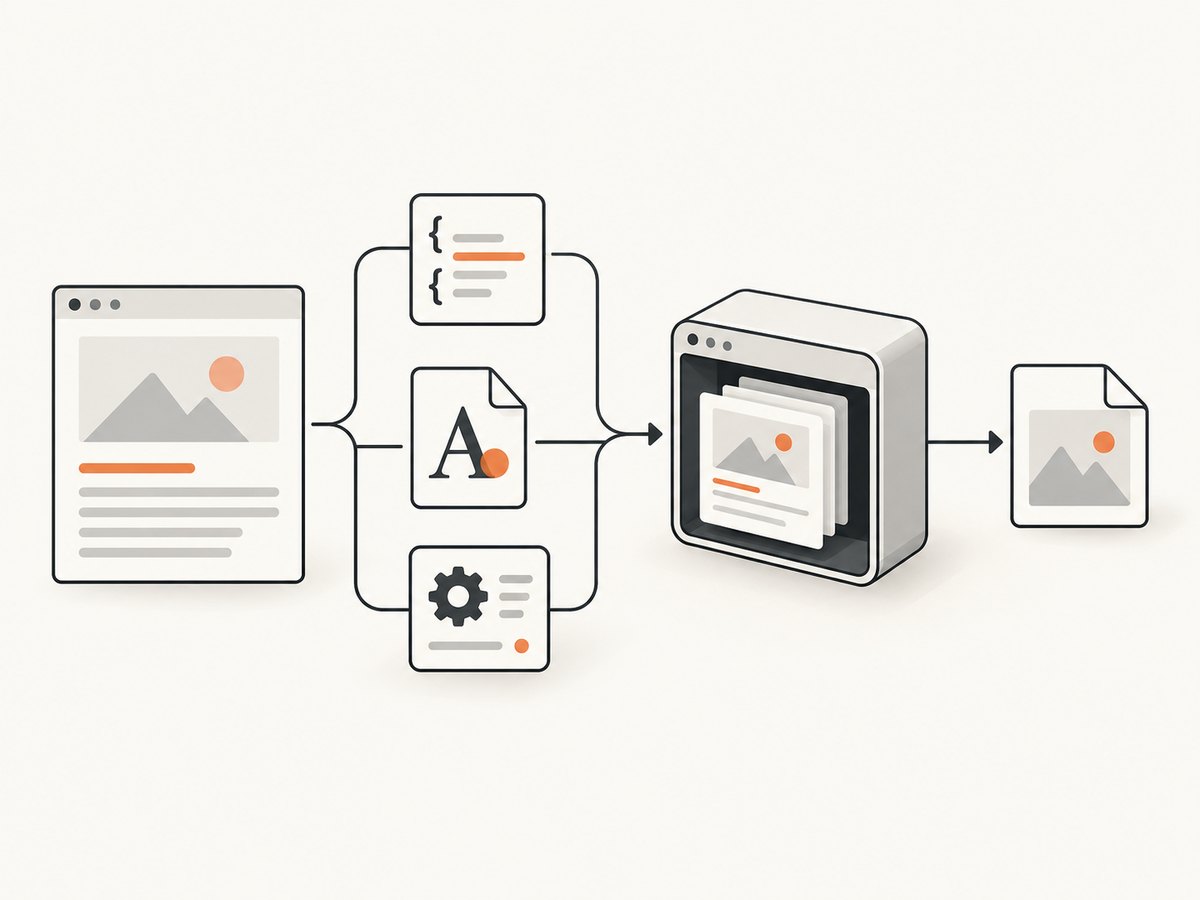
Save this as font-test.html, replacing the URL and family name with the ones from your page:
<!doctype html>
<html lang="en">
<head>
  <meta charset="utf-8">
  <title>Font test</title>
  <style>
    @font-face {
      font-family: "Example Sans";
      src: url("https://example.com/fonts/example-sans.woff2") format("woff2");
      font-weight: 400;
      font-style: normal;
    }
    body { font-family: "Example Sans", sans-serif; font-size: 32px; }
  </style>
</head>
<body>
  <p>Custom font: Aa Gg 0123 — café 漢字</p>
</body>
</html>
Render this same file twice, once on the machine where the font looks right and once in the deployment environment. Keep the binary/build, command-line options, input bytes, and output format fixed if you can. If the font fails only in production, investigate the environment before rewriting the page’s CSS.
2. Check the CSS family and the font resource
Compare the font-family used by the element with the family name declared by @font-face. A CSS typo, a weight/style mismatch, or a rule that is overridden elsewhere can cause the browser engine to choose a fallback. Inspect the actual element’s computed style in a modern browser if available, but still validate the same markup in wkhtmltoimage: different rendering engines and builds can behave differently.
Next confirm that the src URL resolves from the process running wkhtmltoimage. A URL that works in your workstation browser may be inaccessible from a container because of DNS, network policy, authentication, redirects, TLS configuration, or a relative path resolved against a different base URL. Use an absolute URL in the minimal case. If the font requires request headers or cookies, determine whether the exact binary and invocation can supply what that endpoint needs, and verify access independently from the render host.
Do not infer that every font format or URL scheme works in every wkhtmltoimage build. The available project sources do not give a complete support matrix across builds and operating systems. Test the exact font source and binary you deploy.
3. Check local-file access when using a local font
If the font is supplied as a local file, verify the path as seen by the rendering process—not just the path on your host machine. Check that the file exists in the container or service environment, that the process can read it, and that the URL in CSS points to the right location. A relative path can resolve differently depending on how the HTML is provided.
wkhtmltoimage documents controls for loading local files. Review the settings reference for the relevant local-file access options and apply the least permissive setting that lets your test input read the intended font. Consult the wkhtmltoimage settings reference. Do not assume that copying the HTML and font together automatically grants access if the invocation restricts local file loading.
4. Inspect font installation and fontconfig
wkhtmltoimage’s runtime environment matters. The project’s download guidance names fontconfig and freetype2; a binary package by itself does not make every host’s font set identical. Check the target runtime for the expected font files, the libraries needed to use them, and fontconfig configuration that makes those files discoverable.
- Confirm the expected font files are installed or mounted in the runtime image.
- Confirm the user running wkhtmltoimage can read those files and the relevant configuration directories.
- Inspect the fontconfig setup and environment inherited by the rendering process.
- For a packaged deployment, verify whether
FONTCONFIG_PATHshould point to the directory containing the font configuration. The official project page gives this as a configuration detail for a packaged example. - Restart long-running workers after changing the image, font files, or environment so the next render uses the updated runtime.
These are diagnostic checks, not proof that fontconfig is the root cause in every case. If the minimal test still differs, compare the installed font files, configuration, and runtime libraries between the working and failing environments.
5. Compare the complete runtime, not just the version string
Use the same minimal HTML with the exact binary/build and operating system from each environment. Record the command, input encoding, output type, and relevant environment variables. Then compare:
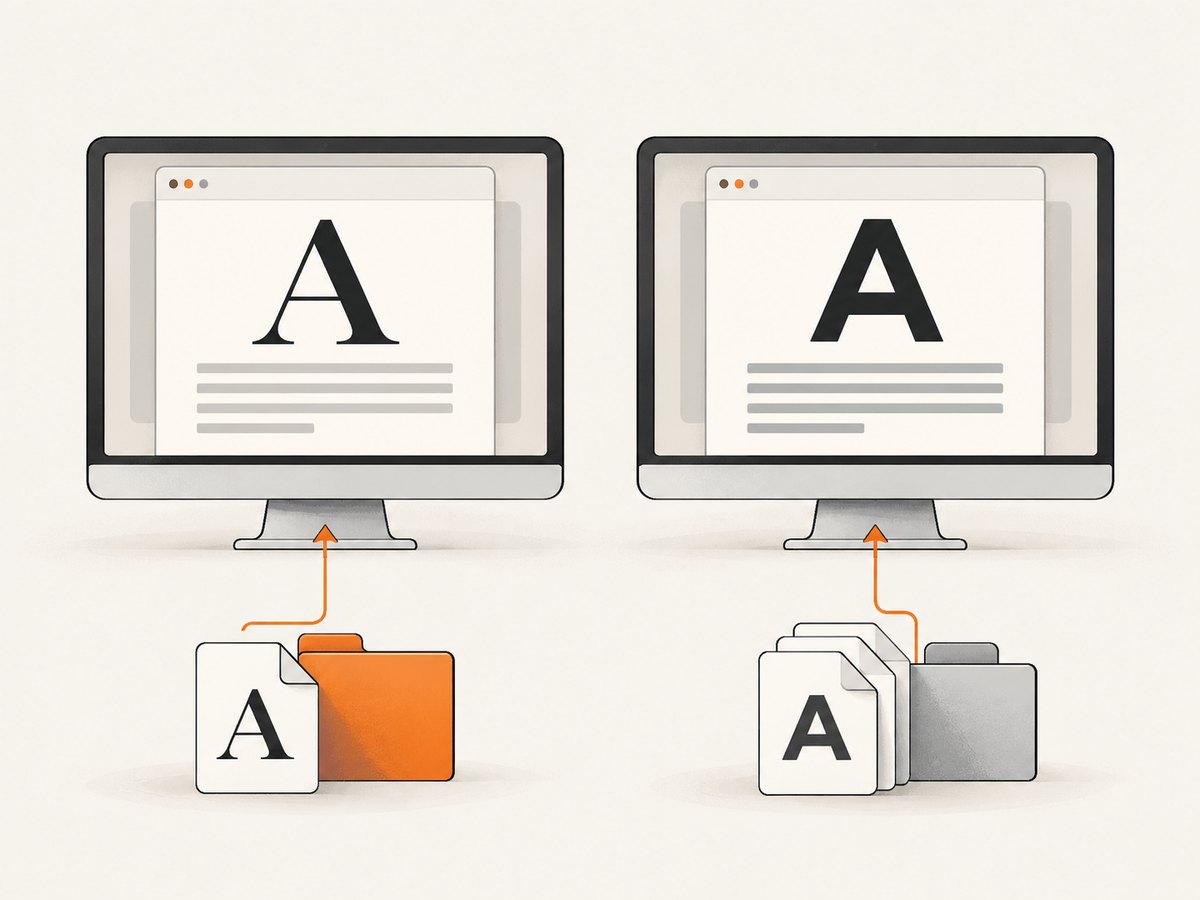
- the actual wkhtmltoimage binary/build, not only a package label or version string;
- operating system and runtime libraries;
- installed fonts and whether the rendering process can discover them;
- fontconfig configuration and
FONTCONFIG_PATH; - CSS family, weight, style, URL, and character coverage;
- the same HTML bytes, load behavior, and image settings.
Cross-platform font fallback reports exist in the project issue tracker, but individual reports are anecdotal and do not establish one universal cause or fix. Treat them as a reason to compare environments systematically. Review the project issue tracker.
6. Use image settings to isolate input problems
Some options help determine whether the input document is being interpreted as intended. The official settings reference documents web.defaultEncoding, which sets the default encoding guess, and web.userStyleSheet, which supplies a stylesheet. Check that the HTML’s declared encoding matches its bytes, especially if punctuation or non-Latin characters are missing or replaced. A stylesheet can provide a controlled test rule without changing the original HTML.
Load controls can affect whether resources are available when the page is rendered. If the font arrives late, is redirected, or depends on another resource, use the documented load behavior to diagnose timing and resource loading. Keep one variable changed at a time so you can tell whether the font source, the environment, or a load setting affected the result.
Do not spend time changing web.enableIntelligentShrinking as a font fix: the settings reference says it has no effect for wkhtmltoimage. It is not a substitute for verifying the font resource, encoding, stylesheet, or runtime font setup. The official settings reference documents these controls.
7. Run wkhtmltoimage with a controlled input
Once you have saved the minimal page, use the following basic commands. These keep the input and PNG output explicit; run the same command in both environments. If your deployment requires specific load settings or local-file access controls, consult the settings reference and add only the options needed for that reproduction.
Linux or macOS shell
wkhtmltoimage --format png font-test.html font-test.pngWindows Command Prompt
wkhtmltoimage.exe --format png font-test.html font-test.pngInspect the output image at its original size. Compare letter shapes, missing glyphs, line wrapping, and whether the fallback appears for the whole string or only selected characters. A partial fallback can point toward character coverage; a whole-string fallback makes the family declaration, font URL, or runtime discovery worth checking first. These patterns are clues, not conclusive diagnoses.
8. Avoid relying on anecdotal workarounds
A commenter on a project issue reported that adding a dummy element using a fallback font appeared to trigger correct rendering in that setup. The report is anecdotal and unexplained. It is not an official or broadly validated fix. If you investigate it, test it only in the minimal reproduction, record the exact build and environment, and confirm that it does not hide an unresolved font-loading or configuration problem.
Or skip the browser setup
For a screenshot of a live URL, ScreenshotNeo is a website screenshot API and MCP server for developers. One GET request returns a PNG, JPEG, WebP, or PDF; see the API documentation.
curl -G "https://api.screenshotneo.com/v1/shot" -d access_key=YOUR_API_KEY --data-urlencode url=https://stripe.com -o shot.webpimport requests
r = requests.get("https://api.screenshotneo.com/v1/shot", params={"access_key": "YOUR_API_KEY", "url": "https://stripe.com"}, timeout=90)
open("shot.webp", "wb").write(r.content)const q = new URLSearchParams({ access_key: 'YOUR_API_KEY', url: 'https://stripe.com' });
const res = await fetch(`https://api.screenshotneo.com/v1/shot?${q}`);ScreenshotNeo accepts cookie and consent banners like a visitor, then removes more than 60 known consent platforms, newsletter popups, and chat widgets before the shot; each step can be turned off. Bot checks, blank pages, failed loads, timeouts, and cache hits are never billed, and response headers say which outcome occurred. Its MCP server gives AI agents tools to take screenshots, get page information, and capture PDFs. The free plan includes 1,000 screenshots a month with no card; paid plans start at $5 for 3,000. Sign up for 1,000 free screenshots a month, with no card.
9. Troubleshooting checklist
| Symptom | Likely areas to inspect | Next action |
|---|---|---|
| Every character uses a fallback | Family name mismatch, font URL unavailable, font not installed or discoverable | Use the minimal file; verify the declared family and fetch the resource from the rendering host; inspect fontconfig and installed files. |
| Only some letters or symbols are wrong | Character coverage, encoding, or a separate fallback for unsupported glyphs | Add the affected characters to the minimal sample; confirm document encoding and whether the chosen font contains those glyphs. |
| It works locally but not in deployment | Different binary/build, OS, libraries, font files, configuration, permissions, or network access | Run identical input and command in both environments; compare the full runtime checklist in section 5. |
| A local font works from a browser but not the command | Different path resolution or local-file loading permissions | Check the path from the process’s filesystem and the documented local-file access controls. |
| Web-hosted font works intermittently or is missing | Resource timing, redirects, network access, authentication, or TLS behavior | Check the endpoint from the render host and use documented load controls to isolate resource behavior. |
| Text is garbled or punctuation is replaced | Input encoding does not match the HTML bytes | Declare the correct charset and test web.defaultEncoding where the input lacks a reliable declaration. |
| A stylesheet change has no effect | The stylesheet was not loaded, is overridden, or does not target the rendered element | Verify the web.userStyleSheet path and add one obvious test rule to the minimal input. |
| Changing intelligent shrinking changes nothing | That setting has no effect for wkhtmltoimage | Return to font resources, encoding, stylesheet loading, and runtime configuration. |
10. Performance, reliability, and cost considerations
Font diagnosis is cheapest when you reduce the test input and avoid repeatedly rendering an entire complex page. A minimal page narrows the variables and makes local-versus-deployment comparisons easier to interpret. For production reliability, keep the runtime image, binary/build, font files, and font configuration controlled and versioned alongside the application. When changing any of them, retain a representative output comparison for the characters and languages your pages use.
Remote font loading adds dependencies on DNS, network access, origin availability, redirects, and authorization. A locally installed or packaged font can reduce those dependencies if your deployment and licensing permit it, but it still must be accessible and discoverable by the rendering process. The sources do not provide a universal latency or cost figure for these approaches, so measure them under your own workload.
The project’s download page describes 0.12.6 as the stable series released June 11, 2020. That dated statement does not establish its release status in 2026. The project also discusses maintenance challenges around Qt and WebKit. For a persistent compatibility issue, verify the exact binary and build you use and account for that maintenance context when setting support expectations. See the downloads page and project status.
FAQ
Does the same wkhtmltoimage version guarantee the same font output?
No. The binary label alone does not capture operating system, font files, fontconfig configuration, runtime libraries, or resource access. Compare those alongside the input.
Should I reinstall wkhtmltoimage first?
Not as the first diagnostic step. Reproduce the issue with minimal HTML and check the CSS family, resource access, and runtime font environment. Reinstalling may change multiple variables without showing which one mattered.
Is adding a fallback-font dummy element a supported fix?
No. It is an anecdotal issue comment with no established explanation. Treat it as an experiment for a minimal reproduction, not a general remedy.
Can I fix font rendering by changing intelligent shrinking?
No. The documented reference says that option has no effect for wkhtmltoimage. Check encoding, stylesheets, loading, and font availability instead.


