How to Fix 403 Forbidden Errors When Navigating Links in Cypress
Separate real HTTP 403 responses from Cypress origin errors, then fix auth, redirects, HTTPS, and external links with runnable examples.
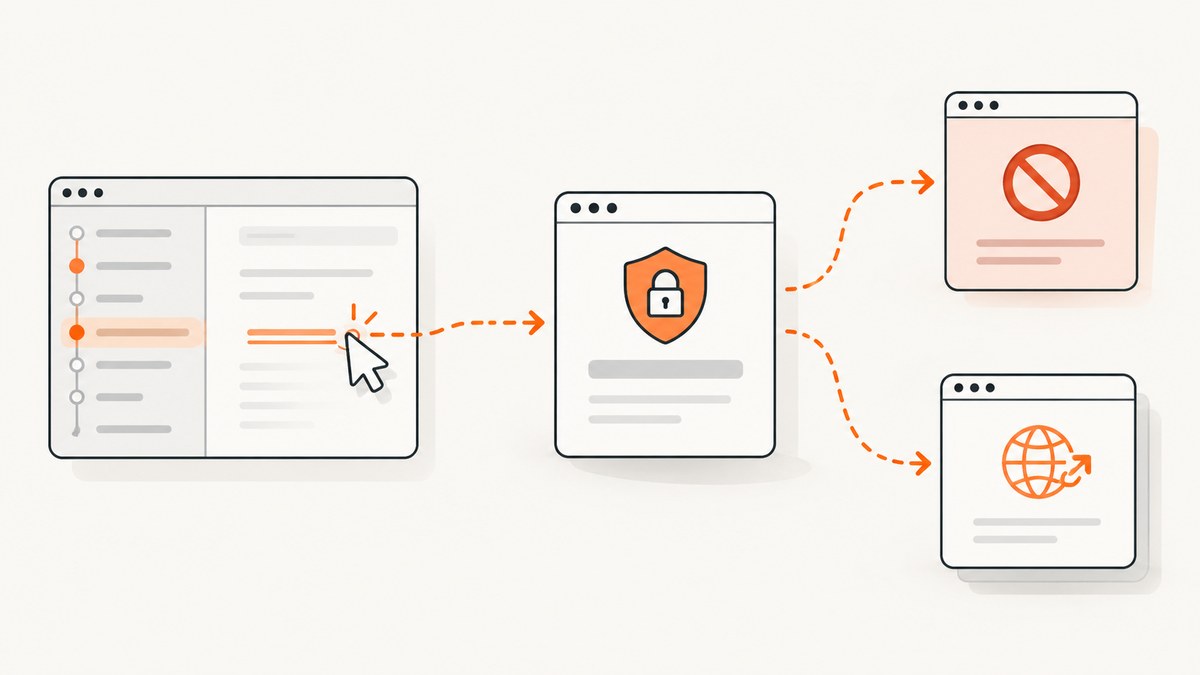
A “403 Forbidden” seen while following a link in Cypress can mean two different things: the destination really returned HTTP 403, or Cypress stopped the browser at an origin or security boundary and the server never returned 403. Capture the request status and error text first; then choose the fix that matches the evidence.
This guide covers browser navigation, cross-origin links, redirects, authentication, HTTPS-to-HTTP transitions, and HTTP-level checks.
1. Identify which failure you have
| Evidence | Meaning | Next step |
|---|---|---|
| Network entry has status 403 | The target server or application denied that request. | Check identity, permissions, cookies, headers, redirects, and server policy. |
| Cypress says it cannot communicate with a different superdomain | A Cypress cross-origin failure; it does not prove an HTTP 403. | Use cy.origin() for an origin you control, or assert an external link’s href. |
| Error mentions navigating from HTTPS to HTTP | Mixed secure/insecure navigation, not an authorization response. | Change the link or redirect to HTTPS and use secure cookies. |
| Redirect chain ends at a login or denied host | Authentication context may have been lost or the redirect target has different policy. | Inspect each hop with followRedirect: false and verify the final URL. |
Record the failing URL, the command that initiated it (cy.visit(), a click, form submit, or script redirect), Cypress and browser versions, response status, and redirect chain. See Cypress’s web-security reference and cy.origin() documentation.
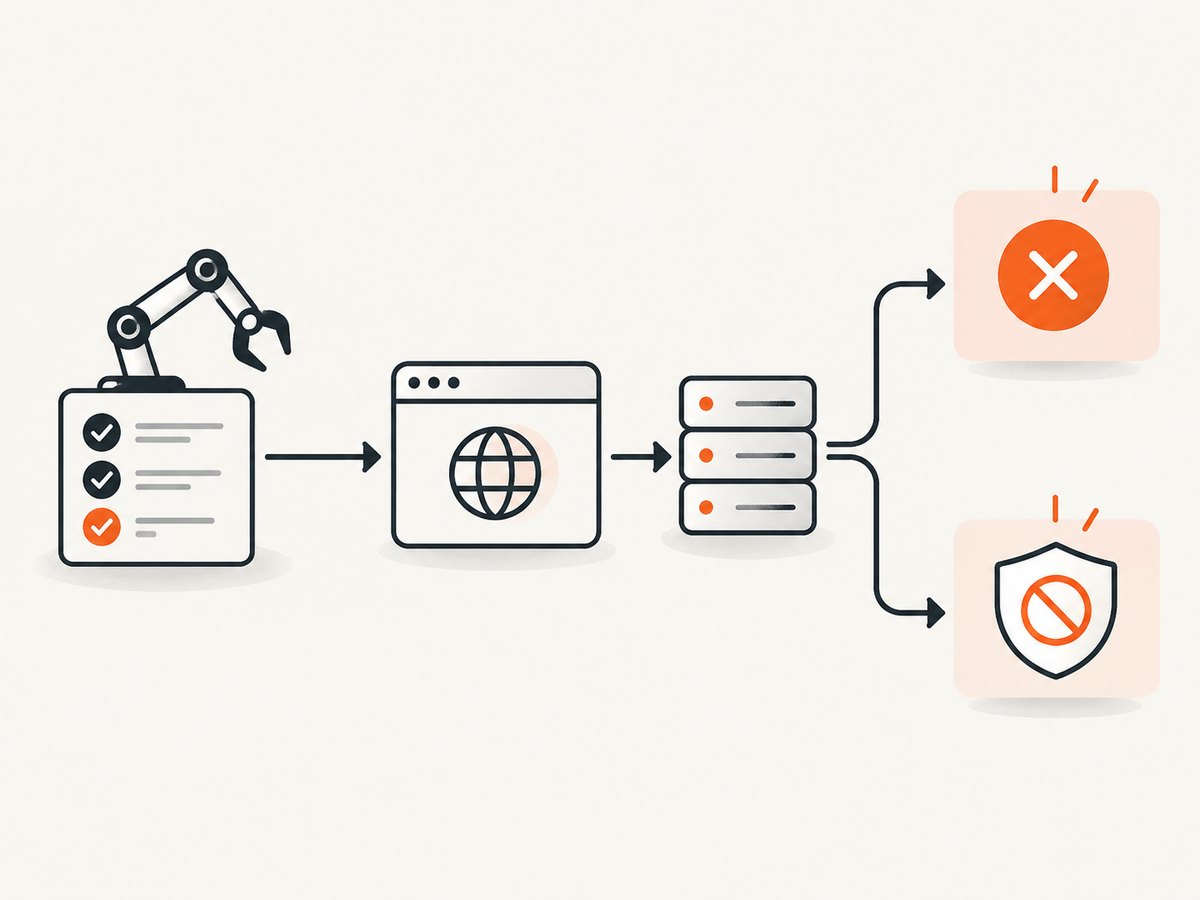
2. If the server really returned 403
Check the exact request outside the browser
Open the same URL as the same test user, with the same scheme, host, path, query, and required session. A browser click can send cookies and browser headers that a bare HTTP request does not. A redirect can also move the request to another host where those credentials are invalid.
- Confirm the URL, including case-sensitive paths and required query parameters.
- Confirm the test user has permission for that resource.
- Check that login or SSO completed before the click.
- Inspect redirects for a host, scheme, or path change.
- Compare request cookies and authorization headers with a known-good request.
- Ask the application or server owner for the denial reason when the response body is generic.
Basic authentication with cy.request()
Use an HTTP request when the behavior under test is the endpoint’s status or body rather than browser rendering. Cypress documents the auth option for Basic Auth:
describe('protected endpoint', () => {
  it('accepts valid credentials', () => {
    cy.request({
      url: '/protected',
      auth: {
        username: Cypress.env('username'),
        password: Cypress.env('password'),
      },
    }).its('status').should('eq', 200)
  })
})
Use your project’s approved secret storage. Cypress’s current FAQ also documents reading a token with cy.env() and passing it through the request headers option. Never commit real credentials.
Inspect a redirect instead of following it
it('shows where the protected URL redirects', () => {
  cy.request({
    url: '/protected',
    followRedirect: false,
    failOnStatusCode: false,
  }).then((response) => {
    cy.log(`status: ${response.status}`)
    cy.log(`location: ${response.headers.location || '(none)'}`)
  })
})
followRedirect: false exposes the initial response and its Location header. Keep failOnStatusCode: false while diagnosing expected 3xx or 4xx responses; remove it when a non-2xx response should fail the test.
3. If Cypress reports a cross-origin failure
Destination is owned by your project
Cypress allows a visit to another origin, but commands that run after the origin changes must be wrapped in cy.origin():
it('uses the partner origin we control', () => {
  cy.visit('https://app.example.test/start')
  cy.get('a.partner').click()

  cy.origin('https://partner.example.test', () => {
    cy.get('[data-cy=account]').should('be.visible')
    cy.location('pathname').should('eq', '/account')
  })
})
Pass values through the serializable args option:
const expectedName = 'Ada'
cy.origin('https://partner.example.test', { args: { expectedName } }, ({ expectedName }) => {
  cy.get('[data-cy=name]').should('have.text', expectedName)
})
Destination is a third-party site
If your test does not control the destination, Cypress recommends checking the link target instead of navigating to a remote page:
it('points to the vendor documentation', () => {
  cy.get('a.external-link')
    .should('have.attr', 'href', 'https://vendor.example/path')
})
This avoids dependence on a third party’s availability, bot checks, cookies, or content changes. If the contract is an HTTP status or response body, use cy.request() and treat that as an API check rather than browser interaction.
4. Fix HTTPS-to-HTTP navigation
Cypress documents an error when an HTTPS page navigates to HTTP. Correct the application link or redirect to HTTPS, and mark session cookies Secure:
<a href='https://secure.example.test/account'>Account</a>Check reverse-proxy rules, canonical redirects, and environment variables that may emit an http:// URL. Do not treat chromeWebSecurity: false as a normal 403 fix; Cypress lists it only as a limited workaround for some Chrome-family cross-origin situations.
5. Authentication and SSO flows
| Goal | Pattern |
|---|---|
| Verify sign-in UI and redirects | Exercise the browser flow and wrap commands for each controlled origin with cy.origin(). |
| Establish a session quickly | Use an approved request-based login, then visit the application with the resulting session. |
| Verify an API permission | Use cy.request() with the required token or Basic Auth. |
| Verify an external link | Assert the exact href; do not navigate to a site you do not control. |
A request that obtains a token does not prove that the browser sign-in screen, cookies, or redirect UX works. Choose the method based on the behavior under test.

6. Minimal HTTP checks outside Cypress
These commands determine whether the URL itself returns 403. They do not replace a browser test.
cURL
curl -i -L --max-redirs 10 https://example.test/protected

curl -i --max-redirs 0 https://example.test/protected
Python
import requests

url = 'https://example.test/protected'
r = requests.get(url, allow_redirects=False, timeout=30)
print(r.status_code)
print(r.headers.get('location'))
print(r.text[:500])
Node.js
const res = await fetch('https://example.test/protected', {
  redirect: 'manual',
});
console.log(res.status, res.headers.get('location'));
console.log((await res.text()).slice(0, 500));
Run equivalent checks with required test credentials and headers only in a secure environment. A 200 from cURL without cookies does not disprove a browser-only 403.
7. Troubleshooting checklist
| Symptom | Likely cause | Fix |
|---|---|---|
| “403” appears but no network response has status 403 | Cross-origin policy or Cypress page-load error. | Read the complete Cypress error; use cy.origin() or assert href. |
| 403 only after login | Session cookie was not set, is scoped to another host, or redirect changed origin. | Inspect cookies and every redirect. |
| 403 on one environment | Environment-specific ACL, proxy, WAF, IP allowlist, or base URL. | Compare request details and server logs. |
| HTTP request passes but click fails | Browser cookies, JavaScript, referrer, or origin behavior differs. | Keep separate browser and HTTP tests. |
| HTTPS page goes to HTTP | Insecure link or redirect. | Use HTTPS everywhere and Secure cookies. |
| Cross-origin commands fail inside a callback | Commands for the new origin are outside cy.origin(). |
Move them into the callback. |
| Credentials appear in source control | Secrets were hard-coded. | Use Cypress environment and CI secret facilities. |
8. Performance, reliability, and cost
- Prefer an
hrefassertion for third-party links; it avoids a remote page load. - Use
cy.request()for fast HTTP assertions, but keep browser coverage for rendering, cookies, redirects, and client-side code. - Repeating a denied request does not fix permissions and can trigger rate limits or WAF rules.
- Store credentials in CI secrets and avoid logging authorization headers or token-bearing response bodies.
9. Or skip the browser setup
If your goal is a clean image of a URL, ScreenshotNeo provides a single screenshot request. See the ScreenshotNeo API docs for all options.
curl -G "https://api.screenshotneo.com/v1/shot" -d access_key=YOUR_API_KEY --data-urlencode url=https://stripe.com -o shot.webpimport requests
r = requests.get("https://api.screenshotneo.com/v1/shot", params={"access_key": "YOUR_API_KEY", "url": "https://stripe.com"}, timeout=90)
open("shot.webp", "wb").write(r.content)const q = new URLSearchParams({ access_key: 'YOUR_API_KEY', url: 'https://stripe.com' });
const res = await fetch(`https://api.screenshotneo.com/v1/shot?${q}`);ScreenshotNeo accepts cookie and consent banners before capture and removes more than 60 known consent platforms, newsletter popups, and chat widgets; each step can be turned off. Bot checks or CAPTCHAs, blank pages, timeouts, failed loads, and cache hits are not billed, and each response reports its verdict in X-Page-Verdict and X-Billed headers. Its MCP server exposes take_screenshot, get_page_info, and capture_pdf for Claude, Cursor, and other MCP clients. The Free plan includes 1,000 screenshots per month with no card; paid plans start at $5 for 3,000.
Create a free ScreenshotNeo account and start with the 1,000 monthly shots.
10. FAQ
Does a Cypress cross-origin error mean the site returned 403?
No. Confirm the actual network response.
Should I disable web security?
Usually no. Use cy.origin(), assert an external href, or correct an HTTPS-to-HTTP transition.
Can cy.request() test a link click?
It tests HTTP behavior, but not browser rendering, UI cookies, JavaScript navigation, or the click itself.
Why does a request work locally but fail in CI?
Compare base URLs, credentials, proxy or WAF rules, IP allowlists, cookie domains, and redirect targets.
What should an external-link test assert?
Assert the exact href your application intends to publish.


