How to Fix Cypress in CircleCI Timing Out While Connecting to the Browser
Fix Cypress CDP connection timeouts in CircleCI with deterministic browsers, policy checks, localhost networking, clean launch flags, and resource tuning.
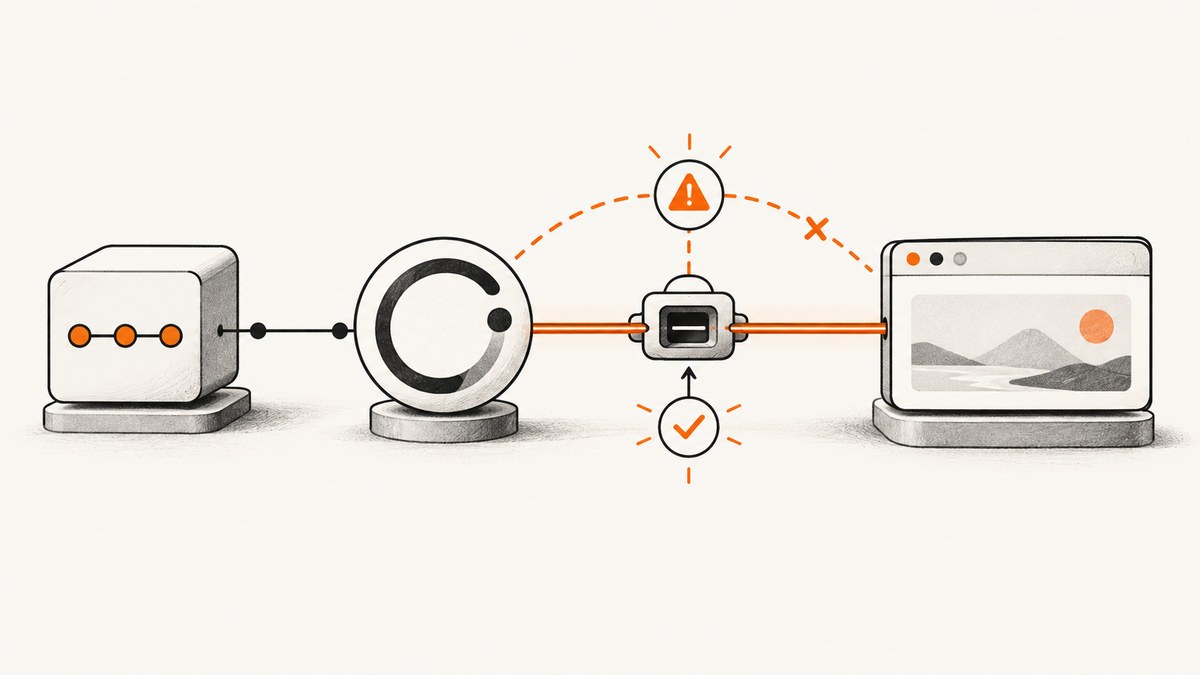
Direct answer: Cypress is timing out because it launched a browser but could not reach that browser through its Chrome DevTools Protocol (CDP) debugging port. In CircleCI, make the browser deterministic, allow remote debugging, keep localhost traffic off proxies and firewalls, remove custom launch flags, inspect launcher logs, and give the job enough CPU and memory. Cypress retries the CDP connection for up to 50 seconds before failing.
This is usually a browser startup or connectivity problem, not a test assertion timeout. Work through the checks below in order so each change isolates one cause.
1. Make the CircleCI browser deterministic
Install the browser selected by Cypress or use a Cypress Docker image that already contains browser dependencies. Cypress documents that CI needs an installed browser or one of its Docker images. The official CircleCI pattern enables browser installation and explicitly selects Chrome:
version: 2.1
orbs:
  cypress: cypress-io/cypress@6

workflows:
  test:
    jobs:
      - cypress/run:
          install-browsers: true
          start-command: 'npm run start'
          cypress-command: 'npx cypress run --browser chrome'
Pin the orb, Node.js, Cypress, and browser versions deliberately. A moving browser image can introduce a new policy, dependency, or launch behavior between builds. See Cypress’s browser-launch documentation and CircleCI’s Cypress integration guidance for the supported setup.
Use a Cypress Docker image when possible
A Cypress image supplies the Linux libraries and browser dependencies expected by Cypress. A custom image must provide a supported Linux base, Node.js, Cypress’s required system packages, and the browser binary. If Electron passes but Chrome fails, the image may be healthy while Chrome is missing or blocked by policy.
2. Verify browser policy permits CDP
Standalone Chrome and Edge can be controlled by enterprise policy. Open chrome://policy in Chrome or edge://policy in Edge and inspect RemoteDebuggingAllowed. It must be undefined or enabled (true). A disabled value prevents Cypress from connecting and often produces ECONNREFUSED.
This policy does not affect Cypress’s bundled Electron browser. Chrome for Testing and Chromium are also useful isolation targets because managed branded-Chrome policy commonly does not apply to them.
3. Test localhost and the ephemeral debugging port
Cypress launches the browser locally and connects to a temporary CDP port. CircleCI must be able to reach both 127.0.0.1 and localhost inside the job container or VM.
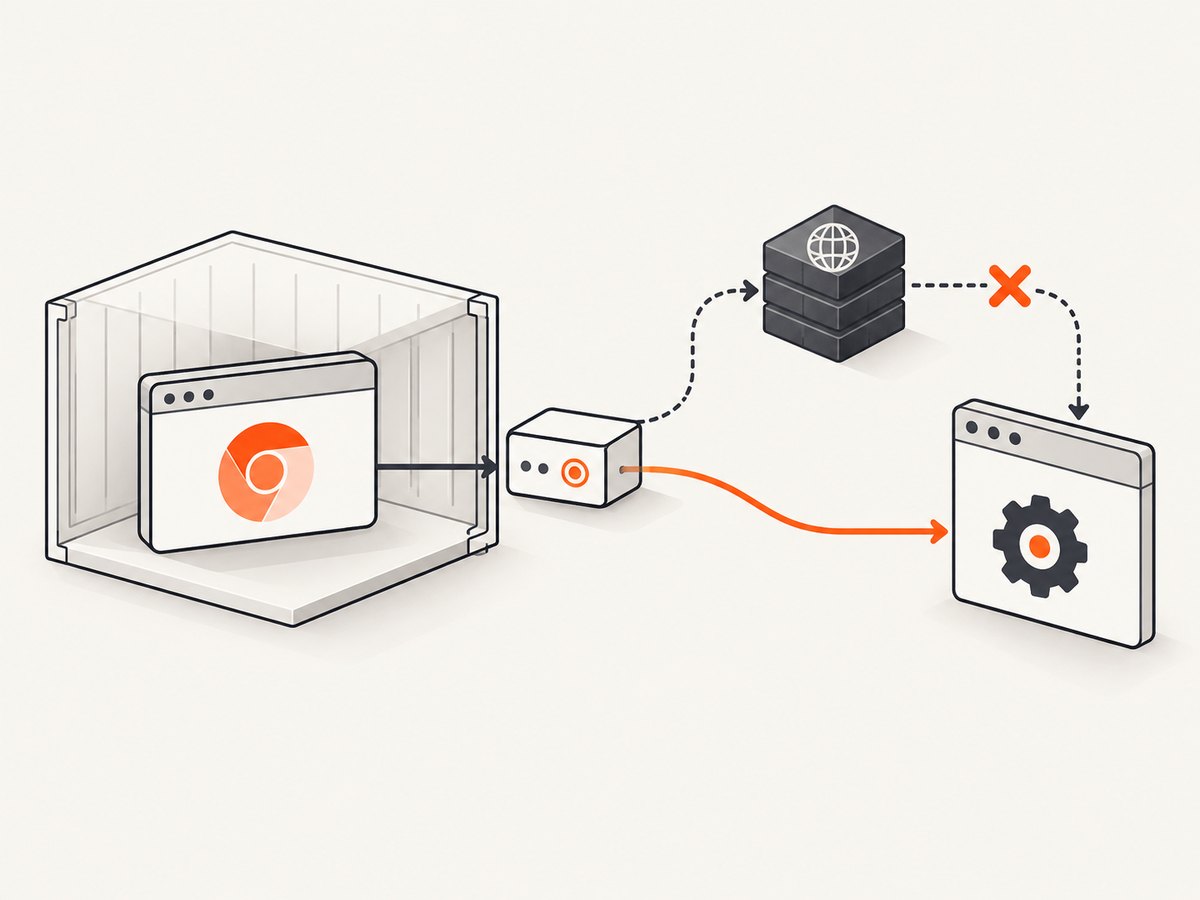
- Remove proxy or VPN interception for
localhost,127.0.0.1, and the job’s local network. - Check
HTTP_PROXY,HTTPS_PROXY, andNO_PROXY; includelocalhost,127.0.0.1inNO_PROXY. - Check firewall rules that reject loopback connections.
- Do not map the browser’s debugging address to a different container unless your architecture requires it.
env | grep -i proxy
printf '%s\n' "$NO_PROXY"
getent hosts localhost
curl --noproxy '*' -I http://127.0.0.1:80 || true
The final curl command is only a loopback sanity check; an empty response is expected when nothing listens on port 80. The important result is that the connection is attempted directly and does not go through a proxy.
4. Check whether another process kills the browser
Endpoint protection, container sandboxing, or a restrictive security profile can terminate Chrome immediately after launch. Inspect CircleCI logs for a browser process that exits before Cypress reports a CDP port. Review security controls and sandbox settings with the person who manages the image. Do not disable security controls blindly; first confirm that the browser process is the one being terminated.
5. Remove custom browser launch arguments
Temporarily remove every before:browser:launch customization from cypress.config.js or cypress.config.ts. A malformed flag, an incompatible headless option, or a path that exists locally but not in CircleCI can stop startup. Run once with Cypress defaults, then add flags back one at a time.
// cypress.config.js
const { defineConfig } = require('cypress');

module.exports = defineConfig({
  e2e: {
    setupNodeEvents(on, config) {
      on('before:browser:launch', (browser, launchOptions) => {
        // Keep this empty while diagnosing CDP connection failures.
        return launchOptions;
      });
    }
  }
});
6. Inspect browser detection and launcher diagnostics
Run these commands in the same CircleCI environment used by the failing job:
npx cypress info
DEBUG=cypress:launcher:* npx cypress run --browser chrome
cypress info shows the browsers Cypress detects. The launcher debug namespace records browser discovery and startup details. Compare a passing Electron run with a failing Chrome run to determine whether the problem is browser-specific.
7. Use a browser isolation matrix
| Observation | Most likely area | Next action |
|---|---|---|
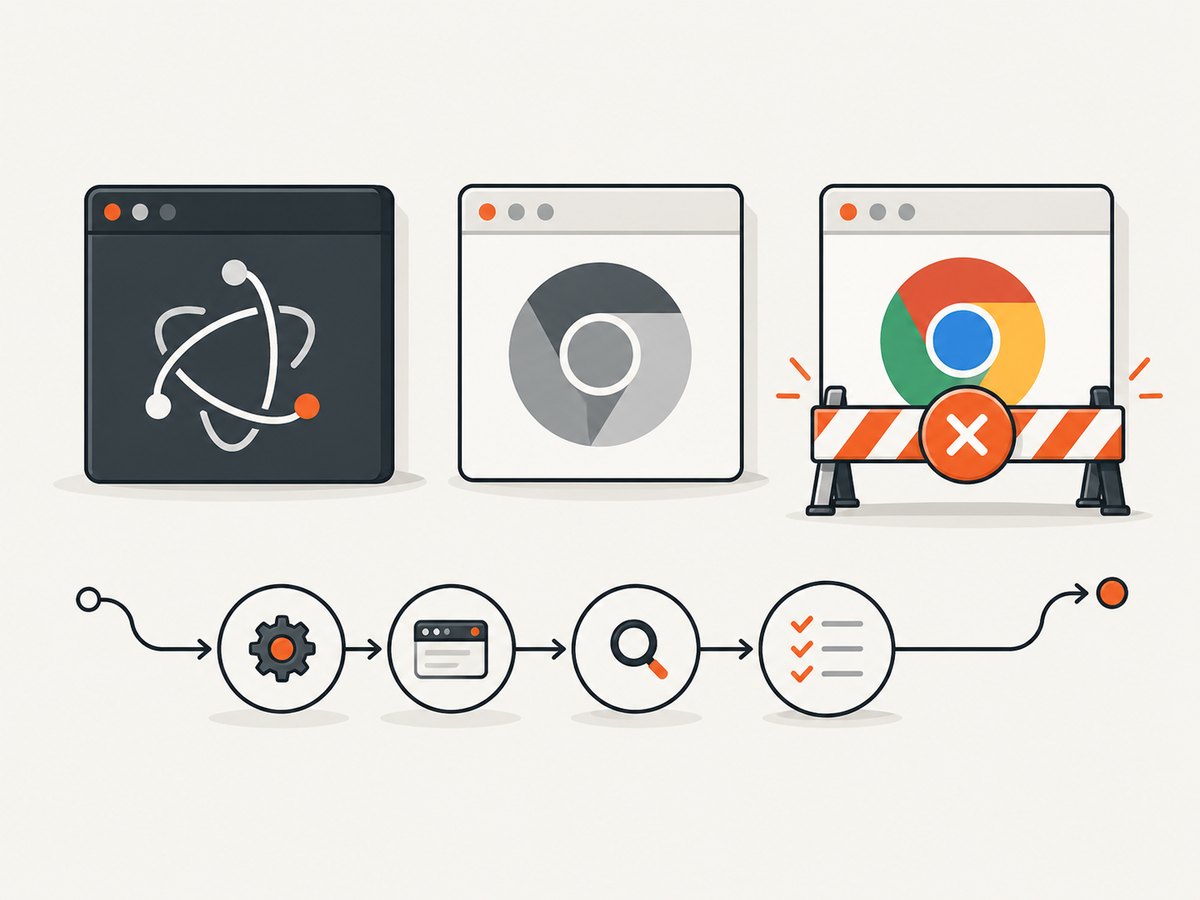
| Electron passes, Chrome fails | Chrome installation or remote-debugging policy | Inspect chrome://policy, install Chrome deterministically, and try Chrome for Testing or Chromium. |
| Chrome for Testing or Chromium passes, branded Chrome fails | Enterprise Chrome policy | Check RemoteDebuggingAllowed and the managed image configuration. |
| Every browser fails | Container dependencies, loopback networking, process termination, or resources | Use a Cypress image, bypass proxies, inspect process exits, and increase CircleCI resources. |
| Failure starts after adding flags | Custom launch arguments | Remove before:browser:launch changes and restore them incrementally. |
8. Give the job enough CPU and memory
Cypress documents at least 2 CPUs and 4 GB of RAM for CI, with 8 GB or more recommended for long runs or video recording. Resource starvation can make a browser exit early, delay CDP startup, or produce missing video frames.
For CircleCI Docker jobs, raise resource_class when logs show CPU or memory pressure:
jobs:
  cypress:
    docker:
      - image: cypress/browsers:latest
    resource_class: medium+
    steps:
      - checkout
      - run: npm ci
      - run: npm run start &
      - run: npx cypress run --browser chrome
Use an image tag appropriate for your project instead of copying latest into a production pipeline. Match its Node and browser versions to your lockfile and Cypress version.
9. A repeatable diagnostic sequence
- Run
npx cypress infoand confirm the intended browser is detected. - Run the same spec in Electron. Record whether it passes.
- Run Chrome with
DEBUG=cypress:launcher:*. - Check browser policy and the browser process exit status.
- Remove all custom launch arguments.
- Bypass proxies for loopback addresses.
- Run in a Cypress Docker image or install the browser explicitly.
- Increase the CircleCI resource class if CPU or memory is constrained.
- Add one change at a time until the failure is reproducible or resolved.
Common errors and fixes
| Error or symptom | Cause | Fix |
|---|---|---|
| “Failed to make a connection to the Chrome DevTools Protocol” | Browser launched but CDP was not reachable within Cypress’s retry window. | Check installation, policy, loopback networking, process termination, and launch flags. |
ECONNREFUSED |
Nothing is listening on the debugging port, or a policy/firewall blocked access. | Inspect RemoteDebuggingAllowed, browser exit logs, and proxy/firewall rules. |
| Works locally, hangs in CircleCI | Different browser binary, image dependencies, policy, or resource allocation. | Pin the browser/image and compare cypress info output between environments. |
| Chrome is not detected | Browser was not installed in the job image. | Enable the orb’s browser installation or use a Cypress image with browsers included. |
| Only runs with custom flags fail | An argument prevents browser startup or changes the debugging behavior. | Remove flags, confirm a clean run, then restore each flag separately. |
| Browser disappears immediately | Endpoint protection, sandboxing, missing libraries, or resource exhaustion. | Inspect process logs, use a supported Cypress image, and increase CPU/RAM. |
| Video or screenshots fail after startup | Resource pressure or an unstable browser process. | Allocate at least the documented baseline and 8 GB+ for long video runs. |
Performance, reliability, and cost notes
- Reliability: Pin the CircleCI orb, Docker image, Node.js, Cypress, and browser versions. Reproducibility makes CDP failures diagnosable.
- Startup time: Installing a browser during every job adds work. A maintained Cypress image can reduce setup variance, while caching dependencies reduces install time.
- Parallelism: More parallel jobs increase total CPU and memory demand. Size each resource class for the browsers running concurrently.
- Retries: Cypress’s approximately 50-second CDP retry window is not a substitute for fixing an unreachable browser. Repeated retries lengthen the job and hide the first failure.
- CircleCI cost: Larger resource classes consume more credits. Increase them when evidence shows starvation, then reduce them after measuring a stable run.
Or skip the browser setup
If your goal is to obtain a clean website image rather than run an end-to-end browser test, ScreenshotNeo provides a single HTTP request. It handles the browser environment for you and supports PNG, JPEG, WebP, and PDF output.
See the ScreenshotNeo API documentation for all options. This basic call captures Stripe:
curl -G "https://api.screenshotneo.com/v1/shot" -d access_key=YOUR_API_KEY --data-urlencode url=https://stripe.com -o shot.webpimport requests
r = requests.get(
"https://api.screenshotneo.com/v1/shot",
params={"access_key": "YOUR_API_KEY", "url": "https://stripe.com"},
timeout=90,
)
open("shot.webp", "wb").write(r.content)const q = new URLSearchParams({ access_key: 'YOUR_API_KEY', url: 'https://stripe.com' });
const res = await fetch(`https://api.screenshotneo.com/v1/shot?${q}`);Cookie banners, newsletter popups, and chat widgets are removed before the shot. Bot checks, blank pages, timeouts, failed loads, and cache hits are not billed; response headers identify the page verdict and whether the request was billed. An MCP server lets Claude, Cursor, and other MCP clients take screenshots with take_screenshot, inspect pages with get_page_info, and create PDFs with capture_pdf. The free plan includes 1,000 screenshots a month with no card, and paid plans start at $5 for 3,000 shots. Create a free ScreenshotNeo account.
FAQ
Is this the same as a Cypress test timeout?
No. The failure occurs while Cypress is connecting to the browser’s CDP endpoint, before normal test commands can run.
Should I increase Cypress’s timeout first?
No. First verify browser installation, policy, loopback access, launch arguments, and resources. A longer wait does not repair a blocked or terminated browser.
Why does Electron pass when Chrome fails?
Electron is bundled with Cypress and is not affected by standalone Chrome’s remote-debugging policy. A passing Electron run points toward Chrome installation or policy.
Can a proxy break a browser running in the same job?
Yes. Proxy or firewall interception of localhost or 127.0.0.1 can prevent Cypress from reaching the ephemeral CDP port. Exclude both addresses from proxy handling.
What should I collect before opening a support issue?
Save the CircleCI image and resource class, Node/Cypress/browser versions, npx cypress info, launcher debug output, policy output, the exact launch flags, and whether Electron or Chromium passes.


